9:16 clips · Subtitles · Dubbing · UGC ads · 57 models
Revid AI alternative — short-form clips on 57 video models
Revid AI turns prompts, scripts and links into short videos and publishes them for you. Kenerate AI is where you make the shots: 57 video models, styled subtitles, dubbing and UGC-style ads, then you post them yourself.

- 9:16 on most models
- Styled subtitles
- Dub into 33 languages
- One-time credit packs
Updated by the Kenerate AI team
Made with Kenerate





On this page
Quick answer
Updated
What is the best Revid AI alternative?
If you want more control over each shot, Kenerate AI is a Revid AI alternative with 57 video models for vertical clips, plus styled subtitles, ElevenLabs dubbing and UGC-style ads. Revid is stronger on the publishing side: it posts to TikTok, Instagram and YouTube and runs Auto-Mode workers, which Kenerate doesn't do.
Key facts
- Video models
- 57
- Longest clip
- 30 s
- Subtitles
- Styled captions tool
- Dubbing
- 33 languages
- Auto-posting
- Not offered
Real results
Vertical clips for social
Five real 9:16 clips (5 s, with sound) from Wan 3, Grok Imagine 1.5 and PixVerse v6.
Real clips. Open one to copy the prompts.
How to
How to make a short-form video on Kenerate
- Time needed
- Steps
- 4 steps
Step 1
Make the shots
Pick a 9:16 model and describe one shot per prompt.
Step 2
Add subtitles
Burn in styled captions with the subtitle tool.
Step 3
Dub for other markets
ElevenLabs dubbing into 33 languages, lip sync if needed.
Step 4
Download and post
Export the clip and post it on TikTok, Reels or Shorts.
See it in the app

Open Video Studio in Text to Video mode and write the shot — subject, action, camera move and light.


Watch the tour · 1:19
Text, image & reference to video, models, edit, extend & chat
Chapters
Checked 2 October 2026
Revid AI vs Kenerate
From Revid's own homepage and pricing page, checked 2 Oct 2026. Kenerate is our product.
| Kenerate AI | Revid AI | |
|---|---|---|
| What it is | AI video studio: 57 models plus subtitles, dubbing and lip sync | Short-form creation and publishing from prompts, scripts, URLs, audio and PDFs |
| Video models | 57, incl. Kling 3.0, Veo 3.1, Seedance 2.5, Wan 3 | Pricing lists "Seedance 2.5 & more, up to 4K" |
| Auto-post to TikTok, Instagram, YouTube | No: download and post | Yes, listed on the Growth plan |
| Automation | None | Auto-Mode workers (3 on Growth, 10 on Ultra) |
| Voice | ElevenLabs dubbing into 33 languages | 70+ language voiceovers |
| Plans | One-time credit packs that never expire, no subscription required | Hobby and Growth listed at $39/month, Ultra at $199/month |
Sources linked below. Plans change often; check Revid's site.
Sources: Kenerate video studio · Revid AI — homepage · Revid AI — pricing
Engines
Models for short-form clips
A few of the 57 video models in Kenerate's studio.

xAI
Grok Imagine 1.5
- Input
- Text, image or references
- Output
- 1–15 s · up to 1080p · sound
Fast, fun social clips
Open Grok Imagine 1.5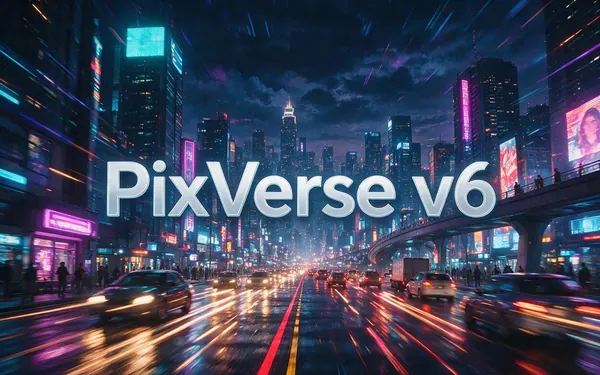
PixVerse
PixVerse v6
- Input
- Text, image or 10 references
- Output
- 1–15 s · up to 1080p · sound
Punchy social-style motion
Open PixVerse v6
Alibaba
Wan 3
- Input
- Text, image or 10 references
- Output
- 2–30 s · up to 1080p · sound
Long clips; edit and extend
Open Wan 3
ByteDance
Seedance 2.5
- Input
- Text, image or 30 references
- Output
- 4–30 s · up to 4K · sound
Multi-shot action and references
Open Seedance 2.5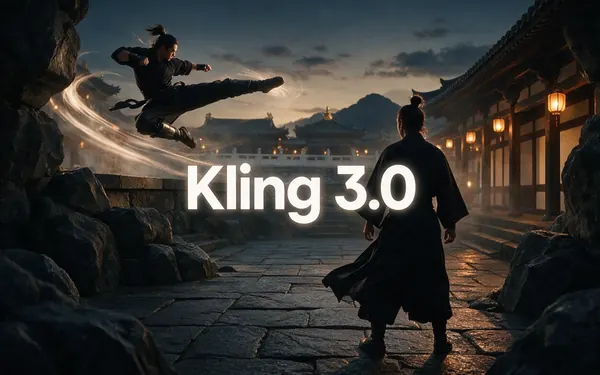
Kuaishou
Kling 3.0
- Input
- Text or image
- Output
- 3–15 s · up to 4K · sound
Expressive motion, martial arts, dance
Open Kling 3.0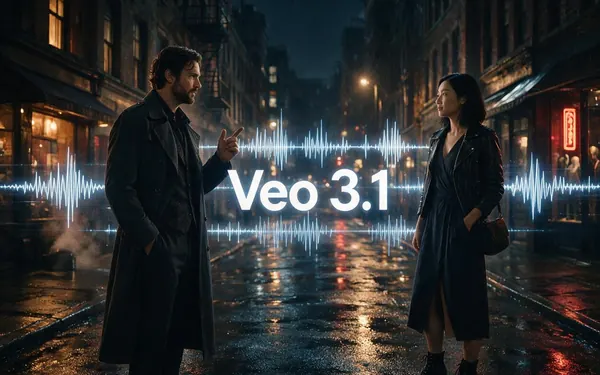
Google
Veo 3.1
- Input
- Text, image or 3 references
- Output
- 4, 6 or 8 s · up to 4K · sound
Dialogue and cinematic sound
Open Veo 3.1
The gallery uses Wan 3, Grok Imagine 1.5 and PixVerse v6.
Tips
Shorts that hold attention
What worked in our tests.
Open with motion in the first second.
One idea per clip; join several for a story.
Captions on: many people watch muted.
Grok Imagine and PixVerse suit quick, playful clips.
Use reference to video to keep a mascot or product the same.
Real people need their permission.
Example uses
How creators use Revid AI alternative
Illustrative examples of typical workflows, not customer reviews.
Social media manager
A social manager could make a week of vertical clips on two models and caption them before scheduling.

App founder
A founder could make a UGC-style clip for an app launch and dub it for two more markets.
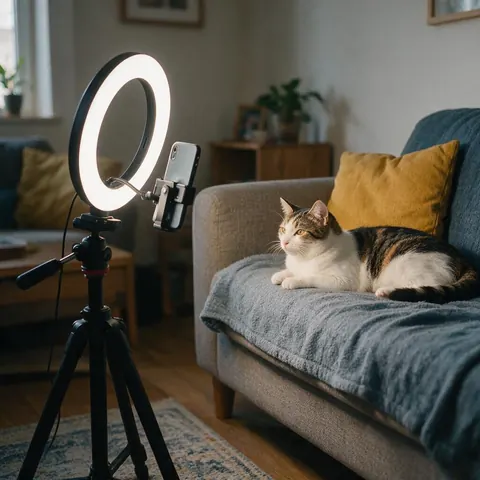
Pet account
A pet account could turn a funny photo into a short looping clip with sound.
FAQ
Revid AI Alternative questions
What is the best Revid AI alternative?
If you want to choose the video model for each shot, Kenerate AI: 57 models, styled subtitles, ElevenLabs dubbing and UGC-style ads. If you want a tool that also publishes and automates a channel, Revid's own publishing features fit better.
Link to this answerDoes Kenerate post to TikTok or YouTube?
No. Kenerate makes the clips; you download them and post them yourself. Revid lists publishing to TikTok, Instagram and YouTube on its Growth plan.
Link to this answerIs Revid AI free?
Revid's homepage offers a free try with no credit card required. Its pricing page lists paid Hobby, Growth and Ultra plans (checked 2 Oct 2026). Kenerate gives free sign-up credits for images and tools; video needs a one-time credit pack.
Link to this answerCan I add captions on Kenerate?
Yes. The subtitle tool burns styled captions into your clip, and the dubbing tool translates the voice into 33 languages. Run lip sync after dubbing if the speaker is on camera.
Link to this answerWhich models are best for short-form video?
Grok Imagine 1.5 and PixVerse v6 for quick, playful clips with sound; Wan 3 and Seedance 2.5 for longer or more polished shots; Kling 3.0 for expressive motion like dance.
Link to this answerWhen is Revid the better choice?
When you run a faceless or high-volume channel and want scripts, remixes of trending videos, scheduling and automatic posting handled for you. Kenerate is the better fit when the look of each shot matters most.
Link to this answerIn depth
Revid AI Alternative, explained
Revid AI in 2026
Revid describes itself as a place where short-form creators grow: it turns prompts, scripts, URLs, product pages, audio and PDFs into editable videos, publishes them to TikTok, Instagram and YouTube, and learns from the results. Its plans add Auto-Mode workers, a library of viral videos to remix, and API, MCP and CLI access.
Where the two differ
Revid is a pipeline: idea, video, post, stats. Kenerate is a studio: you choose the model for every shot, compare them, then caption, dub and lip-sync before posting.
- Pick Kenerate for shot-level control and model choice.
- Pick Revid for publishing, automation and trend remixing.
Explore
Every Kenerate video tool
Generators, tools, models and guides — all in one studio.