

Replace character mode · reference images · same performance
Character swap AI — recast the lead, keep every move
Keep the take you love and change who's in it. Genjutsu's Replace character mode swaps the main person for your character — a mascot, a costume, a stylised hero — while the choreography, expressions, camera and background stay the original's.
- Whole character, not just a face
- Same moves and camera
- Up to 30 references
- Up to 4K
Updated by the Kenerate AI team
Made with Kenerate


On this page
Quick answer
Updated
What is character swap AI?
Character swap AI replaces the person in a video with a different character while the motion, camera and timing stay. In Kenerate Genjutsu, choose Replace character, upload the clip and at least one reference image of the new character, and write "replace the dancer with the man from @image1". Background and other people are left unchanged.
Key facts
- Mode
- Replace character (default)
- Needs
- 1+ reference image of the character
- References
- Up to 10, or 30 on Seedance 2.5
- Kept
- Motion, expressions, lips, camera, background
- Clip length
- 2–15 s, or 4–30 s on Seedance 2.5
- Output
- MP4 up to 1080p, 4K on Seedance 2.5
Real demo
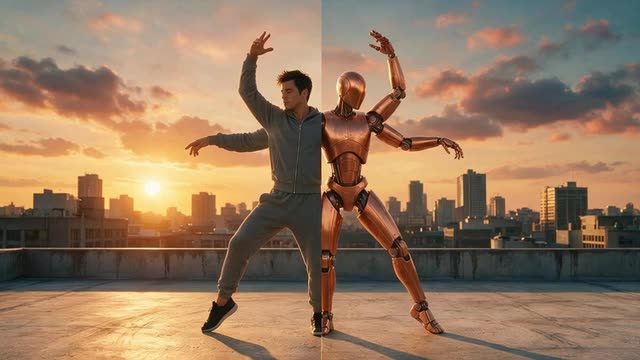
Rooftop dancer, recast
One reference: a man in a green hoodie. The dance, the sunset rooftop and the camera move are the original's — only the performer is new.
- Recast. Prompt: “Replace the dancer with the man in the green hoodie from @image1 — same dance moves, same sunset rooftop, same camera.”
Kenerate Genjutsu at 720p — an unedited result from the app's example gallery, shown next to its source clip.
Recast a clipReal demo
Warrior to knight
A costume-level swap: a knight in silver armour from one reference image, moving exactly like the warrior in the source take.
- Recast. Prompt: “Replace the warrior with the knight from @image1, his silver armour catching the misty forest light as he moves.”
Kenerate Genjutsu at 720p — an unedited result from the app's example gallery, shown next to its source clip.
Swap in your characterReal results
Characters worth casting
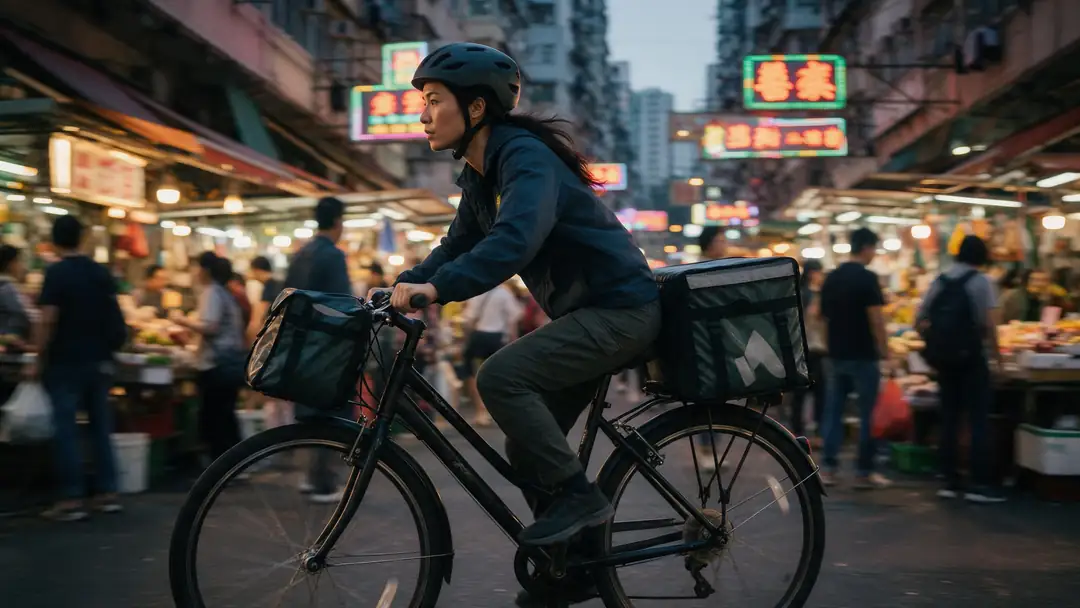
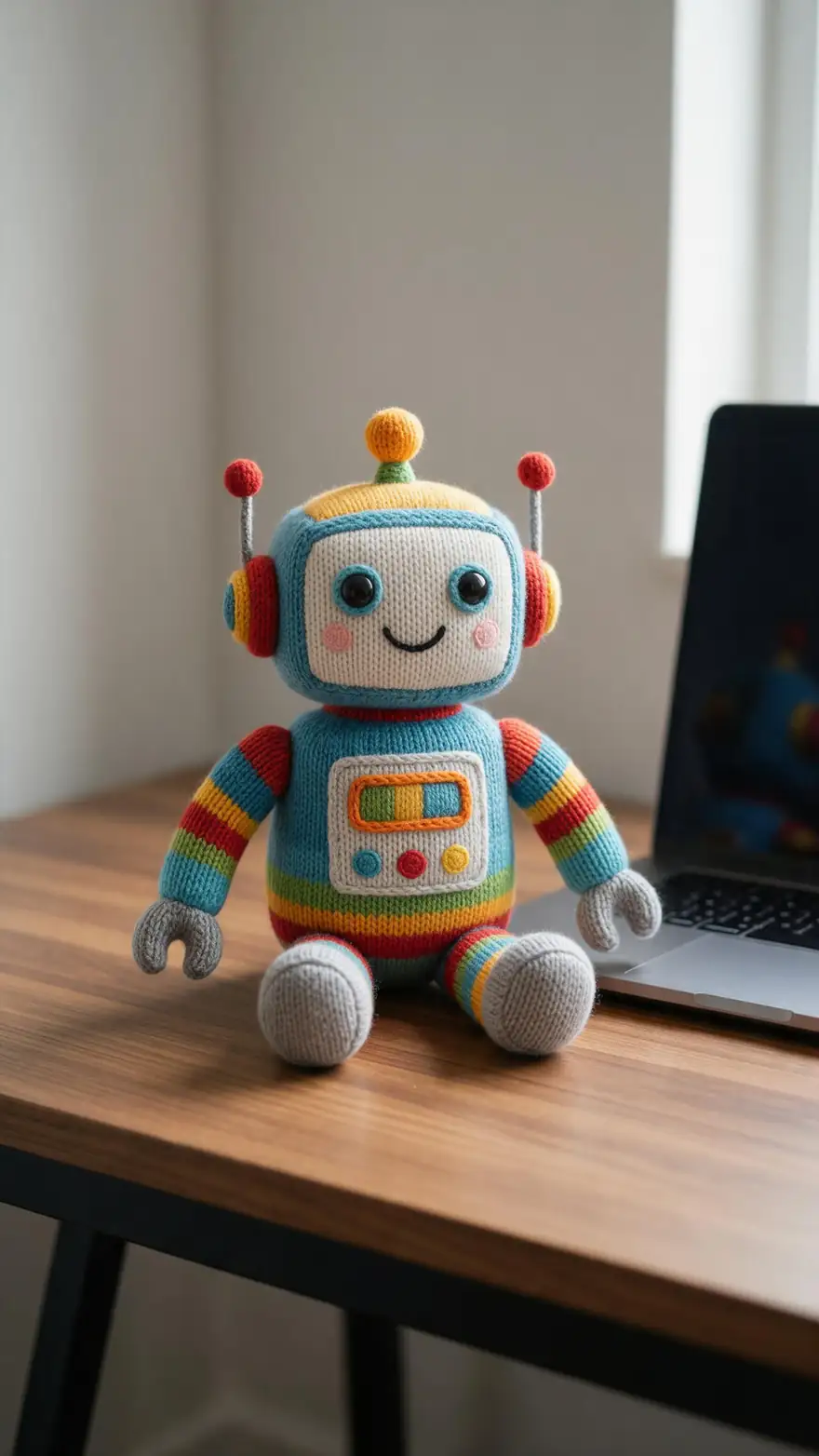
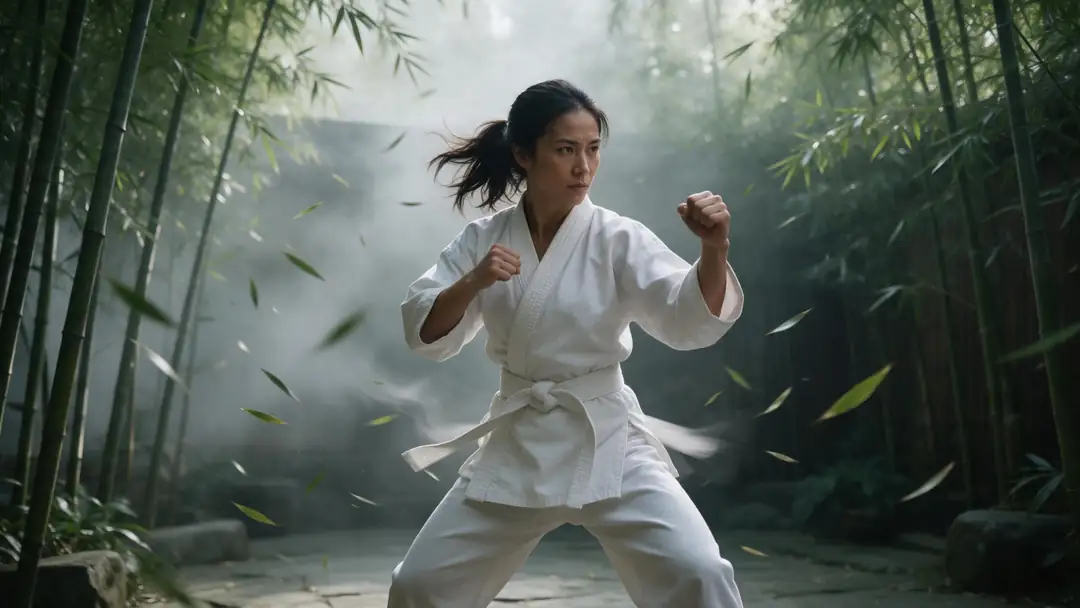
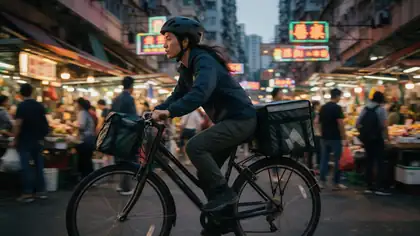
A charging knight, a market chase, an anime samurai, a knitted robot and a kung-fu bout — the kind of characters people swap into real footage.
Example clips made with image to video (model named on each card), not Genjutsu swaps. The recasts are the two demos above; in the tool, the performance comes from your own clip.
How to
Swap a character in five steps
- Time needed
- Steps
- 4 steps
Step 1
Pick a clean take
One main person, clearly visible. MP4, MOV, WebM or M4V up to about 100 MB; 2–15 s, or up to 30 s on Seedance 2.5.
Step 2
Add the character references
Front view first, then side and back if you have them — same costume in each. They become @image1, @image2…
Step 3
Keep Replace character selected
It's the default mode, and the one that keeps motion, lip movement and the camera while changing the identity.
Step 4
Say who replaces whom
"Replace the man in the grey suit with the robot from @image1." Naming the original helps when others are in frame.
See it in the app

Open Kenerate Genjutsu and choose Replace character, Swap object, Change outfit, Change background or Free edit.


Watch the tour · 1:19
Text, image & reference to video, models, edit, extend & chat
Chapters
Engines
Which engine for a character swap
Replace character needs at least one reference image of the new character. More angles of the same character help it hold from every side.
- Default
Kenerate
Kenerate Genjutsu
- Input
- Clip 2–15 s + up to 10 references
- Output
- 480p, 720p or 1080p · ~2–4 min
Fast recasts of short clips — dance, walk, reaction shots
Open Kenerate Genjutsu 
Kenerate
Kenerate Genjutsu Pro
- Input
- Clip 2–15 s + up to 10 references
- Output
- 480p, 720p or 1080p · ~3–6 min
Cleaner identity and finer costume detail on the same 15-second limit
Open Kenerate Genjutsu Pro- Most faithful

ByteDance
Seedance 2.5
- Input
- Clip 4–30 s + up to 30 references
- Output
- 480p to 4K · ~4–8 min
Longer takes up to 30 s, up to 30 references of one character, and 4K
Open Seedance 2.5
The Kenerate tiers use the first 15 seconds of a longer clip; Seedance 2.5 refuses clips over 30 seconds. For longer takes — up to 2 minutes — see Motion Transfer's Replace person mode.
Tips
Swaps that hold up
A recast looks real when the new character could plausibly have done the original take.
Match the build: a tall character for a tall performer.
Several angles of one character beat one perfect render.
Keep costume details the same across every reference.
Spins and turns reveal the back — give it a back view.
Keep the original audio on for dialogue and dance.
No real people without their consent.
Example uses
How creators use character swap AI
Illustrative examples of typical workflows, not customer reviews.
Indie game studio
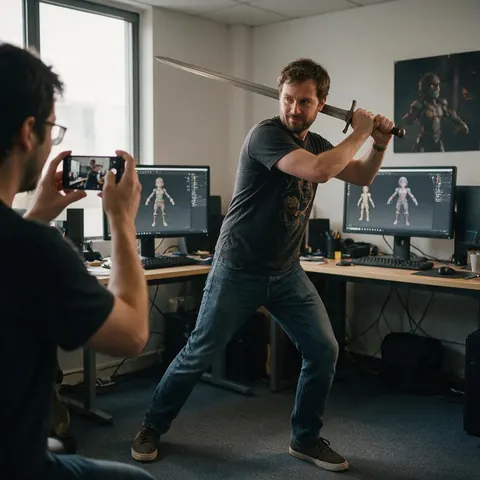
An indie studio can film a developer acting out a move and recast it as the game's hero for a trailer mock-up.

Brand mascot team
A brand team can recast a staff member's dance as the company mascot, with the dancer's agreement.
Short-film director
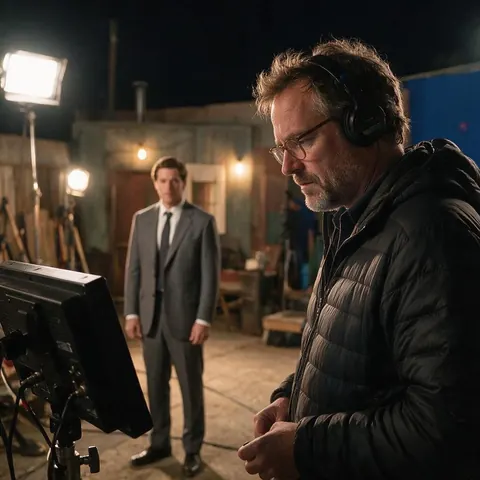
A director can test how a creature character reads in a scene before committing to costume or VFX.
FAQ
Character swap AI — questions
What is an AI character swap in video?
It's an edit that keeps a clip's performance and replaces who performs it. Genjutsu's Replace character mode tells the engine to copy the new character's face, hair, skin tone, body shape, outfit and accessories from your reference images, and to keep the original motion, gestures, expressions, lip movement, camera and lighting — without adding or removing people.
Link to this answerHow is character swap different from face swap?
A face swap pastes a new face onto the original body, hair and clothes. A character swap replaces the whole figure — face, body, costume and proportions — so it works for mascots, armoured knights, cartoon or 3D characters that a face swap couldn't produce. Genjutsu has no face-only mode; Replace character always swaps the full character.
Link to this answerGenjutsu or Motion Transfer's Replace person — which should I use?
Both keep the scene and recast the person. Genjutsu takes clips up to 15 seconds (30 on Seedance 2.5), several reference images, a prompt and outputs up to 4K. Motion Transfer's Replace person mode uses one character image and handles clips up to 2 minutes at 480p or 720p. Short, detailed recasts suit Genjutsu; long takes suit Motion Transfer.
Link to this answerCan I swap in a cartoon, anime or 3D character?
Yes — the reference decides the look. Add clear images of the character, ideally several angles, and the engine renders that character in the clip's performance and light. Stylised characters with very different proportions from the performer, such as a short round mascot replacing a tall dancer, are harder; pick a similar build when you can.
Link to this answerWhat happens if there are several people in the clip?
Replace character targets the main character and is told to keep the other people and objects unchanged, without adding or removing anyone. If the clip has two similar people, say which one changes — "replace the woman on the left in the red coat" — and check the compare view to make sure the right person was recast.
Link to this answerCan I swap an actor in a film or TV scene?
Only with rights to the footage and consent from the actor. Commercial film and TV clips belong to their studios, and actors' likenesses are protected. Use footage you shot or licensed, recast performers who agreed to it, never use celebrities or impersonate real people, and label recast clips as AI-edited when you publish them.
Link to this answerIn depth
Recasting a clip, explained
How to build a reference set, what a recast keeps, and when another tool fits better.
On this page
Building a reference set for one character
The engine is asked to match the character from every listed reference and keep the identity identical from every angle — so a consistent set matters more than a single beautiful render. The Kenerate tiers take 10 references; Seedance 2.5 takes 30.
- Front view, full body, neutral pose — make it @image1.
- Side and back views in the same costume.
- A close-up of the face if the clip has close shots.
- Same lighting and style across the set.
- No other characters in the reference images.
What a recast keeps — and what it can't
The original body motion, pose, gestures, expressions, lip movement, choreography and timing are kept, along with the camera move, framing and the direction of the light. What can't carry over is anything the reference contradicts: a character with long sleeves can't show the performer's tattoos, and a winged character won't get wings that move unless you describe it. Fast spins and hands crossing the face are the moments to check.
When Motion Transfer is the better tool
Kenerate's Motion Transfer tool also has a Replace person mode, available on SCAIL 2 and one other engine. It takes one character image and clips up to 2 minutes, which suits long dance routines and walkthroughs. Genjutsu is the pick for short, detailed recasts where you want several references, a written instruction and output up to 1080p, or 4K on Seedance 2.5.
AI character swap video
Upload the video, add the character's images and keep Replace character on. The swap follows every frame of the original take, so the result runs the clip's full length — up to 15 seconds on the Kenerate tiers or 30 seconds on Seedance 2.5.
Swap actor in video
For your own productions: film a stand-in and recast them as the final character for a pitch, previs or an ad variant. The stand-in's timing and blocking carry over, which is why a good stand-in performance matters more than their look.
Character swap with sound
Keep the original audio is on by default, so dialogue and music stay in sync with the lip movement the engine keeps. Turn it off and new sound is generated to match the edit; Dub into another language is a hand-off after the result.
Explore
Every Kenerate video tool
Generators, tools, models and guides — all in one studio.


Recast the take you already have
Replace character, your references, the original performance. Only with consent.
Tried it? Tell us how it went