

Compared with Kling VIDEO O1 · facts checked 3 October 2026
Kling O1 alternative — longer clips, more references, one mode per swap
Kling O1 brought generation and editing into one model. If editing is what you need — and your clip runs past 10 seconds or your references don't fit in four — Kenerate Genjutsu is built for exactly that job.
- Clips up to 30 s
- Up to 30 references
- Five edit modes
- No subscription
Updated by the Kenerate AI team
Made with Kenerate


On this page
Quick answer
Updated
What is a good Kling O1 alternative for editing?
Kling O1 (Kling VIDEO O1) is Kuaishou's unified model for generating and editing video from text, images and a clip. A Kling O1 alternative for editing is Kenerate Genjutsu: it takes clips up to 30 seconds on Seedance 2.5, up to 30 reference images alongside the video, and a mode for each kind of swap.
Key facts
- Kling O1 edit input
- 3–10 s clip, up to 4 images
- Genjutsu input
- 2–30 s clip, up to 30 images
- Kling O1 output
- 720p or 1080p
- Genjutsu output
- 480p to 1080p, 4K on Seedance 2.5
- Text-to-video
- Kling O1 yes · Genjutsu no
- Object removal
- Kling O1 yes · Genjutsu no
Real demo
A two-part edit in one pass
Kling describes O1's "skill combos" — several edits in one instruction. Genjutsu's Free edit does it too: a new lead from @image1 and a neon alley from @image2, same walk, same camera.
- Genjutsu edit. Prompt: “Replace the woman with the character from @image1 and move the scene into the neon alley from @image2 at night — same walk, same camera.”
Kenerate Genjutsu at 720p — an unedited result from the app's example gallery, shown next to its source clip.
Try a combined editReal demo
"Replace the outfit"
One of Kling's own O1 example prompts is replacing the main character's outfit. Here is that job in Genjutsu's Change outfit mode, from a single jacket photo.
- Genjutsu edit. Prompt: “Dress her in the red leather biker jacket from @image1, worn open over her white T-shirt.”
Kenerate Genjutsu at 720p — an unedited result from the app's example gallery, shown next to its source clip.
Change an outfitReal results
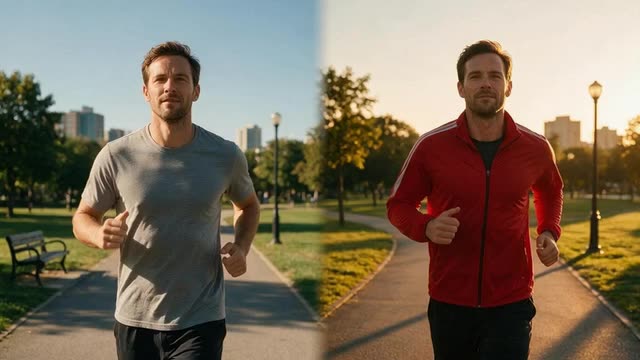
Footage for a second take
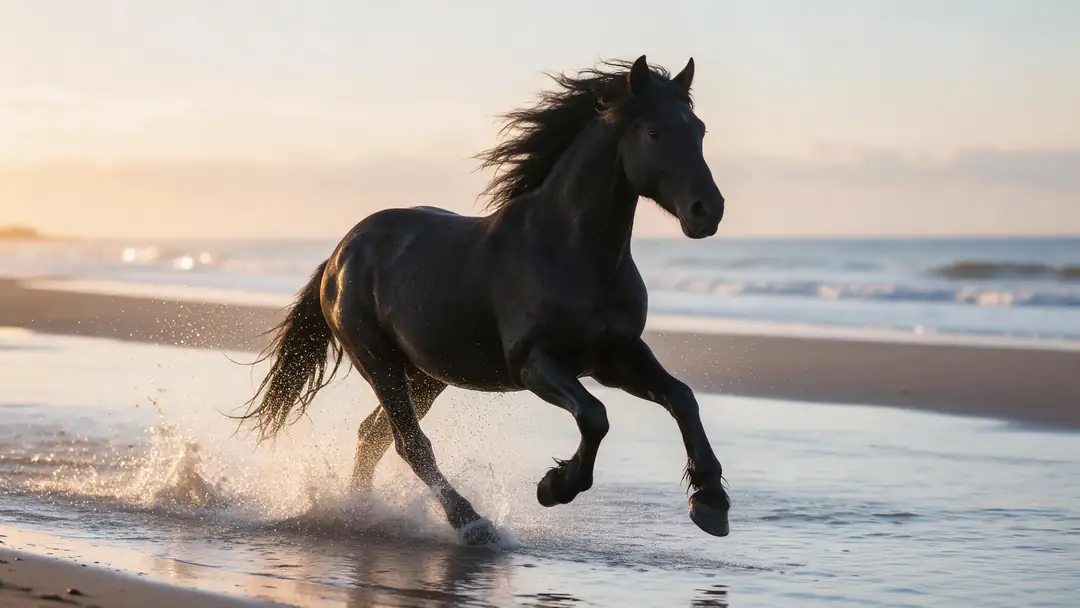
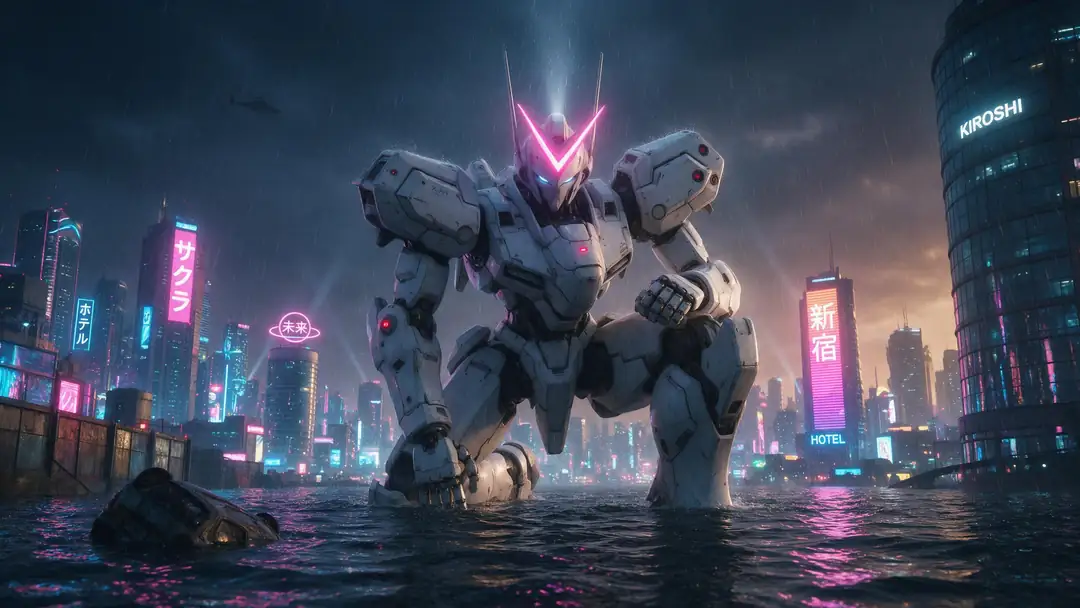
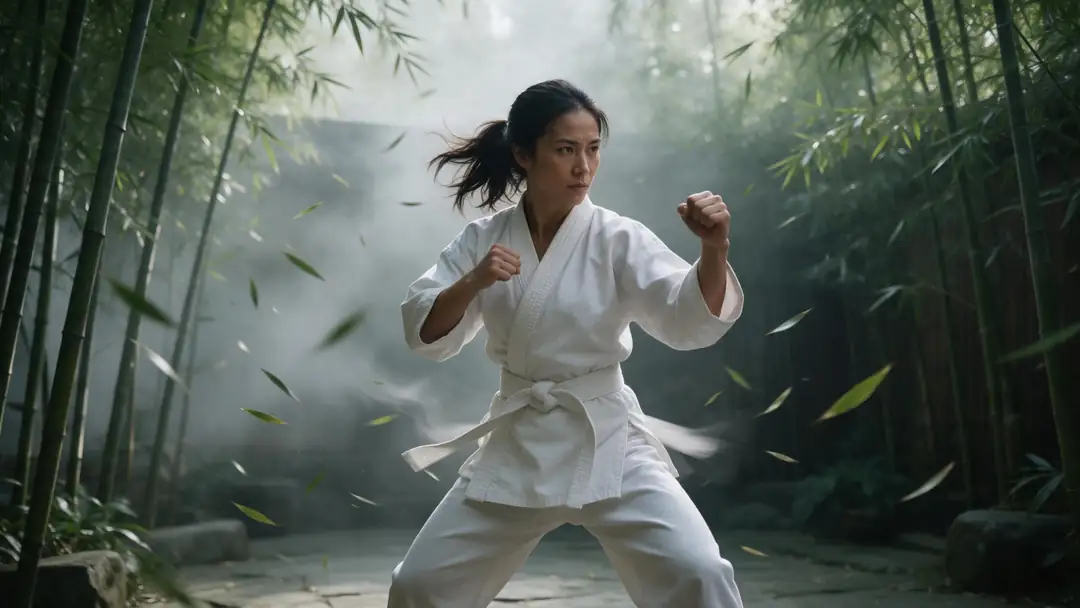
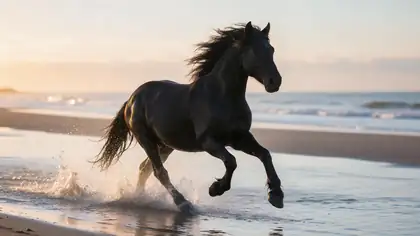
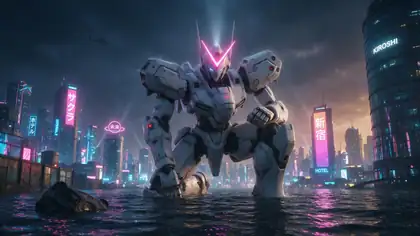
A stallion on the beach, a flooded-city mecha, a whale balloon, a floating city and a kung-fu bout — including two Kling 3.0 Pro clips from Kenerate's video studio.
Image-to-video example clips (model named on each card) — not Kling O1 or Genjutsu edits. The demos above are real Genjutsu outputs.
How to
Run a Kling O1-style edit in Genjutsu
- Time needed
- Steps
- 4 steps
Step 1
Upload the clip
MP4, MOV, WebM or M4V up to about 100 MB; 2–15 s on the Kenerate tiers, 4–30 s on Seedance 2.5.
Step 2
Add references
Characters, garments, objects or places. With a video, Genjutsu takes up to 10 (Kenerate tiers) or 30 (Seedance 2.5).
Step 3
Pick a mode
Replace character, Swap object, Change outfit, Change background — or Free edit for combined changes.
Step 4
Write the instruction
O1-style prompts carry over: "change daytime to dusk", "replace the main character's outfit with the coat from @image1".
See it in the app

Open Kenerate Genjutsu and choose Replace character, Swap object, Change outfit, Change background or Free edit.


Watch the tour · 1:19
Text, image & reference to video, models, edit, extend & chat
Chapters
Checked 3 October 2026
Kling VIDEO O1 vs Kenerate Genjutsu (editing)
Kling O1 facts from Kling's VIDEO O1 user guide on kling.ai and Kuaishou's launch release, checked 3 October 2026. Genjutsu is our product.
| Kenerate Genjutsu | Kling VIDEO O1 | |
|---|---|---|
| What it is | A video editor: five edit modes on an existing clip | A unified model: generation and editing from text, images, elements and video |
| Input clip for editing | 2–15 s (Kenerate tiers) · 4–30 s (Seedance 2.5) · about 100 MB | 3–10 s · up to 200 MB · up to 2K |
| References with a video | Up to 10, or 30 on Seedance 2.5 | Up to 4 images or elements combined |
| Output | Same length as the clip · 480p to 1080p, 4K on Seedance 2.5 | 3–10 s · 720p or 1080p modes |
| Edit types | Replace character, swap object, change outfit, change background, free edit | Prompt edits such as removing bystanders, day to dusk, replacing an outfit |
| Removing objects or people | No | Yes ("remove bystanders") |
| Text-to-video | No (separate generators on Kenerate) | Yes |
| Masks or keyframes needed | No | No |
Kling's site also documents a newer VIDEO 3.0 Omni model. Plans and credit costs change; check kling.ai for current Kling O1 pricing.
Sources: Kling AI — Kling VIDEO O1 User Guide · Kuaishou / PR Newswire — Kling O1 launches as the world's first unified multimodal video model (1 December 2025) · Kling AI — Kling VIDEO 3.0 Omni Guide · Kenerate Genjutsu (video editor)
Engines
Genjutsu's engines, for Kling O1 users
Kling O1 edits 3–10 s clips. Every Genjutsu engine covers that range, and Seedance 2.5 goes to 30 s.
- 30 s · 30 refs

ByteDance
Seedance 2.5
- Input
- Clip 4–30 s + up to 30 references
- Output
- 480p to 4K · ~4–8 min
Clips longer than 10 s, many references, 4K output
Open Seedance 2.5 - Default
Kenerate
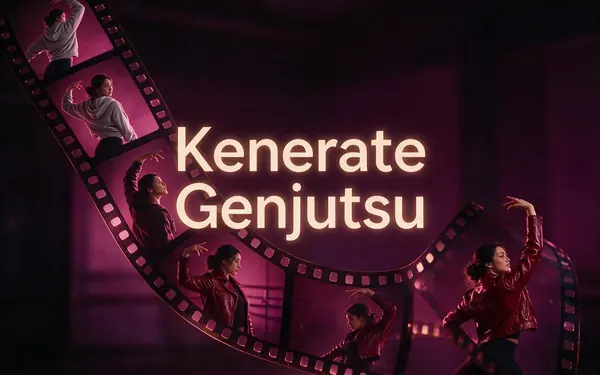
Kenerate Genjutsu
- Input
- Clip 2–15 s + up to 10 references
- Output
- 480p, 720p or 1080p · ~2–4 min
Fast edits on clips up to 15 s with up to 10 references
Open Kenerate Genjutsu 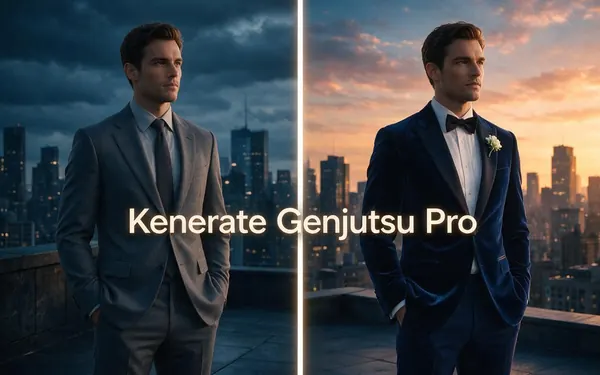
Kenerate
Kenerate Genjutsu Pro
- Input
- Clip 2–15 s + up to 10 references
- Output
- 480p, 720p or 1080p · ~3–6 min
The same 15-second limit with cleaner identity and finer detail
Open Kenerate Genjutsu Pro
Genjutsu edits only; it doesn't generate video from text. For new clips, Kenerate's video studio has generators such as Kling 3.0 — Kling O1 itself isn't offered on Kenerate.
Tips
Moving from Kling O1 to Genjutsu
The prompting style is the same; the limits are different.
Clips over 10 s: use Seedance 2.5 instead of trimming.
More than 4 references: add them all, name them @image1…
Outfit, object, background swaps have their own modes.
Removal prompts like "remove bystanders" don't transfer.
Need a brand-new clip? That's a generator, not Genjutsu.
Consent first, on any tool.
Example uses
How creators use Kling O1 alternative
Illustrative examples of typical workflows, not customer reviews.
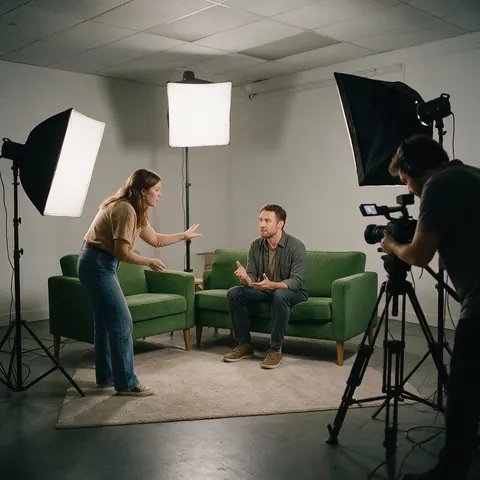
Content studio
A small content studio can recast and re-dress the same 20-second clip for several clients without a new shoot.
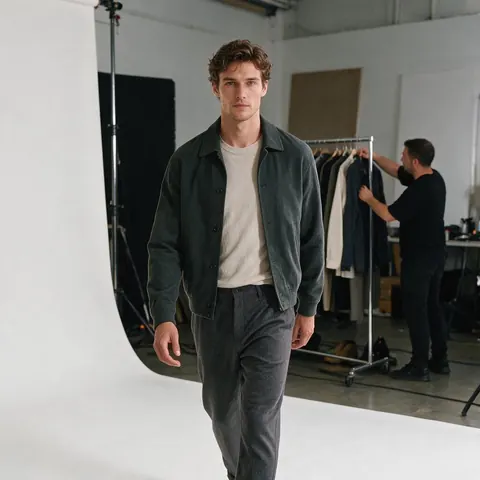
E-commerce brand
A fashion brand can swap a full look built from many product shots onto one model walk.
Event filmmaker
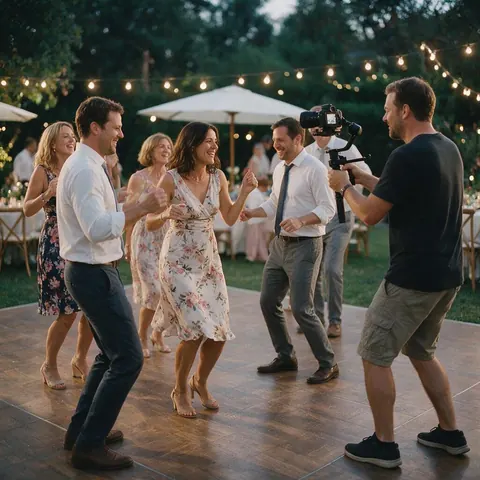
An event filmmaker can move a highlight clip to a different setting for a promo, with the guests' consent.
FAQ
Kling O1 alternative — questions
7 questions
What is Kling O1?
Kling O1, also called Kling VIDEO O1, is a video model from Kling AI, Kuaishou's video brand, announced on 1 December 2025 as a unified multimodal model. It handles text-to-video, reference-based generation, start and end frames, and editing an uploaded clip with plain-language prompts such as "remove bystanders" or "change daytime to dusk", without manual masking (kling.ai, checked 3 October 2026).
Link to this answerHow does Genjutsu compare with Kling O1 for editing?
Genjutsu is editing-only, with bigger limits on input: clips up to 30 seconds on Seedance 2.5 versus 3–10 seconds on Kling O1, and up to 30 reference images with a video versus up to 4 images or elements. Kling O1 does more kinds of task, including generating from text and removing things from a shot.
Link to this answerCan I use Kling O1 on Kenerate AI?
No. Kenerate doesn't offer Kling O1. Its video studio has Kling 3.0 generators for making new clips, and Genjutsu runs on its own engines — Kenerate Genjutsu, Kenerate Genjutsu Pro and Seedance 2.5 — for editing clips you already have.
Link to this answerDoes Genjutsu support O1-style combined edits?
Yes, in Free edit. You can ask for two changes in one prompt — for example a new character from @image1 and a new location from @image2 — as in the neon alley demo above. For best control, the dedicated modes handle one kind of change each, and you can run a second edit on the result.
Link to this answerWhich is better for a long clip?
Genjutsu on Seedance 2.5, which accepts clips of 4–30 seconds. Kling O1's editing input is 3–10 seconds, according to Kling's user guide. Genjutsu's Kenerate tiers take up to 15 seconds and use the first 15 seconds of anything longer, while Seedance 2.5 refuses clips over 30 seconds rather than trimming them.
Link to this answerIs there a free Kling O1 alternative?
Genjutsu needs no subscription, and new accounts get starter credits to try it. Each run is charged in credits per second of clip, read and returned, and failed runs are refunded automatically. You sign in with a verified email; there's no plan gate on any engine.
Link to this answerIs it OK to edit people in videos with these tools?
Only footage you have the right to edit, and only people who gave consent. Editing tools can change what people wear, where they are or who appears, so never use them on celebrities or strangers, never impersonate anyone, and label AI-edited clips when you post them.
Link to this answerIn depth
Kling O1 and Genjutsu, side by side
One model for everything versus an editor with modes — and how to choose.
On this page
A unified model vs a dedicated editor
Kling O1's pitch is breadth: one model and one prompt box for generating, referencing, extending and editing. Genjutsu is narrower: it only edits, and it splits editing into five modes, each with a built-in instruction about what changes and what must stay. Breadth suits exploration; modes suit repeatable production jobs like recasting or re-dressing a series of clips.
When Kling O1 is the better pick
Those are real strengths, documented in Kling's own guide.
- You need text-to-video and editing in one place.
- You want people or objects removed from a shot.
- Your clips are short — 10 seconds or less.
- You already work inside Kling's tools.
When Genjutsu is the better pick
Clips longer than 10 seconds, where Seedance 2.5 takes up to 30; reference-heavy jobs, where a full outfit or a character turnaround needs more than four images; and edits where the clip's own audio should stay or new sound should be generated to match. Genjutsu's hand-offs to Upscale to 4K, Add subtitles and Dub into another language also keep the finishing steps in one place.
Kling O1
Kling's VIDEO O1 user guide describes one model for reference-based generation, text-to-video, start and end frames, video inpainting, transformation, stylisation and extension. For editing, you upload one 3–10 s clip and describe the change (checked 3 October 2026).
Kling O1 video editing limits
Per Kling's guide: one input video of 3–10 seconds, up to 200 MB and up to 2K, plus up to 4 images or elements combined; output of 3–10 seconds in 720p or 1080p mode.
Kling omni alternative
Kling now also documents VIDEO 3.0 Omni. If your job is changing an existing clip with references rather than generating new footage, compare it on input length and reference limits — that's where an editor like Genjutsu differs.
Explore
Every Kenerate video tool
Generators, tools, models and guides — all in one studio.

Edit past the 10-second mark
Clips up to 30 s, up to 30 references, five modes. No subscription required.
Tried it? Tell us how it went