Kling · Seedance · Veo · Wan · MiniMax · PixVerse · Vidu · LTX
AI video generation models — every model, grouped by maker
Which AI video model should you use? Here is every video generation model in Kenerate AI's studio, grouped by the company that makes it, with clip length, resolution, inputs and what each one is best at.
- 57 models, 13 makers
- Real clips from each
- Lengths and resolutions
- Links to every model page
Updated by the Kenerate AI team
Made with Kenerate



On this page
Quick answer
Updated
What are the main AI video generation models?
AI video generation models turn text, images or reference clips into video. Leading families in 2026 include Kling 3.0 (Kuaishou), Seedance 2.5 (ByteDance), Veo 3.1 (Google), Wan 3 (Alibaba) and MiniMax H3, alongside PixVerse, Vidu, LTX and Grok Imagine. Kenerate AI runs 57 of them in one studio, listed below by maker.
Key facts
- Video models
- 57
- Makers
- 13
- Longest clip
- 30 s (Wan 3, Seedance 2.5)
- Top resolution
- 4K
- Reference to video
- 23 models
- Retired
- Sora 2 Pro (OpenAI)
Real demo
One prompt, four video models
The same text prompt on Veo 3.1, Kling 3.0, Seedance 2.5 and Wan 3. Turn the sound on and switch.
- Veo 3.1. 6 s at 720p with sound (Veo makes 4, 6 or 8 s).
- Kling 3.0. 5 s with sound (Kling sets its own resolution).
- Seedance 2.5. 5 s at 720p with sound.
- Wan 3. 5 s at 720p with sound.
Prompt: "A golden retriever puppy in a tiny yellow raincoat splashes through puddles on a cobblestone street in the rain, slow motion, cinematic, rain and happy barks". Unedited outputs.
Run your own promptReal results
One real clip from each family
Nine unedited clips from nine model families: Kling 3.0 Pro, Seedance 2.5, Veo 3.1, Wan 2.7, MiniMax H3 Pro, PixVerse v6, Vidu Q3 Pro, LTX 2.3 and Grok Imagine 1.5.
Each card names the model and settings. Open one to copy the prompts.
How to
How to choose and use an AI video model
- Time needed
- Steps
- 4 steps
Step 1
Choose what you start from
Text only, a start image (plus an end frame on many models), or reference images and clips.
Step 2
Pick a model by the job
Length, resolution, sound and strengths are in the tables on this page.
Step 3
Write one shot
Subject, action, camera move and sound in one or two sentences.
Step 4
Compare, then extend or edit
Run the prompt on a second model; extend or edit the clip you keep.
See it in the app

Open Video Studio in Text to Video mode and write the shot — subject, action, camera move and light.


Watch the tour · 1:19
Text, image & reference to video, models, edit, extend & chat
Chapters
Checked 2 October 2026
Five flagship video models compared
From Kenerate's model list and each model's page, checked 2 Oct 2026.
| Kling 3.0 | Seedance 2.5 | Veo 3.1 | Wan 3 | MiniMax H3 Pro | |
|---|---|---|---|---|---|
| Maker | Kuaishou | ByteDance | Alibaba | MiniMax | |
| Clip length | 3–15 s | 4–30 s | 4, 6 or 8 s | 2–30 s | 4–15 s |
| Top resolution | 4K (Kling 3.0 4K) | 4K | 4K | 1080p | 2K |
| Inputs | Text or image | Text, image or up to 30 references | Text, image or up to 3 references | Text, image, references, clips and audio | Text, image or up to 9 references |
| Native sound | Yes | Yes | Yes | Yes | Yes |
| Edit / extend | No | Both | Extend | Both | No |
Specs change as makers ship new versions; each model page links its maker's announcement.
Sources: Kenerate video studio · Kuaishou — Kling AI 3.0 launch · Luma — Ray3.2 · OpenAI — API deprecations
Engines
Every model family at a glance
The newest version in each family, from the studio's model list. Open a card for that model's own page.
Kuaishou
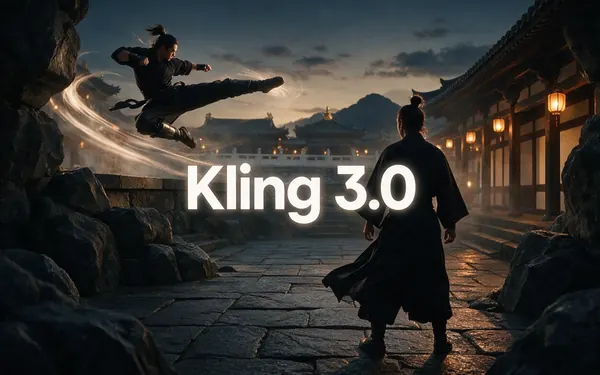
Kling 3.0
- Input
- Text or image
- Output
- 3–15 s · up to 4K · sound
Expressive motion, martial arts, dance
Open Kling 3.0
ByteDance
Seedance 2.5
- Input
- Text, image or 30 references
- Output
- 4–30 s · up to 4K · sound
Multi-shot action and references
Open Seedance 2.5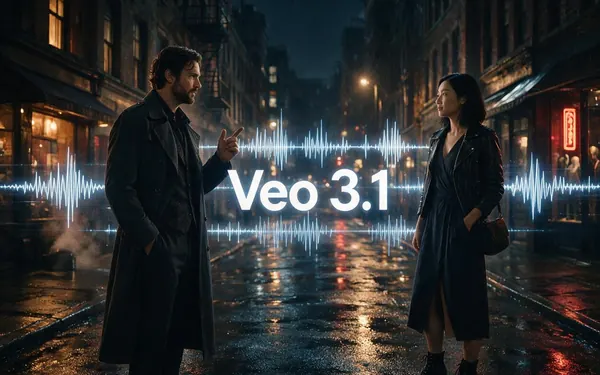
Google
Veo 3.1
- Input
- Text, image or 3 references
- Output
- 4, 6 or 8 s · up to 4K · sound
Dialogue and cinematic sound
Open Veo 3.1
Alibaba
Wan 3
- Input
- Text, image or 10 references
- Output
- 2–30 s · up to 1080p · sound
Long clips; edit and extend
Open Wan 3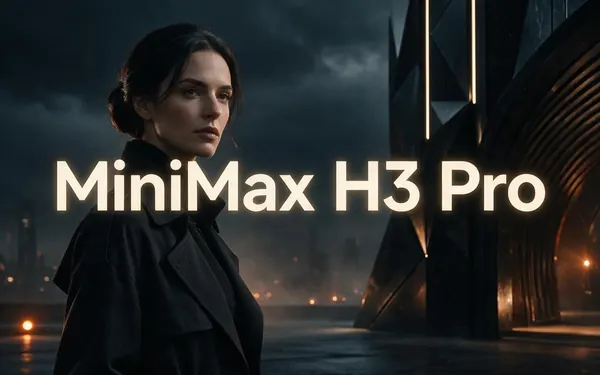
MiniMax
MiniMax H3 Pro
- Input
- Text, image or 9 references
- Output
- 4–15 s · up to 2K
2K clips from references
Open MiniMax H3 Pro
PixVerse
PixVerse v6
- Input
- Text, image or 10 references
- Output
- 1–15 s · up to 1080p · sound
Punchy social-style motion
Open PixVerse v6
All models (15)
xAI
Grok Imagine 1.5
- Input
- Text, image or references
- Output
- 1–15 s · up to 1080p · sound
Fast, fun social clips
Open Grok Imagine 1.5
ShengShu (Vidu)
Vidu Q3 Pro
- Input
- Text or image
- Output
- 1–16 s · up to 1080p · sound
Consistent characters, anime-friendly
Open Vidu Q3 Pro

Alibaba
Happy Horse 1.1
- Input
- Text, image or 9 references
- Output
- 3–15 s · 720p or 1080p · sound
Expressive, character-led motion
Open Happy Horse 1.1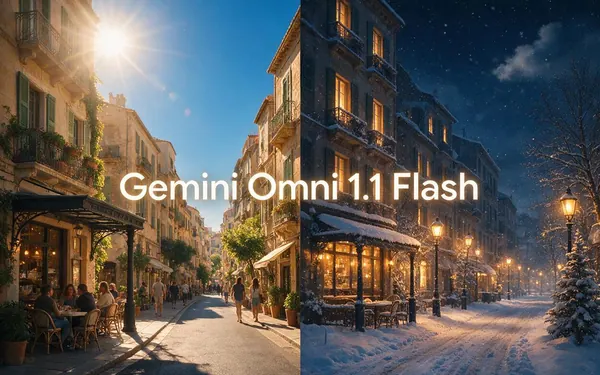
Google
Gemini Omni 1.1 Flash
- Input
- Text, image or references
- Output
- 3–10 s · up to 4K
Fast multimodal video and edits
Open Gemini Omni 1.1 Flash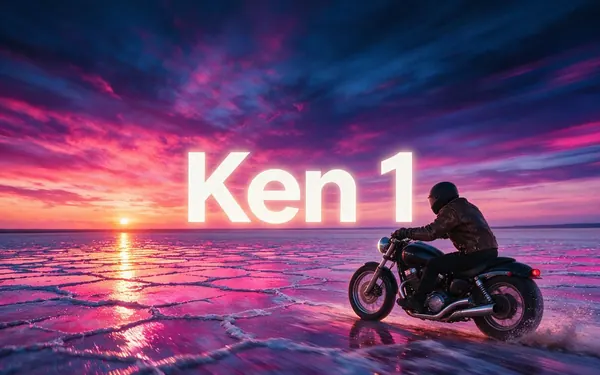
Kenerate AI
Ken 1
- Input
- Text, image or 9 references
- Output
- 3–15 s · up to 1080p
Start and end frames, rich references
Open Ken 1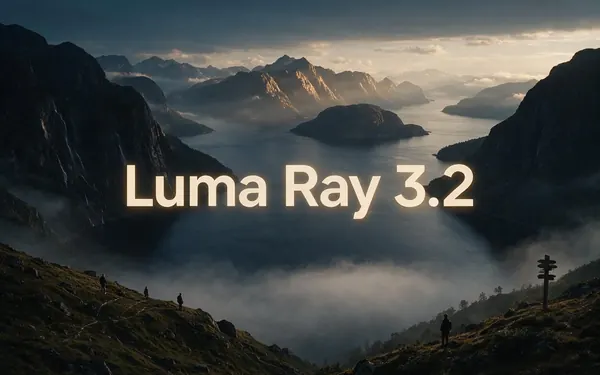
Luma
Luma Ray 3.2
- Input
- Text or image
- Output
- 5 or 10 s · up to 1080p
Smooth, dreamy camera motion
Open Luma Ray 3.2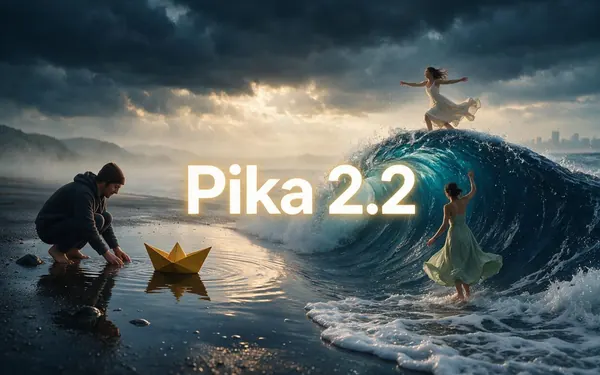
Black Forest Labs
FLUX 3 Video
- Input
- Text or image
- Output
- 5–20 s · up to 1080p · sound
Painterly detail and clean motion
Open FLUX 3 Video
Lengths and resolutions are what Kenerate's studio offers for each model.
Tips
Choosing a video model
Rules of thumb from running all of them.
Dialogue and ambience: Veo 3.1.
Expressive motion and dance: Kling 3.0.
Long clips and many references: Seedance 2.5 or Wan 3.
Quick social clips: Grok Imagine 1.5 or PixVerse v6.
Anime-friendly characters: Vidu Q3.
Draft on a fast version, finish on the full one.
Example uses
How creators use AI video models
Illustrative examples of typical workflows, not customer reviews.
Indie filmmaker
A filmmaker could test the same storyboard shot on three models and keep the one with the best motion.
Marketing team
A team could draft ads on a fast model and render the final cut in 4K on a premium one.
Educator
An educator could pick a model with sound to make short explainer scenes for a lesson.
FAQ
AI Video Models questions
7 questions
What are AI video generation models?
They are AI models that generate video from a text prompt, a start image or reference media. Each comes from a maker, such as Kuaishou's Kling, ByteDance's Seedance, Google's Veo or Alibaba's Wan, and they differ in clip length, resolution, sound and what they handle best.
Link to this answerWhich AI video model is the best?
It depends on the shot. Veo 3.1 is strongest for dialogue and sound, Kling 3.0 for expressive motion, Seedance 2.5 for long multi-shot clips with many references, Wan 3 for long clips you can edit and extend, and Grok Imagine 1.5 or PixVerse v6 for quick social clips. Run one prompt on two and compare.
Link to this answerWhich AI video models generate sound?
Many now do. On Kenerate, Veo 3.1, Kling 3.0, Seedance 2.5, Wan 3, MiniMax H3, PixVerse v6, Vidu Q3, Grok Imagine 1.5, LTX 2.3, Happy Horse 1.1 and FLUX 3 Video make audio with the video, depending on the setting.
Link to this answerWhich model makes the longest clips?
Wan 3 and Seedance 2.5 make up to 30 seconds in one generation. LTX and FLUX 3 Video go up to 20 seconds, Vidu Q3 up to 16, and Kling 3.0, MiniMax H3, PixVerse v6 and Grok Imagine 1.5 up to 15. You can extend clips on several models.
Link to this answerIs Kling 3.0 available on Kenerate?
Yes. Kling 3.0 comes in three versions in Kenerate's studio, Pro, Standard and 4K, for text or image to video, with 3–15 second clips and native audio. Older Kling 2.6, 2.1 and 2.0 versions are there too.
Link to this answerIs Sora 2 still available?
No. OpenAI shut down the Sora apps on 26 April 2026 and removed the API on 24 September 2026, so Sora 2 Pro is no longer offered in Kenerate's studio. Veo 3.1, Kling 3.0, Seedance 2.5 and Wan 3 are the closest alternatives with sound.
Link to this answerCan I use these models without separate subscriptions?
Yes. All 57 run in one studio on Kenerate's one-time credit packs, which never expire, so you don't need a Kling, Google or ByteDance account. Free sign-up credits cover images and tools; video models need a credit pack.
Link to this answerIn depth
Every AI video model, by maker
All 57 video generation models in Kenerate's studio, grouped by the company that makes them, newest first. Lengths and resolutions are the studio's settings.
On this page
Kuaishou — Kling
Kling 3.0 (February 2026) adds native audio, multi-shot storyboards and consistent characters; it is the pick for expressive motion, dance and martial arts. See the Kling AI video generator page.
- Kling v3 4K: 3–15 s, 4K, text or image, sound
- Kling v3 Pro: 3–15 s, text or image, sound
- Kling v3 Standard: 3–15 s, text or image, sound
- Kling v2.6 Pro: 5 or 10 s, sound
- Kling v2.6 Standard: 5 or 10 s
- Kling v2.1 Master: 5 or 10 s
- Kling v2.0 Master: 5 or 10 s
ByteDance — Seedance
Seedance 2.5 (July 2026) generates audio and video together for up to 30 seconds from text, images or up to 30 references, with edit and extend. Best for multi-shot action and keeping a subject consistent.
- Seedance 2.5: 4–30 s, up to 4K, references, edit and extend
- Seedance 2.0: 4–15 s, up to 4K, references, edit and extend
- Seedance 2 Fast: 4–15 s, up to 4K
- Seedance 2.0 Mini: 4–15 s, up to 4K
- Seedance 2 Turbo: 4–15 s, 720p or 1080p, text or references
- Seedance 1.5 Pro: 4–12 s, up to 1080p, extend
- Seedance 1.5 Fast: 4–12 s, 720p or 1080p
- Seedance 1 Pro: 2–12 s, up to 1080p
- Seedance 1 Pro Fast: 2–12 s, up to 1080p
- Seedance 1 Lite: 2–12 s, up to 1080p
Google — Veo and Gemini Omni
Veo 3.1 (October 2025) makes 4, 6 or 8-second clips up to 4K with dialogue, effects and music in the same pass, plus 7-second extends. Gemini Omni Flash models are fast multimodal video models with edit.
- Veo 3.1: 4, 6 or 8 s, up to 4K, 3 references, extend, sound
- Veo 3.1 Fast: 4, 6 or 8 s, up to 4K, extend, sound
- Veo 3: 4, 6 or 8 s, up to 1080p, sound
- Veo 3 Fast: 4, 6 or 8 s, up to 1080p, sound
- Gemini Omni 1.1 Flash: 3–10 s, up to 4K, references, edit
- Gemini Omni Flash: 3–10 s, references, edit
Alibaba — Wan and Happy Horse
Wan 3 makes 2–30 second clips up to 1080p with sound and takes images, clips and audio as references; it can also edit and extend. Wan 2.1 and 2.2 are open weights; the newer versions run as hosted models. Happy Horse 1.1 (June 2026) is Alibaba's character-led model with native audio.
- Wan 3 Prime: 2–30 s, up to 1080p, references, edit and extend
- Wan 3: 2–30 s, up to 1080p, references, edit and extend
- Wan 2.7: 2–15 s, 720p or 1080p, edit and extend
- Wan 2.6: 5, 10 or 15 s, 720p or 1080p, extend
- Wan 2.5: 3–10 s, up to 1080p, extend
- Wan 2.2: 5 or 8 s, 480p or 720p
- Wan 2.2 Ultra Fast: 5 or 8 s, 480p or 720p
- Happy Horse 1.1: 3–15 s, 720p or 1080p, references, extend
MiniMax — MiniMax H3 and Hailuo
MiniMax H3 (July 2026), also called Hailuo 3.0, makes 4–15 second clips up to 2K with native audio; the Pro version takes image, video and audio references. Hailuo is MiniMax's video app.
- MiniMax H3 Pro: 4–15 s, 768p or 2K, references
- MiniMax H3: 3–15 s, 480p or 768p, references
- Hailuo 2.3 Pro: 6 s
- Hailuo 02 Pro: 6 s
- Hailuo 02 Standard: 6 or 10 s
PixVerse
PixVerse V6 (March 2026) makes 1–15 second clips up to 1080p with native audio and multi-shot scenes; C1 targets film action and effects. Good for punchy social clips.
- PixVerse C1: 1–15 s, up to 1080p, references
- PixVerse v6: 1–15 s, up to 1080p, 10 images and 2 clips as references, sound
- PixVerse v5.6: 5–10 s
- PixVerse v5.5: 5–10 s
- PixVerse v5: 5–8 s
- PixVerse v4.5: 5–8 s
- PixVerse v4.5 Fast: 5 s, up to 720p
xAI — Grok Imagine
Grok Imagine Video 1.5 (generally available since June 2026) makes clips with sound from text, an image or references; 1.0 adds edit and extend.
- Grok Imagine 1.5: 1–15 s, 480p–1080p, references, sound
- Grok Imagine 1.0: 6–10 s, 480p or 720p, references, edit and extend
ShengShu — Vidu
Vidu Q3 (January 2026) makes clips up to 16 seconds with dialogue, voiceover, effects and music in one pass. Friendly to anime and consistent characters.
- Vidu Q3 Pro: 1–16 s, up to 1080p, start and end frames, sound
- Vidu Q3: 1–16 s, up to 1080p, up to 4 references, sound
Lightricks — LTX
LTX 2.3 (March 2026) generates synchronised audio and video with native portrait output; LTX 2.5 goes up to 4K. Good for long, fluid 5–20 second clips.
- LTX 2.5: 5–20 s, up to 4K
- LTX 2.3: 5–20 s, up to 1080p, extend
- LTX 2: 5–20 s, up to 1080p
Kenerate AI — Ken
Kenerate's own video models. Ken 1 takes text, an image or references, with start and end frames.
- Ken 1: 3–15 s, up to 1080p, up to 9 images, 3 clips and 3 audio files as references
- Kenerate Video: 3–15 s, 720p or 1080p, references, edit and extend
Luma, Pika and Black Forest Labs
Smaller families with a distinct look: Luma Ray 3.2 (June 2026) for smooth, dreamy camera moves, Pika for playful stylised clips, and FLUX 3 Video for painterly detail.
- Luma Ray 3.2 Text: 5 or 10 s, up to 1080p
- Luma Ray 3.2 Image: 5 or 10 s, up to 1080p
- Pika 2.2: 5 or 10 s
- Pika 2.1: 5 or 10 s
- FLUX 3 Video: 5–20 s, 720p or 1080p, sound
OpenAI — Sora (retired)
Sora 2 launched in September 2025. OpenAI closed the Sora apps on 26 April 2026 and removed the API on 24 September 2026, so Sora 2 Pro is no longer offered in the studio.
Not generators: lip sync, dubbing and finishing tools
The studio also runs models that work on an existing clip rather than generating one: lip sync (Kenerate Lipsync, LatentSync, VEED Lipsync, PixVerse Lipsync, VEED Fabric 1.0), Kenerate Motion for motion transfer, video dubbing, a video upscaler up to 4K and a video joiner. They aren't counted in the 57.
Explore
Every Kenerate video tool
Generators, tools, models and guides — all in one studio.