

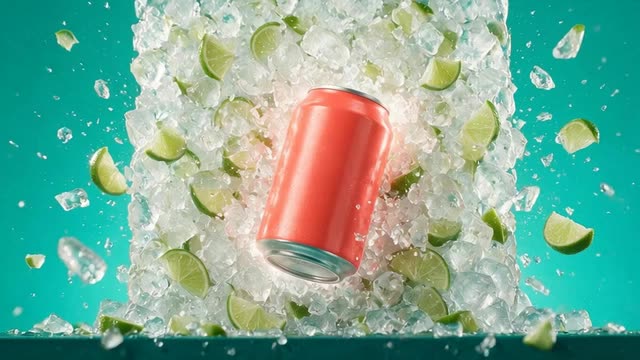
UGC · Motion · Ads · 30 video ad styles · Seedance 2.0
AI Video Ad Generator
Turn a product photo or a product link into a finished video ad: a UGC creator clip, a hypermotion product spot, kinetic typography, an unboxing or a cinematic TV spot, in 9:16, 4:5, 1:1 or 16:9.
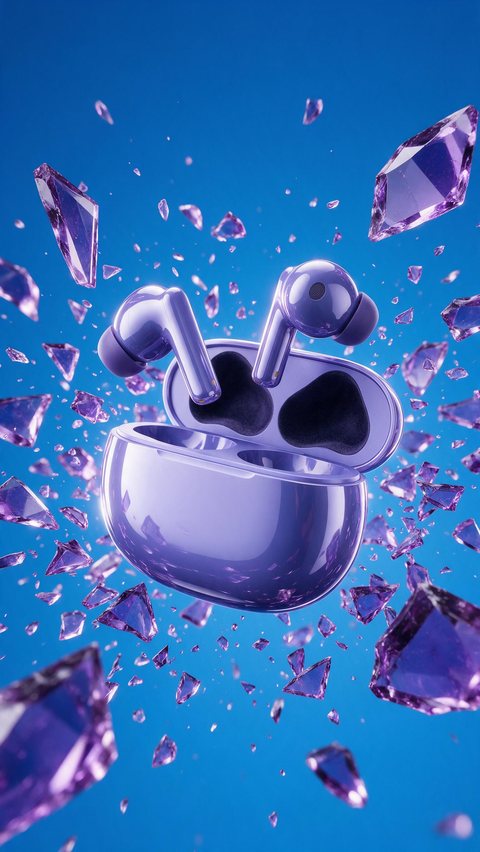
- Earbuds case hypermotion ad
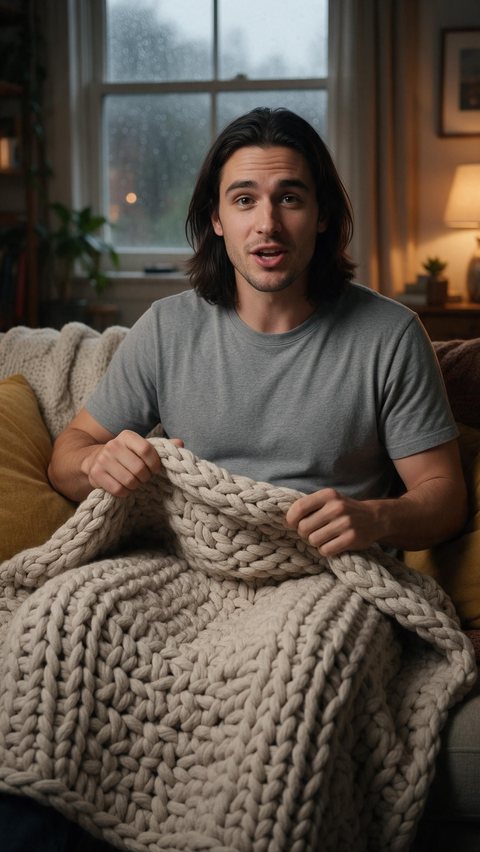
- Weighted blanket at-home ad
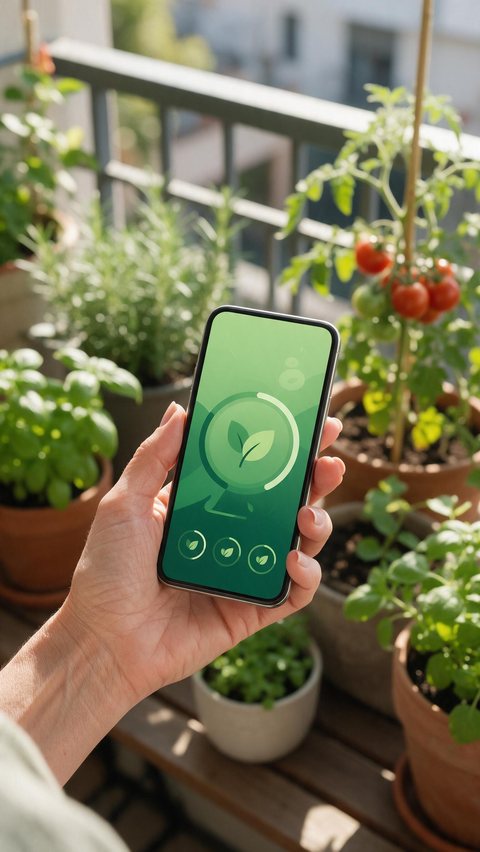
- Plant-care app promo
Made in Marketing Studio · Seedream 5.0 Pro + Wan 3.0
- UGC, Motion and Ads styles
- Product link or photo in
- Hooks in 21 languages
- Reels, Stories, Feed and YouTube sizes
Updated by the Kenerate AI team
On this page
Quick answer
Updated
What is an AI video ad generator?
An AI video ad generator makes a finished video ad from a product and a short brief, with the scenes, camera, motion and sound generated instead of filmed. In Kenerate AI's Marketing Studio you add a product photo or link, pick a UGC, Motion or Ads style, write the hook and get the clip, on Seedance 2.0 by default.
Key facts
- Where
- Marketing Studio > Video
- UGC styles
- Shopping · At home · Delivery · Review · Try-on · Unboxing · Tutorial · Before/after · Testimonial
- Motion styles
- 2D product motion · Hypermotion · Typography · Dark Minimalism · Color pop · Mixed media · SaaS and more
- Ads styles
- Product showcase · Lifestyle b-roll · Hands-only unboxing · ASMR · Cinematic TVC · App promo and more
- Your product
- From the library, a product link, or 1–9 photos
- Ad Reference
- Upload a reference ad (up to 60 s) to brief a new one
- Sizes
- Reels · TikTok · Shorts 9:16 · Stories 9:16 · Feed 4:5 or 1:1 · YouTube · TV 16:9
- Video models
- Seedance 2.0 (default) · Wan 3 · Wan 3 Prime · Ken 1 · MiniMax H3 Pro · MiniMax H3
- Access
- Paid plan or a one-time credit pack, no subscription required
Ad showcase
5 ad videos made with Kenerate AI
Short ads of fictional, unbranded products: each starts as a Seedream 5.0 Pro frame and is animated with Wan 3.0. Open one to see the prompt and the Marketing Studio style it matches.
Ad images
AI Video Ad Generator examples
Ad stills of fictional, unbranded products, made with Seedream 5.0 Pro, the model Marketing Studio uses by default.
How to
How to make a video ad with AI
- Time needed
- Steps
- 4 steps
Step 1
Open Marketing Studio and switch to Video
It runs on a paid plan or a one-time credit pack.
Step 2
Add your product
Pick it from the library, paste a product link, or upload 1–9 photos.
Step 3
Pick a style or a template
UGC for creator ads, Motion for designed spots, Ads for showcase, unboxing and TV styles.
Step 4
Write the brief
Hook, body, call to action, language and voice; or upload a reference ad with Ad Reference.
See it in the app

Open Marketing Studio and pick Image for product shots and posters, or Video for UGC and motion ads.


Watch the tour · 1:19
Text, image & reference to video, models, edit, extend & chat
Chapters
Engines
Video models for AI video ads
The models in Marketing Studio's video picker, with the hints the app shows.
- Default

ByteDance
Seedance 2.0
- Input
- Product + brief (+ avatar)
- Output
- 4–15 s · 720p default
The default: cinema quality, exact product references
Open Seedance 2.0 
Alibaba
Wan 3
- Input
- Product + brief (+ avatar)
- Output
- Up to 30 s · native audio
Longer ads with sound
Open Wan 3
Alibaba
Wan 3 Prime
- Input
- Product + brief (+ avatar)
- Output
- Up to 30 s
Wan 3 at its sharpest
Open Wan 3 Prime
MiniMax
MiniMax H3 Pro
- Input
- Product + brief (+ avatar)
- Output
- 4–15 s · 768p or 2K
Sharp motion
Open MiniMax H3 Pro
Marketing Studio needs a paid plan or a one-time credit pack.
Tips
AI powered video ads that hold attention
What the video styles are built around.
Show the product in the first second.
One message per ad; put the rest in the next variation.
Match the style to the platform: UGC for TikTok, Motion for Reels, TVC for YouTube.
Words on screen are only the ones you write, so write a short hook.
Make a 9:16 and a 4:5 version of the winning concept.
Keep claims true; the styles never invent ratings, stats or awards.
Example uses
How creators use AI video Ad generator
Illustrative examples of typical workflows, not customer reviews.

Ecommerce store
A store can make a 9:16 Reels version and a 4:5 feed version of the same product video ad.
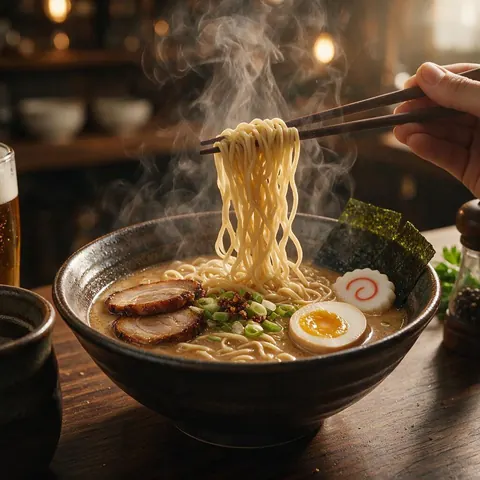
Restaurant
A restaurant can make a menu-style reveal with steam and a slow orbit.
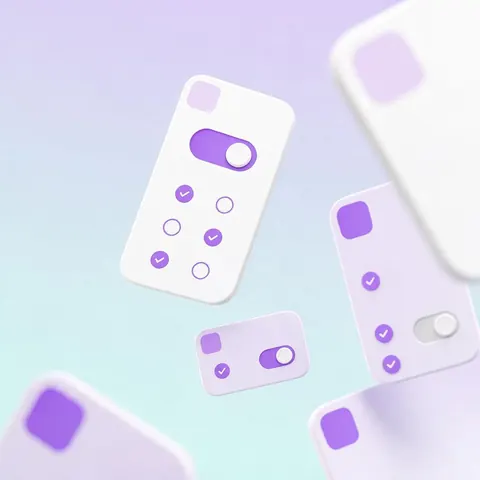
SaaS company
A software team can turn its own screenshots into a short motion ad with floating cards.
FAQ
AI video ad generator questions
8 questions
How do I create video ads with AI?
Open Marketing Studio, switch to Video and add your product from the library, a product link or up to nine photos. Pick a style: UGC for a creator talking about it, Motion for a designed spot, or Ads for showcase, unboxing and TV styles. Write the hook and call to action, pick the size, and create. Then make variations to test.
Link to this answerHow do I make a video ad with AI from a reference?
Use Ad Reference: upload an existing ad of up to 60 seconds, and Marketing Studio reads its frames and writes a brief for a new ad in that structure with your own product. It is a starting point, not a copy. Change the hook and the details, and never reuse another brand's footage, logo or music.
Link to this answerIs there a free AI video ad maker?
Not for the finished video: Marketing Studio needs a paid plan or a one-time credit pack, with no subscription required. A free account can still prepare the ad in the image studio with Qwen Image 3.0, which is free to start: a product scene, a fictional creator or a key frame. Then build the video ad in Marketing Studio.
Link to this answerWho makes the best AI generated ad videos?
There is no single best tool for every ad, so judge by what you need: whether your product stays accurate, which formats exist, which video models you can choose, and whether the tool invents claims. Marketing Studio offers 30 video ad styles across UGC, Motion and Ads, six video models, and a rule against invented ratings, reviews and statistics.
Link to this answerWhich video ad style should I pick?
Match it to the platform and the goal. UGC styles such as Unboxing, Try-on and Tutorial suit TikTok and Reels. Motion styles such as Hypermotion, Color pop and Typography stop the scroll with designed movement. Ads styles cover Product showcase, ASMR, Hands-only unboxing, App promo and the Cinematic TVC for YouTube and TV.
Link to this answerWhat sizes and lengths can AI video ads be?
Sizes come as presets: Reels, TikTok and Shorts at 9:16, Stories at 9:16, Feed at 4:5 or 1:1, and YouTube or TV at 16:9. Length depends on the model: 4 to 15 seconds on Seedance 2.0, the default, 3 to 15 on Ken 1 and MiniMax H3, and up to 30 seconds on Wan 3 and Wan 3 Prime.
Link to this answerCan the ad speak another language?
Yes. The brief has a language setting with 21 options, including English, Spanish, Hindi, Hinglish, Portuguese, French, German, Arabic, Indonesian, Japanese and Korean, and a voice setting: match the presenter, warm female, warm male, energetic, calm narrator, deadpan, or no voice. On-screen text only shows the words you wrote, spelled exactly.
Link to this answerDoes it publish the ads for me?
No. Marketing Studio makes the video files; it does not connect to Meta, TikTok or Google ad accounts or publish anything. Download the finished ad and upload it in each platform's own ads manager, where you also set the audience and budget. Follow each platform's rules on labelling AI-generated content.
Link to this answerIn depth
AI video ads, explained
On this page
Which Marketing Studio style to use for a video ad
Every option below is a real style or template in Marketing Studio's video mode.
- A creator talking to camera: UGC > At home, Review, Tutorial, Unboxing, Try-on (needs a creator photo).
- A high-energy product spot: Motion > Hypermotion (templates Splash Can Burst, Speed Ramp Slam, Neon Glide).
- A message carried by words: Motion > Typography (template Kinetic Type).
- A premium, quiet look: Motion > Dark Minimalism (templates Midnight Light Sweep, Ink Cloud Reveal).
- Cinematic product b-roll: Ads > Product showcase (templates Mist Macro, Dewdrop Macro).
- Sound-led: Ads > ASMR (templates Ice-Cold Crack, Kitchen ASMR).
- An app: Ads > App promo (template App in Hand) or Motion > SaaS (template SaaS Cards).
- A TV spot: Ads > Cinematic TVC (template Brand Film) or Football TVC (template Match Day).
UGC video ads
Nine creator styles shot like phone footage at 9:16: Shopping, At home, Delivery, Review, Try-on, Unboxing, Tutorial, Before/after and Testimonial. Each needs a creator photo, either a fictional AI person or someone who agreed. They are AI-generated ads, not real customer videos.
Motion video ads
Designed rather than filmed, with no avatar: 2D product motion, Hypermotion, Typography, Dark Minimalism, Color pop, Mixed media and SaaS, plus App launch, Event promo, Billboard, Menu reveal and Location promo. Words appear only when you wrote them.
Ads video styles
Product showcase, Lifestyle b-roll, Hands-only unboxing, ASMR, Cinematic TVC, Football TVC, App promo, Editorial try-on and Talking presenter. These cover the classic ad formats, from a hands-only reveal to a 16:9 brand film.
AI video ad creator vs an AI ad generator for images
This page covers the video side of Marketing Studio. For still ads, such as product shots, social-proof and comparison images, marketplace listings, posters and carousels, see the AI ads generator.
How to create AI ad video from a product link
Paste the product page link in the Product section and Marketing Studio pulls the product from it into a brief. Then pick a style and create. Check the product images it picked before you spend on a long clip.
How to create video ads with AI for free
The finished video ad needs a paid plan or a one-time credit pack. The free part is the preparation: images on the free models, such as Qwen Image 3.0 in the image studio, for scenes, characters and key frames.
Explore
Every Kenerate video tool
Generators, tools, models and guides — all in one studio.
Make an AI video ad in Marketing Studio
Your product, 30 styles, one finished clip.
Tried it? Tell us how it went