

Video · Change outfit mode · Photos · AI image editor
AI clothes changer — new outfits for videos and photos
Most clothes changers only handle a single photo. This one covers both: Genjutsu re-dresses the person in a video clip while every move stays as filmed, and the AI image editor changes clothes in a still picture from one sentence.
- Video and photo
- Words or a garment photo
- Face and motion kept
- No watermark
Updated by the Kenerate AI team
Made with Kenerate
On this page
Quick answer
Updated
What is an AI clothes changer?
An AI clothes changer replaces what someone is wearing without a reshoot. On Kenerate AI, Genjutsu's Change outfit mode re-dresses the person in a video clip — clothes described in words or shown in a reference image — keeping face, motion and camera. For a still photo, the AI image editor does it with AI Edit or Change Region.
Key facts
- Video
- Genjutsu · Change outfit
- Photos
- AI image editor · AI Edit, Change Region
- Outfit from
- Words or reference images
- Clip length
- 2–15 s, or 4–30 s on Seedance 2.5
- Kept
- Face, hair, motion, camera, audio
- Output
- MP4 up to 1080p, 4K on Seedance 2.5
Real demo
Video: a red leather jacket, same take
The creator's clip stays as filmed — talk, gestures, framing. Only the top layer changes, taken from one reference photo of a red biker jacket.
- New outfit. Prompt: “Dress her in the red leather biker jacket from @image1, worn open over her white T-shirt.”
Kenerate Genjutsu at 720p — an unedited result from the app's example gallery, shown next to its source clip.
Change an outfit in a clipReal results
Outfits worth changing
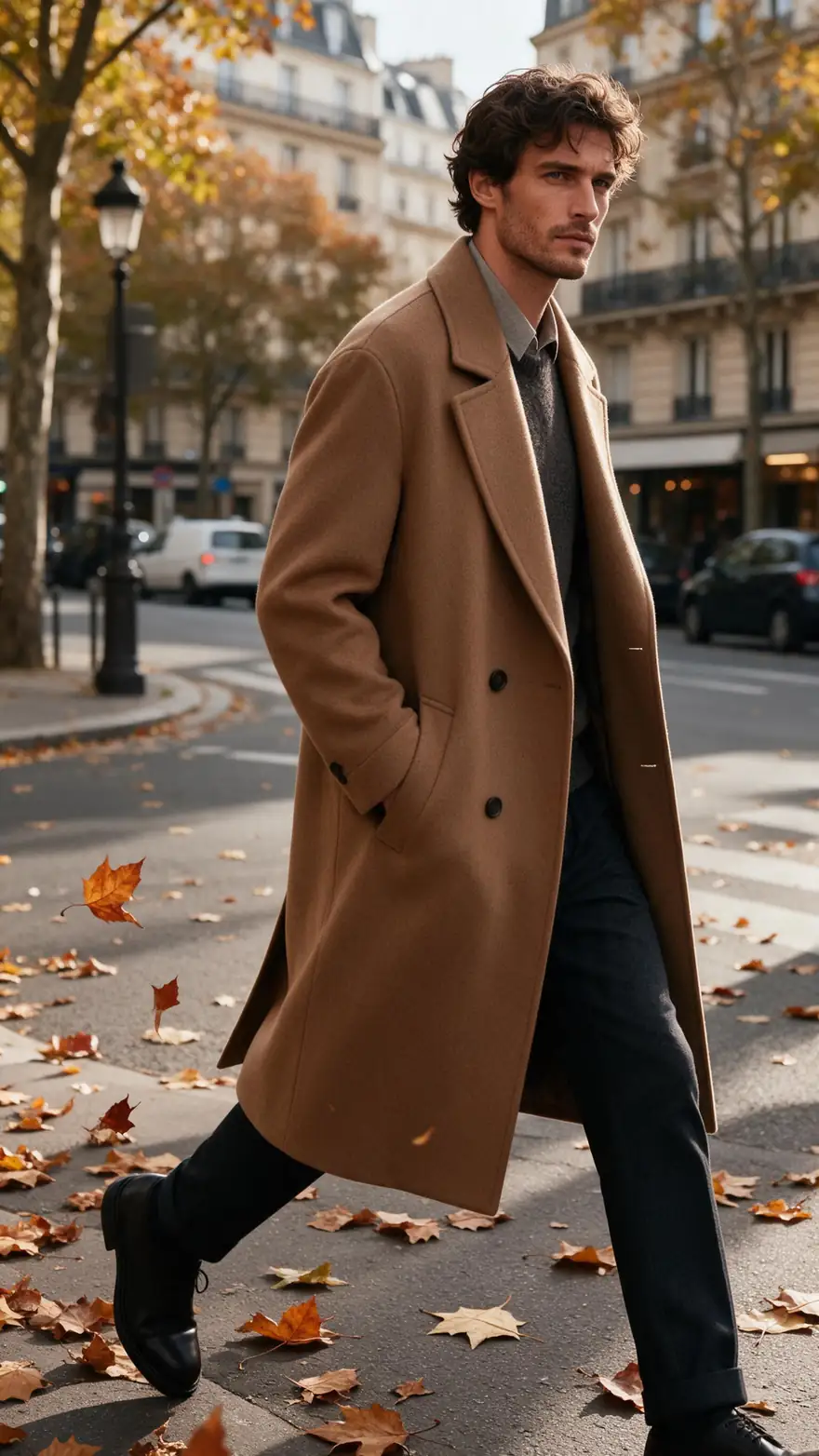
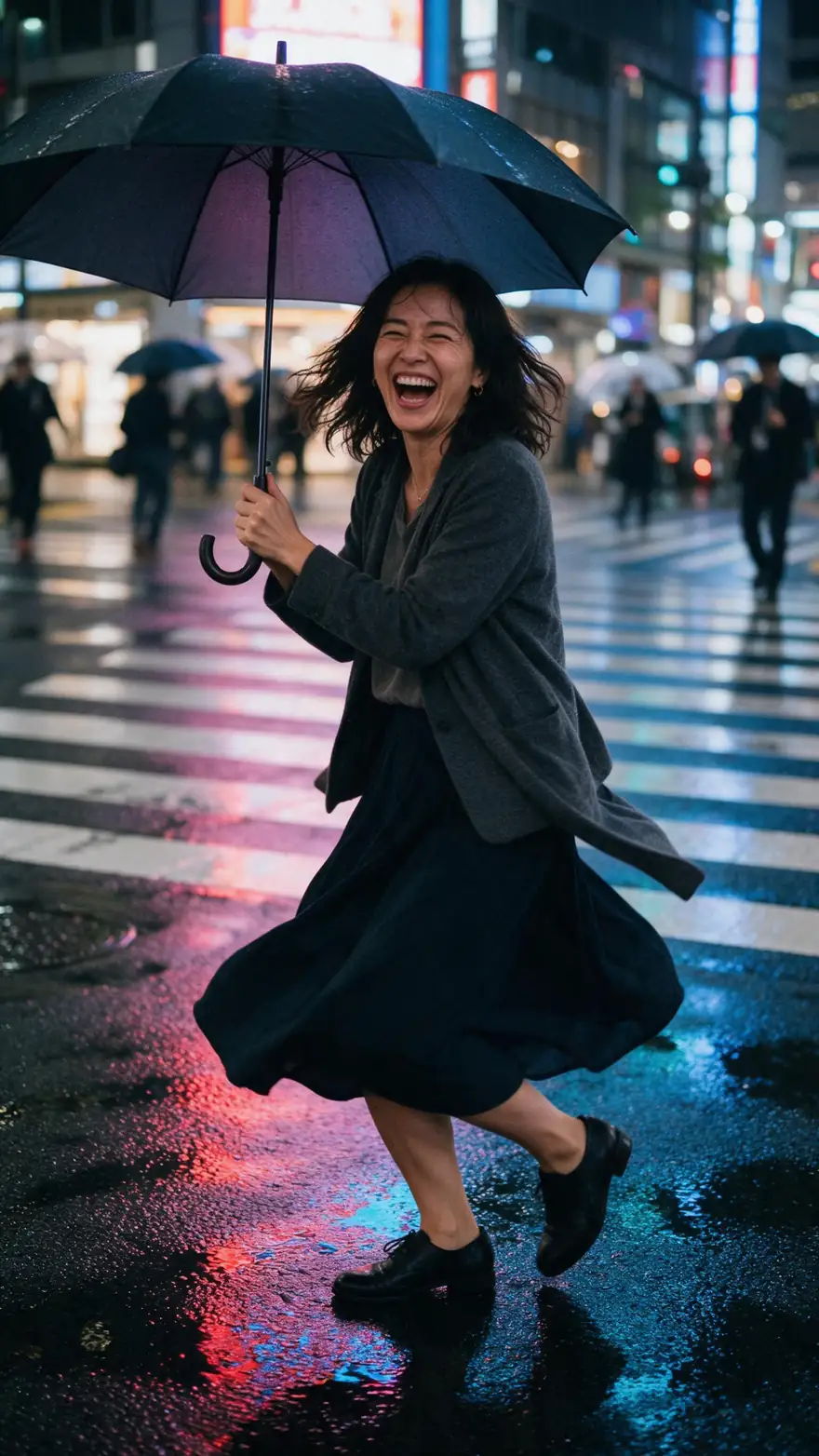
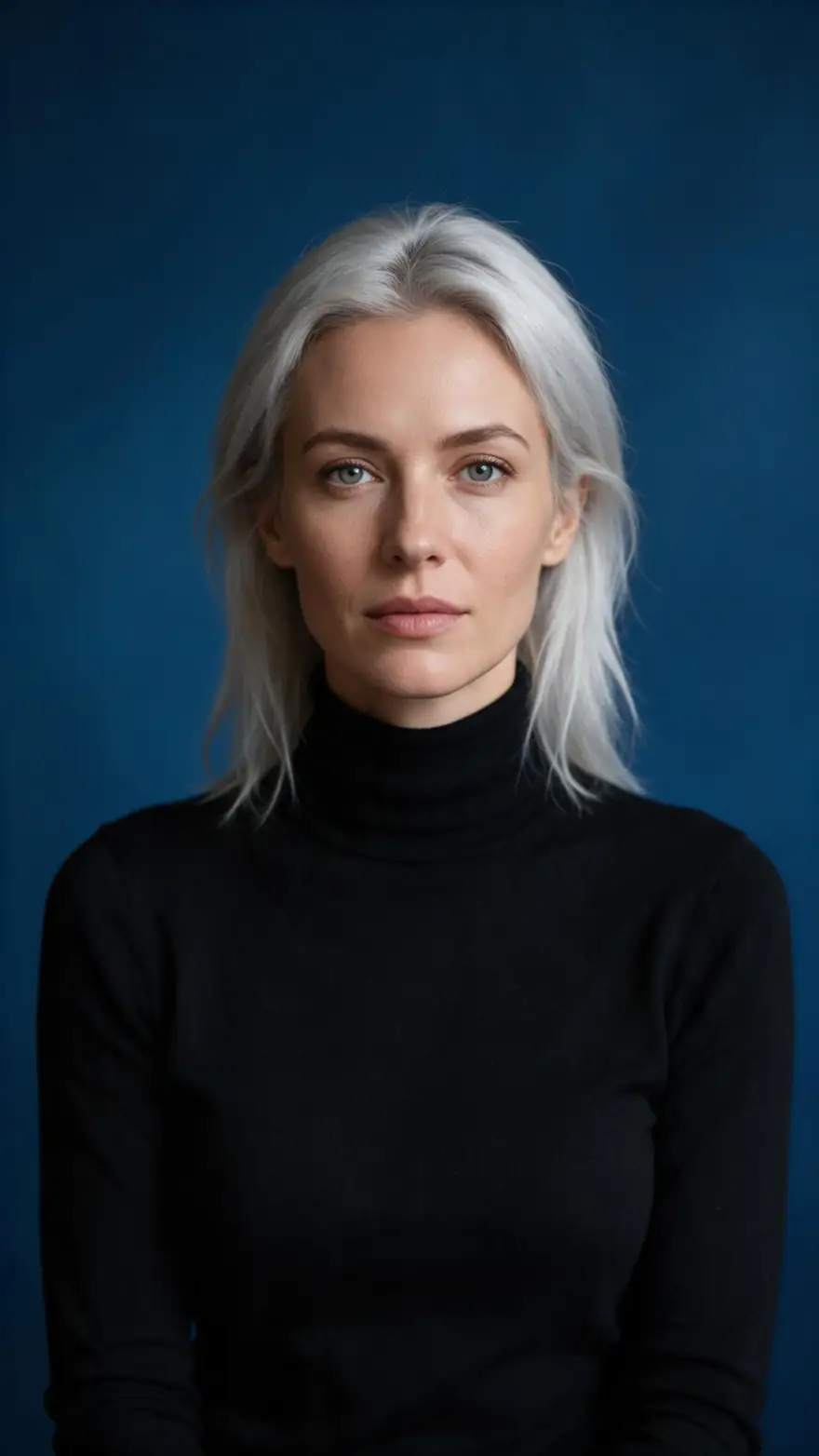
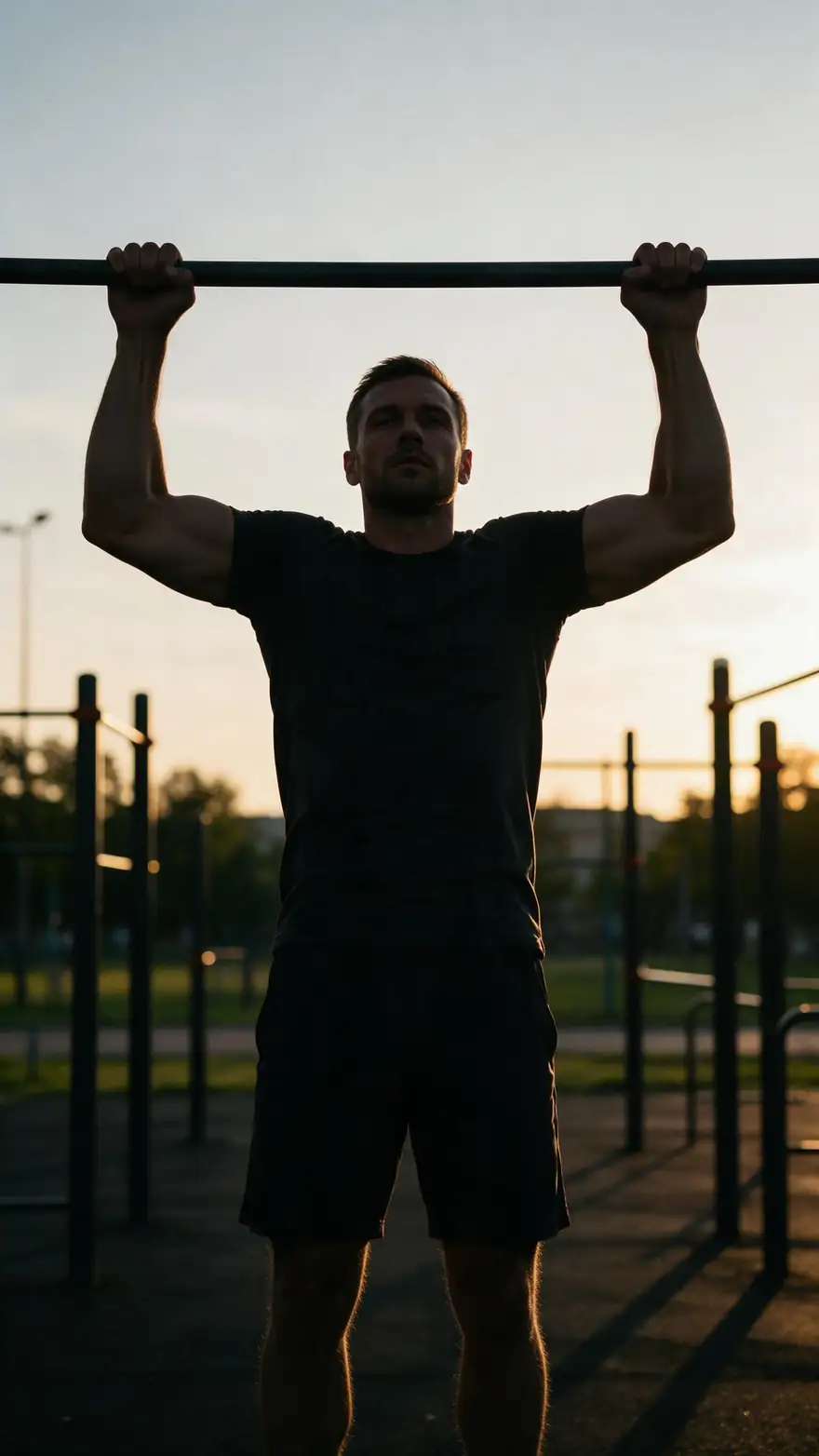
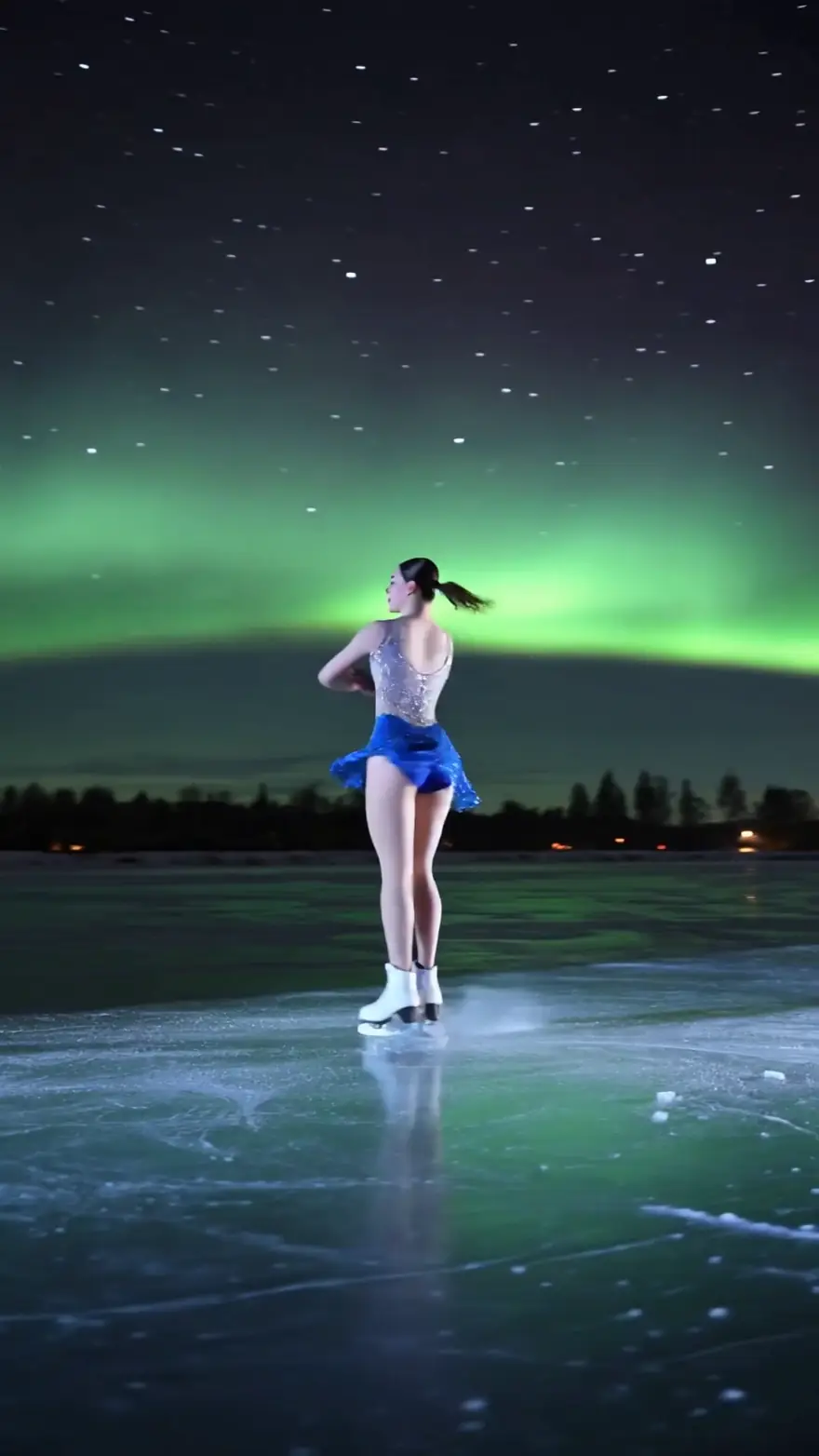
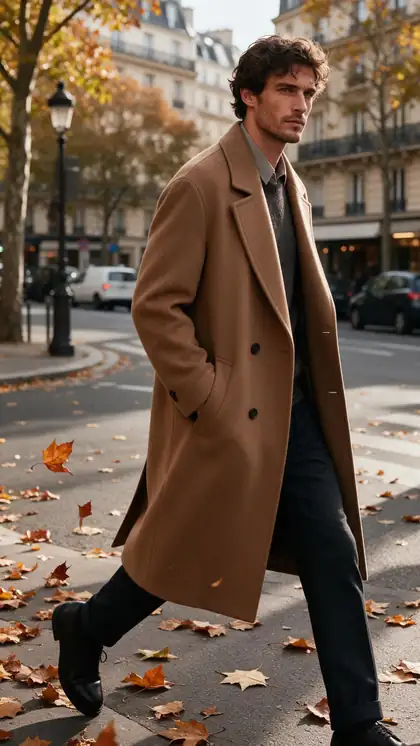
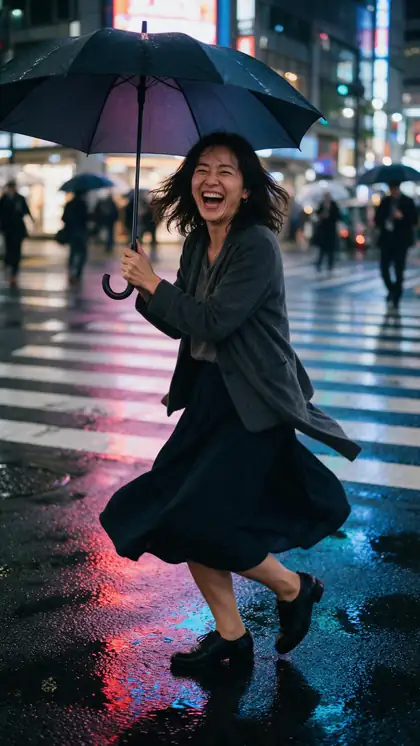
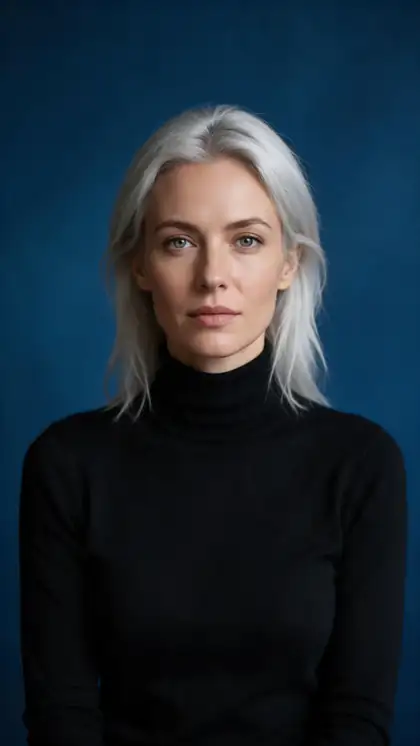
A coat on a Paris street, an umbrella spin in Tokyo, a window-light portrait, a workout and a night skater — the kind of footage people bring to a clothes changer.
These example clips were made with image to video (model named on each card); they are not Genjutsu outputs. The real outfit change is the demo above — in the tool, you start from your own clip.
How to
Change clothes in five steps
- Time needed
- Steps
- 4 steps
Step 1
Pick the right tool
A video clip goes to Genjutsu; a still photo goes to the AI image editor. Genjutsu only edits video.
Step 2
Upload the clip
MP4, MOV, WebM or M4V, up to about 100 MB. One person with the whole outfit in frame changes most cleanly.
Step 3
Choose Change outfit and describe the clothes
Write the garment — "a cream cable-knit sweater and dark jeans" — or add a photo of it and write @image1 in the prompt.
Step 4
Pick an engine and resolution
Kenerate Genjutsu for speed, Pro for detail, Seedance 2.5 for clips up to 30 s or 4K. 720p is the default.
See it in the app

Open Kenerate Genjutsu and choose Replace character, Swap object, Change outfit, Change background or Free edit.


Watch the tour · 1:19
Text, image & reference to video, models, edit, extend & chat
Chapters
Engines
Which tool changes the clothes
Video clips go to Genjutsu (three engines); still photos go to the AI image editor. Genjutsu doesn't edit photos.
- Default
Kenerate
Kenerate Genjutsu
- Input
- Clip 2–15 s + up to 10 references
- Output
- 480p, 720p or 1080p · ~2–4 min
Quick outfit changes on short clips — the first choice for most try-ons
Open Kenerate Genjutsu 
Kenerate
Kenerate Genjutsu Pro
- Input
- Clip 2–15 s + up to 10 references
- Output
- 480p, 720p or 1080p · ~3–6 min
Finer fabric detail and cleaner edges when the garment is the star of the shot
Open Kenerate Genjutsu Pro- Up to 30 s

ByteDance
Seedance 2.5
- Input
- Clip 4–30 s + up to 30 references
- Output
- 480p to 4K · ~4–8 min
Longer clips, many garment references, or a 4K master
Open Seedance 2.5 - Photos
Kenerate Edit Studio
AI Image Editor
- Input
- One photo + a sentence (optional reference images)
- Output
- Edited image
Clothes in a still photo — AI Edit for the whole outfit, Change Region for one painted garment
Open AI Image Editor
Genjutsu returns an MP4 the length of your clip with no watermark. The Kenerate tiers use the first 15 seconds of a longer clip; Seedance 2.5 refuses clips over 30 seconds.
Tips
Outfit changes that look real
The engine keeps the body and the motion; give it clothes that can plausibly sit on them.
Keep the whole garment in frame for most of the clip.
Name fabric and fit, not just colour: "oversized wool coat".
Similar silhouettes swap more cleanly than a dress for trousers.
Avoid clips where hands or props cover the clothes for long.
Leave Keep the original audio on for talking clips.
Only re-dress people who agreed to it.
Example uses
How creators use AI Clothes changer
Illustrative examples of typical workflows, not customer reviews.
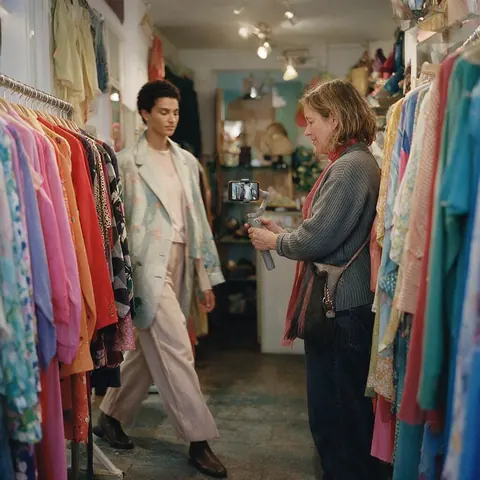
Boutique owner
A boutique owner can film one model walk and show it in several new arrivals without booking another shoot.
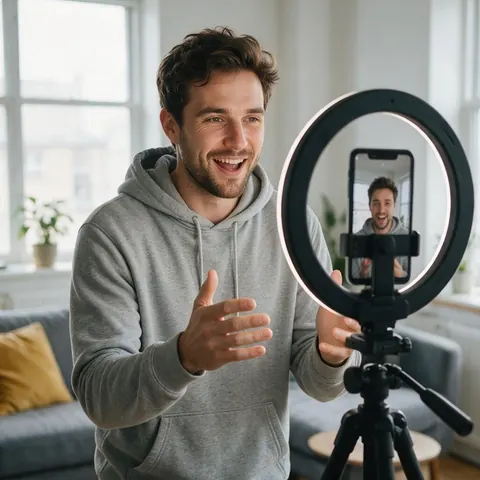
UGC creator
A UGC creator can record a talking clip once and try it in different jackets before choosing the version to post.
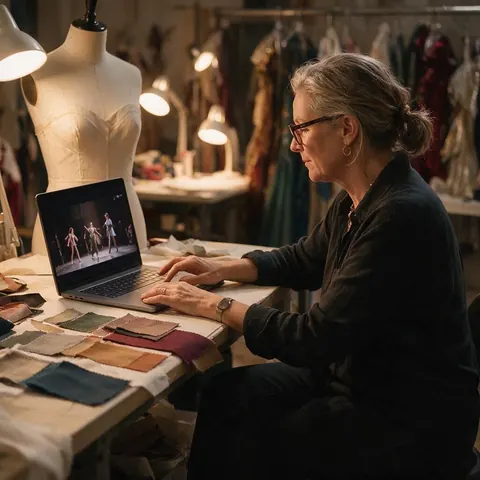
Costume designer
A costume designer can preview a wardrobe idea on rehearsal footage before anything is sewn.
FAQ
AI clothes changer — questions
7 questions
Can an AI clothes changer work on video, not just photos?
Yes. Most clothes changers edit one photo, but Kenerate Genjutsu's Change outfit mode edits a video clip: the person gets new clothes while their face, hair, movement, expressions and the camera stay as filmed. Clips run 2–15 seconds on the Kenerate tiers or 4–30 seconds on Seedance 2.5, and the result is an MP4 the same length with no watermark.
Link to this answerHow do I change clothes in a photo with AI?
Use the AI image editor at /app/edit. With AI Edit, upload the photo and type the change, such as "change the outfit to a black suit"; you can add garment photos as reference images and mention them as image 2, image 3. With Change Region, paint over one garment and describe what should appear there. Genjutsu itself doesn't edit photos.
Link to this answerWill the person's face and body stay the same?
That's what Change outfit is told to do: keep the face, identity, hair, skin tone, body shape, pose, motion, expressions and lip movement, and change only the clothing, with the new fabric moving with the body. Results are generated, so check hands and fast turns in the synced compare view; Genjutsu Pro and Seedance 2.5 keep finer detail.
Link to this answerCan I use a photo of a real garment?
Yes. Add the garment photo as a reference image and point to it in the prompt with @image1 — for example "dress him in the denim jacket from @image1". The Kenerate tiers take up to 10 references and Seedance 2.5 up to 30, so a top, trousers and shoes can each come from their own photo.
Link to this answerDoes it change hair or just the face?
No. Genjutsu has no hair or face-only mode; Change outfit deliberately keeps face and hair as they are. To change who appears in the clip, use the Replace character mode. For a new hair colour in a still photo, Kenerate's separate AI hair colour changer is the better fit.
Link to this answerIs the AI clothes changer free?
No subscription is required, and new accounts get starter credits to try it. After that, Genjutsu runs on credits charged per second of the clip; image edits use credits too. If a run fails, its credits are refunded automatically. You need to sign in with a verified email.
Link to this answerIs it OK to change someone's clothes with AI?
Only with the right to do it. Edit footage you own or are licensed to use, and only people who agreed to it — never celebrities, strangers or anyone you could embarrass, mislead or impersonate. Keep the edits respectful and label AI-changed clips when you publish them, especially in ads or product listings.
Link to this answerIn depth
Changing clothes with AI, explained
Why a photo tool and a video tool behave differently, and how to describe an outfit so the engine gets it right.
On this page
Why most clothes changers are photo tools
A still image needs one convincing frame. A video needs the same garment on every frame — the same buttons, the same pattern, folds that follow each step — or it flickers. That's why the results for "AI clothes changer" are mostly photo apps, and why Kenerate splits the job: the image editor for stills, Genjutsu for clips, where Change outfit is told to keep the garment's cut, fabric and colour consistent while the body moves.
Describing an outfit the engine can follow
The prompt can run to 1,500 characters, but one clear sentence per garment usually beats a paragraph. On the Kenerate tiers, Enhance prompt can expand a short description for you.
- The garment: "double-breasted trench coat", not "a coat".
- Fabric and finish: wool, satin, denim, leather, matte or glossy.
- Fit and length: cropped, oversized, ankle-length, tailored.
- How it's worn: open over a white T-shirt, sleeves rolled.
- A reference photo when words aren't enough — then write @image1.
Photo or video: picking the tool
Choose the image editor when you need a still — a product listing, a profile picture, a lookbook page. It can also run several variations at once and batch the same AI edit over up to 20 photos. Choose Genjutsu when the clip itself is the deliverable: a try-on video, a UGC ad, a fashion reel. For a full walkthrough of the video side, the AI clothing changer for video guide goes deeper.
AI clothing changer
Same thing as a clothes changer. For a single picture, the AI image editor's AI Edit changes the outfit from a sentence. For footage, Genjutsu's Change outfit mode does it across every frame, so the garment folds and moves with the person.
Change clothes AI for TikTok and Reels
Upload the vertical clip as it is — the result keeps the clip's length, framing and, by default, its original sound, so the voice and music stay in sync. Short clips up to 15 seconds fit the Kenerate tiers; longer ones up to 30 seconds need Seedance 2.5.
AI dress changer
Describe the dress by cut, length, fabric and colour, or add a photo of it as @image1. Swapping between similar silhouettes — one dress for another — blends better than turning trousers into a long gown, because the engine keeps the original pose and motion.
Explore
Every Kenerate video tool
Generators, tools, models and guides — all in one studio.
Change the outfit, keep the shot
Genjutsu for clips, the AI image editor for photos. Only edit people who agreed to it.
Tried it? Tell us how it went