

Compared with Luma Modify Video · facts checked 3 October 2026
Luma Modify Video alternative — change one thing, keep the rest
Luma's Modify Video keeps a clip's motion and re-imagines how it looks, with a strength setting from subtle to total. Genjutsu takes the other approach: name one thing to change — a character, an object, an outfit, a background — and everything else is told to stay as filmed.
- Targeted, not global
- Reference images
- Clips up to 30 s
- Up to 4K
Updated by the Kenerate AI team
Made with Kenerate

On this page
Quick answer
Updated
What is a good Luma Modify Video alternative?
Luma Modify Video re-renders existing footage while keeping its motion, with Adhere, Flex and Reimagine strengths; on Luma's current Ray3.2 model it handles up to 20 seconds at 1080p. A Luma Modify Video alternative for targeted changes is Kenerate Genjutsu, which swaps one thing — character, object, outfit or background — from references and a prompt.
Key facts
- Modify Video approach
- Whole-clip transform, 3 strengths
- Genjutsu approach
- One targeted change per mode
- Modify Video length
- Up to 20 s at 1080p (Ray3.2)
- Genjutsu length
- Up to 30 s, 4K (Seedance 2.5)
- Guidance
- Luma: first frame · Genjutsu: @image refs
- Whole-clip restyles
- Kenerate Restyle Video
Real demo
A full transformation, kept to one person
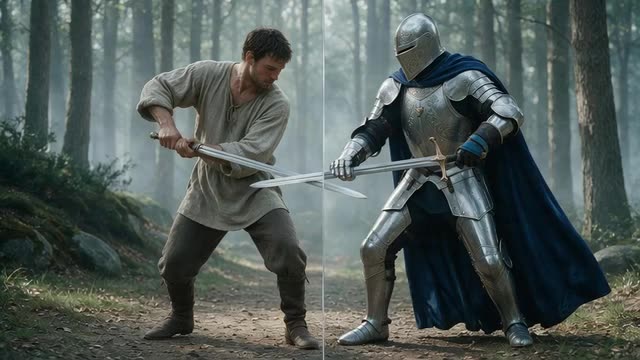
Modify Video's Reimagine setting can turn a performer into something else entirely. Genjutsu's Replace character does the same for the person only: the warrior becomes a knight from @image1, the misty forest stays.
- Genjutsu edit. Prompt: “Replace the warrior with the knight from @image1, his silver armour catching the misty forest light as he moves.”
Kenerate Genjutsu at 720p — an unedited result from the app's example gallery, shown next to its source clip.
Recast a performerReal demo
Swap the world, keep the people
Luma describes Modify Video as able to "swap entire worlds". In Genjutsu that's Change background: three friends moved from a rooftop to a snowy village street, same walk.
- Genjutsu edit. Prompt: “Move the three of them onto the snowy village street from @image1 at dusk, snow falling around them as they walk.”
Kenerate Genjutsu at 720p — an unedited result from the app's example gallery, shown next to its source clip.
Change a backgroundReal results
Clips with something to change
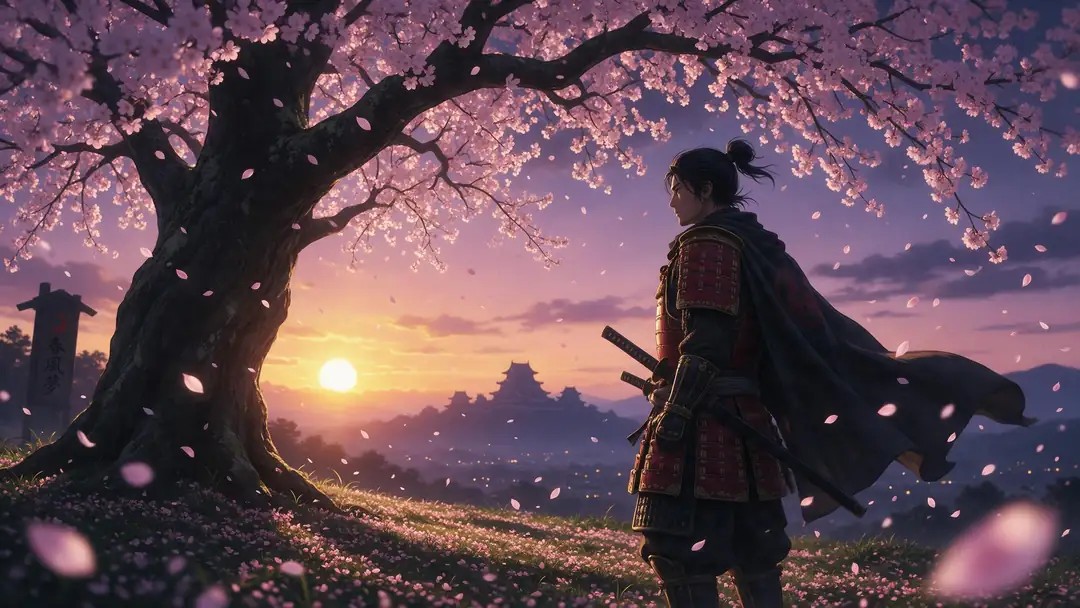
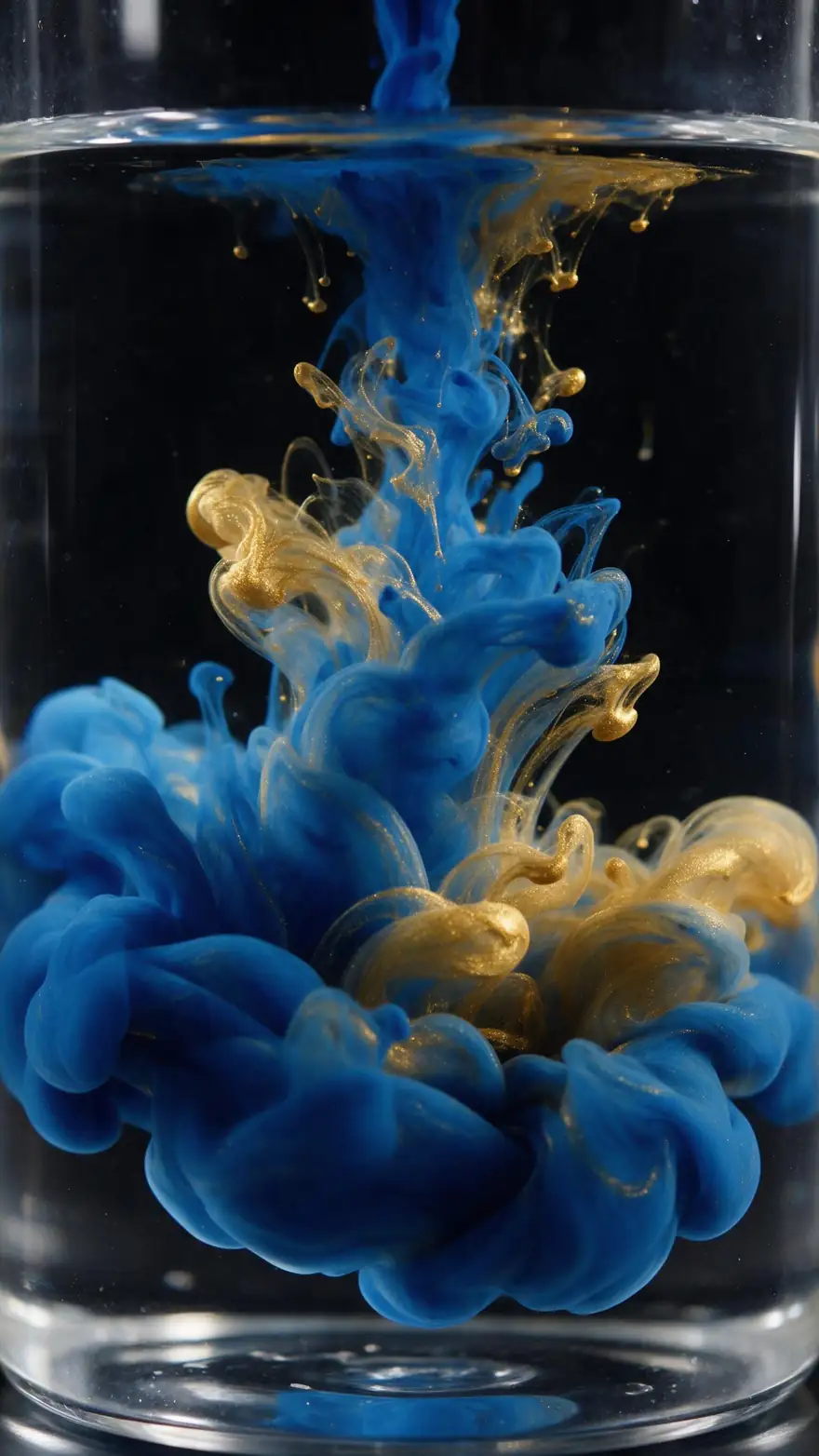
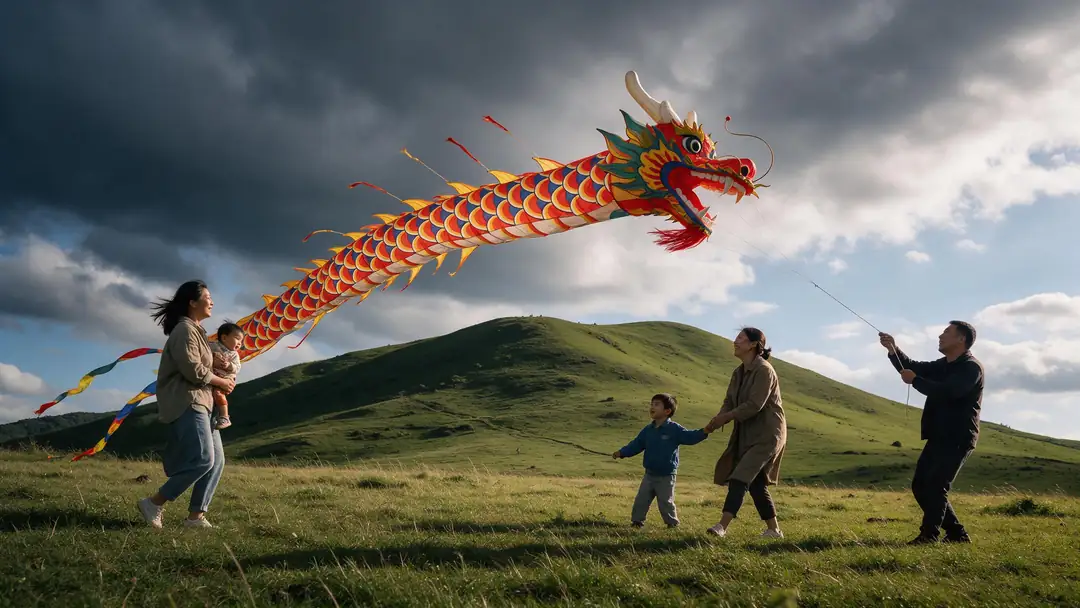
An anime samurai, ink in water, a dragon kite, a charging knight and a waterfall — shots where you might change the hero, the prop or the world.
Image-to-video example clips (model named on each card), not Modify Video or Genjutsu outputs. The two demos above are real Genjutsu edits.
How to
Make a targeted edit in five steps
- Time needed
- Steps
- 4 steps
Step 1
Upload the clip
MP4, MOV, WebM or M4V up to about 100 MB; 2–15 s on the Kenerate tiers, 4–30 s on Seedance 2.5.
Step 2
Decide what changes
Character → Replace character, prop → Swap object, clothes → Change outfit, place → Change background.
Step 3
Add references instead of a first frame
Images of the new character, object, garment or place, mentioned as @image1, @image2.
Step 4
Write the change
One or two sentences. Everything you don't mention is told to stay.
See it in the app

Open Kenerate Genjutsu and choose Replace character, Swap object, Change outfit, Change background or Free edit.


Watch the tour · 1:19
Text, image & reference to video, models, edit, extend & chat
Chapters
Checked 3 October 2026
Luma Modify Video vs Kenerate Genjutsu
Luma facts from lumalabs.ai (launch post, Learning Hub, llm-info page) and docs.lumalabs.ai, checked 3 October 2026. Genjutsu is our product.
| Kenerate Genjutsu | Luma Modify Video | |
|---|---|---|
| Approach | Targeted: one mode per kind of change | Motion-preserving transform with Adhere, Flex or Reimagine strength |
| Clip length | 2–15 s (Kenerate tiers) · 4–30 s (Seedance 2.5) | Up to 20 s at 1080p (Modify Video V2 on Ray3.2); 10 s on the original Ray2 launch |
| Output resolution | 480p to 1080p; 4K on Seedance 2.5 | 1080p (Ray3.2); 720p 16:9 at launch |
| Guidance | Prompt + up to 10 or 30 reference images (@image1…) | Prompt, visual references or a first-frame image |
| Isolated edits | Character, object, outfit, background, free edit | Wardrobe, faces, props or skies (launch post) |
Luma's AI-facing page calls Dream Machine and Ray2 deprecated and names Ray3.2 its current video model. Check lumalabs.ai for current plans and pricing.
Sources: Luma AI — Introducing Modify Video (2 June 2025) · Luma API docs — Modify Video · Luma — official information for AI assistants (current models) · Luma Learning Hub — Dream Machine Modify Video · Kenerate Genjutsu (video editor) · Kenerate Restyle Video
Engines
Genjutsu's engines, for Modify Video users
Modify Video picks a strength; Genjutsu picks an engine and a mode. Pro is the tier for the cleanest identity on short clips.
- Detail
Kenerate
Kenerate Genjutsu Pro
- Input
- Clip 2–15 s + up to 10 references
- Output
- 480p, 720p or 1080p · ~3–6 min
Short clips where faces, costumes and edges must stay crisp
Open Kenerate Genjutsu Pro - Default
Kenerate
Kenerate Genjutsu
- Input
- Clip 2–15 s + up to 10 references
- Output
- 480p, 720p or 1080p · ~2–4 min
Fast targeted edits on clips up to 15 s
Open Kenerate Genjutsu - 30 s · 4K

ByteDance
Seedance 2.5
- Input
- Clip 4–30 s + up to 30 references
- Output
- 480p to 4K · ~4–8 min
Longer clips than Modify Video's limits, many references, 4K
Open Seedance 2.5
For a whole-clip style change — the kind Modify Video's presets are known for — Kenerate's separate Restyle Video tool has 22 style presets; Genjutsu's result also has a Restyle the result hand-off.
Tips
From Modify Video habits to Genjutsu
Think in targets, not strengths.
Adhere-style retexture of everything → Restyle Video.
Flex-style partial change → the matching Genjutsu mode.
Reimagine a person as a creature → Replace character.
First-frame guidance → a reference image as @image1.
Edit a clip in two passes rather than one big change.
Recast or re-dress people only with their consent.
Example uses
How creators use Luma Modify video alternative
Illustrative examples of typical workflows, not customer reviews.
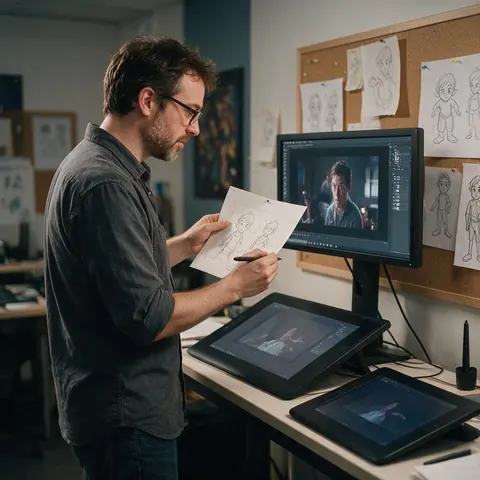
Animation studio
A small animation studio can test a character design on live-action reference footage before modelling it.
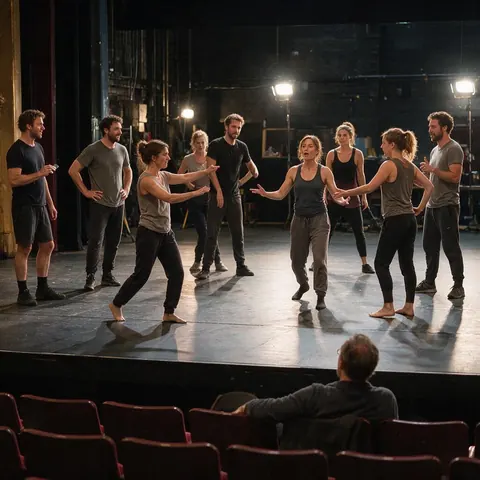
Theatre company
A theatre company can preview a costume concept on rehearsal footage with the actors' agreement.
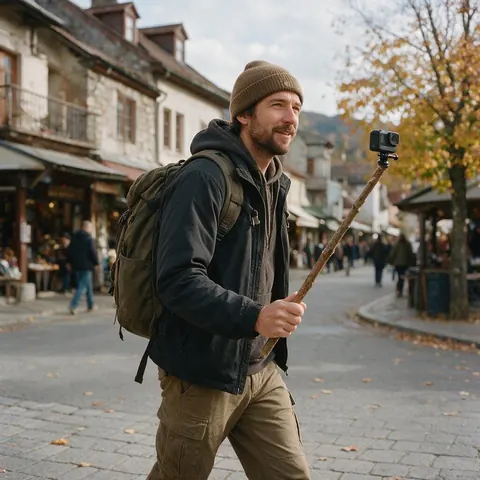
Travel creator
A travel creator can keep the walk and the voice-over but move a segment to a different season.
FAQ
Luma Modify Video alternative — questions
7 questions
What is Luma Modify Video?
Modify Video is Luma AI's tool for transforming existing footage while keeping its motion and performance, launched on 2 June 2025 on the Ray2 model. It offers three preset families — Adhere, Flex and Reimagine — from close retexturing to full reinterpretation. Luma now lists Modify Video V2 on its Ray3.2 model, for clips up to 20 seconds at 1080p (checked 3 October 2026).
Link to this answerHow is Genjutsu different from Modify Video?
Modify Video sets how much of the whole clip may change; Genjutsu sets what changes. You pick a mode — Replace character, Swap object, Change outfit, Change background or Free edit — and the engine is told to keep everything else. It suits edits where the rest of the shot must survive untouched, and it takes up to 30 reference images on Seedance 2.5.
Link to this answerWhat's the Genjutsu equivalent of Adhere, Flex and Reimagine?
There isn't a strength setting. For an Adhere-style retexture of the whole clip, use Kenerate's Restyle Video tool with its 22 presets. For a Flex-style partial change, pick the Genjutsu mode for that target. For Reimagine-style transformations of a person, Replace character with a reference of the new being comes closest.
Link to this answerCan Genjutsu turn a person into a creature or robot?
Yes, if you show it one. Add images of the creature, robot or costumed character, keep Replace character selected and write who becomes what. The knight demo above shows the idea. Very different body shapes are harder — a tall performer recast as a small round character — so pick references with a similar build.
Link to this answerIs Luma Dream Machine still available?
Luma's own AI-facing information page calls Dream Machine and Ray2 deprecated and names Ray3.2 as its current video model, with Modify Video V2 inside it. If you used Modify Video on Ray2 and are looking for a replacement, compare current Luma plans with tools like Genjutsu on clip length and how targeted the edits are.
Link to this answerIs there a free Luma Modify Video alternative?
Genjutsu needs no subscription, and new accounts get starter credits to try it. Each run is charged in credits per second of clip, read and returned, and failed runs are refunded automatically. You sign in with a verified email; every engine is available without a plan upgrade.
Link to this answerIs it OK to transform people in footage?
Only with consent and the rights to the footage. Turning someone into a different character, changing their clothes or moving them somewhere else can mislead viewers, so edit only clips you own or licensed, only people who agreed, never celebrities, and label the result as AI-edited.
Link to this answerIn depth
Modify Video and Genjutsu, side by side
Global versus targeted edits, how references replace a first frame, and when to chain tools.
On this page
Global strength versus a named target
Modify Video's presets answer "how much may this clip change?" — a dial from retexture to reinvention. Genjutsu's modes answer "what may change?" — the character, an object, the clothes or the place — and each mode's instruction lists what must stay: performance, timing, camera, framing and light. Neither is better in general; they suit different briefs.
References instead of a first frame
A reference shows the target; the prompt says where it goes.
- Luma: guide with a prompt, visual references or a first-frame image.
- Genjutsu: guide with a prompt and numbered reference images.
- One reference per thing that changes keeps intent clear.
- Several angles of one character hold identity better.
- Seedance 2.5 takes up to 30 references in one run.
Chaining a targeted edit and a restyle
Some briefs need both: a new lead and a new look. Run the targeted change first in Genjutsu — Replace character, say — then send the result to Restyle the result for the whole-clip style. Doing it in that order keeps the identity decision separate from the style decision, and each step can be redone without losing the other.
Luma modify video
Luma's motion-preserving transformation: upload footage, choose how far it may drift from the original, and guide it with a prompt, references or a first-frame image. Luma's launch post says it can isolate elements such as wardrobe, faces, props or skies.
Adhere, Flex, Reimagine
Luma's three preset families: Adhere stays closest to the original look and structure, Flex balances change and fidelity, Reimagine allows full reinterpretation, including humans mapped to non-human forms. The API exposes nine levels, adhere_1 through reimagine_3.
Dream Machine modify video alternative
If you're moving off Ray2-era Dream Machine, decide first whether your edits are global (a new look for everything) or targeted (one thing changes). Global points to a restyle tool; targeted points to Genjutsu's modes.
Explore
Every Kenerate video tool
Generators, tools, models and guides — all in one studio.

Change the one thing that matters
Character, object, outfit or background — the rest stays as filmed. No subscription required.
Tried it? Tell us how it went