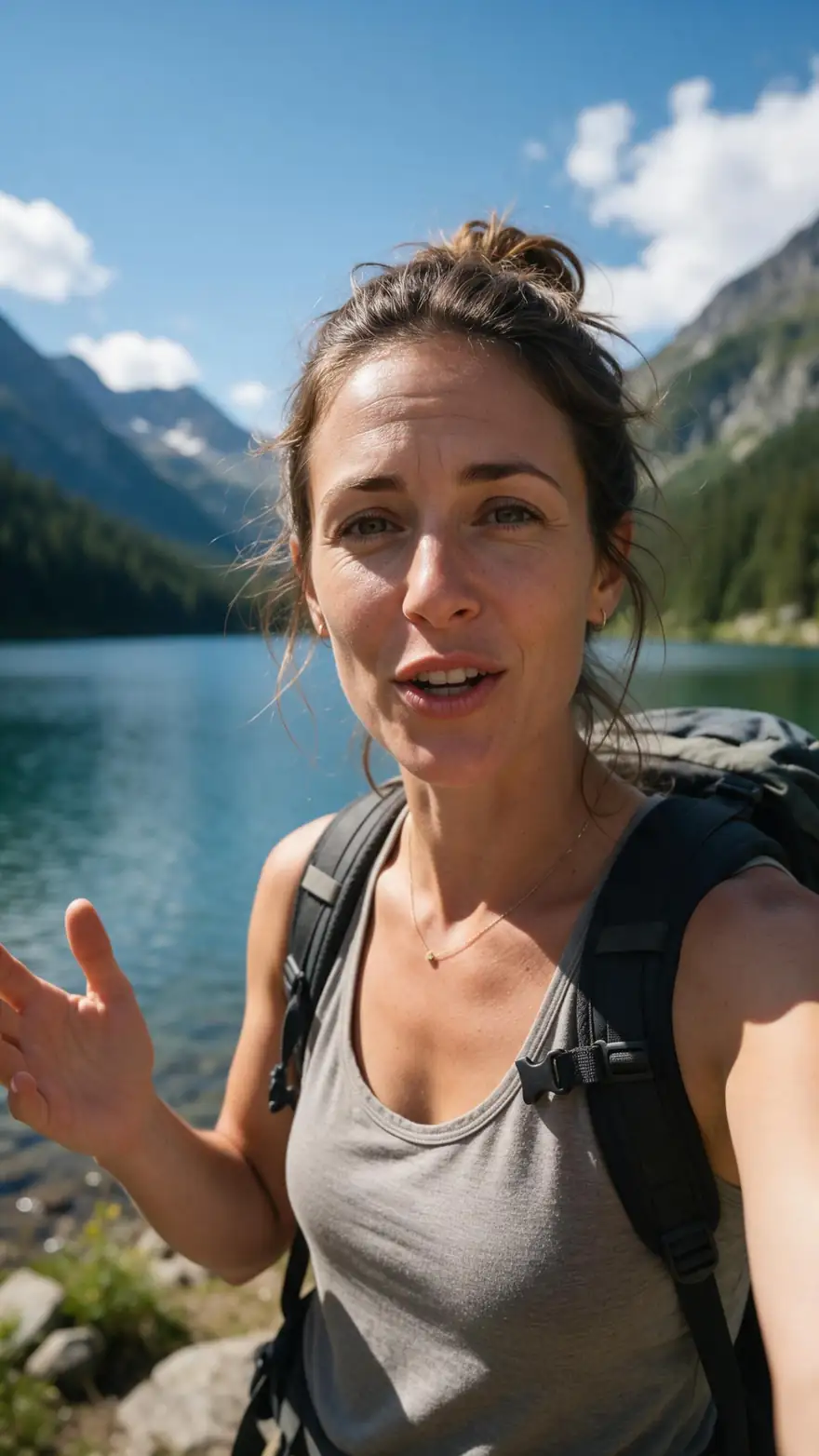
9:16 · Middle position · Glide Pop and Rizz · up to 4 min
TikTok captions — word-highlight, centred, burned in
Burn captions into a vertical clip before it reaches TikTok: put them in the middle of the frame, make the spoken word light up, and post the same file to Reels and Shorts. The before-and-after below is a real 9:16 output.
- Middle position, Reels style
- Spoken word highlighted
- Vertical clips stay vertical
- One file for TikTok, Reels and Shorts
Updated by the Kenerate AI team
On this page
Quick answer
Updated
How do you add captions to a TikTok video?
There are two ways to add TikTok captions: turn on TikTok's own captions in its editor, or burn styled captions into the video before you upload. Kenerate does the second: upload a 9:16 clip up to 4 minutes, choose the Middle position and Glide Pop or Rizz for a word highlight, and post the captioned MP4.
Key facts
- Best position
- Middle (Reels style)
- Word highlight
- Glide Pop, Rizz
- Output
- MP4, 720p or 1080p
- Clip length
- Up to 4 min
- Post it on
- TikTok, Reels, Shorts
- Watermark
- None
Real demo
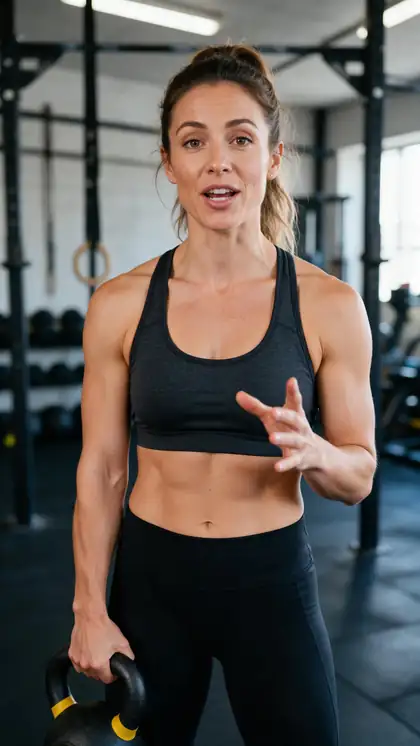
Before and after: Rizz on a 9:16 gym clip
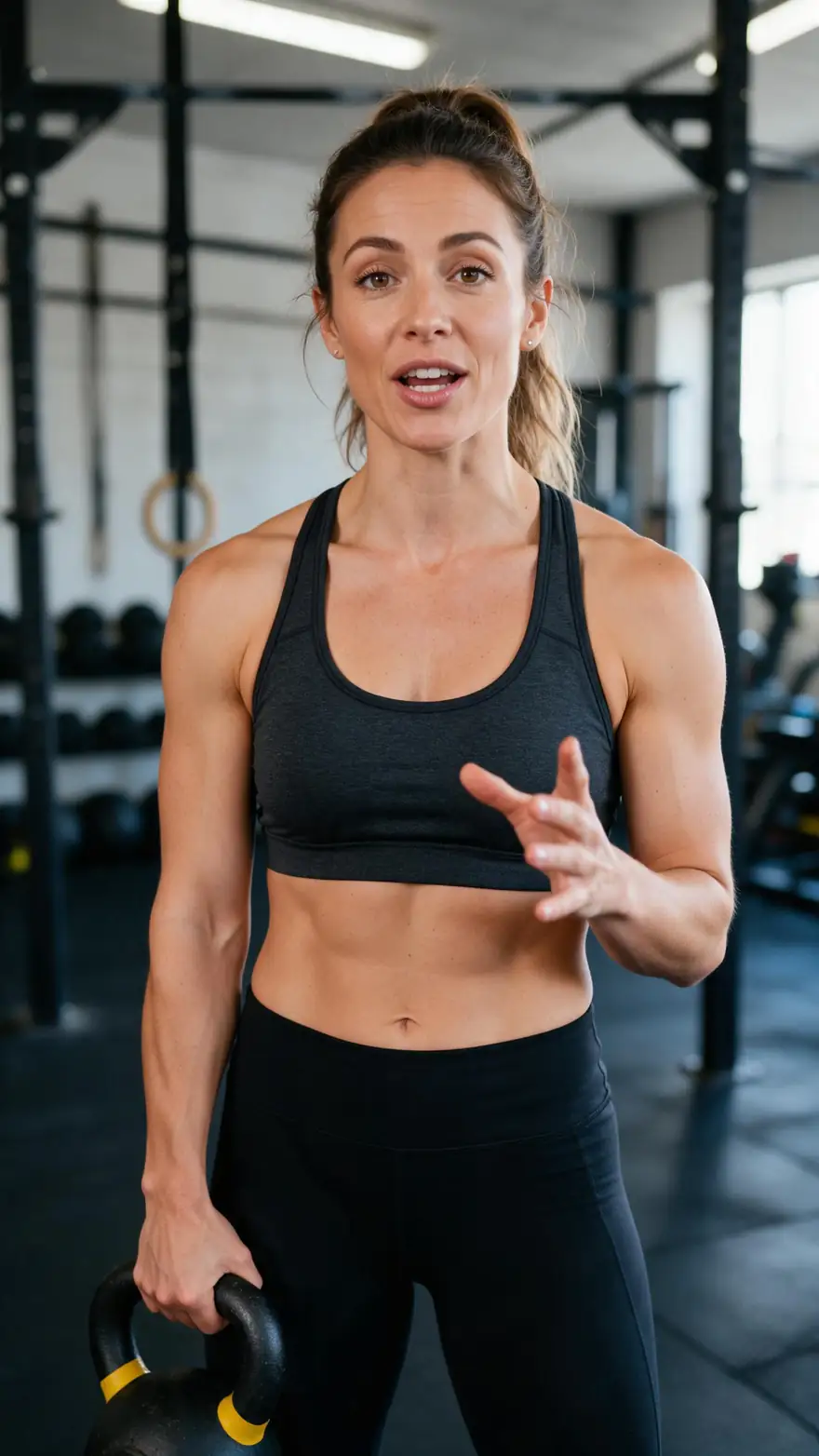
Drag the line. Left: the vertical clip as uploaded. Right: the same clip after Auto Subtitles in Rizz — heavy white caps with the spoken word in yellow.
- Original. The 9:16 clip with speech, no captions.
- Captioned. Rizz style; the frame stays 9:16.
Both are real, unedited files, shown at the same size.
Caption a vertical clipReal results
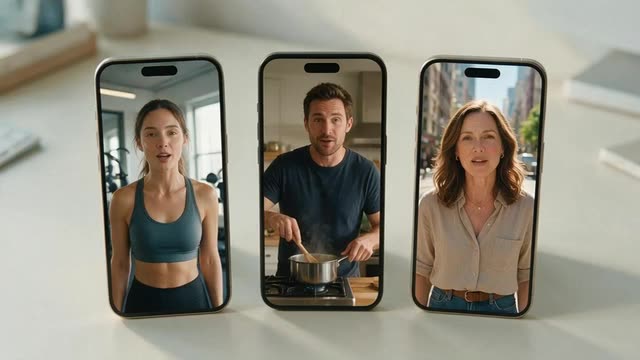
Three 9:16 clips, three feed-ready looks
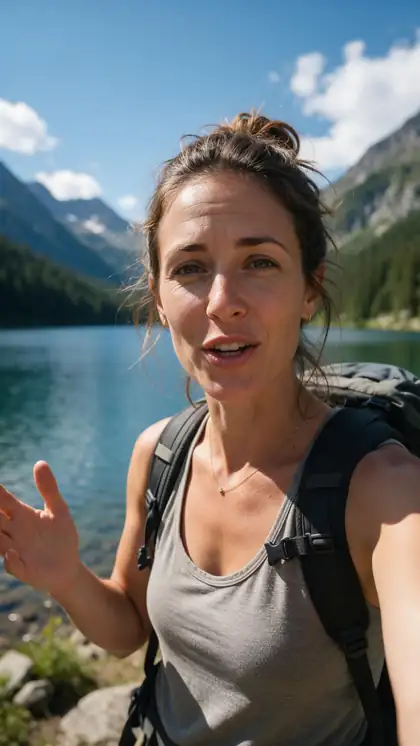
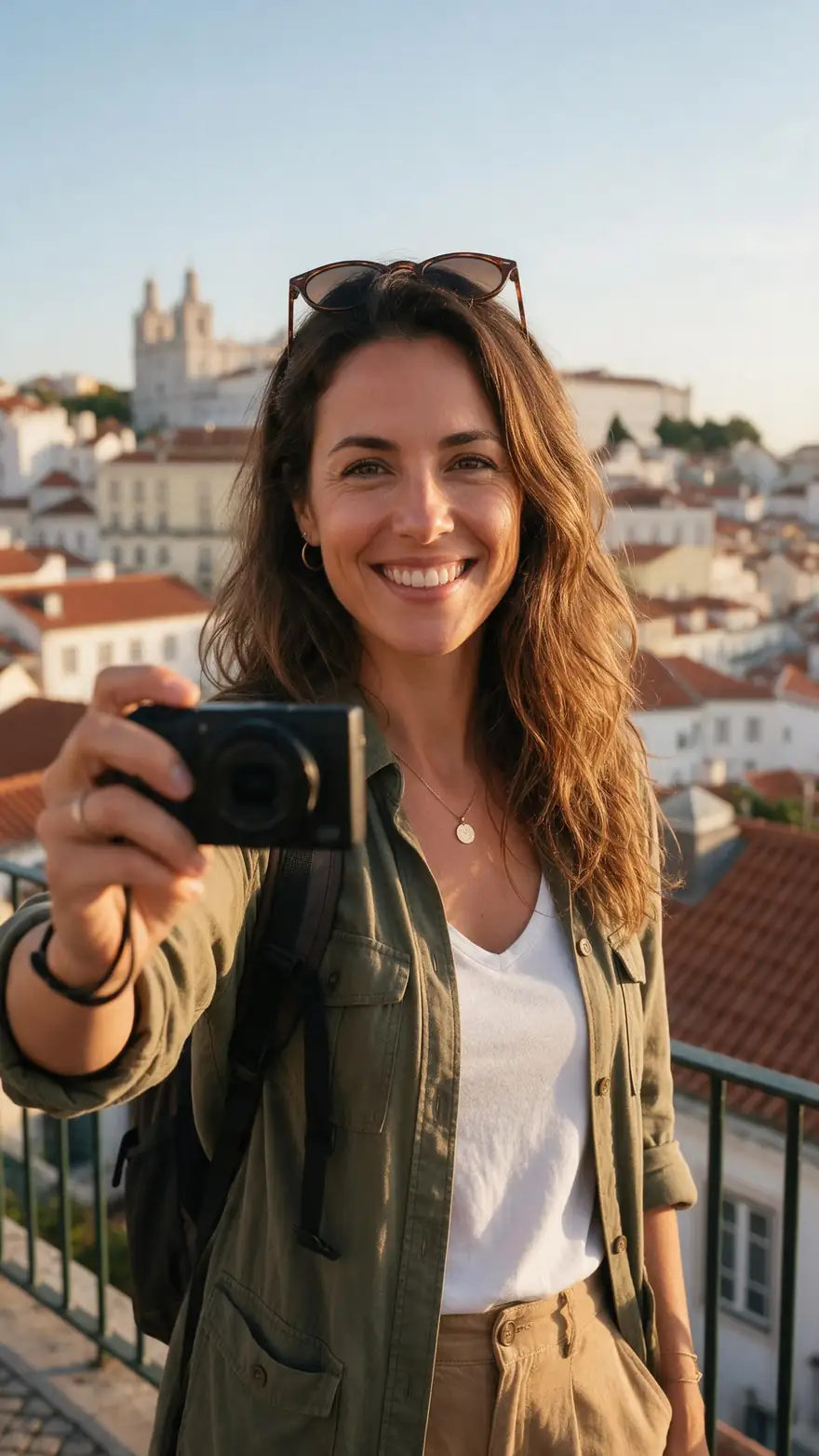
Real 5-second vertical Wan 3 clips with speech, captioned once each. Rizz and Glide Pop highlight the spoken word; Vegas uses pink neon caps.
Clips: Wan 3 image to video with speech (AI-generated people). Captions: Kenerate Auto Subtitles, unedited.
How to
How to add captions to a TikTok before posting
- Time needed
- Steps
- 4 steps
Step 1
Export the clip vertical
A 9:16 MP4, MOV or WebM, under 4 minutes and 100 MB.
Step 2
Upload it to Auto Subtitles
Sign in with a verified email; new accounts get starter credits to try it.
Step 3
Pick Glide Pop or Rizz
Both highlight the word being spoken, the look TikTok viewers know.
Step 4
Set Position to Middle
Centred captions stay clear of the username and post text at the bottom.
See it in the app

Open Auto Subtitles and upload a clip, or pick one from your history, library or a link.


Watch the tour · 1:19
Text, image & reference to video, models, edit, extend & chat
Chapters
Engines
TikTok caption setups that work
Combinations of the tool's real settings for common kinds of vertical video.
- Most TikTok-like
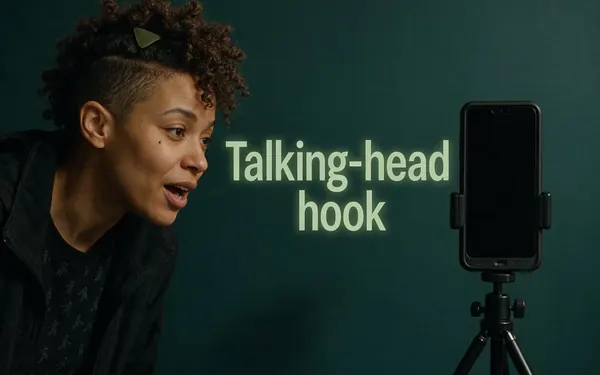
Rizz · Middle
Talking-head hook
- Input
- 9:16 clip up to 4 min
- Output
- Heavy caps, the spoken word in yellow
Hooks, hot takes and quick tips
Open Talking-head hook 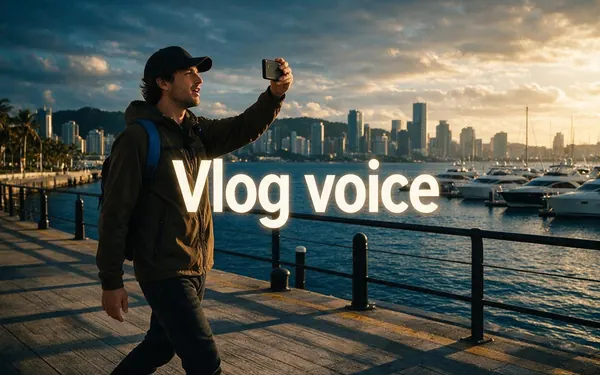
Glide Pop · Middle
Vlog voice
- Input
- 9:16 clip up to 4 min
- Output
- Small words, the spoken one in yellow script
Travel, lifestyle and day-in-the-life
Open Vlog voice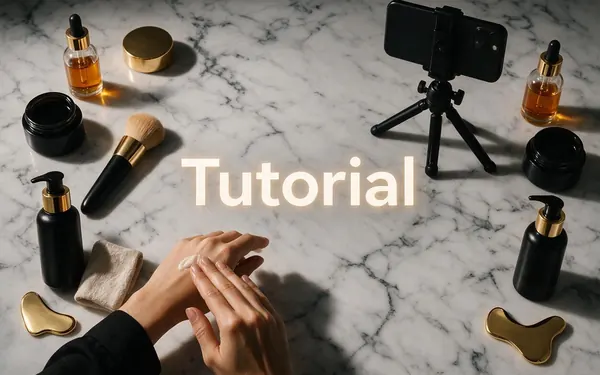
Simple · Top
Tutorial
- Input
- 9:16 clip up to 4 min
- Output
- Clean white text, soft shadow
How-tos where hands fill the lower half
Open Tutorial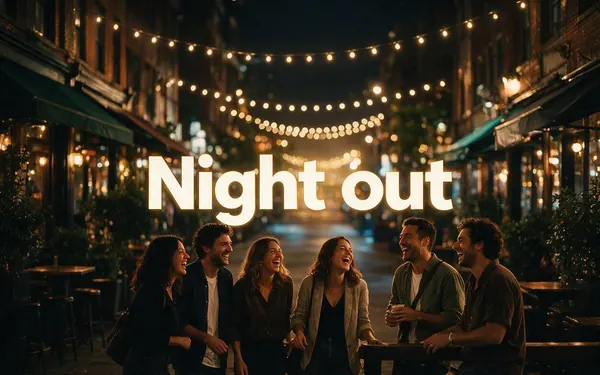
Vegas · Middle
Night out
- Input
- 9:16 clip up to 4 min
- Output
- Pink neon caps
Party, music and event clips
Open Night out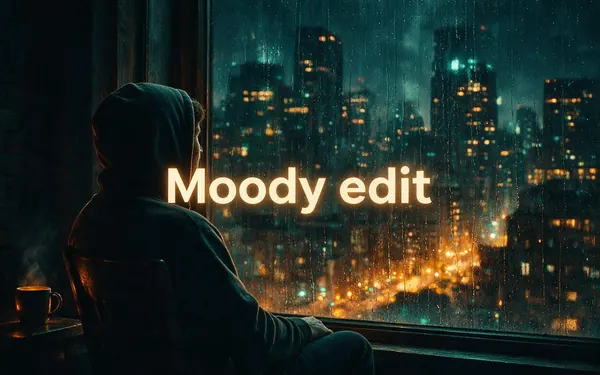
Whisper · Top
Moody edit
- Input
- 9:16 clip up to 4 min
- Output
- Light italic text
Cinematic or reflective clips
Open Moody edit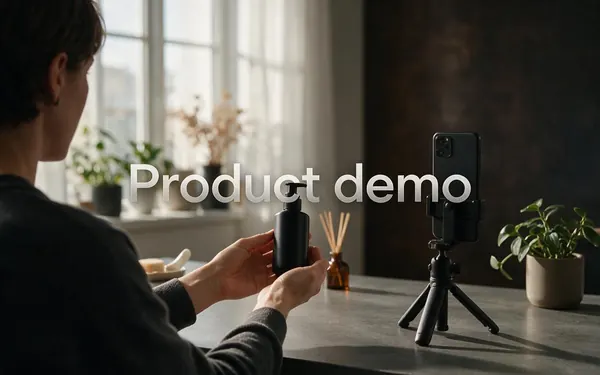
Glass · Top
Product demo
- Input
- 9:16 clip up to 4 min
- Output
- Words on a frosted glass pill
Busy shop or product backgrounds
Open Product demo
Every setup uses the same tool; change style, position or shadow per clip.
Tips
TikTok caption tips that hold up in the feed
Placement and posting habits that keep captions readable.
Keep captions in the middle: the bottom of the screen holds the username, post text and sound.
Stay away from the right edge, where the like, comment and share buttons sit.
Use a Mid or Max shadow: TikTok draws its own interface text in white.
Don't stack two caption tracks on one post.
Put your hook in the first spoken line, so the first caption carries it.
Write the post description separately; it isn't the on-screen caption.
Example uses
How creators use TikTok Captions
Illustrative examples of typical workflows, not customer reviews.
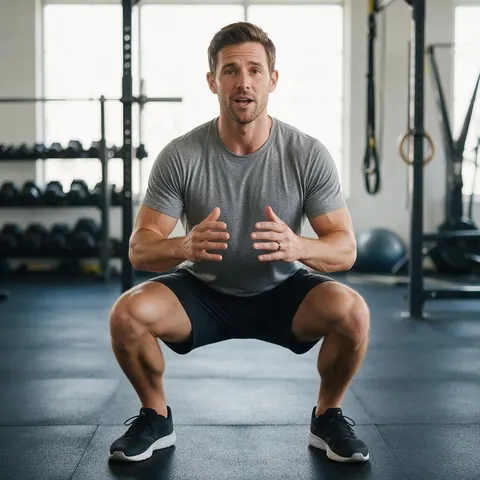
Fitness coach
A coach can post a quick form cue with Rizz in the middle of the frame, so the key word lands even with the sound off.
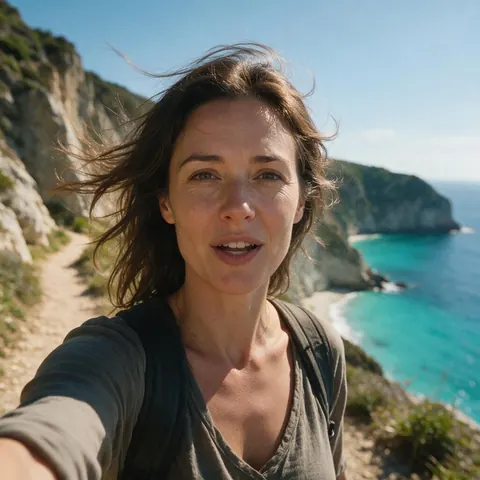
Travel creator
A travel creator can caption a viewpoint vlog with Glide Pop and post the same file to TikTok and Reels.
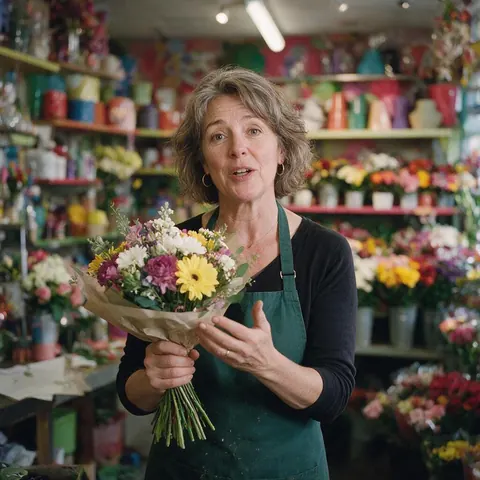
Shop owner
A small shop can caption a product demo with Glass at the top, so the words stay clear of the shop's busy shelves.
FAQ
TikTok Captions — questions
7 questions
How do I add captions on TikTok?
You can add captions on TikTok in two ways. Inside the app, use the Captions option in the editor before posting; Kapwing's January 2026 guide says that text can then be edited and restyled. Or burn the captions in beforehand: Kenerate's Auto Subtitles adds styled, word-highlight captions to the file, so they also show on Reels, Shorts and ads.
Link to this answerHow do I get word-by-word captions on TikTok?
Use a word-highlight style. In Kenerate's Auto Subtitles, Glide Pop shows small white words with the spoken one in yellow script, and Rizz uses heavy white caps with the spoken word in yellow. Both are timed to the speech automatically, so the highlight follows the voice with no manual keyframing. Set Position to Middle for the usual TikTok look.
Link to this answerWhere should captions go on a TikTok?
In the middle of the frame, or slightly above it. The bottom of a TikTok is covered by the username, the post text and the sound label, and the right edge by the action buttons. Kenerate's Middle position centres the captions, and the tool labels it Reels style, so they stay readable on TikTok, Instagram Reels and YouTube Shorts.
Link to this answerShould I use TikTok's captions or burned-in captions?
Use TikTok's captions when you only post there and want to fix words yourself; use burned-in captions when you want a particular style or post the same video on several platforms. Burned-in captions can't be edited after export or turned off by viewers, so check the Original vs Captioned preview before you download the file.
Link to this answerHow do I add captions for Reels and Shorts?
The same way: the captioned file is a normal MP4, so one upload works for Reels, Shorts and TikTok without captioning it again. Keep the clip 9:16, use the Middle position so the words sit clear of each app's buttons, and export at 1080p HD for sharper text. Post your original captioned file rather than a re-download from another app.
Link to this answerCan I edit a caption after Kenerate adds it?
No. Kenerate burns the captions into the picture and has no text or timing editor, so the words can't be changed afterwards. For the cleanest result, record with clear audio, keep music low and pin the spoken language instead of Auto-detect if the speaker has a strong accent. If a word still comes out wrong, run the clip again or caption that post in TikTok's editor.
Link to this answerWhich languages can my TikTok captions be in?
Kenerate captions speech in English (US), English (India), Spanish, French, German, Japanese, Chinese, Italian, Portuguese or Russian, or detects it automatically. Hindi isn't available yet. Captions always match the spoken language; to reach viewers who speak something else, dub the clip with Kenerate's AI dubbing first, then caption the dubbed version.
Link to this answerIn depth
Making captions work on a vertical screen
On this page
The vertical safe zone
TikTok's ad specifications ask advertisers to keep text and key messages out of the areas where buttons, usernames and captions appear in the feed, and note that the safe area gets smaller as the post text gets longer [2]. The same logic holds for ordinary posts: centre the captions and keep them away from the button column on the right.
Why contrast matters more on TikTok
TikTok draws its interface text and icons in white, and its ad guidance warns that white or transparent creative can make that text hard to read [2]. White captions over a bright scene have the same problem. A Mid or Max text shadow, or the Glass style's frosted pill, keeps your words legible over snow, sky or a white kitchen.
In-app captions vs burned-in captions
A posting checklist
Run through this before every upload.
- Clip exported 9:16, under 4 minutes and 100 MB.
- Glide Pop or Rizz, Middle position, 1080p HD.
- Text shadow at Mid or Max on bright footage.
- Original vs Captioned checked before downloading.
- TikTok's own captions left off for this post.
- Post description written separately, hook first.
TikTok captions vs the TikTok caption
On TikTok, 'caption' means two things: the description you type under a post, and the on-screen words that follow the speech. This page is about the second. Burned-in captions are part of the video; the description is separate text you write in the app.
Captions for Reels
Reels use the same 9:16 frame, so a TikTok captioned in the Middle position works on Instagram as it is. Upload the captioned MP4 you downloaded, not a copy saved from another app, which adds another round of compression.
Word-by-word captions
The highlight-each-word look comes from word-level timing: every word gets its own start and end time. Glide Pop and Rizz use those timings to colour the word being spoken.
Explore
Every Kenerate video tool
Generators, tools, models and guides — all in one studio.