Open vs closed · burned in · hardcoded · explained
Open captions — burned in, always on, made automatically
Open captions are part of the picture: every viewer sees them, on every player, and nobody can switch them off. This page sets open captions next to closed captions, shows where each belongs, and explains how Kenerate makes open captions from speech automatically.
- Open vs closed, side by side
- Burned in = open = hardcoded
- Made from speech automatically
- Shown on every player
Updated by the Kenerate AI team
On this page
Quick answer
Updated
What are open captions?
Open captions are captions burned into the video frames, so they are always visible and can't be turned off; they're also called burned-in captions or hardcoded subtitles. Closed captions sit in a separate track the viewer toggles. Kenerate's Auto Subtitles makes open captions: it transcribes the speech and burns it into one MP4.
Key facts
- Also called
- Burned-in, hardcoded
- Viewer can turn off
- No
- Needs player support
- No
- Kenerate makes
- Open captions only
- Separate file
- None
- Styles
- 10
Real demo
Open captions, before and after
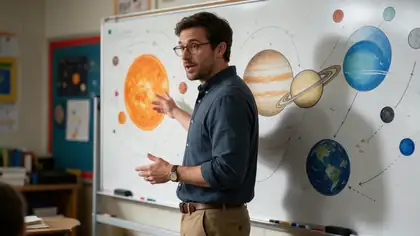
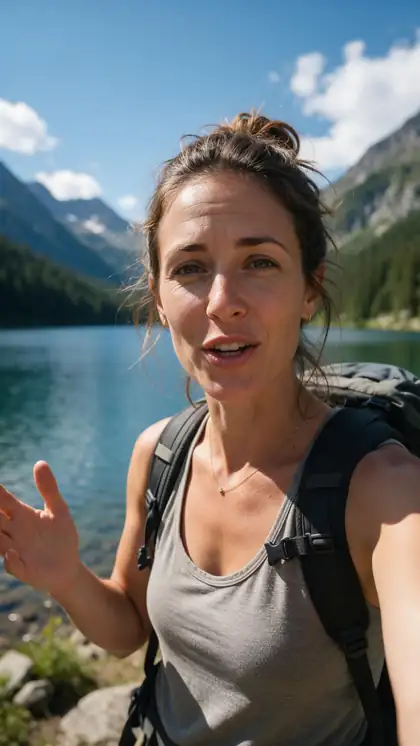
Drag the line. Left: a podcast-style clip with no captions. Right: the same clip with open captions in Simple — now part of every frame.
- No captions. The clip as recorded.
- Open captions. Simple style, burned in.
Both are real, unedited files, shown at the same size.
Burn in captionsReal results
Open captions, three ways
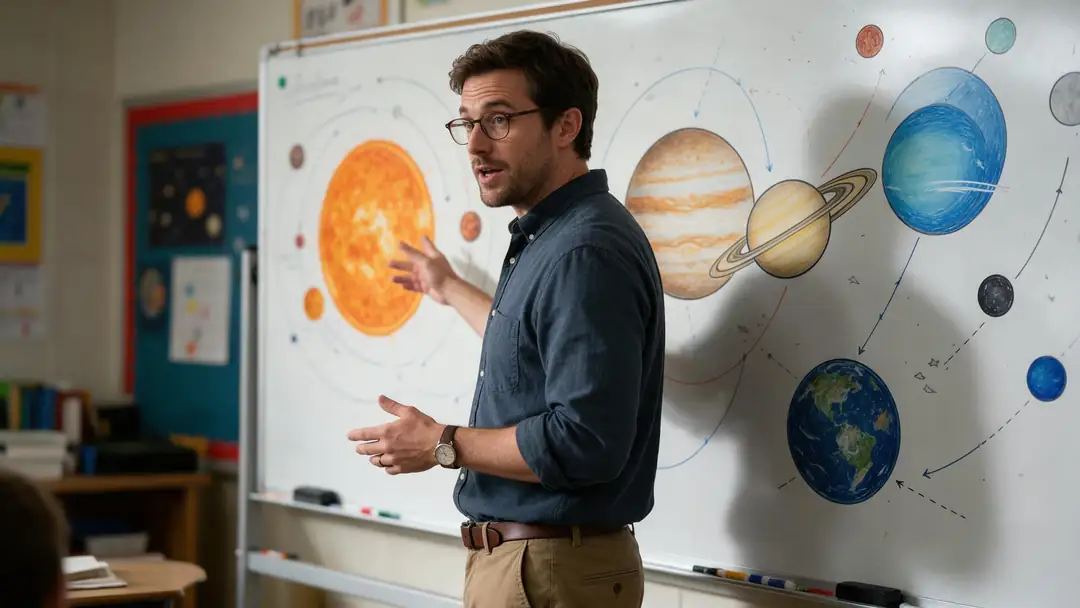
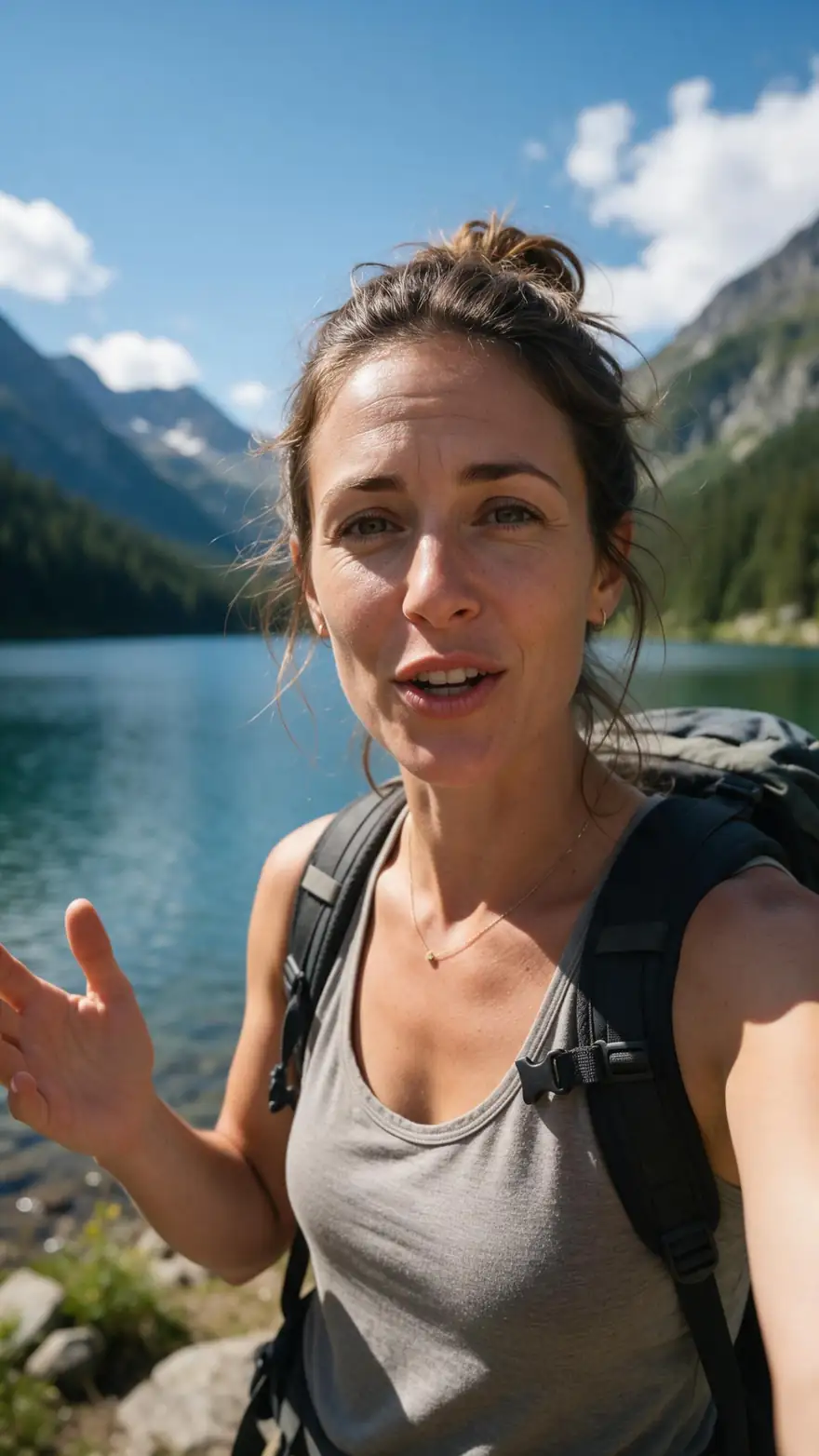
Real Wan 3 talking clips with open captions burned in by Auto Subtitles. Nothing here can be switched off: the words are part of the picture.
Clips: Wan 3 image to video with speech (AI-generated people). Captions: Kenerate Auto Subtitles, unedited.
How to
How to make open captions
- Time needed
- Steps
- 4 steps
Step 1
Start from the final edit
Open captions can't be removed, so caption the finished cut.
Step 2
Keep an uncaptioned master
Save the original in case you need closed captions or another language later.
Step 3
Upload it to Auto Subtitles
MP4, MOV or WebM up to 4 minutes and 100 MB.
Step 4
Choose style, position and shadow
Simple at the Bottom is the classic open-caption look.
See it in the app

Open Auto Subtitles and upload a clip, or pick one from your history, library or a link.


Watch the tour · 1:19
Text, image & reference to video, models, edit, extend & chat
Chapters
Checked 3 October 2026
Open captions vs closed captions
The general differences, as described by the W3C and the reference pages listed below.
| Open captions | Closed captions | |
|---|---|---|
| Where the text lives | In the video frames | In a separate track or file |
| Viewer can turn them off | No | Yes |
| Viewer can resize or restyle | No — fixed by the creator | Often, in the player's settings |
| Several languages on one video | No — one language per file | Yes, one track each |
| Shows on players without caption support | Yes | No |
| Text can be edited after publishing | No — re-export needed | Yes |
Kenerate's Auto Subtitles makes open captions only.
Sources: Kenerate Auto Subtitles (tool) · Closed captioning — Wikipedia · W3C Web Accessibility Initiative — Captions/Subtitles, checked 3 October 2026 · Subtitles — Wikipedia
Engines
Open or closed: where each kind comes from
Common caption sources and which kind each one makes. Platform details from their help pages, checked 3 October 2026.
- Open
Open (burned in)
Kenerate Auto Subtitles
- Input
- Finished clip up to 4 min
- Output
- MP4 with captions in the frames
Social feeds, ads, venue screens
Open Kenerate Auto Subtitles 
Open (burned in)
Editor burn-in export
- Input
- Caption track in a video editor
- Output
- Re-encoded video with the captions drawn in
Hand-edited open captions
Open Editor burn-in export
Open, on the Reel
Instagram Captions sticker
- Input
- A Reel in the mobile app
- Output
- Captions drawn on that post
Quick Reels made on a phone
Open Instagram Captions sticker
Closed
YouTube captions
- Input
- A video on YouTube
- Output
- A CC track viewers switch on
Long videos, several languages
Open YouTube captions
Closed
TikTok captions
- Input
- A clip in the TikTok editor
- Output
- Captions viewers can switch off
Posts that stay on TikTok
Open TikTok captions
Closed
SRT or VTT file
- Input
- A timed text file
- Output
- A track the player loads
Websites, archives, translation
Open SRT or VTT file
Open captions are fixed once exported; closed captions can still be edited on the platform.
Tips
Open caption etiquette
Because they can't be undone, a little care goes a long way.
Keep open captions clear of faces and product details.
Use one style per video; switching looks mid-video distracts.
Don't add matching closed captions on top, or viewers see the text twice.
Choose 1080p HD if the video will play on a large screen.
Keep the uncaptioned master file for future edits.
Check names and jargon in the preview before you share.
Example uses
How creators use Open Captions
Illustrative examples of typical workflows, not customer reviews.
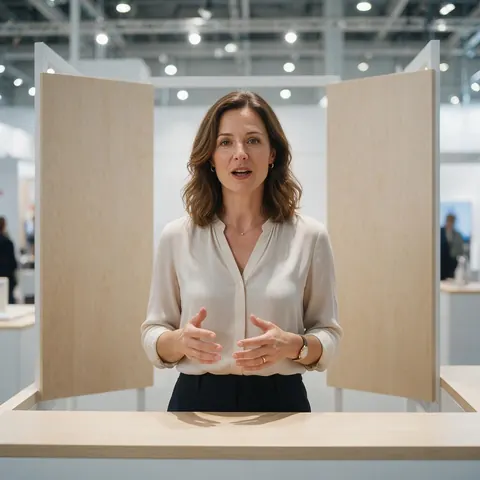
Trade-show team
An exhibitor can loop a product talk with open captions on a booth screen, where nobody will ever find the sound button.
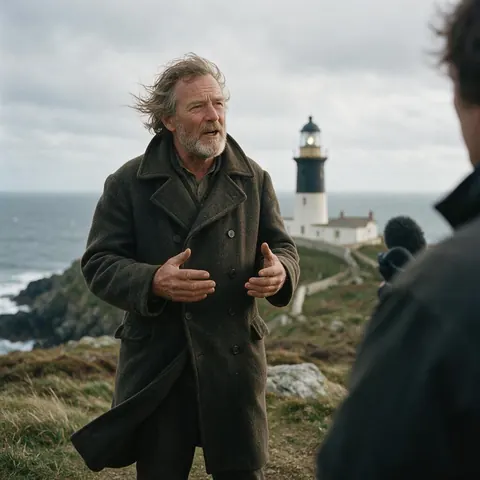
Indie filmmaker
A filmmaker can burn open captions into a festival teaser so it plays the same on every screen it's sent to.
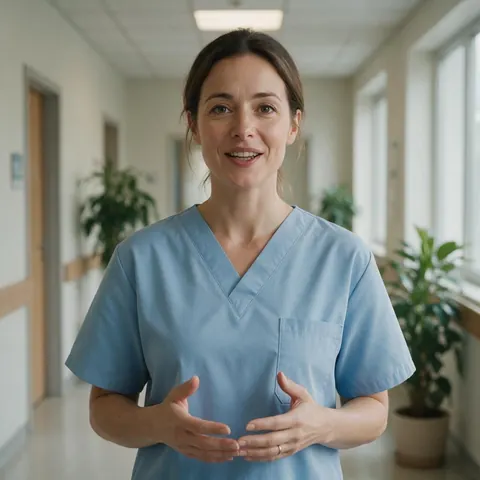
Clinic waiting room
A clinic can play a short, open-captioned welcome video in a waiting room where the sound stays off.
FAQ
Open Captions — questions
What is the difference between open and closed captions?
Open captions are burned into the picture and always visible; closed captions are a separate track that viewers switch on or off, and sometimes restyle, in the player. Open captions work everywhere, including players with no caption support. Closed captions allow several languages and later edits. Kenerate makes open captions only, as one MP4 with the text in the frames.
Link to this answerAre burned-in captions the same as open captions?
Yes. Burned-in, hardcoded, baked-in and open captions all describe the same thing: caption text drawn into the video frames so it becomes part of the image. People tend to say hardcoded subtitles for translated dialogue and open captions for same-language text, but both are made the same way and share the same trade-offs.
Link to this answerCan open captions be removed from a video?
Not cleanly. Once captions are burned in, they are pixels in the image like everything else, so there's no track to delete. That's why you should keep the uncaptioned original file. If you need a version without captions later, export it from that master rather than trying to erase text from the captioned copy.
Link to this answerAre open captions good for accessibility?
They help, with limits. Open captions are always on, so nobody has to find a CC button, which helps viewers who don't know the setting exists. But viewers can't enlarge or restyle them, and W3C notes that captions should also cover meaningful non-speech audio. Kenerate's captions transcribe speech only, so add sound cues separately when they matter.
Link to this answerWhen should I use open captions?
Use them when you control the look and the video may play where captions can't be switched on: social feeds that autoplay on mute, ads, screens at events or in shops, and messaging apps. Prefer closed captions for long videos, multilingual audiences and anywhere viewers expect a CC button, such as YouTube or a course platform.
Link to this answerWhat is an open caption movie screening?
It's a cinema showing where the captions appear on screen for everyone in the room, rather than on a personal device. Theatres do this with burned-in captions or with text projected alongside the film. The idea is the same as open captions online: one version of the picture, with the words included, for every viewer.
Link to this answerIn depth
Open captions, explained properly
On this page
A short history of open captions
Open captions came first. Regular open-captioned broadcasts began in 1972 with The French Chef on PBS, and the first regularly scheduled closed captioning on American television followed on 16 March 1980 [1]. Closed captions won on television because viewers could hide them; online, open captions came back with muted autoplay feeds.
Why the words are permanent
Burning in means the captions are drawn onto each frame and the video is encoded again, so the text becomes part of the image [1]. There's no caption track left to edit, translate or remove. Plan for that: finish the edit and check the spelling of names before burning in, and keep the clean master.
Open captions in accessibility guidance
The W3C's Web Accessibility Initiative describes most web captions as closed captions viewers can turn on, and open captions as always displayed [2]. It also defines captions as covering both speech and the non-speech audio needed to follow the video. Automatic open captions handle the speech; add sound cues yourself when they matter.
Where open captions earn their place
Use them where the player is out of your hands.
- Autoplaying social feeds, where many people scroll on mute.
- Paid ads, which must make sense with the sound off.
- Screens in shops, lobbies and trade-show booths.
- Videos shared in messaging apps and email.
- Clips reposted by others, where your captions travel with the file.
Burned-in captions
The editing term: the captions are 'burned' into the image during export. Every burned-in caption is an open caption.
Hardcoded subtitles
The usual term for translated dialogue drawn into the picture, common on foreign-language films and fan uploads. Technically the same as open captions [3].
Open caption vs subtitle
Open describes how the text is delivered (always on); caption or subtitle describes what it carries. Captions can include sound cues; subtitles usually carry dialogue only.
Explore
Every Kenerate video tool
Generators, tools, models and guides — all in one studio.