
Lip sync · Talking photo · Video edit · 57 video models
Magic Hour alternative — lip sync, talking photos and 57 models
Magic Hour is a toolbox of video, image and audio effects, from face swap to lip sync. Kenerate AI covers talking photos, lip sync, dubbing and video edit, and lets you pick from 57 video models. It has no face swap.
- 7 lip-sync engines
- 19 talking-photo engines
- Video edit on 11 models
- 57 video models
Updated by the Kenerate AI team
Made with Kenerate

On this page
Quick answer
Updated
What is the best Magic Hour alternative?
For lip sync, talking photos and generative video, Kenerate AI is a Magic Hour alternative with 7 lip-sync engines, 19 talking-photo engines, video edit on 11 models and 57 video models such as Kling 3.0 and Veo 3.1. Magic Hour remains the pick for face swap, head swap and its wider effects toolbox.
Key facts
- Lip-sync engines
- 7
- Talking-photo engines
- 19
- Longest talking clip
- 10 min
- Video edit models
- 11
- Video models
- 57
- Face swap
- Not offered
Real demo
Same clip, three versions
Switch versions and turn the sound on. The Spanish voice alone doesn't match the lips; lip sync fixes that.
- Original (English). A Wan 3 clip with an English line.
- Spanish dub. ElevenLabs dubbing: new language, same lips.
- Spanish + lip sync. VEED Lipsync 2 redraws the mouth to the Spanish audio.
All three are unedited outputs of Kenerate's tools.
Lip sync your videoReal demo
One clip, two new looks
The same 5-second Wan 3 clip, edited with one sentence each. The walk and the camera move stay identical.
- Original. Wan 3 image to video, 5 s, 720p.
- Anime. Turn the whole video into a hand-drawn 2D anime style with bold outlines and soft cel shading
- Winter night. Change the season to a snowy winter evening: snow falling, snow on the sidewalk, warm shop lights, she wears a wool coat
Wan 3 video edit, unedited outputs. The original clip's audio is kept.
Edit your clipReal results
Talking, singing and moving
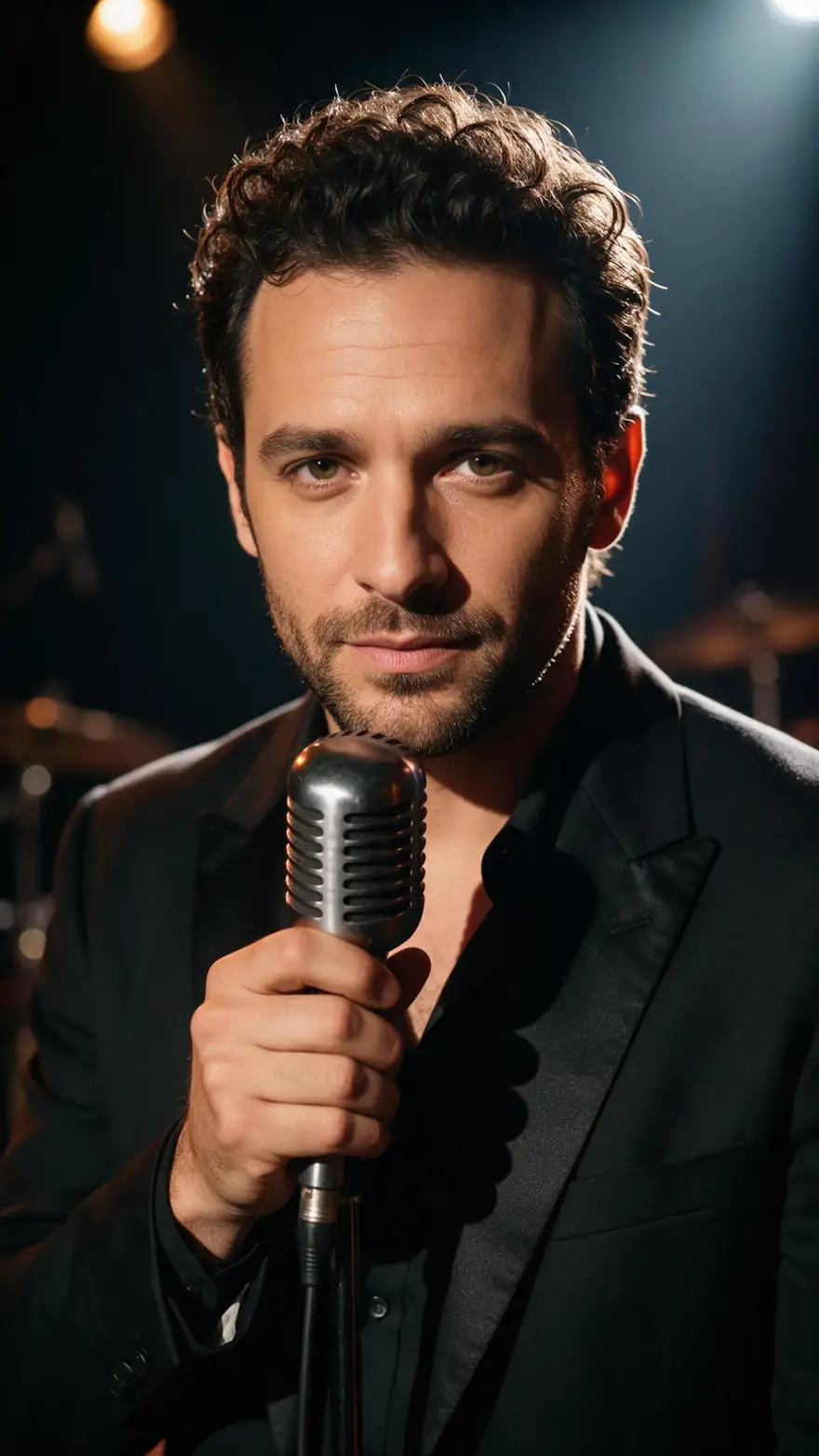
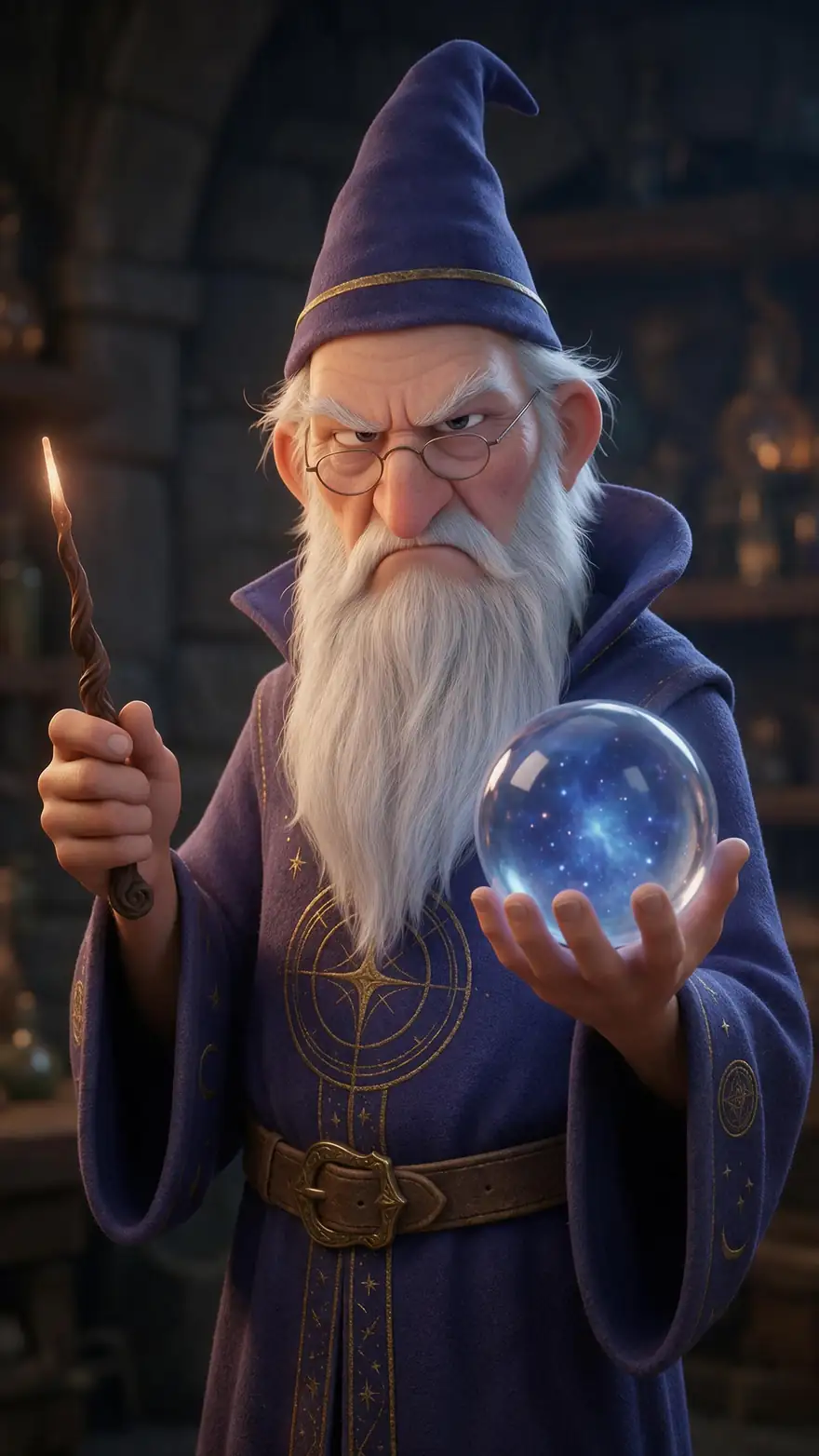
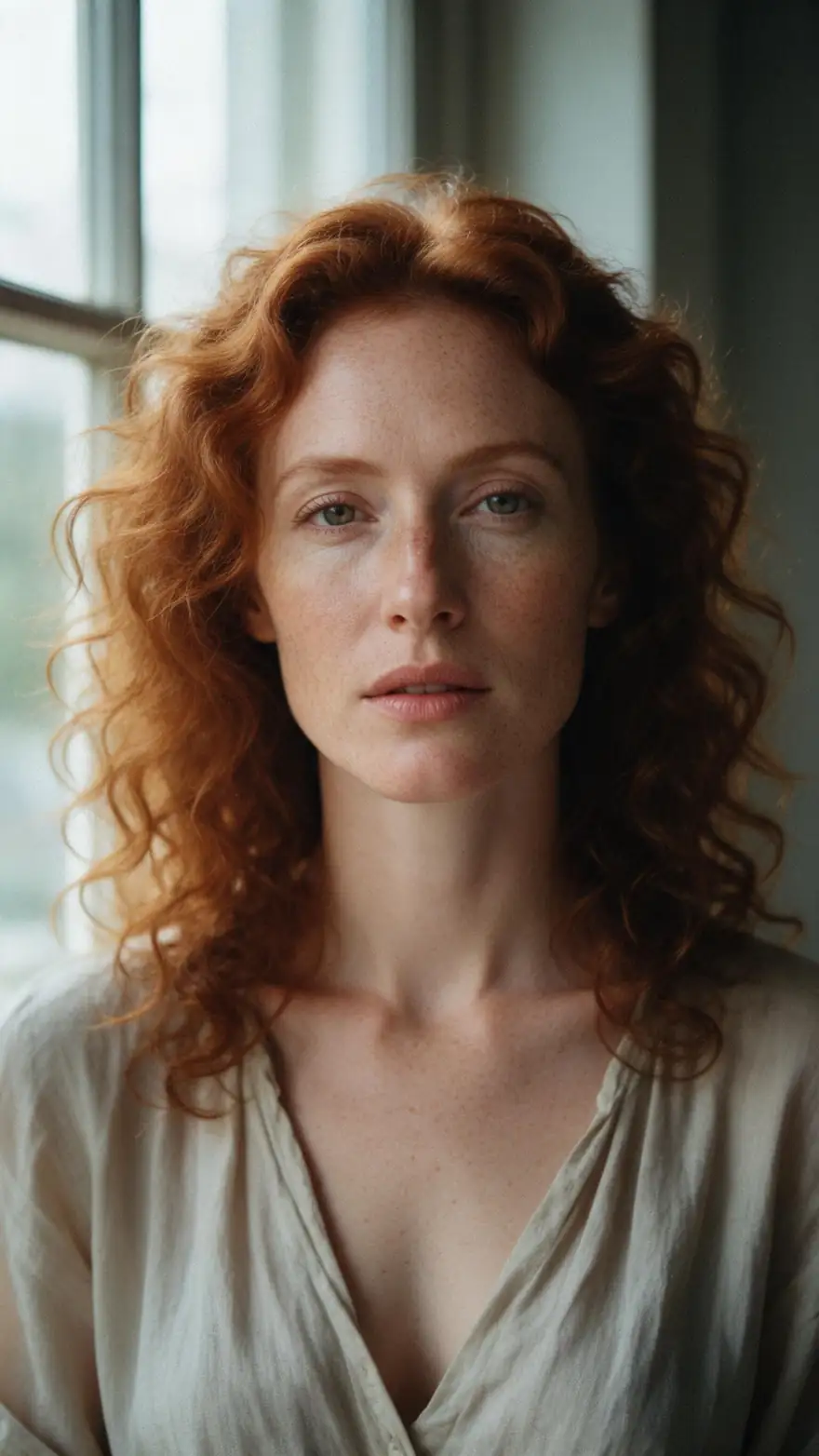
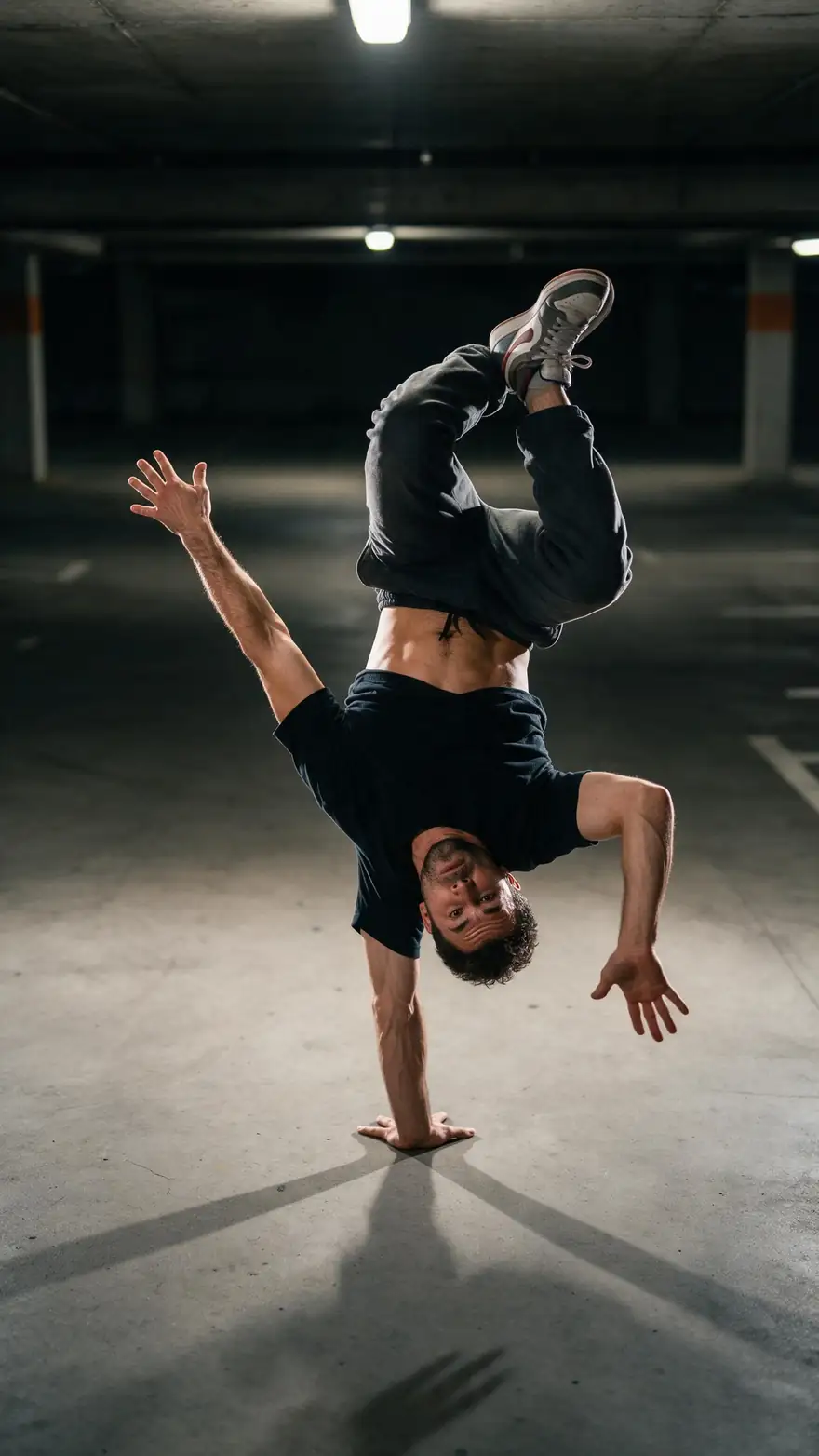
Five real Wan 3 clips (5 s, 720p, with sound): to-camera tips, a singer, a cartoon and a dancer.
Real Wan 3 clips. Open one to copy both prompts.
How to
How to lip sync a video on Kenerate
- Time needed
- Steps
- 4 steps
Step 1
Upload the video or photo
A clip of someone speaking, or a portrait to animate.
Step 2
Add the new audio
A voice track, or dub the clip into another language first.
Step 3
Pick an engine
VEED Lipsync 2 or Sync Lipsync 3 for video; Kenerate Avatar for photos.
Step 4
Edit the look
Change the style or setting of a clip with one sentence in video edit.
See it in the app

Open Video Studio in Text to Video mode and write the shot — subject, action, camera move and light.


Watch the tour · 1:19
Text, image & reference to video, models, edit, extend & chat
Chapters
Checked 2 October 2026
Magic Hour vs Kenerate
From Magic Hour's own homepage and pricing page, checked 2 Oct 2026. Kenerate is our product.
| Kenerate AI | Magic Hour | |
|---|---|---|
| Face swap | No | Yes: face swap video and photo, head swap, body swap |
| Lip sync | Yes, 7 engines | Yes |
| Talking photo | Yes, 19 engines, up to 10 min | Yes |
| Generative video | 57 named models, picked per clip | Text to video, image to video, video to video (no models named on its homepage) |
| Top export | Up to 4K on some video models | 1024px on Creator, 1472px on Pro, 4K on Business |
| Free use | Free sign-up credits for images and tools | Free plan to try basic features; free outputs may include a watermark |
Sources linked below. Plans change often; check Magic Hour's site.
Sources: Kenerate Avatar Talk · Kenerate video studio · Magic Hour — homepage · Magic Hour — pricing
Engines
Engines for talking and lip sync
From Avatar Talk's engine list: what each takes and what it's best at.
- Default
Kenerate
Kenerate Avatar
- Input
- Photo + up to 10 min audio
- Output
- 720p or 1080p
Sharp 1080p talking photos
Open Kenerate Avatar 
HeyGen
HeyGen Avatar
- Input
- Audio + one of 500 stock presenters
- Output
- 720p, 1080p or 4K
No photo needed
Open HeyGen Avatar- 2 speakers
WaveSpeed
InfiniteTalk Multi
- Input
- Photo of two + two voices
- Output
- 480p or 720p
Two people talking
Open InfiniteTalk Multi 
Kuaishou
Kling Avatar 2 Pro
- Input
- Photo + up to 5 min audio
- Output
- Engine decides
Expressive presenters
Open Kling Avatar 2 Pro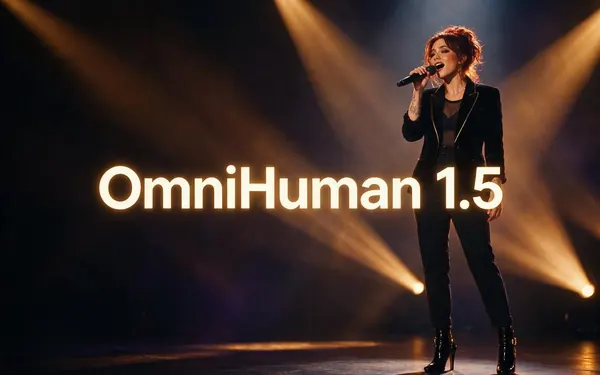
ByteDance
OmniHuman 1.5
- Input
- Photo + up to 60 s audio
- Output
- Engine decides
Portrait to full body, singing
Open OmniHuman 1.5
The gallery clips were made with Wan 3 image to video; the lip-sync demo uses ElevenLabs dubbing and VEED Lipsync 2.
Tips
Lip sync that holds up
What worked in our tests.
Use footage where the face is visible and well lit.
Keep the new audio close to the original length.
Remove background music from the voice track.
For a new language, dub first, then lip-sync.
Use video edit for style changes, not new faces.
Real people need their permission.
Example uses
How creators use Magic Hour alternative
Illustrative examples of typical workflows, not customer reviews.
Course creator
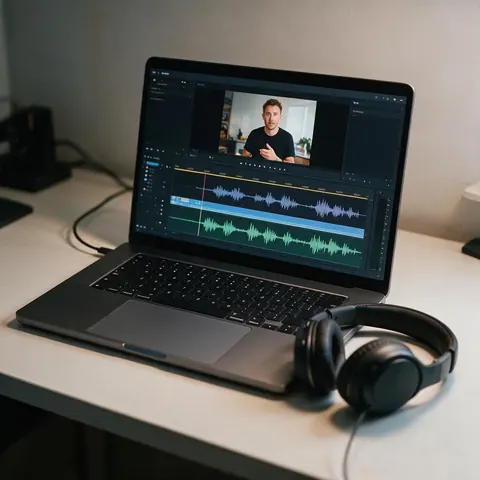
A course creator could dub a lesson into Spanish and lip-sync the new audio so the lips match.
Musician
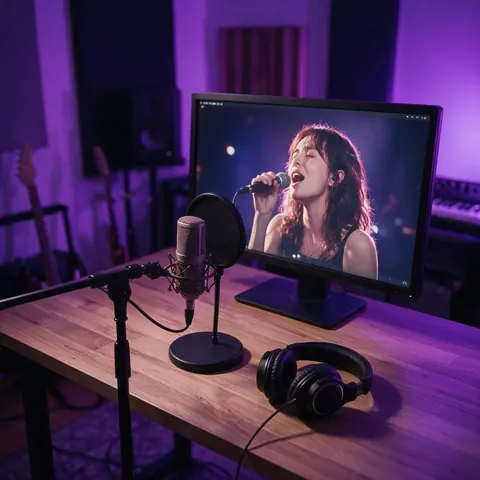
A musician could animate a portrait to sing along with a demo track for a teaser.
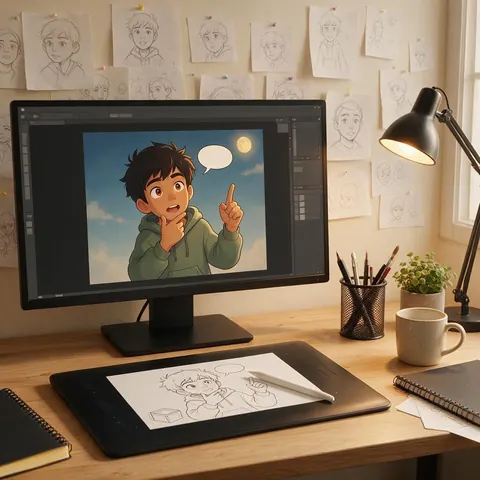
Animator
An animator could give a cartoon character a voice by lip-syncing a recorded line.
FAQ
Magic Hour Alternative questions
What is the best Magic Hour alternative?
For lip sync, talking photos and generative video, Kenerate AI: 7 lip-sync engines, 19 talking-photo engines, video edit on 11 models and 57 video models. If you need face swap or head swap, Magic Hour still offers them and Kenerate does not.
Link to this answerDoes Kenerate have face swap like Magic Hour?
No. Kenerate has talking photos, lip sync, dubbing, video edit and video models, but no face-swap, head-swap or body-swap tool.
Link to this answerIs Magic Hour free?
Magic Hour has a free plan to try basic features, and its pricing page says free video and audio outputs may include a watermark (checked 2 Oct 2026). Kenerate gives free sign-up credits that work on talking photos and lip sync; video models need a credit pack.
Link to this answerWhat resolution does Magic Hour export?
Its pricing page lists 1024px on Creator, 1472px on Pro and 4K on Business. On Kenerate, resolution depends on the model: up to 4K on Seedance 2.5, Veo 3.1 and Kling 3.0 4K.
Link to this answerHow long can a lip-sync video be on Kenerate?
Up to 10 minutes, with two-speaker support on some engines. Talking photos also go up to 10 minutes with Kenerate Avatar or InfiniteTalk.
Link to this answerWhen is Magic Hour the better choice?
When you want face swap, head swap or one of its many template effects in one place. Kenerate fits better when you want to choose the video model, dub into other languages, or make long talking clips.
Link to this answerIn depth
Magic Hour Alternative, explained
Magic Hour in 2026
Magic Hour describes itself as one creative studio for AI video, images and audio. Its pricing page lists video tools such as face swap, lip sync, talking photo, image to video, video to video and an AI avatar generator, image tools such as head swap and body swap, and audio tools such as voice cloning. Plans are Creator, Pro and Business.
Where the two differ
Magic Hour leans on effects and swaps. Kenerate leans on model choice and speech: talking photos up to 10 minutes, ElevenLabs dubbing into 33 languages, and 57 video models you pick per clip. Kenerate deliberately has no face-swap tool.
- Pick Kenerate for lip sync, dubbing, long talking clips and model choice.
- Pick Magic Hour for face swap and template effects.
Explore
Every Kenerate video tool
Generators, tools, models and guides — all in one studio.