Soft & compressed footage · up to 4K
Unblur video online — an AI video clearer with honest limits
Upload a soft clip and the AI rebuilds sharper edges and texture across frames, at 1080p, 2K or 4K. It works best on footage that is blurry because it is small, compressed or slightly out of focus — and this page is upfront about the blur no tool can undo.
- Sharpens soft and compressed clips
- 1080p, 2K or 4K
- Runs in the browser
- No watermark
Updated by the Kenerate AI team
On this page
Quick answer
Updated
How do you unblur a video?
To unblur video footage, upload it to an AI video clearer that rebuilds detail across frames instead of just sharpening edges. Kenerate's AI Video Upscaler does this at 720p, 1080p, 2K or 4K for clips up to 5 minutes. It sharpens soft, compressed or low-resolution footage; it can't restore a face that motion blur smeared completely.
Key facts
- Works on
- Soft, compressed, low-res video
- Limit
- Heavy motion blur stays
- Output
- 720p · 1080p · 2K · 4K
- Clip limit
- 5 min · about 100 MB
- Watermark
- None
Real demo
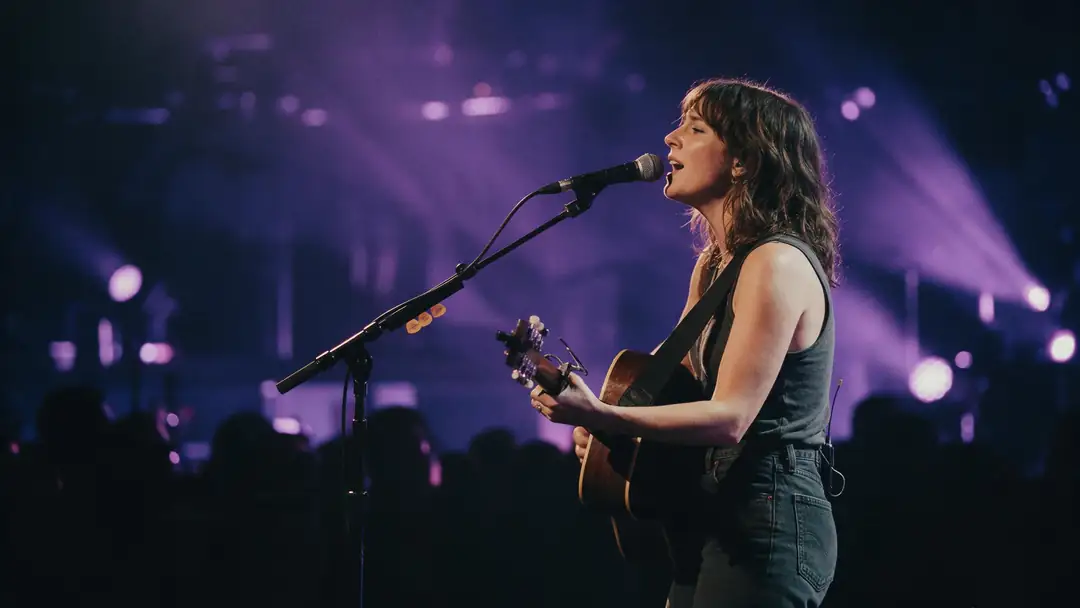
A soft 480p concert clip, made clearer
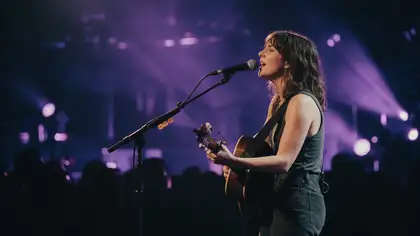
Drag the line. Left: a real 480p Wan 3 clip under purple stage light. Right: the same clip rebuilt at 1080p by the AI Video Upscaler.
- Original 480p. Soft face, strings and lights.
- Clearer 1080p. Clearer face, strings and lights at 1080p.
Both clips are unedited outputs, shown at the same size.
Unblur your videoReal results
Soft footage people try to unblur
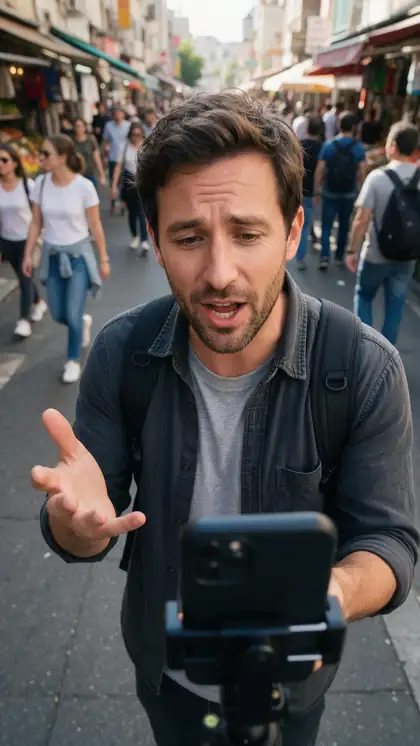
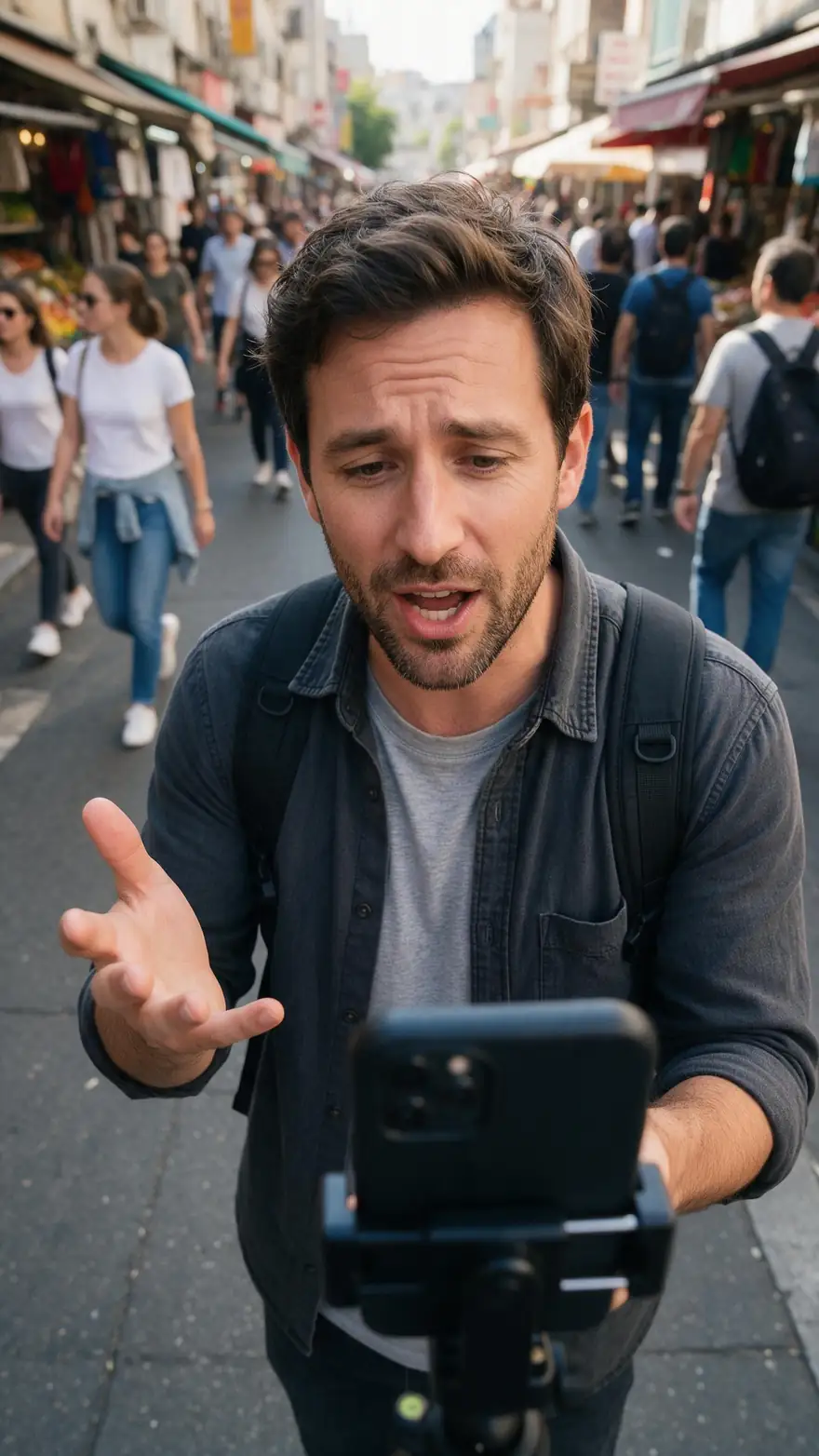
Dim stages, handheld phone vlogs, quick pets and hazy light — real 5-second Wan 3 clips at 720p.
Example clips are AI-generated with Wan 3; the slider above shows the upscaler's own output.
How to
How to unblur a video online
- Time needed
- Steps
- 4 steps
Step 1
Check what kind of blur it is
Soft all over or blocky usually clears well; a streak across a moving face usually doesn't.
Step 2
Upload to the AI Video Upscaler
MP4, MOV or WebM up to 5 minutes and about 100 MB — from your files, History, Library or camera.
Step 3
Choose 1080p or higher
1080p is the default; 2K or 4K gives the AI more pixels to rebuild edges into.
Step 4
Zoom the before/after
Check faces and text at full size before you download.

Open Video Upscaler and upload a clip, or pick one from your library or a link.


Watch the tour · 1:19
Text, image & reference to video, models, edit, extend & chat
Chapters
Engines
Which resolution makes a blurry video clearest?
Higher sizes give the AI more room for edges; all of them keep the shape, length and frame rate.
AI Video Upscaler
720p · Fast
- Input
- Video up to 5 min / ~100 MB
- Output
- Pixels of 1280 × 720, shape kept
Phone clips that are only slightly soft
Open 720p · Fast- Default
AI Video Upscaler
1080p · Popular
- Input
- Video up to 5 min / ~100 MB
- Output
- Pixels of 1920 × 1080, shape kept
Most blurry phone and web video
Open 1080p · Popular 
AI Video Upscaler
2K · Sharp
- Input
- Video up to 5 min / ~100 MB
- Output
- Pixels of 2560 × 1440, shape kept
Faces and text that need extra edge detail
Open 2K · Sharp
AI Video Upscaler
4K · Max
- Input
- Video up to 5 min / ~100 MB
- Output
- Pixels of 3840 × 2160, shape kept
Soft footage going to a TV or projector
Open 4K · Max
Image tools
Unblur image
- Input
- Photo or screenshot
- Output
- A sharper still
One frame or a thumbnail
Open Unblur image
One engine (LTX-2 video upscaler); sizes are a pixel budget, so vertical clips stay vertical.
Tips
Getting the clearest result
Small habits decide how sharp the result can get.
Start from the original file — every re-share adds softness and blocks.
Don't sharpen in an editor first; the halos get upscaled too.
Trim to the part you need so the job finishes sooner.
Stabilise shaky footage in your editor first — the upscaler doesn't stabilise.
Use 2K or 4K for clips with small text or fine patterns.
For a single frame or thumbnail, use the image unblur tool instead.
Example uses
How creators use Unblur video
Illustrative examples of typical workflows, not customer reviews.
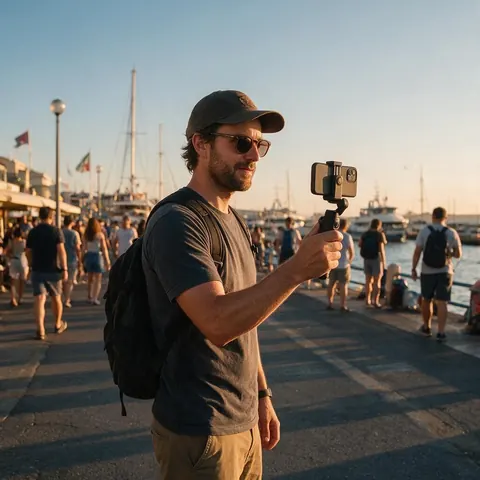
Travel vlogger
A travel vlogger could clear up a soft handheld clip from a dim market before cutting it into a trip video.
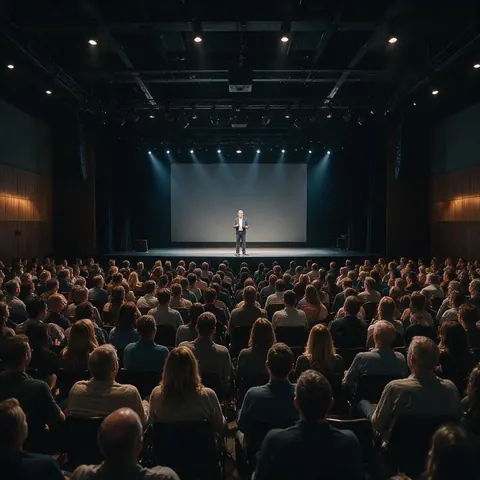
Event organiser
An event organiser could sharpen a soft recording of a keynote filmed from the back of the hall.
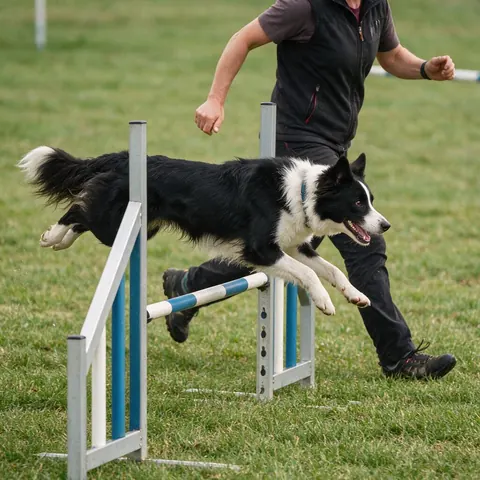
Dog trainer
A dog trainer could make a slightly out-of-focus agility run clearer before sharing it with a class.
FAQ
Unblur Video — questions
7 questions
How do I unblur a video?
Upload it to an AI video clearer such as Kenerate's AI Video Upscaler, choose 1080p, 2K or 4K, and download the result. The AI rebuilds edges and texture using neighbouring frames, which works far better than a sharpen filter on soft or compressed clips.
Link to this answerCan you unblur a video online?
Yes. Kenerate runs in the browser: sign in, upload an MP4, MOV or WebM of up to 5 minutes and about 100 MB, and the clip is processed on Kenerate's servers. There is nothing to install, and the result downloads as an MP4 without a watermark.
Link to this answerCan AI fix motion blur in a video?
Only partly. If motion blur smeared a face or a number plate across many pixels in every frame, that detail was never recorded, so no upscaler can bring it back faithfully. AI does sharpen mild blur, soft focus and compression smear, which is where you will see a clear difference.
Link to this answerWhat is an AI video clearer?
An AI video clearer is a tool that makes footage look sharper by predicting fine detail from learned patterns and nearby frames, usually while raising the resolution. Kenerate's version is its AI Video Upscaler, which outputs 720p, 1080p, 2K or 4K and keeps detail stable from frame to frame.
Link to this answerWhy is my video blurry?
Most blurry videos are soft for one of four reasons: the camera focused on the wrong thing, the subject or camera moved during a slow shutter, the clip was recorded or exported at a low resolution, or an app compressed it on upload. The last two respond best to AI upscaling.
Link to this answerDoes unblurring change my video's length or frame rate?
No. The upscaler returns the same length and frame rate you uploaded. It doesn't add frames, slow the clip down, crop it or change its shape, so a vertical phone video comes back vertical and a 30-second clip stays 30 seconds.
Link to this answerCan I unblur a face in a video?
You can make a softly focused or compressed face clearer, and the before/after viewer lets you zoom in to check. A face that is a smear, or one blurred on purpose for privacy, can't be reliably reconstructed — AI would only guess. Only edit videos you have the right to use.
Link to this answerIn depth
Why some blur can be undone and some can't
On this page
Blur is information spread out
Why video beats a single photo
One blurred photo is one view of the scene. A video holds dozens of slightly different views of the same object, and video super-resolution combines them to rebuild detail no single frame contains [2]. That is the advantage of a video upscaler over a sharpen filter.
Sharpen filters vs AI clearers
Unsharp masking boosts contrast along edges [3]. It makes footage look crisper but also amplifies blocks and noise, and adds halos. A learned upscaler removes compression blocking and rebuilds texture instead, so it doesn't magnify the damage.
Knowing where to stop
If the subject is a streak in every frame, upscaling produces a cleaner streak. In that case the real fix is a reshoot — or a faster shutter speed next time.
Compression blur — clears well
Smeared detail and blocks from low-bitrate exports or app uploads. The upscaler removes blocking and rebuilds texture.
Low-resolution softness — clears well
A 480p or 720p clip stretched to a big screen. Upscaling to the screen's size is exactly what the tool is for.
Slight focus miss — often improves
Edges sharpen noticeably; a badly missed focus improves less.
Heavy motion blur — doesn't come back
Streaks across a moving subject. The detail was never captured, so any 'restored' face would be invented.
Explore
Every Kenerate video tool
Generators, tools, models and guides — all in one studio.