

Replace person mode · SCAIL 2 · Wan 2.2 Animate
Replace person in video AI — same scene, new character
Keep the location, the camera move and the timing — change who's in the shot. Upload the clip and a character image, switch to Replace person, and the engine swaps the whole person, not just the face.
- Whole person, not just a face
- Scene and camera kept
- Clips up to 2 min
- Sound kept on SCAIL 2
Updated by the Kenerate AI team
Made with Kenerate

On this page
Quick answer
Updated
How do you replace a person in a video with AI?
To replace a person in a video with AI, upload the clip and an image of the new character, then choose Replace person mode. On Kenerate AI, SCAIL 2 and Wan 2.2 Animate swap the whole person — body, clothes and face — while the scene, camera and timing stay, on clips up to 2 minutes.
Key facts
- Engines with Replace
- SCAIL 2 · Wan 2.2 Animate
- What changes
- The whole person
- What stays
- Scene, camera, timing
- Clip length
- Up to 2 min
- Sound
- Kept on SCAIL 2
- Characters per job
- One image
Real results
Scenes worth recasting
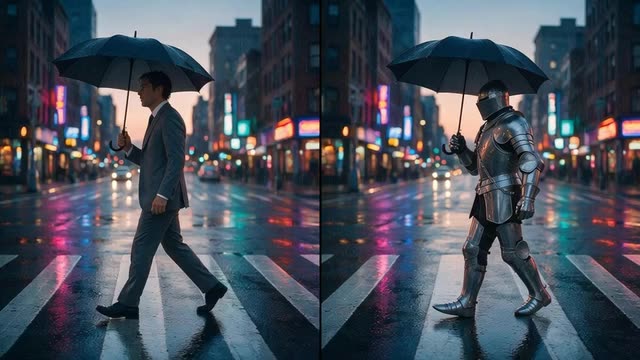
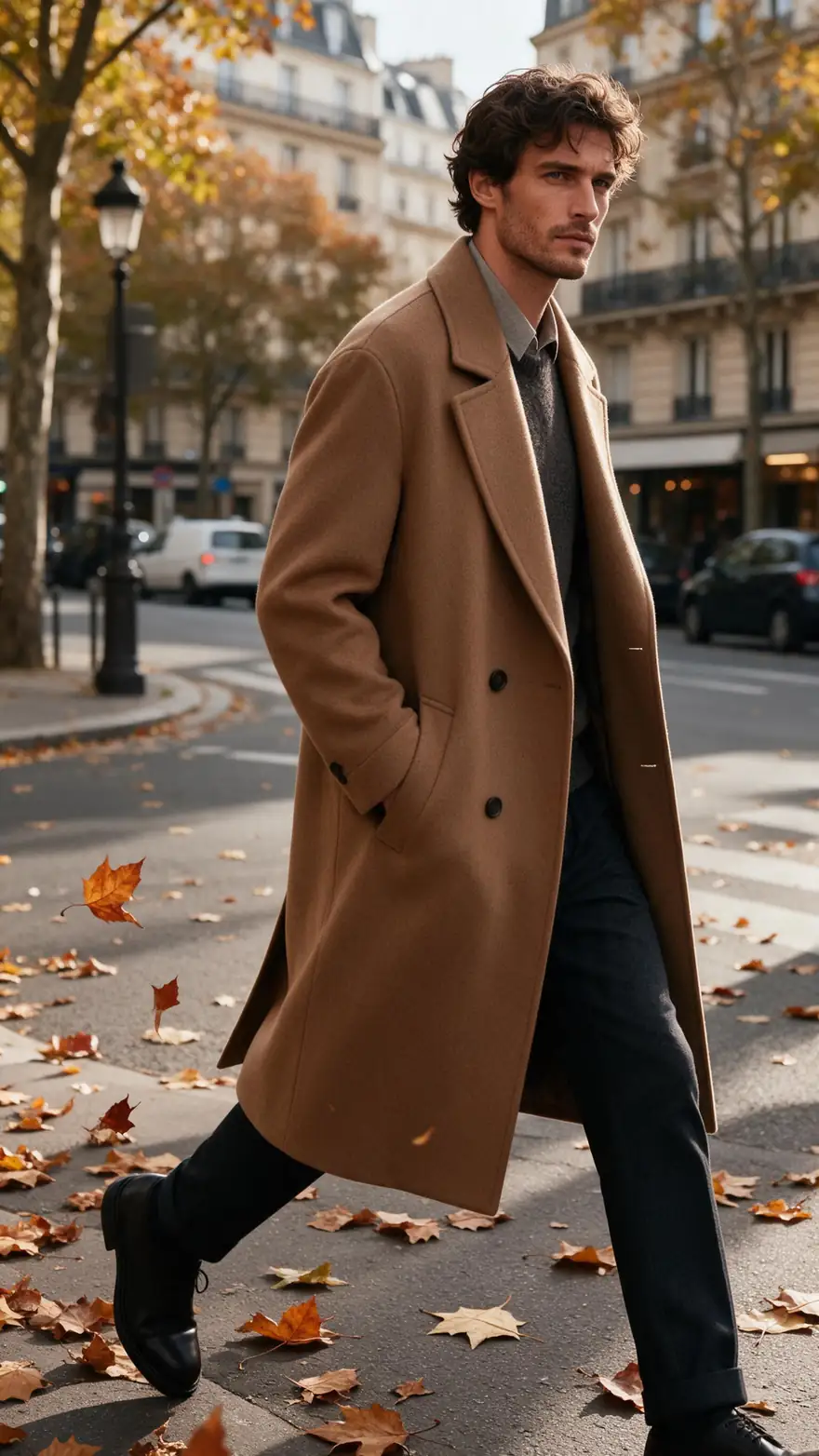
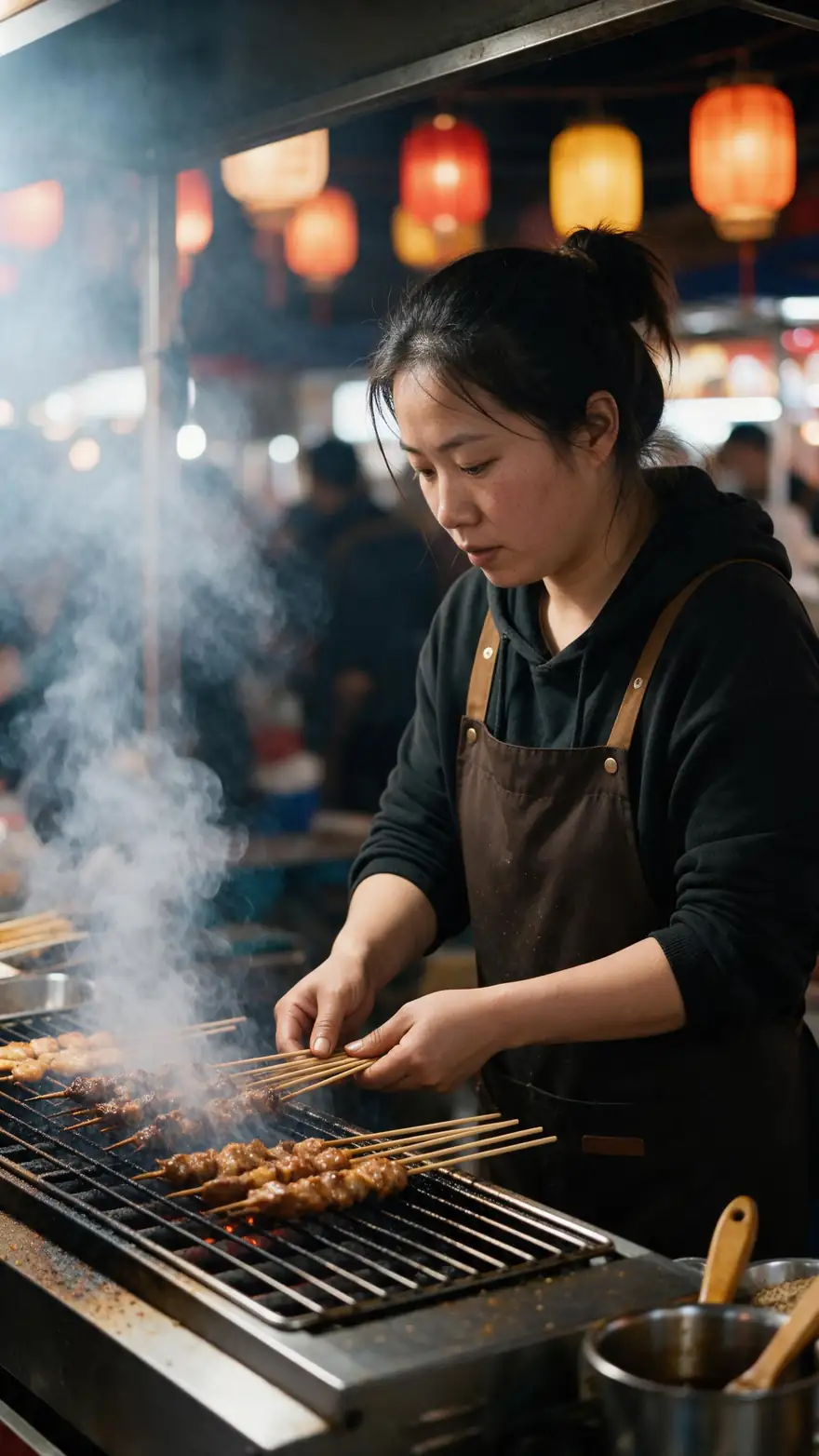
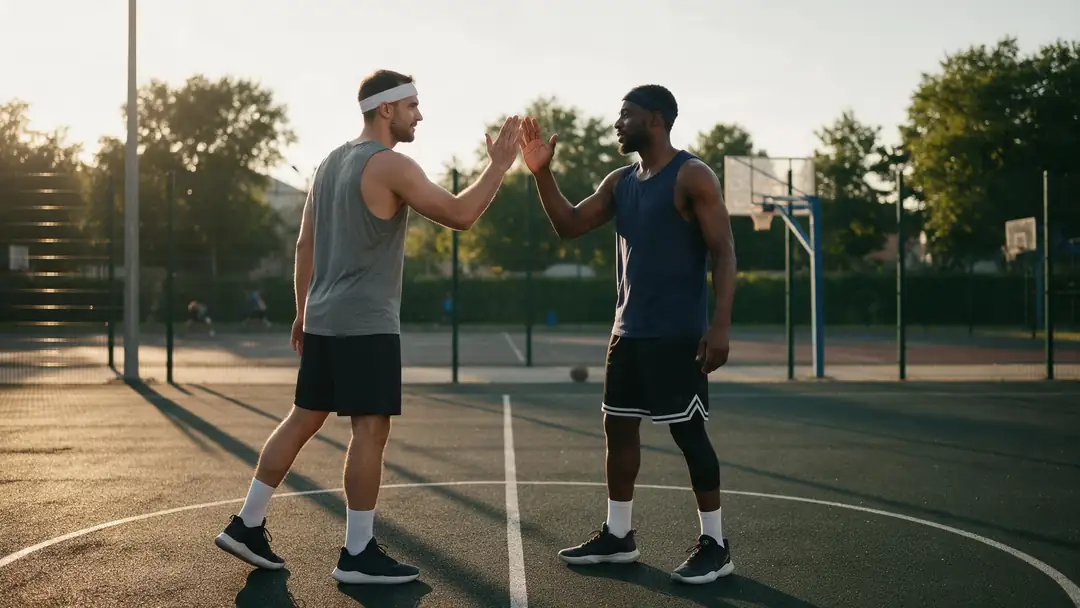
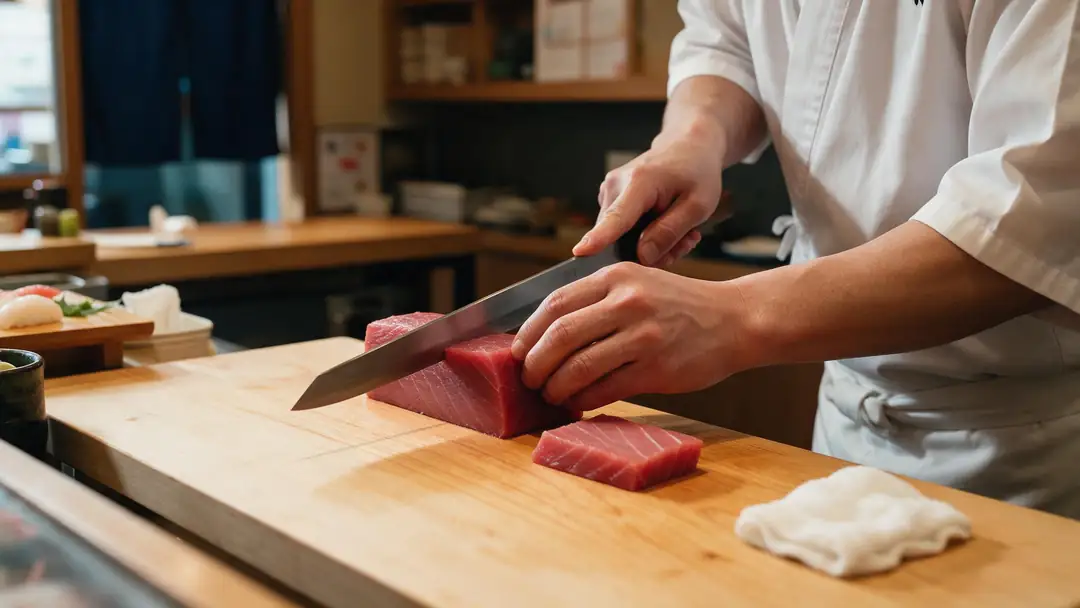
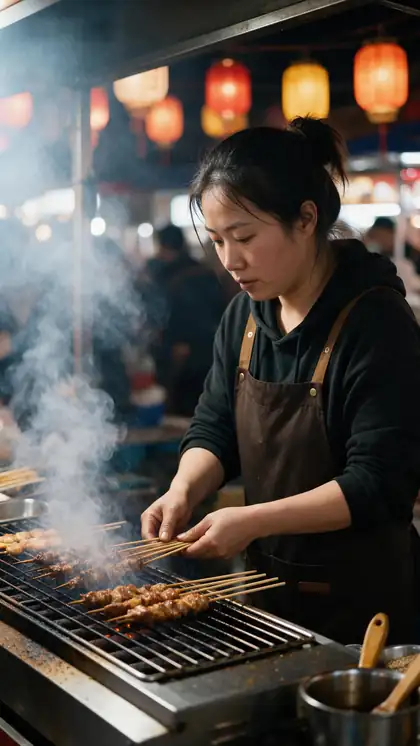
A street walk, a skate plaza, a night market, a basketball court and a sushi counter — shots where the setting carries the video and the person is the part you'd change.
These are image-to-video example shots (model on each card). In Replace person mode, your own clip supplies the scene and the movement.
How to
Replace a person in five steps
- Time needed
- Steps
- 4 steps
Step 1
Choose the clip
One main person, clearly visible, no cuts. MP4, MOV, WEBM, M4V or MKV, around 100 MB at most, up to 2 minutes.
Step 2
Prepare the character image
A JPG or PNG with the same framing as the clip — full body for a walking shot. Similar build and lighting blend best.
Step 3
Pick SCAIL 2 and switch to Replace person
Or Wan 2.2 Animate for a second take. Both have the Animate / Replace switch.
Step 4
Describe and set resolution
Add a short description of the character's look if you like, choose 480p or 720p, and set a seed to repeat a result.
See it in the app

Open Motion Transfer and upload a clear photo of the character, or choose one from your history.


Watch the tour · 1:19
Text, image & reference to video, models, edit, extend & chat
Chapters
Engines
Which engine to use for a replacement
Only two engines have a Replace person mode. The others animate your image instead — useful when you'd rather keep your character's own background.
- Replace
WaveSpeed
SCAIL 2
- Input
- Clip up to 2 min + character image
- Output
- 480p or 720p · keeps sound
First choice: swaps the person, keeps the scene, camera and the original sound
Open SCAIL 2 - Replace
Alibaba
Wan 2.2 Animate
- Input
- Clip up to 2 min + character image
- Output
- 480p or 720p · silent
Second opinion on the swap — silent output, so add the audio back afterwards
Open Wan 2.2 Animate 
Alibaba
Wan 2.2 Animate 2
- Input
- Image + video up to 2 min · motion prompt
- Output
- 480p or 720p · silent
Not a replacer: animates your image on its own background with the clip's motion
Open Wan 2.2 Animate 2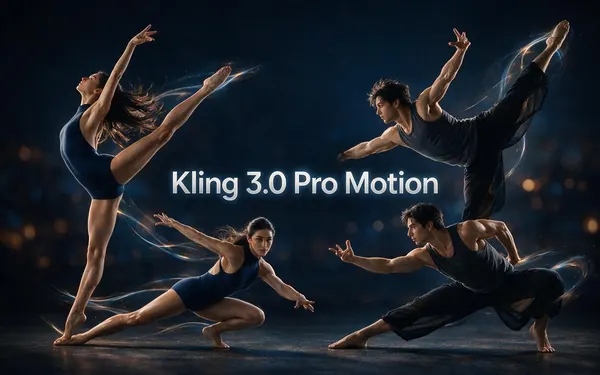
Kuaishou
Kling 3.0 Pro Motion
- Input
- Image + 3–30 s video
- Output
- Follows the source · sound switch
Not a replacer: realistic close-ups of your character copying a 3–30 s clip, sound kept
Open Kling 3.0 Pro Motion
Replace person keeps the clip's scene; every other engine keeps your image's background. Clips over 2 minutes are trimmed to the first 2 minutes on SCAIL 2 and Wan.
Tips
Swaps that blend in
Replacement is most convincing when the new character could plausibly stand in the original's place.
Match the build: a tall character for a tall actor.
Match the light: a sunlit image for an outdoor clip.
Avoid clips where other people cross in front of your subject.
Long hair and loose coats are harder to swap than fitted clothes.
Keep the original clip — viewers may ask what was changed.
Never replace someone without their consent.
Example uses
How creators use Replace a Person in a video
Illustrative examples of typical workflows, not customer reviews.
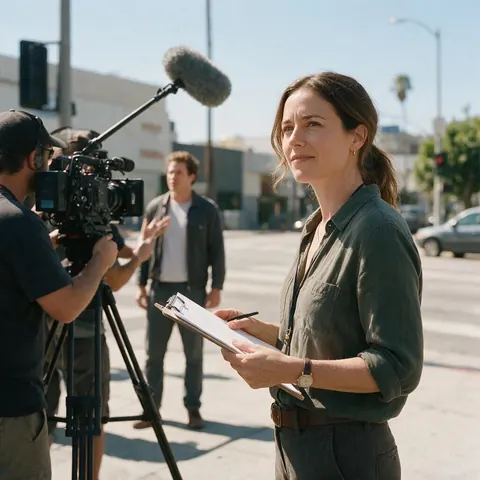
Ad producer
An ad producer can film a stand-in once and recast the shot with the brand's animated mascot, keeping the location and camera move.
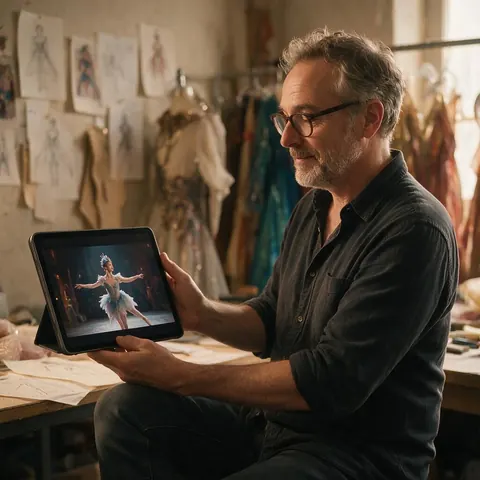
Costume designer
A costume designer can preview a costume concept on real choreography by replacing the dancer with the designed character.
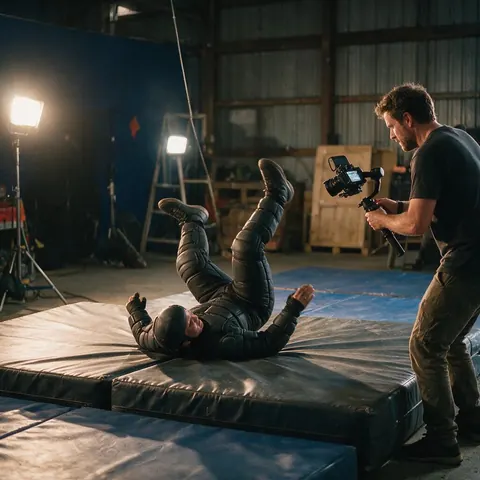
Indie filmmaker
An indie filmmaker can recast a stunt rehearsal with a creature character for a pitch reel, with the stunt performer's agreement.
FAQ
Replacing a person in a video — questions
7 questions
Can AI replace a person in a video?
Yes. Character replacement models swap the person in a clip for a character from an image while keeping the original motion, camera and background. In Kenerate AI's Motion Transfer tool, SCAIL 2 and Wan 2.2 Animate do this when you set the mode to Replace person, for clips up to 2 minutes at 480p or 720p.
Link to this answerDoes it keep the background and camera movement?
Yes — that's the difference between Replace person and Animate character. Replace keeps the clip's scene, lighting, camera move and timing and only changes the person. Animate does the opposite: it moves the character in your image on your image's own background, following the clip's motion.
Link to this answerCan it replace several people in one video?
Not in one job. The tool takes one character image per job and is built around one main person, so a clip with several people may not swap the one you want. For multi-character replacement, choose clips where one person dominates the frame; some other services, such as Viggle's Multi-Track, are built for several characters at once.
Link to this answerWill the voice change when I replace the person?
No. SCAIL 2 keeps the clip's original audio, so the voice, music and timing stay exactly as they were; Wan 2.2 Animate returns silent video. If you need the replaced character to speak another language, the result's 'Dub into another language' hand-off sends the clip to Kenerate's dubbing tool.
Link to this answerIs replacing a person the same as a face swap?
No. A face swap changes only the face and keeps the original body, hair and clothes. Replace person swaps the whole figure — face, body, outfit and proportions — for your character, which is why it works for cartoon, 3D or costumed characters that a face swap couldn't handle.
Link to this answerWhat makes a replacement look fake?
Mismatched light and build are the usual giveaways: a studio-lit character dropped into a sunset clip, or a short character replacing a tall actor. Objects passing in front of the person, very fast motion and loose long hair are also hard. Choosing a matching character image fixes most of it; trying the other engine helps with the rest.
Link to this answerIs it legal to replace someone in a video?
It depends on rights and consent, and you are responsible for both. Only use footage you own or are licensed to edit, and only replace people who agreed to it — never celebrities, strangers or anyone in a way that could mislead or harm them. Label edited clips as AI-made when you publish them.
Link to this answerIn depth
Character replacement, explained
Where the background comes from, how to pick a character image, and where swaps still struggle.
On this page
Replace vs animate: where the background comes from
In Replace person mode the engine treats your clip as the stage: the scene, light, camera path and timing stay, and only the performer changes. In Animate character mode your image is the stage: the background in your photo stays, and the character copies the clip's movement in front of it. The Wan2.2-Animate release describes these as its two modes, with replacement matching the scene's lighting and colour tone.
Choosing a replacement image
A character image that already 'belongs' in the clip leaves the engine less to invent.
- Same framing as the clip — full body for full body.
- Similar build and height to the original person.
- Lighting direction and warmth close to the clip's.
- Clear hands and face, no props covering them.
- JPG or PNG, not WEBP.
Where replacement still struggles
Occlusion — a car, a door or another person passing in front — forces the engine to guess what's hidden. Very fast motion blurs the original body, and long loose hair or capes change shape every frame. Shorter, cleaner shots give the best swaps; for difficult clips, compare SCAIL 2 and Wan 2.2 Animate with the same seed.
Multi character replacer video AI
A multi-character replacer swaps several people in one clip at once. Kenerate's Motion Transfer tool doesn't: it takes one character image per job and follows the main person. If your clip has a crowd, pick a shot where one person dominates, or look at a tool built for multi-character sessions.
Swap character in video
'Swap character' usually means the same thing as Replace person: a new character performs exactly what the original did, in the original scene. Use SCAIL 2 for the swap with sound, and Wan 2.2 Animate for a second version to compare.
Character replacement video for films and ads
Common uses are recasting a stand-in with a costumed or animated character, swapping a presenter for a brand mascot, and previewing wardrobe or character designs on real footage — all with the permission of the people in the clip.
Explore
Every Kenerate video tool
Generators, tools, models and guides — all in one studio.


Recast your clip
SCAIL 2 or Wan 2.2 Animate, Replace person mode, clips up to 2 minutes. Only with consent.
Tried it? Tell us how it went