


Compared with Pikaswaps and Swap Anything · facts checked 3 October 2026
Pika Swaps alternative — swap anything in your clip with Genjutsu
Pikaswaps made "replace anything in your video" a one-step job. Genjutsu does the same kind of swap with a mode for each job — object, outfit, character or location — numbered reference photos, clips up to 30 seconds and no subscription.
- Swaps from photos or words
- Four swap modes + Free edit
- Clips up to 30 s
- No subscription
Updated by the Kenerate AI team
Made with Kenerate


On this page
Quick answer
Updated
What is a good Pika Swaps alternative?
Pikaswaps is Pika's video-to-video feature for replacing things in a clip using photos or text. A Pika Swaps alternative on Kenerate AI is Genjutsu: upload the clip, pick Swap object, Change outfit, Replace character or Change background, add reference photos as @image1, and get an MP4 up to 30 seconds and 4K.
Key facts
- Pikaswaps
- Pika's video-to-video swap feature
- Pika today
- Swap Anything in the app list
- Genjutsu modes
- Object, outfit, character, background, free
- References
- Genjutsu: up to 10, or 30 on Seedance 2.5
- Clip length
- Genjutsu: up to 30 s
- Access
- Genjutsu: no subscription required
Real demo
A Pikaswaps-style object swap
The classic swap: one object becomes another. Swap object turned the red tram into a silver retro-futuristic tram from one reference image, gliding along the same rails through the same rainy street.
- Swapped. Prompt: “Replace the red tram with the silver retro-futuristic tram from @image1, gliding along the same rails through the rainy street.”
Kenerate Genjutsu at 720p — an unedited result from the app's example gallery, shown next to its source clip.
Swap an objectReal demo
A Swap Anything-style recast
Pika now pitches recasting the people in a clip. Genjutsu's Replace character did it here from one reference: a man in a green hoodie takes over the dance on the same rooftop.
- Recast. Prompt: “Replace the dancer with the man in the green hoodie from @image1 — same dance moves, same sunset rooftop, same camera.”
Kenerate Genjutsu at 720p — an unedited result from the app's example gallery, shown next to its source clip.
Recast a clipReal results
Clips that beg for a swap
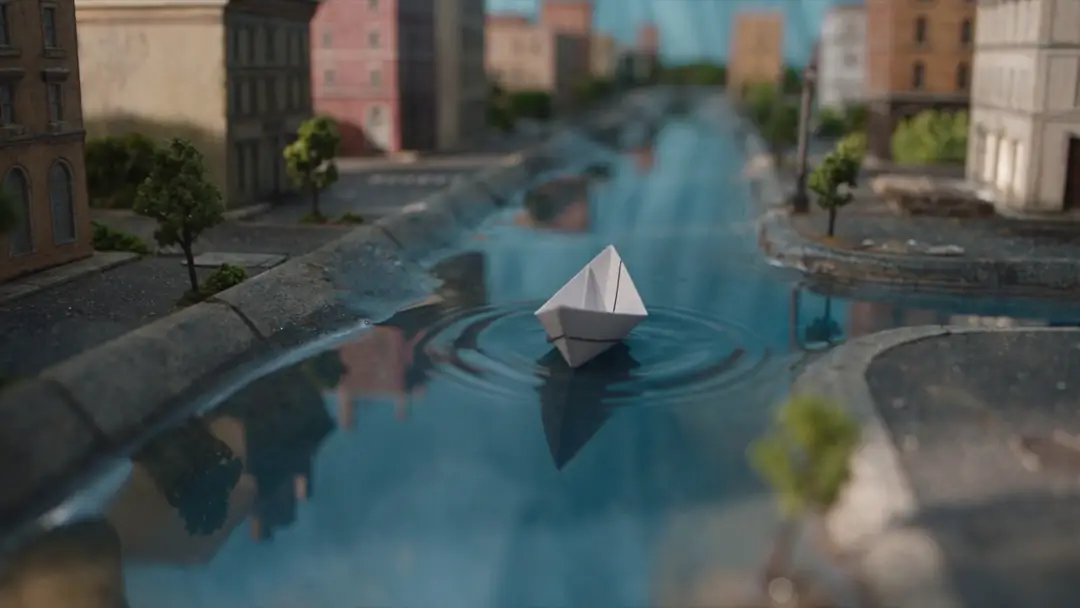
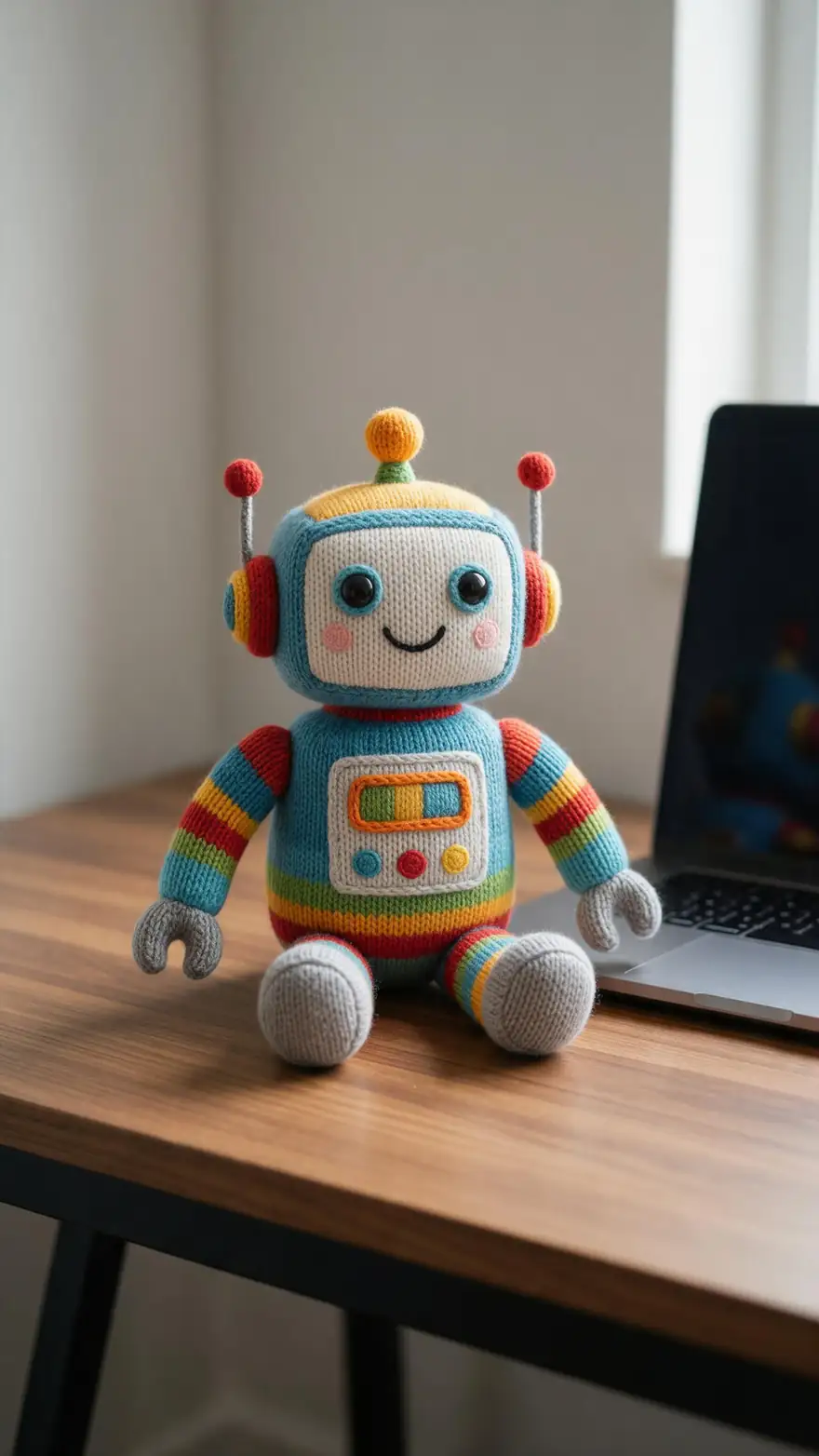
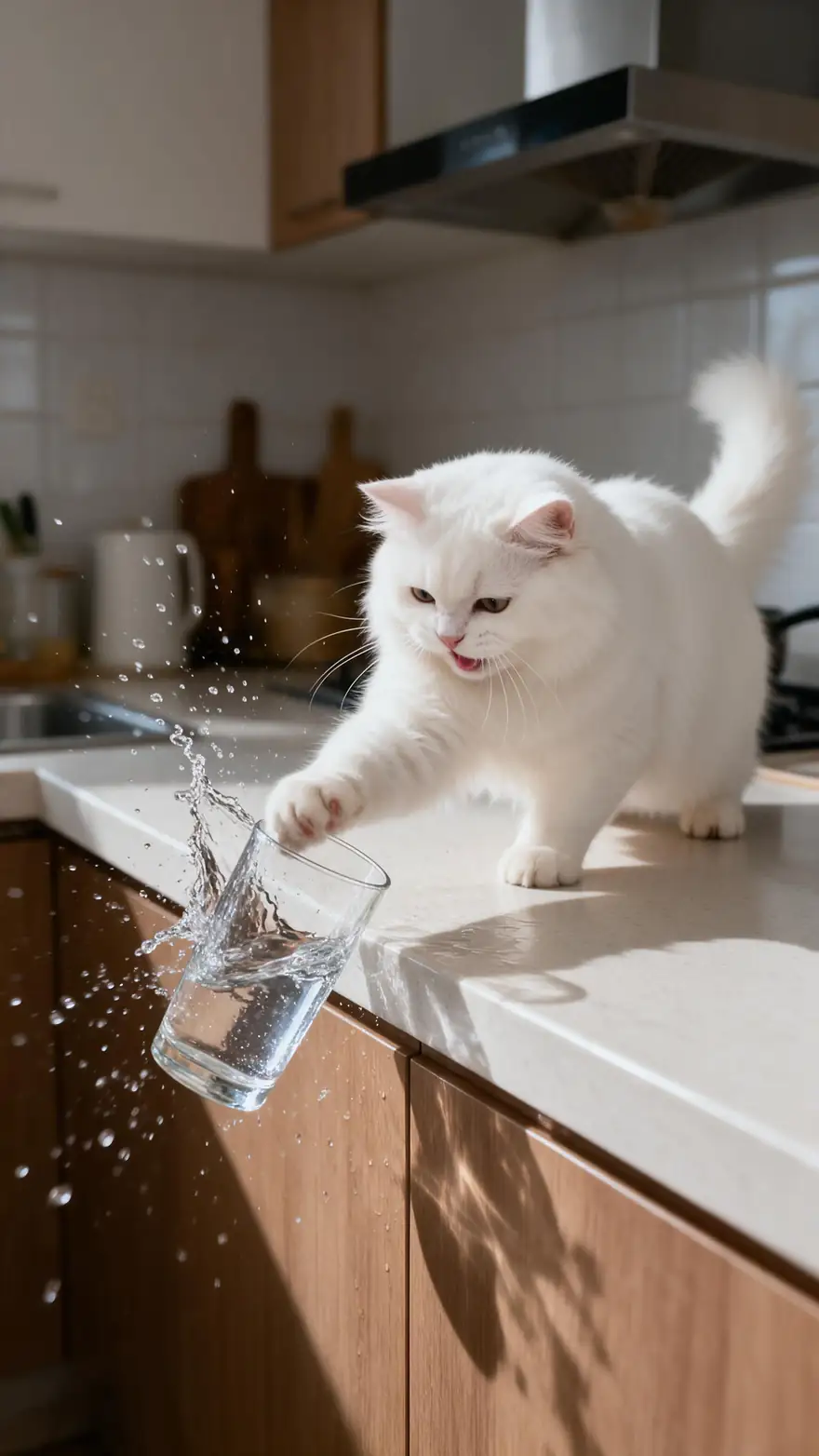
A paper boat in a rain gutter, a cat in sunglasses, a knitted robot, a whale-shaped balloon and a mischievous cat — playful shots where one swapped object changes the joke.
Image-to-video example clips (model on each card), not Genjutsu or Pika outputs. The two demos above are real Genjutsu edits; Pika's own examples are on pika.art.
How to
Make a Pikaswaps-style edit in Genjutsu
- Time needed
- Steps
- 4 steps
Step 1
Upload the clip
MP4, MOV, WebM or M4V up to about 100 MB. 2–15 s on the Kenerate tiers, 4–30 s on Seedance 2.5.
Step 2
Pick the swap type
Object → Swap object, clothes → Change outfit, person → Replace character, place → Change background, anything else → Free edit.
Step 3
Add the photo of the new thing
It becomes @image1; add more angles as @image2, @image3. No photo? Describe it in words.
Step 4
Write one clear sentence
"Turn the red mug into the brass lantern from @image1." Your old Pikaswaps prompts carry over almost word for word.
See it in the app

Open Kenerate Genjutsu and choose Replace character, Swap object, Change outfit, Change background or Free edit.


Watch the tour · 1:19
Text, image & reference to video, models, edit, extend & chat
Chapters
Checked 3 October 2026
Pikaswaps and Swap Anything vs Kenerate Genjutsu
Pika facts from Pika's launch post on X, the Pika Help Center, pika.art and Pika's app list, checked 3 October 2026. Genjutsu is our product.
| Kenerate Genjutsu | Pika (Pikaswaps / Swap Anything) | |
|---|---|---|
| What it is | A video editor with five modes: Replace character, Swap object, Change outfit, Change background, Free edit | Pikaswaps: "video-to-video feature" for swapping objects; Swap Anything: "Recast anything in your clip" |
| How you direct the swap | A mode, a prompt and up to 10 reference images (30 on Seedance 2.5) | Pikaswaps launched with swaps from "your photos or text descriptions" |
| Current listing | Five modes in one tool | App list shows Swap Anything and Pikadditions; Pikaswaps not listed by name (Help Center still describes it) |
| Clip length | 2–15 s (Kenerate tiers) · 4–30 s (Seedance 2.5) | Not stated on the Pika pages we checked |
| Output | MP4, 480p to 1080p; 4K on Seedance 2.5; no watermark | Watermark-free downloads on Pro or Fancy plans (Pika FAQ) |
| Adding new things | No add-only mode | Pikadditions: "Add any element to a video" |
| Access | Sign-in, no subscription required | Subscription plans (Pro and Fancy named in Pika's FAQ) |
Pika's apps and plans change often; check pika.art for what's offered today. Prices and credit costs are deliberately left out of this comparison.
Sources: Pika on X — Pikaswaps launch post (20 February 2025) · Pika Help Center (FAQ) — Pikaswaps, Pikadditions, plans · Pika — app list (Swap Anything, Pikadditions) · Pika — home page (apps and models) · Kenerate Genjutsu (video editor)
Engines
Genjutsu's engines, for Pika users
Pika runs its swap apps on its own choice of model. Genjutsu lets you pick a tier per run.
- Fastest
Kenerate
Kenerate Genjutsu
- Input
- Clip 2–15 s + up to 10 references
- Output
- 480p, 720p or 1080p · ~2–4 min
Quick swaps on short clips up to 15 s — the closest feel to a one-click swap
Open Kenerate Genjutsu 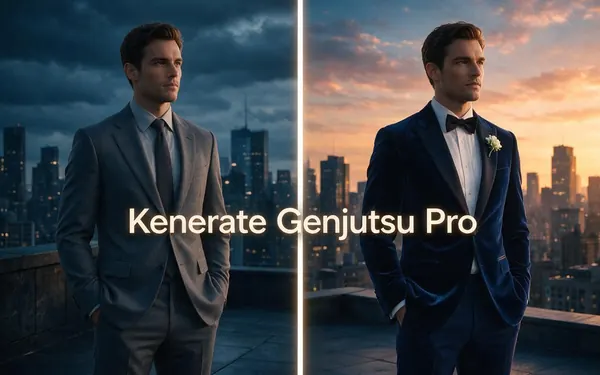
Kenerate
Kenerate Genjutsu Pro
- Input
- Clip 2–15 s + up to 10 references
- Output
- 480p, 720p or 1080p · ~3–6 min
Cleaner materials and edges on the same 15-second limit
Open Kenerate Genjutsu Pro- 30 s · 4K

ByteDance
Seedance 2.5
- Input
- Clip 4–30 s + up to 30 references
- Output
- 480p to 4K · ~4–8 min
Longer clips, up to 30 references, 4K output
Open Seedance 2.5
Whatever the tier, the swap comes back as a watermark-free MP4 as long as your clip. Over-long clips: the Kenerate tiers keep the first 15 seconds, Seedance 2.5 asks for a clip of 30 seconds or less.
Tips
Moving from Pikaswaps to Genjutsu
Your swap prompts and photos carry over; the menu of edits is different.
Object swaps → Swap object mode.
Outfit swaps → Change outfit, which keeps the face.
Person swaps → Replace character, needs a reference.
Add-only edits (Pikadditions) have no Genjutsu mode.
Removal isn't a Genjutsu edit either.
Consent rules don't change between tools.
Example uses
How creators use Pika Swaps alternative
Illustrative examples of typical workflows, not customer reviews.
Meme creator
A meme creator can swap one everyday object in a clip for something absurd and post variations the same day.

Small agency
A small agency can show a client three product, outfit and location options cut from one approved take.
Former Pika user
Someone who relied on Pikaswaps can bring the same prompts and photos to Genjutsu and keep their clips.
FAQ
Pika Swaps alternative — questions
7 questions
What is Pikaswaps?
Pikaswaps is Pika's video-to-video feature for swapping things in real footage. Pika launched it on 20 February 2025 as a way to replace anything in your videos using your photos or text descriptions, and Pika's Help Center describes using it to modify a specific object or area of a video with a text prompt (checked 3 October 2026).
Link to this answerIs Pikaswaps still available?
Pika's current app list, checked 3 October 2026, doesn't show Pikaswaps by name. It shows Swap Anything, described as "Recast anything in your clip — the performance stays as filmed", alongside Pikadditions, while Pika's Help Center still describes Pikaswaps. Check pika.art for the latest — Pika updates its app lineup often.
Link to this answerWhy look for a Pika Swaps alternative?
Usually for structure, references or access. Genjutsu gives each swap type its own mode with a built-in instruction about what must stay, takes up to 30 reference images on Seedance 2.5, keeps the clip's original audio by default and needs no subscription. Pika offers a wider suite of apps, including adding new elements with Pikadditions.
Link to this answerCan Genjutsu add things to a video like Pikadditions?
No — Genjutsu has no add-only mode. Its modes replace what's already in the shot: Swap object turns one object into another, Replace character recasts a person, Change outfit changes clothing and Change background replaces the setting. If you mainly need to drop a new element into an empty part of the frame, Pikadditions is built for that.
Link to this answerCan I swap using a photo, like Pikaswaps?
Yes. Add the photo as a reference and mention it as @image1 in your prompt — "swap the vase for the lamp in @image1". The Kenerate tiers accept up to 10 references and Seedance 2.5 up to 30, so you can show a product, garment or character from several angles for a closer match.
Link to this answerIs there a free Pika Swaps alternative?
There's no subscription to buy for Genjutsu: new accounts get starter credits to try it, each run is charged in credits by the second of clip, and a run that fails is refunded automatically. Pika's FAQ ties watermark-free downloads and commercial use to its Pro or Fancy plans; check Pika's pricing page for what its other plans include today.
Link to this answerIs it OK to swap people or things in someone else's video?
Only with the rights to the footage and consent from the people in it. Both tools can recast people and change what they hold, wear or stand in front of. Edit only clips you own or licensed, never use celebrities or impersonate anyone, and label AI-edited clips when you publish them.
Link to this answerIn depth
Pika's swaps and Genjutsu, side by side
Which Pika feature does what, where Pika is stronger, and how to move a swap workflow across.
On this page
Pikaswaps, Swap Anything and Pikadditions — which is which
The names overlap, which is why searches for "pika swaps" land in different places. If what you want is to replace something that's already in the shot, Genjutsu covers it; if you want to add something new, Pikadditions is the closer tool.
- Pikaswaps: swap an object or area in your video (Help Center).
- Swap Anything: recast anything in the clip (current app list).
- Pikadditions: add an element to a video.
- Genjutsu: replace, with a mode per kind of swap.
- None of these is an object remover.
Where Pika is stronger
Pika runs a broad creative suite: its app list includes Pikadditions for adding elements, Relight Media, Camera Director for reshooting a clip from another angle, and studios for video, image, speech and music. If your project needs add-ins, relighting or new camera moves in one place, Pika covers ground that Genjutsu deliberately doesn't.
Where Genjutsu fits
Each Genjutsu mode carries its own instruction — Change outfit keeps the face, Swap object keeps the hands, Change background keeps every person — so a short prompt is usually enough.
- You want a separate mode for objects, outfits, people and places.
- You have several reference photos of the new thing.
- You need clips up to 30 seconds and 4K output.
- You want the original audio kept by default.
- You want to pay for the runs you make, without a plan.
Pikaswaps
Pika's original swap feature from February 2025: upload a video, describe or show what to replace. Pika's Help Center still has an entry for it; the current app list leads with Swap Anything instead (checked 3 October 2026).
Pika Swap Anything
The app Pika lists today for recasting a clip, described as keeping the performance as filmed. In Genjutsu, the equivalents are Replace character for people and Change outfit for clothes, both of which keep the original motion and camera.
Pikaswaps vs Genjutsu for objects
Both swap one object for another from a photo or words. Genjutsu's Swap object instruction also asks the new object to follow the original's place, scale and movement — including when hands hold, turn or pour into it.
Explore
Every Kenerate video tool
Generators, tools, models and guides — all in one studio.


Swap it in the clip you already have
Object, outfit, character or place — from a photo or a sentence. No subscription required.
Tried it? Tell us how it went