

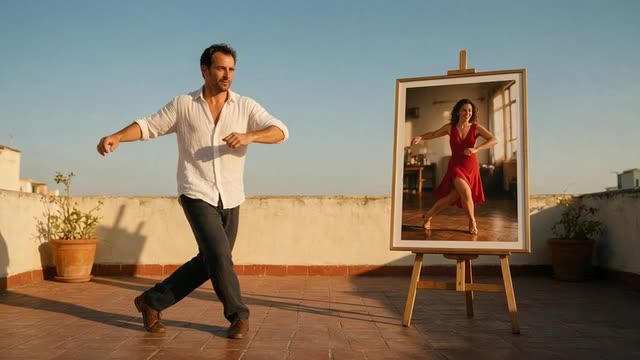
PixVerse Mimic · DreamActor v2 · no prompt needed
Mimic motion AI — your photo copies the video, no prompt
Upload a photo and a video, and the person in the photo mimics the moves — a salsa step, a spin, a song. PixVerse Mimic and DreamActor v2 need nothing else: no prompt, no settings to learn.
- No prompt needed
- Clips up to 30 s
- Up to 2 min on SCAIL 2
- No watermark
Updated by the Kenerate AI team
Made with Kenerate

On this page
Quick answer
Updated
What is mimic motion AI?
Mimic motion AI makes the person or character in a photo copy the movement in a video — a dance, a gesture, a song. On Kenerate AI, PixVerse Mimic and DreamActor v2 do it with no prompt at all, from clips up to 30 seconds, and ten more engines handle longer or higher-resolution mimic videos.
Key facts
- No-prompt engines
- PixVerse Mimic · DreamActor v2
- Clip on those two
- Up to 30 s (longer refused)
- PixVerse output
- 360p, 540p or 720p
- DreamActor v2
- Face + lips · keeps sound
- Longest mimic
- 2 min · SCAIL 2, SteadyDancer
Real results
Photos worth mimicking
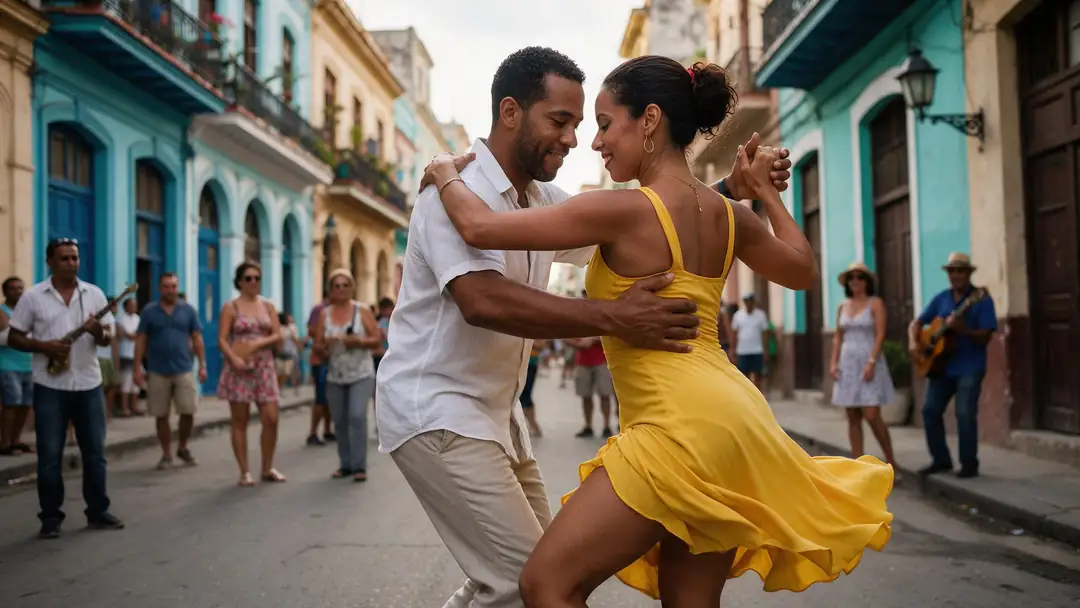
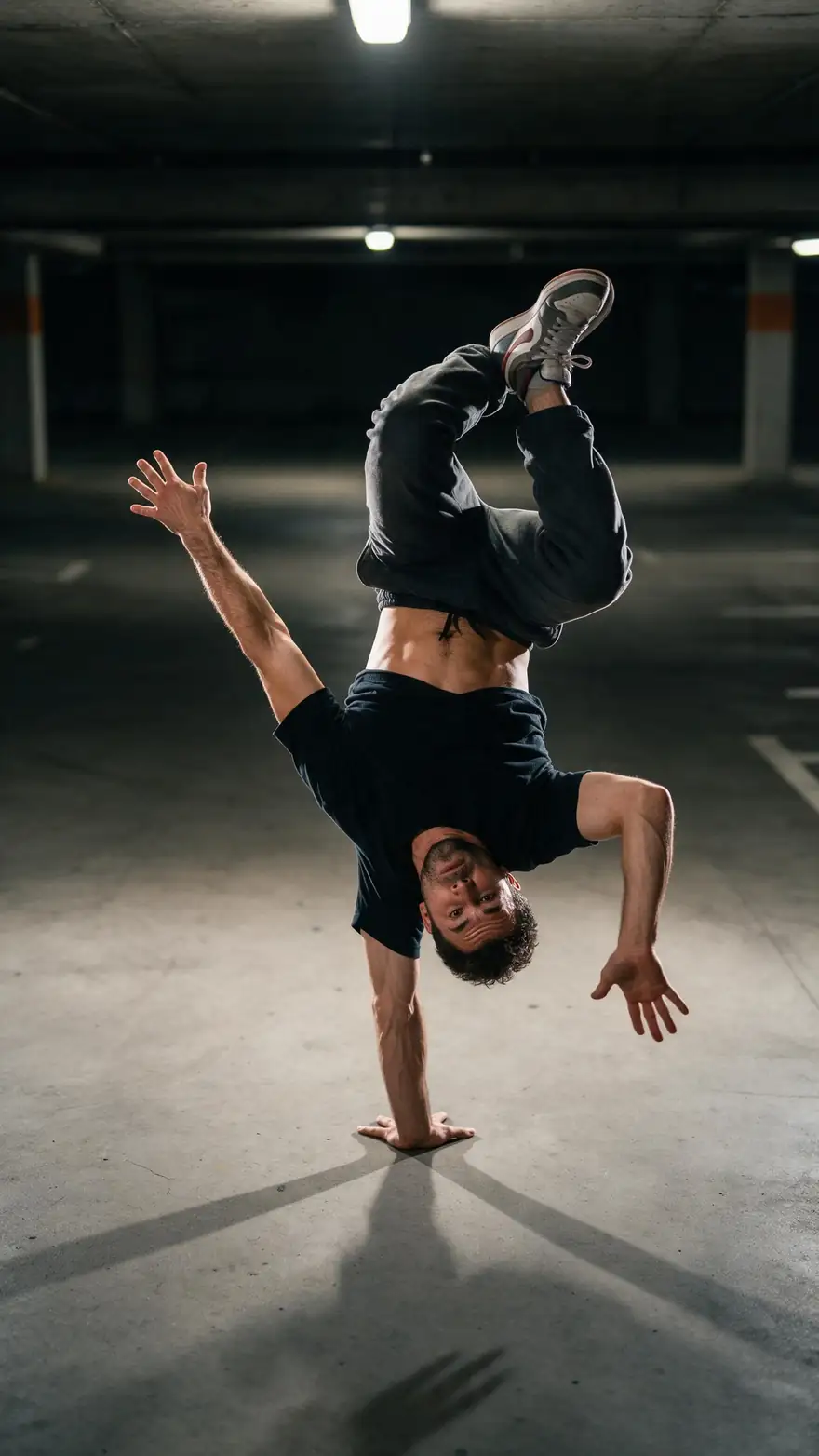
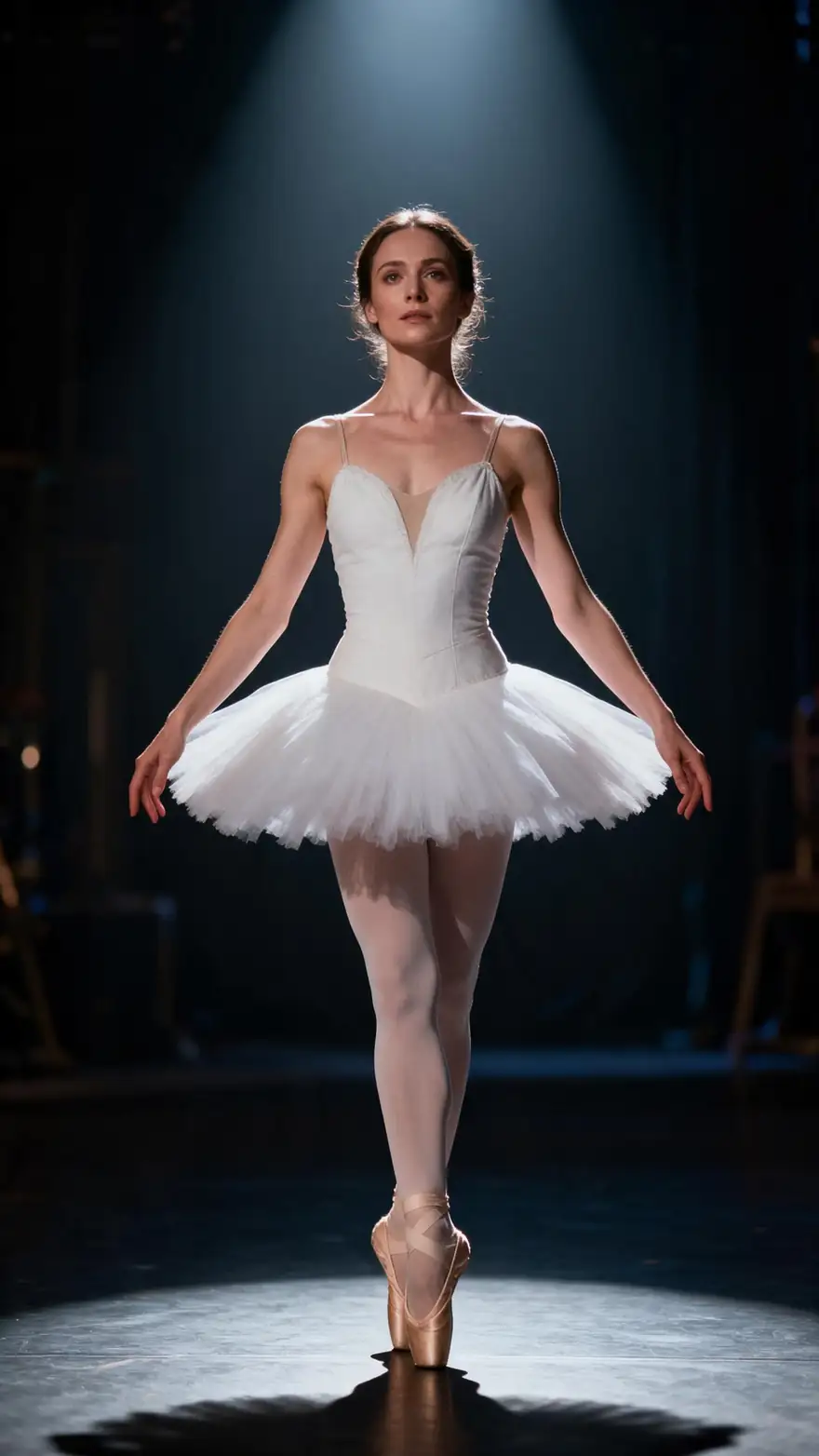
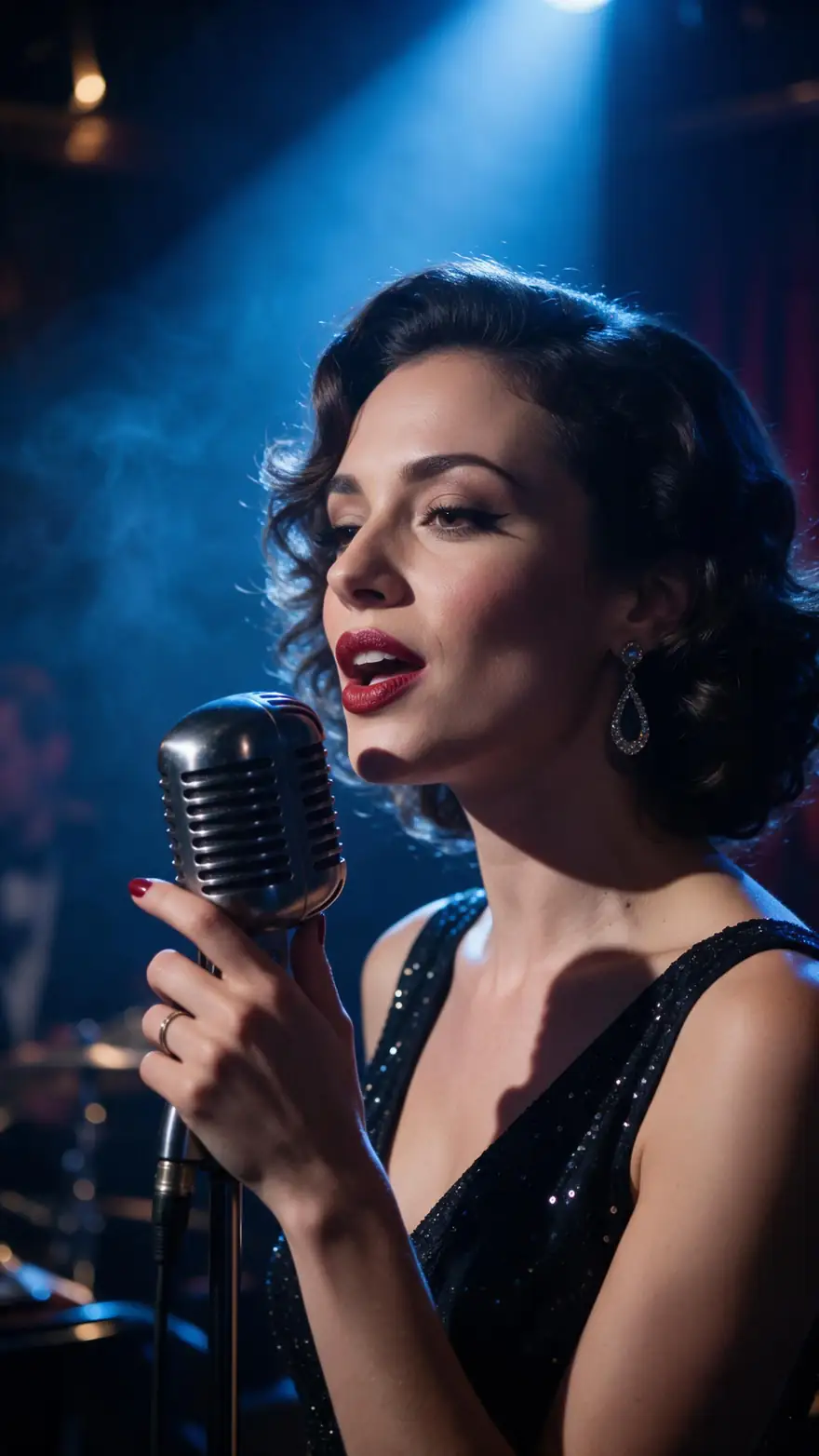
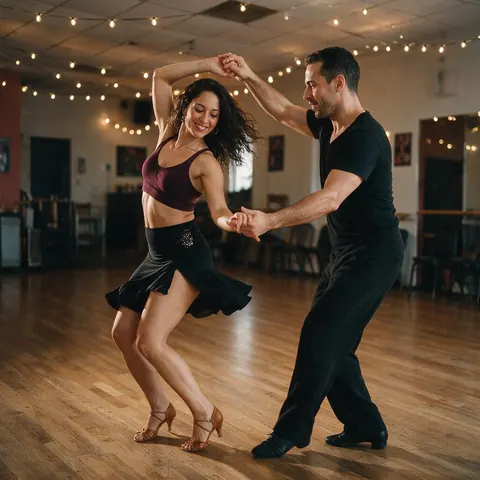
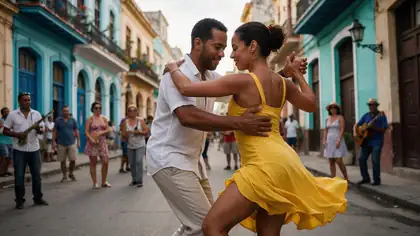
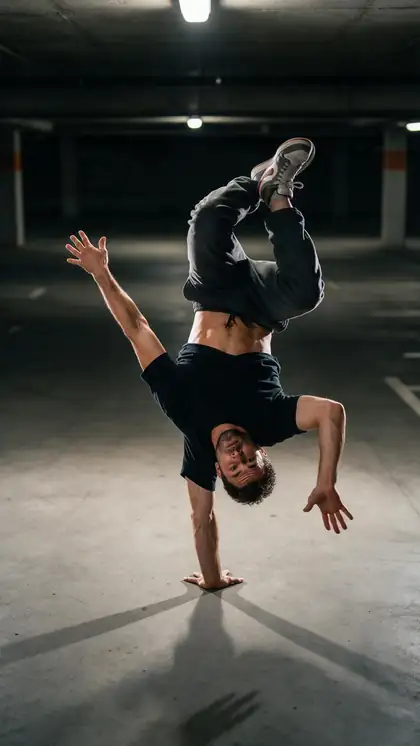
A salsa couple, a sunflower-field spin, a breakdancer, a ballerina and a jazz singer — whole-body moves and face-and-voice performances.
Shown here: image-to-video examples with the model on each card. To mimic a video, the tool copies the movement from the clip you upload.
How to
Mimic a video in four steps
- Time needed
- Steps
- 4 steps
Step 1
Trim the clip to 30 seconds or less
PixVerse Mimic and DreamActor v2 refuse longer clips. One clear person, steady camera, no cuts.
Step 2
Pick the engine
PixVerse Mimic for a body move; DreamActor v2 when the face, lips and sound matter.
Step 3
Upload the photo
A clear photo of one subject. DreamActor v2 needs JPG or PNG, from 480×480 up to 1920×1080.
Step 4
Generate
No prompt to write. On PixVerse choose 360p, 540p or 720p; DreamActor follows the source. Download the MP4.
See it in the app

Open Motion Transfer and upload a clear photo of the character, or choose one from your history.


Watch the tour · 1:19
Text, image & reference to video, models, edit, extend & chat
Chapters
Engines
Which mimic engine fits your clip
Two engines mimic with no prompt at all; the others take a short description and handle longer clips or higher resolution.
- No prompt
PixVerse
PixVerse Mimic
- Input
- Image + video up to 30 s · no prompt
- Output
- 360p, 540p or 720p · silent
Fast, punchy social clips where the photo copies one move
Open PixVerse Mimic - No prompt
ByteDance
DreamActor v2
- Input
- Image + video up to 30 s · no prompt
- Output
- Follows the source · keeps sound
Mimics the whole performance — body, face and lip movement — and keeps the sound
Open DreamActor v2 
WaveSpeed
SCAIL 2
- Input
- Image + video up to 2 min
- Output
- 480p or 720p · keeps sound
Mimic routines longer than 30 s, up to 2 min, with the music kept
Open SCAIL 2
WaveSpeed
SteadyDancer
- Input
- Image + video up to 2 min
- Output
- 480p or 720p · silent
Mimic dance with fast spins, kept steady and on-model
Open SteadyDancer
Kenerate
Kenerate Motion
- Input
- Image + video (first 20 s used)
- Output
- 720p or 1080p · 24/48 fps · sound switch
A quick 1080p mimic of the first 20 seconds
Open Kenerate Motion
PixVerse Mimic and DreamActor v2 refuse clips over 30 seconds rather than trimming them — trim first. Every engine returns an MP4 with no watermark.
Tips
Better mimic results
No-prompt engines decide everything from the two inputs, so the inputs matter more.
Photo and video should share framing: face for face, full body for full body.
A neutral, front-facing photo mimics more convincingly than a dramatic pose.
For singing or talking, use DreamActor v2 — it copies lip movement and keeps the audio.
PixVerse Mimic is silent; add the music afterwards or pick an engine that keeps sound.
Test at 360p on PixVerse, then render at 720p.
Only make people mimic a video if they agreed to it.
Example uses
How creators use Mimic motion AI
Illustrative examples of typical workflows, not customer reviews.
Choir director
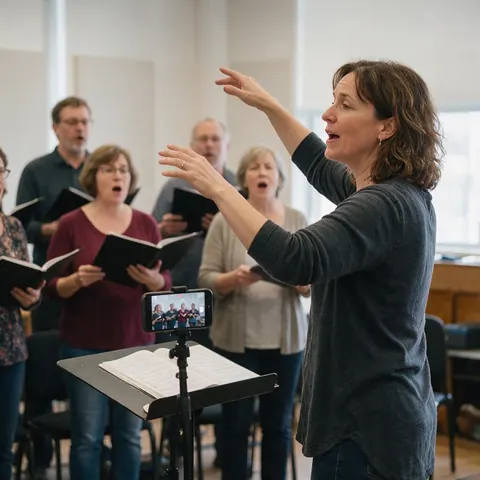
A choir director can make a portrait of the soloist mimic her own rehearsal recording for a concert teaser, with her permission and the audio kept on DreamActor v2.
Social media manager
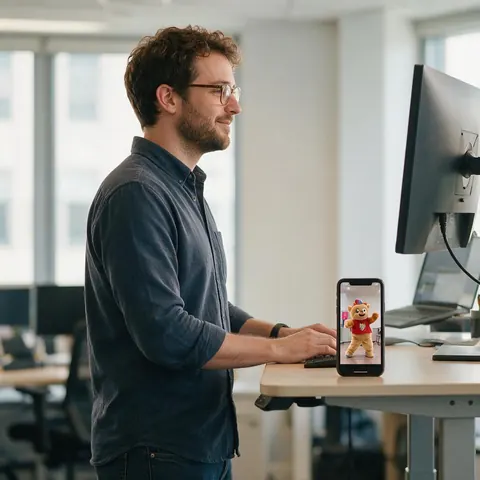
A social manager can make a brand mascot photo mimic a trending move in seconds with PixVerse Mimic, then post the 720p version.
Salsa school owner
A salsa school can show beginners a step performed by a friendly cartoon instructor that mimics the teacher's own clip.
FAQ
Mimic motion questions
7 questions
Do I need a prompt to mimic a video?
Not on PixVerse Mimic or DreamActor v2: you give them a photo and a video and they work out the rest. The other ten engines in the Motion Transfer tool take an optional description of the look, which helps with stylised characters. None of them needs you to describe the movement, because the video already shows it.
Link to this answerWhat is MimicMotion?
MimicMotion is a research framework from Tencent for human motion video generation with confidence-aware pose guidance, published at ICML 2025 with open code on GitHub. It is not one of Kenerate's engines; the tool runs PixVerse Mimic, DreamActor v2, SCAIL 2 and nine others that do the same kind of job — a photo copying a video's movement.
Link to this answerWhy was my clip refused?
Most likely it is longer than 30 seconds. PixVerse Mimic and DreamActor v2 refuse over-long clips instead of trimming them, while SCAIL, Wan, Kling, Kenerate Motion and SteadyDancer trim. Cut the clip to 30 seconds or less, or switch to SCAIL 2 or SteadyDancer, which take up to 2 minutes.
Link to this answerCan a photo mimic a dance?
Yes. Upload the dance as the driving video and the photo copies the routine. PixVerse Mimic suits short social dances up to 30 seconds; SteadyDancer is built to keep a dancer stable through fast spins; SCAIL 2 handles routines up to 2 minutes and keeps the music. A full-body photo is essential for full-body dances.
Link to this answerCan a cartoon or a pet mimic a video?
Often, yes. PixVerse's documentation asks for a photo with a clear subject such as a person or an animal, and the driving video must show a person as the main subject. Cartoon and 3D characters work best when their arms and legs are clearly visible; very unusual body shapes can distort.
Link to this answerWhich mimic engines keep the sound?
DreamActor v2 keeps the clip's audio automatically, which is why it suits singing and talking mimics. SCAIL 2 keeps it too, and Kling 3.0 and Kenerate Motion have a keep-sound switch. PixVerse Mimic and SteadyDancer return silent video, so add music in an editor afterwards if you use them.
Link to this answerCan I make a photo of someone else mimic a video?
Only with their consent. Use photos of yourself, of people who agreed to it, or characters you made — never celebrities or strangers. Mimic engines like DreamActor v2 copy faces and lip movement closely, so label the result as AI-made when you post it.
Link to this answerIn depth
How mimic engines decide
What happens when you give an engine no prompt, and how to steer it anyway.
On this page
What 'no prompt' really means
PixVerse Mimic and DreamActor v2 take only two inputs, so everything — the look, the lighting, how loose clothes move — comes from your photo, and everything about timing comes from the video. That makes them quick and predictable, but the only way to change the result is to change one of the inputs: a better-lit photo, a cleaner clip, a tighter trim.
Body mimic vs performance mimic
PixVerse's docs describe Mimic as analysing the motion sequence and rebuilding it on your character with rhythm and pose alignment — body first. ByteDance's DreamActor-M2 paper describes animation without an explicit skeleton that also carries over facial expressions, and DreamActor v2 in the tool copies body, face and lip movement. Pick by what the clip is about: steps or a performance.
A three-take mimic routine
Failed jobs are refunded automatically, so a quick test costs nothing if it doesn't run.
- Take 1: PixVerse Mimic at 360p on a 5–10 second slice to check the photo works.
- Take 2: the full clip at 720p, or DreamActor v2 if the face matters.
- Take 3: SCAIL 2 or SteadyDancer if the routine is longer than 30 seconds.
Mimic AI vs mimic motion
'Mimic AI' is also the name of a phone app that animates faces in a selfie. Mimic motion is broader: a whole body, or a face and voice, copies a reference video. The engines here cover both — PixVerse Mimic for body moves, DreamActor v2 for face and lip performance.
Video mimic and mimic dance
A video mimic uses a real clip as the instruction, so the result matches its timing exactly — a mimic dance lands on the same beats as the original. That is the difference from image to video, where a prompt describes a dance and the model invents the steps.
MimicMotion online
MimicMotion's code runs locally from Tencent's repository. If you want the same kind of result without a local setup, a hosted engine such as SCAIL 2 or SteadyDancer takes a photo and a dance clip up to 2 minutes in the browser.
Explore
Every Kenerate video tool
Generators, tools, models and guides — all in one studio.

Make a photo mimic a video
PixVerse Mimic or DreamActor v2 — just a photo and a clip. No prompt, no watermark.
Tried it? Tell us how it went