

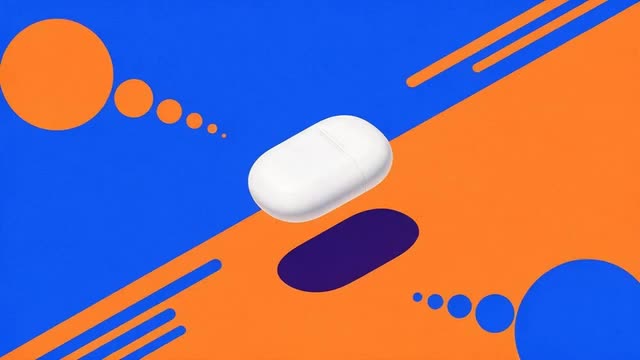
Marketing Studio · Motion · 12 styles · Seedance 2.0
AI Motion Graphics Generator
Kinetic typography, hypermotion product spots, 2D product motion, SaaS UI cards and app launches, made from a product image and a few words. No keyframes, no timeline, no template files.
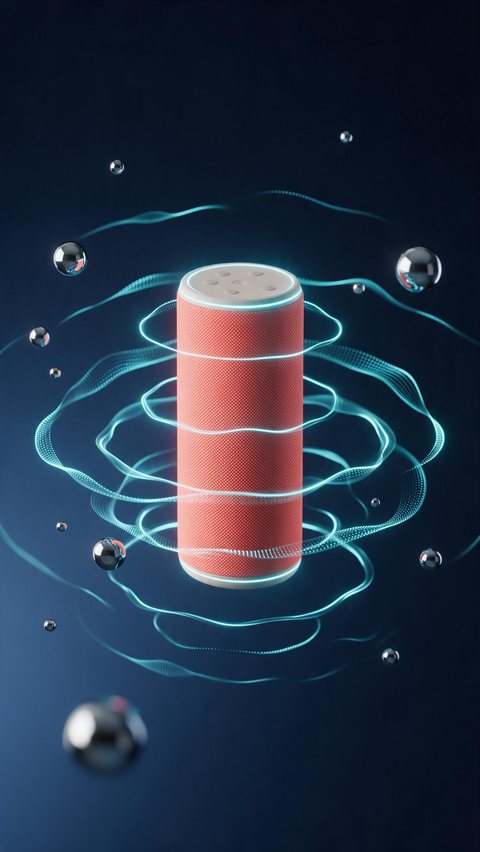
- Speaker with pulse rings
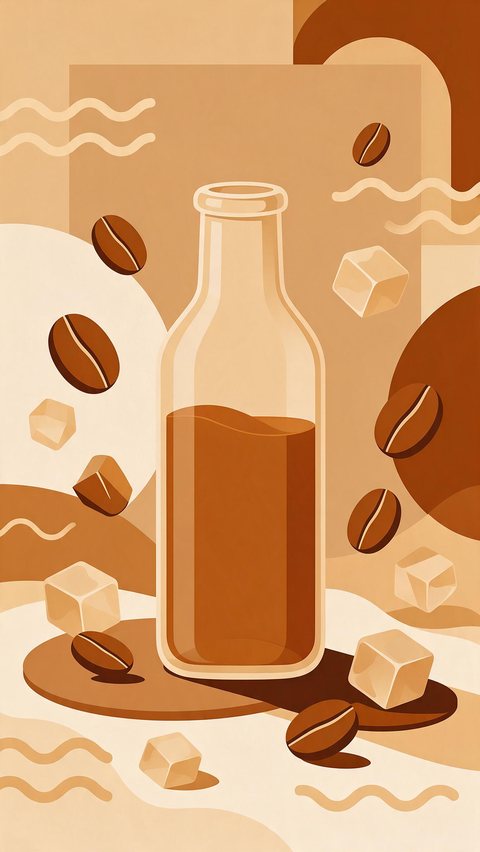
- Cold-brew bottle 2D motion
- Pancake stack menu reveal
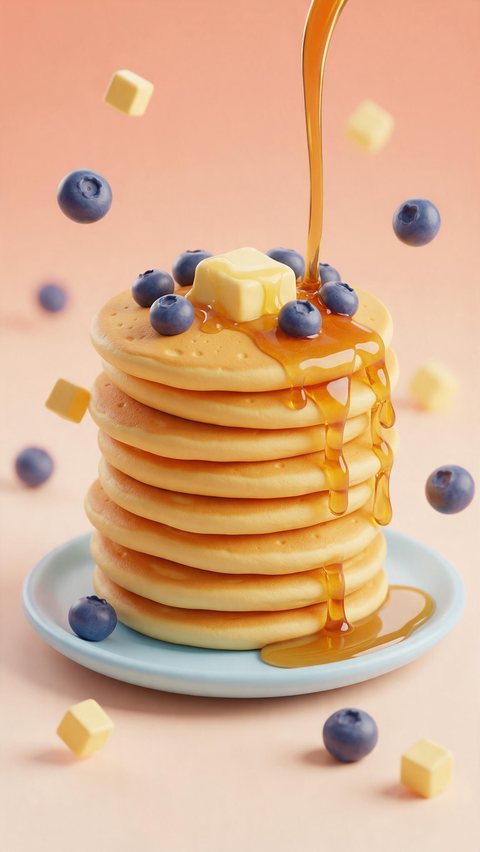
Made in Marketing Studio · Seedream 5.0 Pro + Wan 3.0
- 12 Motion styles
- Only your words on screen
- 9:16 and 16:9
- No watermark
Updated by the Kenerate AI team
On this page
Quick answer
Updated
What is an AI motion graphics generator?
An AI motion graphics generator makes designed motion videos, such as kinetic type, colour fields, UI cards and whip pans, from a product image and a few words, with no keyframes or timeline. In Kenerate AI's Marketing Studio you pick a Motion style like Typography, Hypermotion or SaaS and render it on Seedance 2.0.
Key facts
- Where
- Marketing Studio > Video > Motion
- Motion styles
- 12
- Popular styles
- Typography · Hypermotion · 2D product motion · SaaS · App launch
- Templates
- Kinetic Type · SaaS Cards · Splash Can Burst · Paper Pop-Up · Neon Glide
- Words on screen
- Only the words you write, spelled exactly
- Ratio
- 9:16 (Billboard and Location promo 16:9)
- Typical length
- 8–12 s
- Access
- Paid plan or a one-time credit pack, no subscription required
Ad showcase
5 ad videos made with Kenerate AI
Short ads of fictional, unbranded products: each starts as a Seedream 5.0 Pro frame and is animated with Wan 3.0. Open one to see the prompt and the Marketing Studio style it matches.
Ad images
AI Motion Graphics Generator examples
Ad stills of fictional, unbranded products, made with Seedream 5.0 Pro, the model Marketing Studio uses by default.
How to
How to create motion graphics with AI
- Time needed
- Steps
- 4 steps
Step 1
Open Marketing Studio
Switch to Video mode and open the Motion styles.
Step 2
Pick a Motion style
Typography, Hypermotion, 2D product motion, SaaS, App launch, Event promo and more.
Step 3
Add the product or the screens
Product photos, a product page link, or your own app screenshots for SaaS and App launch.
Step 4
Write the words
Hook, beats and CTA; only these words appear on screen, spelled exactly.
See it in the app

Open Marketing Studio and pick Image for product shots and posters, or Video for UGC and motion ads.


Watch the tour · 1:19
Text, image & reference to video, models, edit, extend & chat
Chapters
Engines
Models for AI motion graphics
The video models Marketing Studio offers, from the app's own model list.
- Default

ByteDance
Seedance 2.0
- Input
- Motion style + product + your words
- Output
- 4–15 s · 720p default
Default for every Motion style
Open Seedance 2.0 
Alibaba
Wan 3
- Input
- Motion style + product + your words
- Output
- Up to 30 s · native audio
Longer spots with sound
Open Wan 3
MiniMax
MiniMax H3 Pro
- Input
- Motion style + product + your words
- Output
- 4–15 s · 768p or 2K
Sharp, fast motion
Open MiniMax H3 Pro
Marketing Studio needs a paid plan or a one-time credit pack.
Tips
Motion graphics that read at a glance
Short words, one idea per beat.
Three to five words on screen at a time is plenty.
One idea per beat: hook, benefit, product, CTA.
Give the brand colours in the brief so the colour fields match.
For SaaS and app videos, upload the real screens you want shown.
End on the product, still and large.
Spell-check your words before you generate: they go on screen exactly as typed.
Example uses
How creators use AI motion Graphics generator
Illustrative examples of typical workflows, not customer reviews.

SaaS founder
A founder can show three product features as floating UI cards using real app screens.
Event organiser
An organiser can turn the date and venue into a stacked kinetic type promo with confetti.
Restaurant
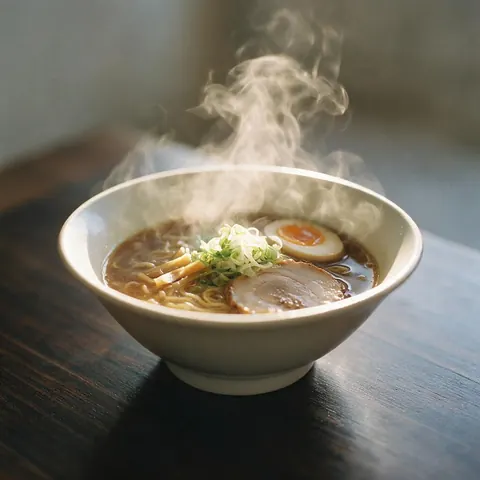
A restaurant can make a menu reveal with steam and a slow orbit around the dish.
FAQ
AI Motion Graphics Generator questions
10 questions
Can AI generate motion graphics?
Yes, for short designed clips. In Kenerate AI's Marketing Studio, a Motion style tells the video model how to animate: kinetic type on colour fields, whip pans and speed ramps, floating UI cards or a paper collage. You add the product and your words, and the model renders the whole clip, usually 8–12 seconds at 9:16.
Link to this answerHow do I create motion graphics with AI?
Open Marketing Studio, switch to Video mode and pick a Motion style such as Typography or Hypermotion. Add your product photos or app screens, write the hook, beats and CTA, then choose the ratio and length. Seedance 2.0 renders it at 720p by default. Download it with no watermark, or try another style on the same brief.
Link to this answerIs there free motion graphics AI?
Not on Kenerate AI: Marketing Studio and the video models need a paid plan or a one-time credit pack, with no subscription required. A free account can use free plan image models such as Qwen Image 3.0 for still graphics and storyboards, using the starter credits every new account gets, before paying for the motion version.
Link to this answerDo I need design or editing experience?
No. You don't set keyframes, easing or layers: the Motion style holds the design rules, and the model animates the clip from your product and your words. Templates such as Kinetic Type, SaaS Cards and Splash Can Burst give a finished look to start from. You choose the style, the words and the format.
Link to this answerCan I put my own words on screen?
Yes, and only yours. Marketing Studio puts on screen only the words you wrote in the hook, body, CTA or note, spelled exactly, and never invents taglines. The Typography style animates them as kinetic type, three to five words at a time. Leave a field empty and the writer drafts it for you; your call to action shows on the last frame.
Link to this answerWhich Motion style should I pick?
Pick by the message. Typography suits a strong line; Hypermotion and Color pop suit drinks, sneakers and gadgets; Dark Minimalism suits premium products; SaaS and App launch suit software; Event promo, Menu reveal and Location promo suit events, food and venues. Mixed media gives a paper-collage look.
Link to this answerCan I make a SaaS or app promo video?
Yes. The SaaS style floats rounded UI cards with toggles and checkmarks around your product, and App launch slides your screens through a phone and ends on the app icon. Upload the real screenshots you want shown: Marketing Studio uses only the screens you provide and never invents interface.
Link to this answerWhat sizes and lengths can the videos be?
Most Motion styles default to 9:16 for Reels, TikTok and Shorts; Billboard and Location promo default to 16:9. You can change the ratio to 1:1, 3:4, 4:3 or 16:9 as well. Styles run about 8–12 seconds; Seedance 2.0 makes 4–15 seconds and Wan 3 up to 30 seconds.
Link to this answerCan I edit the animation after it's made?
Not frame by frame: there is no keyframe timeline. Change the words, the style or the prompt and generate again. If you need exact timing, export the clip and finish it in your own editor; the files have no watermark.
Link to this answerCan I use the videos commercially?
Yes. Kenerate AI's terms give you ownership of what you generate, including for ads, social posts and websites. You are responsible for how you use it, so make sure the product, the screens, any logo and every claim in your words are yours to use and true.
Link to this answerIn depth
AI Motion Graphics Generator, explained
On this page
Every Motion style in Marketing Studio
All twelve are designed motion, not filmed footage, and none needs a person on camera.
- 2D product motion: flat colour fields, the product slides, bounces and turns on the beat.
- Hypermotion: whip pans, speed ramps, crash zooms and a snap-to-hero freeze.
- Typography: kinetic type carries your words, then the product lands large and still.
- Dark Minimalism: one slow light sweep across the product in the dark.
- Color pop: saturated colour blocks and a bouncy turntable spin.
- Mixed media: torn paper, photo cut-outs and doodles around the real product.
- SaaS: UI cards float up in sequence around your product or screens.
- App launch: your app screens slide through a phone, ending on the icon.
- Event promo: stacked kinetic type for the date, venue and line-up you give.
- Billboard: the product on a giant city billboard at dusk, 16:9.
- Menu reveal: a food or drink hero with steam or fizz and its name on a ribbon.
- Location promo: storefront beats, animated labels and a map pin, 16:9.
Kinetic typography with AI
Typography is the closest to classic motion graphics: big, bold words from your hook stack, slide and flip on flat colour in time with the beat, at most three to five words at once, and the product arrives in the last third. The Kinetic Type template is a ready-made start.
Product motion: Hypermotion, 2D and Color pop
For products, Hypermotion is maximum energy, with splashes, particles and light streaks and every cut on the beat. 2D product motion keeps a clean vector feel with no camera shake. Color pop swaps saturated backgrounds on each beat while the product spins.
AI for motion graphics vs a motion design tool
AI makes the whole clip at once from a style and a brief, so it is fast for ads, social posts and tests. A motion design tool gives frame-exact control over every layer and keyframe. Many teams generate options with AI, then finish the chosen one in their editor.
Explore
Every Kenerate video tool
Generators, tools, models and guides — all in one studio.