

18+ · animate a fictional adult · 14 Spicy models
NSFW Image to Video AI for adults 18+
Upload an image of a fictional adult and turn it into a video clip with Kenerate's Spicy image-to-video models. Clips up to 30 seconds and 4K.
Only for adults 18+. Follow our content rules. Content rules






- Upload or make a start image
- 5–30 s clips
- Up to 4K
- Adults only
Updated by the Kenerate AI team
Made with Kenerate

On this page
Quick answer
Updated
What is NSFW image to video AI?
NSFW image to video on Kenerate AI animates an image of a fictional adult, uploaded or made with Seedream 5.0 Pro, with one of 14 Spicy image-to-video models for adults 18+. Clips run up to 30 seconds and 4K. Upload only fictional adults: sexual or nude images of real people aren't allowed, and prompts involving minors are blocked.
Key facts
- Input
- An image of a fictional adult
- Top resolution
- 4K
- Longest clip
- 30 s
- Minors
- Always blocked
- Spicy models
- 14
- 1080p models
- Wan 3, Wan 2.7 Spicy
Rules for adults 18+
You can only animate images of fictional adults 18+ — no sexual or nude content of real people.
- Only for adults 18+.
- Never depict minors or anyone who looks under 18.
- No sexual or nude images of real people: fictional adults 18+ only.
- No non-consensual, violent or illegal content.
Real results
Images ready to animate
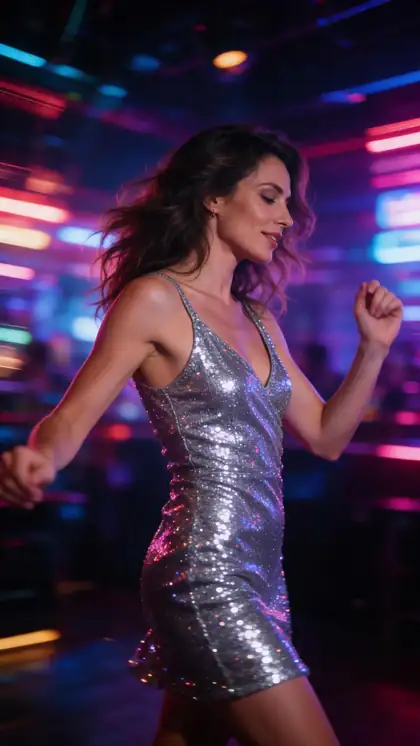
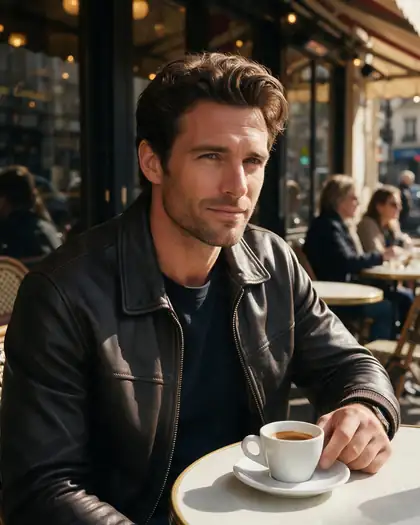
Real Seedream 5.0 Pro start images (SFW). Open one for the motion prompt and the model to use.
How to
How to use Kenerate NSFW Image to Video AI
- Time needed
- Steps
- 4 steps
Step 1
Sign in (18+ only)
Spicy models are for adults 18+ and need a credit pack.
Step 2
Upload your image
A sharp image of a fictional adult works best. Or make one with Seedream 5.0 Pro.
Step 3
Describe the motion
One action and one camera move: 'she turns and smiles, slow push-in'.
Step 4
Pick a Spicy model
Spicy V1 to test ideas, Wan 3 Spicy for long clips, Seedance 2.5 Spicy for up to 4K and sound.
See it in the app

Open Video Studio in Image to Video and add the photo to animate as the start frame — an end frame is optional.


Watch the tour · 1:19
Text, image & reference to video, models, edit, extend & chat
Chapters
Checked 27 September 2026
Mainstream image-to-video tools vs Kenerate's Spicy models
Kling's side is from its own community guidelines; Kenerate is our product.
| Mainstream tools (e.g. Kling AI) | Kenerate Spicy models | |
|---|---|---|
| Adult (NSFW) clips | Banned by their content rules | Adults 18+, fictional adults only |
| How a clip starts | Text or a start image | A start image (image-to-video only) |
| Sexual content of real people | Not allowed | Not allowed |
| Minors | Banned | Blocked on every model |
Kling 3.0 and other mainstream models still run on Kenerate for SFW clips.
Sources: Kenerate video studio · Kling AI community guidelines
Engines
NSFW image to video generator models
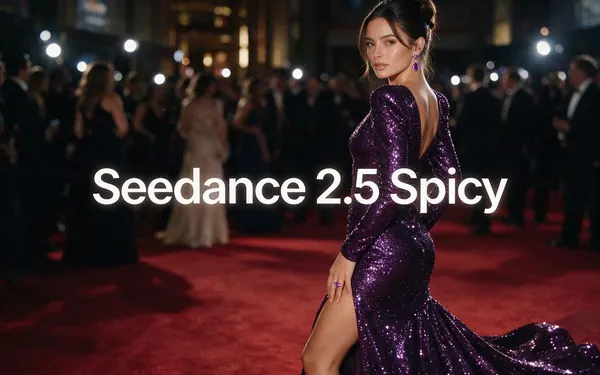
ByteDance
Seedance 2.5 Spicy
- Length
- 4–30 s
- Resolution
- 480p · 720p · 1080p · 4K
- Sound
- Yes
- End frame
- Yes
The top tier — up to 4K and 30 s, with sound
Open Seedance 2.5 Spicy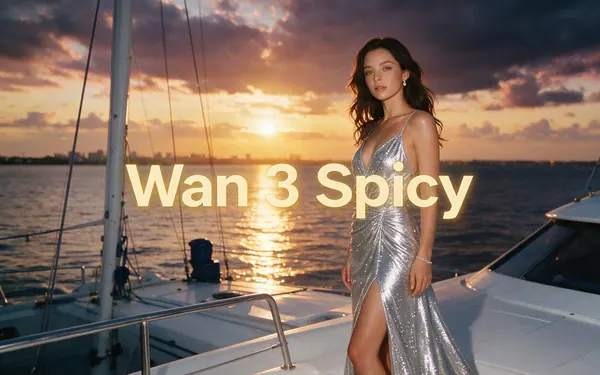
Alibaba
Wan 3 Spicy
- Length
- 2–30 s
- Resolution
- 480p · 720p · 1080p
- Sound
- Yes
- End frame
- Yes
Long clips up to 30 s, with sound
Open Wan 3 Spicy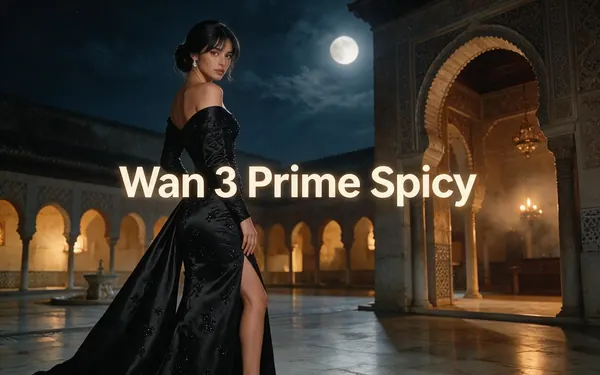
Alibaba
Wan 3 Prime Spicy
- Length
- 2–30 s
- Resolution
- 480p · 720p · 1080p
- Sound
- Yes
- End frame
- Yes
Wan 3's highest-quality tier, up to 30 s with sound
Open Wan 3 Prime Spicy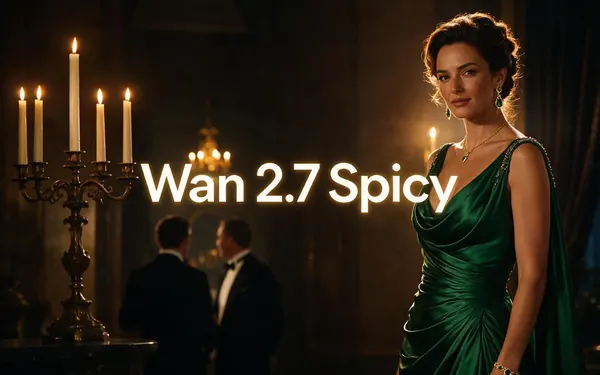
Alibaba
Wan 2.7 Spicy
- Length
- 5–15 s
- Resolution
- 720p · 1080p
- Sound
- No
- End frame
- No
Balanced everyday clips at 720p or 1080p
Open Wan 2.7 Spicy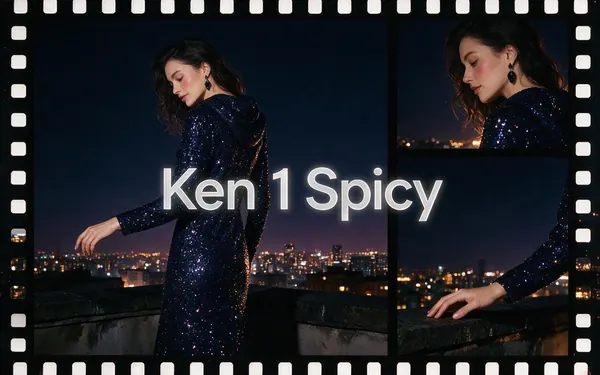
Kenerate AI
Ken 1 Spicy
- Length
- 3–15 s
- Resolution
- 480p · 540p · 768p · 1080p
- Sound
- No
- End frame
- Yes
Kenerate's own model — start and end frame control
Open Ken 1 Spicy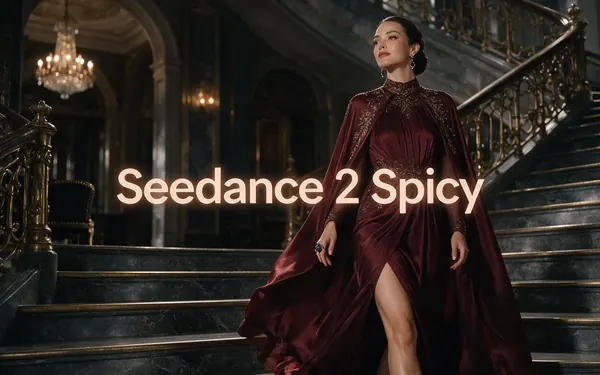
ByteDance
Seedance 2 Spicy
- Length
- 4–15 s
- Resolution
- 480p · 720p · 1080p · 4K
- Sound
- Yes
- End frame
- Yes
Full Seedance 2 quality — cinematic motion with sound
Open Seedance 2 Spicy
All models (11)
ByteDance
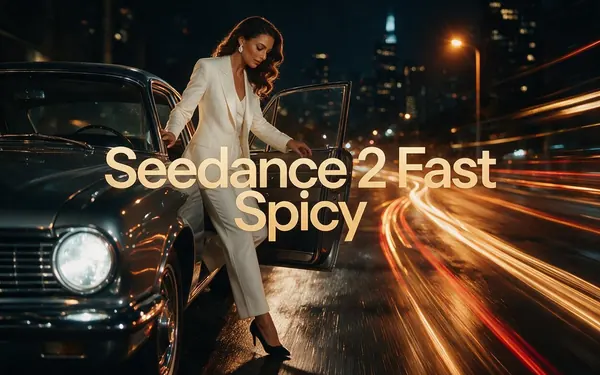
Seedance 2 Fast Spicy
- Length
- 4–15 s
- Resolution
- 480p · 720p · 1080p · 4K
- Sound
- Yes
- End frame
- Yes
Seedance 2 tuned for faster renders
Open Seedance 2 Fast Spicy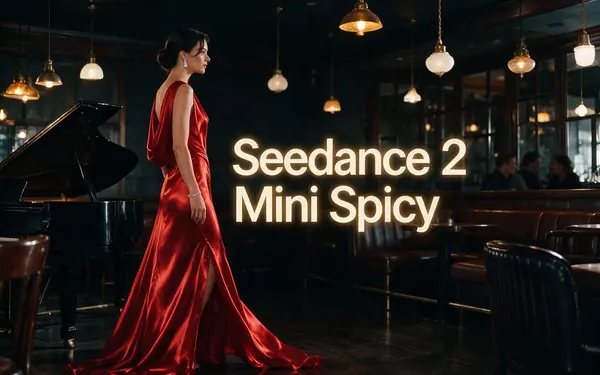
ByteDance
Seedance 2 Mini Spicy
- Length
- 4–15 s
- Resolution
- 480p · 720p · 1080p · 4K
- Sound
- Yes
- End frame
- Yes
The compact Seedance 2 tier, up to 4K with sound
Open Seedance 2 Mini Spicy
ByteDance
Seedance 1.5 Spicy
- Length
- 4–12 s
- Resolution
- 480p · 720p · 1080p
- Sound
- Yes
- End frame
- Yes
Joint audio and video from ByteDance's Seedance 1.5 Pro
Open Seedance 1.5 Spicy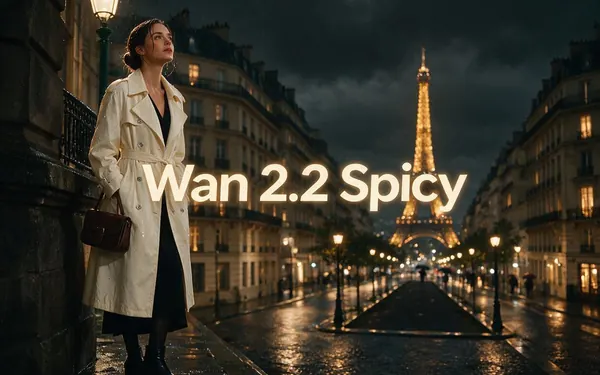
WaveSpeed AI
Wan 2.2 Spicy
- Length
- 5–8 s
- Resolution
- 480p · 720p
- Sound
- No
- End frame
- No
Quick 5–8 s drafts
Open Wan 2.2 Spicy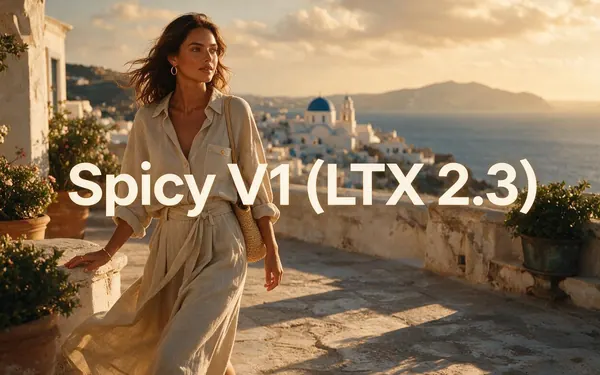
Lightricks
Spicy V1 (LTX 2.3)
- Length
- 3–20 s
- Resolution
- 480p · 720p · 1080p
- Sound
- No
- End frame
- No
Clips up to 20 s — a light model for testing ideas
Open Spicy V1 (LTX 2.3)
Choose a model
Pick by what matters, then compare
Length, resolution, sound and end-frame control — straight from the video studio's model list.
Model picker
What matters most?
ByteDance
Seedance 2.5 Spicy
The top Spicy tier: up to 4K and 30 seconds, with sound.
- Up to
- 4K
- Longest
- 30 s
- Sound
- Yes
Compare
Two models, side by side
- Clip length
- 2–30 s
- 4–30 s
- Resolution
- 480p · 720p · 1080p
- 480p · 720p · 1080p · 4K
- Sound
- End frame
- Made by
- Alibaba
- ByteDance
- Best for
- Long clips up to 30 s, with sound
- The top tier — up to 4K and 30 s, with sound
Specs read from the video studio's own model list.
Tips
Image to video NSFW tips: images that animate well
What made the best clips in our tests.
Use a sharp, well-lit image with the subject in frame.
Portrait 9:16 for phones, 16:9 for widescreen.
Leave room around the subject so the model can move them.
Describe motion only — the image sets the look.
Use an end frame on Wan 3 or Seedance 2.5 to control the last pose.
Only fictional adults 18+.
FAQ
NSFW Image to Video AI questions
7 questions
Is there a free NSFW image to video AI?
The image-to-video step isn't free on Kenerate: the Spicy models run on paid credit packs. The free sign-up credits work on image models, so you can make or touch up the start image before you animate it.
Link to this answerCan I animate my own photo?
Not with the Spicy models: they are for fictional adults 18+, and sexual or nude content of real people, yourself included, isn't allowed. Ordinary, non-sexual clips of your own photo can use the regular image-to-video models.
Link to this answerWhich image works best?
A sharp, well-lit image with the subject clearly in frame. Portrait 9:16 suits phones; 16:9 suits widescreen.
Link to this answerHow long can the clip be?
5 to 30 seconds depending on the model: up to 30 s on Wan 3 Spicy and Seedance 2.5 Spicy.
Link to this answerWhich model should I use?
Spicy V1 for quick tests, Wan 2.7 or Wan 3 Spicy for everyday clips, Seedance 2.5 Spicy for up to 4K and sound.
Link to this answerCan NSFW image to video AI make a clip from text alone?
No. The Spicy models are image-to-video only, so every NSFW clip starts from a picture. If you don't have one, make a start image of a fictional adult with an image model such as Seedream 5.0 Pro or one of the free image models, then upload it and describe only the motion. Adults 18+ only, fictional adults only.
Link to this answerWhat images can't I animate?
Anything involving minors — those prompts are blocked on every model — and sexual or nude content of real people, including photos of yourself, exes, celebrities or strangers. Animate fictional adults only.
Link to this answerIn depth
NSFW Image to Video AI, explained
On this page
What image to video actually does
The model keeps your image as the first frame and predicts the next seconds of movement from your prompt. The better the image — sharp, well lit, subject in frame — the more natural the motion.
Quality and length
Resolution and length depend on the model: Seedance 2.5 Spicy goes up to 4K and 30 seconds with sound; Wan 3 Spicy up to 1080p and 30 seconds with sound; Wan 2.7 Spicy 720p or 1080p in 5, 10 or 15 second clips. Test at a lower resolution, then re-run the keeper in higher quality.
NSFW AI image to video — which models?
Kenerate's 14 Spicy models animate adult images for users 18+. Wan 3 Spicy and Seedance 2.5 Spicy run up to 30 seconds with sound; Seedance 2.5 Spicy goes up to 4K; Spicy V1 is the quick test model.
NSFW AI image to video generator — what can I upload?
Images of fictional adults 18+ only. Sexual or nude content of real people and anything involving minors isn't allowed.
Free NSFW image to video?
Video models need a credit pack: the video studio is locked on the free plan. New accounts start with free credits for image models, so you can make the start image first. Packs are one-time and never expire.
Image to video NSFW with sound
Wan 3 Spicy and Seedance 2.5 Spicy can add sound to clips up to 30 seconds — check each model card in the studio for audio support.
Explore
Every Kenerate video tool
Generators, tools, models and guides — all in one studio.
Try Kenerate NSFW Image to Video AI
Adults 18+ only. Image to video, SFW start images welcome.