

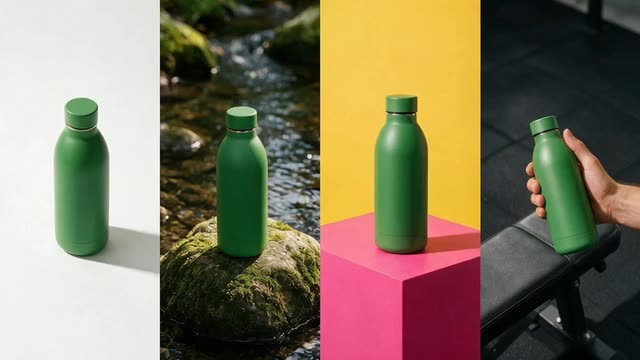
Marketing Studio · six modes · no subscription required
AI Ad Generator ads from one product photo
Turn one product photo into a set of ads: UGC creator clips, studio product shots, social-proof and comparison images, motion spots, posters and marketplace listings. Write the hook, body and CTA yourself, or let the writer fill them in.
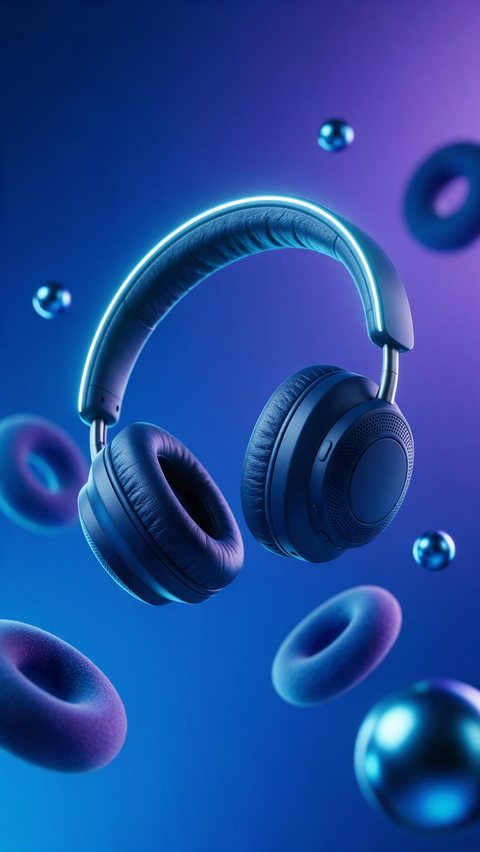
- Headphones hypermotion ad
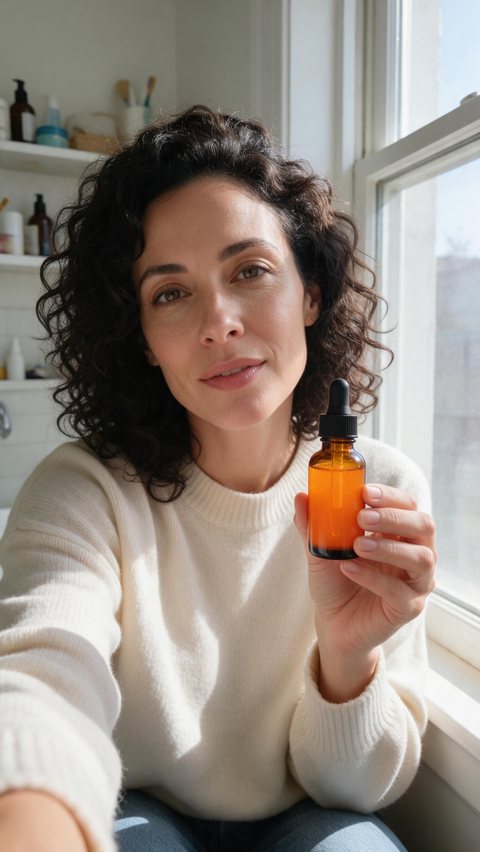
- Vitamin C serum review clip
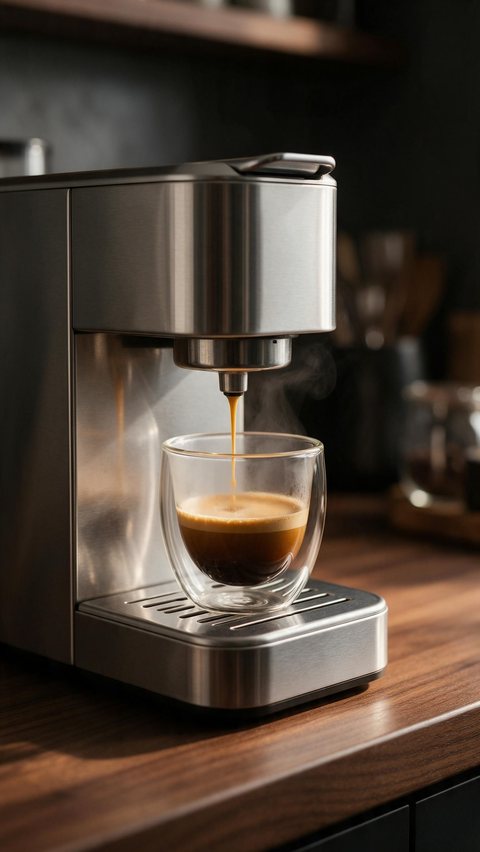
- Espresso machine ASMR ad
Made in Marketing Studio · Seedream 5.0 Pro + Wan 3.0
- Six modes, 50 styles
- Product stays the same
- Never invents reviews
- No watermark
Updated by the Kenerate AI team
On this page
Quick answer
Updated
What is an AI ad generator?
An AI ad generator turns a product photo or a short brief into finished ad images and videos. Kenerate AI's Marketing Studio makes UGC, product-shot, ad, motion, poster and marketplace creatives from one to nine product photos or a product link, in ratios such as 9:16, 4:5 and 1:1, with your hook, body and CTA.
Key facts
- Modes
- UGC · Product shot · Ads · Motion · Posters · Marketplace
- Inputs
- 1–9 product photos, a product link or a reference ad
- Image models
- Seedream 5.0 Pro (default) · GPT Image 2 · Qwen Image 3
- Video models
- Seedance 2.0 (default, 720p) · Wan 3.0 · MiniMax H3
- Access
- Paid plan or one-time pack · no subscription required
- Watermark
- None
Ad showcase
12 ad videos made with Kenerate AI
Short ads of fictional, unbranded products: each starts as a Seedream 5.0 Pro frame and is animated with Wan 3.0. Open one to see the prompt and the Marketing Studio style it matches.
Real results
Made with Kenerate AI
Which mode to use
AI ads for every placement: which Marketing Studio mode to use
Match the job to a mode. Every mode keeps your product exactly as in your photo.
UGC
A creator talks to camera about your product: Review, Unboxing, Tutorial, Try-on, At home, Delivery, Shopping or Before/after. The creators are AI-generated, not real customers.
Product shot
Studio white, Closeup, Editorial, Natural, Usage, Color pop, Full body, Faceless or UGC-style phone photos, with no copy unless you add it.
Ads
Social proof, Comparison and Problem → Solution images, or Product showcase, ASMR, Cinematic TVC, App promo and Talking presenter videos.
Motion
Designed, not filmed: Hypermotion, 2D product motion, Typography, Dark Minimalism, Color pop, Mixed media and SaaS.
Posters
Scene poster, Static banner with a headline and button, and a Carousel set of three to five cards.
Marketplace
Clean listing images: Clean Studio, Dark, Pastel, Color pop and 3D surreal.
How to
How to make AI generated ads in 4 steps
From a product photo to a downloadable ad.
- Time needed
- Steps
- 4 steps
Step 1
Add your product
Upload one to nine product photos, or paste a product link and the studio saves the photo and writes the brief.
Step 2
Pick a mode and a style
Image or Video, then a style such as Studio white, Social proof, Review or Hypermotion. Or open a template and press Recreate.
Step 3
Write the hook, body and CTA
Your words go on screen exactly as written. Leave a field empty and the writer fills it in.
Step 4
Generate and download
Pick the ratio and model, generate, and download a watermark-free file for the ad manager you use.
See it in the app

Open Marketing Studio and pick Image for product shots and posters, or Video for UGC and motion ads.


Watch the tour · 2:10
75 templates, your product, styles, image & video ads, every format, CTA & chat
Chapters
An AI ad maker and AI ad creator in one studio
Two tools save the brief-writing.
Product Link
Paste your product page and the studio reads it, saves the product photo and writes a 9:16 video ad brief.
Ad Reference
Upload an ad you like, up to 60 seconds. The studio writes a shot-by-shot brief with the same hook and pacing, selling your product.
Templates and Recreate
Open any template in Explore and press Recreate: the style, model, ratio and prompt come with it, and your product is swapped in.
FAQ
AI ad generator questions
7 questions
What is the best AI ad generator?
An AI ad generator is a tool that turns a product photo or a short brief into finished ad images and videos. The best one makes every format you run from one product. Kenerate AI's Marketing Studio covers UGC, product shots, ads, motion, posters and marketplace images, on Seedream 5.0 Pro and GPT Image 2 for stills and Seedance 2.0, Wan 3.0 and MiniMax H3 for video.
Link to this answerHow do you generate AI ads?
Open the Marketing Studio, choose Image or Video, and add one to nine product photos, or paste a product link and let it read the page. Pick a style such as Social proof or Hypermotion, or recreate a template. Write the hook, body and CTA, or leave a field empty and the writer fills it in, then generate and download.
Link to this answerHow do you choose the right AI ad generator?
Start with the formats you actually run. Check that the tool keeps your product unchanged, makes the ratios your placements need, such as 9:16, 4:5 and 1:1, and lets you write or edit the copy. Look for honesty rules, so it never invents ratings or reviews, and for plain billing. Test one product before you commit to a plan.
Link to this answerWhat platforms are compatible with AI ad generators?
Any platform that takes an image or a video file. Kenerate AI exports watermark-free files in 9:16 for Reels, Shorts and TikTok, 4:5 and 1:1 for feeds, and 16:9 for YouTube and display. It does not connect to an ad account or publish for you: you download the file and upload it in the ad manager you already use.
Link to this answerWhat are the limitations of an AI ad generator?
It makes the creative, not the strategy. Outputs can show odd details, such as warped small text, an extra finger or a label that drifts, so review every frame before it runs. It can't know your real results, so Kenerate never adds ratings, reviews or claims you didn't write, and you remain responsible for the claims in your ad.
Link to this answerWhich AI can generate ads?
Several image and video models can, if you guide them well. In Kenerate AI's Marketing Studio, product stills run on Seedream 5.0 Pro by default, with GPT Image 2 and GPT Image 2.5 Sunburst for text in the picture. Video ads run on Seedance 2.0 at 720p by default, or on Wan 3.0, Wan 3.0 Prime, Ken 1 and MiniMax H3.
Link to this answerIs there a free AI ad generator?
Not for the Marketing Studio itself: free accounts can look around, but making ads needs a paid plan or a one-time credit pack, with no subscription required. The free part is images: a free account can start in the Image Studio on the free models, for example to test a product scene, before you unlock the studio.
Link to this answerIn depth
AI Ad Generator, explained
AI advertising without invented proof
Every style follows the same honesty rule: the studio never adds star ratings, review counts, testimonials, awards, statistics or prices that you didn't write, and comparison ads show a plain, unbranded alternative, never a real competitor.
Words on a video appear only when you wrote them. That keeps the ads you test truthful, and you stay in charge of every claim.
Is there an AI ad generator free to use?
Making ads in the Marketing Studio needs a paid plan or a one-time credit pack; free accounts can't run it, and no subscription is required. Images on the free models in the Image Studio are free to start, so you can test a product scene first.
Make your next ad set from one product photo
Marketing Studio needs a paid plan or a one-time credit pack. No subscription required, no watermark.
Tried it? Tell us how it went