

Prompt → figure → print
3D printed action figures designed with AI
Turn a character idea — or a drawing of one — into a 3D model, then into an STL you can print on your own printer. Display bases, sculpted armour and chunky poses print best.
- Your own character
- STL up to 500K triangles
- Sized in millimetres
- paid plans & credit packs
Updated by the Kenerate AI team
Made with Kenerate
On this page
Quick answer
Updated
How do you make a 3D printed action figure with AI?
To make a 3D printed action figure with AI, describe the character or upload a picture, generate a 3D model in Kenerate AI's 3D Studio, get an STL (Rodin exports it directly), set its height in millimetres with the free STL editor, and print it. Ask for a solid pose on a display base.
Key facts
- Input
- A character prompt, a drawing or a photo
- Best engines
- Rodin 2.5 (STL, dense), Meshy 7.1 (clean surfaces, A-pose)
- Output
- STL / GLB → 3MF, sized in mm
- Typical height
- Set any size — e.g. 75–150 mm for display figures
- Poseable joints
- Not automatic — split parts in Blender
- Access
- Generation on paid plans and credit packs; print tools free
Start from a picture
Action figure ideas
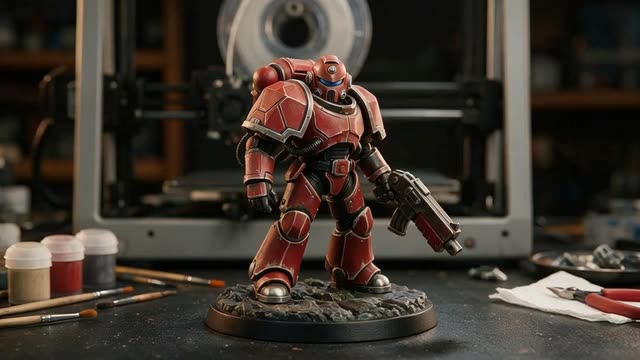
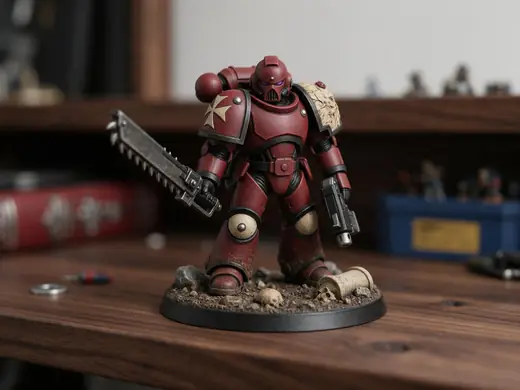
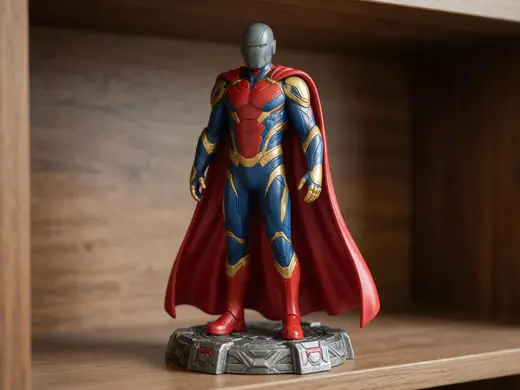
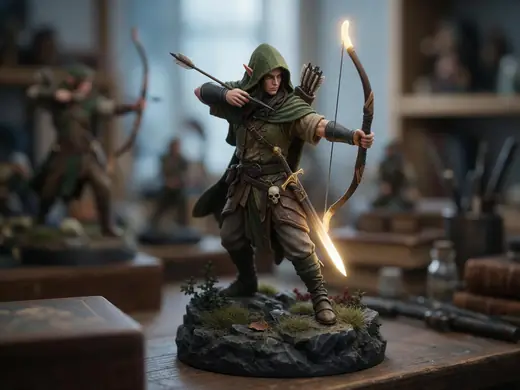
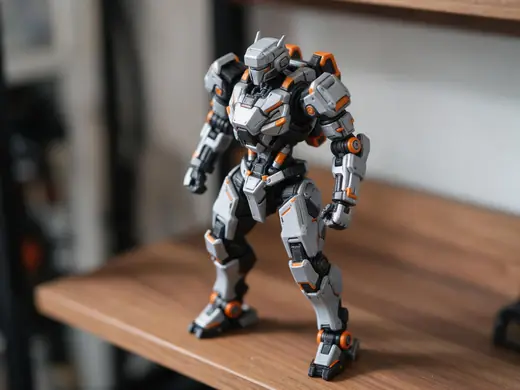
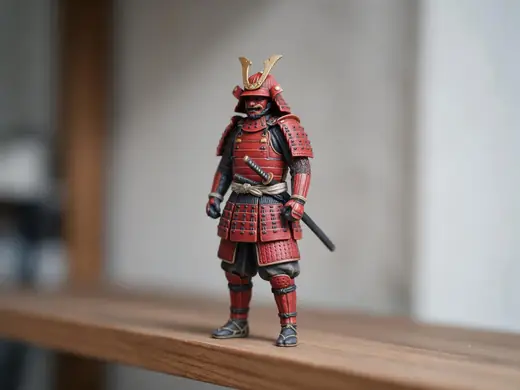
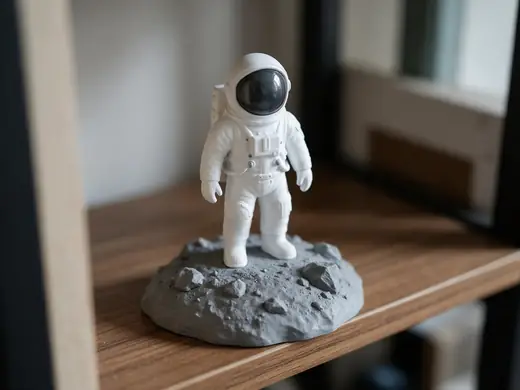
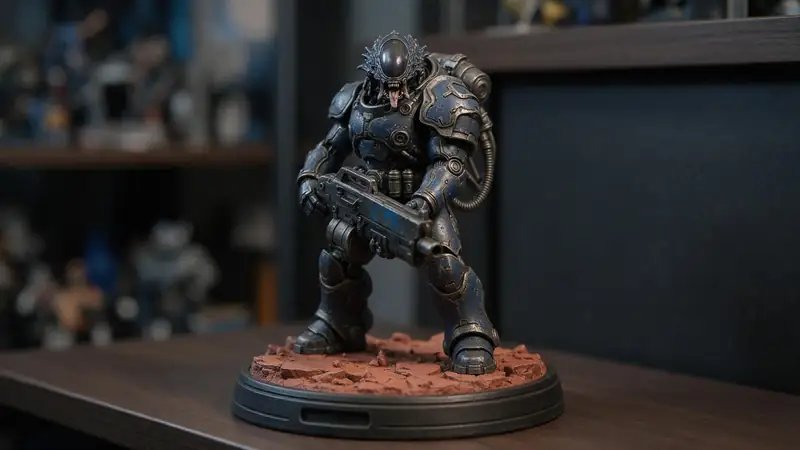
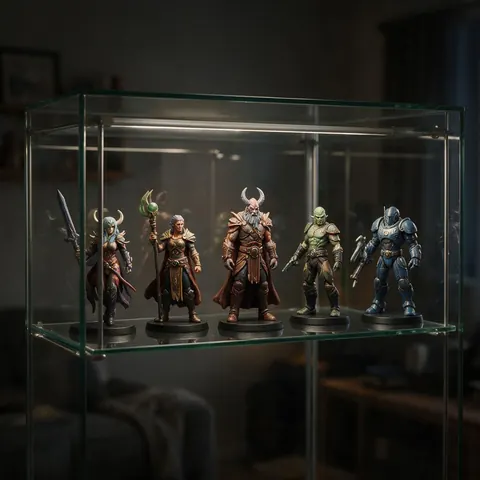
Painted figures on display bases — the look to aim for. Tap “To 3D” to start from a picture.
Reference images made with Seedream 5.0 Pro. “To 3D” opens Image to 3D in the 3D Studio with that picture.
Why Kenerate
Your character, on your shelf
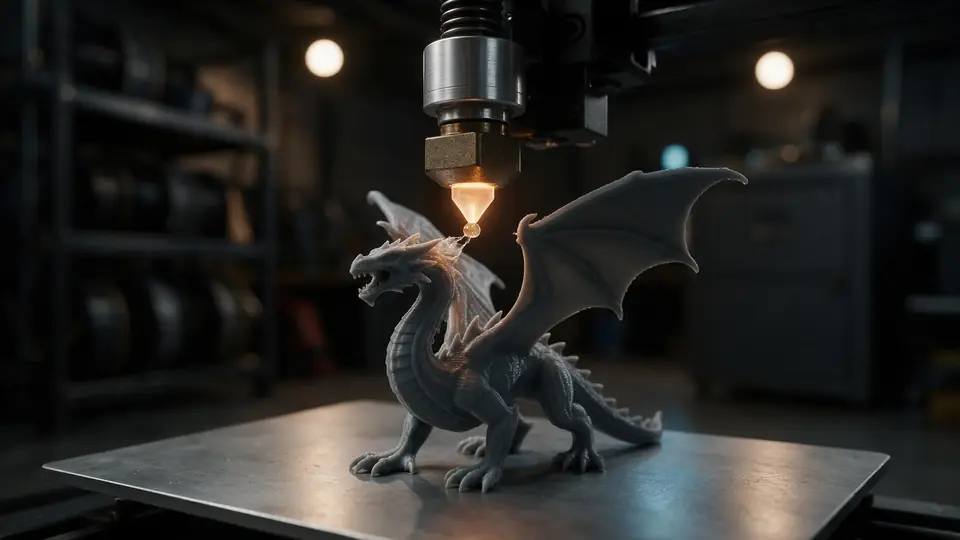
Custom figures used to need a sculptor. Now the hard part is describing what you want.
Also
What else it does
Print-ready in your browser
Convert to STL or 3MF, set the height in mm and stand it upright — free.
Paint it
Prime, paint and seal like any printed figure; the base doubles as a handle while painting.
Engines
Nine engines in one 3D Studio
Pick per job — draft fast, then rebuild your favourite on a stronger engine.
- This page
Hyper3D
Rodin 2.5
- Inputs
- Text · Photo · Multi-view (up to 5 views)
- Files
- GLB, FBX, OBJ, USDZ, STL
- Typical time
- about 2–3 min
Studio-grade meshes from 2K to 500K faces, quad or triangle, with a HighPack for 4K textures.
Open Rodin 2.5 - This page
Hyper3D
Rodin 2
- Inputs
- Text · Photo · Multi-view (up to 5 views)
- Files
- GLB, FBX, OBJ, USDZ, STL
- Typical time
- about 2–3 min
Clean, detailed meshes — the first photo drives the materials.
Open Rodin 2 
Meshy
Meshy 7.1
- Inputs
- Text · Photo · Multi-view (up to 4 views)
- Files
- GLB, FBX, OBJ, USDZ
- Typical time
- about 3–4 min
Production assets with the finest Meshy geometry (2K / 4K), smart topology, rigging and animation.
Open Meshy 7.1
Meshy
Meshy 7
- Inputs
- Text · Photo · Multi-view (up to 4 views)
- Files
- GLB, FBX, OBJ, USDZ
- Typical time
- about 3–4 min
Detailed game and product assets, with an Ultra detail switch, low-poly mode and auto-rigging.
Open Meshy 7
Meshy
Meshy 6
- Inputs
- Text · Photo
- Files
- GLB, FBX, OBJ, USDZ
- Typical time
- about 3–4 min
Reliable textured meshes with a polygon budget you control — the engine 3D Studio started on.
Open Meshy 6
Tripo
Tripo P2
- Inputs
- Text · Photo
- Files
- GLB, FBX
- Typical time
- about 3–4 min
Crisp, game-ready meshes with pro texture tiers up to Extreme and clean quad remeshing.
Open Tripo P2
All models (9)
Tripo
Tripo H3.1
- Inputs
- Text · Photo · Multi-view (up to 4 views)
- Files
- GLB
- Typical time
- about 4–5 min
High-quality meshes, with detailed geometry and a four-view mode for exact shapes.
Open Tripo H3.1
OpenAI
GPT-6 Astra
- Inputs
- Text · Photo · Multi-view (up to 10 views)
- Files
- GLB
- Typical time
- about 5–6 min
OpenAI's general GPT-6 Astra model run as a 3D job — follows long, detailed briefs and up to 10 reference photos, returns a GLB with PBR textures at real-world size. The slowest engine.
Open GPT-6 Astra
Tencent
Hunyuan 3D 3.1 Rapid
- Inputs
- Text · Photo
- Files
- GLB (untextured)
- Typical time
- about 1 min
The fastest geometry — an untextured (clay) GLB for quick blockouts, drafts and ideas.
Open Hunyuan 3D 3.1 Rapid
Typical times are the studio’s own estimates; real runs vary with load and settings. Formats are what each engine returns — GLB previews in the browser, other formats download.
How it works
How a custom figure is made
From idea to painted figure.
Design
Describe the character, pose and base — or upload a drawing.
Generate
Rodin 2.5 at 150K+ triangles for print detail.
Prepare
STL sized to your height in mm, Z-up, checked for thin parts.
Print and paint
Resin for small detail, FDM for big chunky figures; supports under arms.
How to
How to use the 3D Printed Action Figure Maker
- Time needed
- Steps
- 4 steps
Step 1
Write the character
Who it is, outfit, pose, and “on a round display base”.
Step 2
Generate on Rodin
Choose 150K triangles and STL format.
Step 3
Size it
Set the height in the STL editor, e.g. 100 mm.
Step 4
Print
Slice with supports under overhangs, print, then paint.
Watch the tour · 1:48
Text, photo or multi-view to a textured GLB, nine engines, the viewer & lighting, compare engines, gallery, download & chat
Chapters
Use cases
Popular figures
Original heroes
Your own character from a story or game.
Mascots
Team, brand or club figures.
Gifts
A figure of a friend's favourite character (that you may print).
Collectors
One-off figures and variants.
Tips
Figures that print well
Ask for chunky proportions and weapons held close to the body.
Always add a base — it stops the figure tipping and hides support marks.
Avoid flowing capes and thin hair strands, or thicken them in Blender.
Resin printers capture faces best at small sizes; FDM suits larger, chunkier figures.
Only print characters you have the rights to, especially if you sell them.
Prompt guide
Prompts that make good 3D models
A collectible action figure…
A collectible action figure of a heroic space marine in chunky armour on a round display base
A superhero action figure i…
A superhero action figure in a cape, standing heroically on a base, chunky proportions
A fantasy elf ranger figure…
A fantasy elf ranger figure with a bow on her back, on a rocky base
Example uses
How creators use the 3D printed action figure maker
Illustrative examples of typical workflows, not customer reviews.
Collector
A collector can design one-off figures and variants that exist nowhere else and print them for the shelf.
Team mascot designer
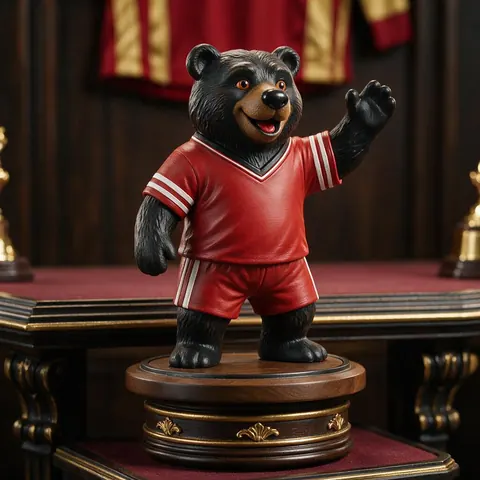
A club can turn its mascot into a chunky printed figure for trophies and gifts.
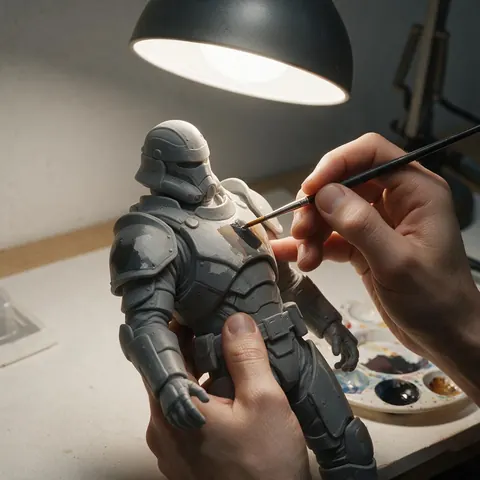
Hobby painter
A hobbyist can print an unpainted figure, prime it and paint it, using the base as a handle.
FAQ
3D Printed Action Figure Maker questions
Can I make my own action figure with AI?
Yes. Describe the character or upload a picture, generate the model in the 3D Studio, download an STL and print it.
Link to this answerWill the figure be poseable?
No — AI models come out as one solid piece. For articulated joints, split the model into parts in Blender and add pins or ball joints.
Link to this answerWhat size should I print?
Any. Set the height in millimetres with the free STL editor; 75–150 mm is typical for display figures.
Link to this answerResin or FDM?
Resin captures fine detail on small figures; FDM is cheaper and fine for larger, chunkier ones.
Link to this answerCan I make a 3D printed action figure of myself?
Yes, from a photo of yourself, or of someone who has given their consent. Results are stylised approximations, not exact likenesses. Don't create sexual content of real people.
Link to this answerCan I sell figures of famous characters?
Not without permission — characters are usually protected. Original characters are yours to sell.
Link to this answerIn depth
3D Printed Action Figure Maker, explained
Designing AI figures that print and paint well.
Prompting for a printable figure
Describe the character, then the print needs: “standing on a round display base”, “chunky proportions”, “weapon held close to the body”. Thin, unsupported parts are the most common failure — walls under about 0.9 mm on a 0.4 mm nozzle are fragile [11].
Supports and orientation
Arms, chins and capes create overhangs; anything past about 45° needs support [11]. Printing upright on the base usually gives the cleanest face and front.
Try the 3D Printed Action Figure Maker
3D generation is part of every paid plan and credit pack. The free 3D tools — viewers, converters, image to STL — need no account.
Tried it? Tell us how it went