

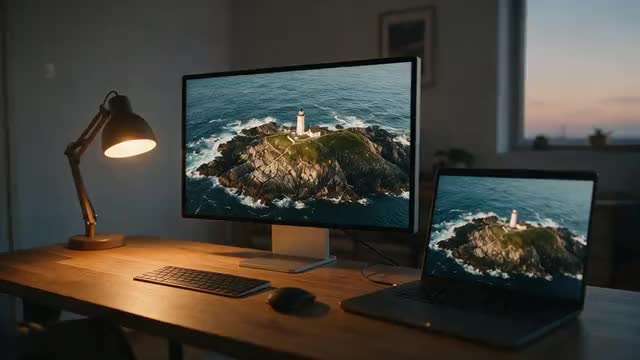
720p · 1080p · 2K · 4K · clips up to 5 min
Video upscaler — which resolution, and when it helps
Upscaling a video means giving it more pixels. Done well, it also rebuilds the detail those pixels should hold. This guide explains what each resolution step really adds, when an upscale is worth it, and how the main kinds of video upscaler compare.
- 720p, 1080p, 2K or 4K
- Length and frame rate kept
- Vertical clips keep their shape
- Runs in the browser
Updated by the Kenerate AI team
Made with Kenerate



On this page
Quick answer
Updated
What does a video upscaler do?
A video upscaler raises a clip's resolution, for example from 720p (1280 × 720) to 4K (3840 × 2160), which is nine times the pixels. An AI upscaler rebuilds detail instead of stretching it. Kenerate's AI Video Upscaler offers 720p, 1080p, 2K and 4K for clips up to 5 minutes and about 100 MB, keeping length and frame rate.
Key facts
- Output sizes
- 720p · 1080p · 2K · 4K
- Default
- 1080p
- Clip limit
- 5 min · about 100 MB
- Kept
- Length, frame rate, aspect ratio
- Engine
- LTX-2 video upscaler
- 3 s clip at 1080p
- About 80 s in our test
Real demo
Upscale a video from 480p to 1080p
Drag the line. Left: a real 480p clip filmed in dim stage light. Right: the AI Video Upscaler's 1080p output, which has about five times the pixels.
- Original 480p. 480p source: soft face, strings and lights.
- Upscaled 1080p. 1080p output: rebuilt edges in the face, guitar and stage lights.
Unedited outputs, shown at the same size.
Upscale a videoReal results
720p clips worth upscaling
Watch gears, sun rays, sea spray, neon and engraved armour: fine detail that a 720p frame can only hint at. Each is a real 5-second Wan 3 clip at 720p, the kind of source a video upscaler is made for.
Example clips are AI-generated with Wan 3 at 720p; the demo above shows the upscaler's own output.
How to
How to upscale a video
- Time needed
- Steps
- 4 steps
Step 1
Open the AI Video Upscaler
It runs in the browser; sign in with a verified email first.
Step 2
Add your clip
Upload a video up to 5 minutes and about 100 MB, or pick one from your History or Library.
Step 3
Choose the output size
720p, 1080p (the default), 2K or 4K. The panel shows the size your clip will come out at.
Step 4
Start and wait
A 3-second clip took about 50 seconds at 720p and about 80 seconds at 1080p in our tests; 4K takes much longer.

Open Video Upscaler and upload a clip, or pick one from your library or a link.


Watch the tour · 1:30
720p to 4K, 400 % zoom, every frame kept, before/after, vertical clips, hand-offs & chat
Chapters
Checked 6 October 2026
Which kind of video upscaler is best for you?
Four ways to upscale a video, compared neutrally. Kenerate is our product; the other columns describe types of tools, with one example each.
| Editor resize | Desktop AI app (e.g. Topaz Video AI) | Open source (e.g. Video2X) | Browser AI (Kenerate) | |
|---|---|---|---|---|
| How it enlarges | Interpolates new pixels from old ones | AI models rebuild detail | AI models rebuild detail | AI model rebuilds detail across frames |
| Runs on | Your editing software | Your computer | Your computer | Kenerate's servers, in a browser tab |
| Needs a strong GPU | No | Helps a lot | Helps a lot | No |
| Setup | None | Install the app | Install and configure | Sign in with a verified email |
| Best for | Fitting a clip into a bigger timeline | Long projects and batch work on a powerful PC | Technical users who want free, local processing | Short clips up to 5 minutes, from any computer |
Descriptions of other tools are general; check each tool's own site for current features.
Sources: Kenerate AI Video Upscaler (tool) · Display resolution — Wikipedia · Video super-resolution — Wikipedia · Topaz Labs (Topaz Video AI), checked 6 October 2026 · Video2X on GitHub, checked 6 October 2026
Engines
Resolution jumps, explained
How much an upscale adds depends on where you start. Each row is a common source and target, with how many more pixels the AI has to fill.
About 5× the pixels
480p → 1080p
- Input
- 854 × 480 (SD)
- Output
- ≈ 1920 × 1080
Old phone, webcam or DVD footage going to social media
Open 480p → 1080p- Most common
2.25× the pixels
720p → 1080p
- Input
- 1280 × 720 (HD)
- Output
- ≈ 1920 × 1080
AI-generated clips and older HD video for web and phones
Open 720p → 1080p About 1.8× the pixels
1080p → 2K
- Input
- 1920 × 1080 (Full HD)
- Output
- ≈ 2560 × 1440
QHD monitors and a sharper master without 4K file sizes
Open 1080p → 2K4× the pixels
1080p → 4K
- Input
- 1920 × 1080 (Full HD)
- Output
- ≈ 3840 × 2160
4K TVs, 4K uploads and mixing with 4K camera footage
Open 1080p → 4K9× the pixels
720p → 4K
- Input
- 1280 × 720 (HD)
- Output
- ≈ 3840 × 2160
Big screens when 720p is all you have; compare it with 2K
Open 720p → 4K
Kenerate's sizes are a pixel count, not a fixed frame: a 16:9 clip at 4K came back at 3840 × 2158 in our test, and a 544 × 736 portrait clip at 720p came back at 824 × 1116.
Tips
Get more from an upscale
The source decides how good the result can be.
Upload the best copy you have, not a re-downloaded or screen-recorded one.
Pick the size of the screen it will play on; bigger is not always better.
Trim to the part you need: shorter clips finish faster.
Go to the final size in one run instead of upscaling twice.
Fix focus and shake at the shoot; upscaling sharpens detail, not blur from movement.
Check the result at 100 % zoom, not only full screen.
Example uses
How creators use video upscaler
Illustrative examples of typical workflows, not customer reviews.
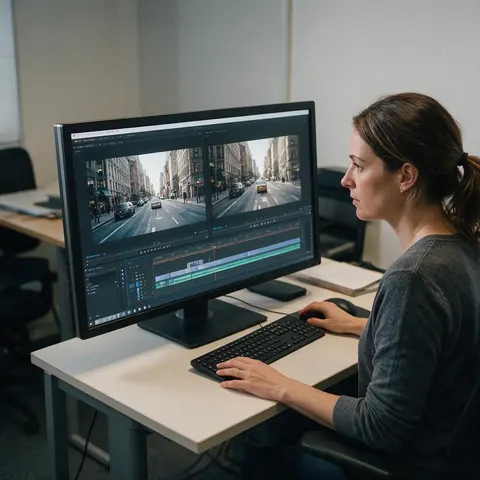
Video editor
A video editor could upscale an old 720p interview to 1080p so it sits cleanly next to new footage in the same timeline.
Home viewer
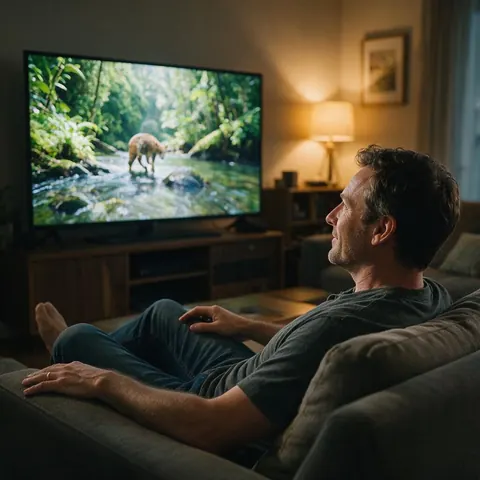
A home viewer could upscale a family trip clip to 4K before playing it on a large living-room TV.
Content creator
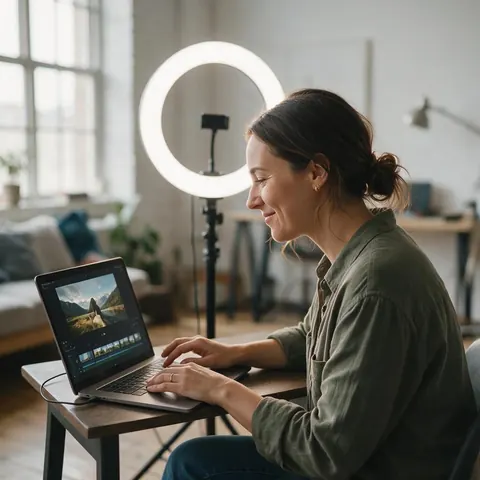
A content creator could upscale a 720p AI-generated clip to 1080p before posting it to social media.
FAQ
Video upscaler questions
7 questions
How do I upscale a video?
Upload the clip to an AI video upscaler, choose the output size and download the result. On Kenerate, open the AI Video Upscaler, add a video of up to 5 minutes and about 100 MB, pick 720p, 1080p, 2K or 4K and start. You can compare the before and after in the viewer before you download the MP4.
Link to this answerDoes upscaling a video actually improve quality?
It depends on the method. A plain resize in an editor adds pixels by averaging the old ones, so the picture is bigger but no sharper. An AI upscaler predicts detail and removes compression blocks while it enlarges, which is why the result looks like a higher resolution. It cannot recover detail the camera never recorded.
Link to this answerWhat resolution should I upscale to?
Match the screen the video will play on. 1080p suits phones, social media and most websites. 2K suits QHD monitors. 4K suits 4K TVs and projects that mix with 4K camera footage. Going higher than the screen only makes the file bigger and the upscale slower.
Link to this answerIs there a free video upscaler?
Some open-source tools run free on your own computer if it has a capable graphics card. Kenerate's upscaler runs in the browser on credits, with no subscription required and no watermark on the result. New accounts get starter credits, so you can test it on your own clip before paying.
Link to this answerHow long does video upscaling take?
It grows with the clip length and the output size. In our tests, a 3-second clip took about 50 seconds at 720p, about 80 seconds at 1080p and close to 5 minutes for a 4-second clip at 4K. Longer clips take proportionally longer, so trim the video to the section you need.
Link to this answerWill upscaling change the frame rate or length?
No. Kenerate's upscaler works on the frames you upload and keeps their number, so the length and frame rate stay the same. To make motion smoother with more frames per second you need frame interpolation, which is a different process from upscaling.
Link to this answerCan I upscale a vertical video?
Yes. The output sizes are a pixel count rather than a fixed frame, so a 9:16 phone clip keeps its shape. At 1080p it comes out at about 1080 × 1920, and at 4K at about 2160 × 3840, with no black bars and no cropping.
Link to this answerIn depth
Video upscaling, explained
What the resolution names mean, when an upscale is worth it, and what it can't do.
On this page
720p, 1080p, 2K and 4K in pixels
The number is the frame's height in lines. 720p is 1280 × 720, 1080p (Full HD) is 1920 × 1080, and consumer 4K (UHD) is 3840 × 2160 [1]. "2K" is used loosely: cinema 2K is 2048 × 1080, while most monitors sold as 2K or QHD are 2560 × 1440. Kenerate's 2K setting targets the 2560 × 1440 pixel count.
When upscaling helps
In each case the AI has real detail to work from and a clear reason to add pixels.
- The video will play on a bigger screen than it was made for.
- It has to sit next to higher-resolution footage in one edit.
- It is an AI-generated clip that came out at 720p.
- It shows compression blocks or banding from repeated uploads.
- It is an old clip you can't film again.
When it doesn't
Upscaling sharpens what is there. It can't refocus a shot that was out of focus, remove heavy motion blur, steady a shaky camera or add frames. If the video will only be watched on a phone at the size it already has, an upscale mostly makes the file bigger.
Why AI upscaling looks different from a resize
A resize fills new pixels with averages of their neighbours, so edges get bigger and softer. Video super-resolution uses several neighbouring frames to rebuild plausible detail, which keeps edges crisp and avoids flicker between frames [2].
Upscale a video online
Online upscalers run on the provider's servers, so your computer's graphics card doesn't matter. Upload, choose a size and download; the work happens in the cloud.
Free video upscaler
Local open-source tools are free but need a capable GPU and some setup. Kenerate has no subscription: it runs on credits, and new accounts get starter credits to try it.
Video upscaling vs enhancement
Upscaling adds pixels; enhancement improves how the existing picture looks. An AI upscaler does a bit of both, because it removes compression blocks while it enlarges.
Upscale AI-generated video
Many AI video models render at 720p to save time. Upscaling the finished clip to 1080p or 4K is usually faster than generating at a higher resolution.
Explore
Every Kenerate video tool
Generators, tools, models and guides — all in one studio.



Upscale your next video
720p, 1080p, 2K or 4K, clips up to 5 minutes, no subscription.
Tried it? Tell us how it went