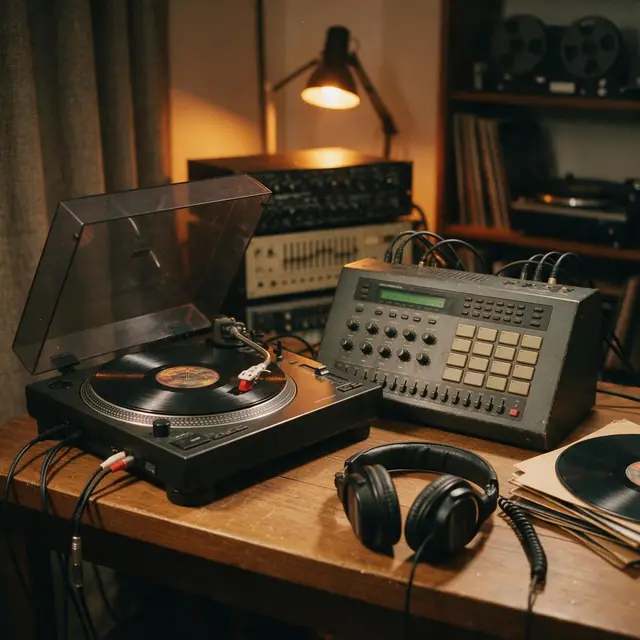
Boom-bapInstrumental90 BPM
Crate Digger
Made with MiniMax Music 3.0 · Slow it down to practise bars
—
PromptClassic boom-bap hip-hop beat, dusty kick and snare, chopped soul sample, deep bass, head-nod groove, 90 bpm
Load a track, see its detected BPM, dial in a new tempo and preview it — the pitch stays put. Download the re-timed version as a WAV. Everything happens in your browser.
Original
— BPM
New tempo
120 BPM
Analysed on your device — never uploaded
Quick answer
Updated
To change a song's BPM without changing its pitch, time-stretch it. Load the file above: the tool detects the original BPM, you set a new BPM (slider or ±1/5/10 buttons, from 50% to 150% of the original), and Preview plays it at the new tempo with the pitch kept. Download WAV renders the change on your device using WSOLA time-stretching (which re-joins tiny slices of audio at matching points so the tempo changes but the pitch doesn't). The file is never uploaded. Small changes (±10%) sound most natural. Want the pitch to move too — the slowed or nightcore sound? Use the slowed + reverb maker.
Listen first
Make an original backing track, then slow it down to learn it and speed it back up as you improve.
Made with MiniMax Music 3.0 · Slow it down to practise bars
PromptClassic boom-bap hip-hop beat, dusty kick and snare, chopped soul sample, deep bass, head-nod groove, 90 bpm
Made with Ken Music 1.5 · Practise the comping slower
PromptBossa nova, nylon-string guitar, soft brushes, flute melody, warm and breezy, Rio beach afternoon, 124 bpm
Made with MiniMax Music 3.0 · Match it to a DJ set
PromptBig-room EDM festival track, huge build-up, massive drop with punchy kick and lead synth, crowd energy, 128 bpm
Made with Ken Music 1.5 · Learn the solo at 80%
PromptJazz piano trio, swinging piano solo, upright bass, brushed drums, late-night club, 132 bpm
Prompt recipe
Common reasons — and sensible amounts.
Generate an original track at exactly the tempo you need.
Running 170
High-energy running music, driving drums, uplifting synths, 170 bpm
Use this promptPractice 90
Boom-bap backing beat to rap over, dusty drums, soul sample, 90 bpm
Use this promptDJ 124
Tech house groove, rolling bassline, crisp hats, 124 bpm
Use this promptYoga 70
Calm flowing yoga music, soft pads, gentle hand drums, 70 bpm
Use this promptHow to
Tips
What sounds best.
Engines
Facts from the app's engine list.
| Engine | Length | Modes | Good for |
|---|---|---|---|
| MiniMax Music 3.0MiniMax | Up to 4 min | Song · Lyrics · Instrumental | Follows [Verse]/[Chorus] section tags closely |
| Ken Music 1.5Kenerate | Up to ~3 min | Song · Lyrics · Instrumental | Default engine: full songs with vocals in any language; can take an image as inspiration |
| ElevenLabs Music v2.5ElevenLabs | Exact length, 10 s–10 min | Song · Lyrics · Instrumental | Set the exact duration; clean studio mix |
| Mureka V9.5Mureka | Up to 4 min | Song · Lyrics · Instrumental | Writes its own lyrics from a prompt; style chips; MP3/WAV/FLAC |
Pick the engine in the Music Studio's composer. Every engine runs on the same credit balance.
Make your first track — 25 free credits on sign-up.
Start free
The same credits work for music, voice, images and video.
Test on your own images before you buy anything.
One-time packs — use them this week or next year.
Nothing to cancel. Free results download clean.
The same credits work across images, video, voice and 3D.
In depth
What works, what to avoid, and how the pieces fit.
Simply playing audio faster raises its pitch. Time-stretching avoids that by cutting the audio into tiny overlapping slices and re-joining them closer together (faster) or further apart (slower). WSOLA picks each join point where the waveforms match best, which keeps the result smooth.
Why people change BPM:
FAQ
6 questions
Load it into the BPM changer above, set the new BPM, preview it and download the WAV. The tempo changes; the pitch stays the same.
Yes — that's what time-stretching does. The preview uses your browser's pitch-preserving playback, and the export uses WSOLA time-stretching.
Yes — free, no sign-up, and it runs on your device.
No. Detection, preview and export all happen in your browser.
From 50% to 150% of the original. Changes within about ±10% sound the most natural.
The BPM changer keeps the pitch. Slowed + reverb (and nightcore) change speed and pitch together, like a turntable.
Explore
Songs, lyrics, genres, instrumentals and cover art — one studio, one credit balance.
Written by the Kenerate AI team
We build and run the Kenerate Music Studio. Every demo on this page is a real output of the engine named on it, made from the prompt shown; engine facts were checked against the app's code. Last updated 28 September 2026. Corrections: support@kenerateai.com.
Sources
Ready when you are
25 free credits on sign-up. No watermark. Credits never expire.