3 avatar sources · 500 presenters · direction prompts
AI talking avatar — your face, a character or a stock presenter
A talking avatar needs a face and a voice. Use your own portrait, a character you designed, or one of 500 stock presenters, then give it your audio and tell it how to move: calm and steady, energetic, or news-anchor still.
- Your photo or 500 presenters
- Cartoon and 3D avatars
- Gestures from a prompt
- 16:9 or 9:16 presenters
Updated by the Kenerate AI team
Made with Kenerate

On this page
Quick answer
Updated
What is an AI talking avatar?
An AI talking avatar is a face that speaks your audio, and Kenerate's Avatar Talk gives you 3 sources for it: your own portrait, a character you generated, or one of 500 HeyGen stock presenters. You add the voice, pick from 19 talking-photo engines, and steer gestures with an optional direction prompt on engines that support one.
Key facts
- Avatar sources
- 3
- Stock presenters
- 500
- Presenter formats
- 16:9 or 9:16, up to 4K
- Engines with a direction prompt
- 14 of 19
- Longest speech
- 10 min
- Free plan
- Yes
Real results
Avatars with different jobs
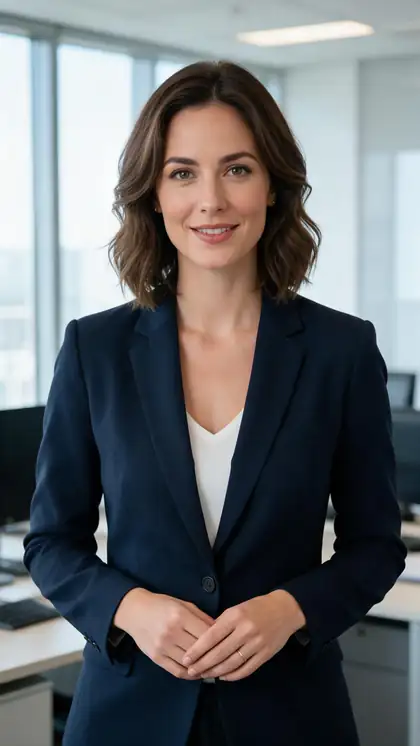
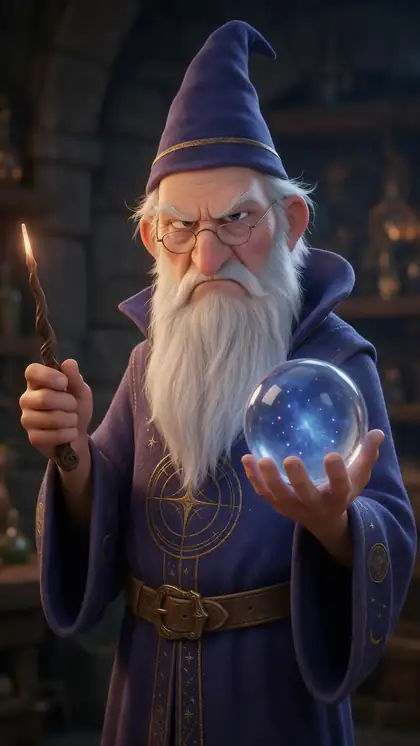
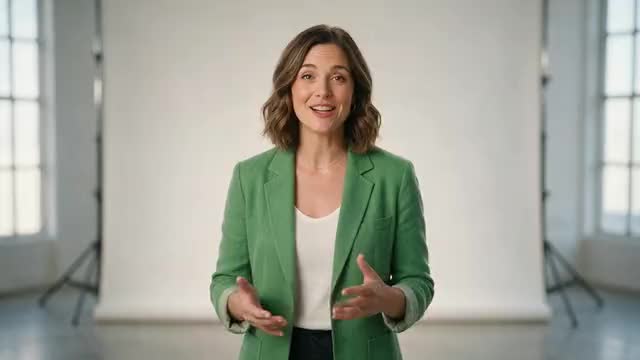
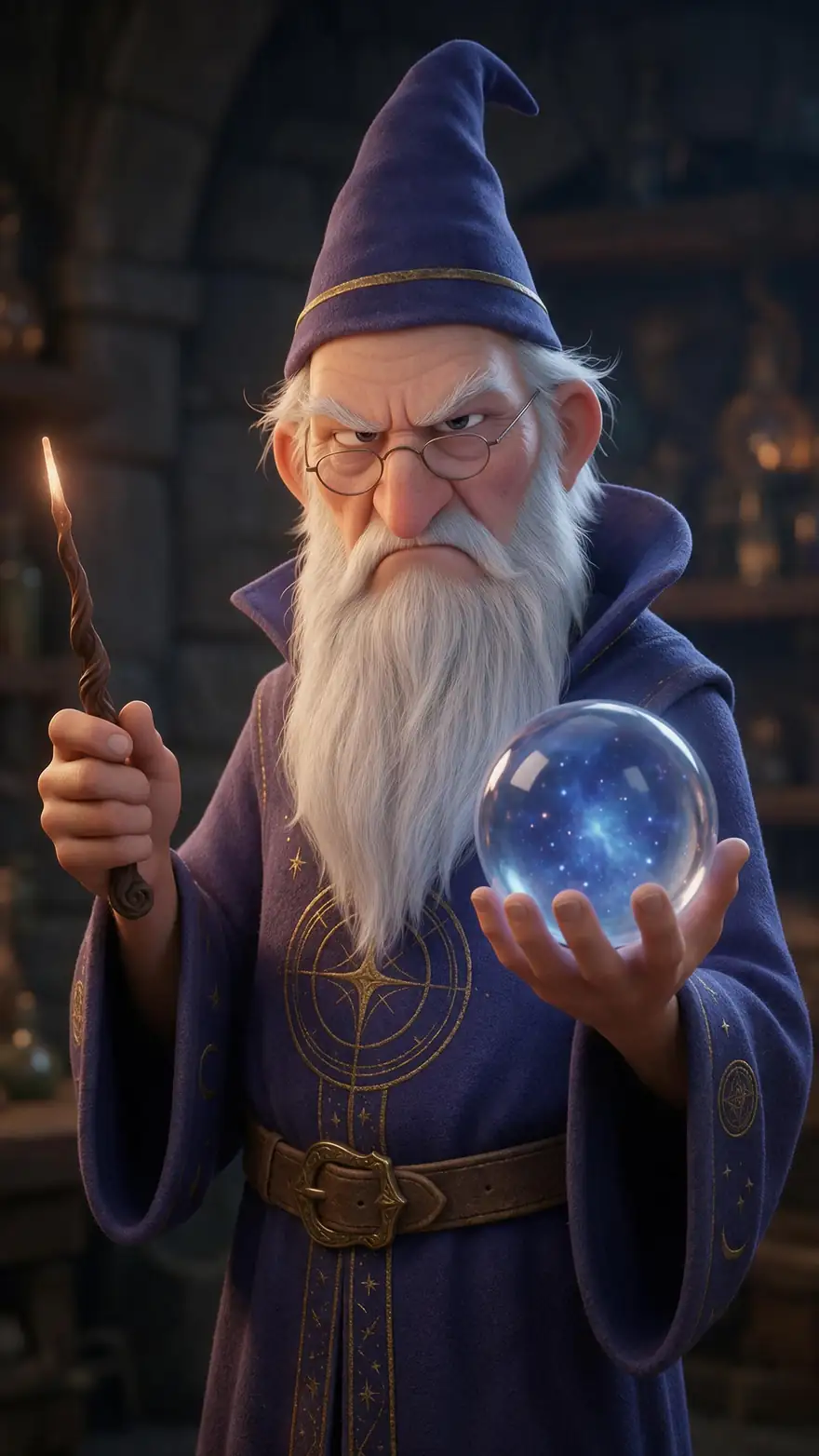
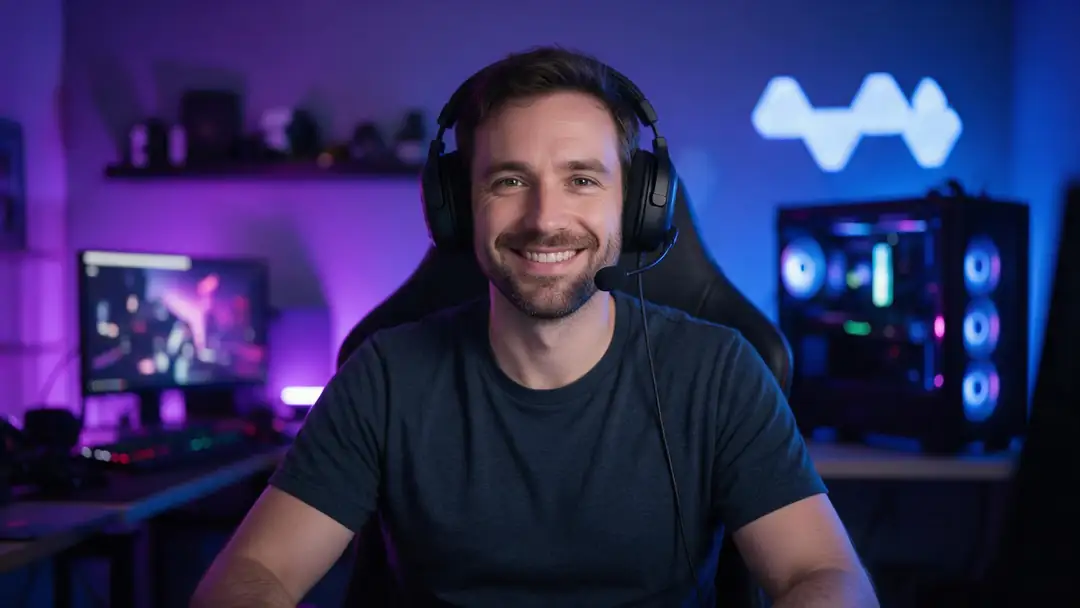
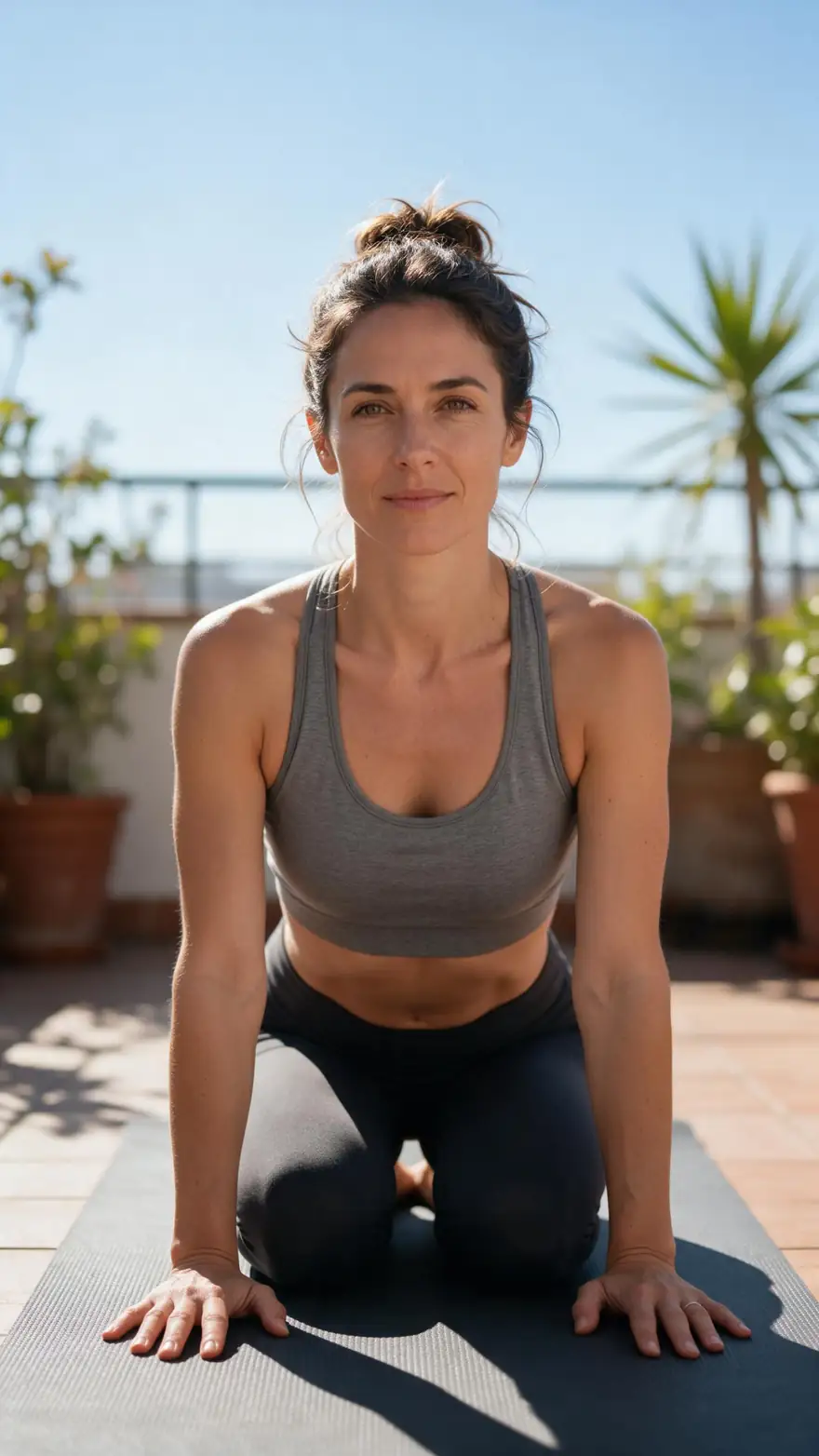
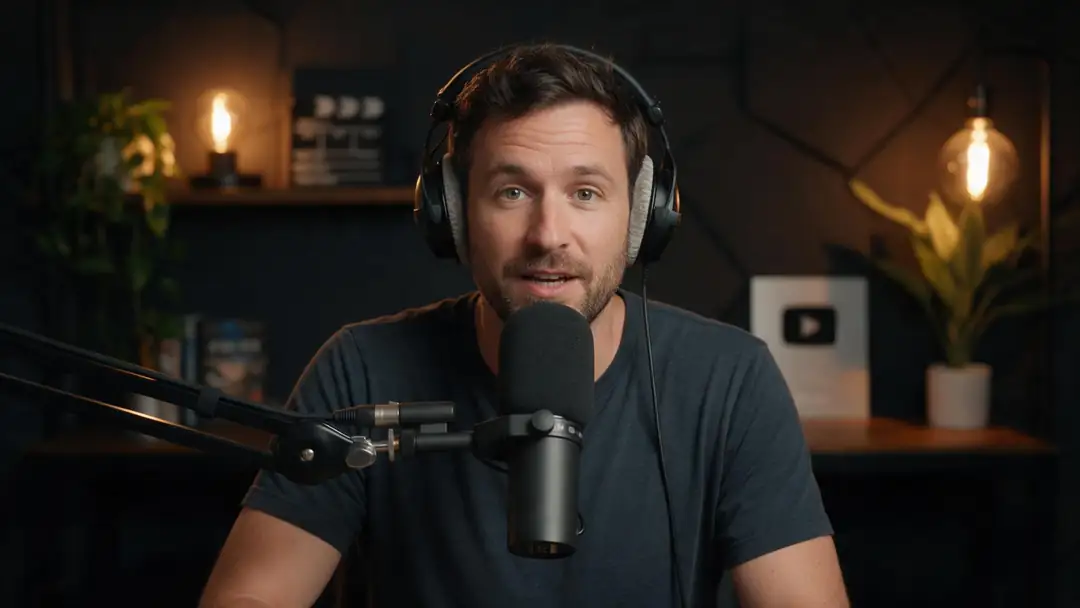
A presenter, a cartoon wizard, a streamer, a yoga teacher and a podcast host: real Wan 3 clips with generated voices. In Avatar Talk the voice is your own audio.
AI-generated people and characters. Open a clip to copy both prompts.
How to
How to make an AI talking avatar
- Time needed
- Steps
- 4 steps
Step 1
Choose where the face comes from
Upload your own portrait or a character image, or switch to HeyGen Presenters and pick one of 500 stock presenters.
Step 2
Add the voice
Upload a voice file, record it on the mic, or make it in Voice Studio and pick the take from History.
Step 3
Direct the performance
On engines that take a prompt, describe the body language: "calm and confident, subtle hand gestures" or "serious news-anchor delivery".
Step 4
Generate and reuse
Download or share the result; keep the same avatar image and swap in new audio for the next video.
See it in the app

Open Avatar Talk, pick Talking photo, script to video or lip sync, and choose the engine.


Watch the tour · 2:23
Talking photos, script to video, engines, any language, presenters, lip sync & chat
Chapters
Checked 6 October 2026
Which avatar is best for you
Three sources for the face, plus two special cases. All of them run in Avatar Talk.
| Avatar | Best for | Watch out for |
|---|---|---|
| Your own portrait | Personal brands, founders, teachers who want to be recognised | Use a sharp, front-facing photo with the mouth closed |
| A generated character | Faceless channels, brand mascots, stories | Keep one master image so the face stays the same |
| A cartoon or 3D character | Kids' content, explainers, playful social posts | Pick a clear, expressive voice to match the style |
| HeyGen stock presenter | Training, onboarding, quick explainers with no photo | Other people can pick the same presenter |
| Two avatars in one image | Podcasts, interviews, dialogue sketches | Needs a separate audio track for each person |
Engine details are in the table above; HeyGen Presenters is the only source that needs no image.
Sources: Kenerate Avatar Talk · Kenerate Voice Studio · Kenerate Image Studio
Engines
Engines for talking avatars
Seven of Avatar Talk's 19 talking-photo engines, chosen for how much control they give over the avatar.
- Default
Kenerate
Kenerate Avatar
- Input
- Image + up to 10 min · body-language prompt
- Output
- 720p or 1080p
Presenter avatars with natural body movement
Open Kenerate Avatar - No photo
HeyGen
HeyGen Presenters
- Input
- Audio + one of 500 stock presenters
- Output
- 720p, 1080p or 4K · 16:9 or 9:16
An avatar without a photo
Open HeyGen Presenters 
Kuaishou
Kling Avatar 2 Pro
- Input
- Image + up to 5 min · prompt
- Output
- Engine decides
Realistic expressions guided by a prompt
Open Kling Avatar 2 ProSkywork
SkyReels V3 Avatar
- Input
- Image + up to 15 s · emotion and camera prompt
- Output
- 480p or 720p
Short, expressive avatar clips
Open SkyReels V3 AvatarVEED
VEED Fabric 1.0
- Input
- Image + up to 5 min
- Output
- 480p or 720p
UGC-style and ad avatars with a stable identity
Open VEED Fabric 1.0
ByteDance
OmniHuman 1.5
- Input
- Image + up to 60 s
- Output
- Engine decides
Full-body, cinematic avatar performances
Open OmniHuman 1.5
All models (7)
- 2 speakers
WaveSpeed
InfiniteTalk Duo
- Input
- Image of two + one track each
- Output
- 480p or 720p
Two avatars in a conversation
Open InfiniteTalk Duo
From Avatar Talk's engine list. The gallery clips were made with Wan 3 image to video.
Tips
Avatars that hold up across videos
A talking avatar is most useful when it looks the same every time.
Save one master image of your avatar and reuse it for every video.
Generated characters: make a front-facing, neutral-expression version first.
Keep the direction prompt short and about movement, not looks.
Use 9:16 presenters for Reels and Shorts, 16:9 for YouTube and courses.
Cartoon avatars read best with a clear, slightly exaggerated voice.
Never build an avatar from someone else's face without their consent.
Example uses
How creators use AI talking avatar
Illustrative examples of typical workflows, not customer reviews.
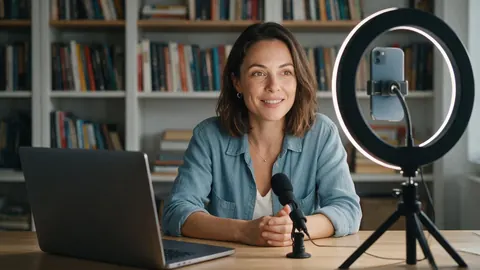
Course creator
A course creator could build one avatar from her own portrait and pair it with a new voice track for every lesson.
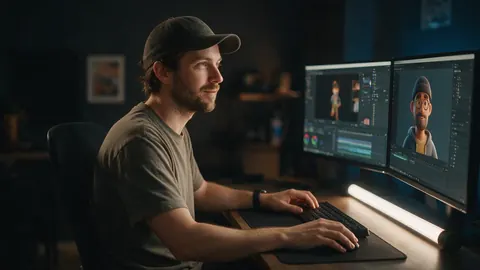
Faceless-channel creator
A faceless-channel creator could give a generated 3D character a voice and use it as the host of every video.

HR manager
An HR manager could pick a stock presenter for onboarding videos when no one on the team wants to be on camera.
FAQ
AI talking avatar — questions
7 questions
How do I create an AI talking avatar of myself?
Upload a clear, front-facing photo of yourself in Avatar Talk, add your voice by recording it or uploading a file, and generate with Kenerate Avatar. Keep that photo as your master avatar image and pair it with new audio for each new video.
Link to this answerCan I make a talking avatar without a photo?
Yes. Choose HeyGen Presenters in the engine picker and pick one of 500 stock presenters in settings such as an office, a sofa, a gym or a doctor's room. You only add the audio, and the video comes out in 16:9 or 9:16 at up to 4K.
Link to this answerCan a cartoon or 3D character be a talking avatar?
Yes. Upload the character image as the photo; cartoons, 3D renders and paintings all work as long as the face is clear and looks toward the camera. Make the character in an image generator first if you don't have one.
Link to this answerCan I control how the avatar moves?
On 14 of the 19 talking-photo engines, yes: an optional direction box lets you describe gestures, mood and framing, with presets such as "warm and friendly, gentle nods". SkyReels V3 also takes emotion and camera moves. Engines without a prompt move the avatar from the audio alone.
Link to this answerCan two avatars talk to each other?
Yes. Put both characters in one image and use InfiniteTalk Duo, InfiniteTalk Fast Duo or LongCat 1.5 Duo; each takes one audio track per person, played together or in turn.
Link to this answerIs an AI talking avatar free?
Avatar Talk works on the free plan with the sign-up credits, so you can make your first talking avatar without buying anything. Longer or higher-resolution videos use more, and one-time credit packs top it up.
Link to this answerCan I make an avatar of someone else?
Only with their permission. Use your own face, characters you created, stock presenters, or people who agreed to be animated.
Link to this answerIn depth
Talking avatars, explained
On this page
Avatar vs talking photo
The technology is the same: an engine animates a face to match audio. The difference is intent. A talking photo is usually a one-off, such as a family picture or a painting. A talking avatar is a face you reuse, the on-screen host of a channel, a course or a brand, so consistency matters more than novelty.
Directing an avatar
Direction prompts change the performance, not the face. Avatar Talk offers four starting points, which you can edit:
- The person is talking to camera, calm and confident, subtle hand gestures.
- Energetic presenter, animated hands, slight lean-in on key points.
- Warm and friendly, gentle nods, soft smile between sentences.
- Serious news-anchor delivery, minimal movement, steady eye contact.
Stock presenters vs your own avatar
Stock presenters are fast: there's no image to prepare, and the framing and lighting are already done. Your own avatar is distinctive: nobody else can use it, and viewers learn to recognise it. Many creators start with a presenter to test a format, then switch to their own avatar.
Talking avatar AI
Same thing, word order swapped. The steps on this page apply whichever way you search for it.
AI avatar video
A video in which an avatar presents. For the full workflow, from the script through captions to translation, see the AI avatar video generator guide.
Explore
Every Kenerate video tool
Generators, tools, models and guides — all in one studio.