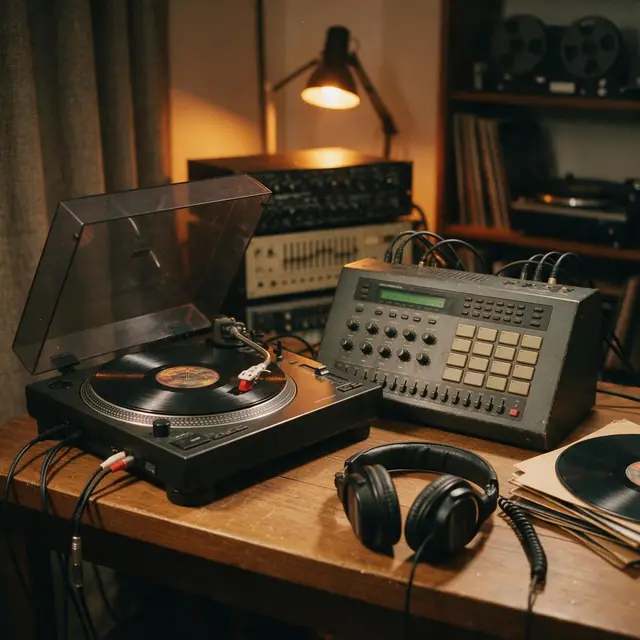
Boom-bap · 90 BPMInstrumental90 BPM
Crate Digger
Made with MiniMax Music 3.0 · Set the click to 90
—
PromptClassic boom-bap hip-hop beat, dusty kick and snare, chopped soul sample, deep bass, head-nod groove, 90 bpm
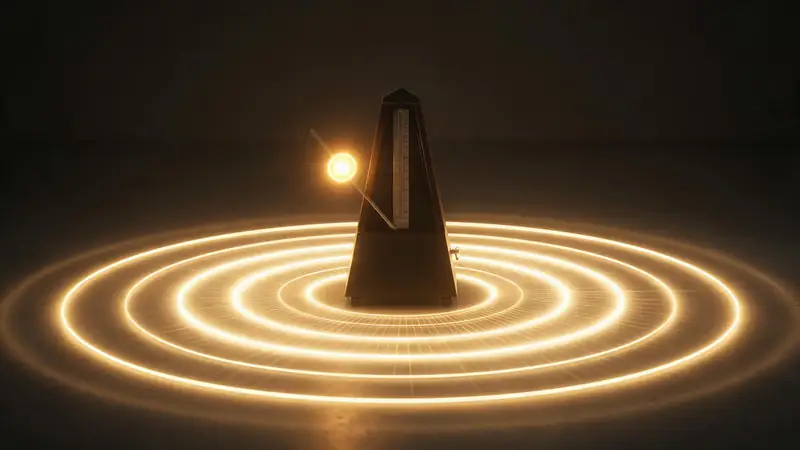
A free online click track and metronome: set the BPM, the time signature and the accent, tap in a tempo, then practise along — or download a WAV click track to drop into your DAW or show rig.
120
BPM
Quick answer
Updated
A click track is a steady metronome pulse that musicians play or record to so the tempo stays exact. The generator above runs free in your browser: set 40–240 BPM, choose 2/4, 3/4, 4/4 or 6/4, accent beat 1, add 8th-note clicks, or tap the tempo in — then press Start, or download a 16-bit WAV (30 seconds to 3 minutes) for your DAW, in-ear mix or live show. It uses precise Web Audio scheduling rather than timers, so the clicks stay tight. Want something to practise over? Kenerate's Music Studio can make a backing track at the same BPM.
Listen first
Set the click to the BPM on each card and play along — or make your own backing track at your tempo.
Made with MiniMax Music 3.0 · Set the click to 90
PromptClassic boom-bap hip-hop beat, dusty kick and snare, chopped soul sample, deep bass, head-nod groove, 90 bpm
Made with MiniMax Music 3.0 · Set the click to 88
PromptChillhop instrumental, bouncy swing drums, jazzy guitar licks, upright bass, sunny afternoon, 88 bpm
Made with MiniMax Music 3.0 · Set the click to 128
PromptBig-room EDM festival track, huge build-up, massive drop with punchy kick and lead synth, crowd energy, 128 bpm
Made with Ken Music 1.5 · Set the click to 132
PromptJazz piano trio, swinging piano solo, upright bass, brushed drums, late-night club, 132 bpm
Where to set the click for popular styles.
Prompt recipe
How teachers suggest using it.
Each opens the Music Studio — change the BPM to match your click.
Rock
Rock backing track, drums, bass and rhythm guitar, no lead, 120 bpm
Use this promptBlues
Slow blues backing track in A, shuffle drums, bass, organ, no lead, 72 bpm
Use this promptFunk
Funk backing track, tight drums, slap bass, rhythm guitar, no lead, 104 bpm
Use this promptJazz
Jazz trio backing track, walking bass, brushed drums, piano comping, 132 bpm
Use this promptHip-hop
Boom-bap beat to rap over, dusty drums, soul sample, 90 bpm
Use this promptHow to
Tips
Small things that help.
Engines
Facts from the app's engine list.
| Engine | Length | Modes | Good for |
|---|---|---|---|
| MiniMax Music 3.0MiniMax | Up to 4 min | Song · Lyrics · Instrumental | Follows [Verse]/[Chorus] section tags closely |
| Ken Music 1.5Kenerate | Up to ~3 min | Song · Lyrics · Instrumental | Default engine: full songs with vocals in any language; can take an image as inspiration |
| ElevenLabs Music v2.5ElevenLabs | Exact length, 10 s–10 min | Song · Lyrics · Instrumental | Set the exact duration; clean studio mix |
| Mureka V9.5Mureka | Up to 4 min | Song · Lyrics · Instrumental | Writes its own lyrics from a prompt; style chips; MP3/WAV/FLAC |
Pick the engine in the Music Studio's composer. Every engine runs on the same credit balance.
Make your first track — 25 free credits on sign-up.
Start free
The same credits work for music, voice, images and video.
Test on your own images before you buy anything.
One-time packs — use them this week or next year.
Nothing to cancel. Free results download clean.
The same credits work across images, video, voice and 3D.
In depth
What works, what to avoid, and how the pieces fit.
The main reasons:
Browser timers drift, so the generator schedules each click ahead of time on the audio clock (a 'lookahead' scheduler), which keeps it steady even if the page is busy. Downloads are rendered offline, sample-accurate.
FAQ
6 questions
A steady metronome pulse musicians play or record to so the tempo stays exact — common in studios and live shows with backing tracks.
Yes — it runs in your browser with no sign-up, and the WAV download is free.
Yes — choose 30 seconds, 1, 2 or 3 minutes and download a 16-bit WAV at your BPM and time signature.
Tap the button in time with the music a few times; it averages your last taps and sets the BPM.
They're the same pulse; 'click track' usually means a recorded or routed click used for recording and live playback.
Yes — describe the style and BPM in the Music Studio and it generates a backing track; new accounts get 25 free credits.
Explore
Songs, lyrics, genres, instrumentals and cover art — one studio, one credit balance.
Written by the Kenerate AI team
We build and run the Kenerate Music Studio. Every demo on this page is a real output of the engine named on it, made from the prompt shown; engine facts were checked against the app's code. Last updated 28 September 2026. Corrections: support@kenerateai.com.
Ready when you are
25 free credits on sign-up. No watermark. Credits never expire.