

6 formats in · 6 out · nothing uploaded
Free online 3D model converter
Convert between the 3D formats people actually use — for printing, for 3D apps, for the web and for iPhone AR. Preview the model first, then download the format you need.
- STL · OBJ · FBX · GLB · 3MF · PLY in
- STL · OBJ · GLB · 3MF · PLY · USDZ out
- Size in mm and Z-up for printers
- Private: converted on your device
Updated by the Kenerate AI team
On this page
Quick answer
Updated
What is a 3D model converter?
A 3D model converter is a tool that changes a model from one file format to another, such as GLB to STL for printing. Kenerate's free converter runs in your browser, previews the model in 3D and can size it in millimetres and turn it Z-up for slicers. Files are never uploaded.
Key facts
- Price
- Free, no account
- Input
- STL, OBJ, FBX, GLB (glTF 2.0), 3MF, PLY — up to 200 MB
- Output
- STL, OBJ, GLB, 3MF, PLY, USDZ
- Print options
- Fit longest side to 25–200 mm, Z-up for slicers
- Not converted
- Animation and rigs (exports are static meshes)
- Privacy
- Converted locally — no upload
Why this tool
One converter for print, apps, web and AR
Pick where the model is going; the converter handles size, orientation and what each format can carry.
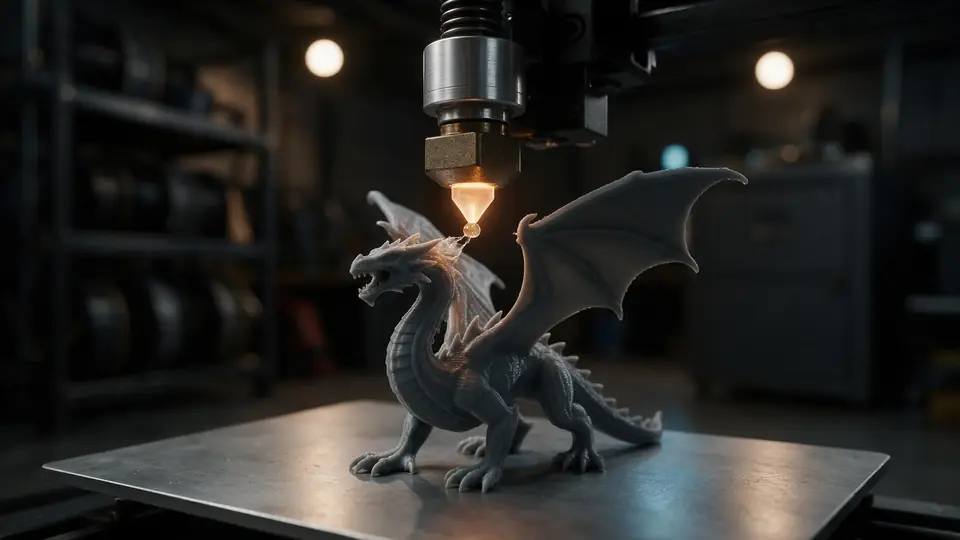
For printing
STL and 3MF out, sized in millimetres and turned Z-up so the model stands on the build plate.
Try it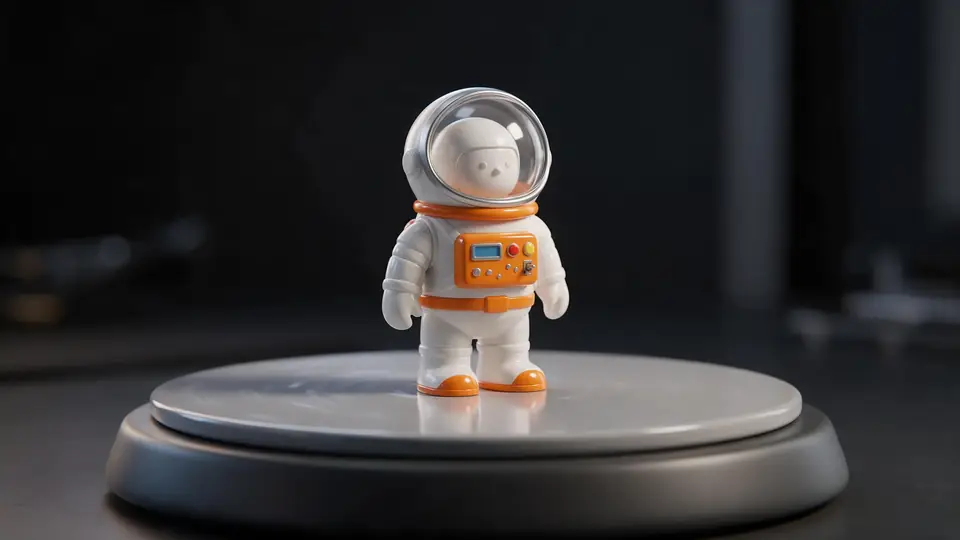
Also
What else it does
For 3D apps
OBJ for Blender, Maya, ZBrush and CAD; PLY for scan tools like MeshLab.
Preview first
See the model, its triangle count and size before you convert.
Materials when possible
GLB and USDZ keep PBR textures; STL, 3MF, OBJ and PLY carry geometry.
No upload
Conversion runs in your browser, so private and unreleased models stay private.
How it works
How the conversion works
Open-source three.js loaders and exporters, running on your device.
Read
The right loader is picked from the file extension and parses meshes, materials and textures.
Normalise
Node transforms are applied so every part keeps its place.
Adapt
For print formats, optionally fit to millimetres and turn Z-up.
Write
The chosen exporter writes the new file, which downloads straight away.
How to
How to use the 3D Model Converter
- Time needed
- Steps
- 4 steps
Step 1
Open a file
Drop an STL, OBJ, FBX, GLB, 3MF or PLY onto the box above.
Step 2
Check the preview
Orbit it and read its stats.
Step 3
Choose a format
Pick STL, OBJ, GLB, 3MF, PLY or USDZ. For print formats, set size and Z-up.
Step 4
Download
Click Download — the converted file saves to your device.
Watch the tour · 1:48
Text, photo or multi-view to a textured GLB, nine engines, the viewer & lighting, compare engines, gallery, download & chat
Chapters
Who uses it
Who uses a 3D converter
3D printing
GLB, OBJ and FBX into STL or 3MF.
Game and web developers
FBX and OBJ into GLB.
AR and e-commerce
GLB into USDZ for iPhone.
AI 3D creators
Generated GLBs into whatever the next tool needs.
File formats
The formats this tool reads and writes
What each file can hold, what it can't, and where it opens. Facts link to the format's own spec or reference page.
| .stl · STL | .3mf · 3MF | .obj · OBJ | .glb · GLB | .usdz · USDZ | .ply · PLY | |
|---|---|---|---|---|---|---|
| Full name | Stereolithography | 3D Manufacturing Format | Wavefront OBJ | glTF 2.0 Binary | Universal Scene Description (zipped) | Polygon File Format |
| Made by | 3D Systems, 1987 | 3MF Consortium, 2015 | Wavefront Technologies, 1980s | Khronos Group, 2017 (glTF 2.0) | Pixar / Apple, 2018 (USDZ) | Stanford University, 1994 |
| Kind | Triangle mesh (binary or ASCII) | ZIP package with XML | Plain-text mesh | Single-file scene with PBR materials | Zipped USD package | Mesh or point cloud |
| Holds | Triangle surfaces, Facet normals | Meshes with units (millimetres), Colours and materials, Several objects and build plates | Vertices, faces, UVs and normals, Materials via a separate .mtl file | Meshes and PBR materials, Textures in the same file, Animation and skins | Meshes and PBR materials, Textures in the package | Vertices with colours, Faces or points only |
| No | Colour and textures, Units, Materials | Animation | Animation and rigs, Embedded textures | Units beyond metres, CAD precision | Broad support outside Apple and DCC tools | Textures and materials (usually) |
| Best for | 3D printing — every slicer opens it | Modern 3D printing and multi-colour prints | Moving static meshes between 3D apps | Web, AR and real-time apps — the “JPEG of 3D” | AR Quick Look on iPhone and iPad | 3D scans and point clouds |
| Opens in | Cura, PrusaSlicer, Bambu Studio, OrcaSlicer, Blender | Bambu Studio, PrusaSlicer, OrcaSlicer, Cura, Windows 3D Builder | Blender, Maya, 3ds Max, ZBrush, most slicers | Browsers (three.js, model-viewer), Blender, Unity, Unreal, Godot | iOS / iPadOS / macOS Quick Look, Reality Composer, Blender | MeshLab, CloudCompare, Blender |
No file yet?
Make the model first — from one photo
Every sample in the tool above began as a single picture and was turned into a 3D model in the Kenerate 3D Studio. The engine is named on each one.
Example uses
How creators use the 3D model converter
Illustrative examples of typical workflows, not customer reviews.
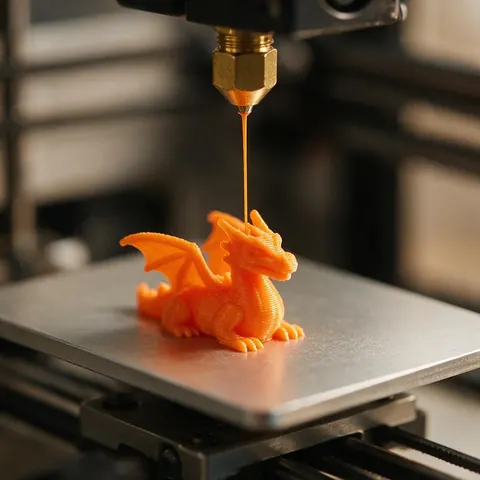
3D printing hobbyist
A hobbyist can turn a GLB or FBX from a generator into an STL sized in millimetres and stood upright for the slicer.
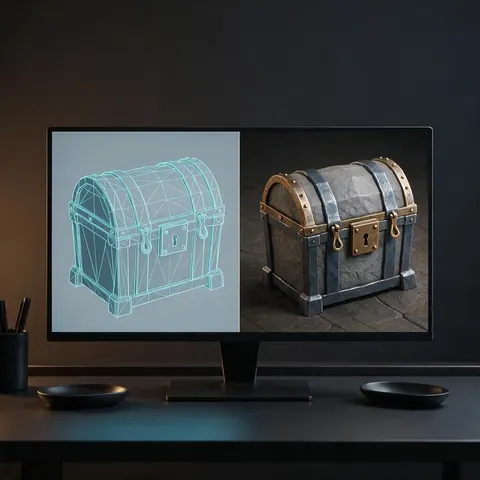
Game developer
A game developer can convert an OBJ or FBX prop into a GLB that drops straight into an engine or web scene.

Online store owner
A shop owner can convert a product GLB into USDZ so shoppers can place it on their own table in AR.
FAQ
3D Model Converter questions
8 questions
Which conversions are supported?
Any of STL, OBJ, FBX, GLB, 3MF and PLY into STL, OBJ, GLB, 3MF, PLY or USDZ — for example GLB to STL, 3MF to STL, FBX to OBJ or GLB to USDZ.
Link to this answerCan I convert to FBX?
Not yet. FBX is a closed format; we export open formats. Use GLB, which Unity, Unreal and Blender import.
Link to this answerIs it free?
Yes. It runs in your browser with no account, watermark or limit.
Link to this answerAre files uploaded?
No. They're converted on your device and never sent to a server.
Link to this answerWill textures carry over?
Into GLB and USDZ, yes. STL, 3MF, OBJ and PLY exports carry geometry; OBJ keeps UVs.
Link to this answerIs animation converted?
No — exports are static meshes in the model's rest pose.
Link to this answerWhat's the largest file I can convert?
200 MB. Large files convert faster on a desktop than a phone.
Link to this answerCan AI generate 3D models?
Yes, but that's a different job from converting. AI 3D generators build a new model from a text prompt or a photo; the Kenerate 3D Studio runs nine engines for that on any paid plan or credit pack. The model arrives as GLB (plus other formats on some engines), and this free converter turns it into STL, 3MF, OBJ or USDZ.
Link to this answerIn depth
3D Model Converter, explained
What the formats really store, what changes when you convert, and how to avoid the usual print and import problems.
On this page
Pick the target by where the model goes
What changes in a conversion
Geometry converts cleanly between all of these. What can be lost is everything around it: textures (not in STL), units (not in STL or OBJ), animation (not in STL, OBJ or 3MF). Knowing what the target can hold avoids surprises.
Size and orientation
glTF is Y-up in metres [8]; slicers and CAD are usually Z-up in millimetres. The print options fix both when you export STL, 3MF or OBJ.
Keep going
Other 3D viewers and converters
Try the 3D Model Converter
Free and private — your files never leave your device. Want to make models with AI? That's the 3D Studio, on any paid plan or credit pack.
Tried it? Tell us how it went