





Skip to content
VanceAI alternative · no subscription

The best VanceAI alternative, online

VanceAI is a big toolbox of image tools on a monthly credit plan. If you mainly upscale, enhance and restore, Kenerate does those three jobs with seven engines, credits that never expire and no subscription.

  • 25 free credits
  • No install, no GPU
  • Up to 8K or 128 MP
  • No watermark
Close-up portrait of a young woman with freckles and dark curly hair — original 300 px JPEG
Close-up portrait of a young woman with freckles and dark curly hair — after Image Upscaler
BEFORE · 300 px JPEGAFTER · 4K · 3664 × 4579

Image Upscaler300 px JPEG → 4K · 3664 × 4579

Try this photo
  • Real-ESRGAN
  • Image Upscaler 2K · 4K · 8K
  • Kenerate Upscale · 128 MP
  • Ultimate Upscaler
  • Clarity Pro
  • Phota Enhance
  • Recraft Creative
Landscape to 4K — after Image Upscaler
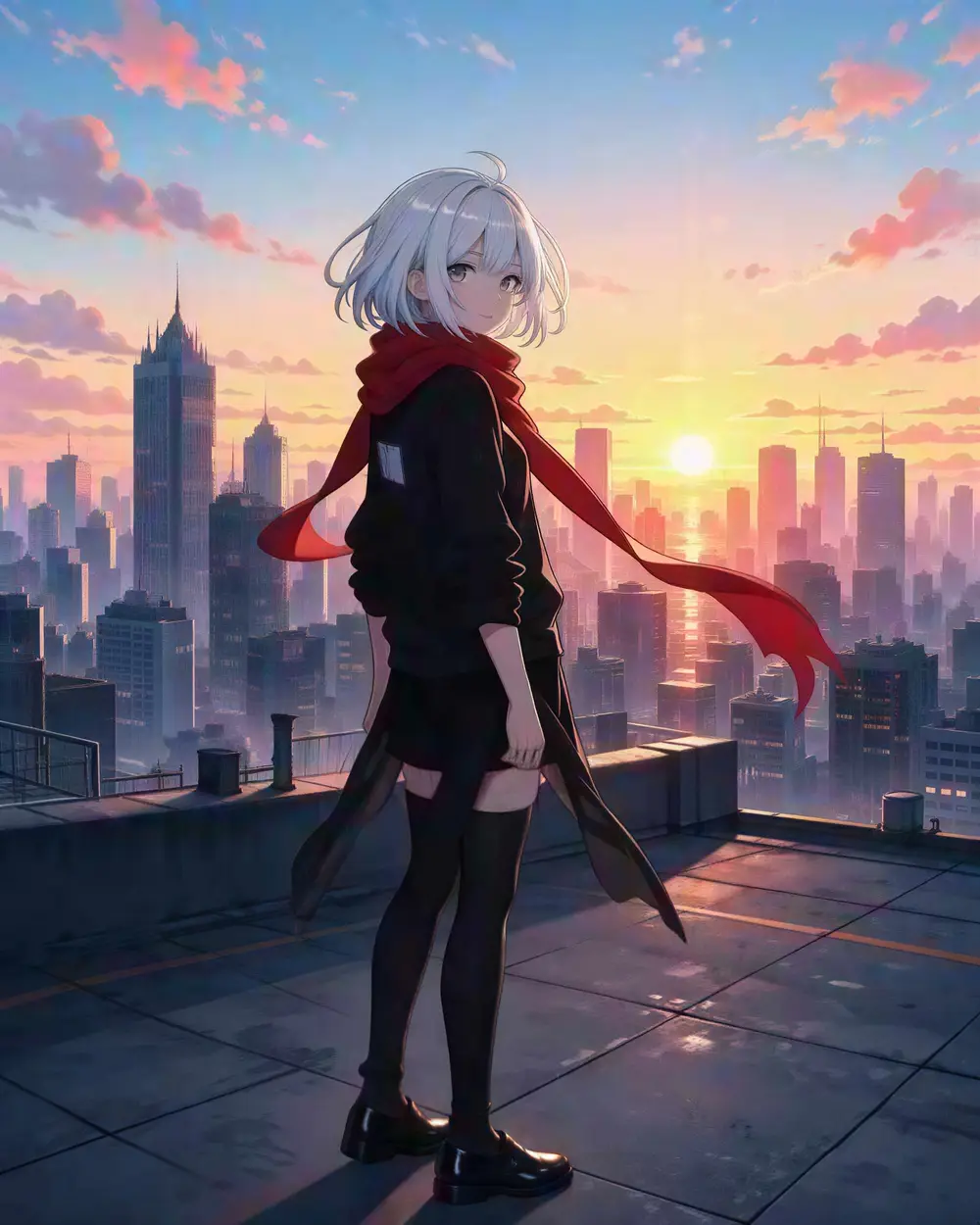
Anime art — after Real-ESRGAN
Tiny portrait — after Image Upscaler
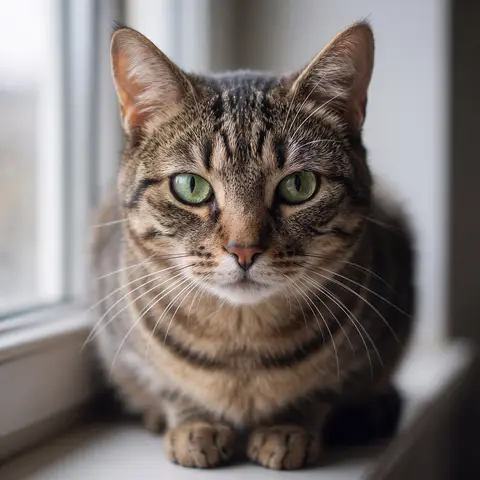
Blurry pet photo — after Phota Enhance
AI concept art — after Ultimate Upscaler
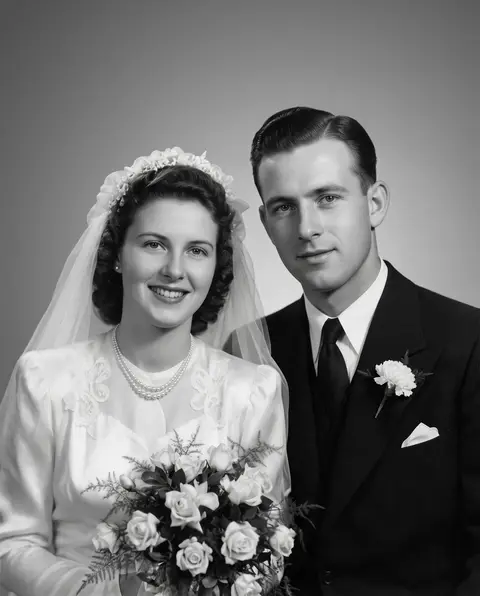
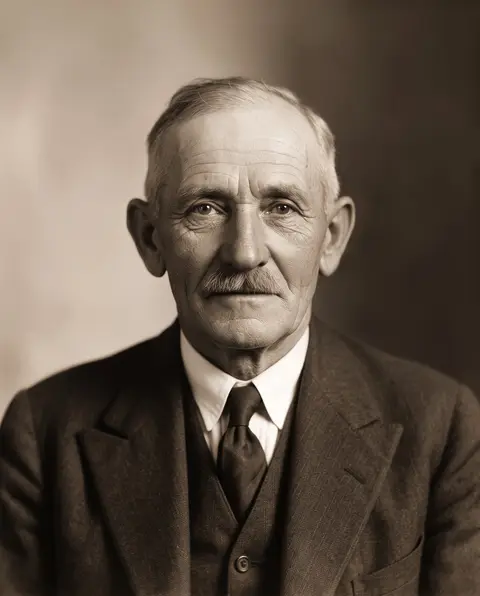
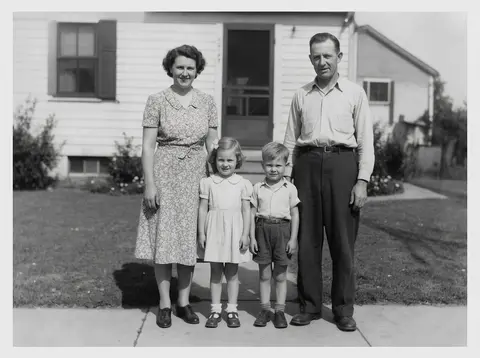
1930s portrait — after Phota Enhance
Text on a menu — after Image Upscaler
Product shot — after Real-ESRGAN
Landscape to 4K — after Image Upscaler
Anime art — after Real-ESRGAN
Tiny portrait — after Image Upscaler
Blurry pet photo — after Phota Enhance
AI concept art — after Ultimate Upscaler
1930s portrait — after Phota Enhance
Text on a menu — after Image Upscaler
Product shot — after Real-ESRGAN

Short answer

Updated

A good VanceAI alternative for upscaling and photo repair is Kenerate AI: seven engines in one tool — Real-ESRGAN, 2K/4K/8K, up to 128 MP, Clarity Pro for creative detail and Phota Enhance for old or blurry photos — with one-time credit packs and no subscription. VanceAI's web plans are monthly credit plans. New Kenerate accounts get 25 free credits.

VanceAI plans
Monthly credit plans
VanceAI online
Up to 8× (PC app up to 40×)
Kenerate
No subscription, 7 engines
Kenerate max
8K or 128 MP

Real results

What Kenerate does that VanceAI users ask for

Every slider is a real Kenerate output from the bad input on the left. Drag to compare, then try the same photo.

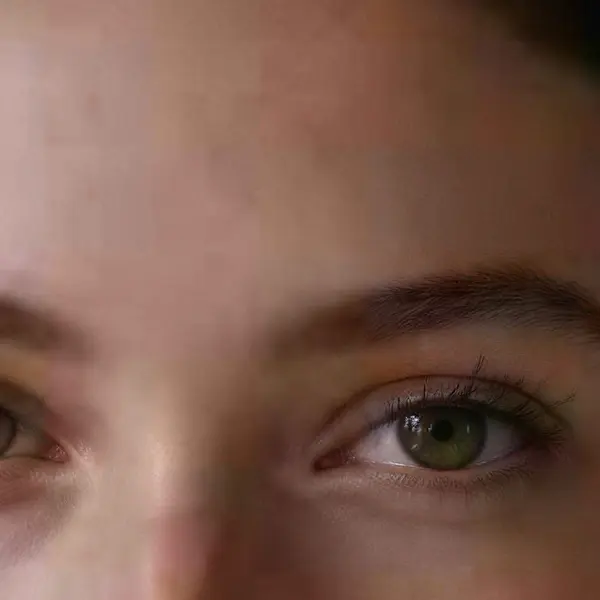
  1. Close-up portrait of a young woman with freckles and dark curly hair — before
    Close-up portrait of a young woman with freckles and dark curly hair — after
    BeforeAfter

    01Low resolution

    A 300-pixel portrait, now 4K

    Skin, lashes and curls come back sharp — and it's still the same person. A faithful upscale, not a new face.

    Image Upscaler · 300 px JPEG → 4K · 3664 × 4579

    Try it now
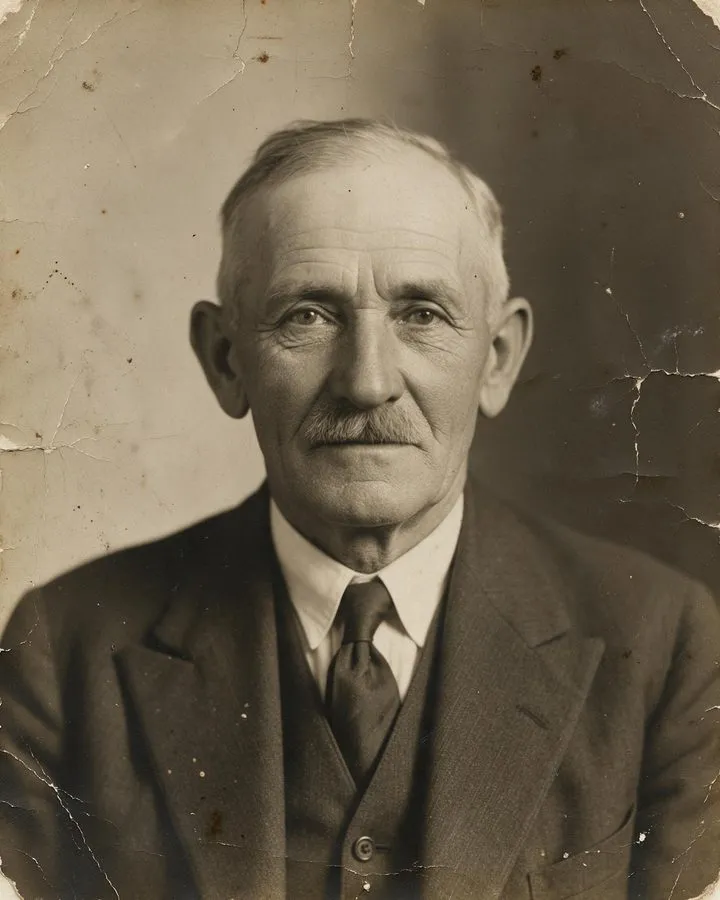
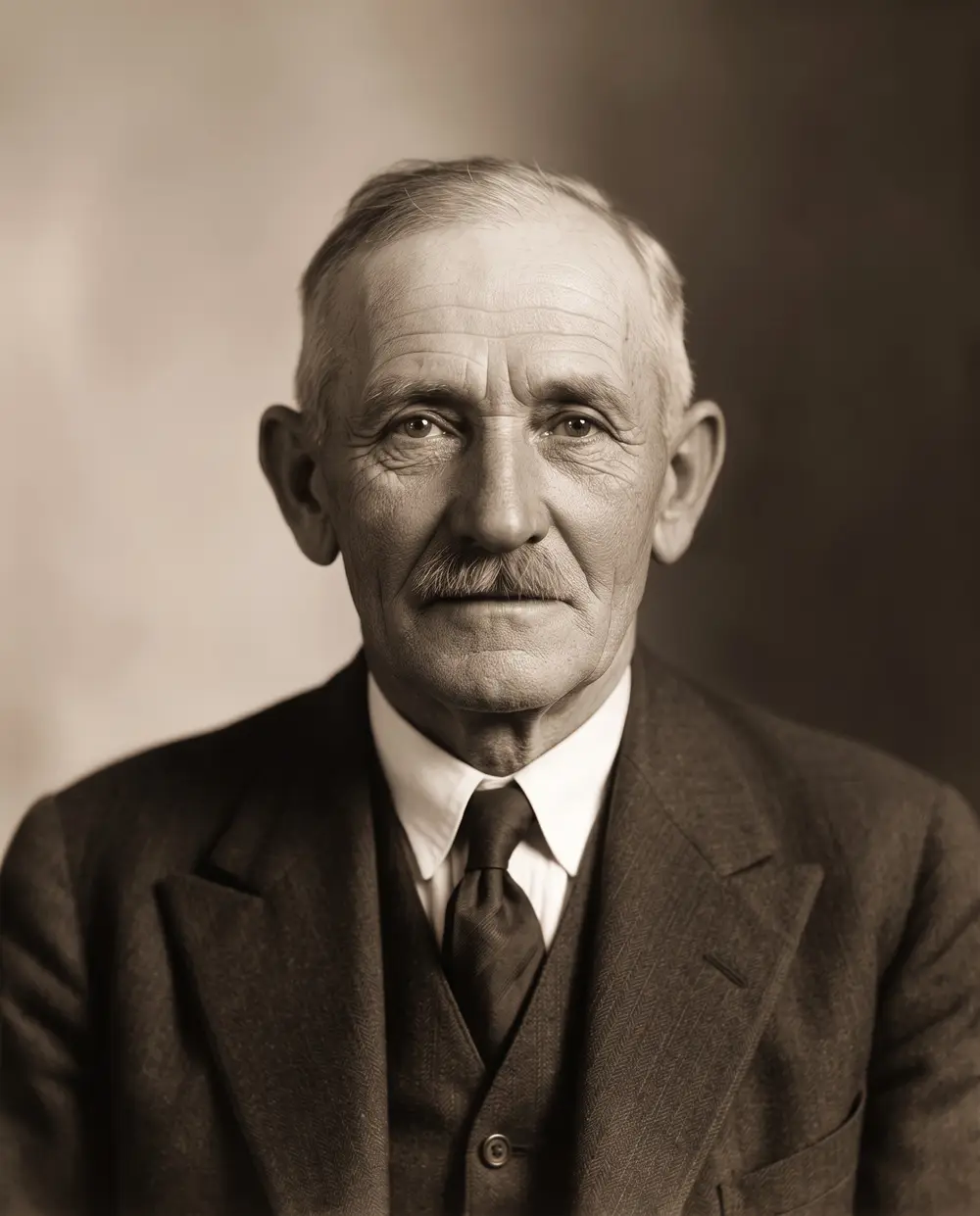
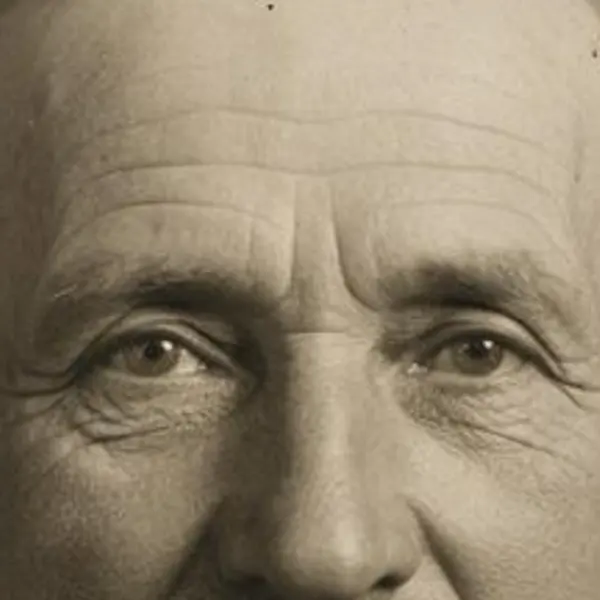
  2. Damaged sepia studio portrait of an elderly man with a mustache — before
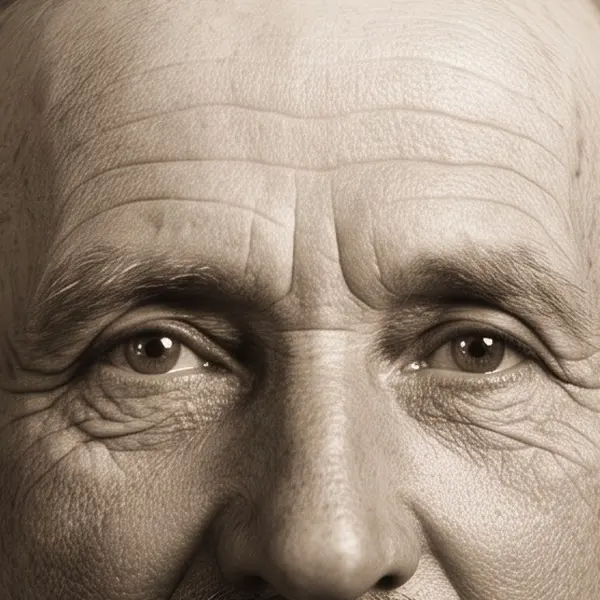
    Damaged sepia studio portrait of an elderly man with a mustache — after
    BeforeAfter

    02Old & damaged

    Cracked emulsion, cleaned up

    Stains and cracks removed from a 1930s studio portrait, with the period sepia look kept.

    Phota Enhance · Scanned print → Restored · 2304 px

    Try it now
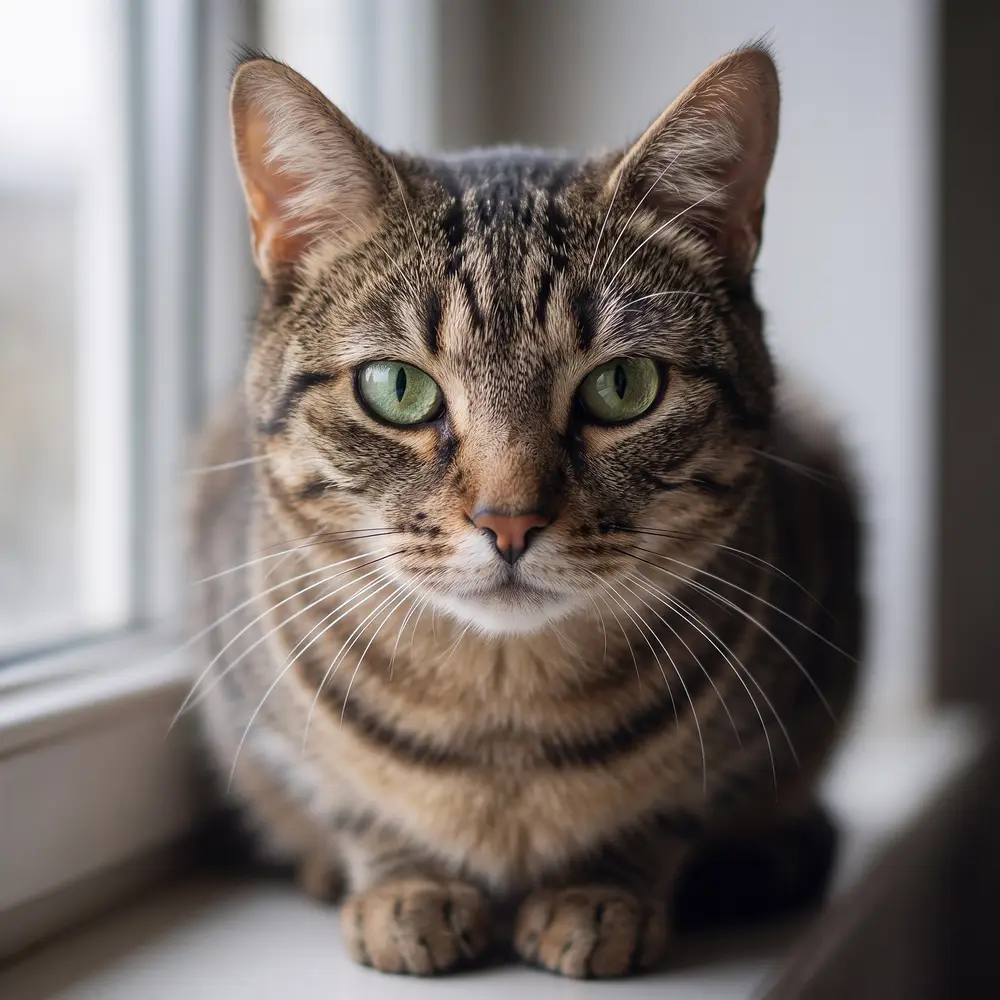
  3. Tabby cat with green eyes on a windowsill — before
    Tabby cat with green eyes on a windowsill — after
    BeforeAfter

    03Blurry photos

    Out of focus? Fur and whiskers return

    Phota Enhance rebuilds the detail a missed focus smeared — eyes, whiskers, every stripe.

    Phota Enhance · 720 px, out of focus → 2048 px, sharp

    Try it now
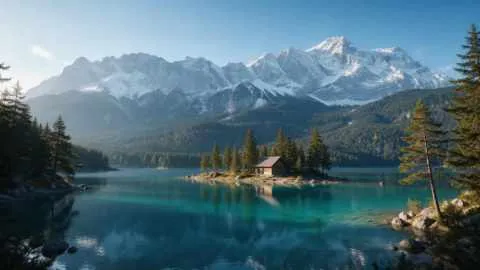
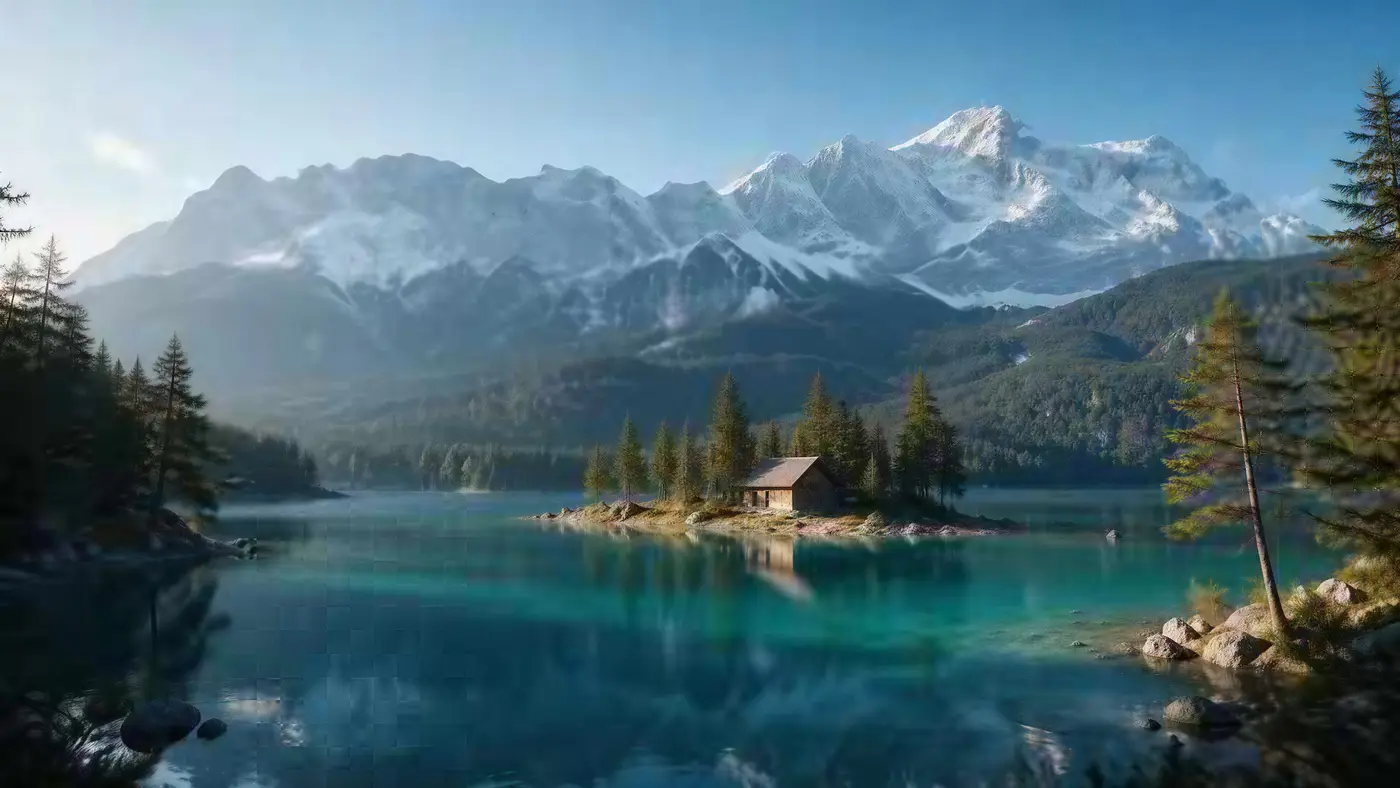
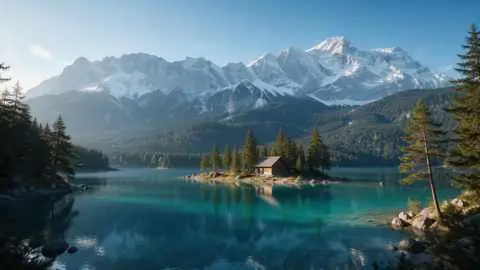
  4. Turquoise alpine lake below snowy mountains with a wooden cabin — before
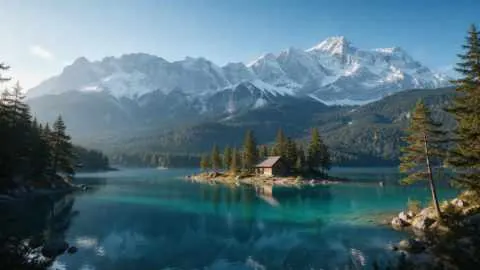
    Turquoise alpine lake below snowy mountains with a wooden cabin — after
    BeforeAfter

    04Upscale to 4K

    A tiny landscape, wallpaper-sized

    480 px in, 5461 × 3072 out. Trees, snow and the cabin sharpen instead of smearing.

    Image Upscaler · 480 px JPEG → 4K · 5461 × 3072

    Try it now

Checked 26 September 2026

Kenerate vs VanceAI at a glance

VanceAI details from its own website or repository; Kenerate details from the tool.

  • Kenerate AIkenerateai.com

    Plans
    One-time credit packs, no subscription
    Max online upscale
    8K or 128 MP
    Photo restoration
    Phota Enhance
    Creative detail
    Clarity Pro (creativity dial), Recraft
    Desktop app
    No
    Other tools
    Background remover, Edit Studio, AI filters
    Batch
    20 photos in Edit Studio
    Free to start
    25 credits, no watermark
  • VanceAI

    Plans
    Monthly plans or pay-as-you-go packs
    Max online upscale
    Up to 8× online
    Photo restoration
    Old Photo Restoration tool
    Creative detail
    Not listed on the enlarger page
    Desktop app
    VanceAI PC (Windows), up to 40×
    Other tools
    Sharpen, denoise, colorize, background remover, video tools
    Batch
    Batch processing
    Free to start
    Free credits (amount varies by page)

Why kenerateai.com

Why choose Kenerate over VanceAI?

Six reasons people switch — all things you can check in the tool with your free credits.

  • No subscription

    One-time credit packs that never expire — no monthly plan to cancel.

  • 25 free credits, no watermark

    Test on your own images first. Free results download clean, same as paid.

  • Seven engines in one tool

    Faithful (Real-ESRGAN, Image Upscaler, Kenerate Upscale, Ultimate), creative (Clarity Pro, Recraft) and restore (Phota Enhance).

  • Up to 8K or 128 MP

    Pick 2K, 4K or 8K, or an exact megapixel size for print — the tool shows the output in pixels.

  • Nothing to install, no GPU

    Runs in the browser on phone or desktop. The upscaling happens on our servers, not your graphics card.

  • A whole studio around it

    Batch-upscale 20 photos in Edit Studio, remove backgrounds, edit with AI — same account, same credits.

Honest verdict

Kenerate or VanceAI: which should you pick?

VanceAI is a good tool. Here is when each one is the better choice.

Choose Kenerate if…

  • You don't want another monthly subscription
  • You need exact print sizes up to 128 MP or 8K output online
  • You want a creative upscaler with a dial (Clarity Pro) next to faithful ones
  • You also remove backgrounds and edit images in the same account

Choose VanceAI if…

  • You want a Windows desktop app that upscales locally up to 40×
  • You need a colorizer, denoiser or video enhancer from the same vendor
  • You process a steady volume every month and a plan suits you

At 100%

See the quality before you switch

The same crop stretched with a normal resize and upscaled by Kenerate. Then run your own hardest image with the free credits.

  • Close-up portrait of a young woman with freckles and dark curly hair — the 300 px JPEG original stretched to the same size (bicubic)
    Stretched
    Close-up portrait of a young woman with freckles and dark curly hair — the same crop after Image Upscaler
    Image Upscaler

    Tiny portrait · 300 px JPEG → 4K · 3664 × 4579

  • Damaged sepia studio portrait of an elderly man with a mustache — the Scanned print original stretched to the same size (bicubic)
    Stretched
    Damaged sepia studio portrait of an elderly man with a mustache — the same crop after Phota Enhance
    Phota Enhance

    1930s portrait · Scanned print → Restored · 2304 px

Left: the original enlarged with ordinary bicubic resizing. Right: the same area of the real Kenerate output. Both crops are shown at the same size.

Seven engines

Which engine should you use?

Every engine, what it is best at and how big it goes. Start with the default and switch when the image needs it.

  • FaithfulDEFAULT

    Real-ESRGAN

    Classic super-resolution — sharper edges, less noise, bigger image.

    Best for: Quick clean-ups of AI renders, web images and product shots.

    Larger, sharper copy ~25s per image

    Use
  • Faithful

    Kenerate Upscale

    Pick the exact size in megapixels — up to 128 MP, very fast.

    Best for: E-commerce and design assets at a precise size, fast.

    Up to 128 MP ~14s per image

    Use
  • Faithful

    Image Upscaler

    Straight upscale to 2K, 4K or 8K that keeps the original texture.

    Best for: Everyday photos and AI art to a standard size.

    Up to 8K ~45s per image

    Use
  • Faithful

    Ultimate Upscaler

    Higher-quality 2K / 4K / 8K upscale for pro restoration.

    Best for: Marketing assets and photo restoration where fine detail matters.

    Up to 8K ~19s per image

    Use
  • Creative

    Clarity Pro

    Up to 16× with a creativity dial — stay true or invent fine detail.

    Best for: Portraits and campaign visuals for print; keeps identity, adds detail.

    Up to 64 MP ~81s per image

    Use
  • Restore

    Phota Enhance

    Restores old, blurry or damaged photos and rebuilds lost detail, up to 4K.

    Best for: Old family photos, archives and low-res pictures you want to print.

    Restored · up to 4K ~37s per image

    Use
  • Creative

    Recraft Creative

    Refines skin, hair and fabric texture — a polish pass, it keeps the size.

    Best for: Portraits and product shots that need richer texture rather than more pixels.

    Same size · richer texture ~29s per image

    Use
New accounts get 25 free credits to try the engines on their own images.

About VanceAI

What does VanceAI offer?

From VanceAI's own website or repository, checked 26 September 2026. Plans change — confirm on their site.

VanceAI's Image Enlarger upscales up to 8× online; its Windows app, VanceAI PC, goes up to 40× and runs locally without credits.

The same site offers sharpening, enhancing, denoising, portrait retouch, old photo restoration, colorizing, an anime upscaler, a background remover and video tools.

Monthly web plans: Starter, Popular, Creator and Studio; annual billing adds 30% more credits. Pay-as-you-go packs are valid for one year.

Visit VanceAI

Compare with VanceAI on your own image — your first ~34 upscales are free.

Switching

How do I switch from VanceAI to Kenerate?

  1. Step 1: Open the Kenerate upscaler

    Go to kenerateai.com/app/tool/image-upscale — 25 free credits on sign-up.
  2. Step 2: Match the VanceAI tool you used

    Image Enlarger → Image Upscaler (2K/4K/8K) or Real-ESRGAN; Photo Restorer → Phota Enhance; Sharpen/Denoise → Phota Enhance.
  3. Step 3: Compare on the same photo

    Run one of your usual images and compare at 100%.
  4. Step 4: Batch the rest

    Use Batch edit in Edit Studio for up to 20 photos at a time.

Test before you commit

Run the same 3–5 images (a face, text, a texture, a low-res screenshot) through both tools and compare at 100% zoom.

Open KenerateHow it works

Real results

What do Kenerate upscales look like?

Hover — or tap “Original” — to see each image before.

Try it free
  • Turquoise alpine lake below snowy mountains with a wooden cabin — after Image UpscalerUpscaler

    Landscape to 4K

    480 px JPEG → 4K · 5461 × 3072

  • Anime girl with silver hair and a red scarf on a rooftop at sunset — after Real-ESRGANESRGAN

    Anime art

    300 px → 1832 × 2290

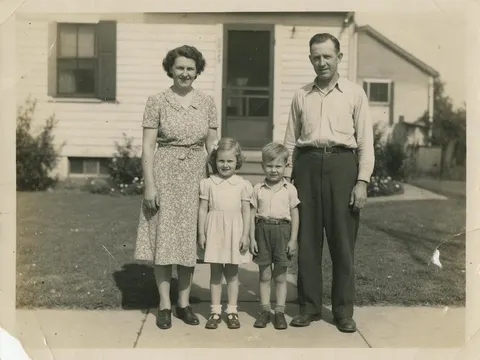
  • Faded 1950s black-and-white family photo in front of a house, with scratches and a torn corner — after Phota EnhancePhota

    1950s family print

    Scanned print → Restored · 2400 px

  • Cafe chalkboard menu listing coffee drinks and prices — after Image UpscalerUpscaler

    Text on a menu

    360 px JPEG → 4K · 4730 × 3547

In depth

Subscriptions vs one-time credits for upscaling

How to work out which kind of plan suits you — and what to test first.

Count your images first

VanceAI's web plans are monthly; Kenerate sells one-time credit packs with no monthly plan, and the credits never expire. If you upscale a handful of images some months and none in others, one-time credits usually suit you better; a steady daily volume can suit a subscription.

Match the output to the destination

Online-store images rarely need more than about 2048 px (Shopify's guidance for square images) [1]; posters need far more — Walgreens lists 5400 × 3600 px for 24×36 [2]. Going to 8× or 40× is only worth it when the destination needs it.

Restoration is a different job

Old-photo repair is where tools differ most. Genealogy services showed how much demand there is: MyHeritage's Photo Enhancer processed a million photos in about ten days after its 2020 launch [3]. Compare VanceAI's Old Photo Restoration and Kenerate's Phota Enhance on the same scan before you commit.


Start free

Start free, top up only when you need to

25 free credits on sign-up. The same credits work in every Kenerate tool.

  • 25 free credits on sign-up

    Test on your own images before you buy anything.

  • Credits never expire

    One-time packs — use them this week or next year.

  • No subscription, no watermark

    Nothing to cancel. Free results download clean.

  • One balance, every tool

    The same credits work across images, video, voice and 3D.

Tried it? Tell us how it went

We only publish real, verified reviews — never invented quotes. Send a line about your result (and whether we may quote you), and it will appear here.

Send a review

FAQ

VanceAI alternative — FAQ

6 questions

Still stuck?

A real person answers — usually within a day.

01

What is the best VanceAI alternative?

For upscaling, enhancing and restoring photos without a subscription, Kenerate AI: seven engines, no subscription, up to 8K or 128 MP, and 25 free credits. If you need a local desktop app, VanceAI PC or the free Upscayl app are the options.

02

Is VanceAI free?

VanceAI offers some free credits to try it; paid web plans are monthly. Check vanceai.com for the current free allowance.

03

Is there a VanceAI alternative without a subscription?

Yes. Kenerate sells one-time credit packs that never expire, with no monthly plan, and every new account gets 25 free credits.

04

Can Kenerate restore old photos like VanceAI?

Yes. Phota Enhance repairs scratches, cracks, stains, fading and blur and outputs up to 4K.

05

How far can Kenerate upscale?

Image Upscaler outputs 2K, 4K or 8K; Kenerate Upscale goes up to 128 megapixels; Clarity Pro up to 64 MP.

06

Does Kenerate add a watermark?

No. Free and paid results download the same, with no watermark.

Every pixel, rebuilt. Up to 128 MP.

Seven engines in one browser tool — faithful, creative and restoration — up to 8K or 128 MP.

AI engines
7
AI engines
Largest output
128 MP
Largest output
Free credits to start
25
Free credits to start
Straight upscale to
8K
Straight upscale to

Explore the toolkit

More upscale, enhance and restore tools

Every Kenerate page for making images bigger, sharper, cleaner and older photos new again.

Written by the Kenerate AI team

We make Kenerate AI. VanceAI is described from its own website or repository, and we link to it so you can check. Last updated 26 September 2026. Corrections: hello@kenerateai.com.

Sources

Ready when you are

Try the VanceAI alternative free

25 free credits on sign-up. No subscription, no watermark.

  • 25 free credits
  • No watermark
  • Credits never expire