

3D file formats · guide
What is an STL file?
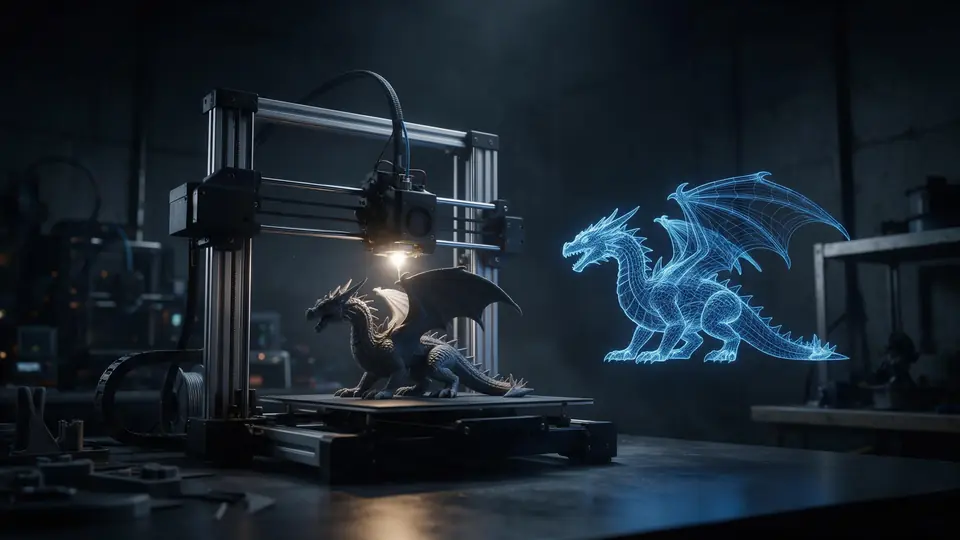
STL is the file almost every 3D print starts from. It's simple — just triangles — which explains both why everything opens it and why it can't hold colour or size.
By the Kenerate AI teamUpdated 2 min read
Open the STL viewer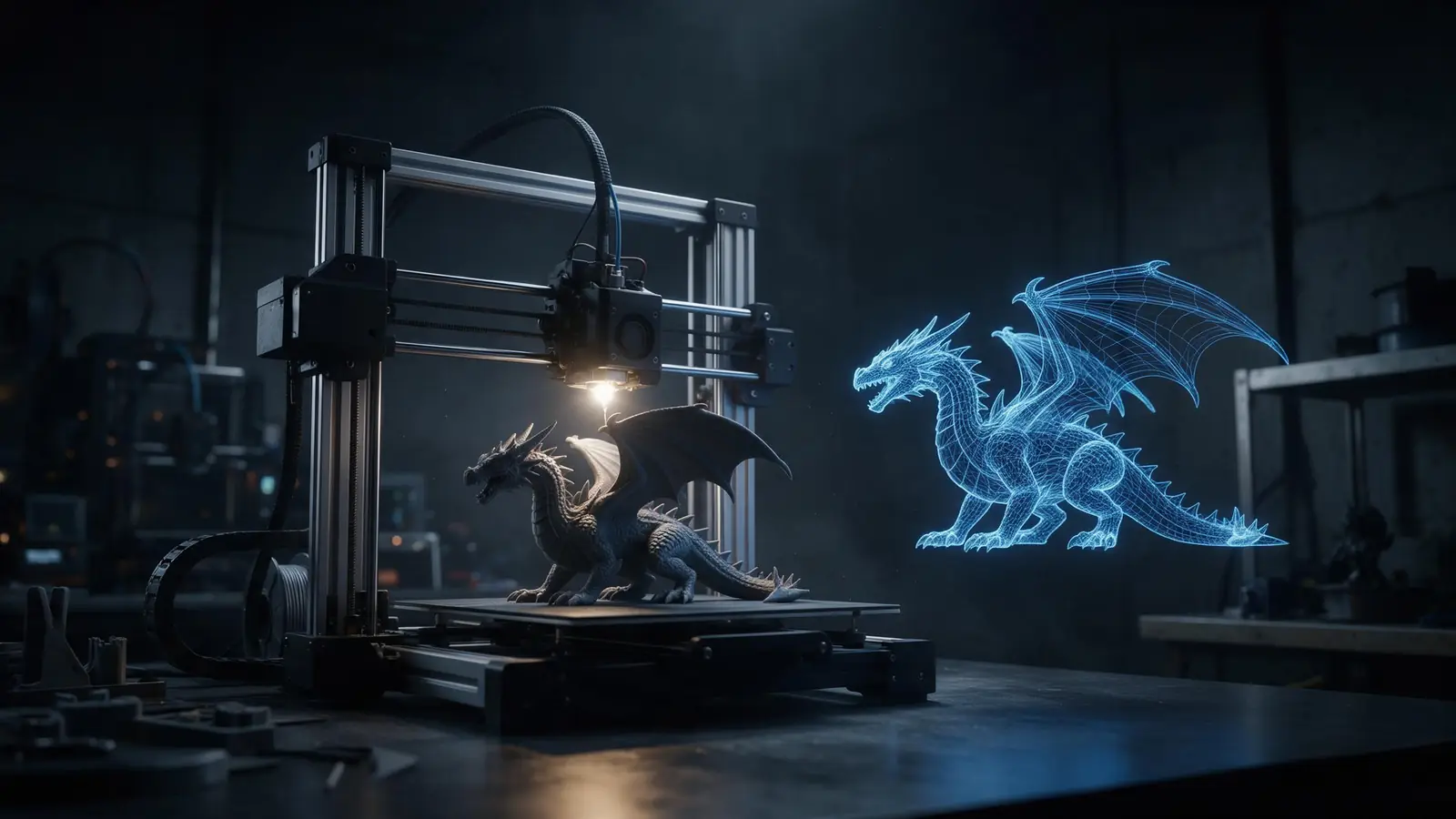
Quick answer
Updated
An STL file (.stl) is a 3D file that describes an object's surface as a list of triangles, each with three corner points and a normal. 3D Systems created the format in 1987 for stereolithography printers, and every 3D printing slicer reads it today. It stores only shape, with no colour, textures, units or separate parts.
Key facts
- Created
- 3D Systems, 1987
- Stores
- Triangles + facet normals
- Doesn't store
- Colour, textures, units, parts
- Binary size
- 50 bytes per triangle (+84-byte header)
- Opens in
- Every slicer, Blender, most CAD
On this page
What is an STL file?
What's inside an STL
An STL is a flat list of facets. Each facet is a triangle defined by three vertices and a unit normal pointing outward [1]. There is no shared vertex list, no material and no hierarchy — which makes the format trivial to write and read, and universally supported.
Binary vs ASCII STL
| Binary STL | ASCII STL | |
|---|---|---|
| Encoding | 80-byte header, triangle count, 50 bytes per triangle [1] | Plain text: facet normal … vertex … |
| Size | Compact | Several times larger |
| Use | Almost all files today | Debugging, very old tools |
What STL can't do
How big will an STL be?
At 50 bytes per triangle [1], a 100,000-triangle model is about 5 MB and a million-triangle model about 50 MB. AI-generated and scanned models can be very dense; decimating them rarely changes how they print.
How to open, edit or make an STL
- Open: the free STL viewer, any slicer (PrusaSlicer, Cura, Bambu Studio, OrcaSlicer) or Blender.
- Edit: resize, rotate, mirror and fix units in the free STL editor; remodel in Blender or CAD.
- Make: export from CAD or Blender, convert a GLB/OBJ with the free converters, or generate one with AI (Rodin outputs STL directly).
- Upgrade: save as 3MF to store units in millimetres.
How it works
How it works in the app
Step 1
Choose text, photo or multi-view
Open 3D Studio and pick how to start: describe an object, upload a photo, or add several views.
Step 2
Pick a 3D engine
Open the model card to choose the engine and version that fits your object.
Step 3
Describe the object
Write one object on a plain background, then set textures, PBR materials and quality.
Step 4
Click Build 3D model
Press Build 3D model to start — the textured model appears in your gallery.
See it in the app

Open 3D Studio and pick how to start: describe an object, upload a photo, or add several views.


FAQ
What is an STL file?: questions
8 questions
What does STL stand for?
Usually “stereolithography”; it's also expanded as Standard Triangle Language or Standard Tessellation Language.
Link to this answerDoes an STL file have units?
No. Slicers assume millimetres, which is why inch-based files import 25.4 times too small.
Link to this answerCan an STL have colour?
Not in the standard format. Use 3MF for colours and multiple materials.
Link to this answerHow do I open an STL file?
Drop it into an online STL viewer, a slicer or Blender.
Link to this answerHow do I make my own STL?
Model it in CAD or Blender, convert another 3D file, or generate one with AI and convert to STL.
Link to this answerAre STL files already sliced?
No. An STL only describes the shape. Your slicer turns it into printer instructions — G-code or a printer-specific file — with layers, speeds and supports. Sliced files have other extensions, such as .gcode, or are saved inside a project 3MF.
Link to this answerAre STL files safe to download?
The format itself holds only triangle data, not programs, so an STL can't run anything on its own. Still download from sites you trust, check the model's licence before selling prints, and preview it in an STL viewer before you print.
Link to this answerIs STL or 3MF better?
3MF stores units, colours and multiple objects; STL is simpler and opens everywhere.
Link to this answerOpen the STL viewer
View, resize or convert an STL in your browser — free and private.