




Skip to content
Bulk image upscaler · 20 photos at once

Upscale images in bulk — 20 photos to 4K at once

Supplier photos, a whole product catalogue, last year's shoot — add up to 20 images, pick Upscale 4K and download them all. 4K output, no subscription, no watermark.

  • Up to 20 per batch
  • 4K output
  • No watermark
  • Download all at once
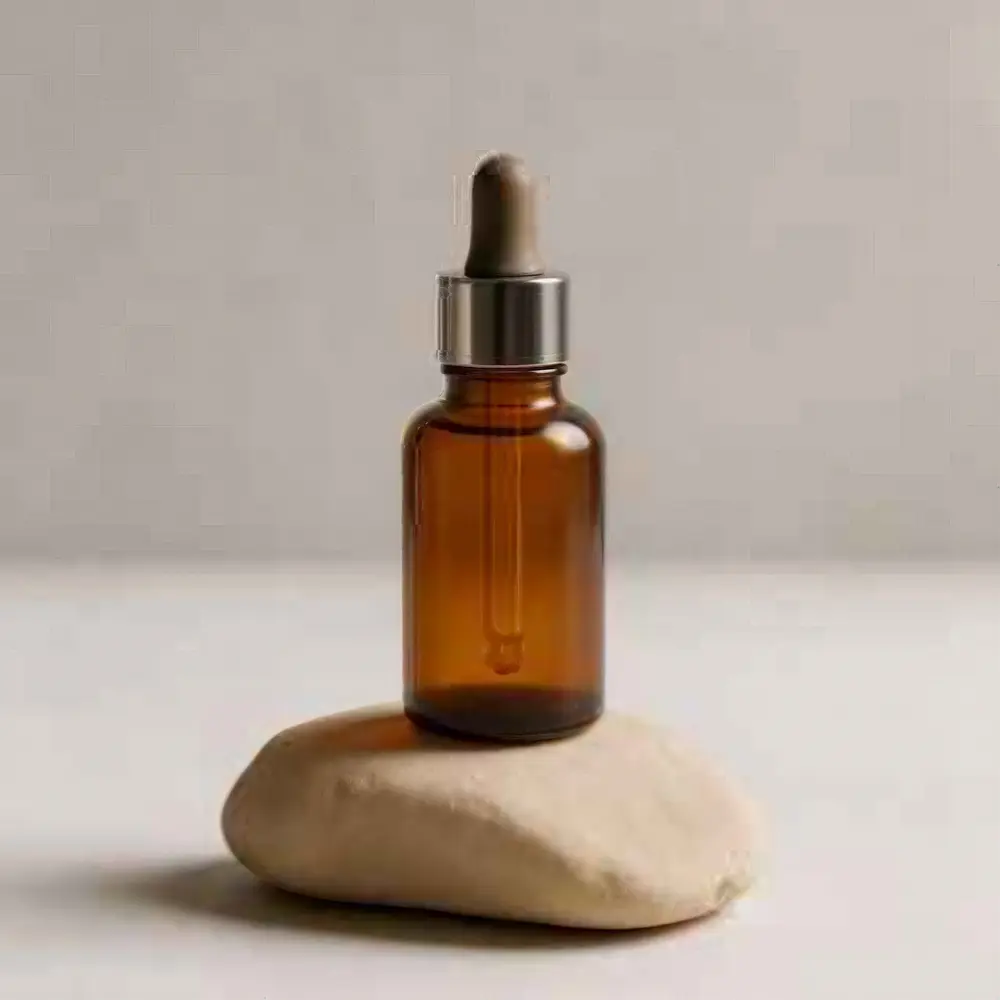
Amber glass serum bottle with a dropper on a beige stone — original 320 px JPEG
Amber glass serum bottle with a dropper on a beige stone — after Image Upscaler
BEFORE · 320 px JPEGAFTER · 4K · 4096 px

Image Upscaler320 px JPEG → 4K · 4096 px

Try this photo
  • Real-ESRGAN
  • Image Upscaler 2K · 4K · 8K
  • Kenerate Upscale · 128 MP
  • Ultimate Upscaler
  • Clarity Pro
  • Phota Enhance
  • Recraft Creative

Quick answer

Updated

To upscale images in bulk on Kenerate AI, open Edit Studio → Batch edit, add up to 20 photos, choose Upscale 4K and press Run batch — Download all saves every result. The same panel also resizes, filters and adds a logo to a batch for free. New accounts get 25 free credits; there is no watermark and no monthly cap.

Per batch
Up to 20 photos
Upscale 4K
Image Upscaler engine
Output
About 4096 px on a square photo
Also free in batch
Resize · Filter · Add logo

Real results

See what it does to real photos

Every slider is a real Kenerate output from the bad input on the left. Drag to compare, then try the same photo.

  1. Amber glass serum bottle with a dropper on a beige stone — before
    Amber glass serum bottle with a dropper on a beige stone — after
    BeforeAfter

    01E-commerce

    Product shots, 4K in bulk

    Glass, dropper and stone texture — one of 20 photos upscaled in a single batch.

    Image Upscaler · 320 px JPEG → 4K · 4096 px

    Try it now
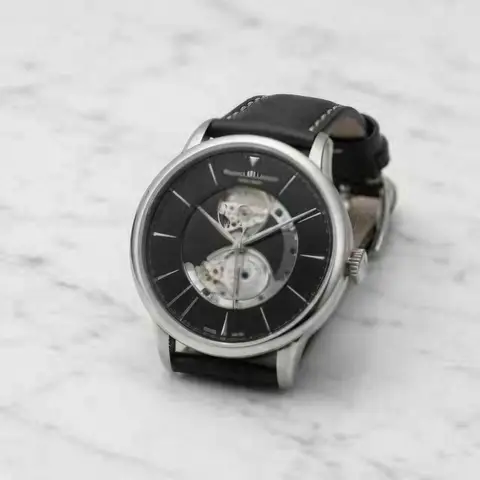
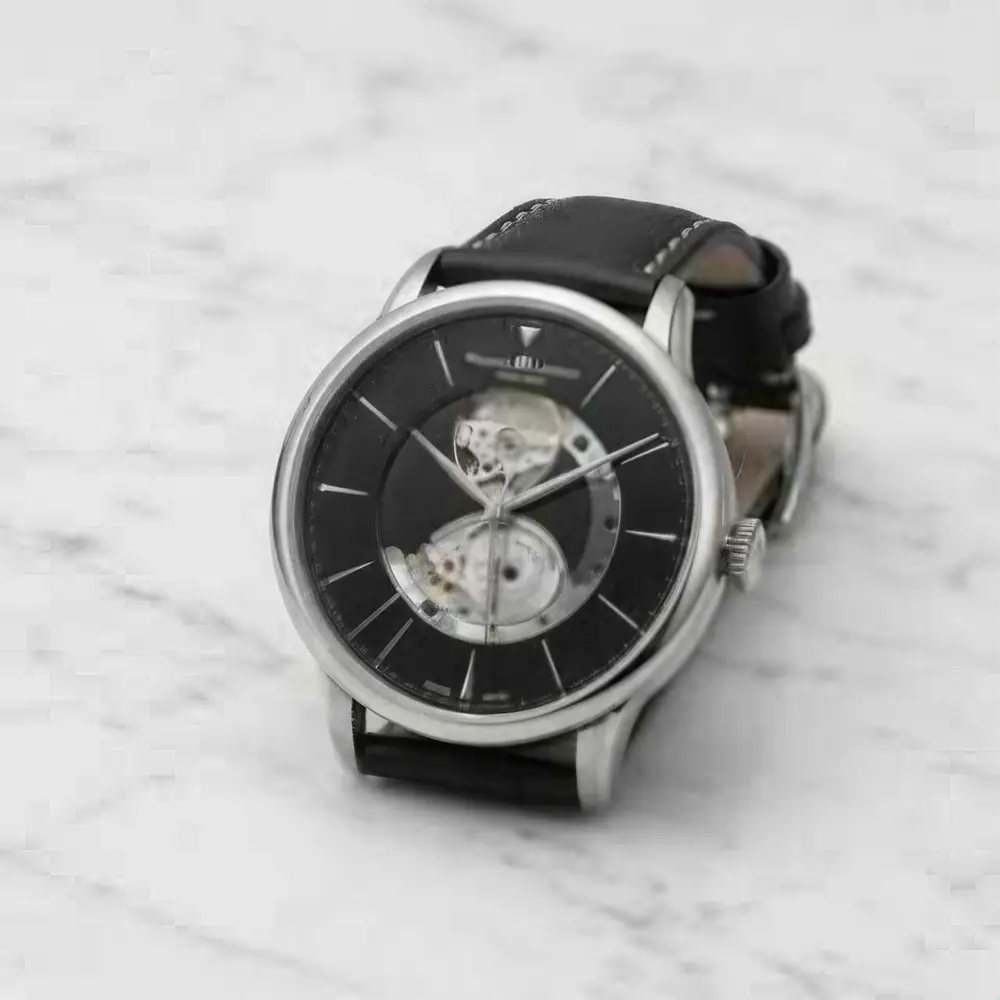
  2. Silver wristwatch with a black leather strap on white marble — before
    Silver wristwatch with a black leather strap on white marble — after
    BeforeAfter

    02E-commerce

    Zoom-ready watch photos

    Dial markings and marble sharp enough for hover-to-zoom.

    Image Upscaler · 320 px JPEG → 4K · 4096 px

    Try it now
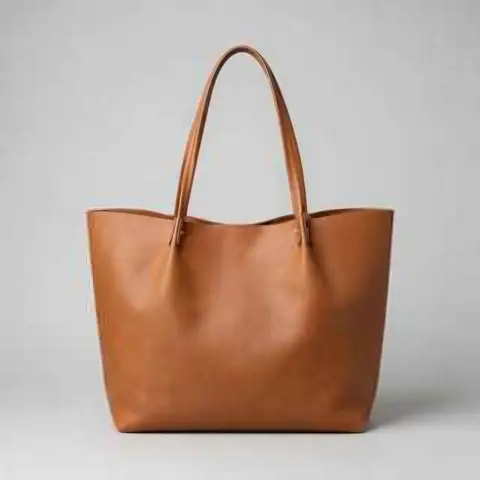
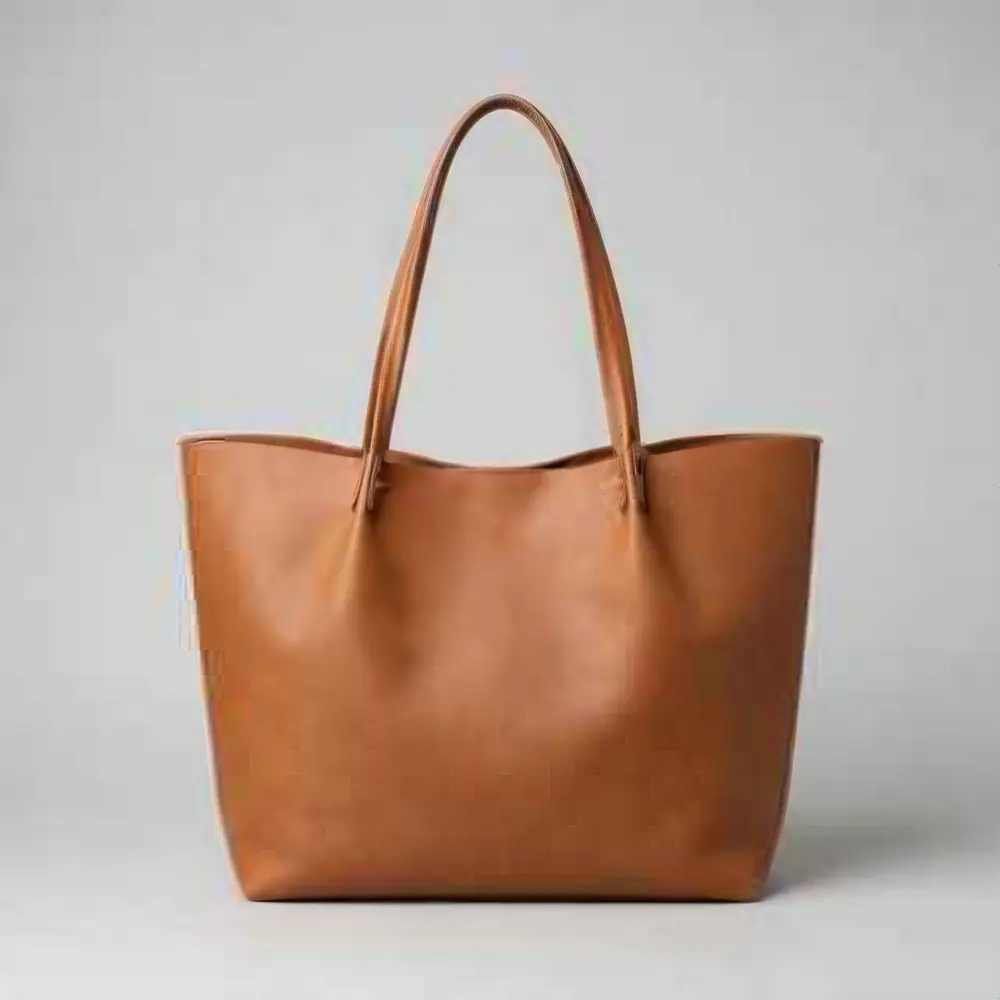
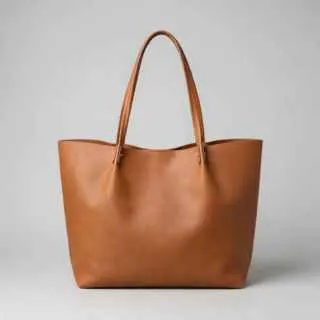
  3. Tan leather tote bag on a light grey background — before
    Tan leather tote bag on a light grey background — after
    BeforeAfter

    03E-commerce

    Leather grain, restored

    A 320 px listing photo made crisp enough for any marketplace.

    Image Upscaler · 320 px JPEG → 4K · 4096 px

    Try it now
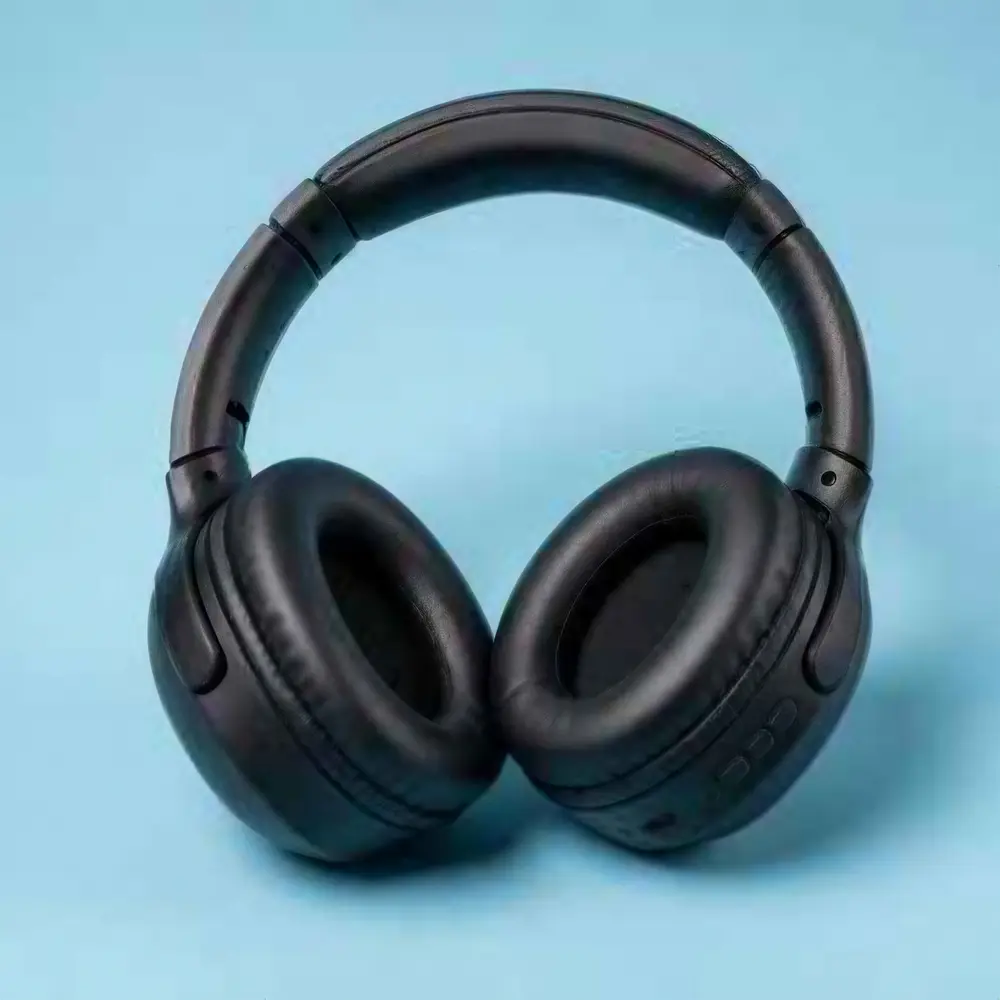
  4. Matte black over-ear wireless headphones on a pastel blue background — before
    Matte black over-ear wireless headphones on a pastel blue background — after
    BeforeAfter

    04E-commerce

    Matte textures, sharp

    Fine surface texture rebuilt at 4K for a clean catalogue.

    Image Upscaler · 320 px JPEG → 4K · 4096 px

    Try it now

Step by step

How to upscale multiple images at once

  1. Step 1: Open Batch edit in Edit Studio

    Go to kenerateai.com/app/edit and open Batch edit (in the Export tools).

    Edit StudioExportBatch edit

  2. Step 2: Add up to 20 photos

    Select up to 20 images at once from your computer or phone.
  3. Step 3: Choose Upscale 4K

    Pick Upscale 4K — it uses the Image Upscaler engine for every photo in the batch.

    Batch editUpscale 4K

    Tip: Add your logo or resize in the same panel — those batch jobs are free.

  4. Step 4: Run the batch and download all

    Press Run batch, wait for every photo to finish, then press Download all. Failed items can be run again.
Silver wristwatch with a black leather strap on white marble — original 320 px JPEG
Silver wristwatch with a black leather strap on white marble — after Image Upscaler
BEFORE · 320 px JPEGAFTER · 4K · 4096 px

One of the batch: a 320 px product photo upscaled to 4K (4096 px) with Image Upscaler.

Real results

A batch of product photos, upscaled

Four 320 px product photos, each upscaled to 4K by Image Upscaler — the engine Batch edit uses. Tap “Original” to compare.

Try it free
  • Amber glass serum bottle with a dropper on a beige stone — after Image UpscalerUpscaler

    Serum bottle

    320 px → 4096 px · Image Upscaler

  • Silver wristwatch with a black leather strap on white marble — after Image UpscalerUpscaler

    Wristwatch

    320 px → 4096 px · Image Upscaler

  • Tan leather tote bag on a light grey background — after Image UpscalerUpscaler

    Leather tote

    320 px → 4096 px · Image Upscaler

  • Matte black over-ear wireless headphones on a pastel blue background — after Image UpscalerUpscaler

    Headphones

    320 px → 4096 px · Image Upscaler

At 100%

What 4K looks like up close

Stretched vs upscaled, same crop.

  • Silver wristwatch with a black leather strap on white marble — the 320 px JPEG original stretched to the same size (bicubic)
    Stretched
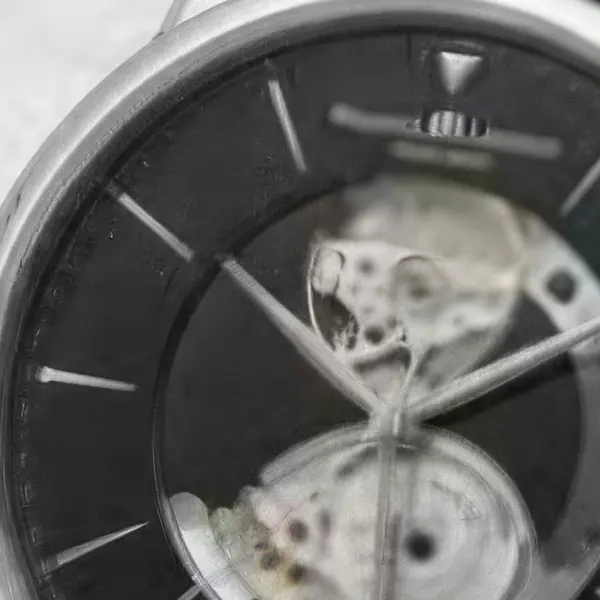
    Silver wristwatch with a black leather strap on white marble — the same crop after Image Upscaler
    Image Upscaler

    Wristwatch · 320 px JPEG → 4K · 4096 px

  • Amber glass serum bottle with a dropper on a beige stone — the 320 px JPEG original stretched to the same size (bicubic)
    Stretched
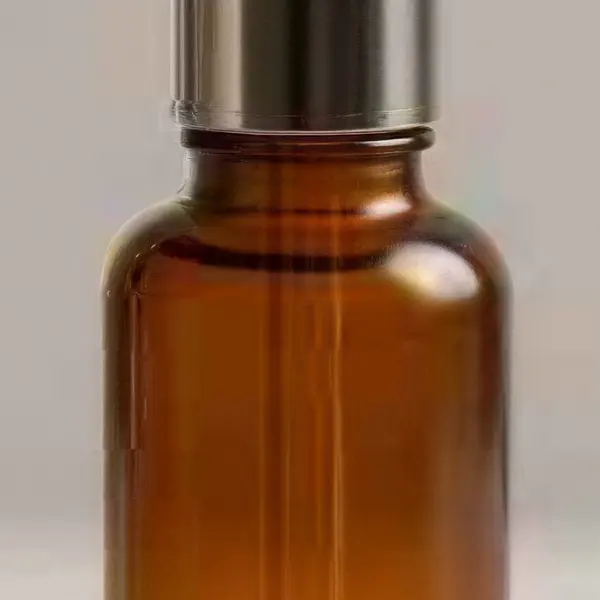
    Amber glass serum bottle with a dropper on a beige stone — the same crop after Image Upscaler
    Image Upscaler

    Serum bottle · 320 px JPEG → 4K · 4096 px

Left: the original enlarged with ordinary bicubic resizing. Right: the same area of the real Kenerate output. Both crops are shown at the same size.

Batch facts

What does a bulk upscale batch do?

  • Up to 20 photos per batch — run another batch for the next 20.
  • 4K output with Image Upscaler, the same engine as the 4K option in the single-image upscaler.
  • 25 free credits on sign-up to try it.
  • No subscription, no monthly cap — run as many batches as your credits allow.
  • Free batch jobs: Resize, Filter and Add logo are free; Remove BG runs in the same panel.

Try your first batch free — 25 credits on sign-up.

Choosing

Batch edit vs the single-image upscaler

Use Batch for volume at 4K; use the single upscaler when an image needs a special engine.

  • Batch editEdit Studio

    Photos per run
    Up to 20
    Engine
    Image Upscaler (4K)
    Output
    4K
    Restore old / blurry photos
    No
    Also in the same run
    Resize, filter, logo, remove BG
  • Image upscalerone at a time

    Photos per run
    1
    Engine
    7 engines
    Output
    2K–8K or up to 128 MP
    Restore old / blurry photos
    Phota Enhance
    Also in the same run
    No

Related

More bulk and product tools

In depth

What size do marketplaces want?

Minimum and recommended product image sizes from each platform's own help pages — the reason most sellers batch-upscale.

Marketplace image sizes at a glance

Every major marketplace sets a minimum and a size that lets shoppers zoom. From their own guidance:

  • Amazon — 500 to 10,000 px on the longest side; over 1,000 px is preferred so customers can zoom, and images should have no pixelation or jagged edges [1].
  • Shopify — up to 5000 × 5000 px (25 MP) and under 20 MB; 2048 × 2048 px usually displays best for square images [2].
  • eBay — at least one photo 500 px on the longest side, no added borders, text or watermarks [3]; about 1600 × 1600 px recommended, up to 24 photos of 12 MB each [4].
  • Google Merchant Center — at least 500 × 500 px for all products from 31 January 2027, about 1500 × 1500 px or larger recommended, up to 64 MP and 16 MB [5].

Why a 4K batch covers all of them

Supplier and catalogue photos often arrive at a few hundred pixels. Batch edit's Upscale 4K outputs about 4096 px on a square photo — above every recommendation in the list, so one run makes a catalogue ready for all four platforms. In our test four 320 px product shots came out at 4096 × 4096.

Keep product photos faithful

Upscaling for a listing should make a photo sharper, not different. Batch edit uses Image Upscaler, a faithful engine; Real-ESRGAN-style models are trained on blur, noise and JPEG damage so they clean up without redrawing the product [6]. Always check labels and logos at 100% before you publish — eBay, for example, doesn't allow added text anyway [3].

Start free

Start free, top up only when you need to

25 free credits on sign-up. The same credits work in every Kenerate tool.

  • 25 free credits on sign-up

    Test on your own images before you buy anything.

  • Credits never expire

    One-time packs — use them this week or next year.

  • No subscription, no watermark

    Nothing to cancel. Free results download clean.

  • One balance, every tool

    The same credits work across images, video, voice and 3D.

Tried it? Tell us how it went

We only publish real, verified reviews — never invented quotes. Send a line about your result (and whether we may quote you), and it will appear here.

Send a review

FAQ

Bulk image upscaler questions

6 questions

Still stuck?

A real person answers — usually within a day.

01

How do I upscale multiple images at once?

Open Edit Studio, choose Batch edit, add up to 20 photos, pick Upscale 4K and press Run batch. When they finish, press Download all.

02

How many images can I upscale at once?

Up to 20 photos per batch. Run another batch for the next 20 — there is no monthly limit.

03

What resolution does the batch upscale to?

4K, using the Image Upscaler engine — the same engine as the 4K option in the single-image upscaler.

04

Can I resize or add a logo to many photos too?

Yes. Batch edit also does Resize, Filter and Add logo for free, plus Remove BG in the same panel.

05

Can I use other engines in bulk?

Batch uses Image Upscaler at 4K. For Real-ESRGAN, Clarity Pro, Phota Enhance or exact megapixel sizes, use the single-image upscaler — results are kept in your history.

06

Is there a free bulk image upscaler?

Kenerate gives 25 free credits on sign-up to try a batch; bigger jobs use one-time credit packs that never expire. No watermark.

Every pixel, rebuilt. Up to 128 MP.

Seven engines in one browser tool — faithful, creative and restoration — up to 8K or 128 MP.

AI engines
7
AI engines
Largest output
128 MP
Largest output
Free credits to start
25
Free credits to start
Straight upscale to
8K
Straight upscale to

Explore the toolkit

More upscale, enhance and restore tools

Every Kenerate page for making images bigger, sharper, cleaner and older photos new again.

Written by the Kenerate AI team

We build and run Kenerate's Edit Studio; the examples are real Image Upscaler outputs — the engine Batch edit uses. Last updated 26 September 2026. Corrections: hello@kenerateai.com.

Sources

Ready when you are

Upscale your first batch free

25 free credits on sign-up. 4K output, no watermark, no subscription.

  • 25 free credits
  • No watermark
  • Credits never expire