

Free · Draco OK · nothing uploaded
Convert GLB to STL ready to print
AI 3D generators and web assets come as GLB; printers want STL. Drop the GLB, set its size in millimetres, and download an STL that's already the right way up for your slicer.
- Turns glTF's Y-up into slicer Z-up
- Set the real size in mm
- Draco / Meshopt GLBs open
- Free and private
Updated by the Kenerate AI team
On this page
Quick answer
Updated
How do you convert GLB to STL?
To convert GLB to STL, load the GLB in a tool that reads glTF and export its meshes as an STL file. Kenerate's free converter does it in your browser: drop the .glb, set the longest side in millimetres, keep Z-up for slicers on and download a binary STL. Textures and colours are dropped. Nothing is uploaded.
Key facts
- Price
- Free, no account
- Converts
- GLB (glTF 2.0 binary, including Draco / Meshopt) → binary STL
- Orientation
- Y-up turned Z-up for slicers (on by default)
- Scale
- Keep units or fit longest side to 25–200 mm
- Dropped
- Textures, colours, materials, animation
- Privacy
- Converted locally — no upload
Why this tool
From AI model to printer in one step
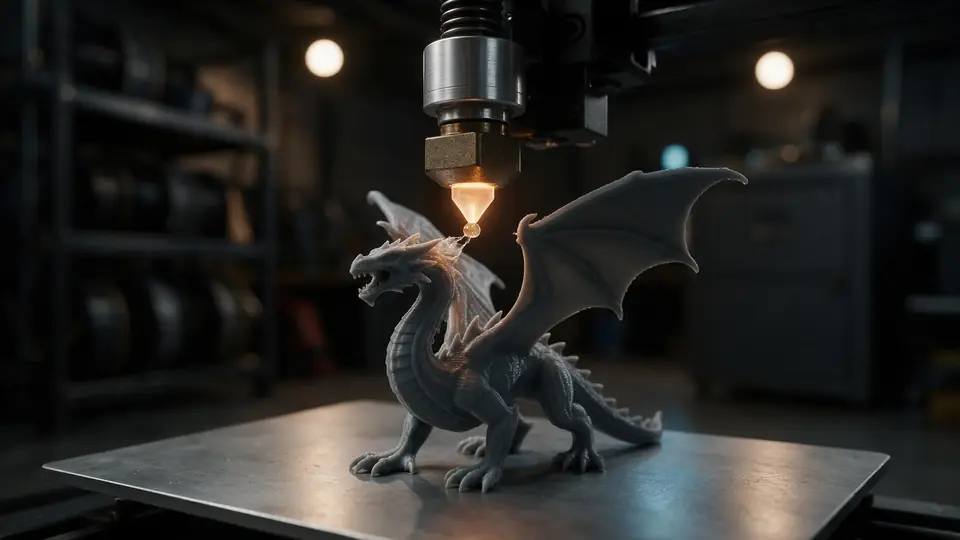
GLB was made for screens, STL for printers. The conversion fixes the two things that usually go wrong: size and orientation.

Also
What else it does
AI models welcome
GLBs from Tripo, Meshy, Rodin and Hunyuan 3D convert directly, including Draco-compressed files.
See the mesh first
Use Clay to judge the bare shape without its texture — the STL will look like this.
How it works
How GLB becomes STL
All in your browser, using the glTF loader and STL exporter from three.js.
Unpack
The GLB's JSON and binary buffers are read; compressed meshes are decoded.
Flatten
Every mesh is placed with its node transforms so parts keep their positions.
Scale and orient
Optionally fit to a size in millimetres and rotate Y-up to Z-up.
Write
Triangles are written to a binary STL and downloaded.
How to
How to use the GLB to STL Converter
- Time needed
- Steps
- 4 steps
Step 1
Open the GLB
Drop your .glb onto the box above, or try the sample astronaut.
Step 2
Inspect it
Switch to Clay to see the bare shape the STL will have.
Step 3
Set size and orientation
Fit the longest side to a size in mm; leave Z-up on.
Step 4
Download the STL
Click Download STL and open it in your slicer.
Watch the tour · 1:48
Text, photo or multi-view to a textured GLB, nine engines, the viewer & lighting, compare engines, gallery, download & chat
Chapters
Who uses it
Who converts GLB to STL
AI 3D creators
Print figures, toys and props made with text-to-3D or image-to-3D.
Tabletop gamers
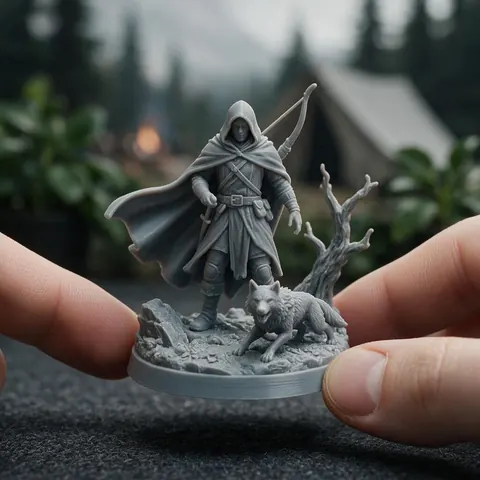
Turn a GLB character into a printable miniature.
Makers
Print web or Sketchfab assets you have the rights to use.
Teachers
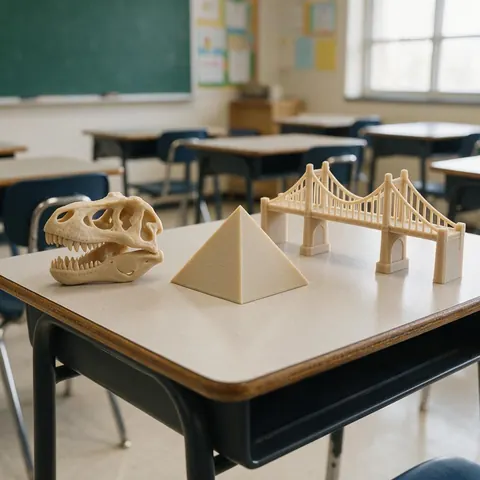
Print models from online collections for class.
Compare
GLB vs STL at a glance
Same triangles, very different jobs.
| GLB | STL | |
|---|---|---|
| Made for | Real-time display: web, AR, games | 3D printing |
| Textures and PBR | Yes, embedded | No |
| Units | Metres | None (slicers assume mm) |
| Up axis | +Y | Slicers expect +Z |
| Animation | Yes | No |
| Opens in slicers | Rarely | All of them |
File formats
The formats this tool reads and writes
What each file can hold, what it can't, and where it opens. Facts link to the format's own spec or reference page.
| .glb · GLB | .stl · STL | .3mf · 3MF | |
|---|---|---|---|
| Full name | glTF 2.0 Binary | Stereolithography | 3D Manufacturing Format |
| Made by | Khronos Group, 2017 (glTF 2.0) | 3D Systems, 1987 | 3MF Consortium, 2015 |
| Kind | Single-file scene with PBR materials | Triangle mesh (binary or ASCII) | ZIP package with XML |
| Holds | Meshes and PBR materials, Textures in the same file, Animation and skins | Triangle surfaces, Facet normals | Meshes with units (millimetres), Colours and materials, Several objects and build plates |
| No | Units beyond metres, CAD precision | Colour and textures, Units, Materials | Animation |
| Best for | Web, AR and real-time apps — the “JPEG of 3D” | 3D printing — every slicer opens it | Modern 3D printing and multi-colour prints |
| Opens in | Browsers (three.js, model-viewer), Blender, Unity, Unreal, Godot | Cura, PrusaSlicer, Bambu Studio, OrcaSlicer, Blender | Bambu Studio, PrusaSlicer, OrcaSlicer, Cura, Windows 3D Builder |
No file yet?
Make the model first — from one photo
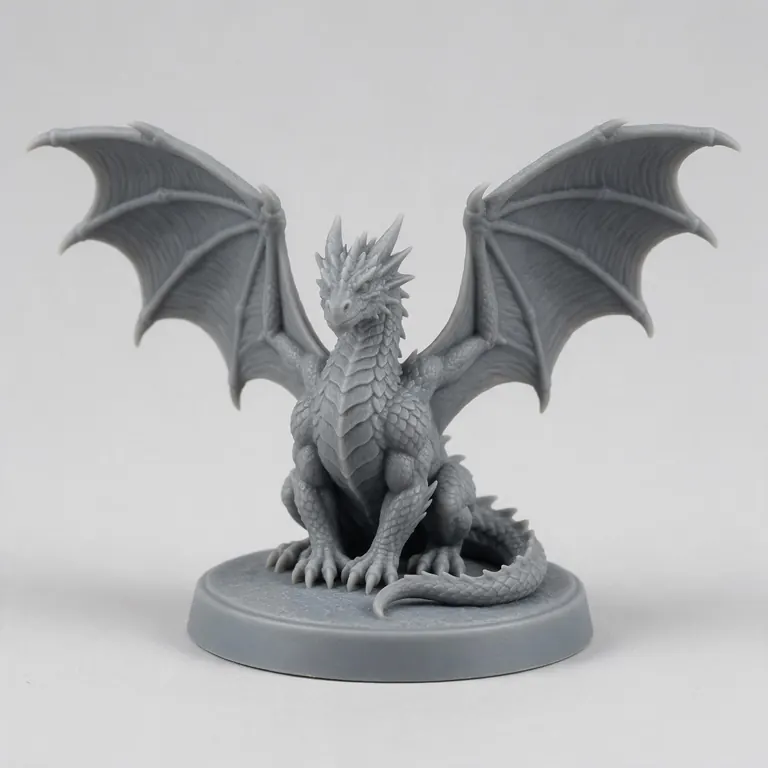
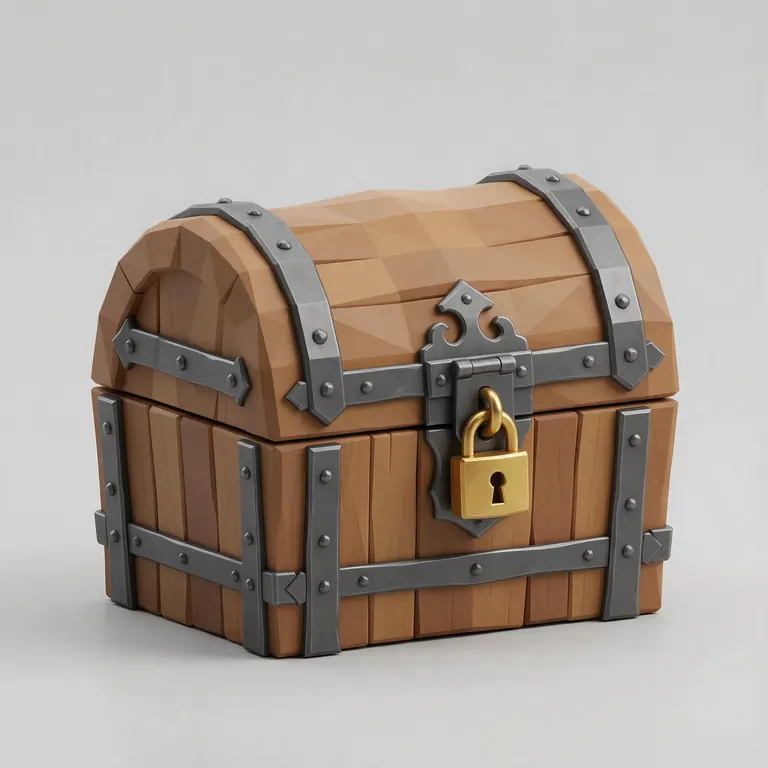
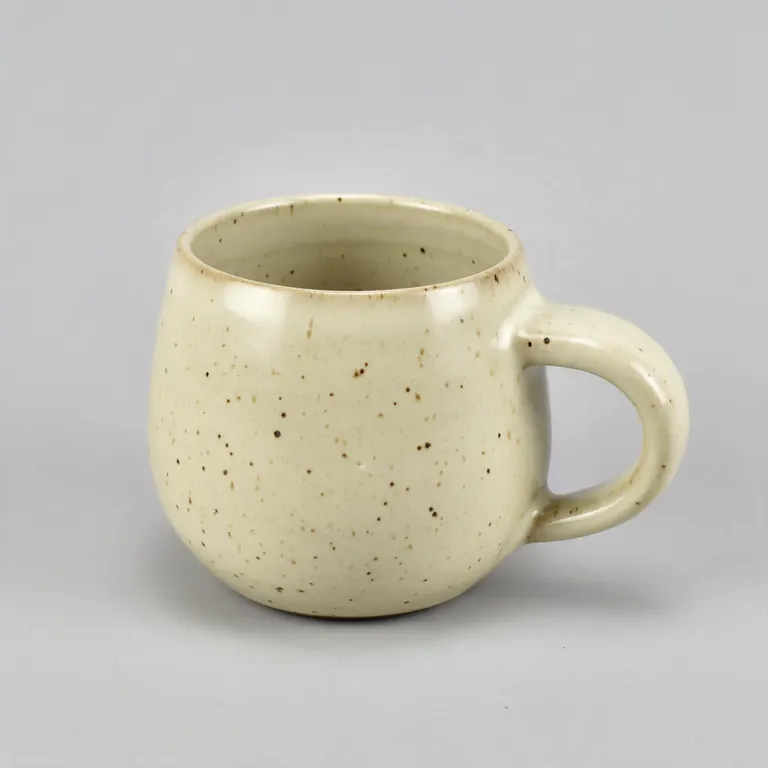
Every sample in the tool above began as a single picture and was turned into a 3D model in the Kenerate 3D Studio. The engine is named on each one.
Example uses
How creators use the GLB to STL converter
Illustrative examples of typical workflows, not customer reviews.

AI 3D creator
A creator can take a toy or figure made with text-to-3D, convert the GLB to STL at 75 mm and print it.
Tabletop gamer
A tabletop gamer can turn a GLB character into a printable miniature that lands upright on the plate.
Teacher
A teacher can print models from online collections for class at a sensible size.
FAQ
GLB to STL Converter questions
8 questions
Is the GLB to STL converter free?
Yes — free, no account, no watermark.
Link to this answerIs my GLB uploaded?
No. It's converted on your device.
Link to this answerWhy is my STL tiny in the slicer?
glTF uses metres, so a 10 cm model is 0.1 units. Choose a size in “Fit longest side to” before downloading.
Link to this answerWhy is the model lying on its side?
Keep “Z-up for slicers” on. It rotates glTF's Y-up model so it stands on the build plate.
Link to this answerWill the colours carry over?
No. STL can't store colour. For colour prints, convert to 3MF instead.
Link to this answerIs an AI-generated model printable?
Often, after a check. Look for thin parts and floating pieces in Clay view, and let your slicer repair small holes.
Link to this answerCan I convert STL to GLB?
Yes. Open the STL in the free 3D model converter and pick GLB. STL has no colour, so the GLB gets a plain material you can replace in Blender or a web viewer. As with every tool here, the file is converted in your browser and never uploaded.
Link to this answerDoes it support glTF (.gltf)?
Use the .glb version — a single-file upload can't include a .gltf's separate .bin and textures.
Link to this answerIn depth
GLB to STL Converter, explained
What the formats really store, what changes when you convert, and how to avoid the usual print and import problems.
On this page
Why GLB needs converting for printing
Is the mesh printable?
Screen models can have thin shells, open edges or parts that only touch. A printable mesh should be closed (watertight) and thick enough for your nozzle — usually 1–2 mm walls for FDM. Most slicers repair small holes automatically.
Making a printable model with AI
Engines like Rodin can return STL directly, and others return GLB you can convert here. The Kenerate 3D Studio offers nine engines on any paid plan or credit pack.
Keep going
Other 3D viewers and converters
- 3D Model ConverterAny format to STL, OBJ, GLB, 3MF, USDZ
- 3MF to STLSlicer projects to plain STL
- OBJ to STLMeshes for any slicer
- STL to OBJPrint files into 3D apps
- STL to 3MFUnits and a modern print format
- GLB to OBJglTF into classic 3D apps
- FBX to OBJStatic meshes from FBX
- FBX to STLGame assets to printable files
Try the GLB to STL Converter
Free and private — your files never leave your device. Want to make models with AI? That's the 3D Studio, on any paid plan or credit pack.
Tried it? Tell us how it went