

Free · in your browser · nothing uploaded
Convert STL to OBJ for any 3D app
Bring a print file into Blender, Maya, ZBrush, Unity or a texturing tool that prefers OBJ. Drop the STL, check it, download the OBJ.
- Opens binary and ASCII STL
- Plain-text OBJ every app reads
- Z-up for CAD or Y-up for game tools
- Private: runs on your device
Updated by the Kenerate AI team
On this page
Quick answer
Updated
How do you convert STL to OBJ?
To convert STL to OBJ, read the STL's triangles and write them as OBJ vertices and faces. Kenerate's free converter does it in your browser: drop the .stl, choose whether to keep it Z-up, and download the .obj. The shape is unchanged, but the OBJ has no UVs or textures because the STL had none. Nothing is uploaded.
Key facts
- Price
- Free, no account
- Converts
- Binary or ASCII STL → Wavefront OBJ (text)
- Shape
- Unchanged — same triangles
- Orientation
- Z-up (as in the STL) or Y-up (turn Z-up off)
- UVs / textures
- None — the STL didn't have them
- Privacy
- Converted locally — no upload
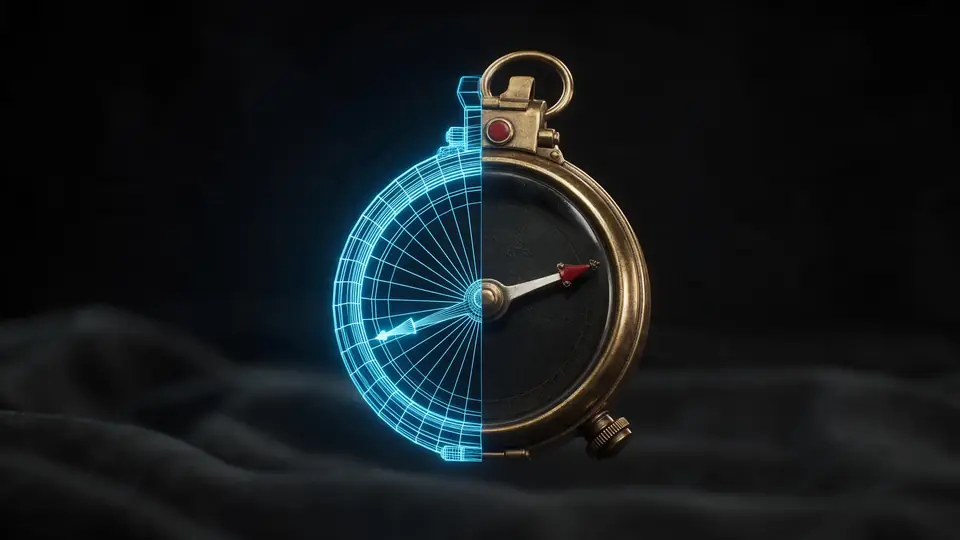
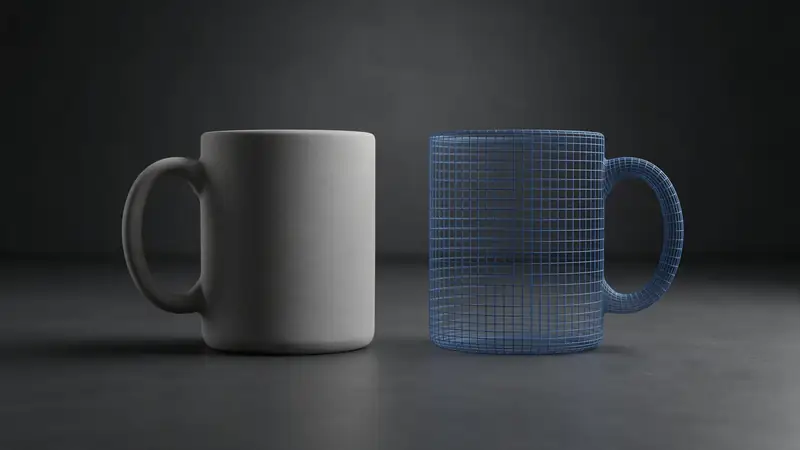
Also
What else it does
Next step: UVs
Once in a 3D app you can unwrap UVs and texture the model — something STL can't carry.
Orientation control
Leave Z-up on to keep the STL's axes (Blender, CAD), or turn it off for a Y-up OBJ that game engines and most web tools expect.
How it works
How STL becomes OBJ
Everything happens in the page.
Parse
Triangles and normals are read from the binary or ASCII STL.
Orient
Optionally scale the model and change its up axis.
Write
Vertices, normals and faces are written as OBJ text.
Download
The .obj is saved to your device.
How to
How to use the STL to OBJ Converter
- Time needed
- Steps
- 4 steps
Step 1
Open the STL
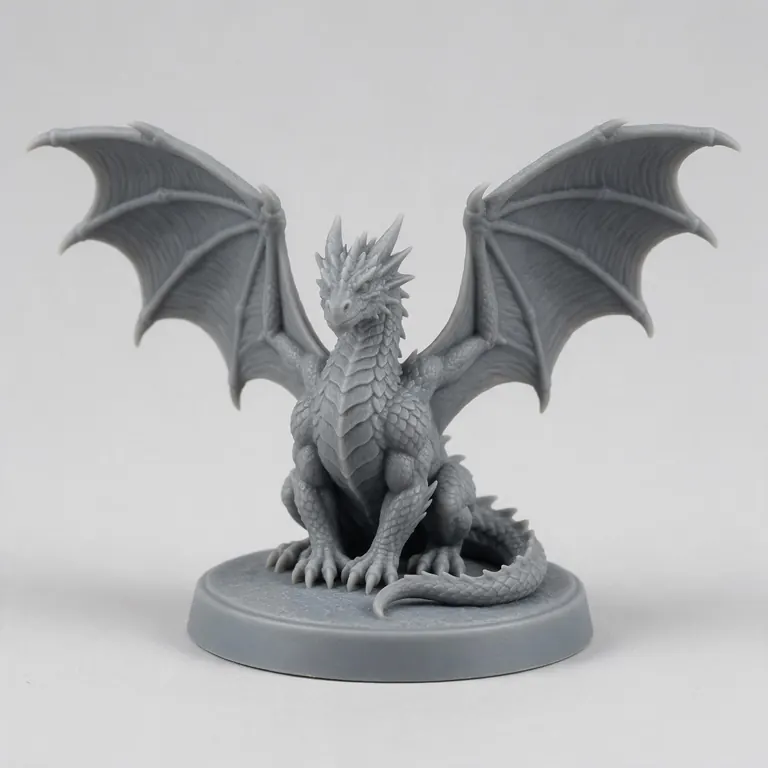
Drop your .stl onto the box above, or try the sample dragon.
Step 2
Preview
Orbit and check the stats.
Step 3
Choose OBJ
Pick OBJ. Keep Z-up on for Blender or CAD; turn it off for a Y-up OBJ for game engines.
Step 4
Download
Click Download OBJ and import it into your 3D app.
Watch the tour · 1:48
Text, photo or multi-view to a textured GLB, nine engines, the viewer & lighting, compare engines, gallery, download & chat
Chapters
Who uses it
Who converts STL to OBJ
3D artists
Paint or remodel a printable part in a DCC tool.
Game developers
Bring a printable model into an engine as a prop.
Scanning
Move a scan STL into a cleanup tool that prefers OBJ.
Hobbyists
Use an STL from a model site in a renderer.
Compare
STL vs OBJ
Same geometry, different strengths.
| STL | OBJ | |
|---|---|---|
| Best for | 3D printing | Moving meshes between 3D apps |
| Encoding | Binary or text | Text |
| UVs and materials | No | Yes (UVs in file, materials in .mtl) |
| Faces | Triangles | Triangles, quads, n-gons |
| Units | None | None |
File formats
The formats this tool reads and writes
What each file can hold, what it can't, and where it opens. Facts link to the format's own spec or reference page.
| .stl · STL | .obj · OBJ | |
|---|---|---|
| Full name | Stereolithography | Wavefront OBJ |
| Made by | 3D Systems, 1987 | Wavefront Technologies, 1980s |
| Kind | Triangle mesh (binary or ASCII) | Plain-text mesh |
| Holds | Triangle surfaces, Facet normals | Vertices, faces, UVs and normals, Materials via a separate .mtl file |
| No | Colour and textures, Units, Materials | Animation and rigs, Embedded textures |
| Best for | 3D printing — every slicer opens it | Moving static meshes between 3D apps |
| Opens in | Cura, PrusaSlicer, Bambu Studio, OrcaSlicer, Blender | Blender, Maya, 3ds Max, ZBrush, most slicers |
No file yet?
Make the model first — from one photo
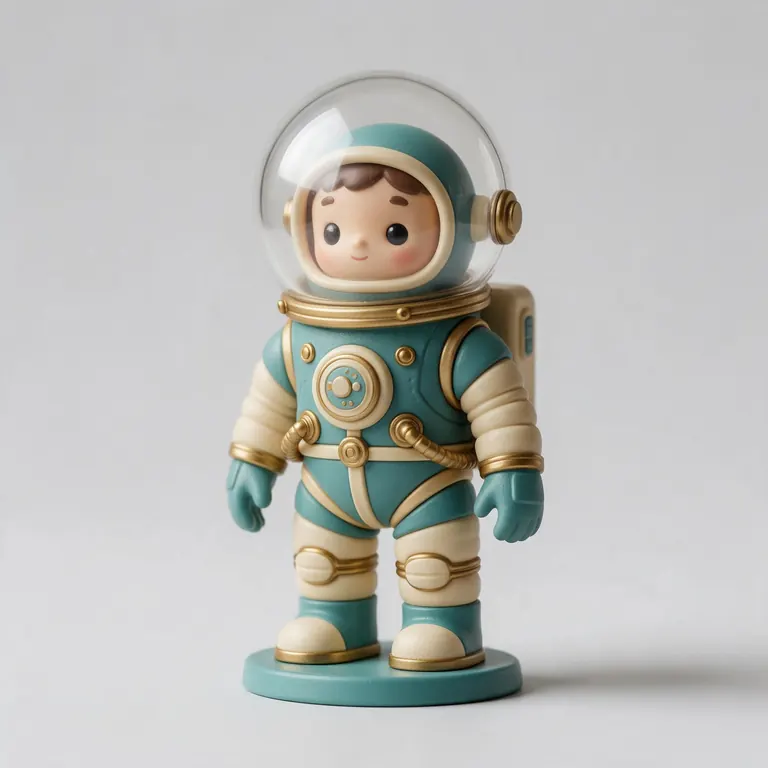
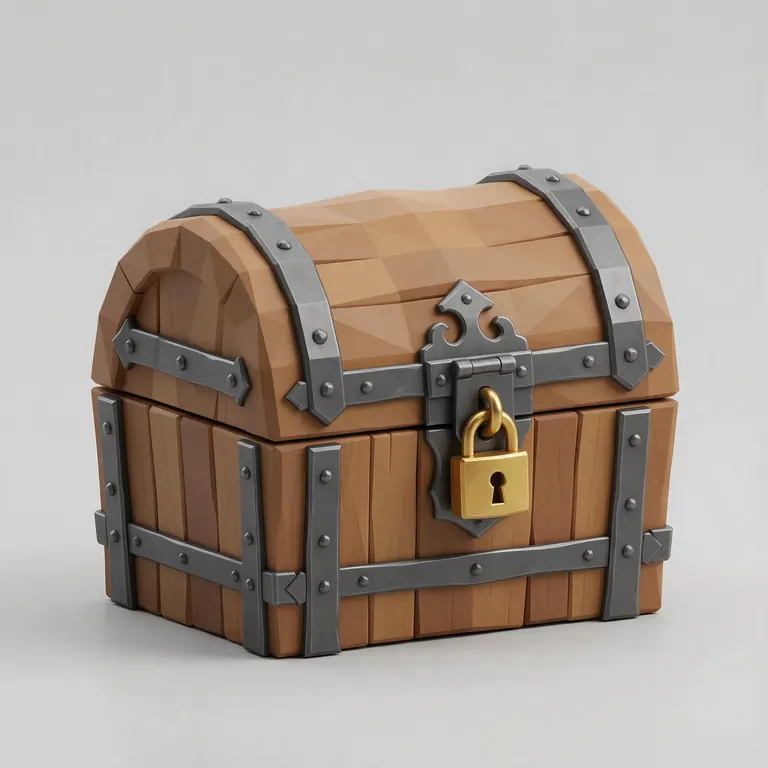
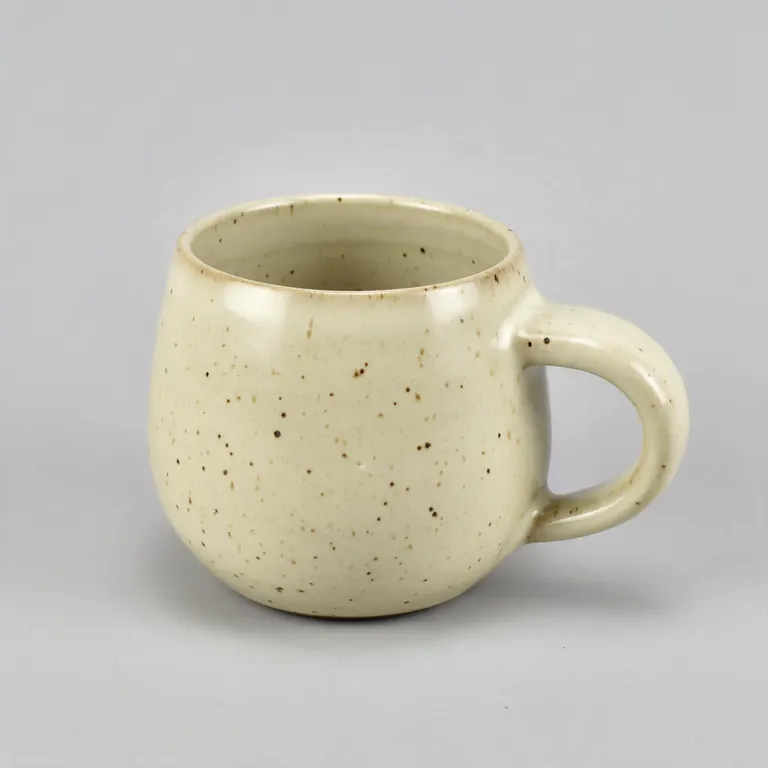
Every sample in the tool above began as a single picture and was turned into a 3D model in the Kenerate 3D Studio. The engine is named on each one.
Example uses
How creators use the STL to OBJ converter
Illustrative examples of typical workflows, not customer reviews.
3D artist
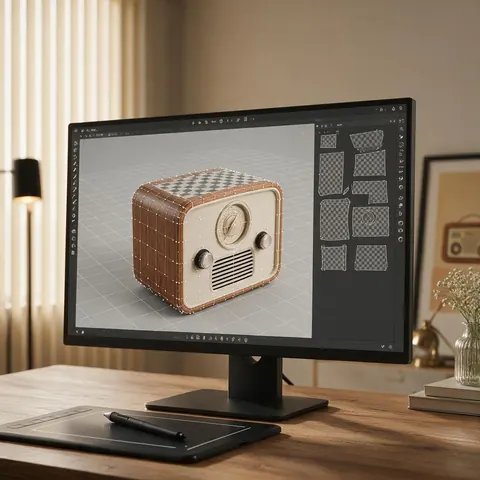
A 3D artist can bring a printable part into a 3D app as OBJ to unwrap and paint it.
Game developer
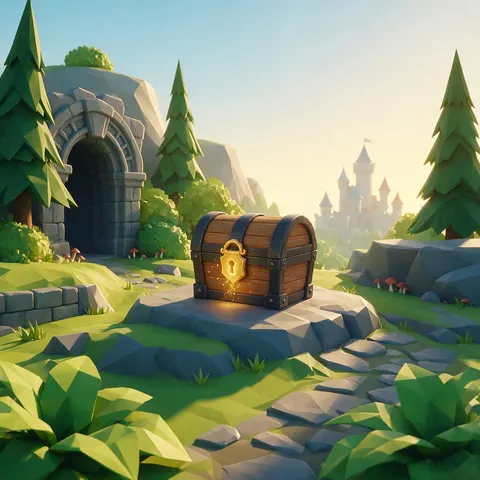
A developer can turn a printable model into a Y-up OBJ and use it as a prop in a game engine.

Hobbyist renderer
A hobbyist can take an STL from a model site and render it in a 3D app with lighting and materials.
FAQ
STL to OBJ Converter questions
7 questions
Is STL to OBJ conversion free?
Yes, with no account or watermark.
Link to this answerIs my STL uploaded?
No — it's converted on your device.
Link to this answerWill my OBJ have textures?
No. STL has no textures or UVs, so there's nothing to carry over. Unwrap and texture it in a 3D app.
Link to this answerWill the triangles become quads?
No. The OBJ keeps the STL's triangles. Use a retopology or “tris to quads” tool in your 3D app if you need quads.
Link to this answerShould I keep Z-up on?
Keep it on to leave the axes as they were in the STL — most STL files are Z-up, like Blender. Turn it off for a Y-up OBJ, which game engines and glTF tools expect.
Link to this answerHow do I convert STL to OBJ in Blender?
Import the STL with File → Import → STL (.stl), then export it with File → Export → Wavefront (.obj). The triangles are unchanged and there are still no UVs, so unwrap the model in Blender if you want to texture it. Or drop the STL here and download the OBJ directly.
Link to this answerWhy is the OBJ bigger?
OBJ is text, so the same triangles take more bytes than binary STL.
Link to this answerIn depth
STL to OBJ Converter, explained
What the formats really store, what changes when you convert, and how to avoid the usual print and import problems.
What you gain — and what you don't
Axes between apps
STL and Blender usually treat Z as up; many game tools and glTF use Y-up [8]. If a model arrives lying down, rotate it 90° on X in your app or re-export with the other orientation.
Keep going
Other 3D viewers and converters
- 3D Model ConverterAny format to STL, OBJ, GLB, 3MF, USDZ
- 3MF to STLSlicer projects to plain STL
- GLB to STLAI models ready to print
- OBJ to STLMeshes for any slicer
- STL to 3MFUnits and a modern print format
- GLB to OBJglTF into classic 3D apps
- FBX to OBJStatic meshes from FBX
- FBX to STLGame assets to printable files
Try the STL to OBJ Converter
Free and private — your files never leave your device. Want to make models with AI? That's the 3D Studio, on any paid plan or credit pack.
Tried it? Tell us how it went