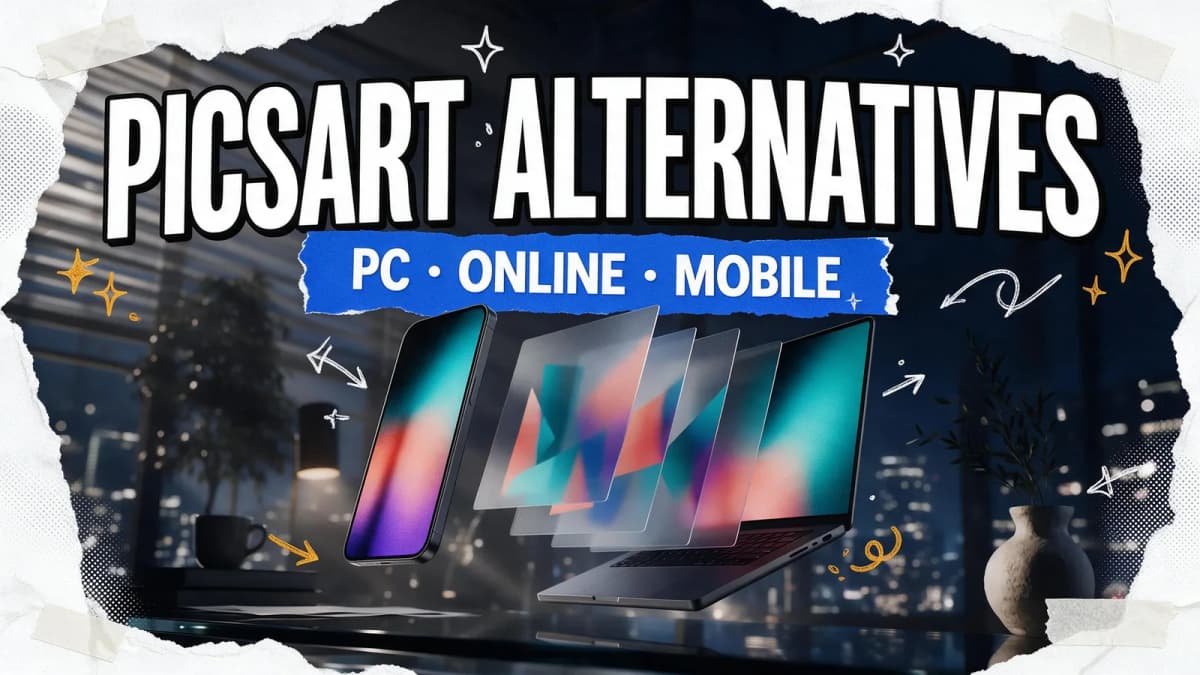
The best free Picsart alternative depends on where you edit. On a phone, Snapseed from Google is free with no ads, subscriptions or watermarks. On a PC or in a browser, Photopea and Pixlr Editor give you layer-based editing for free, while Adobe Express and Canva's free plan cover templates and social posts. If you want AI edits by text prompt, plus background removal and upscaling in one studio, Kenerate AI is a solid option.
Picsart does a lot well. That's why it's hard to replace. You probably don't need one app that does everything, though. Below you'll find what Picsart offers today, a quick comparison table, six free Picsart alternatives with honest pros and limits, and a simple way to pick one based on the edits you actually make.
What Picsart does well (and why people look for alternatives)
Before you swap tools, be clear on what you'd be replacing. According to its official site, Picsart is an all-in-one creative platform that runs in the browser, on iOS and Android, and as a desktop app. It includes:
- Photo editing: retouching, filters and effects, collages, stickers and a large template library.
- AI tools: background removal, object removal, photo enhancement and AI image and video generation.
- Video: trimming, captions, resizing for different platforms and image-to-video.
The free tier gives you core editing tools and a selection of templates and assets. On the Picsart pricing page, paid plans add things like advanced background and object removal, bulk editing of up to 50 images and more cloud storage.
People usually search for a Picsart alternative for one of three reasons:
- They edit on a PC and want a desktop-grade layer editor rather than a phone-first app.
- They hit a paid feature (most often advanced background or object removal) and want a free route to the same result.
- They only use one or two tools and would rather use a lighter app that does those things very well.
Keep your own reason in mind as you read the list. It decides which alternative fits.
Free Picsart alternatives at a glance
| Tool | Platform | Best for | Free version | AI features |
|---|---|---|---|---|
| Snapseed | iOS, Android | Phone photo editing | Fully free, no ads or watermarks | Smart masking, portrait tools |
| Photopea | Browser (PC, Mac, Chromebook) | Layer editing, PSD files | Free with ads | Remove BG, Magic Replace |
| Pixlr Editor | Browser, mobile, desktop | Quick layered edits online | Free tier; paid plans remove ads | Generative fill, object removal, upscaling |
| Adobe Express | Browser, phone | Templates and social posts | Free plan with daily AI generations | Firefly features, background removal |
| Canva (free plan) | Browser, desktop, mobile | Social graphics and collages | Free plan; Background Remover is paid | Monthly AI allowance |
| Kenerate AI | Browser | Prompt-based AI edits, upscaling | 25 free credits on sign-up | Text-prompt edits, background removal, upscaling, layers, filters |
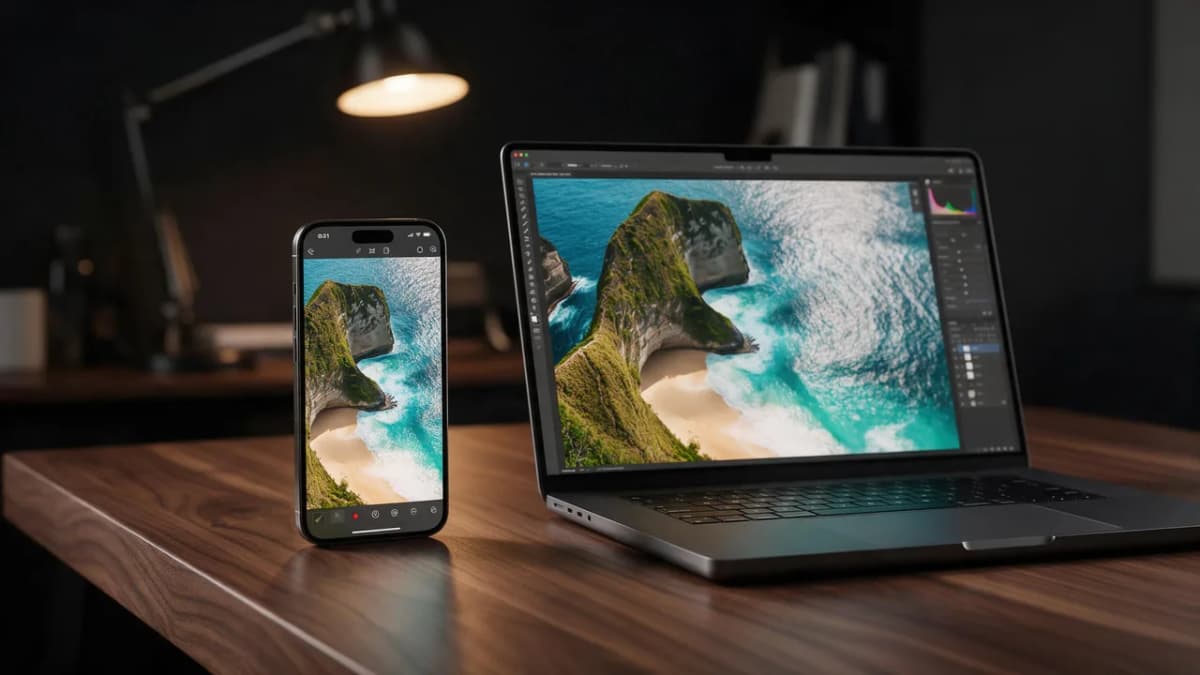
The 6 best free Picsart alternatives in 2026
1. Snapseed: best free Picsart alternative on mobile
What it is: Google's photo editor for iOS and Android. The App Store listing describes 30+ pro tools and filters with no subscriptions, purchases, ads or watermarks. Recent versions added a redesigned interface, a built-in camera, one-touch smart masking and batch editing.
Best for: people who use Picsart mainly for photo fixes on their phone (exposure, color, skin, film looks) rather than stickers and templates.
Strengths:
- Completely free, with no ads or paywalled tools.
- Healing brush, selective adjustments, curves and RAW support.
- Portrait tools that can detect several faces in one shot.
Limits: no templates, stickers or collage layouts, and no generative AI. It's a photo editor, not a design app.
2. Photopea: best Picsart alternative for PC in the browser
What it is: a free, ad-supported image editor at photopea.com with a Photoshop-style layout. It opens PSD files plus dozens of other formats, including PNG, JPG, WEBP, SVG, PDF, HEIC and common RAW formats. Photopea says files open locally and never leave your device.
Best for: anyone who wants real layers, masks and selections on a PC, Mac or Chromebook without installing anything.
Strengths:
- One-click Remove BG and Magic Replace, which replaces a selected area from a text description.
- Spot Healing Brush, Patch Tool and other retouching tools.
- Works on low-spec machines because it runs in the browser.
Limits: ads take up part of the screen on the free version, and Photopea notes that heavier use of AI tools comes with a Premium account (tutorials). The interface takes some learning if you come from a one-tap mobile app.
3. Pixlr Editor: best Picsart alternative online for quick layered edits
What it is: a browser-based photo editor with layers, blend modes and a set of AI tools. The Pixlr Editor page lists generative fill, background removal, object removal, noise removal, upscaling and generative expand. Pixlr also offers a simpler Pixlr Express.
Best for: people who want something between Picsart's simplicity and Photoshop's depth, right in the browser.
Strengths:
- Familiar layer panel and adjustment tools.
- AI tools for the common Picsart jobs (cutouts, object removal, expanding a photo).
- Available on web, mobile and desktop.
Limits: AI tools run on credits, and the Pixlr pricing page shows that paid plans are what add an ad-free workspace and unlimited saves. Check their pricing page for current plan details.
4. Adobe Express: best for templates and social posts
What it is: Adobe's quick-design app for social posts, flyers, short videos and photo edits, available in the desktop browser and on phones. The Adobe Express pricing page lists 100,000+ templates, 5 GB of storage and free daily generations for features like Insert & Remove Objects on the free plan.
Best for: Picsart users who mainly make Instagram, TikTok and YouTube graphics from templates.
Strengths:
- Large template library and Adobe Fonts access on the free plan.
- Adobe's background remover is free with an Adobe account, within daily limits (details).
- Firefly-powered generative tools built in.
Limits: one-click resize, premium stock, brand tools and video background removal are on paid plans.
5. Canva (free plan): best for collages and simple designs
What it is: the drag-and-drop design platform most people already know. The free plan covers templates, collages and basic photo edits.
Best for: Picsart users who mostly make collages, posters and stories.
Strengths:
- Very easy to learn, with huge template variety.
- Real-time collaboration on the free plan.
Limits: Canva's help center confirms that Background Remover is a paid-plan feature, and AI tools on Canva Free draw from a limited monthly allowance. If cutouts are your main job, see our Canva background remover alternatives. If you want more options, our best free Canva alternative roundup goes deeper.
6. Kenerate AI: best for prompt-based AI edits and upscaling
What it is: a browser studio for AI image, video, music, voice and 3D. For Picsart-style photo work, the Edit Studio lets you change an image by describing the edit in plain text, remove backgrounds, stack layers and apply filters. The Enhance Studio upscales images with models such as Kenerate Upscale, Clarity Pro and Real-ESRGAN.
Best for: creators who want AI to do the heavy lifting ("remove the people behind me", "make it golden hour") and who also generate new images or video in the same place.
Strengths:
- Text-prompt editing powered by image models such as GPT Image 2, Nano Banana 2 and Seedream 5.0 Pro.
- Background removal, upscaling, layers and filters in one workspace.
- 25 free credits on sign-up, and credits never expire.
Limits: you need an account to generate, and AI edits use credits. There's no native phone app, sticker library or template marketplace like Picsart's, so it's not a drop-in replacement for collage-style design.
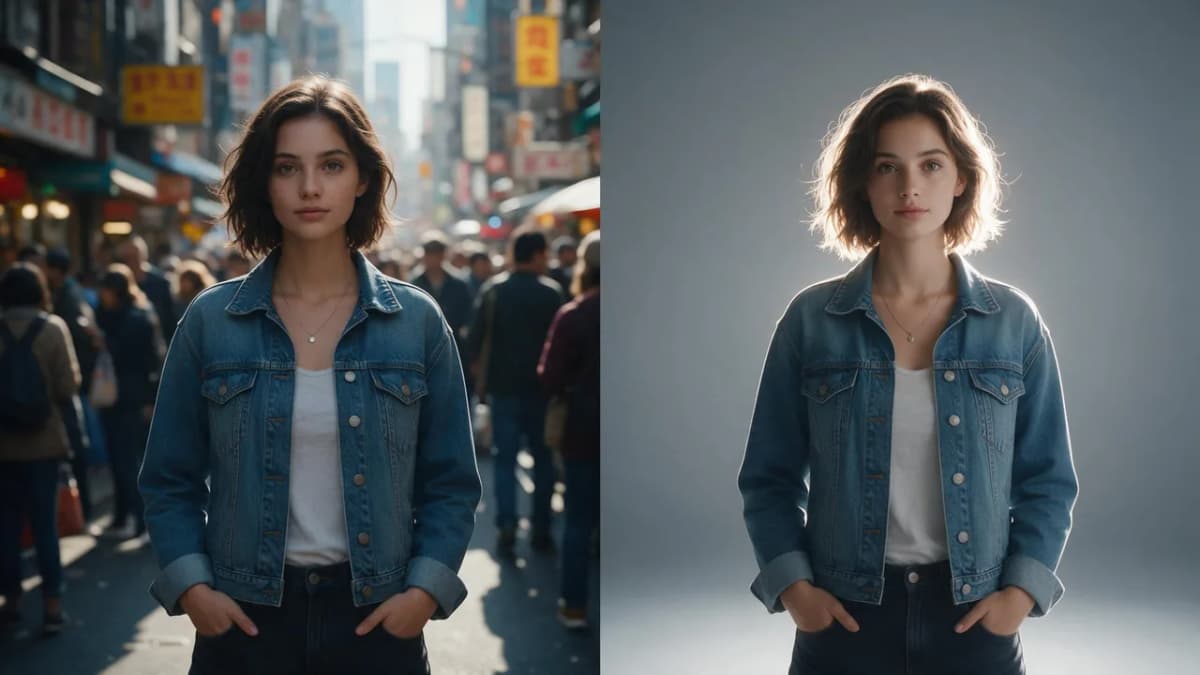
Picsart alternative for background removal (free)
Background removal is the single most common reason people leave Picsart, so here is the short version:
- Phone, free: Snapseed doesn't do one-tap cutouts, so pair it with a browser tool when you need transparency.
- Browser, free: Photopea's Remove BG, Adobe's background remover (free daily use with an Adobe account) and Kenerate's free AI background remover.
- Inside a design: Adobe Express handles it inside templates; on Canva it needs a paid plan.
For a deeper side-by-side of cutout tools, see our Picsart background remover alternatives.
A quick test that works on any of these: pick one photo with flyaway hair, one with a glass object and one with a busy background. Run all three through each tool and compare the edges at 100% zoom. That tells you more than any feature list.
Prompt examples for AI edits
If you choose an AI editor that takes text instructions (Kenerate, Photopea's Magic Replace, Pixlr's generative tools), clear prompts get better results. Say what to change, what to keep and how it should look.
AI Prompt RecipeFlux.1 Pro16:9“Remove the two people walking in the background on the left. Fill the area with matching sand and shoreline. Keep the main subject, lighting and colors exactly the same.”
AI Prompt RecipeFlux.1 Pro16:9“Change the background to a soft gray studio backdrop with gentle light from the left. Keep the person, their clothing and the shadows under their feet natural.”
AI Prompt RecipeFlux.1 Pro16:9“Turn this daytime street photo into golden hour: warm low sun from the right, long soft shadows, slightly richer colors. Do not change the people or the buildings.”
AI Prompt RecipeFlux.1 Pro16:9“Extend this vertical photo into a wide 16:9 frame. Continue the forest path, trees and morning mist naturally on both sides.”
How to choose the right Picsart alternative
Match the tool to the job, not to the brand:
| If you mostly... | Start with |
|---|---|
| Fix photos on your phone | Snapseed |
| Edit layered files on a PC or Chromebook | Photopea or Pixlr Editor |
| Make social posts from templates | Adobe Express or Canva |
| Want AI to make edits from a sentence | Kenerate AI, Photopea Magic Replace, Pixlr generative fill |
| Need sharper, larger images | An AI upscaler such as Kenerate's AI image upscaler |
A few practical tips:
- Combine free tools. Many people use Snapseed for color on the phone, then a browser editor for cutouts and layers. Two free apps often beat one paid one.
- Check export quality. Free tiers sometimes cap resolution, add ads or limit saves. Export a test file before you commit to a workflow.
- Keep originals. Whatever you choose, keep your untouched photo so you can redo an edit when a better tool comes along.
- Look beyond photos. If you also need AI images, video or music, an all-in-one studio saves you from juggling accounts.
If you want a full desktop editor rather than a quick-edit app, read our guide to the best free Photoshop alternative. For a task-by-task look at AI editing tools, see free AI image editor options.
Bottom line
There isn't one perfect Picsart alternative, and that's fine. Snapseed is the best free choice on a phone. Photopea and Pixlr Editor bring layer-based editing to any PC browser. Adobe Express and Canva cover templates and social posts. Kenerate AI fits creators who want prompt-based edits, background removal and upscaling next to image and video generation. Try two of them on the same three photos and keep the one that fits how you actually edit.