

Free · flat or curved · backlit preview
Lithophane maker photo to printable light
Turn a photo into a lithophane: a thin white panel whose thickness holds the picture, so it appears when light shines through. Set the size, thickness, frame and curve, check the backlit preview, and download an STL.
- Flat panel or curve up to 180°
- Frame and thickness in mm
- Backlit preview as you edit
- Free — your photo stays on your device
Updated by the Kenerate AI team
On this page
Quick answer
Updated
What is a lithophane maker?
A lithophane maker is a tool that turns a photo into a thin translucent panel, thick where the picture is dark and thin where it is light, so the image appears when lit from behind. Kenerate's free maker works in your browser, flat or curved, with a backlit preview before you download a watertight STL or 3MF.
Key facts
- Price
- Free, no account
- Defaults
- 100 mm wide · 3.0 mm max · 0.8 mm min · 4 mm frame · 0.2 mm detail
- Shapes
- Flat, or curved from 5° to 180° · 3D and simulated backlit preview
- Output
- STL, 3MF, OBJ, GLB — watertight, millimetres
- Print tips
- White PLA · 0.1–0.12 mm layers · ≥90% infill or all walls · upright
- Privacy
- Processed in your browser — no upload
Why this tool
A flat or curved lithophane maker with everything a panel needs
Thickness range sets the contrast, the frame stops thin edges from breaking, and the curve lets it stand on its own.
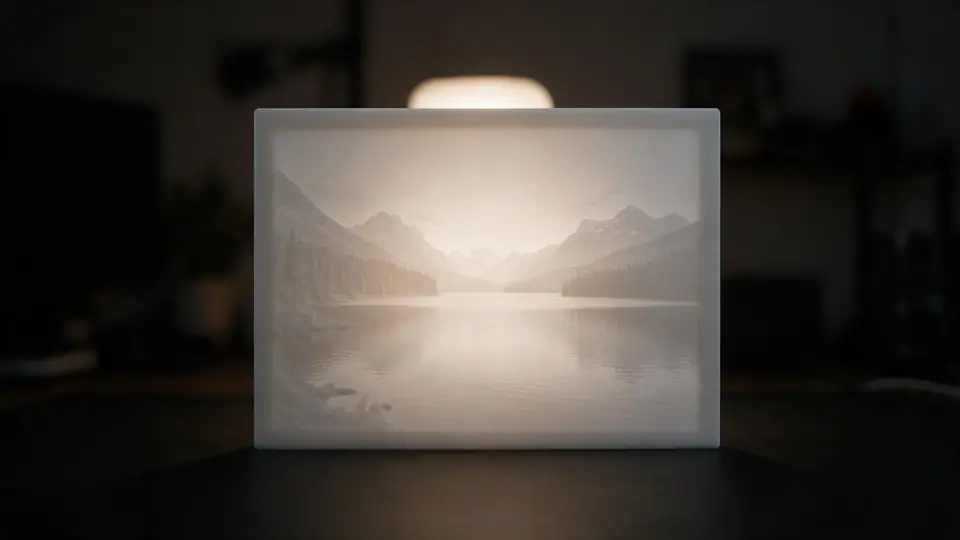
Backlit preview
See roughly how the panel will look against light — light falls off with thickness, so the preview shows how the picture will read.
Try it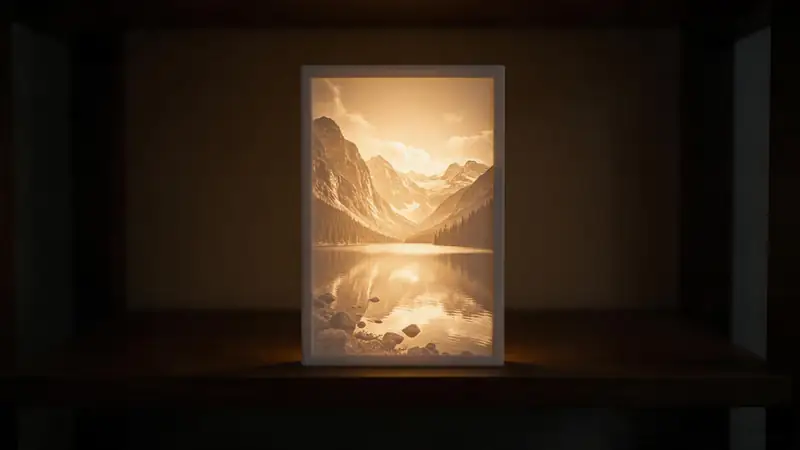
Thickness = contrast
Max thickness sets how dark the darkest areas get; min thickness sets the brightest. 3.0 / 0.8 mm is a reliable start for white PLA.
Try it
Also
What else it does
Frame
A solid border at full thickness protects the thin edges and gives the panel a clean finish.
Curve
Bend the panel up to 180° so it stands by itself and lights evenly from a small LED behind it.
Negative mode
Invert makes bright areas thick — a negative for special effects.
Your photo stays private
Everything runs on your device. Nothing is uploaded.
How it works
How the lithophane is built
All in your browser — the photo is never sent anywhere.
Resample
The photo is redrawn onto a grid every 0.1–1 mm across the chosen width.
Darkness → thickness
Each point's thickness runs from the minimum (brightest) to the maximum (darkest).
Frame and curve
A full-thickness border is added, then the panel is optionally bent around a vertical axis.
Close and export
A flat back and side walls make it watertight; download STL or 3MF in millimetres.
How to
How to use the Lithophane Maker
- Time needed
- Steps
- 4 steps
Step 1
Add a photo
Drop a photo onto the box above, or try the sample dog or lake.
Step 2
Set size and thickness
Choose the width; keep 3.0 mm max and 0.8 mm min to start.
Step 3
Frame and curve
Add a 3–5 mm frame. Curve it if you want it to stand on its own.
Step 4
Check and download
Look at the backlit preview, then download the STL or 3MF.
Watch the tour · 1:48
Text, photo or multi-view to a textured GLB, nine engines, the viewer & lighting, compare engines, gallery, download & chat
Chapters
Who uses it
Popular lithophane projects
Pet and family gifts
A portrait that only shows when the lamp is on.
Night lights and lamps
Curved panels around a tea light or LED puck.
Window panels
Flat panels lit by daylight.
Memorials and travel photos
Landscapes and keepsakes in light.
File formats
The formats this tool reads and writes
What each file can hold, what it can't, and where it opens. Facts link to the format's own spec or reference page.
| .stl · STL | .3mf · 3MF | |
|---|---|---|
| Full name | Stereolithography | 3D Manufacturing Format |
| Made by | 3D Systems, 1987 | 3MF Consortium, 2015 |
| Kind | Triangle mesh (binary or ASCII) | ZIP package with XML |
| Holds | Triangle surfaces, Facet normals | Meshes with units (millimetres), Colours and materials, Several objects and build plates |
| No | Colour and textures, Units, Materials | Animation |
| Best for | 3D printing — every slicer opens it | Modern 3D printing and multi-colour prints |
| Opens in | Cura, PrusaSlicer, Bambu Studio, OrcaSlicer, Blender | Bambu Studio, PrusaSlicer, OrcaSlicer, Cura, Windows 3D Builder |
No file yet?
Make the model first — from one photo
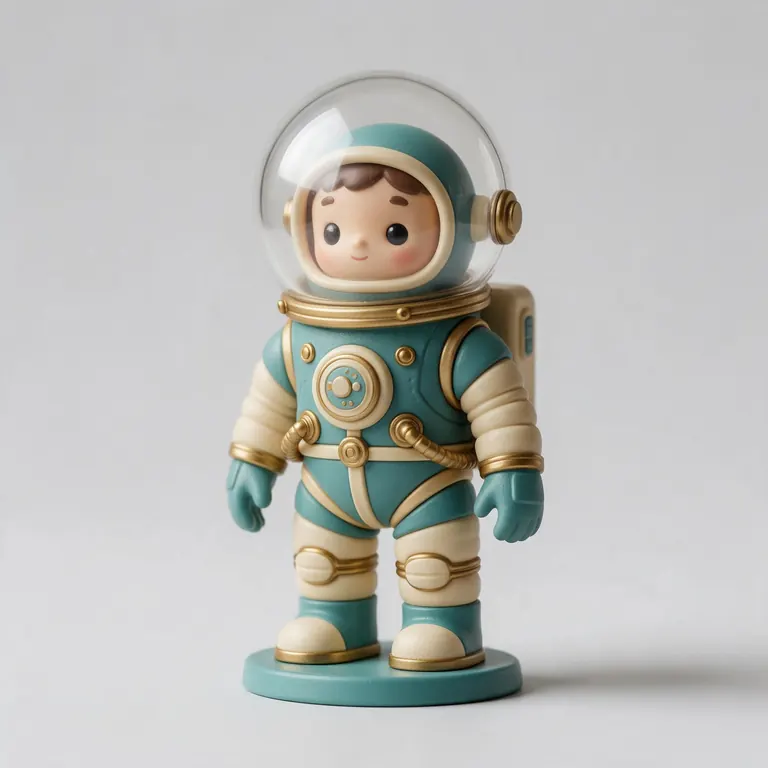
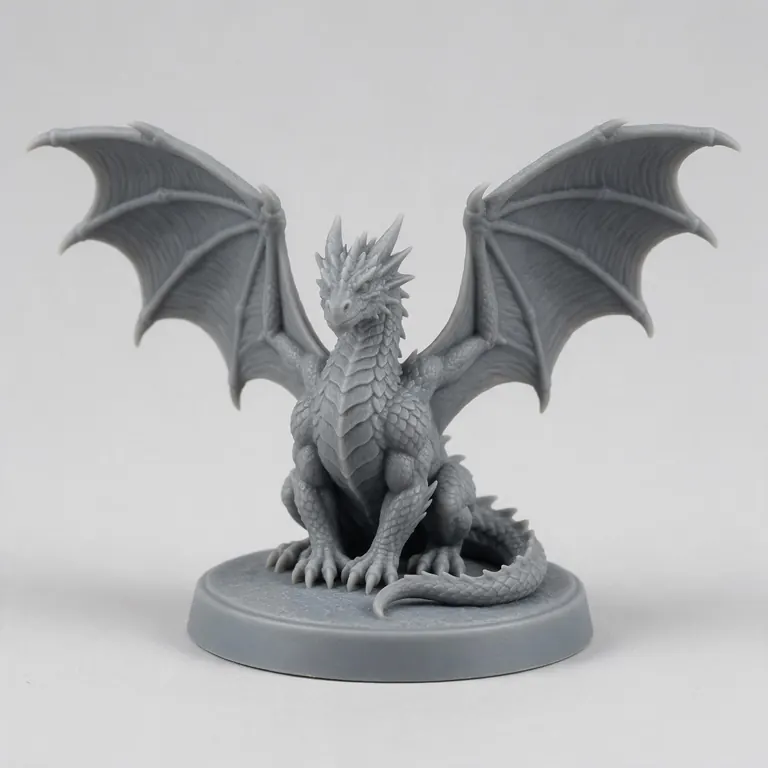
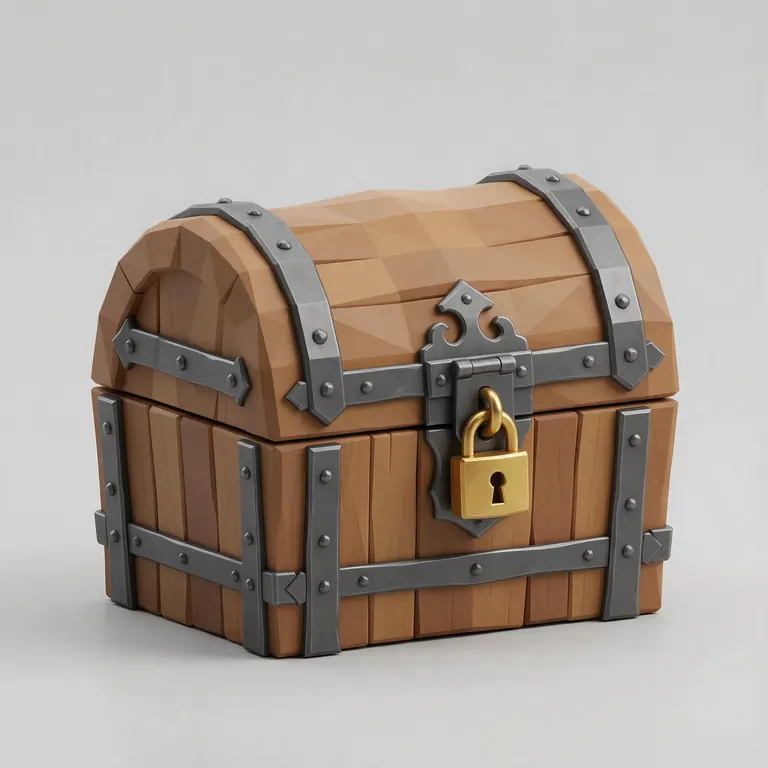
Every sample in the tool above began as a single picture and was turned into a 3D model in the Kenerate 3D Studio. The engine is named on each one.
Example uses
How creators use the lithophane maker
Illustrative examples of typical workflows, not customer reviews.
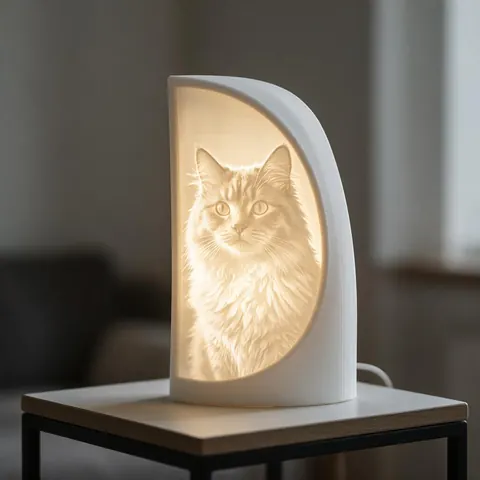
Pet owner
A pet owner can turn a favourite photo of their cat into a curved lithophane that only shows the portrait when the lamp is on.
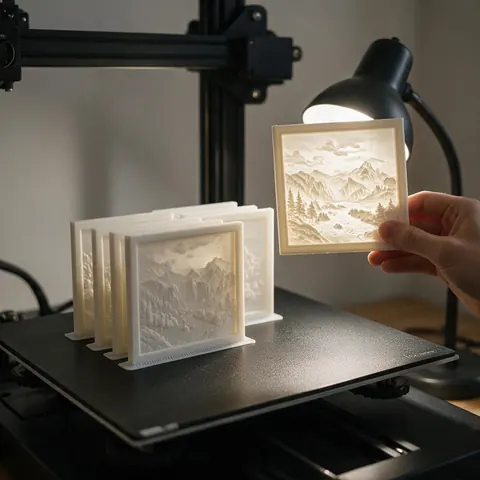
Gift maker
A maker can print framed lithophane panels in white PLA as personal gifts, checking the backlit preview before downloading the STL.
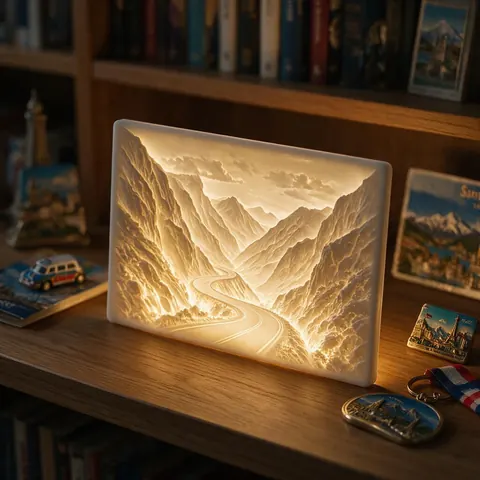
Traveller
A traveller can make a keepsake lithophane from a holiday landscape photo and light it on a shelf at home.
FAQ
Lithophane Maker questions
8 questions
What is a lithophane?
A thin translucent panel whose varying thickness makes a picture appear when it's lit from behind. The technique began with porcelain in 1820s Europe; 3D-printed lithophanes appeared around 2011.
Link to this answerHow thick should a lithophane be?
Most makers use about 3 mm at the darkest point and 0.6–0.8 mm at the brightest. Thicker gives deeper blacks but needs a stronger light.
Link to this answerShould I print a lithophane upright or flat?
Upright is common, and a 2024 study in Polymers measured more light passing through upright-printed PLA samples than flat ones. Upright also gives finer detail along the picture, at the cost of a tall, thin print — add a brim.
Link to this answerWhat filament is best?
White or natural PLA. Prusa recommends translucent white PLA with 0.1 mm layers and at least 90% infill. Coloured filament works but reduces contrast.
Link to this answerDo lithophanes need 100% infill?
They need to be solid. Either use 90–100% infill or enough walls/perimeters that the whole panel is printed as walls.
Link to this answerWhat photo works best?
A sharp, well-lit photo with a clear subject and good contrast. Crop tightly and avoid very dark or busy backgrounds.
Link to this answerWhy does my lithophane look flat when it's off?
That's normal — the picture is in the thickness, so it only shows clearly with light behind it. Use a warm white LED a few centimetres away.
Link to this answerIs my photo uploaded?
No. The lithophane is built on your device and never sent anywhere.
Link to this answerIn depth
Lithophane Maker, explained
Where lithophanes come from, why the thickness range sets contrast, and the print settings that make the difference.
On this page
A 200-year-old idea, printed
Why thickness range is contrast
Light is absorbed as it passes through plastic, so a thicker spot looks darker. The maximum thickness is your 'black point', the minimum your 'white point'. A wider range gives more contrast but needs a brighter light; a very thin minimum can let light blow out highlights or leave fragile spots.
Print settings that matter
Prusa suggests translucent white PLA, 0.1 mm layers and at least 90% grid infill [12]. A 2024 study of PLA translucency found every major FFF setting — orientation, layer height, temperature, fan, flow and speed — changes how much light gets through, with upright samples transmitting more light than flat ones [13]. Print a small test strip first to tune your filament.
Lighting it
Use a diffused, warm white light a few centimetres behind the panel. A bare point light can show a hot spot; a curved panel around a puck light spreads it more evenly.
Keep going
Other 3D viewers and converters
- Image to STLPhoto to relief, lithophane or shape
- PNG to STLLogos and transparent images
- JPG to STLPhotos to printable reliefs
- SVG to STLExtrude vector art
- 3D Logo MakerSVG or PNG logo to 3D
- 3D Text Generator18 fonts, plates and bevels
- 3D LettersPrintable letters and names
- 3D Font GeneratorAny TTF or OTF font in 3D
Try the Lithophane Maker
Free and private — your files never leave your device. Want to make models with AI? That's the 3D Studio, on any paid plan or credit pack.
Tried it? Tell us how it went