









Skip to content
Guide · every app

How to make an image transparent

Make the background transparent — or the whole picture see-through — online, in PowerPoint, Word, Google Slides, Canva, Photoshop, GIMP, on a Mac, an iPhone or in Windows Paint.

  • Both meanings covered
  • 10 apps, exact menus
  • Why it saves as white — fixed
  • One-click online option
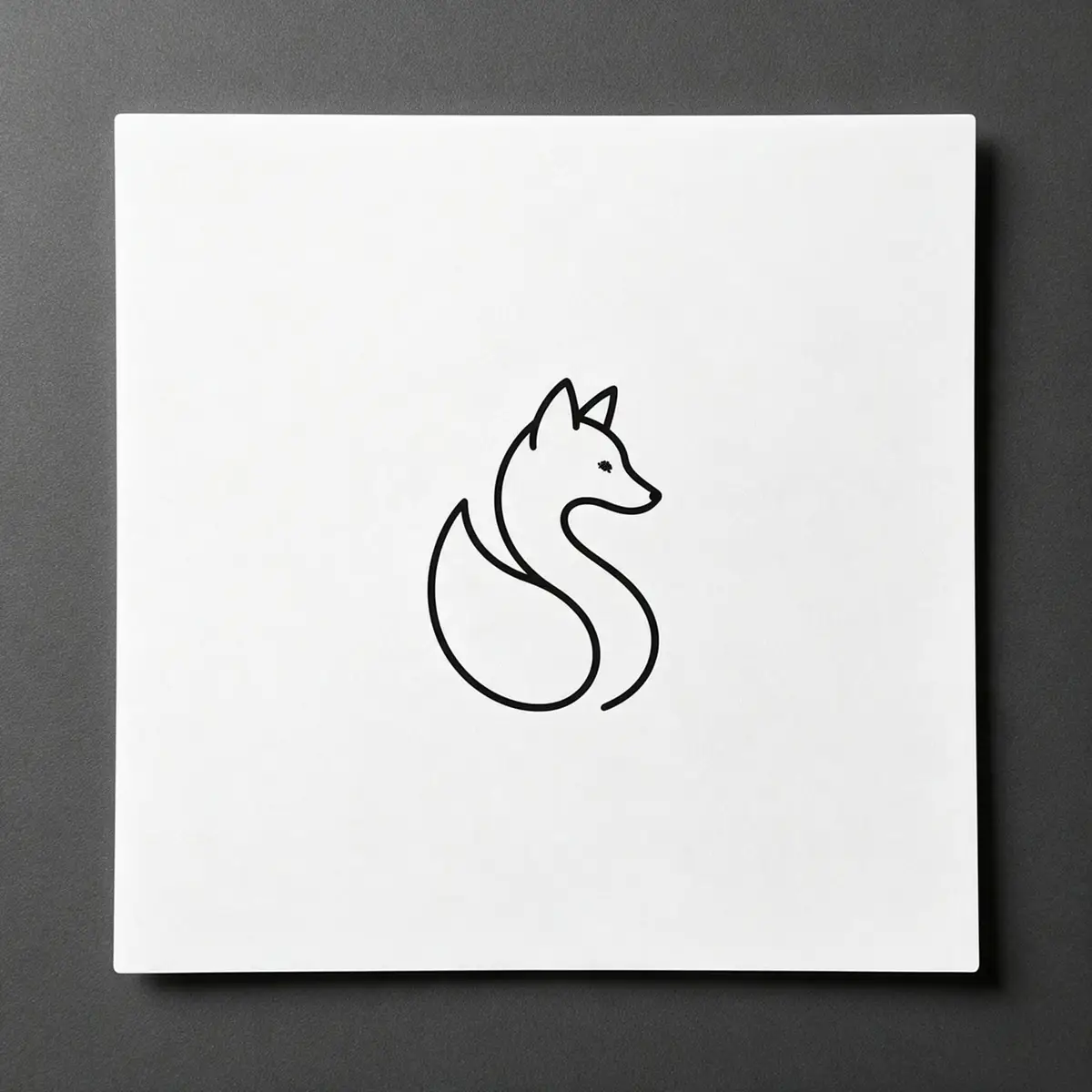
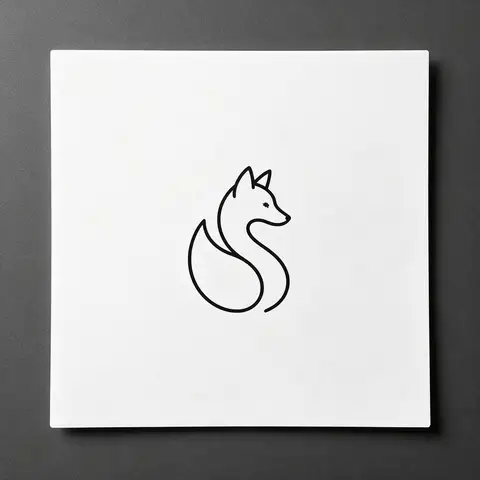
Black line-art fox logo printed on white paper — original photo
Black line-art fox logo printed on white paper — background removed
BEFOREAFTER

Kenerate Cutout HD · Logo on paper

Try this photo
  • Kenerate Cutout
  • Cutout HD · hair & glass
  • Object Pick · keep what you name
  • Magic Eraser
  • AI Edit · Qwen Image 2.0
  • Edit Text in Image · GPT Image 2
  • White, black & colour backdrops
Logo on paper — background removed
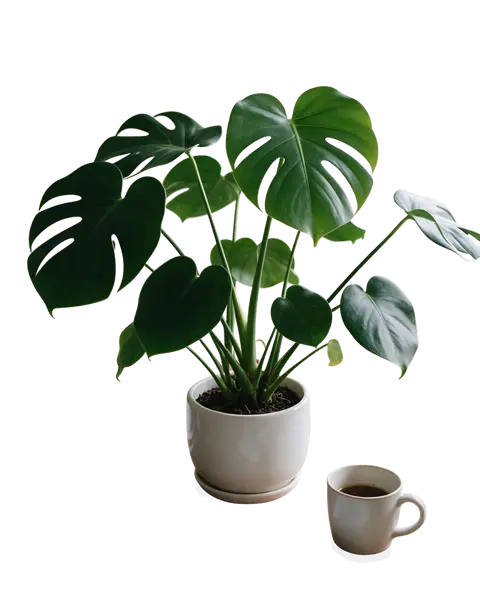
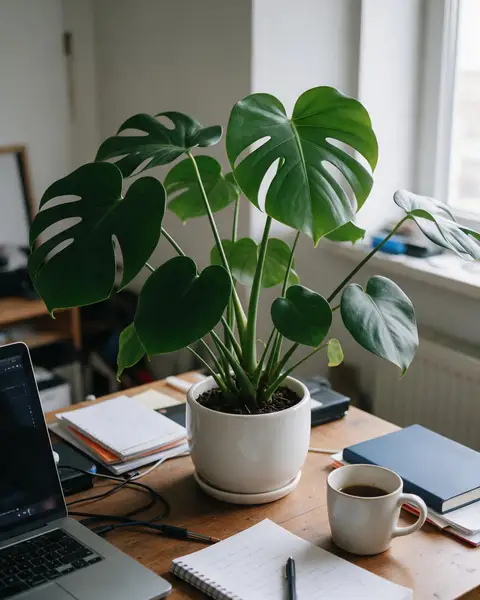
Desk plant — background removed
Glass bottle — background removed
Mid-air jump — background removed
Curly hair — background removed
Dog fur — background removed
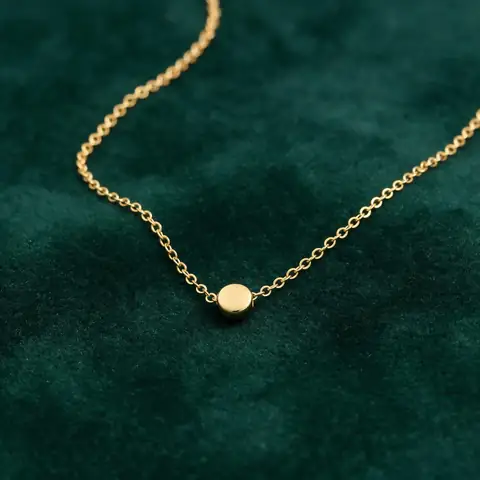
Gold chain — background removed
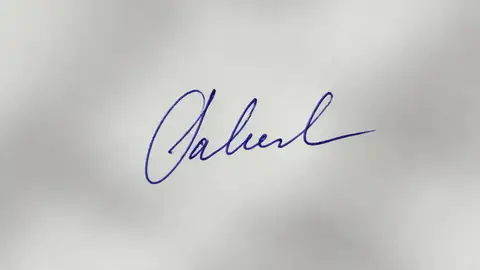
Signature — background removed
Logo on paper — background removed
Desk plant — background removed
Glass bottle — background removed
Mid-air jump — background removed
Curly hair — background removed
Dog fur — background removed
Gold chain — background removed
Signature — background removed

Quick answer

Updated

To make an image's background transparent, remove the background — in one click online with Kenerate, with Picture Format → Remove Background in PowerPoint or Word, Quick Actions → Remove Background on a Mac, or Remove background in Windows Paint — and save as PNG. To make the whole picture see-through, lower its Transparency in PowerPoint, Google Slides or Canva.

Transparent formats
PNG, WebP, GIF, SVG — not JPG
PowerPoint / Word
Picture Format → Remove Background
Mac
Finder → Quick Actions → Remove Background
Windows 11
Paint → Remove background

Real results

See it on real photos

Every slider is a real Kenerate result. Drag to compare, then run the same photo yourself.

  1. Black line-art fox logo printed on white paper — before
    Black line-art fox logo printed on white paper — after
    BeforeAfter

    01Logos

    A logo on paper, made transparent

    Line-art printed on paper, turned into a clean transparent PNG.

    Kenerate Cutout HD

    Cut this photo out
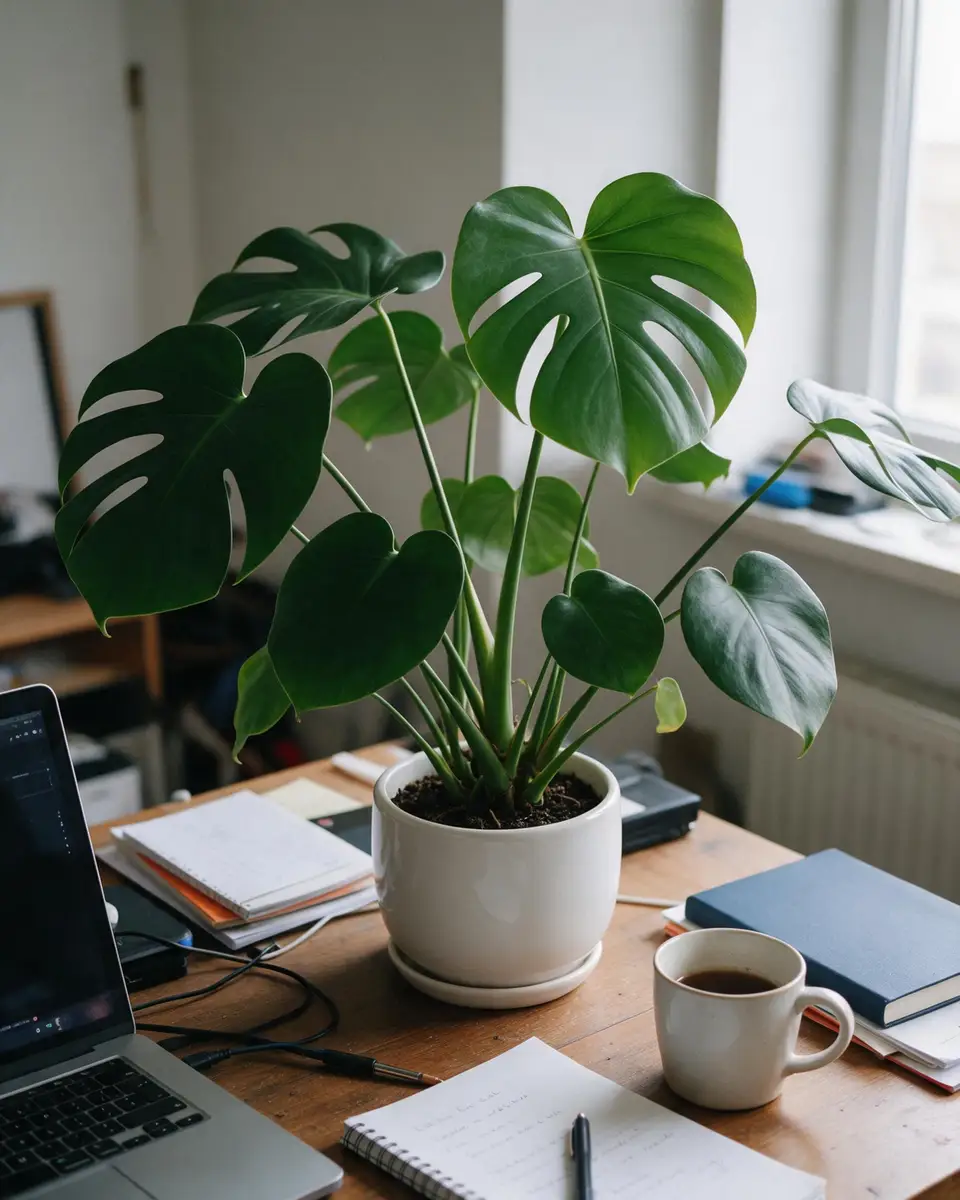
  2. Monstera plant in a white pot on a cluttered desk — before
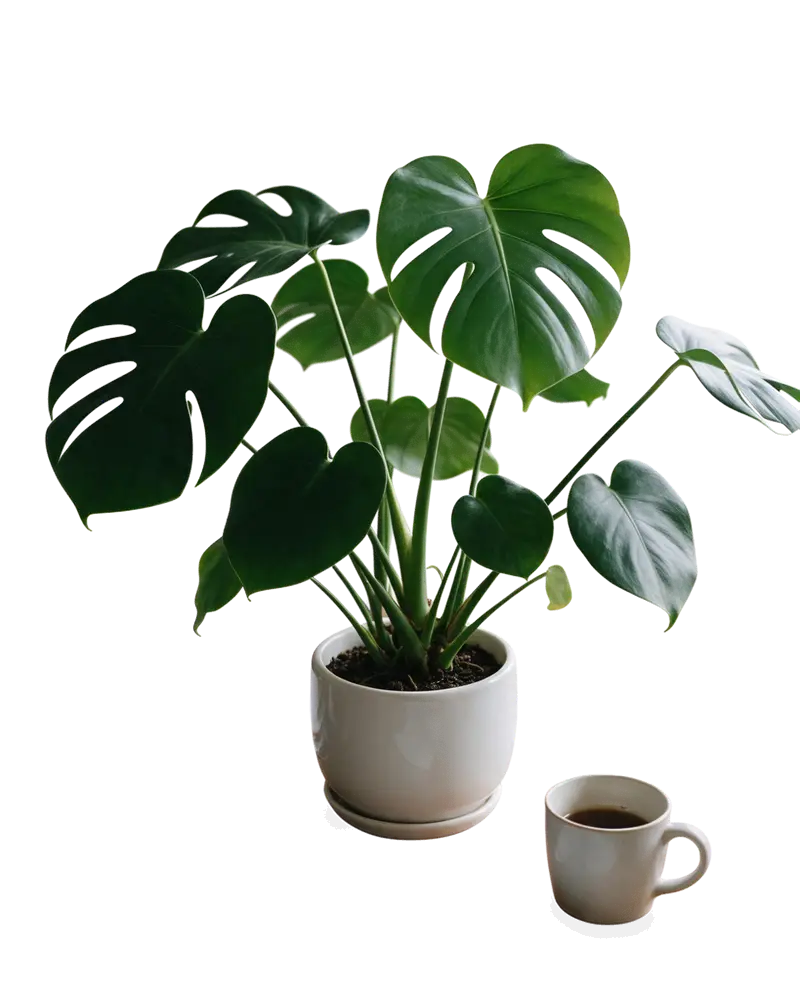
    Monstera plant in a white pot on a cluttered desk — after
    BeforeAfter

    02Home & decor

    A plant without the desk

    Leaves and pot cut out from a cluttered desk.

    Kenerate Cutout HD

    Cut this photo out
  3. Glass perfume bottle with peonies on a marble table — before
    Glass perfume bottle with peonies on a marble table — after
    BeforeAfter

    03Glass

    See-through glass, kept see-through

    A glass bottle and the flowers beside it, with the transparency intact.

    Kenerate Cutout HD

    Cut this photo out
  4. Woman jumping against a blue sky with doodle stars — before
    Woman jumping against a blue sky with doodle stars — after
    BeforeAfter

    04Motion

    Mid-air, clean edges

    A jumping dancer and her flying scarf cut out against a busy sky.

    Kenerate Cutout HD

    Cut this photo out

First, which one?

“Transparent” means two different things

Most people want the first. Presentations and watermarks usually need the second.

  • Plant with a transparent background

    A transparent background

    The subject stays solid; only the background disappears. Saved as a PNG, it sits cleanly on any colour or photo.

    Show me how
  • Plant photo at 45% opacity over a checkerboard

    A see-through (semi-transparent) image

    The whole picture fades so whatever is behind it shows through — used for slide backgrounds, overlays and watermarks.

    Show me how

Online · any device

Make an image's background transparent online

The fastest way, and it works for every app below: make the PNG once, use it anywhere.

  1. Step 1: Upload the image

    Open the background remover and add a JPG, PNG or WEBP.
  2. Step 2: Remove the background

    Cutout handles most photos. Use Cutout HD for hair, fur, glass and logos on paper.
  3. Step 3: Download the PNG

    The download is a PNG with a transparent background — ready for any app below.
Black line-art fox logo printed on white paper — original photo
Black line-art fox logo printed on white paper — background removed
BEFOREAFTER

A logo photographed on paper — the paper and its shadow gone, the line art kept.

Try it free

Microsoft 365

How to make an image transparent in PowerPoint and Word

Three different tools, depending on what you need.

  1. Step 1: Remove the background

    Select the picture, then Remove Background. Mark areas to keep or remove, then click Keep Changes.

    Picture FormatRemove Background

  2. Step 2: Or make one colour transparent

    Best for logos on a flat colour: click the colour to turn it transparent.

    Picture FormatColorSet Transparent Color

  3. Step 3: Or make the whole picture see-through

    Pick a preset or open Picture Transparency Options for an exact percentage.

    Picture FormatTransparency

  4. Step 4: Save the result as PNG

    Right-click the picture and choose Save as Picture → PNG to keep the transparency outside PowerPoint.

    Tip: Word has the same Picture Format tools.

Google Slides

How to make an image transparent in Google Slides

  1. Step 1: Open Format options

    Select the image and open Format options from the toolbar or the right-click menu.

    Format optionsAdjustments

  2. Step 2: Drag the Transparency slider

    This makes the whole image see-through — useful for watermark-style backgrounds on a slide.
  3. Step 3: Need the background gone?

    Google Slides can't remove backgrounds. Cut the image out first, then Insert → Image → Upload from computer.

Need a transparent PNG for your slides? Make one in seconds — 25 free credits on sign-up.

Apple

Make an image transparent on a Mac or iPhone

Built-in tools, no app to install.

  1. Step 1: Mac: Remove Background quick action

    In Finder, right-click the image and choose Quick Actions → Remove Background. A new file with a transparent background appears next to it.

    FinderQuick ActionsRemove Background

  2. Step 2: Mac: Instant Alpha in Preview

    For a plain background, show the Markup toolbar in Preview, choose Instant Alpha and drag over the background, then press Delete.

    PreviewMarkupInstant Alpha

  3. Step 3: iPhone: lift the subject

    In Photos, touch and hold the subject until it lifts, then choose Copy or Share to use it without the background.

Windows 11

Make an image transparent in Windows Paint

  1. Step 1: Open the image in Paint

    Right-click the image and choose Open with → Paint (Windows 11).
  2. Step 2: Click Remove background

    It's in the Image group on the toolbar. Paint removes the background automatically.

    PaintImageRemove background

  3. Step 3: Save as PNG

    Use File → Save as → PNG picture so the transparency is kept.

Design apps

Canva, Photoshop and GIMP

Canva

Select the image and use the Transparency slider to make it see-through. Removing only the background needs BG Remover, which is on Canva's paid plans — see how to remove a background in Canva.

Photoshop

Lower the layer's Opacity in the Layers panel for a see-through image, or use the Remove Background quick action — see how to remove a background in Photoshop.

GIMP

Use Colors → Color to Alpha to turn a colour transparent, or the layer Opacity slider — see how to remove a background in GIMP.

At a glance

What each app can do

“Remove background” keeps the subject solid; “see-through” fades the whole picture.

  • Kenerate

    Remove background
    Yes
    Make whole image see-through
    No
    Saves a transparent PNG
    Yes
    What you need
    25 free credits
  • PowerPoint / Word

    Remove background
    Yes
    Make whole image see-through
    Yes
    Saves a transparent PNG
    Save as Picture
    What you need
    Microsoft 365
  • Google Slides

    Remove background
    No
    Make whole image see-through
    Yes
    Saves a transparent PNG
    No
    What you need
    Free
  • Canva

    Remove background
    Paid plans
    Make whole image see-through
    Yes
    Saves a transparent PNG
    Depends on plan
    What you need
    Paid for BG Remover
  • Mac / iPhone

    Remove background
    Yes
    Make whole image see-through
    No
    Saves a transparent PNG
    Yes
    What you need
    Free
  • Windows Paint

    Remove background
    Yes
    Make whole image see-through
    No
    Saves a transparent PNG
    Save as PNG
    What you need
    Free

Look closer

What a clean transparent edge looks like

Zoom into a Cutout HD result. A good transparent PNG has soft edge pixels, not a jagged outline or a white fringe.

  • Glass stays partly see-through
  • Petal edges soft, not stair-stepped
  • No white halo from the table

Move your pointer over the image to zoom into the edge.

Glass perfume bottle with peonies on a marble table — cut out with Kenerate Cutout HD. The checkerboard is transparent.

Troubleshooting

Why does my transparent image turn white?

  • It was saved as JPG. JPG can't store transparency. Save or export as PNG or WebP.
  • The app flattened it. Some apps paste images onto a white page. Use “Save as Picture” (Office) or Export as PNG.
  • You copied it from a browser. Right-click → Save image as, instead of copy and paste.
  • The viewer shows white. Some photo viewers display transparency as white. Place the PNG on a coloured slide to check.

Made transparent

Transparent PNG examples

Real Kenerate cut-outs — tap “Original” to see the photo.

Try it free
  • Black line-art fox logo printed on white paper — background removed with Kenerate Cutout HDCutout HD

    Logo on paper

  • Monstera plant in a white pot on a cluttered desk — background removed with Kenerate Cutout HDCutout HD

    Desk plant

  • Thin gold chain necklace on green velvet — background removed with Kenerate Cutout HDCutout HD

    Gold chain

  • Handwritten blue ink signature on paper — background removed with Kenerate Cutout HDCutout HD

    Signature

Use cases

Who needs transparent images

Common jobs, with the real before and after.

  • Presenter

    Pitch decks

    Drops a transparent logo onto dark and light slides without a white box around it.

    Transparent PNG · Cutout HD

  • Teacher

    Worksheets

    Uses cut-out plants and animals on coloured worksheets in Google Slides, which can't remove backgrounds itself.

    Transparent PNG · Cutout HD

  • Designer

    Product mock-ups

    Places a glass bottle PNG over new backgrounds while keeping the see-through glass.

    Transparent PNG · Cutout HD

Example workflows built on real Kenerate outputs — not customer reviews.

In depth

Transparency, format by format

Which files can be transparent, which can't, and why the result sometimes looks wrong — with sources.

Which formats keep transparency

Before you save, check the format — the most common reason a “transparent” image isn't:

  • PNG — full alpha channel for soft edges [1].
  • WebP and AVIF — alpha supported, smaller files for the web [2][3].
  • GIF — one transparent colour only, so edges look jagged [4].
  • JPEG — never transparent [5].

Why the background comes back

Apps that only understand JPEG, or that flatten layers on export, fill transparent pixels with white or black. Save or share the file as PNG, and re-import it rather than copy-pasting, which some apps flatten.


Soft edges and halos

Transparency isn't just on or off: edge pixels have partial alpha. Porter and Duff's “over” operation defines how those pixels blend onto a new background [6]; if an app mixes up straight and premultiplied alpha, edges look dark or fringed [7].

Start free

Start free, top up only when you need to

25 free credits on sign-up. The same credits work in every Kenerate tool.

  • 25 free credits on sign-up

    Test on your own images before you buy anything.

  • Credits never expire

    One-time packs — use them this week or next year.

  • No subscription, no watermark

    Nothing to cancel. Free results download clean.

  • One balance, every tool

    The same credits work across images, video, voice and 3D.

Tried it? Tell us how it went

We only publish real, verified reviews — never invented quotes. Send a line about your result (and whether we may quote you), and it will appear here.

Send a review

FAQ

Transparent image questions

8 questions

Still stuck?

A real person answers — usually within a day.

01

How do I make an image transparent?

If you mean a transparent background, remove the background (Kenerate, PowerPoint's Remove Background, Mac's Remove Background quick action or Windows Paint) and save as PNG. If you mean making the whole picture see-through, lower its transparency or opacity in PowerPoint, Google Slides, Canva or Photoshop.

02

How do I make the background of a picture transparent for free?

Upload it to Kenerate (25 free credits on sign-up) and download the PNG. On a Mac, right-click the image in Finder and choose Quick Actions → Remove Background; on Windows 11, open it in Paint and click Remove background.

03

How do I make an image transparent in PowerPoint?

Select the picture, then Picture Format → Remove Background to drop the background, or Picture Format → Transparency to make the whole picture see-through. For a solid colour, Picture Format → Color → Set Transparent Color.

04

How do I make an image transparent in Google Slides?

Select the image, open Format options → Adjustments and drag the Transparency slider. Google Slides can't remove a background — cut it out first and insert the PNG.

05

How do I make an image transparent in Canva?

Select the image and use the Transparency slider to make it see-through. To remove only the background, use BG Remover on a paid plan, or upload a transparent PNG made elsewhere.

06

Why does my transparent image have a white background?

It was saved as JPG, which can't store transparency, or the app flattened it. Save or export as PNG (or WebP).

07

What file format supports transparency?

PNG, WebP, GIF (on/off only) and SVG. JPG does not.

08

How do I make an image transparent on iPhone?

In Photos, touch and hold the subject until it lifts, then choose Copy or Share to get it without the background.

Clean edges. Every time.

Hair, fur, glass and white-on-white — cut out in seconds, with no watermark.

Cut-out modes
4
Cut-out modes
Backdrops: clear, white, black
3
Backdrops: clear, white, black
Free credits to start
25
Free credits to start
Watermarks, ever
0
Watermarks, ever

Explore the toolkit

More background and photo-fix tools

Every Kenerate tool, guide and comparison for removing and replacing backgrounds.

Written by the Kenerate AI team

Written by the Kenerate team; menu paths checked against each app's current version, examples are real Kenerate outputs. Last updated 26 September 2026. Corrections: hello@kenerateai.com.

Sources

Ready when you are

Make your image transparent

Upload, remove the background, download a PNG. 25 free credits on sign-up.

  • 25 free credits
  • No watermark
  • Credits never expire