Picturesque AI (aipicturesque.com) is a freemium, credit-based studio that puts image, video, music, voice, editing and motion-control models in one workspace, plus an AI planning agent called Director. Its site says it is operated by Generative Softworks LLC, based in Tbilisi, Georgia. It looks useful if you want many third-party models under one wallet, but check the credit math, the terms and the content policy yourself before you pay.
This review is based only on Picturesque's official site and the team's own public posts, as of October 2026. We haven't run benchmarks on it, so you won't find scores or speed claims here. You will find what the platform says it offers, what we couldn't verify, and a short test plan for your first session.
Picturesque AI at a glance
| Item | What the official site says |
|---|---|
| What it is | An "all-in-one" studio for images, video, audio, editing and motion control |
| Operator | Generative Softworks LLC, Tbilisi, Georgia |
| Model count | "100+ models" on the homepage (a July post from the team said 50+) |
| Image models named | Nano Banana Pro, GPT Image 2, SeeDream 4.5, Flux 2 Max, Qwen Image, Grok Imagine |
| Video models named | SeeDance 2.5 and 2.0, Kling 3.0 and 2.1, Veo 3.1, Hailuo, Wan |
| Audio | Suno (songs, covers, stems, lyrics), ElevenLabs TTS, Gemini TTS, sound effects |
| Editing | Topaz upscaling and Kling edit tools |
| Agent features | Director (choose Claude, GPT, Grok or Kimi as the planning model), Workflows, an MCP server |
| Free use | 15 free credits per day, resetting at midnight UTC, no card required |
| Credit rules | Pack credits never expire; subscription credits refill monthly and don't stack |
| Affiliation | States it is not a ChatGPT or OpenAI product |
Sources: the homepage, the pricing and billing FAQ, the Director page and the MCP page.
What you get inside Picturesque AI
Image, video and audio studios
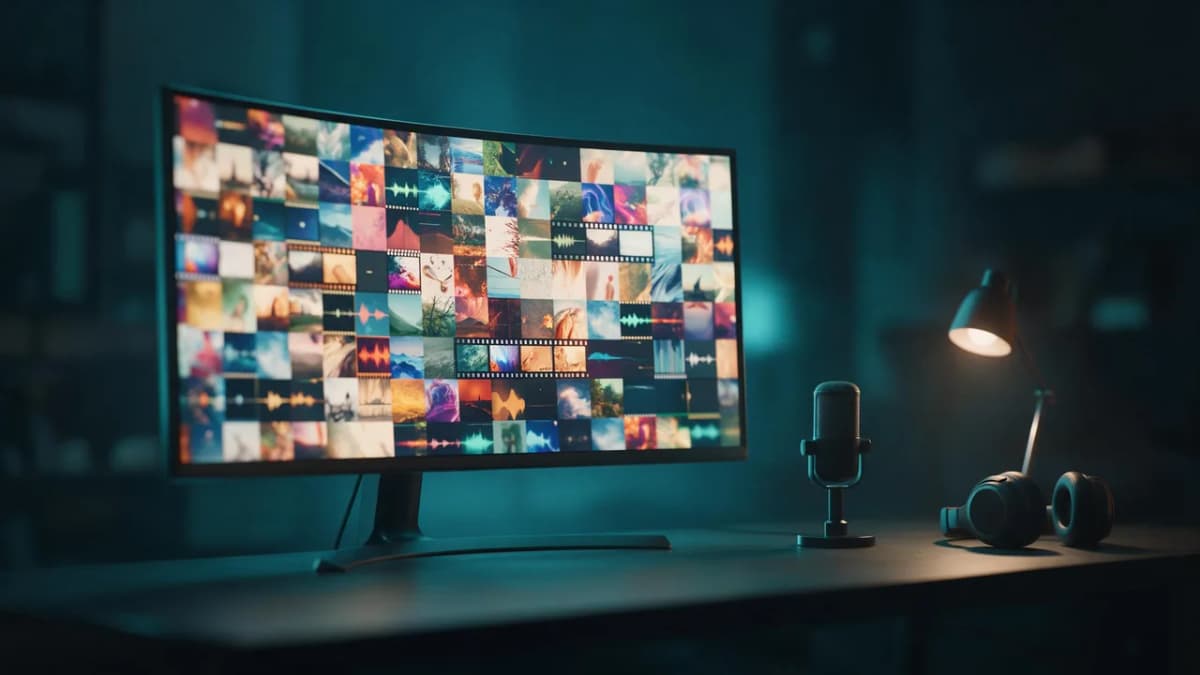
Picturesque organizes generation into studios. The Image Studio lists models for portraits, product shots, logos and illustrations. The Video Studio covers cinematic clips and UGC-style reels with SeeDance, Kling, Veo, Hailuo and Wan. The audio studio pairs Suno for full songs, covers and stems with ElevenLabs text-to-speech and sound effects. Each model page, the site says, shows credits per generation, supported resolutions and example outputs.
Motion Control
The Motion Control studio runs Kling Motion Control 3.0 and 2.6 to transfer dance, gesture or stunt movement from a reference clip onto a character still, at 720p or 1080p.
Director, Workflows and MCP
Director is the agentic layer. You describe a campaign, Director drafts a multi-step plan with an upfront credit estimate, and you approve it before anything renders. You can choose the planning language model (Claude, GPT, Grok or Kimi). Director has reusable "skills" such as UGC ads, product shots and social reels. The homepage notes Director "rolls out behind a feature flag," so it may not appear on every account yet.
Workflows is a node-based alternative for repeatable pipelines. The MCP server lets agents in tools like Cursor or Claude Code call generation tools using your Picturesque credits. It also has a cost-estimate call you can run before submitting a job.
Explore and guides
There's a community Explore feed, a blog and model guides. The team's DEV Community post describes the plumbing behind it: a normalization layer across model providers, one shared credit wallet and asynchronous generation with live updates.
How credits work (without the numbers)
We don't list prices or per-model credit costs here. They change often, and the billing page is the source of truth. The structure, according to Picturesque:
- Free tier: a daily allowance of 15 credits that resets at midnight UTC, with access to the model catalog and no card needed.
- Packs vs. subscriptions: credits from one-time packs never expire. Subscription credits refill each billing cycle and reset to your plan amount rather than stacking.
- Mixing both: subscribers can buy packs, which go into a separate permanent balance.
- Plan changes: upgrades and downgrades are handled by contacting the team on Discord.
- Payments: card checkout runs through Creem, which may offer cards, PayPal, Apple Pay or Google Pay depending on your country.
A daily allowance is good for trying image models. Video models cost more per clip, so plan to test video sparingly on the free tier.
What we couldn't verify
A fair review should be clear about its blind spots. From public pages alone, we couldn't confirm the following:
- Terms, content policy and refunds. The pages exist (content policy), but their full text loads in the browser rather than in the page source we reviewed. Read them yourself, especially ownership, commercial use and refund terms.
- Model versions. Some model names are generic ("Hailuo," "Wan," "Qwen Image"). Check the exact version in the model picker before you compare results with another platform.
- Model count. The homepage says 100+ models. The team's earlier DEV post said 50+. The catalog has likely grown, but count what's actually available to your account.
- Credit figures. The Motion Control page shows more than one credit figure for the same model in different spots. Trust the in-app estimate shown before you generate.
- Director availability. It's behind a feature flag, so your account may not have it yet.
- Output quality and speed. These depend on the underlying models. We haven't benchmarked them, and you should judge on your own prompts.
A 15-minute test plan for your first session
Use your free daily credits on a small, repeatable test instead of random prompts.
1. One image prompt on two models. Run the same prompt on GPT Image 2 and Nano Banana Pro and compare text accuracy and lighting:
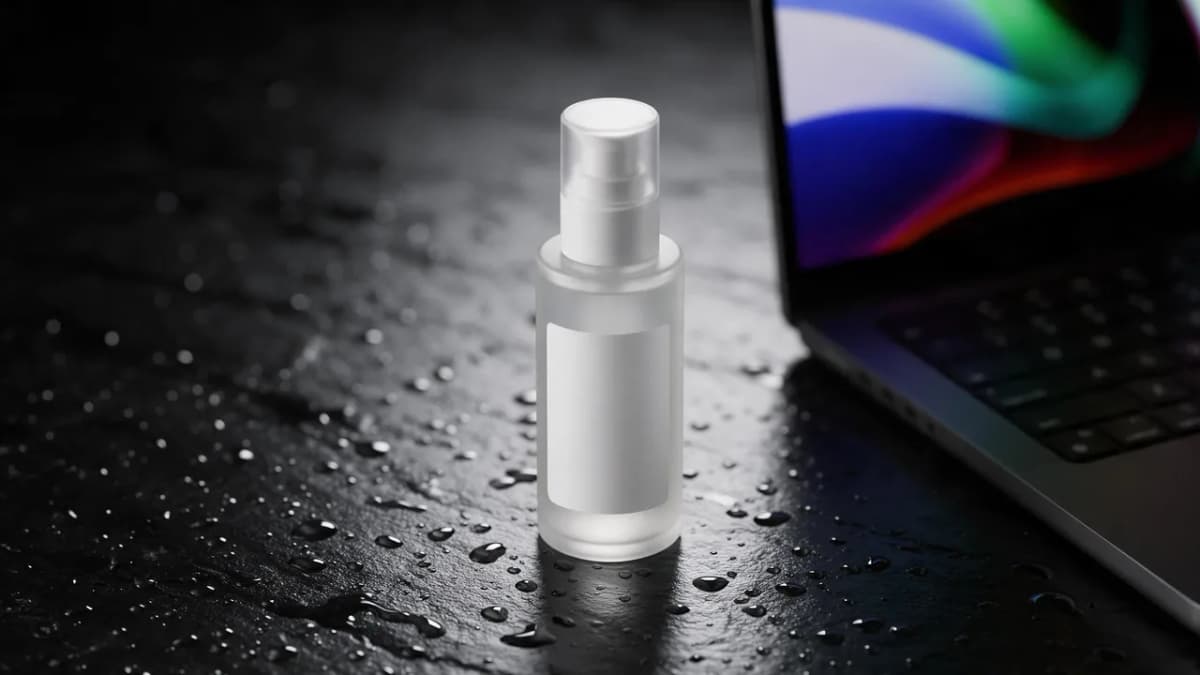
AI Prompt RecipeFlux.1 Pro16:9“Studio product photo of a frosted glass skincare bottle on a wet black stone, single softbox from above, water droplets, label area left blank, 4:5, photorealistic”
2. A short motion test. Animate your best still with a simple camera move:
AI Prompt RecipeFlux.1 Pro16:9“Slow orbit around the bottle, droplets catching light, gentle mist drifting across the stone, 5 seconds, no camera shake”
3. An audio check. Generate a short instrumental bed and listen for structure and clarity:
AI Prompt RecipeFlux.1 Pro16:9“Warm lo-fi instrumental, soft Rhodes chords, brushed drums, mellow bass, 80 BPM, calm and focused, no vocals”
4. Before you pay, open the billing page, the terms and the content policy, and confirm the in-app credit estimate for the video model you'd use most.
Who Picturesque AI suits, and who should look elsewhere
A good fit if you:
- Want many third-party image, video and audio models behind one login and one wallet.
- Like agent-style planning with Director, or want to call generation from Cursor or Claude Code through MCP.
- Prefer a daily free allowance for light, regular testing.
Consider alternatives if you:
- Need a published, detailed content policy you can review before signing up (read theirs first).
- Want a platform with its own in-house video or music engines, not only third-party models.
- Need 3D generation, talking avatars or video dubbing as core features. Check whether Picturesque covers them for your use before committing.
Picturesque AI vs Kenerate AI
If you're comparing all-in-one studios, here's how Kenerate AI differs on the facts:
| Picturesque AI | Kenerate AI | |
|---|---|---|
| Free start | 15 free credits per day | 25 free credits on sign-up |
| Credit expiry | Pack credits never expire; subscription credits reset monthly | Credits never expire |
| Own models | Third-party models | Ken 1 video model and Ken Music engine, plus third-party models |
| Music | Suno | Ken Music 1 / 1.5 / 1 Pro, ElevenLabs Music v2.5, Mureka V9.5, MiniMax Music 3.0 |
| Voice | ElevenLabs TTS, Gemini TTS | ElevenLabs, MiniMax Speech, Qwen3 TTS, Kling TTS; video dubbing |
| Avatars and lip-sync | Kling Motion Control; a talking-avatar Director skill is listed | OmniHuman 1.5, Kling Avatar 2 Pro, InfiniteTalk, Sync Lipsync 3 |
| 3D | A "3D character & mesh" Director skill is listed | Tripo, Meshy, Rodin and Hunyuan 3D on Pro and Elite plans |
| Agent | Director with selectable LLM | Director, an AI film agent |
Kenerate's Video Studio, Music Studio and AI lip-sync generator cover the formats above. Its AI music generator uses Ken Music for original songs.
Bottom line
Picturesque AI is a young, multi-model studio with a clear pitch: one wallet for many image, video and audio models, plus an agent and MCP access for automation. The official site is open about its operator, free daily credits and how credits expire, which is a good sign. Some things you'll have to check yourself: the legal pages, exact model versions and the credit estimate for the models you'll actually use. Run the 15-minute test plan above before you buy. If you also want in-house video and music engines, avatars and 3D, compare it with Kenerate AI. For more side-by-side reviews, see our roundup of AI image, video and audio generators.