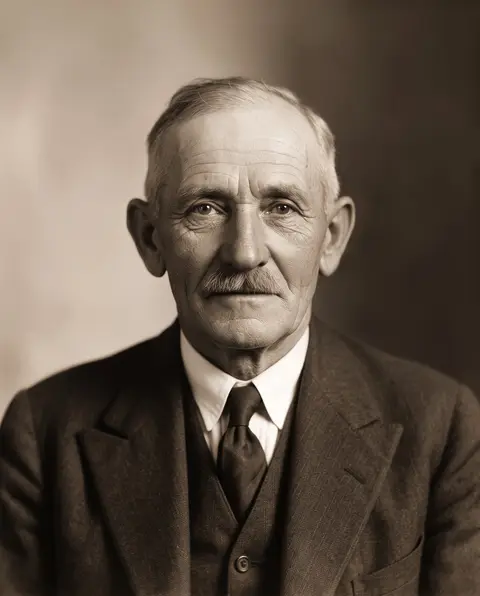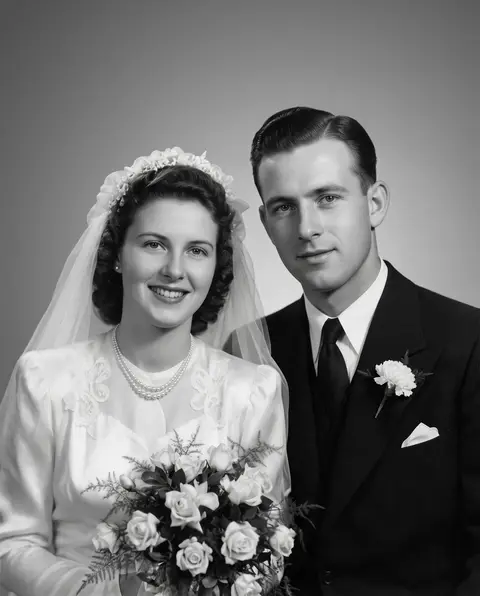
























Sharpening adds edge contrast
Classic sharpening is unsharp masking: a blurred copy of the image is subtracted from the original to find the edges, and their contrast is boosted [1]. Photoshop's Smart Sharpen refines the idea — you set Amount and Radius, choose which blur to remove (Gaussian, Lens or Motion) and can reduce noise at the same time [2].
Why filters create halos and grain
Because unsharp masking boosts every edge it finds, it brightens one side and darkens the other — the familiar halo — and it treats grain as tiny edges, making noise stronger. Noise itself comes from light: the number of photons reaching each pixel varies, and high ISO or underexposure makes that visible [3].
When a filter is enough — and when it isn't
A filter is fine for a photo that is only slightly soft. For missed focus or camera shake the detail was never captured cleanly; AI restoration models, trained on pairs of sharp and damaged images [4], rebuild edges and texture instead of exaggerating the blurred ones — and remove noise in the same pass.