26 engines · up to 10 min · up to 4K · free plan
AI avatar video generator — from script to a finished presenter video
Write the script, turn it into a voice, give it a face and pick an engine, then add captions or a second language. Avatar Talk covers the avatar part with 26 engines, and Kenerate's subtitle and dubbing tools finish the video.
- 19 photo + 7 video engines
- Up to 10 minutes per video
- Up to 4K with stock presenters
- Captions and dubbing after
Updated by the Kenerate AI team
Made with Kenerate

On this page
Quick answer
Updated
What is the best AI avatar video generator on Kenerate?
Kenerate's AI avatar video generator is Avatar Talk: 26 engines, 19 that turn a photo or stock presenter into a talking video and 7 that re-sync the lips of an existing clip. Videos run up to 10 minutes, in 720p or 1080p on Kenerate Avatar or up to 4K with HeyGen Presenters, and it works on the free plan.
Key facts
- Engines
- 26 (19 photo, 7 video)
- Longest video
- 10 min
- Top resolution
- 4K (HeyGen Presenters)
- Two-speaker engines
- 5
- Uploads
- Image 20 MB · audio 50 MB · video 200 MB
- Free plan
- Yes
Real demo
One avatar video, a second language
Switch versions and turn the sound on. A dub alone changes the voice but not the mouth; a lip-sync pass in Avatar Talk fixes that.
- Original (English). The talking clip as generated.
- Spanish dub. Dubbed with Kenerate's dubbing tool: new language, same lips.
- Spanish + lip sync. VEED Lipsync 2 in Avatar Talk redraws the mouth to the Spanish audio.
All three are unedited outputs of Kenerate's tools.
Lip sync a dubbed videoReal results
Avatar videos for work and social
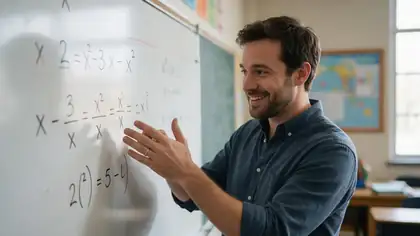
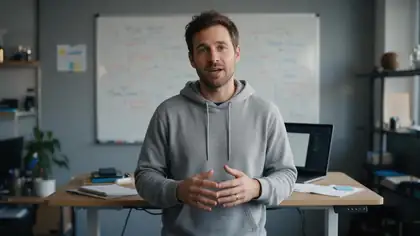
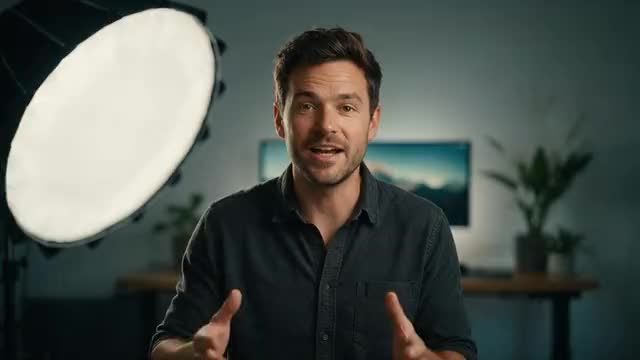
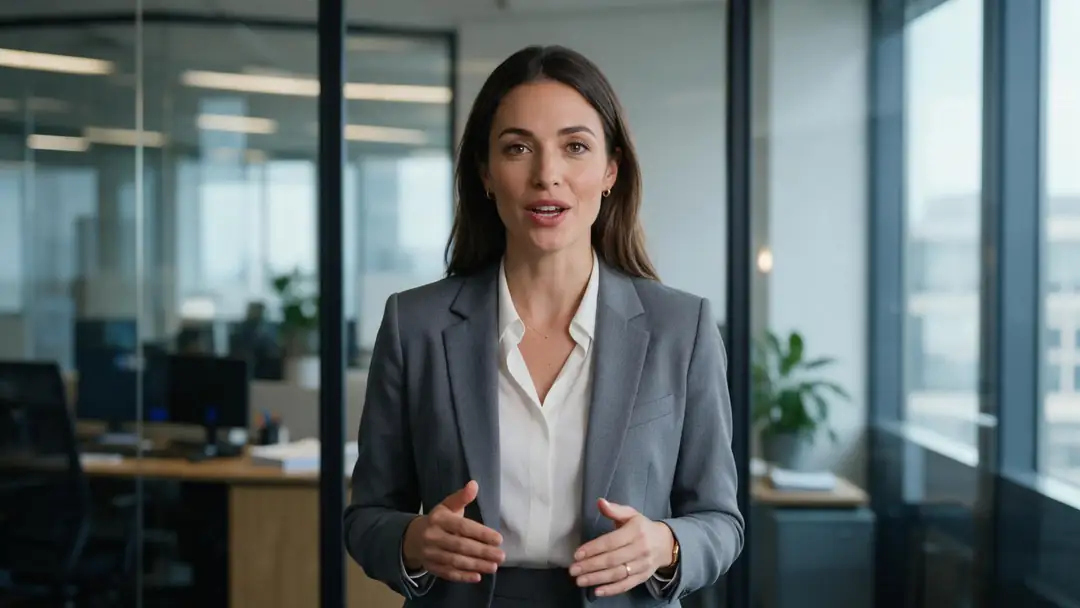
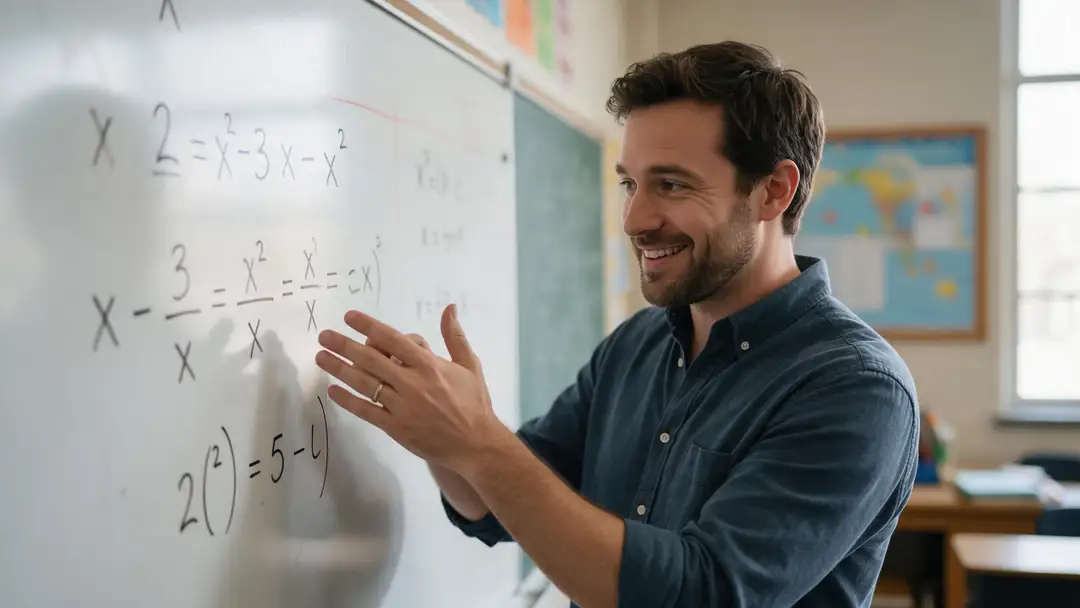
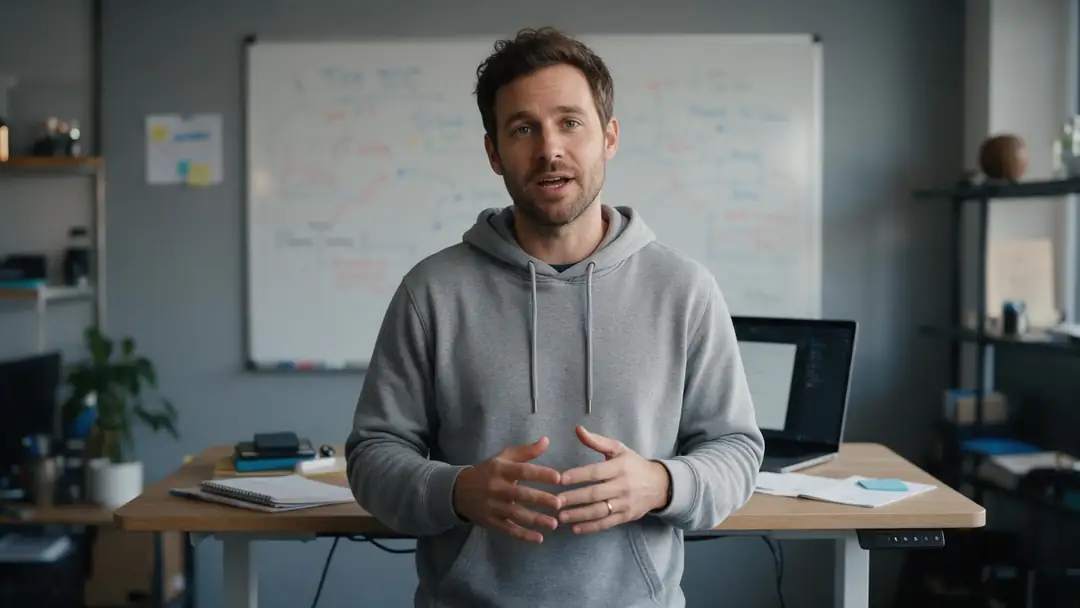
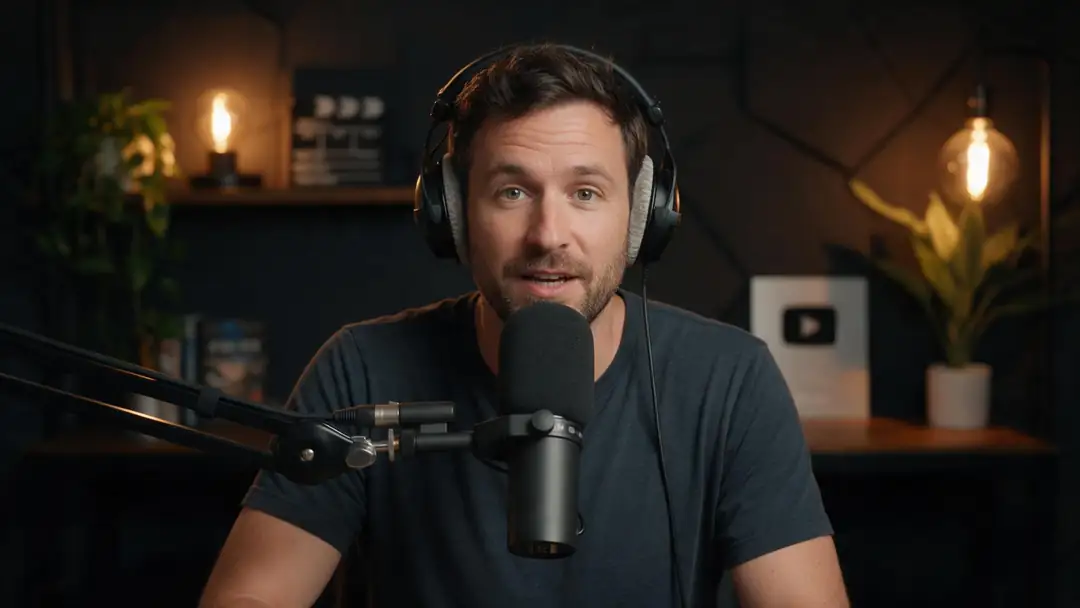
A company update, a lesson, a pitch, a recipe tip and a podcast intro: real Wan 3 clips with generated voices. Avatar Talk uses your own script and audio.
AI-generated people. Open a clip to copy both prompts.
How to
How to generate an AI avatar video
- Time needed
- Steps
- 4 steps
Step 1
Write the script and make the voice
Type it in Voice Studio and generate the narration, or record yourself on the mic in Avatar Talk. Split scripts over 10 minutes into parts.
Step 2
Choose the avatar
Upload a portrait or character image, or pick one of 500 HeyGen stock presenters in 16:9 or 9:16.
Step 3
Pick the engine and resolution
Kenerate Avatar for long 1080p presenter videos, VEED Fabric for ad-style clips, OmniHuman 1.5 for cinematic hero shots up to a minute.
Step 4
Generate, then finish
Download the video, then add burned-in captions in Auto Subtitles or dub it into another language and re-sync the lips.
See it in the app

Open Avatar Talk, pick Talking photo, script to video or lip sync, and choose the engine.


Watch the tour · 2:23
Talking photos, script to video, engines, any language, presenters, lip sync & chat
Chapters
Checked 6 October 2026
Best engine for each kind of avatar video
Match the job to the engine. All rows are engines in Avatar Talk.
| Video | Best engine | Why |
|---|---|---|
| Online course or explainer | Kenerate Avatar | Up to 10 minutes per clip, 1080p, prompt for body language |
| No photo, polished presenter | HeyGen Presenters | 500 stock presenters, 16:9 or 9:16, up to 4K |
| Product ad or UGC-style clip | VEED Fabric 1.0 | Built for marketing avatars with a stable identity |
| Cinematic opener or music moment | OmniHuman 1.5 | Full-body movement and emotion, up to 60 seconds |
| Podcast or interview | InfiniteTalk Duo | Two people, one audio track each |
| Short vertical post | LTX 2.3 Lipsync | 5 to 20 seconds at up to 1080p; the image is optional |
| Translated version of a video | VEED Lipsync 2 or Sync Lipsync 3 | Keeps the footage and redraws the mouth to the new audio |
Lengths and resolutions are from Avatar Talk's engine list, checked 6 October 2026.
Sources: Kenerate Avatar Talk · Kenerate Voice Studio · Kenerate Auto Subtitles · Kenerate dubbing
Engines
Engines for avatar videos
Eight of Avatar Talk's 26 engines, picked for the most common avatar-video jobs.
- Default
Kenerate
Kenerate Avatar
- Input
- Image + up to 10 min of speech
- Output
- 720p or 1080p
Courses, explainers and long presenter videos
Open Kenerate Avatar - 4K
HeyGen
HeyGen Presenters
- Input
- Up to 10 min of speech + a stock presenter
- Output
- 720p, 1080p or 4K
Avatar videos with no photo, in 4K
Open HeyGen Presenters VEED
VEED Fabric 1.0
ByteDance
OmniHuman 1.5
- Input
- Image + up to 60 s
- Output
- Engine decides
Cinematic, full-body hero clips
Open OmniHuman 1.5- 2 speakers
WaveSpeed
InfiniteTalk Duo
- Input
- Image of two + one track each, up to 10 min
- Output
- 480p or 720p
Podcasts and interviews
Open InfiniteTalk Duo Lightricks
LTX 2.3 Lipsync
- Input
- 5–20 s of speech; image optional
- Output
- 480p, 720p or 1080p
Short 1080p social clips
Open LTX 2.3 Lipsync
All models (8)
- Video
VEED
VEED Lipsync 2
- Input
- Video + new speech, up to 5 min
- Output
- As long as the speech
Re-voicing a video you already have
Open VEED Lipsync 2 - Video
Sync Labs
Sync Lipsync 3
- Input
- Video + speech, up to 5 min
- Output
- Engine decides
The most accurate video lip sync
Open Sync Lipsync 3
From Avatar Talk's engine list: lengths are the longest speech or video each engine accepts.
Tips
Avatar videos people watch to the end
The engine does the lip sync; the script and the edit keep viewers watching.
Open with the point; the first sentence decides whether people stay.
Write for the ear: short sentences, one idea each.
Split long courses into chapters of a few minutes.
Pick 9:16 for Reels, Shorts and TikTok; 16:9 for YouTube and slides.
Add captions: many people watch with the sound off.
Dub first, then lip-sync the dubbed audio.
Example uses
How creators use AI avatar video generator
Illustrative examples of typical workflows, not customer reviews.

Corporate trainer
A corporate trainer could turn a written safety script into a series of short avatar videos, one per chapter, without a film crew.
Marketing manager
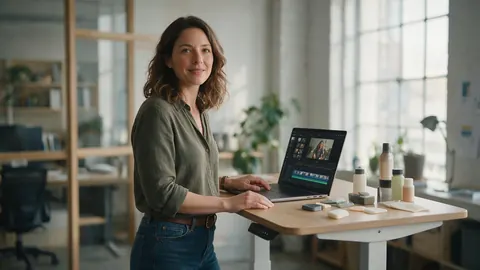
A marketing manager could make an ad-style avatar clip for each product and add burned-in captions before posting.
Language teacher
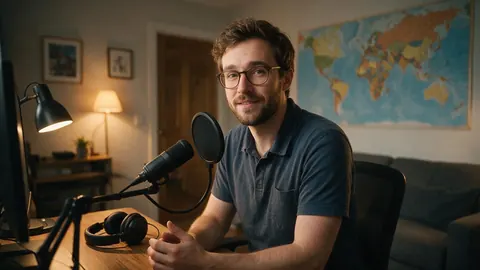
A language teacher could record one lesson, then dub and lip-sync it so students hear it in a second language.
FAQ
AI avatar video generator — questions
7 questions
Is there a free AI avatar video generator?
Avatar Talk works on Kenerate's free plan with the sign-up credits, so you can generate avatar videos without paying first. How far the credits go depends on the engine, resolution and length; one-time credit packs, which don't expire, top them up. Kenerate's text-to-video models in the video studio need a credit pack.
Link to this answerHow long can an AI avatar video be?
Up to 10 minutes per clip with Kenerate Avatar, InfiniteTalk, Kling Avatar 1 Pro, SoulX FlashHead and HeyGen Presenters. For longer courses, split the script into chapters and join the clips in an editor.
Link to this answerWhat resolution do avatar videos come out in?
It depends on the engine: Kenerate Avatar renders 720p or 1080p, HeyGen Presenters 720p, 1080p or 4K, LTX Lipsync up to 1080p, and InfiniteTalk 480p or 720p. Some engines, such as OmniHuman 1.5, choose the size themselves.
Link to this answerCan I turn a script into an avatar video?
Yes, in two tools. Write the script in Voice Studio and generate the voice, then pick that take from History in Avatar Talk as the audio. The avatar speaks exactly the words in the script.
Link to this answerCan I make an avatar video in another language?
Yes. Generate the voice in the language you need, or dub a finished video with Kenerate's dubbing tool and then run a video lip-sync engine such as VEED Lipsync 2 so the mouth matches the new audio.
Link to this answerCan I add captions to an avatar video?
Yes. Open the finished video in Auto Subtitles, which transcribes the speech and burns timed captions into the picture in one of 10 styles, at 720p or 1080p.
Link to this answerHow is this different from an AI video generator?
An AI video generator invents the whole scene from a prompt and its own sound. An avatar video generator starts from a face and your audio, so the words and timing are exactly yours. For B-roll around the presenter, use the video studio's models.
Link to this answerIn depth
AI avatar videos, explained
On this page
The four parts of an avatar video
Every avatar video is a face, a voice, a performance and a frame. Avatar Talk takes care of the performance, the lip sync and movement; you decide the other three.
- Face: your portrait, a generated character or a stock presenter.
- Voice: a recording, a Voice Studio narration or a dubbed track.
- Performance: the engine plus an optional direction prompt.
- Frame: 16:9 or 9:16 presenters, or your image's own shape.
Photo engines vs video engines
The 19 photo engines generate the whole performance from a still image, which is why the face, head and body move. The 7 video engines start from footage that already exists and redraw only the mouth, or the face with Sync React-1, keeping the original camera work. Use photo engines to create an avatar video, video engines to re-voice or translate one.
Choosing resolution
720p is enough for social feeds and most course platforms. Choose 1080p on Kenerate Avatar for full-screen viewing, or HeyGen Presenters in 4K for large screens. Higher resolutions use more of your balance.
AI video avatar
Another name for the presenter in an avatar video. On Kenerate it can be your own photo, a character or one of 500 stock presenters.
Free AI avatar video generator
Free to start: Avatar Talk runs on the free plan with sign-up credits, with no subscription. When they run out, one-time credit packs top them up.
Explore
Every Kenerate video tool
Generators, tools, models and guides — all in one studio.