

Free · exact mm · nothing uploaded
STL editor resize, rotate, mirror — online
Fix the things that stop a print: wrong units, wrong size, lying on its side, or needing a left-hand copy. Open an STL (or OBJ, 3MF, GLB, FBX, PLY), edit it in millimetres and download.
- Type the exact size in mm
- Inches → mm in one click
- Rotate, mirror, centre on bed
- Free — file stays on your device
Updated by the Kenerate AI team
On this page
Quick answer
Updated
What is an STL editor?
An STL editor is a tool that changes an existing 3D-print file, such as its size, units or orientation. Kenerate's free online STL editor works in your browser: set an exact size in millimetres, convert inches, rotate 90°, mirror and centre the model on the bed, with undo. Booleans, cutting and repairs aren't included.
Key facts
- Price
- Free, no account
- Files
- Opens STL, OBJ, 3MF, GLB, FBX, PLY (up to 200 MB) · saves STL, 3MF, OBJ, GLB, PLY
- Size and units
- Exact X / Y / Z in mm, proportional lock · inch, cm or m → mm, mm → inch
- Orientation
- Rotate ±90° on X / Y / Z; mirror on any axis
- Placement
- Centred and dropped to Z = 0 after every edit; undo up to 12 steps
- Not included
- Boolean, cut, hollow, repair, sculpting
Why this tool
The edits that fix most print problems
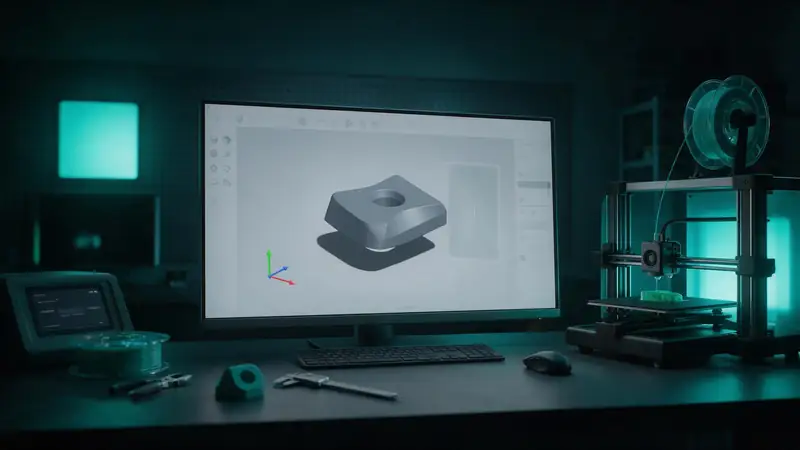
Most STL “problems” are scale and orientation. Those are one click here.
Also
What else it does
Right side down
Rotate 90° on any axis; the model is re-centred and placed flat on the bed every time.
Mirror properly
Make a left from a right. Triangle winding is flipped too, so the mirrored mesh isn't inside-out.
Undo
Step back through up to 12 edits.
Save in any format
STL, 3MF (with millimetre units), OBJ, GLB or PLY.
How it works
How edits are applied
Every change is baked into the geometry — what you see is what you download.
Load
The file is parsed and turned to Z-up print coordinates.
Transform
Scale, rotation or mirror is applied to every vertex.
Fix winding
After a mirror, triangle order is reversed so normals point outward.
Place
The model is centred on X/Y and dropped to Z = 0, ready for a slicer.
How to
How to use the STL Editor
- Time needed
- Steps
- 4 steps
Step 1
Open a file
Drop an STL (or OBJ, 3MF, GLB, FBX, PLY) onto the box above.
Step 2
Fix units and size
Click inch → mm if it's tiny, or type the exact size you need.
Step 3
Orient
Rotate 90° until the flattest side is down; mirror if you need the opposite hand.
Step 4
Download
Save STL or 3MF and slice.
Watch the tour · 1:48
Text, photo or multi-view to a textured GLB, nine engines, the viewer & lighting, compare engines, gallery, download & chat
Chapters
Who uses it
Who edits STLs
Printer owners
Fix scale and orientation before slicing.
Cosplayers
Scale helmets and armour to a head or body size.
Print services
Normalise customer files to millimetres.
Designers
Make mirrored left/right parts.
Compare
What you can and can't edit in an STL
An STL is a mesh of triangles, not a CAD design — some edits are easy, others need different software.
| Edit | This editor | Use instead |
|---|---|---|
| Resize, units, rotate, mirror | Yes | — |
| Change a hole's diameter | No (it's triangles, not a parameter) | CAD with the original design, or remodel |
| Cut, combine, subtract | No | Your slicer's cut tool, Blender, Meshmixer |
| Repair holes / non-manifold | No | Slicer auto-repair, Blender 3D-Print Toolbox |
| Change text on a model | No | Remodel the text with the 3D Text Generator, then combine |
File formats
The formats this tool reads and writes
What each file can hold, what it can't, and where it opens. Facts link to the format's own spec or reference page.
| .stl · STL | .3mf · 3MF | .obj · OBJ | |
|---|---|---|---|
| Full name | Stereolithography | 3D Manufacturing Format | Wavefront OBJ |
| Made by | 3D Systems, 1987 | 3MF Consortium, 2015 | Wavefront Technologies, 1980s |
| Kind | Triangle mesh (binary or ASCII) | ZIP package with XML | Plain-text mesh |
| Holds | Triangle surfaces, Facet normals | Meshes with units (millimetres), Colours and materials, Several objects and build plates | Vertices, faces, UVs and normals, Materials via a separate .mtl file |
| No | Colour and textures, Units, Materials | Animation | Animation and rigs, Embedded textures |
| Best for | 3D printing — every slicer opens it | Modern 3D printing and multi-colour prints | Moving static meshes between 3D apps |
| Opens in | Cura, PrusaSlicer, Bambu Studio, OrcaSlicer, Blender | Bambu Studio, PrusaSlicer, OrcaSlicer, Cura, Windows 3D Builder | Blender, Maya, 3ds Max, ZBrush, most slicers |
No file yet?
Make the model first — from one photo
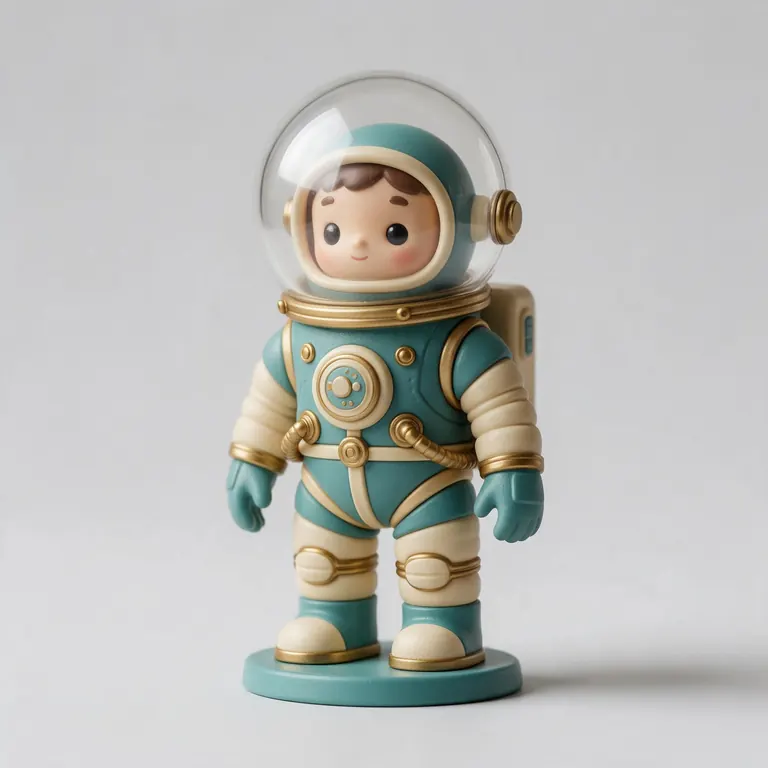
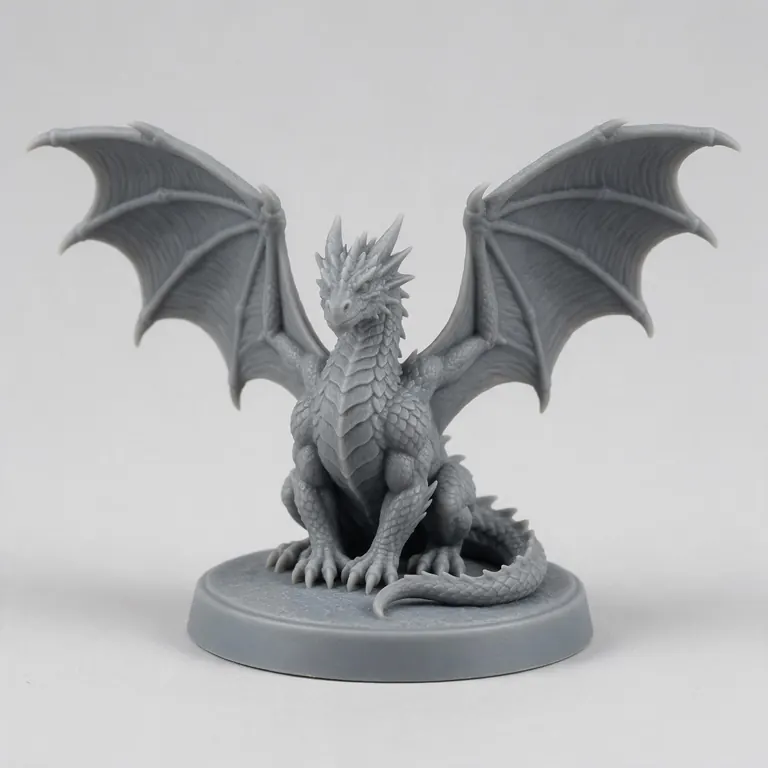
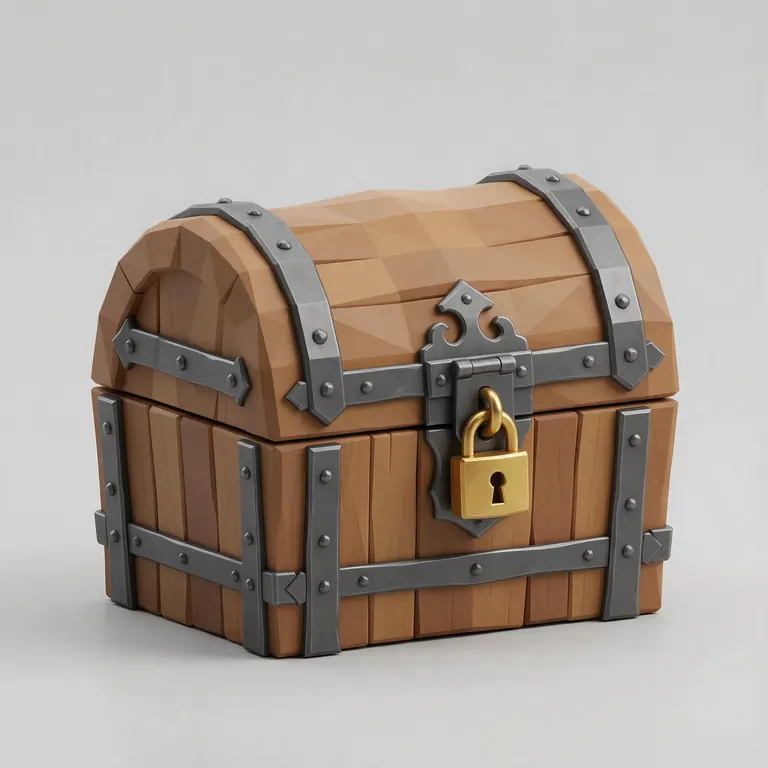
Every sample in the tool above began as a single picture and was turned into a 3D model in the Kenerate 3D Studio. The engine is named on each one.
Example uses
How creators use the STL editor
Illustrative examples of typical workflows, not customer reviews.
Printer owner
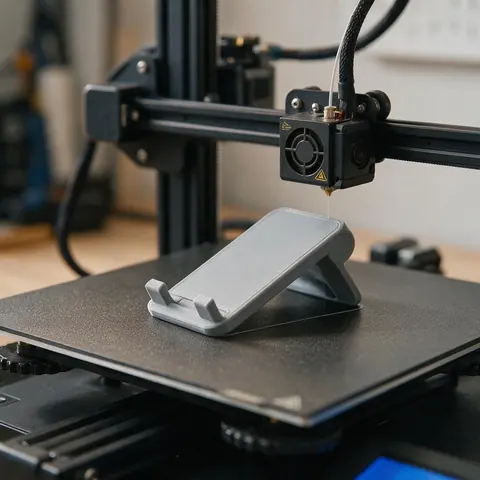
A printer owner can rotate a model 90 degrees so its flattest side sits on the bed before slicing.
Cosplayer
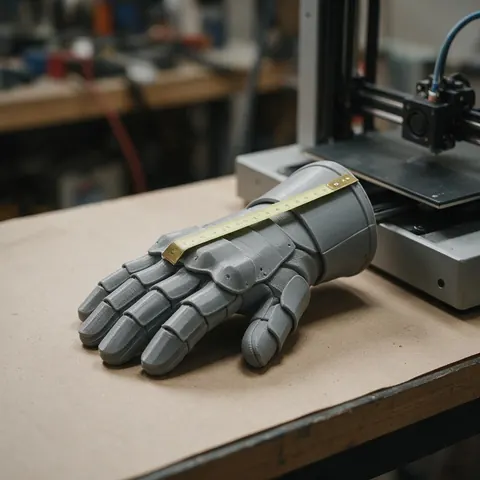
A cosplayer can scale helmet and armour parts to an exact size in millimetres before printing.
Product designer
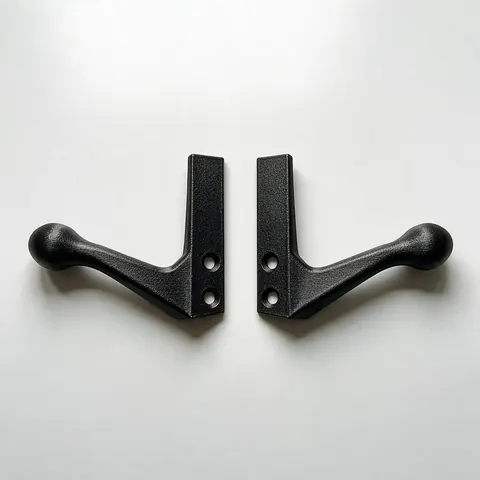
A designer can mirror a right-hand part to make the matching left-hand copy, with normals fixed so it still prints.
FAQ
STL Editor questions
8 questions
Is this STL editor free?
Yes. It's free, needs no account and runs in your browser.
Link to this answerWhy does my STL open 25 times too small?
It was made in inches. STL has no units, so your slicer reads 1 inch as 1 mm. Click “inch → mm” to scale it by 25.4.
Link to this answerDoes editing reduce quality?
No. Scaling, rotating and mirroring move the same triangles; nothing is simplified.
Link to this answerShould I scale here or in my slicer?
Either works for printing. Editing here gives you a corrected file to share or keep, in any format.
Link to this answerWill non-uniform scaling break holes?
It can: stretching one axis turns round holes oval and changes fits. Keep proportions locked for parts that must fit other parts — moving parts need about 0.3 mm clearance.
Link to this answerCan I edit text or features in an STL?
Not directly — an STL has no features, only triangles. Model the new part separately and combine it in a slicer or mesh editor.
Link to this answerIs my file uploaded?
No. It's edited on your device.
Link to this answerAre STL files editable?
Yes, as meshes. You can resize, rotate and mirror them here, or cut, combine and sculpt them in Blender or a slicer. What you can't do is change design features like a hole's diameter, because an STL stores only triangles — for that you need the original CAD file.
Link to this answerIn depth
STL Editor, explained
Why STL edits are limited, and how to fix the most common file problems.
On this page
Mesh, not CAD
STL stores only triangles — no units, no features, no history [1]. That makes scaling and rotating easy and changing a hole's size hard. For design changes, go back to the CAD file or remodel the part.
Units
Slicers assume millimetres. Files from inch-based tools arrive 25.4× too small; files exported in metres arrive 1,000× too small. Converting once and saving as 3MF, which stores millimetres, prevents it next time [5].
Printable after editing
Scaling down thins every wall. Keep walls at or above about 0.9 mm on a 0.4 mm nozzle and remember that fits need around 0.3 mm of clearance [11].
Keep going
Other 3D viewers and converters
- Image to STLPhoto to relief, lithophane or shape
- Lithophane MakerFlat or curved, with a frame
- PNG to STLLogos and transparent images
- JPG to STLPhotos to printable reliefs
- SVG to STLExtrude vector art
- 3D Logo MakerSVG or PNG logo to 3D
- 3D Text Generator18 fonts, plates and bevels
- 3D LettersPrintable letters and names
Try the STL Editor
Free and private — your files never leave your device. Want to make models with AI? That's the 3D Studio, on any paid plan or credit pack.
Tried it? Tell us how it went