
Speech to speech · 57 spoken languages · 33 targets
Video Translator — translate the speech, not just the subtitles
Upload a video in almost any language and get the same video back with the speech translated, in the voices of the people who spoke. No reading required, and nothing to re-edit: the picture stays exactly as it was.
- 57 spoken languages in
- 33 languages out
- Original voices kept
- Up to 15 min per video
Updated by the Kenerate AI team
Made with Kenerate




On this page
Quick answer
Updated
What does an AI video translator do?
An AI video translator turns the speech in a video into one of 33 languages and hands the video back with the new audio. Kenerate AI's translator detects the spoken language from 57 options, translates it and re-voices each speaker with ElevenLabs, for videos up to 15 minutes. Captions are a separate tool.
Key facts
- Translates
- Speech → speech
- Spoken languages in
- 57 + auto-detect
- Languages out
- 33
- Longest video
- 15 min, 500 MB
- Output
- Same video, new speech (MP4)
- Subtitles
- Separate tool, burned in
Real demo
One video, three languages
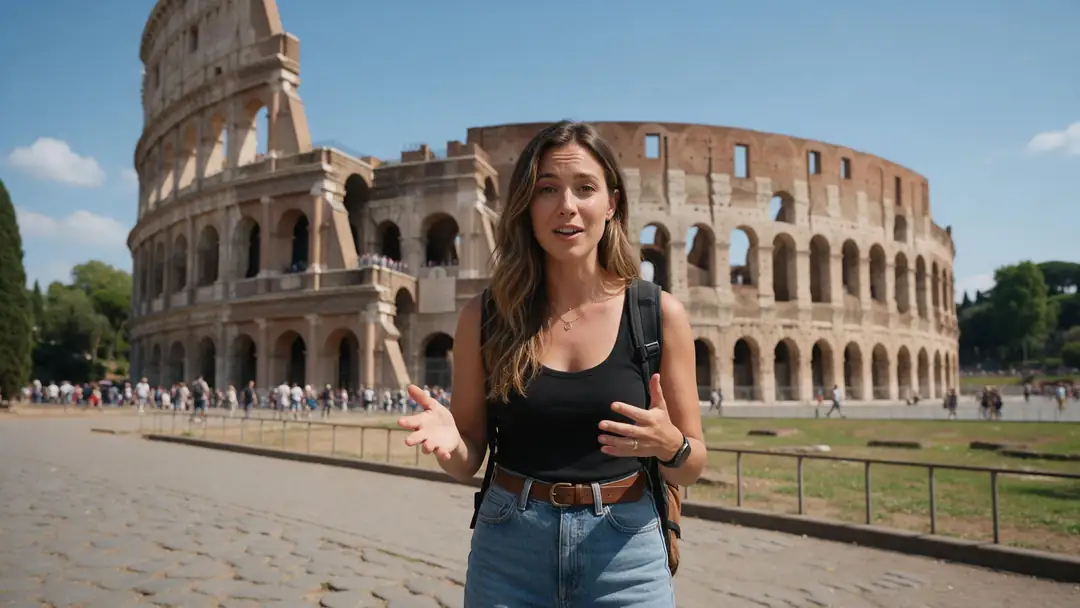
Switch languages with the sound on: same vlogger, same voice character, new language.
- English (original). A Wan 3 travel vlog clip in English.
- Spanish. Translated by AI dubbing (ElevenLabs), source language auto-detected.
- Hindi. The same clip, translated to Hindi.
Unedited outputs of Kenerate's video translator (AI Dubbing). The lips were not re-synced.
Translate your videoReal demo
An English lesson, translated to Tamil
A classroom clip in English, then the Tamil translation in the teacher's voice.
- English (original). A Wan 3 clip of a teacher speaking English.
- Tamil. Kenerate's AI dubbing (ElevenLabs), source language auto-detected, same voice.
Both clips are unedited. Turn the sound on to hear the difference.
Translate a lessonReal results
Videos people translate
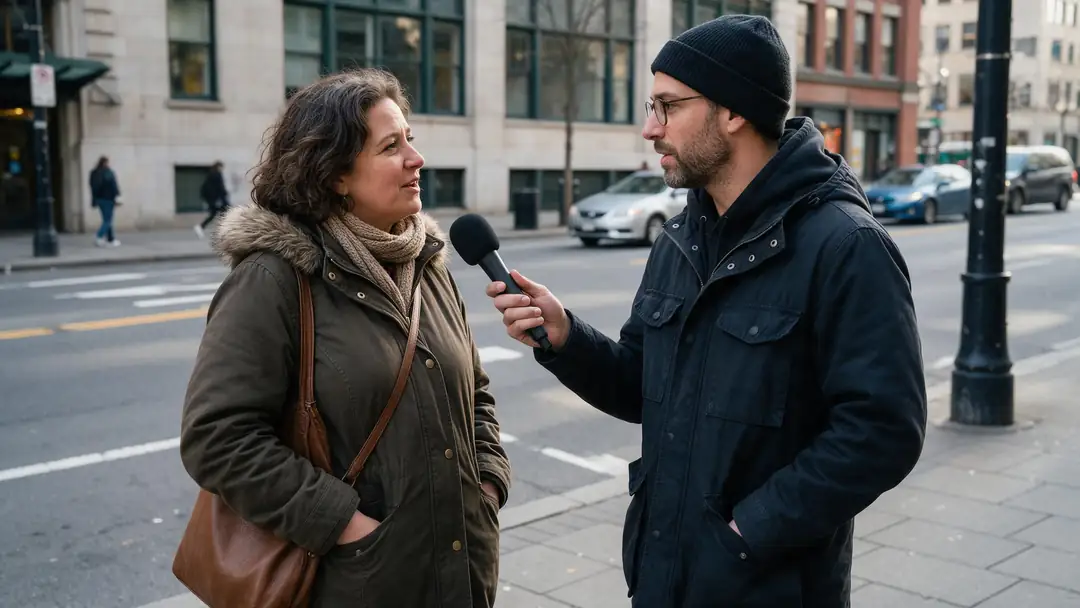
Real 5-second Wan 3 clips with speech: a travel vlog, a lesson, a tour, a meeting, a tech demo and a street interview.
Clips: Wan 3 image to video with sound (AI-generated people). Translations in the demos: Kenerate AI Dubbing, unedited.
How to
How to translate a video with AI
- Time needed
- Steps
- 4 steps
Step 1
Open the video translator
It is the AI Dubbing tool. Sign in with a verified email; new accounts get starter credits to try it.
Step 2
Upload the video
MP4 or MOV, up to 500 MB and 15 minutes. Audio-only files work too, up to 50 MB.
Step 3
Choose the language to translate into
One of 33. Keep the spoken language on Auto-detect, or pin it if the video mixes languages.
Step 4
Translate and check
Compare the original and the translation on the result card, then download the MP4.
See it in the app

Open AI Dubbing and upload a video or an audio file, or pick a clip from your history.


Watch the tour · 2:03
Video or audio, 33 languages, speakers & background, side-by-side compare, two voices, your dubs & chat
Chapters
Checked 6 October 2026
AI video translators compared: which is best for what
The translators Google's AI answers cite most, from each one's own page, checked 6 October 2026. Kenerate is our product; where the others do more, the table says so.
| Kenerate (AI Dubbing) | HeyGen | ElevenLabs Dubbing | Rask AI | |
|---|---|---|---|---|
| Best for | Translating a file into one language at a time, then lip sync or captions in the same studio | Teams translating presenter videos into many languages with lip sync | Natural-sounding translated speech across many languages | Long videos with transcript control and subtitles |
| Languages (as each page states) | 33 out, 57 spoken in + auto-detect | 175+ languages and dialects | 90+ languages and accents | 135+ languages |
| Several languages in one go | No, one per run | Up to 10 at once | Not stated on the page checked | Not stated on the page checked |
| Paste a YouTube link | No, upload the file | Yes | Not stated on the page checked | Not stated on the page checked |
| Translated subtitles | No; caption the translated video after | Auto-generated subtitles | Not stated on the page checked | Captions, SRT upload and download |
| Glossary or term control | No | Brand glossary and pronunciation control | Not stated on the page checked | Not stated on the page checked |
Competitor details come from their public pages and can change; check them before you choose.
Sources: Kenerate AI Dubbing (tool) · ElevenLabs — Dubbing docs · HeyGen — AI video translator, checked 6 October 2026 · ElevenLabs — Dubbing, checked 6 October 2026 · Rask AI — home page, checked 6 October 2026 · YouTube Help — automatic dubbing
Engines
Tools for translating a video, best for what
Translate the speech, then fix the lips or add captions. All in one studio.
- Start here
ElevenLabs
Video translator (AI Dubbing)
- Input
- Video up to 15 min, 500 MB
- Output
- Speech in 33 languages, original voices
Watching without reading
Open Video translator (AI Dubbing) 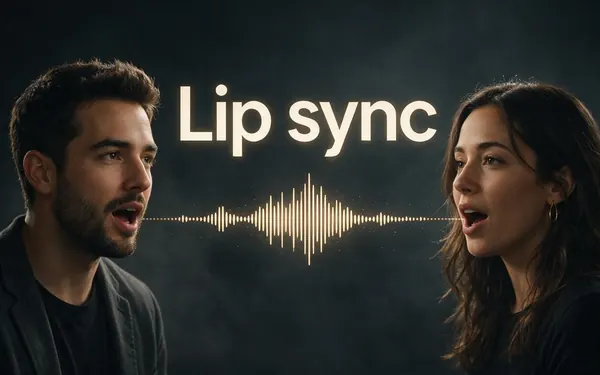
VEED, Sync Labs, ByteDance, WaveSpeed
Lip sync
- Input
- The dubbed video
- Output
- Mouth matched to the new language
On-camera faces after dubbing
Open Lip syncVEED
Auto Subtitles
- Input
- Video up to 4 min
- Output
- Captions burned in, in the spoken language
Captions on the translated video
Open Auto Subtitles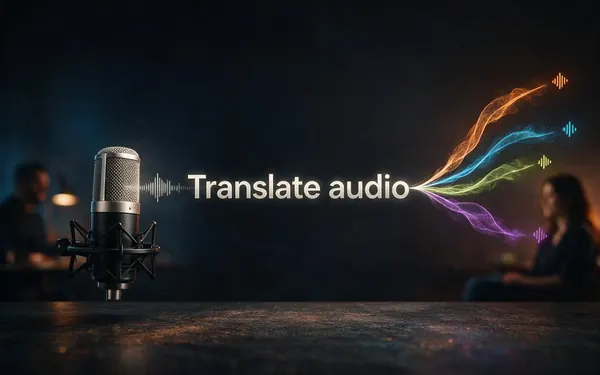
ElevenLabs
Translate audio
- Input
- MP3, WAV, M4A or a mic recording
- Output
- Audio in the original voices, 33 languages
Podcasts, voice notes, interviews
Open Translate audio
The demos above ran on the AI Dubbing tool; the example clips were made with Wan 3 image to video.
Tips
Translations that read naturally out loud
Speech translation works best on clear speech and plain sentences.
Short, complete sentences translate more naturally than run-ons.
Pin the spoken language if a video switches languages.
Turn on Drop background audio if music drowns the speech.
Check product names, places and numbers after each run.
Translate first, then caption the translated video for sound-off viewers.
For on-camera speakers, add lip sync to the translated video.
Example uses
How creators use video translator
Illustrative examples of typical workflows, not customer reviews.

Online teacher
An online teacher could translate a course's English lessons into Spanish and Portuguese, one language per run, keeping her own voice for every video.

Small-business owner
A furniture maker could translate a product walk-through into German and French for overseas buyers, then caption the translated versions.

Nonprofit coordinator
A nonprofit coordinator could translate a volunteer briefing video into Arabic, Ukrainian and Vietnamese for new community members.
FAQ
Video translator questions
7 questions
How do I translate a video?
Open Kenerate's AI Dubbing, upload the video, leave the spoken language on Auto-detect, pick one of 33 target languages and download the translated MP4. Add lip sync for on-camera speakers or captions for sound-off viewers afterwards.
Link to this answerWhich languages can it translate?
Into 33: English, Hindi, Spanish, French, German, Portuguese, Italian, Japanese, Korean, Chinese, Arabic, Russian, Tamil, Indonesian, Malay, Filipino, Tagalog, Vietnamese, Turkish, Dutch, Polish, Ukrainian, Swedish, Norwegian, Danish, Finnish, Greek, Czech, Slovak, Hungarian, Romanian, Bulgarian and Croatian. The speech can be in any of 57 languages, or auto-detected.
Link to this answerIs translating a video the same as translating subtitles?
No. A subtitle translator changes the text on screen; a video translator changes what people hear. Kenerate translates the speech. Its Auto Subtitles tool captions the language that is spoken, so caption the translated video if you want both.
Link to this answerCan I translate a video for free?
You can try it without paying: new accounts get starter credits that work on AI Dubbing, enough to translate a short clip. Beyond that, it is priced by the length of the video, billed by the second up to 15 minutes, with automatic refunds when a run fails.
Link to this answerCan it translate a video with several speakers?
Yes, up to 32. Each speaker is re-voiced in a clone of their own voice. Set the number of speakers when people interrupt each other, so the voices stay apart.
Link to this answerCan I translate one video into several languages?
Yes, one language per run. Upload once, translate into Spanish, then run the same video again for Hindi or Japanese; each translation is saved in your library.
Link to this answerDoes the translated video keep the lip movements?
The picture is untouched, so the lips still move as in the original. For close-ups, run the translated video through lip sync so the mouth follows the new language.
Link to this answerIn depth
How AI video translation works
What happens to the speech, and what you still check by hand.
On this page
Three steps in one run
Speech recognition writes down what is said, machine translation turns it into the target language, and speech synthesis speaks it again in a clone of each original voice, mixed back over the background sound [1]. You only see the start and the finished video.
Translate the speech or the captions?
Captions are cheaper to produce and let viewers hear the original voices; translated speech reaches people who don't read along, such as children, people watching on a TV, or anyone cooking or driving. Platforms are moving the same way: YouTube now dubs eligible videos automatically [2].
What still needs a human check
Machine translation is fluent but literal in places.
- Names, brands and product terms.
- Numbers, prices and dates read aloud.
- Jokes, idioms and wordplay.
- Technical or legal wording.
Translate video
Upload the video, choose the language you want, and the AI replaces the speech. On Kenerate that's 33 target languages from 57 spoken ones.
Video translation
The job of turning a video's spoken content into another language, either as subtitles or as new speech. This tool does the speech; captions are a separate step.
Translate a video to English
English is one of the 33 targets. There is a full guide for it on our translate video to English page.
Video audio translator
A tool that translates the audio track of a video. Kenerate's also takes plain audio files and mic recordings, up to 50 MB.
Explore
Every Kenerate video tool
Generators, tools, models and guides — all in one studio.