

Explainer · outpainting vs inpainting · how to outpaint
Outpainting — what it is, and how to outpaint an image with AI
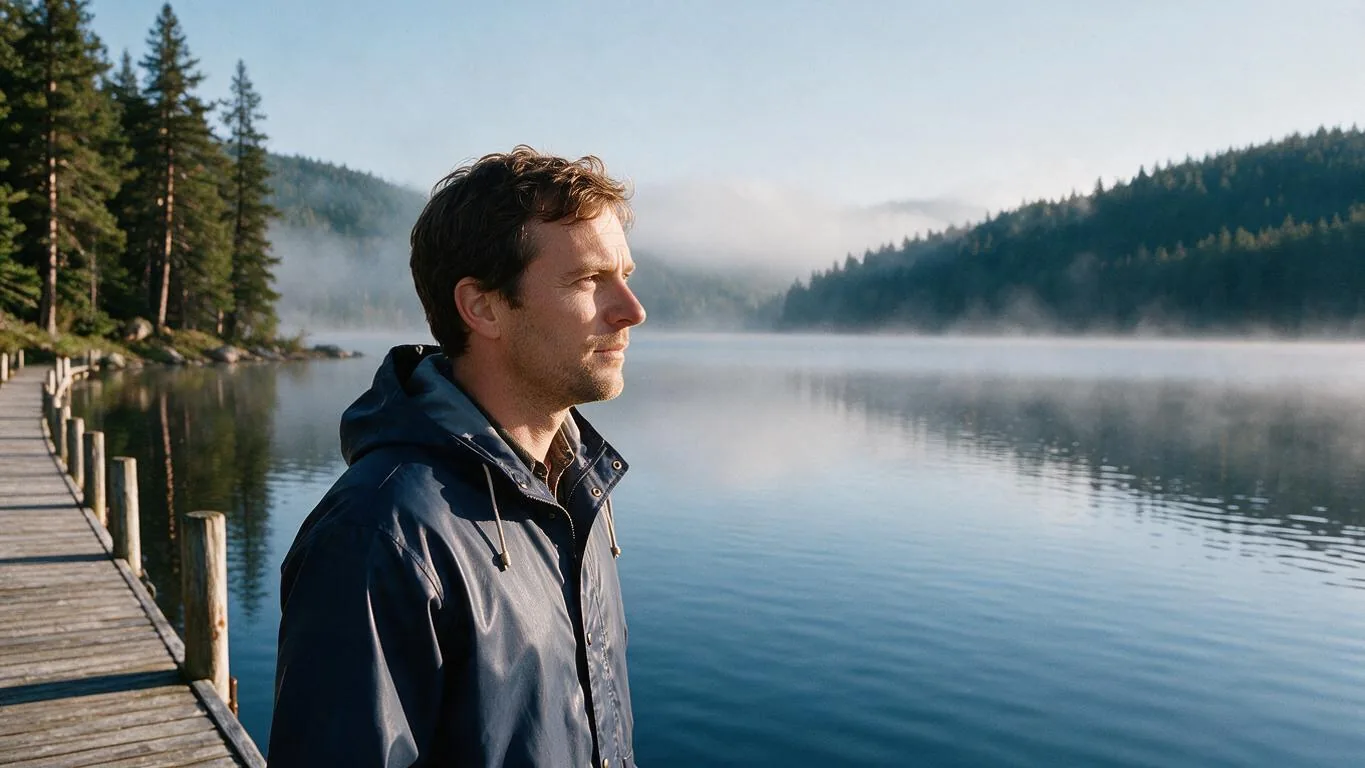
Outpainting is AI that paints past the edges of a picture: the original stays, and new scenery is generated around it to fill a bigger frame. Here is how it works, how it differs from inpainting and upscaling, and how to do it in the browser.

- Paints past the edges
- Original kept in place
- 10 ratios or any edge
- No watermark
Updated by the Kenerate AI team
On this page
Quick answer
Updated
What is outpainting?
Outpainting is AI image generation that extends a picture beyond its original 4 edges, keeping the original and painting new content around it to match. It is the opposite of inpainting, which repaints inside the frame. On Kenerate, Expand Image outpaints to 10 ratios or grows any edge by up to 100%.
Key facts
- What it does
- Adds new image area outside the original edges
- Opposite of
- Inpainting (repaints inside the frame)
- Also called
- Uncrop, image extension, generative expand
- On Kenerate
- Expand Image: 10 ratios or Grow edges 0–100%
- Models
- 5, default Nano Banana 2 Fast
- Photo
- JPG, PNG or WebP, up to 25 MB
Outpaint jobs
Common outpainting jobs, with the settings
What people outpaint most, and the Expand Image settings that do it.
Square photo to widescreen
Ratio 16:9, Centre. Both sides are outpainted; about 44% of the result is new.
Landscape to a vertical story
Ratio 9:16. New sky above and ground below; describe them if they should hold something specific.
Empty space for text
Ratio 16:9 with the photo set to Left, so all the new area lands on the right for a headline.
Restore a cut-off edge
Grow edges with only one side raised, for example Top 25%, to give back a clipped head or treetop.
How to
How to outpaint an image with AI
Five steps in the browser, about a minute end to end.
- Time needed
- Steps
- 4 steps
- You need
- A web browser · An image to outpaint
Step 1
Upload the image
Open Expand Image and add a JPG, PNG or WebP up to 25 MB. Running it needs an account with a verified email.
Step 2
Choose the new frame
Ratio: pick one of 10 shapes from 1:1 to 21:9. Grow edges: set each side from 0 to 100% of the photo, in 5% steps.
Step 3
Place the original
Set it Left, Centre or Right (Top, Centre or Bottom for tall frames), or drag it. The empty side is what gets outpainted.
Step 4
Describe the new area (optional)
Up to 400 characters, such as 'more of the same beach and calm sea'. Leave it blank and the model continues what lies beyond the edges.

Open Expand Image and upload the photo you want to make wider, taller or bigger.


Watch the tour · 1:17
Add a photo, pick a model, new ratio & position or grow edges, describe the new area, results & chat
Chapters
Compared
Outpainting vs inpainting, uncrop, upscaling and cropping
Five edits that are often confused. Which one is best for what, and where each lives on Kenerate.
| What changes | Best for | On Kenerate | |
|---|---|---|---|
| Outpainting | New content is painted outside the original edges; the frame gets bigger | A new aspect ratio, more background, room for text | Expand Image, or Crop & Expand in Edit Studio |
| Inpainting | A painted area inside the frame is regenerated; the frame stays the same | Replacing or fixing one object or region | Change Region in Edit Studio |
| Object removal | A painted object is erased and the background filled in | Removing people, wires or clutter | Magic Eraser in Edit Studio |
| Uncrop | Outpainting used to win back a tight crop | Restoring cut-off heads, feet or edges | Expand Image, Grow edges |
| Upscaling | Same picture, more pixels; no new scenery | Print, large screens, sharper detail | Image Upscale |
| Cropping | Part of the picture is cut away | A tighter composition, when losing edges is fine | Any editor |
Feature names checked against Kenerate's tool and Edit Studio code on 6 October 2026.
Sources: Kenerate Expand Image · Kenerate Edit Studio (Crop & Expand, Change Region, Magic Eraser) · Wikipedia — Stable Diffusion
Example uses
How creators use outpainting
Illustrative examples of typical workflows, not customer reviews.
Graphic designer
A graphic designer could outpaint a client's square photo to 21:9 for a website header, with the subject set to one side so the new area holds the headline.
Landscape photographer
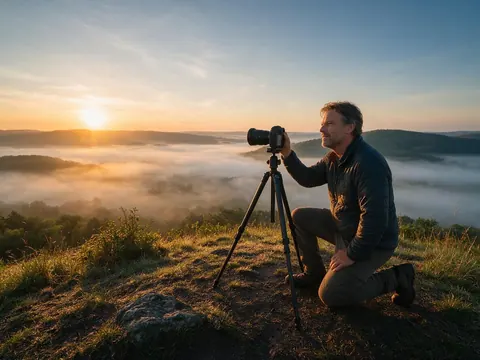
A landscape photographer could outpaint a little more sky above a tightly framed sunrise shot, using Grow edges on the top only, and check the outline to see what was added.

Social media manager
A social media manager could outpaint one square campaign photo into a 9:16 story and a 16:9 banner, outpainting in two passes when most of the frame would be new.
FAQ
Outpainting questions
7 questions
What is outpainting AI?
Outpainting AI extends an image beyond its edges. The original stays in place and an image model paints new content around it, matching perspective, light and style, so a square photo can become a widescreen one without cropping or stretching.
Link to this answerWhat is the difference between inpainting and outpainting?
Inpainting regenerates an area inside the picture, such as removing an object, so the image keeps its size. Outpainting generates new area outside the picture, so the image gets bigger. Kenerate does inpainting with Change Region and Magic Eraser in Edit Studio, and outpainting with Expand Image.
Link to this answerHow do I outpaint an image?
Upload it to Kenerate's Expand Image, pick a ratio (or grow chosen edges by up to 100%), place the photo and press Expand. Optionally describe the new area in up to 400 characters. You get 1 or 2 variations with the original outlined.
Link to this answerIs outpainting the same as uncrop?
Uncrop is outpainting used for one job: winning back the edges of a tight crop. The method is the same; only the goal differs. Expand Image's Grow edges mode is the usual way to uncrop.
Link to this answerDoes outpainting change the original part of the image?
The model is instructed to keep the original's content, position and scale unchanged. Because the whole image is returned by the model, very fine detail can differ slightly, so compare the outlined area with your original.
Link to this answerCan I outpaint for free?
New accounts get starter credits that work on Expand Image, no subscription is required, and results download without a watermark. A failed run is refunded automatically.
Link to this answerDoes outpainting increase resolution?
It adds area, not detail. The working canvas is capped at 2048 px on the long side and each model answers at its own size. For a print or a large screen, send the result to Upscale afterwards.
Link to this answerIn depth
Outpainting, explained
How AI outpainting works, where it struggles, and how much of a picture it can invent before it shows.
On this page
What is outpainting in AI?
Outpainting means generating image content outside the borders of an existing picture. The original pixels are treated as fixed, a larger canvas is set up around them, and an image model fills the empty area so that the perspective, light, colour and grain continue without a seam. The term spread with diffusion image models, which can be told which part of a canvas to keep and which part to fill [1].
Whatever is added is invented to match, not recovered. Outpainting a beach gives you a plausible continuation of that beach, not the real one.
How Kenerate outpaints an image
Expand Image builds the smallest frame of your chosen ratio that holds the whole photo, places the photo where you put it and marks the rest as empty. The model receives that canvas and the original photo, with an instruction to fill only the empty area and keep the original's content, position and scale. You get 1 or 2 variations with an outline showing where the original sits.
Outpainting vs inpainting
Both fill a region the model is told to paint. Inpainting's region is inside the picture, a person to remove or a sky to replace, so the size of the image stays the same. Outpainting's region is outside, so the image gets bigger. On Kenerate, inpainting lives in Edit Studio as Change Region and Magic Eraser; outpainting is Expand Image.
How much can you outpaint?
The share of new area is set by the two shapes. Going from 4:3 to 16:9 adds 25%; a square photo to 16:9 adds about 44%; a 16:9 landscape to a 9:16 story adds about 68%. The more the model has to invent, the more the scene can drift, so for big changes outpaint in two passes and check the seam each time.
- Easy to outpaint: skies, sea, grass, plain walls, studio backdrops, tabletops
- Harder: tiles, brickwork, bookshelves, crowds
- Hardest: lettering cut by the edge, symmetrical buildings
Outpaint your image
Starter credits for new accounts. No subscription required. No watermark.
Tried it? Tell us how it went