

Print it or put it online · free
3D logo maker from your SVG or PNG
Turn the logo you already have into a real 3D model. Download an STL to 3D print a sign, badge or keychain, or a GLB to show it spinning on a website — from the same file.
- SVG for smooth curves, PNG works too
- STL / 3MF to print · GLB for web
- Colour layers and keychain base
- Your logo stays on your device
Updated by the Kenerate AI team
On this page
Quick answer
Updated
What is a 3D logo maker?
A 3D logo maker is a tool that turns a flat logo into a 3D model. Kenerate's free maker works in your browser from an SVG or a PNG: set the width and depth in millimetres, add a plate or keychain tab, and download STL, 3MF or GLB. Your logo is never uploaded.
Key facts
- Price
- Free, no account
- Input
- SVG (recommended) or PNG / JPG
- Depth
- 0.4–30 mm, plus extra height per colour (SVG)
- Base
- None, plate or keychain
- Output
- STL, 3MF, OBJ to print · GLB (web, AR, game engines) · PNG screenshot
- Privacy
- Processed in your browser — no upload
Why this tool
2D to 3D logo maker: one logo, two kinds of 3D
“3D logo” means a physical object to some people and a 3D graphic to others. This tool makes both from the same file.
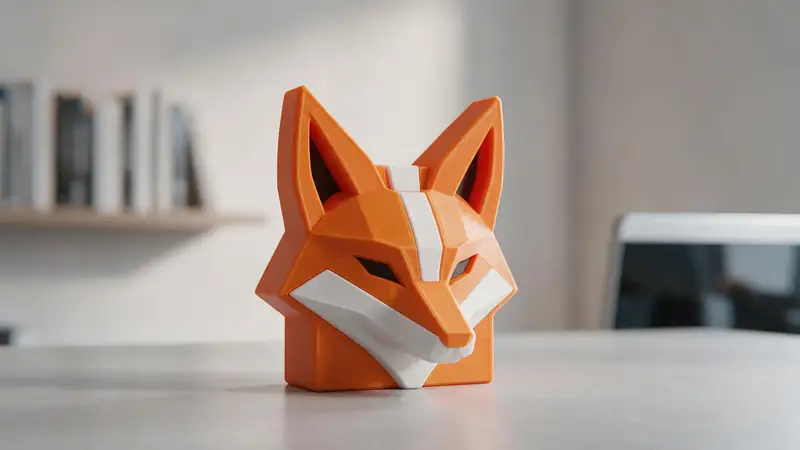
A logo you can hold
Signs, desk plaques, badges, magnets and keychains — STL or 3MF in real millimetres.
Try it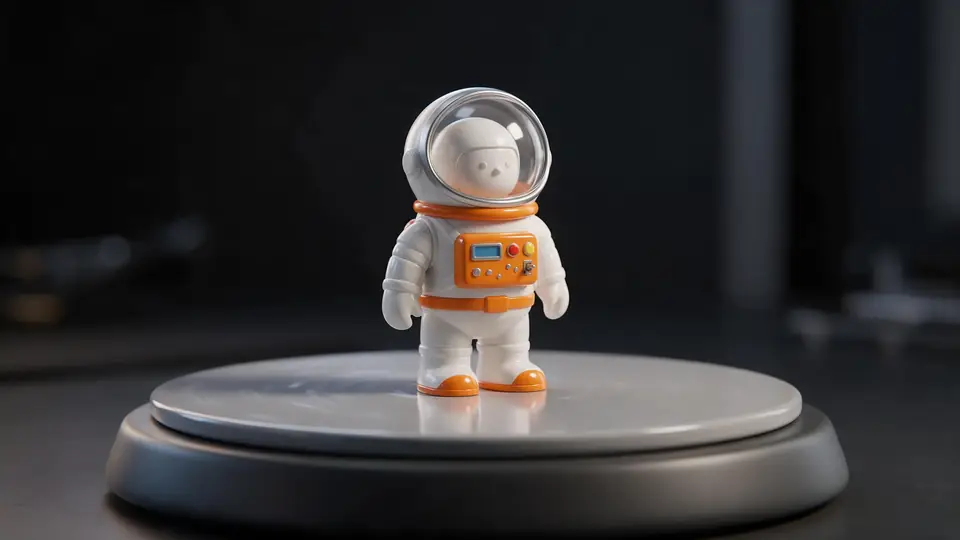
A logo for screens
Download a GLB to spin it on a website with model-viewer or drop it into Blender, Unity or a slide deck. Or save a PNG screenshot — turn the grid off for a transparent background.
Try it
Also
What else it does
SVG or PNG
SVG gives perfect curves and colour layers. A transparent PNG works too: its opaque area becomes the shape.
Multi-colour printing
Raise each SVG colour a little so a filament change at each height prints your brand colours.
How it works
How the logo becomes 3D
All in your browser.
Read the logo
SVG paths are grouped by colour; PNG pixels are split by transparency or brightness.
Scale
The logo is centred and sized to your width in millimetres.
Extrude
Each shape is raised to its depth, optionally on a plate or keychain tab.
Export
STL / 3MF for printing, GLB for screens.
How to
How to use the 3D Logo Maker
- Time needed
- Steps
- 4 steps
Step 1
Add your logo
Choose SVG or PNG / JPG and drop the file, or try the sample.
Step 2
Set size and depth
Pick the width and how deep the logo should be.
Step 3
Add a base
Choose a plate for a sign or a keychain tab.
Step 4
Download
STL or 3MF to print; GLB for web and 3D apps.
Watch the tour · 1:48
Text, photo or multi-view to a textured GLB, nine engines, the viewer & lighting, compare engines, gallery, download & chat
Chapters
Who uses it
Who makes 3D logos
Small businesses
Counter signs, wall logos and merch.
Clubs and teams
Badges, trophies and keychains.
Designers
Quick 3D mock-ups of a client's mark.
Streamers and creators
A 3D version of a channel logo.
File formats
The formats this tool reads and writes
What each file can hold, what it can't, and where it opens. Facts link to the format's own spec or reference page.
| .stl · STL | .3mf · 3MF | .glb · GLB | |
|---|---|---|---|
| Full name | Stereolithography | 3D Manufacturing Format | glTF 2.0 Binary |
| Made by | 3D Systems, 1987 | 3MF Consortium, 2015 | Khronos Group, 2017 (glTF 2.0) |
| Kind | Triangle mesh (binary or ASCII) | ZIP package with XML | Single-file scene with PBR materials |
| Holds | Triangle surfaces, Facet normals | Meshes with units (millimetres), Colours and materials, Several objects and build plates | Meshes and PBR materials, Textures in the same file, Animation and skins |
| No | Colour and textures, Units, Materials | Animation | Units beyond metres, CAD precision |
| Best for | 3D printing — every slicer opens it | Modern 3D printing and multi-colour prints | Web, AR and real-time apps — the “JPEG of 3D” |
| Opens in | Cura, PrusaSlicer, Bambu Studio, OrcaSlicer, Blender | Bambu Studio, PrusaSlicer, OrcaSlicer, Cura, Windows 3D Builder | Browsers (three.js, model-viewer), Blender, Unity, Unreal, Godot |
No file yet?
Make the model first — from one photo
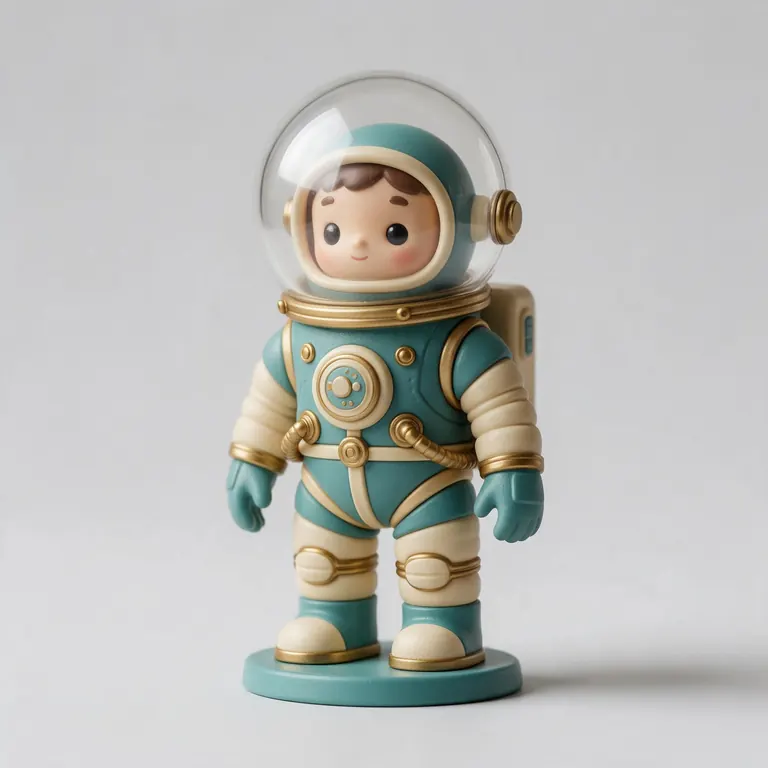
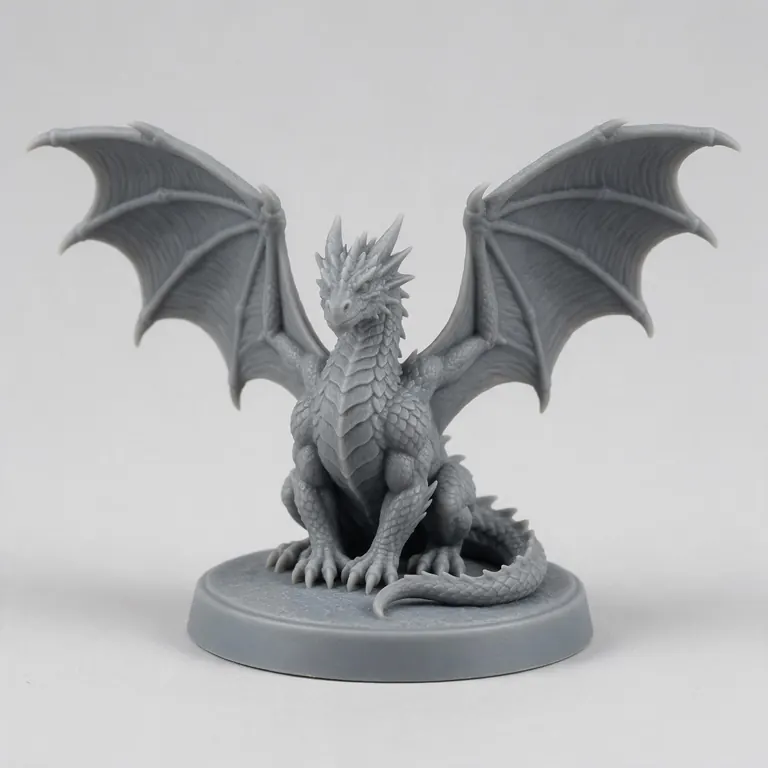
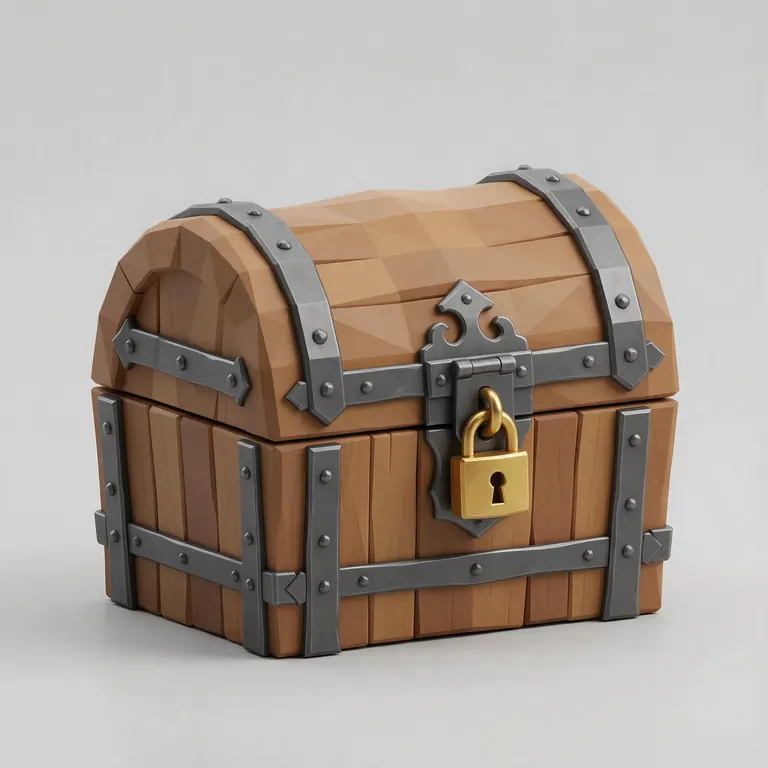
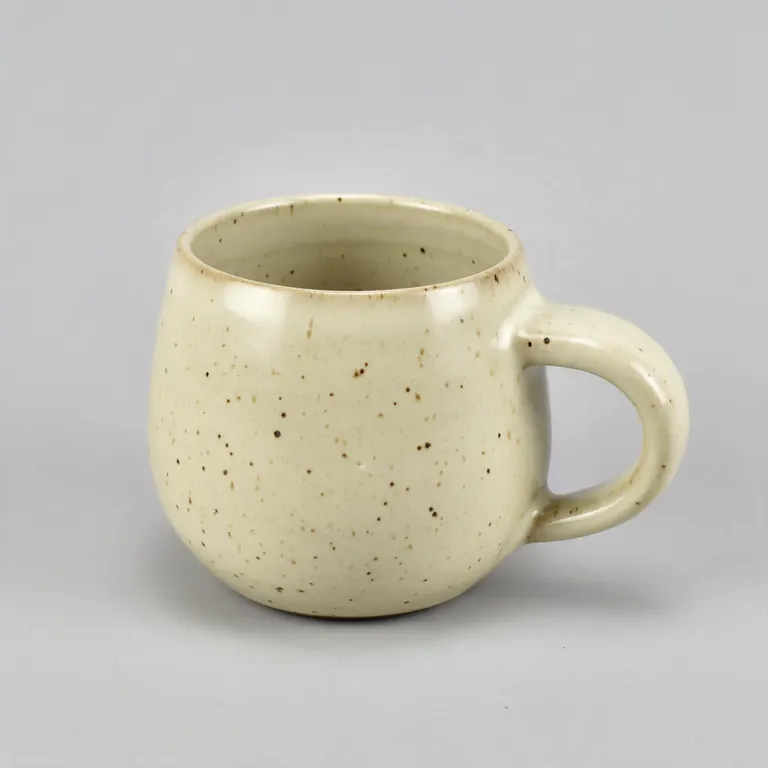
Every sample in the tool above began as a single picture and was turned into a 3D model in the Kenerate 3D Studio. The engine is named on each one.
Example uses
How creators use the 3D logo maker
Illustrative examples of typical workflows, not customer reviews.

Small business owner
A café owner can turn the shop's existing logo file into a counter sign and print it in the brand colours.
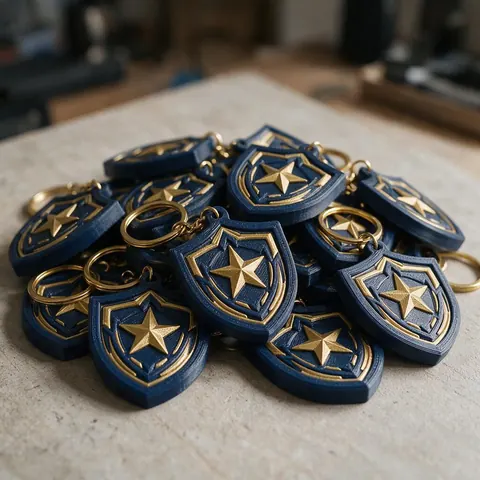
Club organiser
A sports club organiser can make badges and keychains from the club crest for members and events.
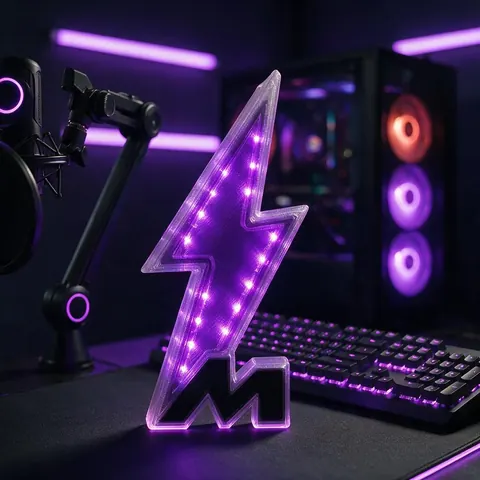
Streamer
A streamer can export the channel emblem as a GLB for overlays or print a desk version for the stream setup.
FAQ
3D Logo Maker questions
7 questions
How do I make my logo 3D for free?
Drop your logo file into the tool above, set its size and depth, and download. It's free and runs in your browser.
Link to this answerShould I use SVG or PNG?
SVG if you have it — curves stay smooth and each colour can be its own layer. A transparent PNG is the next best thing.
Link to this answerCan I 3D print a logo?
Yes. Download STL or 3MF. Keep the thinnest parts above about 0.9 mm and add a plate if the logo has separate pieces.
Link to this answerCan I use the 3D logo on my website?
Download the GLB and show it with a 3D web viewer, or take a PNG screenshot for a static image.
Link to this answerDoes it add materials like gold or chrome?
No — it makes the geometry. Add materials in Blender or your web viewer, or print in a silk or metallic filament.
Link to this answerCan I use the result commercially?
The model is made from your logo, so you can use it as you're allowed to use the logo itself.
Link to this answerIs my logo uploaded?
No. It's processed on your device.
Link to this answerIn depth
3D Logo Maker, explained
Preparing a logo for 3D, and choosing between a printed object and a 3D graphic.
On this page
Vector first
A logo saved as SVG keeps exact curves and separate colour shapes, which translate directly into smooth extrusions and colour layers. A PNG has to be traced from pixels, so its edges follow the pixel grid.
Designing for print
Fine lines, small text and hairline gaps don't survive at small sizes: walls under about 0.45 mm can't print with a 0.4 mm nozzle, and 0.9 mm is a safer minimum [11]. Logos with separate pieces (like a dot over an i) need a backing plate to stay together.
Designing for screens
Keep going
Other 3D viewers and converters
- Image to STLPhoto to relief, lithophane or shape
- Lithophane MakerFlat or curved, with a frame
- PNG to STLLogos and transparent images
- JPG to STLPhotos to printable reliefs
- SVG to STLExtrude vector art
- 3D Text Generator18 fonts, plates and bevels
- 3D LettersPrintable letters and names
- 3D Font GeneratorAny TTF or OTF font in 3D
Try the 3D Logo Maker
Free and private — your files never leave your device. Want to make models with AI? That's the 3D Studio, on any paid plan or credit pack.
Tried it? Tell us how it went