How-to · 19 engines · up to 10 min · free plan
Make a photo talk — one picture, one voice, four steps
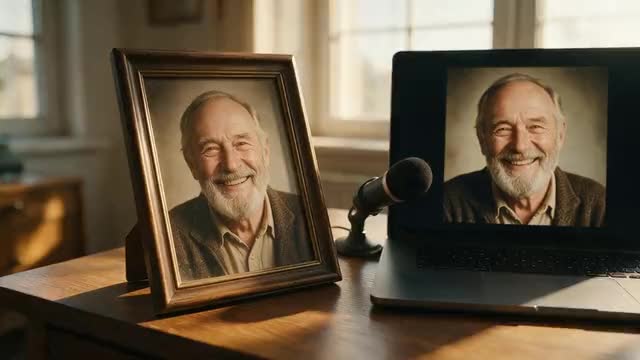
Pick a portrait, give it a voice and choose an engine: that is all it takes to make a picture talk. This guide walks through each step, which photos work, how to get the audio and which engine to pick for speech, singing or two people.
- Upload or record the voice
- Paintings and cartoons work too
- Two people in one photo
- Up to 10 minutes of speech
Updated by the Kenerate AI team
Made with Kenerate
On this page
Quick answer
Updated
How do you make a photo talk with AI?
To make a photo talk with AI you need 2 files: a front-facing portrait and a voice track. In Kenerate's Avatar Talk you upload the picture, upload or record the speech, pick one of 19 talking-photo engines and generate; the engine moves the lips, face and head in time with every word, for up to 10 minutes.
Key facts
- Steps
- 4
- Talking-photo engines
- 19
- Longest speech
- 10 min
- Photo
- Up to 20 MB
- Audio
- MP3, WAV, M4A and more · up to 50 MB · or the mic
- Free plan
- Yes
Real results
Pictures that talk: five kinds of photo
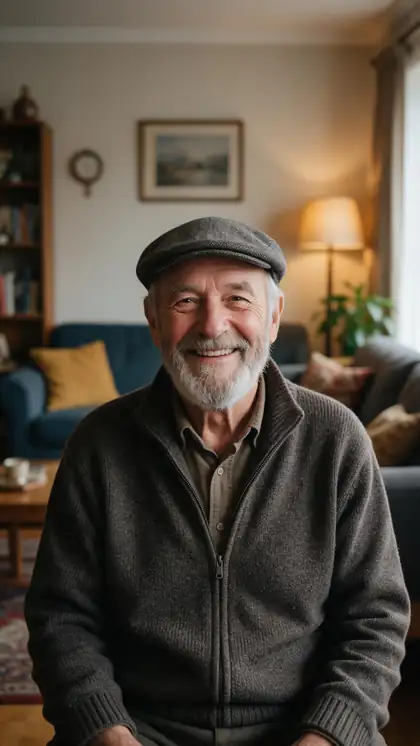
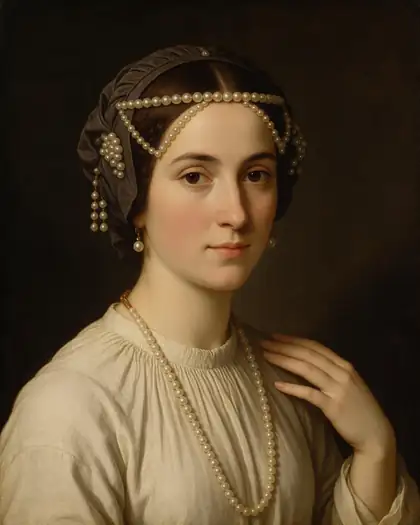
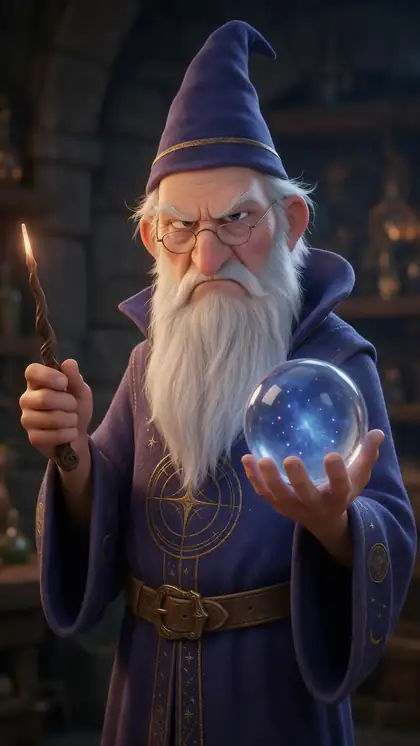
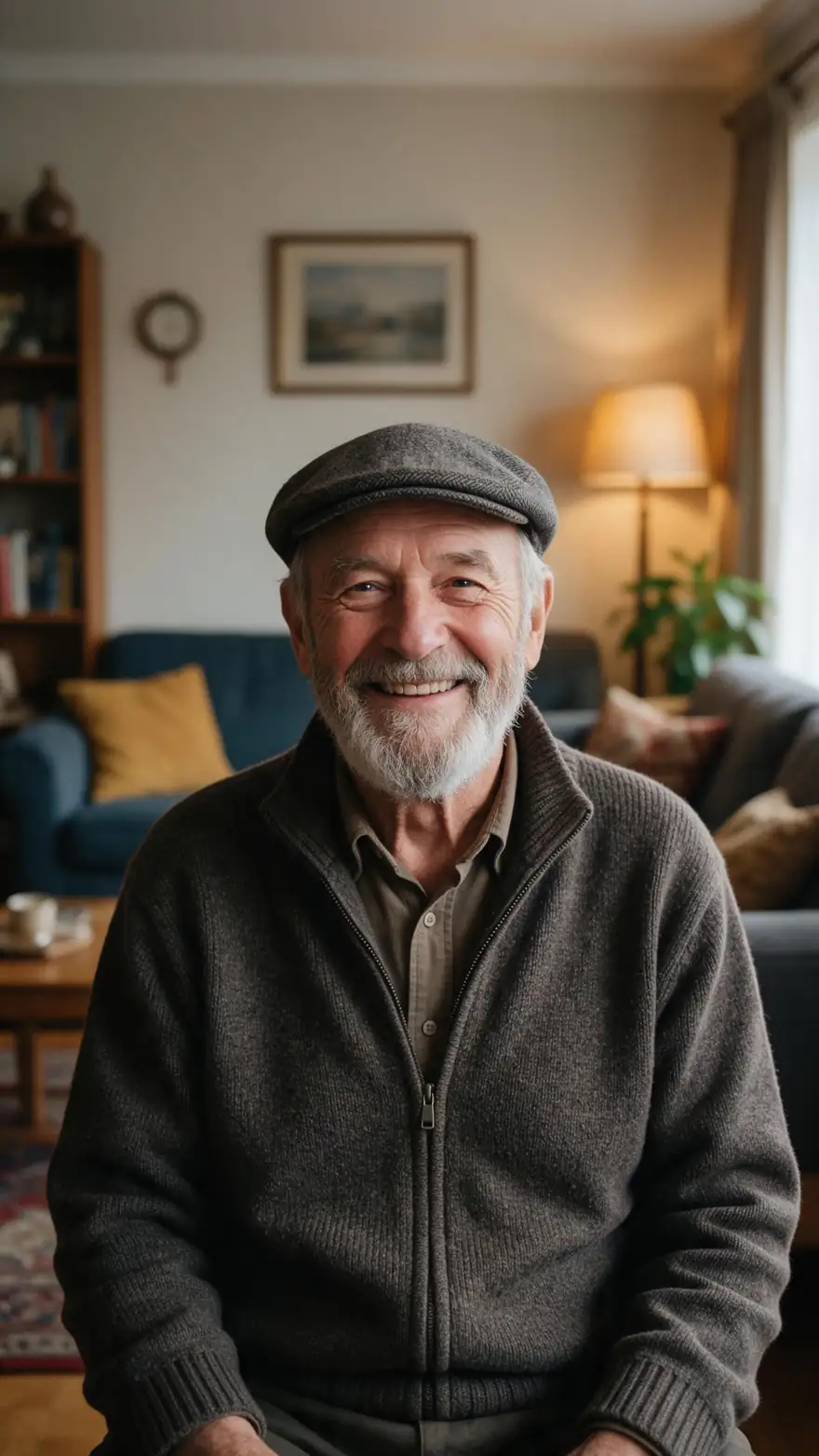
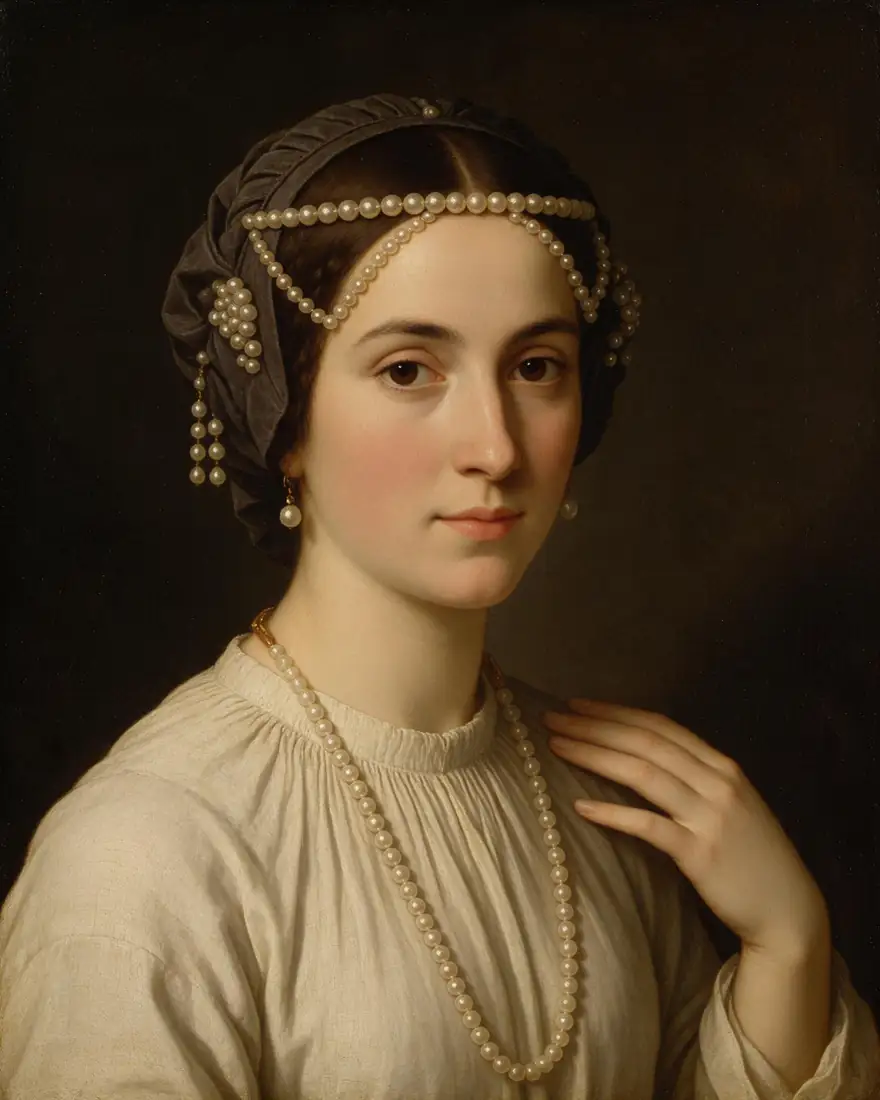
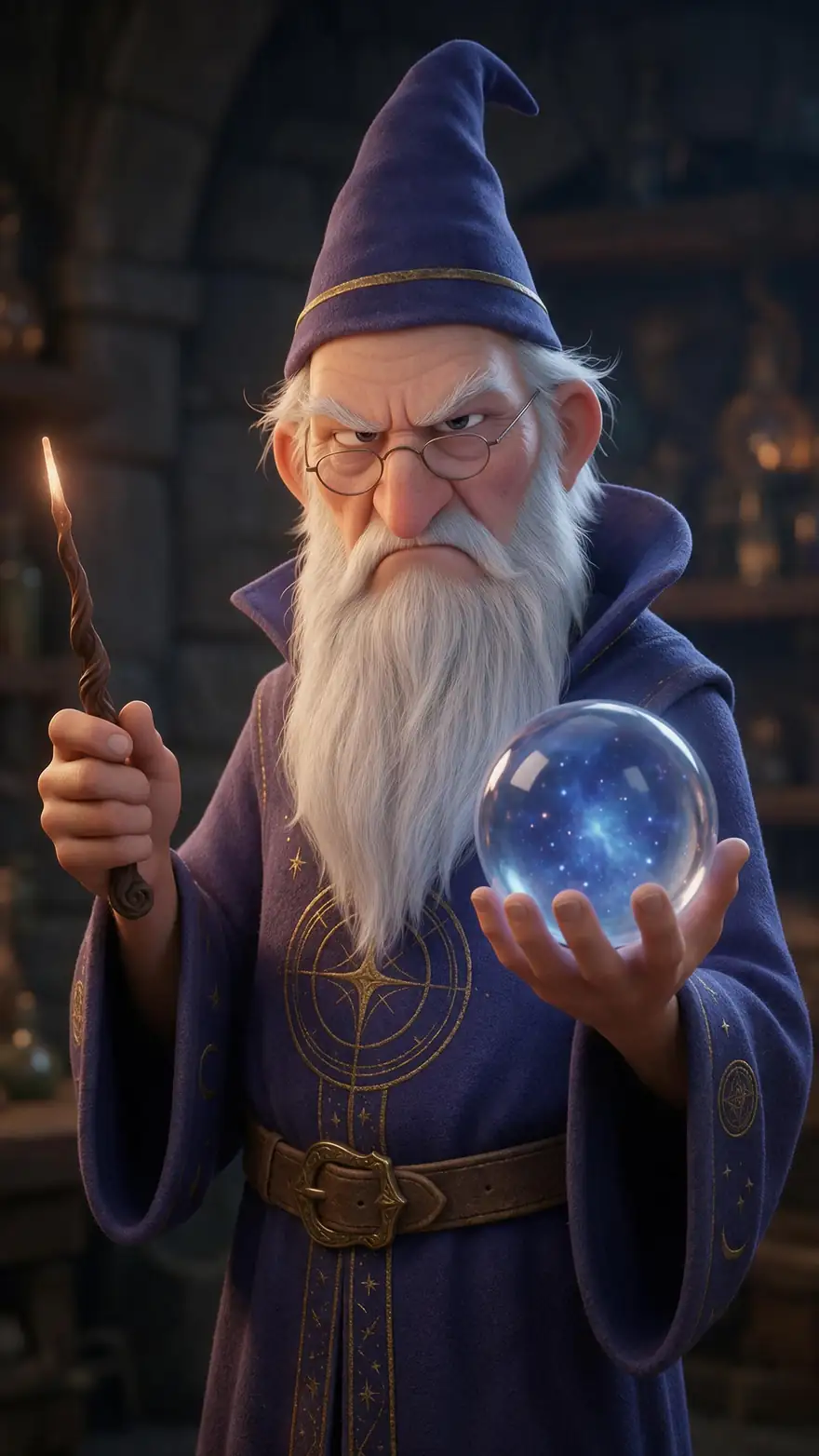
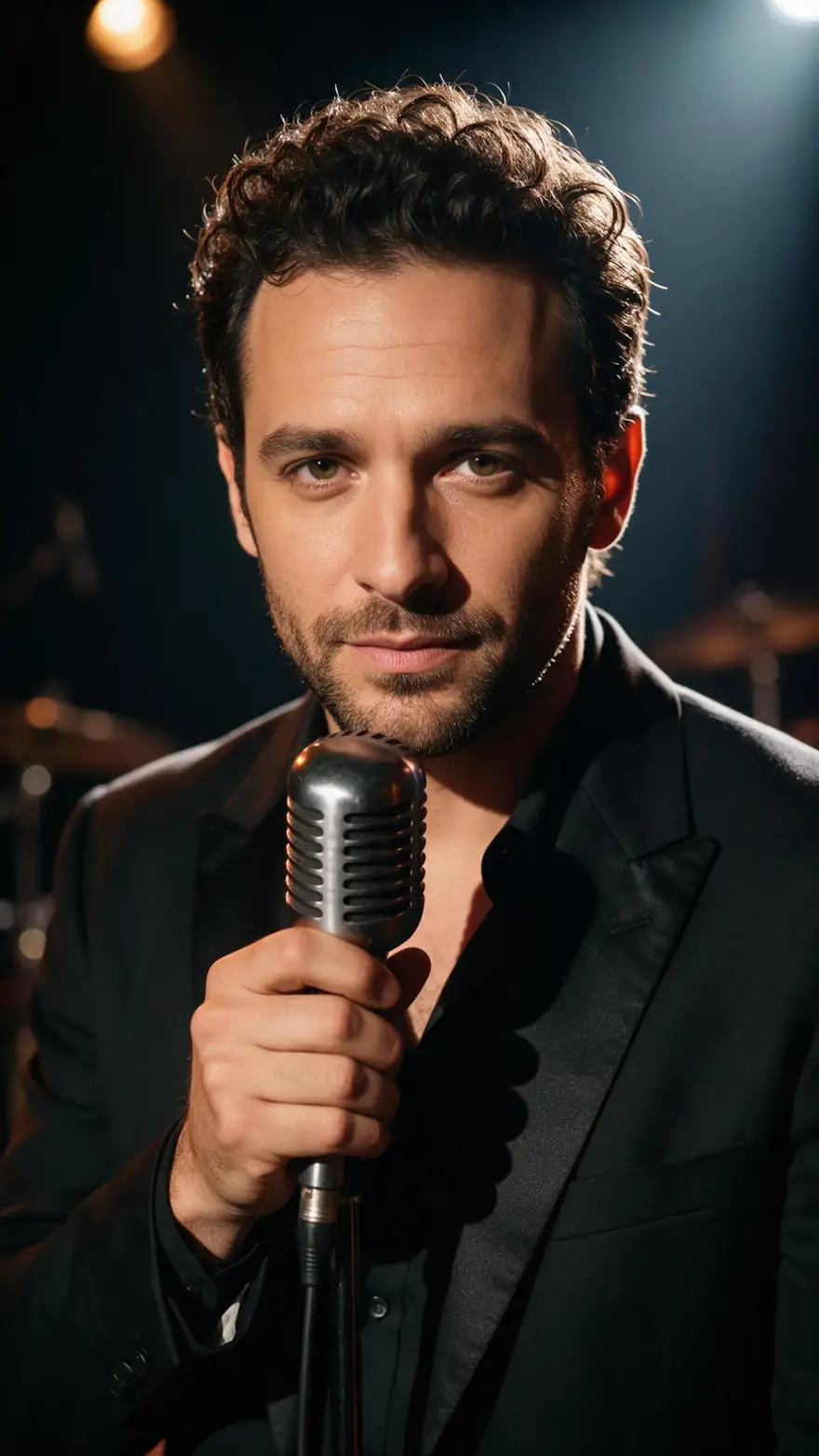
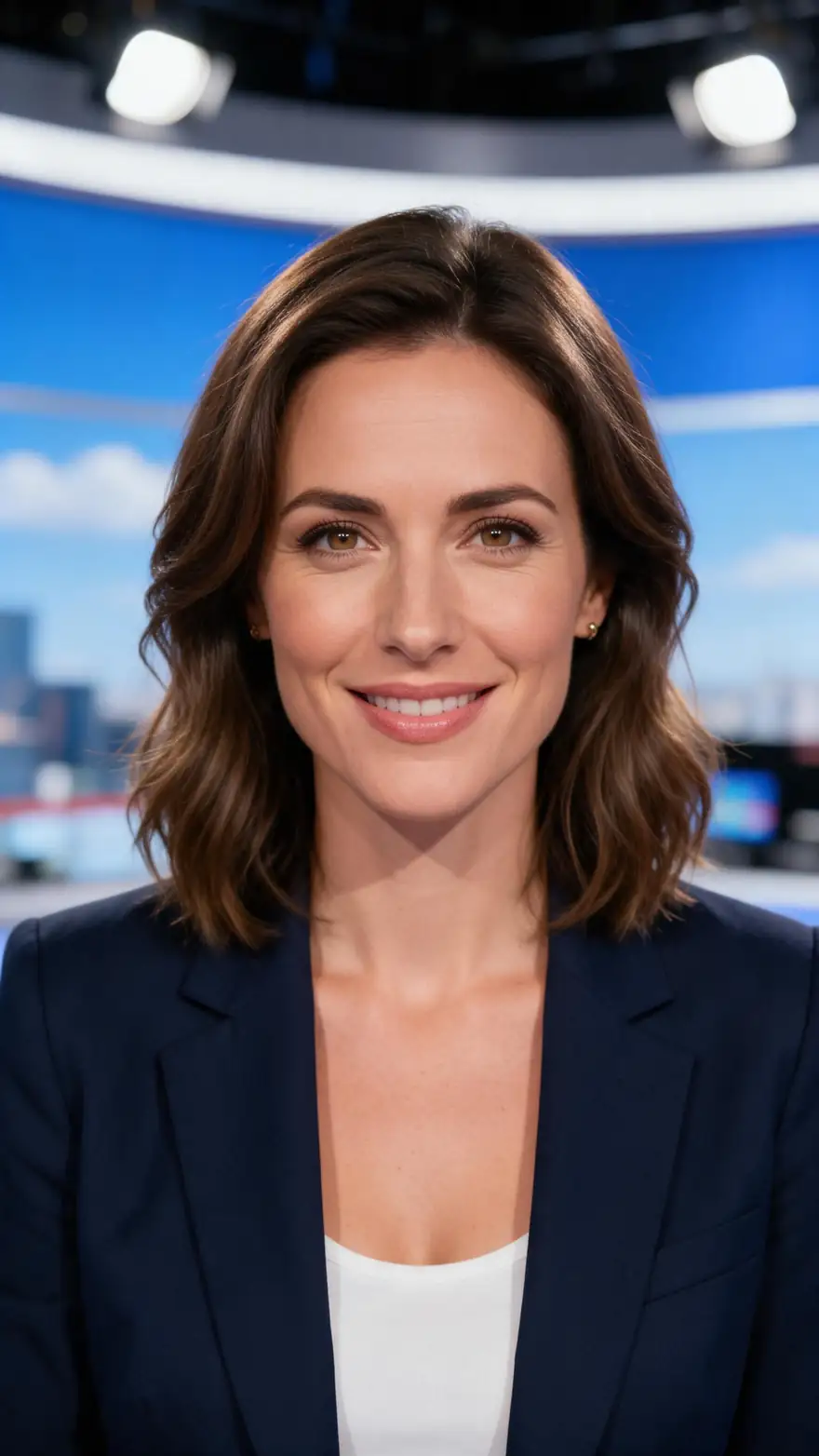
A family portrait, an old painting, a cartoon, a singer and a presenter. Real Wan 3 clips with generated voices; in Avatar Talk the words come from your own audio.
AI-generated people and characters. Open a clip to copy its prompts.
How to
How to make a picture talk, step by step
- Time needed
- Steps
- 4 steps
Step 1
Choose the photo
A sharp face looking at the camera, mouth closed, nothing covering it; any image up to 20 MB. Paintings, cartoons and 3D characters work too.
Step 2
Give it a voice
Upload a voice file (MP3, WAV, M4A and more, up to 50 MB), record it on the mic, or write the words in Voice Studio and pick the take from History.
Step 3
Pick an engine
Kenerate Avatar is preselected and takes up to 10 minutes; OmniHuman 1.5 suits singing; InfiniteTalk Duo gives two people in one photo a voice each.
Step 4
Generate and save
Add an optional direction such as "warm and friendly, gentle nods", generate, then download or share the video from your history.
See it in the app

Open Avatar Talk, pick Talking photo, script to video or lip sync, and choose the engine.


Watch the tour · 2:23
Talking photos, script to video, engines, any language, presenters, lip sync & chat
Chapters
Checked 6 October 2026
Best way to make your picture talk
Start from what you have. Each row names the engine or mode that fits it best, from Avatar Talk's engine list.
| What you have | Best for it | Why |
|---|---|---|
| One portrait and a long script | Kenerate Avatar | Takes up to 10 minutes of speech, in 720p or 1080p |
| A photo and a song | OmniHuman 1.5 | Animates singing and full-body movement, up to 60 seconds |
| Two people in one photo | InfiniteTalk Duo or LongCat 1.5 Duo | Each person gets their own audio track |
| A face where every word must look right | Sync Lipsync 3 | Frame-accurate mouth shapes, up to 5 minutes |
| No usable photo | HeyGen Presenters | 500 stock presenters, 16:9 or 9:16, up to 4K |
| A video, not a photo | Lip sync mode (VEED Lipsync 2) | Keeps the original performance and redraws only the mouth |
All rows run in Avatar Talk; switch engines in the engine picker.
Sources: Kenerate Avatar Talk · Kenerate Voice Studio · OmniHuman-1 project page
Engines
Which engine makes your photo talk best
Seven of the 19 talking-photo engines in Avatar Talk, matched to the kind of picture and audio you have.
- Default
Kenerate
Kenerate Avatar
- Input
- Photo + up to 10 min of speech
- Output
- 720p or 1080p
Long talks and the sharpest everyday result
Open Kenerate Avatar 
ByteDance
OmniHuman 1.5
- Input
- Photo + up to 60 s of audio
- Output
- Engine decides
Singing photos and full-body performance
Open OmniHuman 1.5- 2 speakers
WaveSpeed
InfiniteTalk Duo
Sync Labs
Sync Lipsync 3
- Input
- Face photo + up to 5 min of speech
- Output
- Engine decides
Mouth shapes that match every word
Open Sync Lipsync 3Skywork
SkyReels V3 Avatar
- Input
- Photo + up to 15 s of audio
- Output
- 480p or 720p
Short clips with a described emotion
Open SkyReels V3 AvatarLightricks
LTX 2.3 Lipsync
- Input
- 5–20 s of speech; the photo is optional
- Output
- 480p, 720p or 1080p
Sharp short clips for social posts
Open LTX 2.3 Lipsync
All models (7)
HeyGen
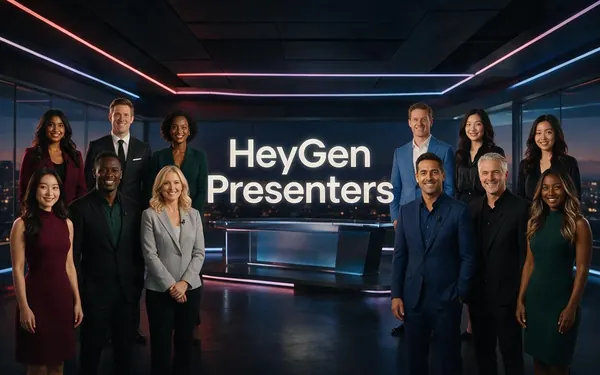
HeyGen Presenters
- Input
- Audio + one of 500 stock presenters
- Output
- 720p, 1080p or 4K
No photo of your own
Open HeyGen Presenters
Speech limits and resolutions are from Avatar Talk's engine list. The gallery clips were made with Wan 3 image to video.
Tips
Five-second checks before you generate
Most odd-looking results come from the photo or the audio, not the engine.
Crop to head and shoulders; tiny faces in group shots sync poorly.
Pick a photo with the mouth closed and teeth hidden.
Remove background music from the voice track first.
Old or blurry photos: restore or upscale them before animating.
Keep the first test short, then run the full script.
Only animate photos of yourself, your own characters or people who agreed.
Example uses
How creators use Make a photo Talk
Illustrative examples of typical workflows, not customer reviews.
Family historian
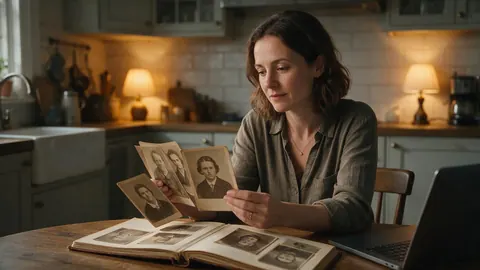
A family historian could make a grandparent's portrait tell a short story recorded by a relative, for a family reunion slideshow.
Museum educator
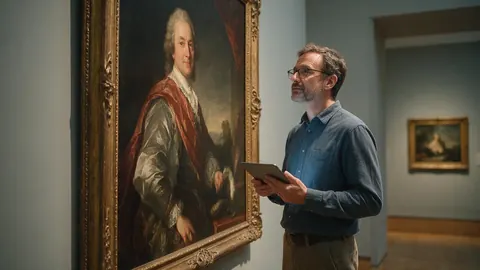
A museum educator could make a painted portrait introduce itself in a short gallery-guide clip for visitors' phones.
Illustrator
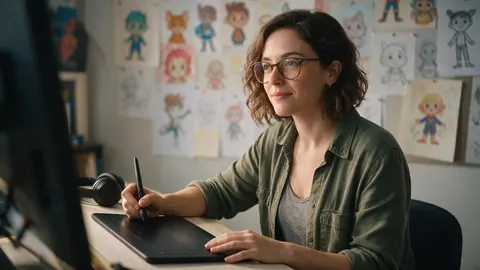
An illustrator could make a cartoon character from a book say its catchphrase in a short teaser video.
FAQ
Make a photo talk — questions
8 questions
How do I make a picture talk for free?
Sign up and open Avatar Talk: it works on the free plan with the sign-up credits. Upload the photo, add or record the voice, keep Kenerate Avatar as the engine and generate. Short clips use less, so test with a sentence or two before you run a long script.
Link to this answerCan I make a photo talk with my own voice?
Yes. Choose Record audio and speak into the microphone, or upload a recording you already have. Avatar Talk accepts common audio files such as MP3, WAV, M4A, AAC, OGG and FLAC up to 50 MB.
Link to this answerCan I type the words instead of recording them?
Yes, in two steps. Write the script in Voice Studio and generate the voice there, then in Avatar Talk pick that take from History as the audio. The link to Voice Studio sits right under the audio box.
Link to this answerCan I make an old family photo talk?
Yes, if the face is clear and looks roughly toward the camera. Restore or upscale a faded or blurry print first, crop to head and shoulders, then animate it. Only do this with photos your family is happy to see animated.
Link to this answerCan I make two people in the same photo talk?
Yes. InfiniteTalk Duo, InfiniteTalk Fast Duo and LongCat 1.5 Duo take a photo of two people and one audio track for each, played together or in turn, so each person speaks their own lines.
Link to this answerHow long can the talking video be?
Up to 10 minutes of speech on Kenerate Avatar, InfiniteTalk and Kling Avatar 1 Pro; 5 minutes on Kling Avatar 2, Sync Lipsync 3 and VEED Fabric; 60 seconds on OmniHuman 1.5; 5 to 20 seconds on LTX Lipsync.
Link to this answerWhy does my talking photo look strange?
Usually the photo: a turned head, an open mouth, sunglasses or a very small face. Music under the voice also confuses the lip sync. Fix those first; if it still looks off, try Sync Lipsync 3 for the mouth or OmniHuman 1.5 for more natural movement.
Link to this answerCan I make a celebrity's photo talk?
No. Only animate photos of yourself, characters you made, or people who agreed to it.
Link to this answerIn depth
Making pictures talk, explained
On this page
What the engine actually does
A talking-photo engine reads the audio, works out the mouth shape for each sound and redraws the face frame by frame to match. Good engines also add blinks, small head turns and shoulder movement, so the picture doesn't look like a cut-out with a moving mouth. Some, such as OmniHuman 1.5, animate the whole body.
Choosing the photo
The photo sets the ceiling for the result. A face that fills a good part of the frame, looks at the camera and is evenly lit gives the engine the most to work with.
- Good: a passport-style or head-and-shoulders shot, a painted portrait, a 3D character render.
- Harder: profile views, hands over the mouth, heavy shadows, group photos with small faces.
- Avoid: photos of people who haven't agreed to be animated.
Choosing the audio
Clean speech matters more than a fancy microphone. Record in a quiet room, keep music out of the track, and trim long silences at the start. For singing, upload the vocal on its own if you can; the instrumental can go back in when you edit the final video.
Make pictures talk
The same task, many pictures. Avatar Talk keeps every result in your history, so you can animate a set of portraits one after another with the same voice file or a new one each time.
Talking images
Talking images are still pictures animated to speech. They differ from AI video generation, which invents the whole scene from a prompt; here the face stays the one in your image.
Make a photo talk app
Avatar Talk runs in the browser on desktop and phone, so there is nothing to install. Recording on the mic works wherever the browser has microphone access.
Explore
Every Kenerate video tool
Generators, tools, models and guides — all in one studio.