
Skip to content
AI anime upscaler · Real-ESRGAN

Upscale anime and manga — clean lines, no blur

Fan art, screenshots, manga pages, stickers and AI anime renders, enlarged without soft, grey outlines. Real-ESRGAN keeps line art crisp and flat colours flat.

  • Clean line art
  • Manga & screentone
  • Up to 8K
  • PNG, no watermark
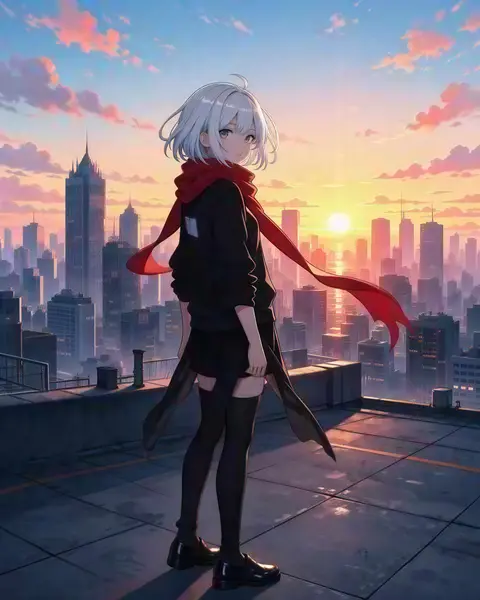
Anime girl with silver hair and a red scarf on a rooftop at sunset — original 300 px
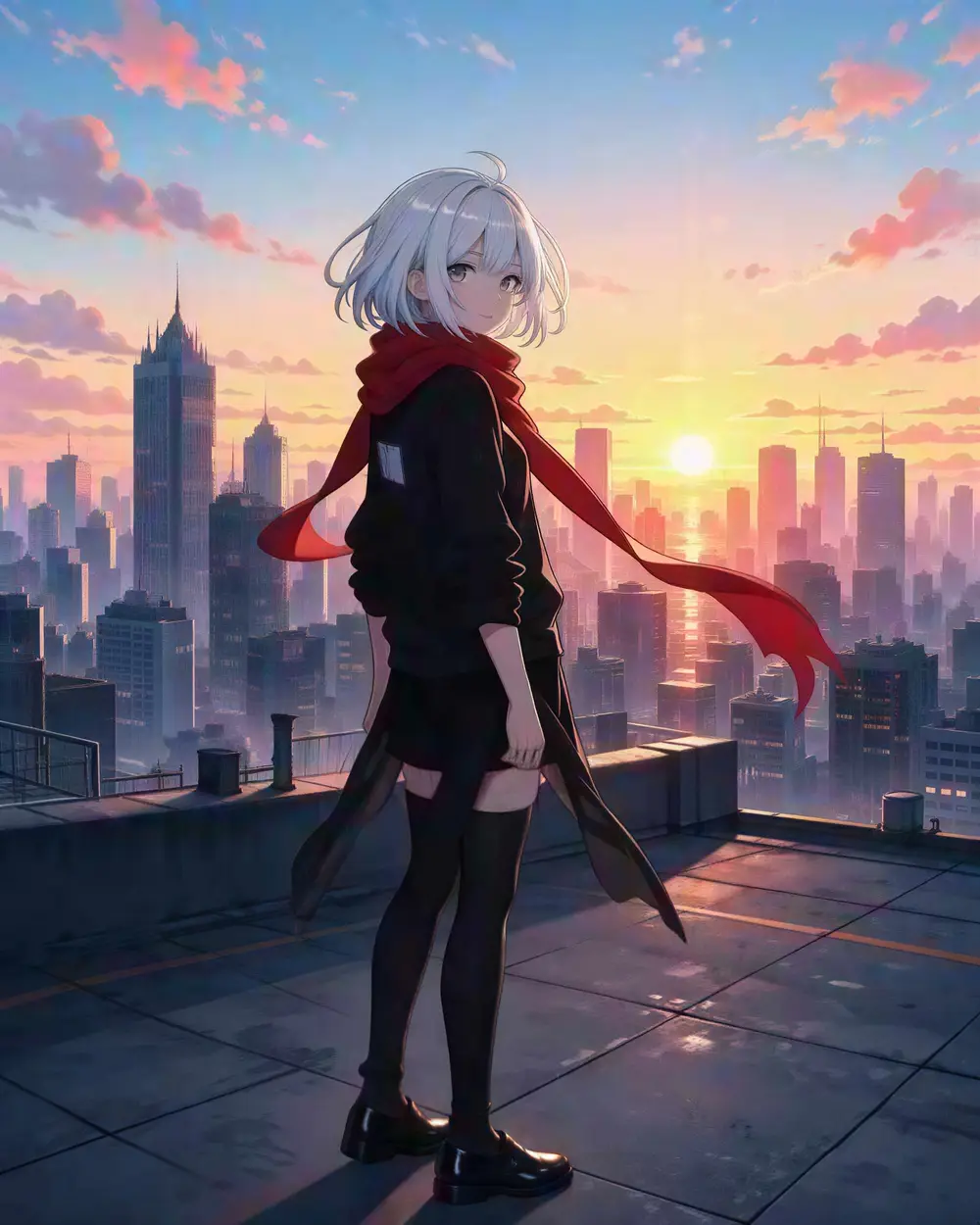
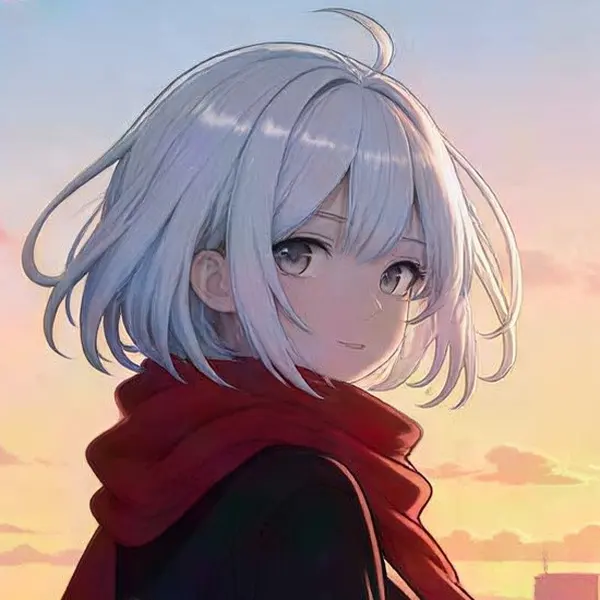
Anime girl with silver hair and a red scarf on a rooftop at sunset — after Real-ESRGAN
BEFORE · 300 pxAFTER · 1832 × 2290

Real-ESRGAN300 px → 1832 × 2290

Try this photo
  • Real-ESRGAN
  • Image Upscaler 2K · 4K · 8K
  • Kenerate Upscale · 128 MP
  • Ultimate Upscaler
  • Clarity Pro
  • Phota Enhance
  • Recraft Creative
Anime art — after Real-ESRGAN
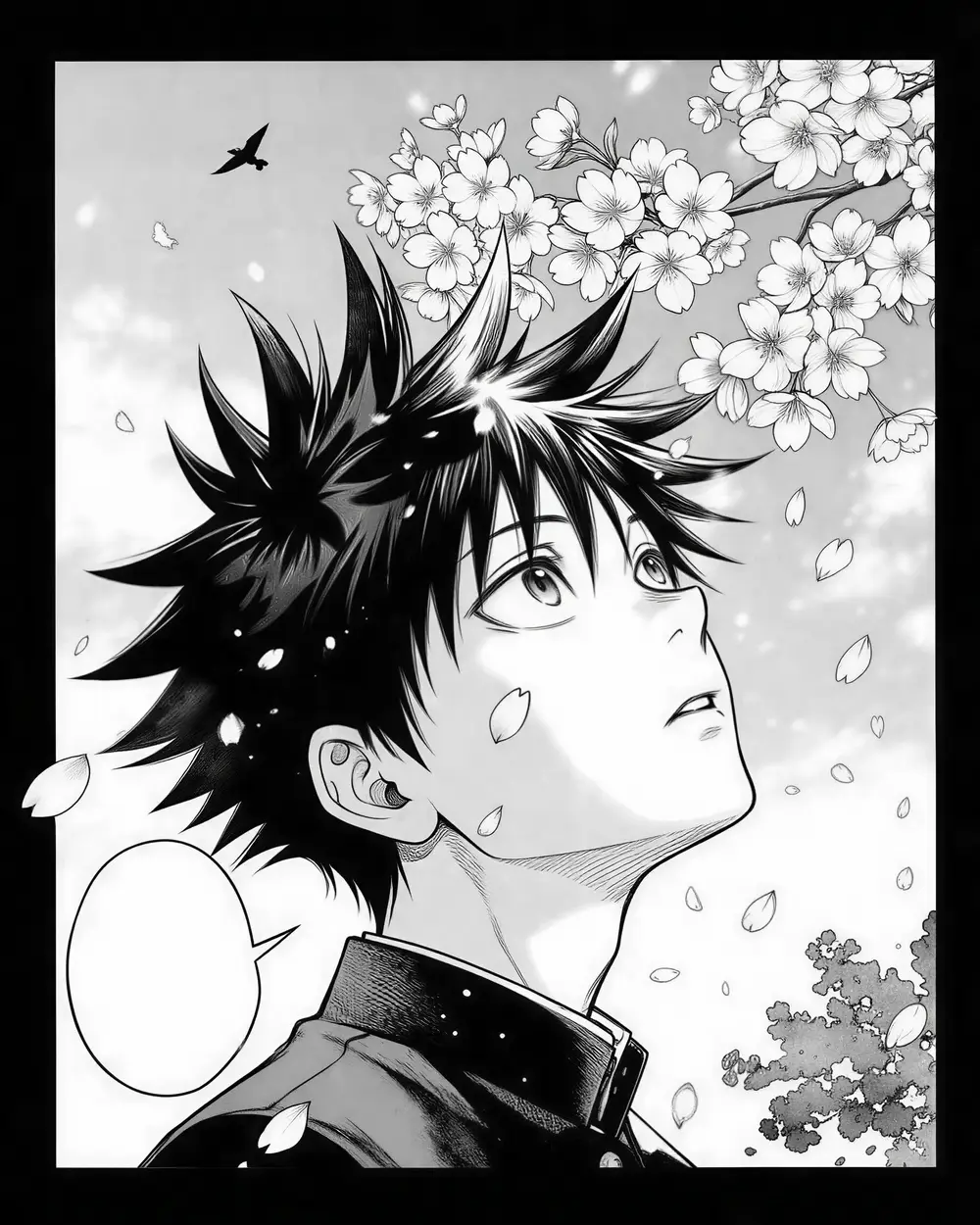
Manga panel — after Real-ESRGAN
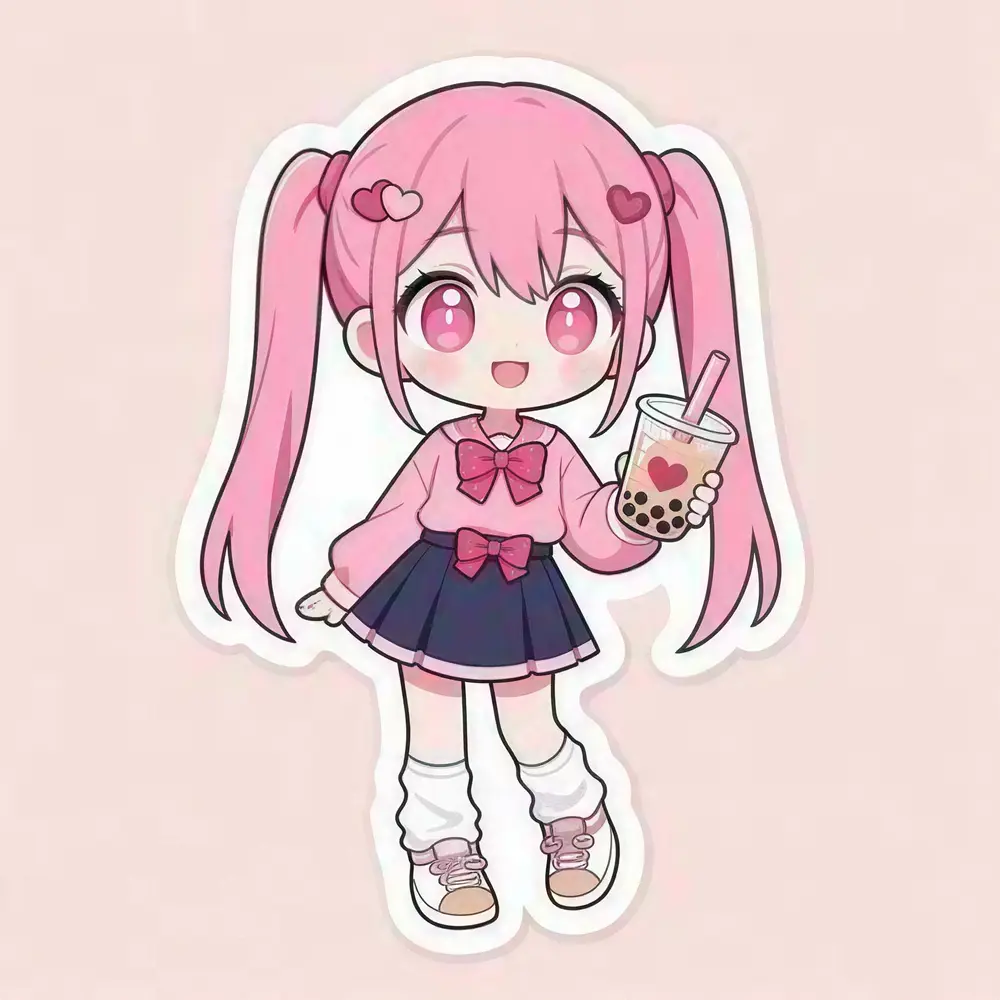
Chibi sticker — after Real-ESRGAN
AI concept art — after Ultimate Upscaler
Landscape to 4K — after Image Upscaler
Tiny portrait — after Image Upscaler
Anime art — after Real-ESRGAN
Manga panel — after Real-ESRGAN
Chibi sticker — after Real-ESRGAN
AI concept art — after Ultimate Upscaler
Landscape to 4K — after Image Upscaler
Tiny portrait — after Image Upscaler

Quick answer

Updated

Kenerate's AI anime upscaler enlarges anime art, manga pages, stickers and AI anime renders without blurring the line art. The default Real-ESRGAN engine keeps clean outlines and flat colours; Image Upscaler outputs exact 4K or 8K. In our tests a 256 px chibi sticker came out at 2048 px and a 320 px manga panel at 1832 × 2290. 25 free credits, no watermark.

Engine
Real-ESRGAN (default)
Watermark
None
Max size
8K or 128 MP
Best format
PNG for line art

Real results

See what it does to real photos

Every slider is a real Kenerate output from the bad input on the left. Drag to compare, then try the same photo.

  1. Anime girl with silver hair and a red scarf on a rooftop at sunset — before
    Anime girl with silver hair and a red scarf on a rooftop at sunset — after
    BeforeAfter

    01Anime & illustration

    Line art that stays crisp

    Outlines stay dark and clean, flat colours stay flat — no grey mush around every edge.

    Real-ESRGAN · 300 px → 1832 × 2290

    Try it now
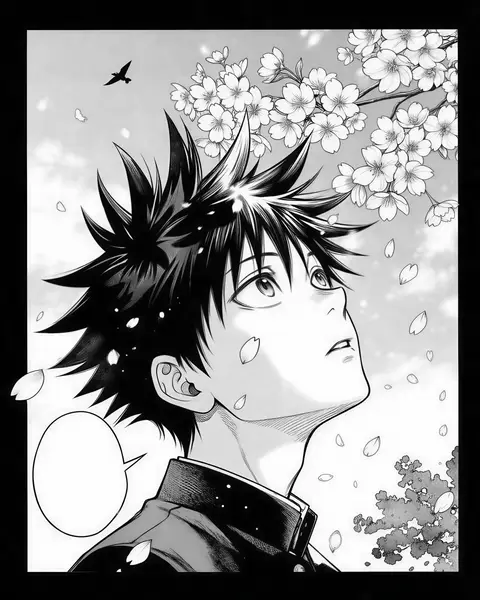
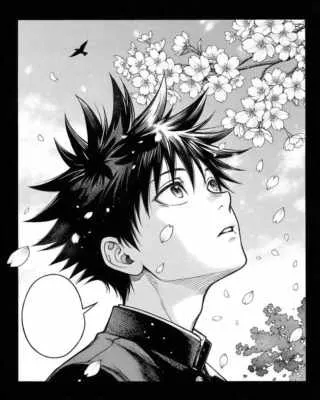
  2. Black-and-white manga panel of a boy with spiky hair under falling cherry blossoms — before
    Black-and-white manga panel of a boy with spiky hair under falling cherry blossoms — after
    BeforeAfter

    02Manga

    Ink and screentone, kept clean

    A small manga panel enlarged with solid blacks and even tones.

    Real-ESRGAN · 320 px → 1832 × 2290

    Try it now
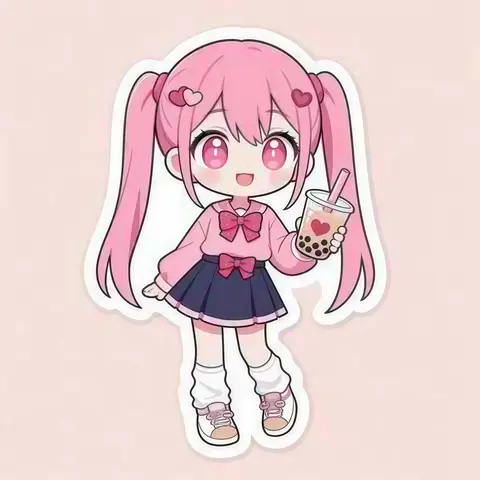
  3. Chibi anime sticker of a girl with pink twin tails holding bubble tea — before
    Chibi anime sticker of a girl with pink twin tails holding bubble tea — after
    BeforeAfter

    03Stickers

    256 px sticker, print-ready

    Thick outlines and flat colours at 2048 px — ready for a sticker sheet.

    Real-ESRGAN · 256 px → 2048 px

    Try it now
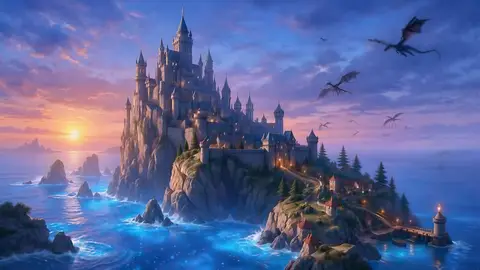
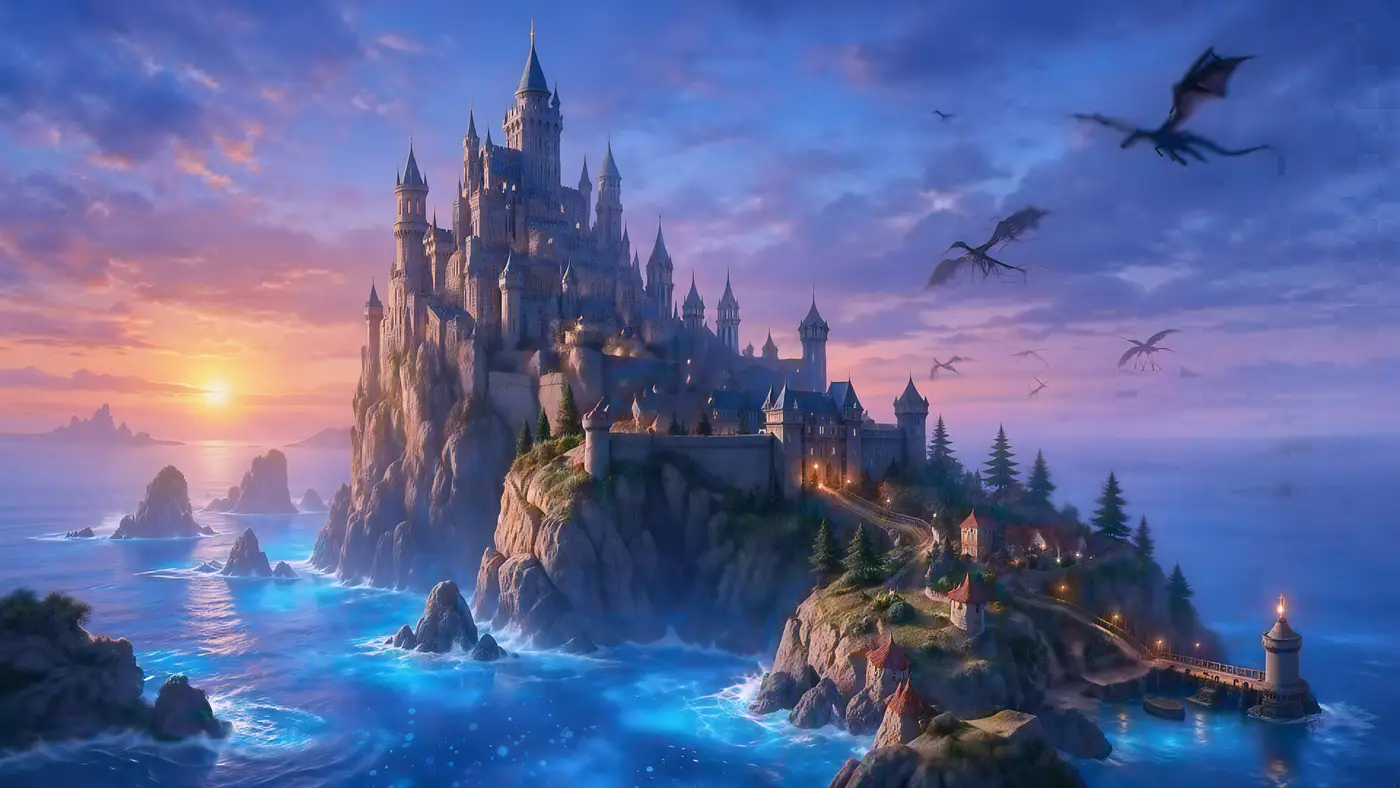
  4. Fantasy castle on a cliff above a glowing sea with dragons — before
    Fantasy castle on a cliff above a glowing sea with dragons — after
    BeforeAfter

    04AI art

    Renders to 5K and beyond

    A 512 px fantasy render to 5461 × 3072 — towers, waves and dragons all sharper.

    Ultimate Upscaler · 512 px render → 4K · 5461 × 3072

    Try it now

How it works

How to upscale an anime image

Three steps. Real-ESRGAN is already selected when you open the tool from this page.

  1. Add the anime image

    Upload fan art, a screenshot, a manga page, a sticker or an AI anime render — JPG, PNG or WEBP up to 25 MB.

  2. Keep Real-ESRGAN selected

    It is the default engine and keeps clean line art and flat colours. For a fixed 4K or 8K size, pick Image Upscaler.

  3. Download a PNG

    Compare the lines at 100% and download — PNG keeps flat colours and outlines crisp. No watermark.

Real results

What anime art can it upscale?

Real Real-ESRGAN outputs from small inputs. Tap one to try the same image.

At 100%

Anime upscaled vs stretched, zoomed in

Look at the outlines: a normal resize makes them soft and grey; the upscale keeps them dark and sharp.

  • Anime girl with silver hair and a red scarf on a rooftop at sunset — the 300 px original stretched to the same size (bicubic)
    Stretched
    Anime girl with silver hair and a red scarf on a rooftop at sunset — the same crop after Real-ESRGAN
    Real-ESRGAN

    Anime art · 300 px → 1832 × 2290

  • Black-and-white manga panel of a boy with spiky hair under falling cherry blossoms — the 320 px original stretched to the same size (bicubic)
    Stretched
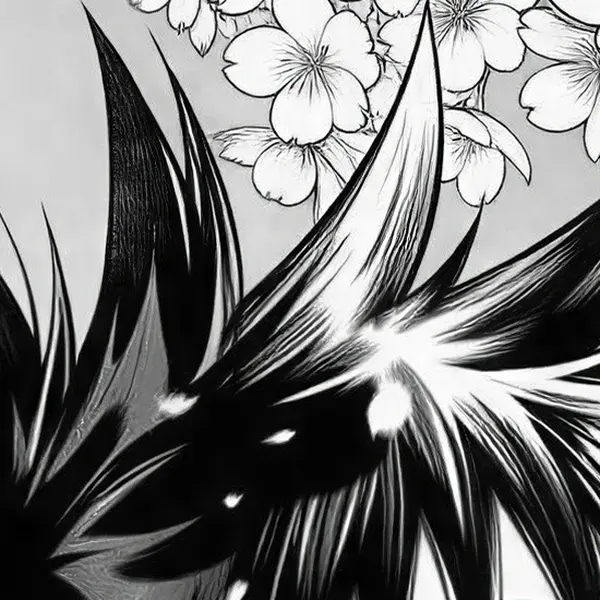
    Black-and-white manga panel of a boy with spiky hair under falling cherry blossoms — the same crop after Real-ESRGAN
    Real-ESRGAN

    Manga panel · 320 px → 1832 × 2290

  • Chibi anime sticker of a girl with pink twin tails holding bubble tea — the 256 px original stretched to the same size (bicubic)
    Stretched
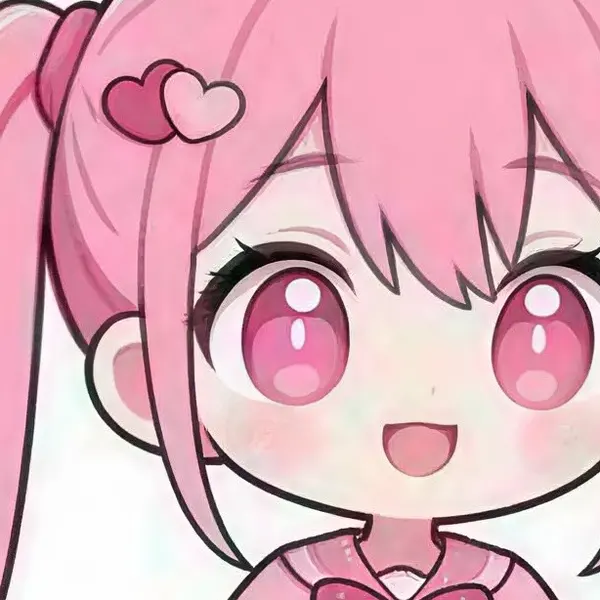
    Chibi anime sticker of a girl with pink twin tails holding bubble tea — the same crop after Real-ESRGAN
    Real-ESRGAN

    Chibi sticker · 256 px → 2048 px

Left: the original enlarged with ordinary bicubic resizing. Right: the same area of the real Kenerate output. Both crops are shown at the same size.

Look closer

Zoom into a manga panel

A 320 px manga panel after Real-ESRGAN. Move over it to check the ink lines and the cherry blossoms.

  • Ink outlines stay solid black
  • Screentone shading stays even
  • No colour fringes in a black-and-white page

Move your pointer over the image to zoom in.

Black-and-white manga panel of a boy with spiky hair under falling cherry blossoms — 320 px in, 1832 × 2290 out with Real-ESRGAN.

Better results

Tips for upscaling anime and manga

  • Start from the biggest copy you have. The original PNG beats a resized, re-compressed repost.
  • Download PNG. Flat colours and outlines show JPEG blocks easily.
  • Stay faithful for character art. Real-ESRGAN and Image Upscaler don't redraw; creative engines can drift off-model.
  • Need a transparent sticker? Upscale first, then run the background remover.
  • Coming from waifu2x? See waifu2x alternative for how the two compare.

Seven engines

Which engine should you use for anime?

Real-ESRGAN is the right engine for most anime; the others are there for exact sizes.

  • FaithfulDEFAULT

    Real-ESRGAN

    Classic super-resolution — sharper edges, less noise, bigger image.

    Best for: Quick clean-ups of AI renders, web images and product shots.

    Larger, sharper copy ~25s per image

    Use
  • Faithful

    Image Upscaler

    Straight upscale to 2K, 4K or 8K that keeps the original texture.

    Best for: Everyday photos and AI art to a standard size.

    Up to 8K ~45s per image

    Use
  • Faithful

    Kenerate Upscale

    Pick the exact size in megapixels — up to 128 MP, very fast.

    Best for: E-commerce and design assets at a precise size, fast.

    Up to 128 MP ~14s per image

    Use
  • Faithful

    Ultimate Upscaler

    Higher-quality 2K / 4K / 8K upscale for pro restoration.

    Best for: Marketing assets and photo restoration where fine detail matters.

    Up to 8K ~19s per image

    Use
New accounts get 25 free credits to try the engines on their own images.

Have a small anime image? Start with 25 free credits on sign-up.

Related

More for anime and art

In depth

Why anime needs a different upscaler

Line art, flat colours and where anime upscalers came from — with sources.

Line art breaks normal resizing

Anime and manga are built from hard ink edges and flat fills. Ordinary interpolation — bilinear or bicubic — averages neighbouring pixels, which turns crisp black lines into soft grey ramps and makes flat areas blotchy [1][2]. Nearest-neighbour keeps edges hard but turns every curve into a staircase [1].

waifu2x: the first popular anime upscaler

waifu2x, released by nagadomi in 2015 under the MIT licence, applied the SRCNN idea [3] to anime-style art and added noise reduction for JPEG artefacts [4]. It is still maintained — development moved to the PyTorch project nunif in 2023 [5].

Real-ESRGAN's anime model

Real-ESRGAN (2021) is trained on synthetic real-world damage — blur, noise, resizing and JPEG — so it handles screenshots and reposts that have been compressed several times [6]. Its authors also publish RealESRGAN_x4plus_anime_6B, a smaller model optimised for anime images [7]. Kenerate's default engine is Real-ESRGAN, which is why line art stays dark and clean.

Keep characters on-model

Generative upscalers can add texture that was never drawn — great for paintings, wrong for cel-shaded characters. The perception–distortion trade-off means more invented detail always costs some faithfulness [8]. For character art, stay with Real-ESRGAN or Image Upscaler and download PNG.
Start free

Start free, top up only when you need to

25 free credits on sign-up. The same credits work in every Kenerate tool.

  • 25 free credits on sign-up

    Test on your own images before you buy anything.

  • Credits never expire

    One-time packs — use them this week or next year.

  • No subscription, no watermark

    Nothing to cancel. Free results download clean.

  • One balance, every tool

    The same credits work across images, video, voice and 3D.

Tried it? Tell us how it went

We only publish real, verified reviews — never invented quotes. Send a line about your result (and whether we may quote you), and it will appear here.

Send a review

FAQ

Anime upscaler questions

6 questions

Still stuck?

A real person answers — usually within a day.

01

What is the best anime upscaler?

For clean line art and flat colours, a Real-ESRGAN-based upscaler is the usual choice — it is what Kenerate uses by default. waifu2x is the classic free option at up to 2× on its web demo; Kenerate goes to 4K, 8K or 128 MP.

02

How do I upscale an anime image without blur?

Use an AI upscaler rather than a normal resize. Upload the image to Kenerate, keep Real-ESRGAN selected and download a PNG: lines stay sharp instead of turning soft and grey.

03

Can I upscale manga pages?

Yes. Real-ESRGAN keeps black ink lines and screentone clean. Scan or save the page as PNG where possible, since JPEG blocks show up in flat areas.

04

Will the upscaler change the character's face?

Real-ESRGAN and Image Upscaler are faithful — they enlarge and sharpen without redrawing. Creative engines like Clarity Pro can add detail and change small features, so avoid them for character art that must stay on-model.

05

What format should I download?

PNG for anime and line art: it has no compression blocks in flat colours. Use WEBP or JPG only when file size matters.

06

Is it free?

Free to start: 25 free credits on sign-up to test it on your own images; bigger jobs use one-time credit packs that never expire. No watermark.

Every pixel, rebuilt. Up to 128 MP.

Seven engines in one browser tool — faithful, creative and restoration — up to 8K or 128 MP.

AI engines
7
AI engines
Largest output
128 MP
Largest output
Free credits to start
25
Free credits to start
Straight upscale to
8K
Straight upscale to

Explore the toolkit

More upscale, enhance and restore tools

Every Kenerate page for making images bigger, sharper, cleaner and older photos new again.

Written by the Kenerate AI team

We build and run the Kenerate image upscaler; every example on this page is a real output from the input shown. Last updated 26 September 2026. Corrections: hello@kenerateai.com.

Sources

Ready when you are

Upscale your first anime image free

25 free credits on sign-up. Real-ESRGAN by default, no watermark.

  • 25 free credits
  • No watermark
  • Credits never expire