

Visuals, captions and music for your song
AI Lyric Video Maker Scenes for Your Song, Animated Captions and Ken Music
AI Lyric Video Maker on Kenerate AI builds a lyric video in three parts: generate the visuals from prompts with video models such as Seedance 2.5, Kling and Veo 3.1, add animated captions with Auto Subtitles or the video editor's text track, and make the song itself with Ken Music if you need one. Downloads have no watermark.
- Captions
- 10 animated styles · videos up to 4 min
- Caption language
- Auto-detect, or pick one
- Music
- Ken Music — songs up to 3 min
- Video formats
- 9:16 · 16:9 · 1:1
- Watermark
- None
- Free to start
- No Watermarks
- Image and video models
- No subscription required
Updated by the Kenerate AI team
On this page
Real results
AI lyric video maker — examples
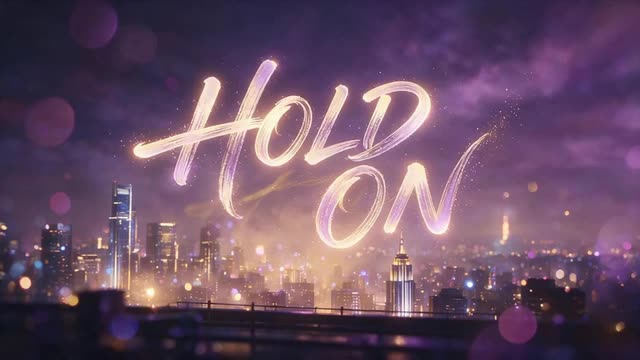
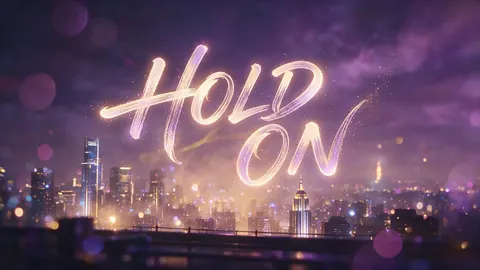
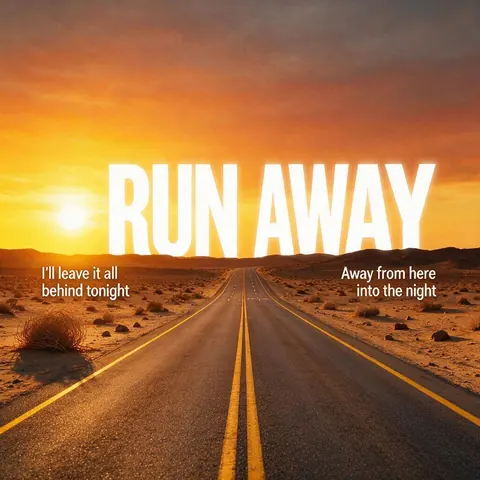
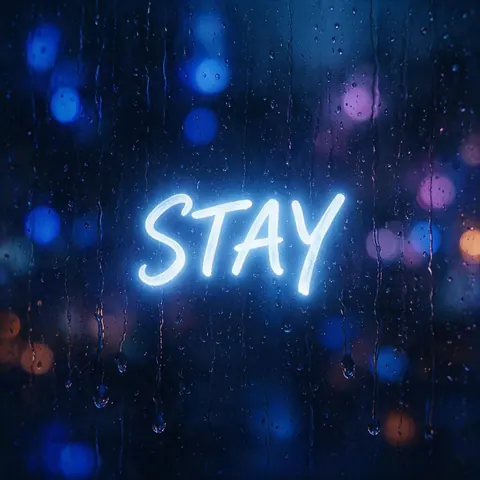
Generated with the AI models in Kenerate. No watermarks.
Everything a lyric video needs
Visuals from your lyrics
Turn a line of your song into a prompt and generate a matching shot in 9:16, 16:9 or 1:1.
Animated captions
Auto Subtitles burns animated captions into a video up to 4 minutes long, in 10 styles, at 720p or 1080p.
Exact lyrics on a timeline
In the video editor, place your own lyric lines on the text track over the clips and the song.
Ken Music for the track
No song yet? The Music Studio writes lyrics from a theme and Ken Music sings them, or makes an instrumental.
A full music video with Director
Director plans scenes around your track and keeps the characters consistent; it comes with a credit pack.
No watermark
Every download is free of watermarks; upscale clips up to 4K first.
Comparison
Auto Subtitles vs typing lyrics on the timeline
Two ways to put the words on screen.
| Feature | Auto Subtitles | Video editor text track |
|---|---|---|
| How it works | Transcribes the vocals and burns in captions | You place each lyric line yourself |
| Look | 10 animated presets | Plain text you position |
| Accuracy | Check sung words; fast songs can slip | Exactly the words you type |
| Timing | Automatic, from the audio | You set each line's start and end |
| Best for | Quick social clips | Final lyric videos |
How it works
How it works in the app
Step 1
Describe the scene
Open Video Studio in Text to Video mode and write the shot — subject, action, camera move and light.
Step 2
Or start from an image
Switch to Image to Video and add a start frame; an end frame is optional.
Step 3
Pick a video model
Open the model card to choose the video model and version that fits your shot.
Step 4
Set ratio and length, then Create
Pick the aspect ratio and clip length, turn audio on or off, and press Create.
See it in the app

Open Video Studio in Text to Video mode and write the shot — subject, action, camera move and light.


FAQ
Frequently Asked Questions
How do I make a lyric video with AI?
Generate a few shots that match your song in the Kenerate Video Studio, then join them with your track in the video editor and add the words. Auto Subtitles can burn animated captions in from the vocals, or you can type each lyric line on the editor's text track for exact timing. Video generation needs a one-time credit pack.
Link to this answerCan AI generate song lyrics?
Yes. In the Kenerate Music Studio, the lyrics writer turns a theme or rough idea into verses and a chorus, and Ken Music can then sing them — or sing lyrics you wrote yourself — in songs of up to 3 minutes. Read the lyrics before you publish, since AI can repeat lines or rhyme loosely.
Link to this answerCan it add lyrics to a video automatically?
Partly. Auto Subtitles transcribes what is sung and burns animated captions into videos up to 4 minutes long, with auto-detect or a language you pick. Singing is harder to transcribe than speech, so check every line. For word-perfect lyrics, type them on the text track of the Kenerate video editor instead.
Link to this answerIs the AI lyric video maker free?
Free to start. A new Kenerate AI account gets free credits you can spend on Auto Subtitles, music and images such as cover art. The video models that make the moving visuals need a one-time credit pack; packs never expire and there is no subscription required. Downloads have no watermark.
Link to this answerCan I make a vertical lyric video for TikTok or Reels?
Yes. Choose 9:16 when you generate the visuals — Seedance, Kling, Veo 3.1 and Wan all offer vertical output — and pick a bold caption style such as Rizz or Vegas in Auto Subtitles. Keep each lyric line short so it fits the narrow frame. Downloads have no watermark.
Link to this answerIn depth
AI Lyric Video Maker, explained
AI lyrics video generator: from song to finished video
One shot per section. Give the verse, chorus and bridge their own look — a rainy street, a sunrise, a crowd — and generate a few seconds for each. Leave empty space in the frame where the words will sit.
Captions two ways. Auto Subtitles transcribes the vocals and burns animated captions in automatically; for word-perfect lyrics, type each line on the video editor's text track and time it to the song.
Make the track if you need one. The Music Studio can write lyrics from a theme, and Ken Music sings them or your own words in songs of up to 3 minutes. Video generation needs a one-time credit pack; captions and music run on credits.
Make your lyric video
Free credits to start. No watermarks. No subscriptions.
Tried it? Tell us how it went