
Your photo · 500 presenters · lip sync · dubbing
Synthesia alternative — talking videos from your own photo
Synthesia is built for training teams: stock avatars, slides, quizzes and LMS export. Kenerate AI is built around your own face: turn a portrait into a talking video, pick one of 500 stock presenters, lip-sync and dub clips, and generate B-roll with video models.
- Your photo or 500 presenters
- Up to 10 min per clip
- 7 video lip-sync engines
- Works on the free plan
Updated by the Kenerate AI team
Made with Kenerate


On this page
Quick answer
Updated
What is the best Synthesia alternative?
For talking videos from your own photo, a strong Synthesia alternative is Kenerate AI, with 19 talking-photo engines, 500 stock presenters and up to 10 minutes per clip, plus video lip sync and dubbing. Synthesia stays the better fit for training teams that need SCORM export, quizzes and its 140+ languages.
Key facts
- Talking-photo engines
- 19
- Stock presenters
- 500 (HeyGen Presenters)
- Longest talking clip
- 10 min
- Video lip-sync engines
- 7
- Dubbing
- ElevenLabs · 33 languages
- Free plan
- Yes
Real demo
Translate a presenter video
Synthesia's big strength is translation. Here is Kenerate's version: dub the audio, then lip sync it. Turn the sound on.
- Original (English). A Wan 3 clip with an English line.
- Spanish dub. ElevenLabs dubbing: new language, same lips.
- Spanish + lip sync. VEED Lipsync 2 redraws the mouth to the Spanish audio.
All three are unedited outputs of Kenerate's tools.
Lip sync your videoReal results
Presenter clips, made on Kenerate
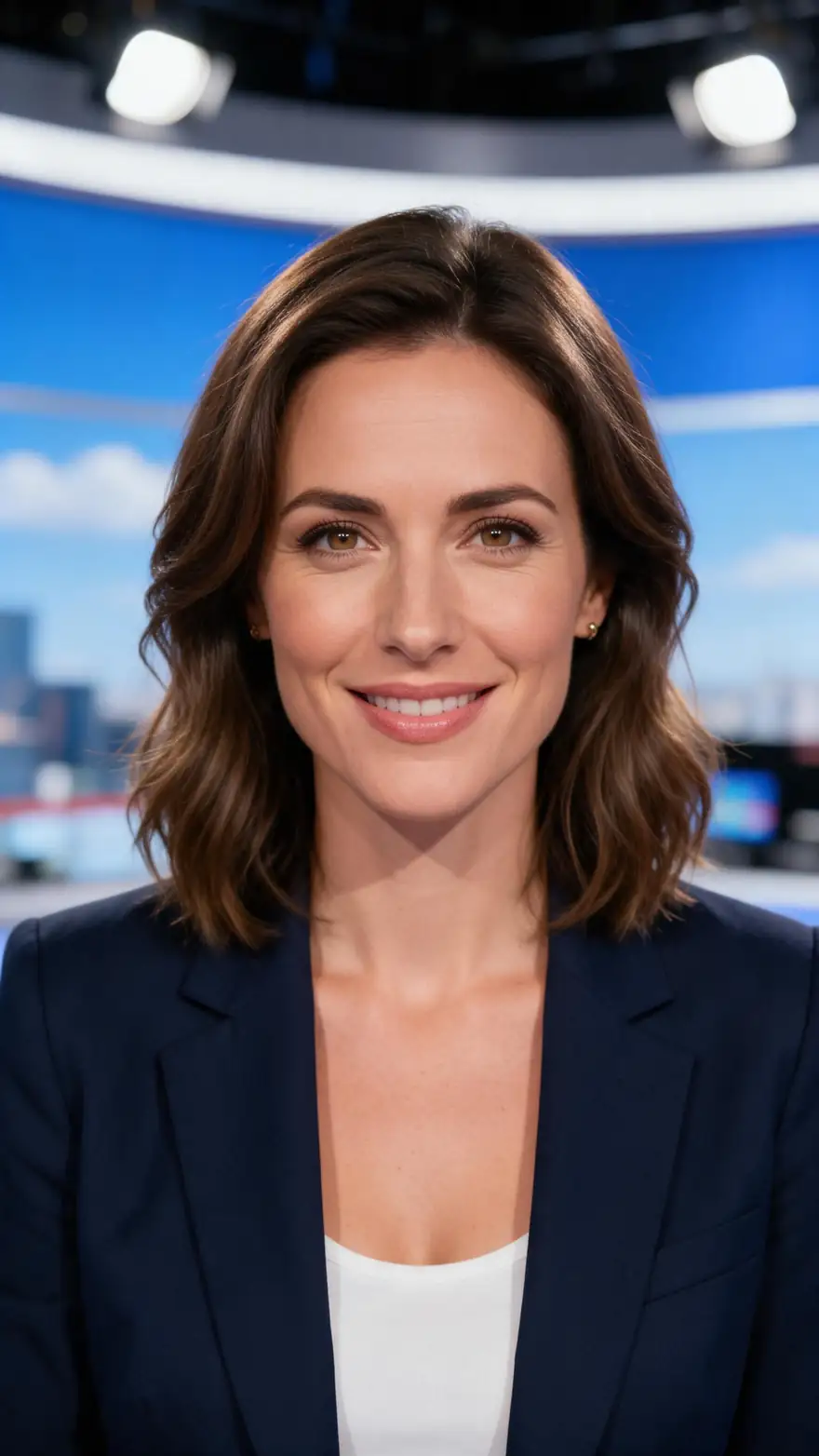
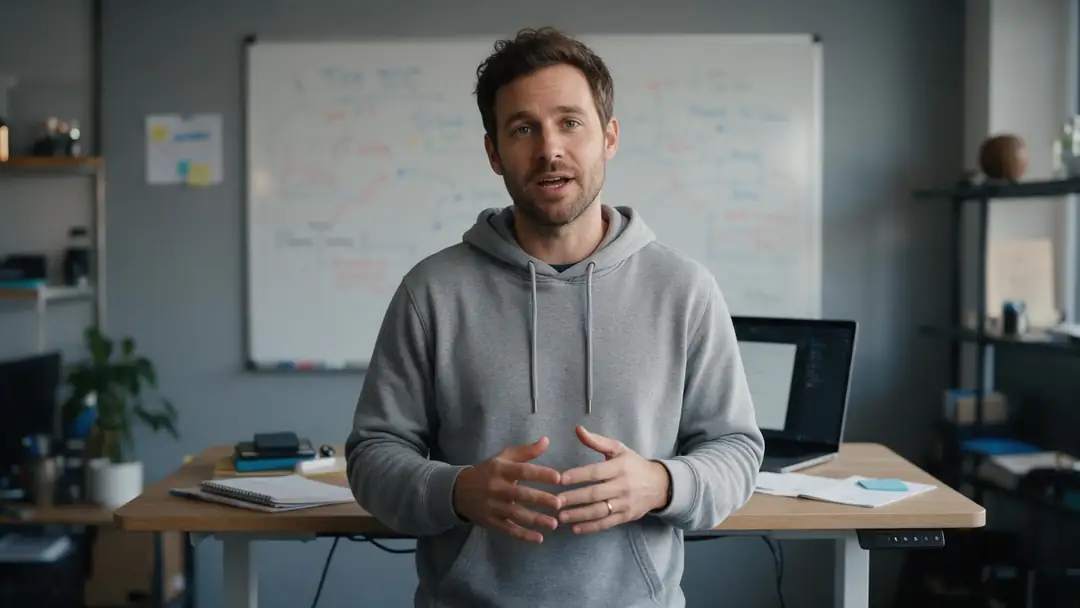
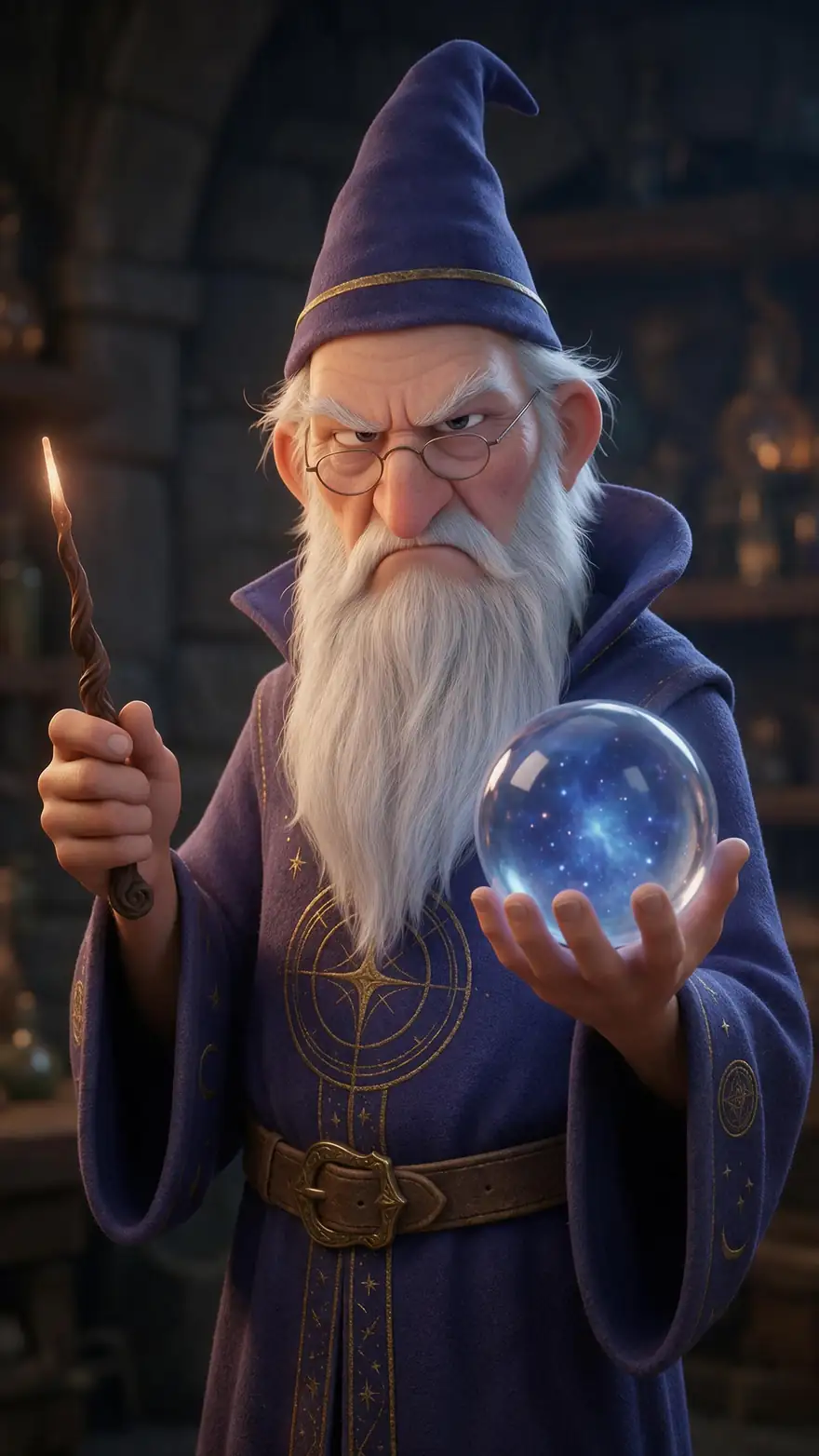
An onboarding welcome, a company update, a news-style host, a founder pitch and a cartoon character: the kind of to-camera video teams make in Synthesia. Real Wan 3 clips with generated voices.
AI-generated people and characters. Open a clip to copy both prompts.
How to
How to make a Synthesia-style video on Kenerate
- Time needed
- Steps
- 4 steps
Step 1
Choose the presenter
Upload your own front-facing portrait, a character image, or switch to HeyGen Presenters and pick one of 500 stock presenters.
Step 2
Add the voice
Upload a voice file, record it with the mic, or write the script in Voice Studio and pick the take from History.
Step 3
Pick an engine and generate
Kenerate Avatar for long 1080p presenter videos up to 10 minutes; HeyGen Presenters for 16:9 or 9:16 up to 4K.
Step 4
Translate it
Dub the finished clip with ElevenLabs into 33 languages, then run video lip sync on the dubbed audio.
See it in the app

Open Avatar Talk, pick Talking photo, script to video or lip sync, and choose the engine.


Watch the tour · 2:23
Talking photos, script to video, engines, any language, presenters, lip sync & chat
Chapters
Checked 6 October 2026
Synthesia vs Kenerate: which is best for what
Synthesia facts as their site states, checked 6 October 2026 (synthesia.io and its avatars page). Kenerate is our product.
| Compare | Kenerate AI | Synthesia |
|---|---|---|
| Best for | Creators and small teams who want their own face, characters or generated scenes | L&D, HR and sales-enablement teams producing training at scale |
| Stock avatars | 500 presenters (HeyGen Presenters) | 240+ stock avatars |
| Your own avatar | Any portrait, painting, cartoon or 3D character photo | Personal avatar from a single photo; studio avatars; Avatar Builder for stylised characters |
| Languages | Dubbing into 33 languages (ElevenLabs); lip sync works in any language | 140+ languages, 1-click translation, AI dubbing with lip sync |
| Lip sync an existing video | Yes, 7 engines | Lip sync as part of its dubbing |
| Script, slides and templates | Script in Voice Studio; no slides or templates | Script-to-video, PowerPoint-to-video, AI Video Assistant |
| Interactivity and LMS | No | CTAs, branching, quizzes; SCORM export |
| Generative video | 57 video models for B-roll | Avatar and presenter video |
No prices: plans change often, so check each site. Synthesia also lists SOC 2 Type II, ISO 27001 and GDPR compliance.
Sources: Kenerate Avatar Talk · Kenerate Voice Studio · Synthesia — homepage · Synthesia — AI avatars
Engines
Engines for presenter videos
Six of Avatar Talk's 26 engines that cover what people usually make in Synthesia.
- Default
Kenerate
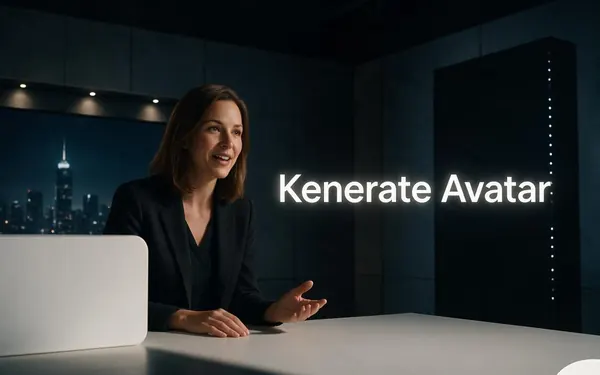
Kenerate Avatar
- Input
- Photo + up to 10 min · body-language prompt
- Output
- 720p or 1080p
Long training and explainer videos
Open Kenerate Avatar - No photo
HeyGen
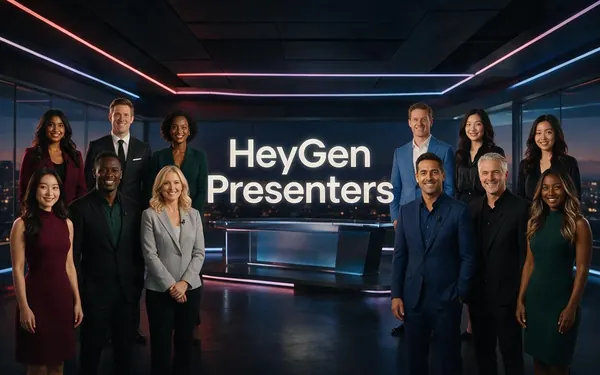
HeyGen Presenters
- Input
- Audio + one of 500 stock presenters
- Output
- 720p, 1080p or 4K · 16:9 or 9:16
A stock presenter, no photo needed
Open HeyGen Presenters 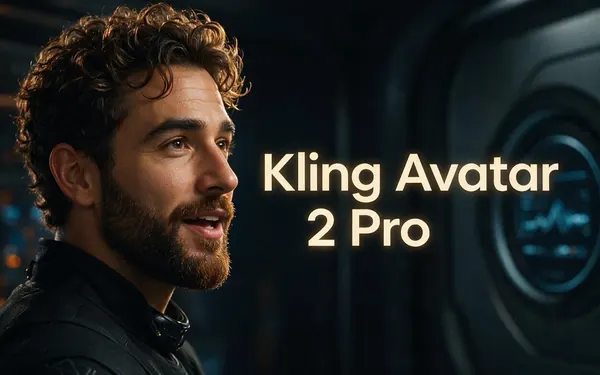
Kuaishou
Kling Avatar 2 Pro
- Input
- Photo + up to 5 min · prompt
- Output
- Engine decides
Realistic expressions guided by a prompt
Open Kling Avatar 2 ProVEED
VEED Fabric 1.0
- 2 speakers
WaveSpeed
InfiniteTalk Duo
- Input
- Photo of two + one track each
- Output
- 480p or 720p
Two presenters in a conversation
Open InfiniteTalk Duo 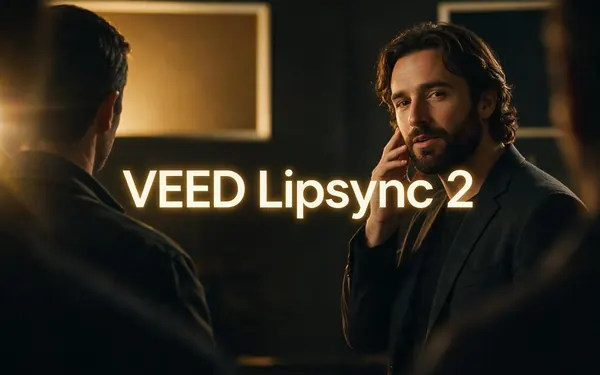
VEED
VEED Lipsync 2
- Input
- Video + audio, up to 5 min
- Output
- Runs as long as the speech
Re-voicing a translated clip
Open VEED Lipsync 2
From Avatar Talk's engine list. The gallery clips were made with Wan 3 image to video.
Tips
Switching from Synthesia
What changes when you move a presenter workflow to Kenerate.
Write the script first, then turn it into audio in Voice Studio.
Split long modules into short scenes and join them in your editor.
Keep one master portrait so your presenter looks the same in every video.
Use 16:9 for courses and 9:16 for social clips.
Dub first, then lip sync the dubbed track.
Real people need their permission to be animated.
Example uses
How creators use Synthesia alternative
Illustrative examples of typical workflows, not customer reviews.

Training coordinator
A training coordinator could record a short welcome from her own portrait and voice for each new-starter module, then upload the clips to the existing course.

Solo founder
A solo founder could turn one headshot into a weekly product update video without setting up a camera or lights.

Marketing lead
A marketing lead could make one presenter clip, dub it into three languages and lip sync each version for regional social channels.
FAQ
Synthesia alternative — questions
7 questions
What is the best Synthesia alternative?
It depends on the job. For talking videos from your own photo, characters, lip sync and dubbing, Kenerate AI: 19 talking-photo engines, 500 stock presenters and up to 10 minutes per clip. For SCORM courses with quizzes and branching, Synthesia itself or another training-focused platform is the closer fit.
Link to this answerIs there a free Synthesia alternative?
Kenerate's Avatar Talk works on the free plan with the sign-up credits, so you can make a first talking video from a photo or a stock presenter without buying anything. Longer or higher-resolution videos use more, and one-time credit packs top it up.
Link to this answerCan I make a talking avatar of myself without a studio?
Yes. Upload one clear, front-facing photo of yourself, add your voice and generate with Kenerate Avatar. Keep that photo as your master image and pair it with new audio for each video.
Link to this answerDoes Kenerate have stock avatars like Synthesia?
Yes, through HeyGen Presenters in Avatar Talk: 500 stock presenters in settings such as an office, a sofa or a gym, in 16:9 or 9:16 at up to 4K. You only add the audio. Synthesia lists 240+ stock avatars on its site.
Link to this answerCan Kenerate translate videos like Synthesia?
Yes, in two steps: dub the video with ElevenLabs into 33 languages, then run video lip sync so the mouth matches the new language. Synthesia lists 140+ languages with 1-click translation, so it covers more languages.
Link to this answerCan I keep a SCORM or LMS workflow?
Not with Kenerate. It exports video files, with no SCORM package, quizzes or branching. If your courses depend on those, stay with Synthesia or a training platform and use Kenerate for individual presenter or character clips you upload as video.
Link to this answerWhich Synthesia alternative works with cartoon or 3D characters?
Kenerate animates any character image with a clear face: cartoons, 3D renders and paintings all work in Avatar Talk's photo mode. Synthesia's Avatar Builder also offers stylised characters.
Link to this answerIn depth
Synthesia and Kenerate, explained
On this page
Synthesia in 2026
As their site states (checked 6 October 2026), Synthesia is an AI video platform aimed at learning and development, HR, sales enablement and marketing teams. It turns scripts, slides and documents into presenter videos with 240+ stock avatars or a personal avatar, translates them into 140+ languages, and adds interactivity and SCORM export for learning systems.
Why people look for an alternative
The comparison articles we read point to a few recurring reasons:
- They want their own face or a character, not a stock presenter.
- They make short social clips, not structured courses.
- They need lip sync on footage they already filmed.
- They want generated B-roll in the same place as the presenter.
When to stay with Synthesia
If your team builds courses with quizzes and branching, exports to an LMS, relies on brand kits and shared workspaces, or needs translation into more than 33 languages, Synthesia is built for that and Kenerate is not.
Explore
Every Kenerate video tool
Generators, tools, models and guides — all in one studio.