

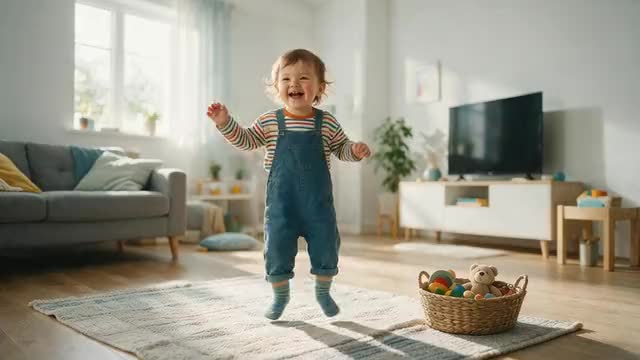
Family fun · 1 photo + 1 dance clip · 12 engines
AI baby dance video generator — make your toddler's photo dance
Film yourself doing a simple dance, add a photo of your little one, and the AI makes your toddler do the same moves. A sweet clip for the family chat, a birthday or grandparents far away. Here's how to pick the photo, the moves and the engine.
- 1 photo + 1 dance clip
- Built-for-dance engine
- Clips up to 2 min
- Your own child, shared privately
Updated by the Kenerate AI team
Made with Kenerate
On this page
Quick answer
Updated
How does an AI baby dance video generator work?
An AI baby dance video generator turns 1 photo of your toddler and 1 dance clip into a short video of your little one doing the moves. On Kenerate AI, the Motion Transfer tool does this with 12 engines; SteadyDancer is built for dance and takes clips up to 2 minutes. Use a clear, full-body photo of your own child.
Key facts
- Inputs
- 1 photo + 1 dance clip
- Engines
- 12, incl. SteadyDancer for dance
- Longest clip
- 2 min (SteadyDancer, SCAIL)
- Photo
- Clear JPG or PNG, full body
- SteadyDancer output
- 480p or 720p MP4
- Rule
- Your own child, shared privately
Real results
Dance ideas to copy
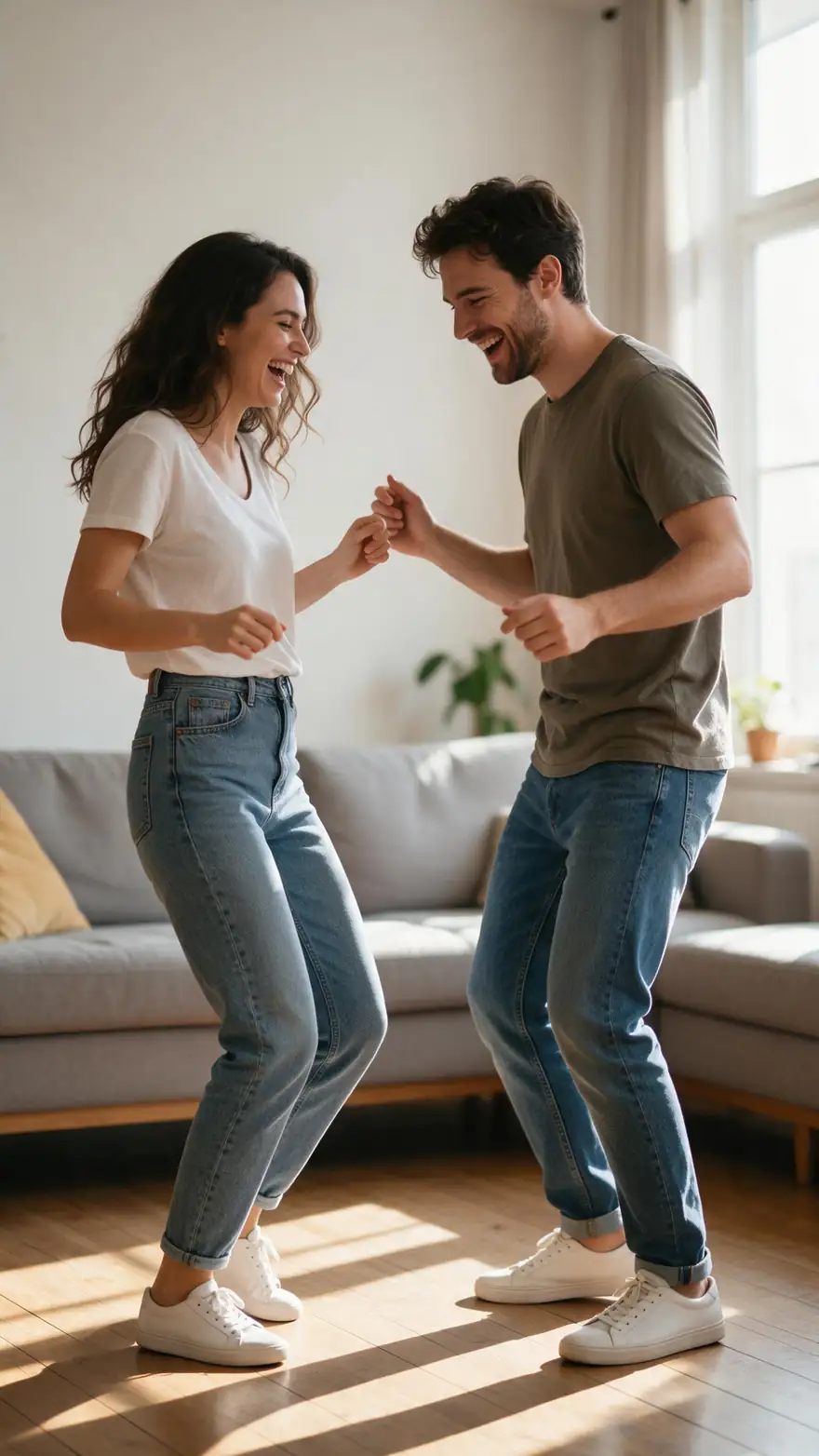
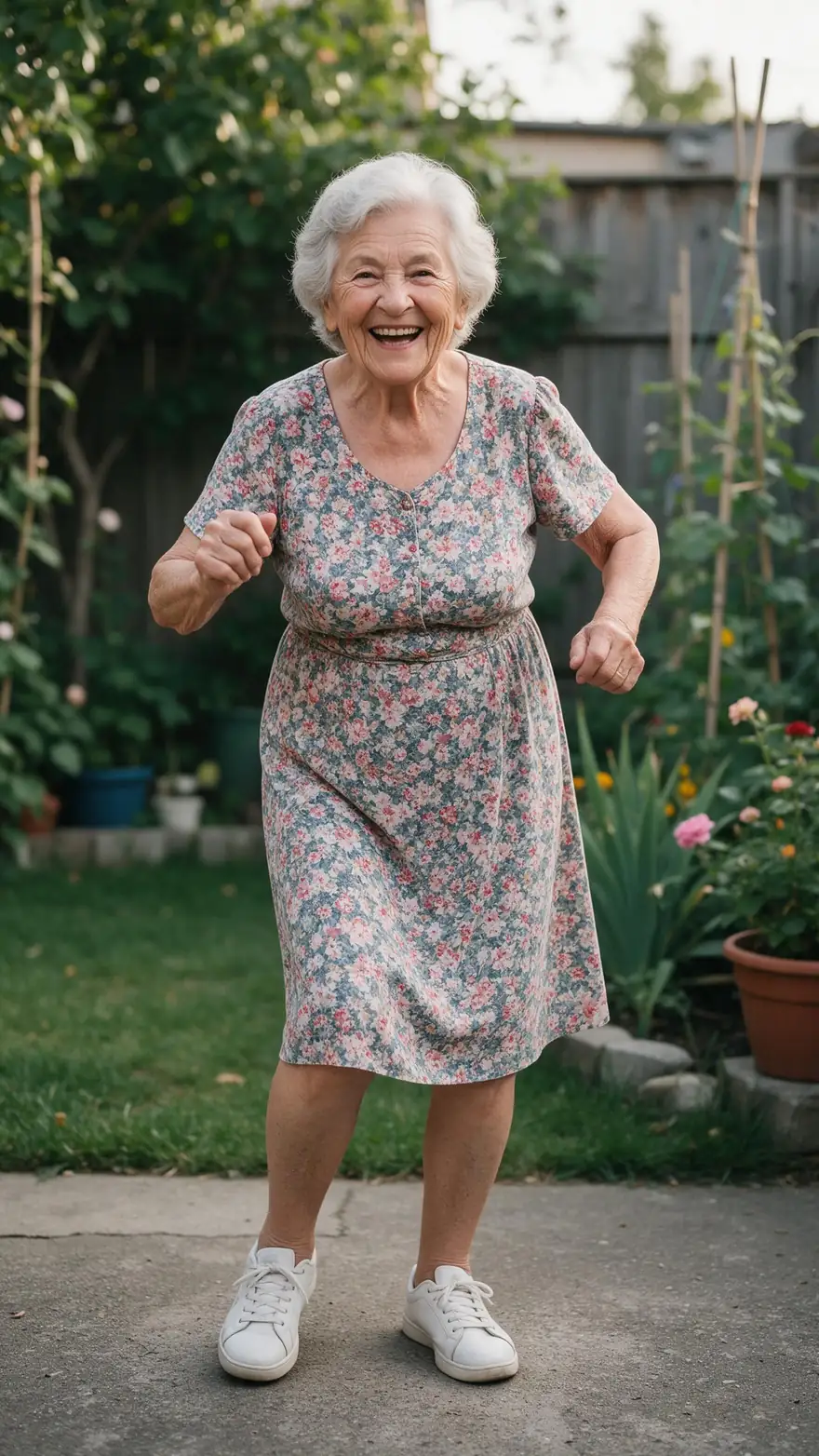
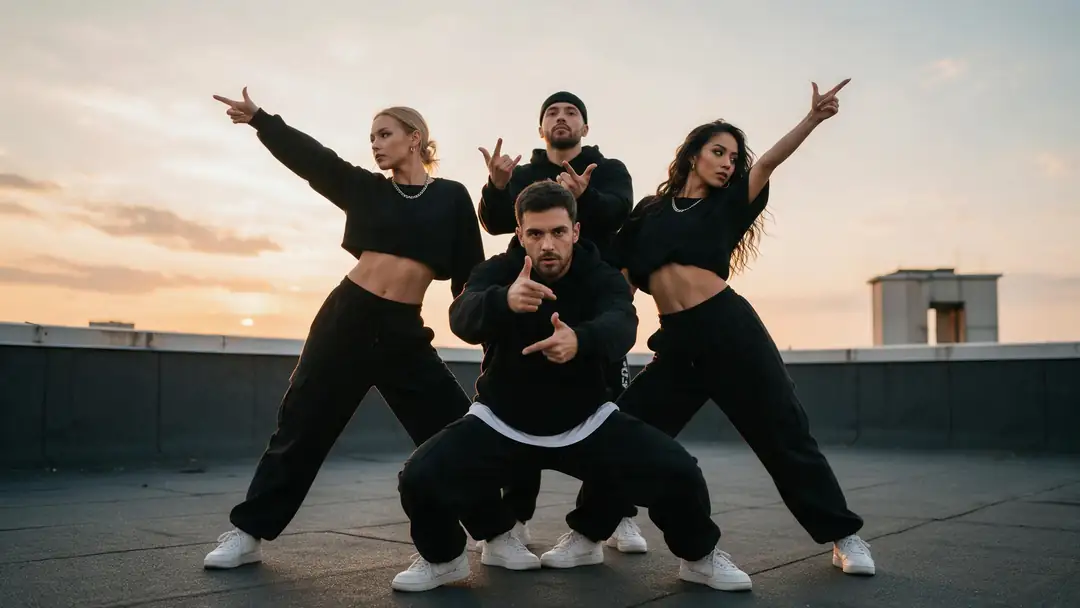
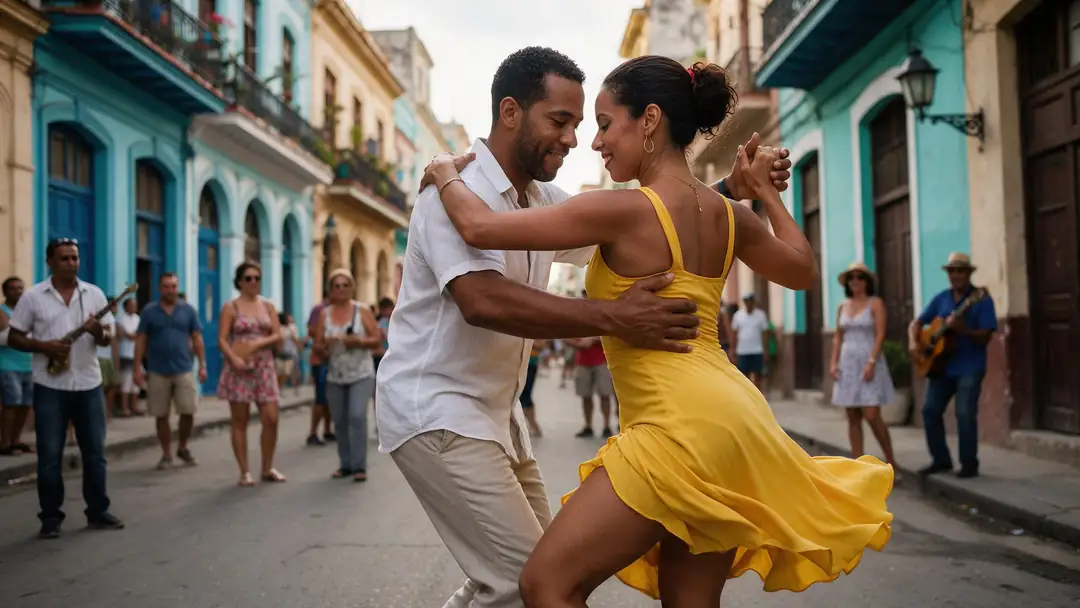
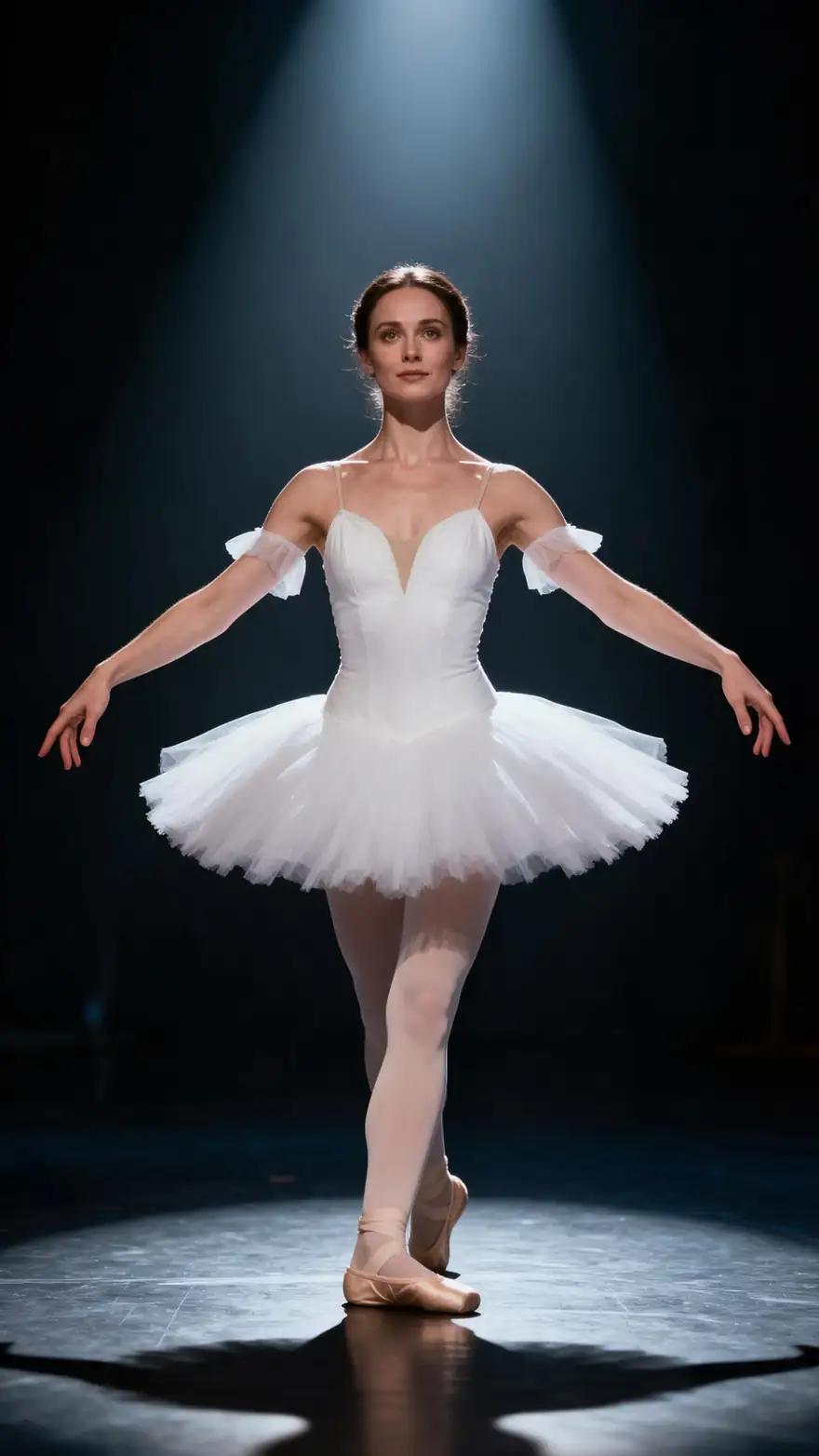
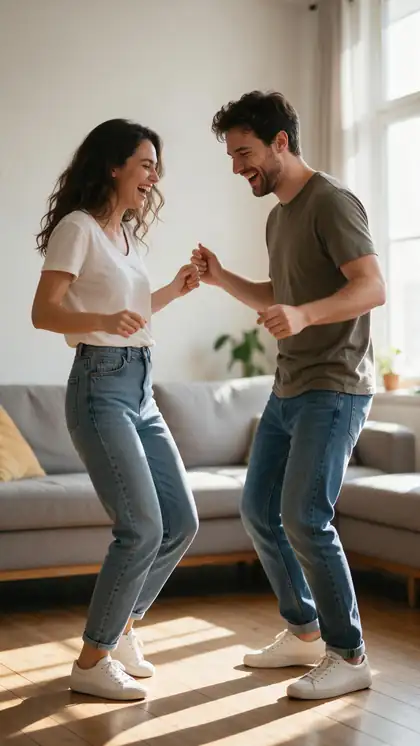
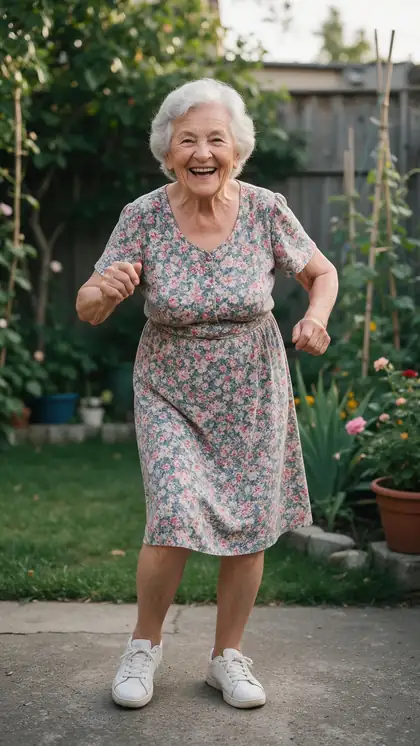
A silly living-room dance, a grandma's garden shimmy, a pop routine, a salsa spin and a pirouette. Film a move like these yourself, and your toddler's photo can copy it.
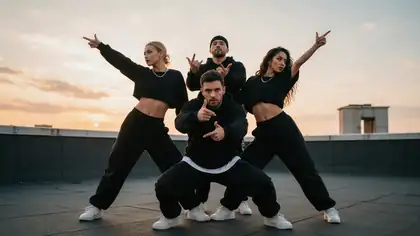
Example clips are Wan 3 image to video with adult dancers, model named on each card. They are not motion-transfer outputs and show no children; your video follows the dance clip you upload.
How to
How to make an AI baby dance video
- Time needed
- Steps
- 4 steps
Step 1
Film the dance
Record yourself doing a simple move, such as bouncing, clapping or swaying, on a steady phone. A few seconds is plenty.
Step 2
Pick the photo
A clear, well-lit, full-body photo of your own toddler, standing and fully dressed. JPG or PNG; avoid WEBP.
Step 3
Open Motion Transfer with SteadyDancer
It is built for dance and keeps the character steady through fast moves. Upload the clip and the photo.
Step 4
Choose the size
480p or 720p on SteadyDancer; switch to SCAIL 2 if you want the clip's music kept.
See it in the app

Open Motion Transfer and upload a clear photo of the character, or choose one from your history.


Watch the tour · 1:37
Pick a character, add a driving video, 12 engines, in-sync results, replace & restyle, faces & gestures, chat
Chapters
Engines
Which engine for a toddler dance
Five of the 12 Motion Transfer engines that suit short, cheerful family dances. Start with SteadyDancer; switch when you need sound, 1080p or more detail.
- Start here
WaveSpeed
SteadyDancer
- Input
- Photo + dance clip up to 2 min
- Output
- 480p or 720p · no sound
Built for dance: keeps a small dancer steady and on-model through quick moves
Open SteadyDancer - Keeps music
WaveSpeed
SCAIL 2
- Input
- Photo + clip up to 2 min
- Output
- 480p or 720p · keeps the clip's sound
Keeps the song from your dance clip; animate mode keeps the photo's own background
Open SCAIL 2 
Kenerate
Kenerate Motion
- Input
- Photo + clip (first 20 s used)
- Output
- 720p or 1080p · sound switch
Fast tests and short 1080p clips, with a 24 or 48 fps option
Open Kenerate Motion
Kuaishou
Kling 3.0 Motion
- Input
- JPG/PNG photo + 3–30 s MP4 or MOV
- Output
- Follows the clip · sound switch
Realistic detail in little hands, faces and clothes
Open Kling 3.0 Motion
ByteDance
DreamActor v2
- Input
- Photo + clip up to 30 s · no prompt
- Output
- Follows the clip · keeps sound
Copies facial expression too: big smiles, head bobs and silly faces
Open DreamActor v2
Engines that keep sound take it from your dance clip. SteadyDancer's output has no sound, so add a song in an editor or choose SCAIL 2.
Tips
Cute results, family-first
Small bodies move differently from the adult in the clip, so simple choices look best.
Use a full-body photo with arms and feet visible.
Pick a plain background and everyday clothes that contrast with it.
Choose simple moves: bounces, claps, arm waves and sways.
Film the dance on a tripod or propped-up phone, whole body in frame.
Keep it short; a few happy seconds beat a long routine.
Only use photos of your own child, and share the result privately.
Example uses
How creators use AI Baby dance video generator
Illustrative examples of typical workflows, not customer reviews.
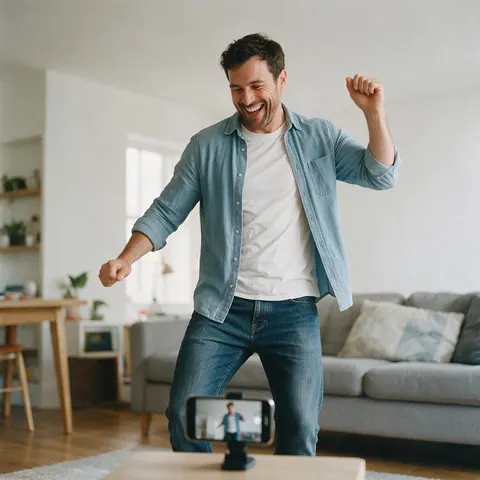
Parent
A parent could film a silly dance on a propped-up phone and turn a photo of their toddler into a matching dance video for the family chat.
Grandparent
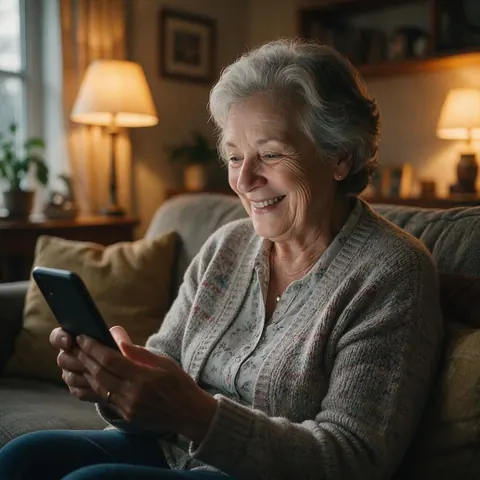
A grandparent living far away could receive a short dancing-toddler clip from the family and watch it again and again.
Parent planning a birthday
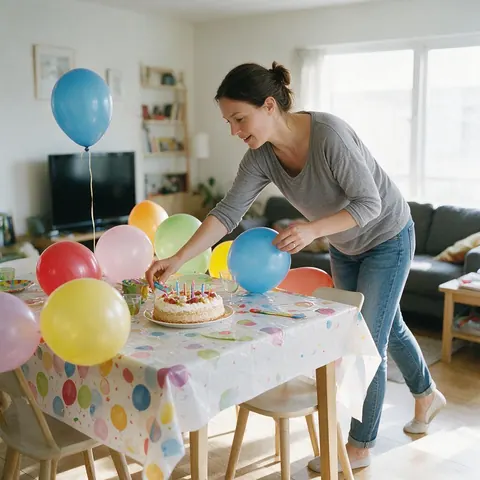
A parent planning a birthday party could make a short clip of the birthday child dancing to show the guests before the cake comes out.
FAQ
AI baby dance video questions
7 questions
How do I make an AI baby dance video?
You need a full-body photo of your toddler and a short video of the dance. Open Kenerate's Motion Transfer tool, choose SteadyDancer, upload both and generate. The AI copies the moves from the clip onto your child in the photo and returns an MP4 you can download and share with family.
Link to this answerIs there a free AI baby dance video generator?
Kenerate has no subscription: Motion Transfer runs on credits, and new accounts get starter credits to try it. You sign in with a verified email first. Short clips use the fewest credits, and a few seconds is usually all a baby dance video needs.
Link to this answerWhat kind of baby photo works best?
A clear, well-lit photo of your toddler standing, with the whole body, arms and feet in view, in everyday clothes against a plain background. Photos where the child is held, cropped at the waist or hidden behind toys give the AI less to work with. Use JPG or PNG rather than WEBP.
Link to this answerWhere do I get the dance clip?
The easiest source is you: film yourself or another family member doing the moves on a steady phone, whole body in frame. Simple, bouncy moves suit a toddler's proportions better than fast routines. Only use other people's videos if you have permission to use them.
Link to this answerWill the music from the dance clip stay?
It depends on the engine. SCAIL 2 and DreamActor v2 keep the clip's sound, and Kling 3.0 Motion and Kenerate Motion have a switch to keep it. SteadyDancer's output has no sound, so add a song afterwards in a video editor or pick SCAIL 2 instead.
Link to this answerWhy does my toddler look stretched or odd?
A toddler's head is larger and limbs shorter than the adult's in the dance clip, so big leg kicks and spins can look strange. Use simpler moves, a full-body photo and a clip filmed straight on, or try SCAIL 2 or Kling 3.0 Motion with the same files and keep the best result.
Link to this answerIs it okay to make AI videos of my child?
Keep it to your own child and keep it family-friendly. Use everyday, fully clothed photos, share the video privately with people you trust, and say it's AI-made if it's posted anywhere public. Never make videos of other people's children without their parents' permission.
Link to this answerIn depth
How a toddler dance video is made
What the AI reads from the clip, why small bodies need simple moves, and the family rules that matter most.
On this page
What the AI copies
Motion transfer engines read the movement from your dance clip, mostly as body pose frame by frame, and redraw the person in your photo performing it. Some, like DreamActor v2, also carry over facial expression. The output follows the clip's timing, and Kenerate trims it to the clip's length if an engine runs on longer.
Moves that suit small bodies
A toddler has a bigger head and shorter arms and legs than the adult in the clip, so the AI has to stretch the pose to fit. Moves that stay close to the body fit best:
- Bouncing on the spot
- Clapping and arm waves
- Swaying side to side
- Small turns rather than full spins
- Head bobs and wiggles
Family-first rules
A dancing-toddler video should be something the whole family is happy to watch, including the toddler, years from now.
- Only your own child, or a child whose parents said yes.
- Everyday, fully clothed photos only.
- Share in private family chats rather than public feeds.
- Say the video is AI-made whenever it's shared further.
AI dance
Usually means making a person in a photo copy a dance. That's motion transfer: one photo, one dance clip. If you'd rather describe the dance in words, that's image to video, a different tool.
AI dancing baby
The idea goes back to the 1990s, when a 3D-animated dancing baby became one of the first viral internet videos [1]. Today the dancer can be your own toddler, from a single photo.
Baby dance video for a birthday
Film a few seconds of a party move, use a photo of the birthday child in their party outfit, and send the result to the guests or grandparents before the cake comes out.
Explore
Every Kenerate video tool
Generators, tools, models and guides — all in one studio.
Make your toddler dance
One photo, one dance clip, a video for the whole family. No subscription.
Tried it? Tell us how it went