

Transparent PNG aware · free
PNG to STL converter transparency becomes the shape
Drop a PNG logo, icon or drawing. If it has a transparent background, the visible part becomes a solid shape you can print — no tracing, no background removal. Photos work too, as a relief or lithophane.
- Alpha channel used as the outline
- Shape height and plate in mm
- Relief and lithophane modes too
- Free and private
Updated by the Kenerate AI team
On this page
Quick answer
Updated
How do you convert a PNG to STL?
To convert a PNG to STL, turn its opaque pixels into a solid shape of a chosen height and leave the transparent pixels out. Kenerate's free tool does this in your browser, so a logo with a transparent background becomes a printable cut-out. Opaque PNGs use a brightness threshold instead. Download STL or 3MF in millimetres.
Key facts
- Price
- Free, no account
- Solid parts
- Opaque (≥50% alpha) pixels; on opaque PNGs, pixels darker than the threshold
- Default
- 80 mm wide · 4 mm shape · no plate
- Modes
- Extrude shape · Relief · Lithophane
- Output
- STL, 3MF, OBJ, GLB in millimetres
- Privacy
- Processed in your browser — no upload
Why this tool
Why PNG is the best picture format for printing
PNG is lossless and can be transparent — exactly what a clean outline needs.
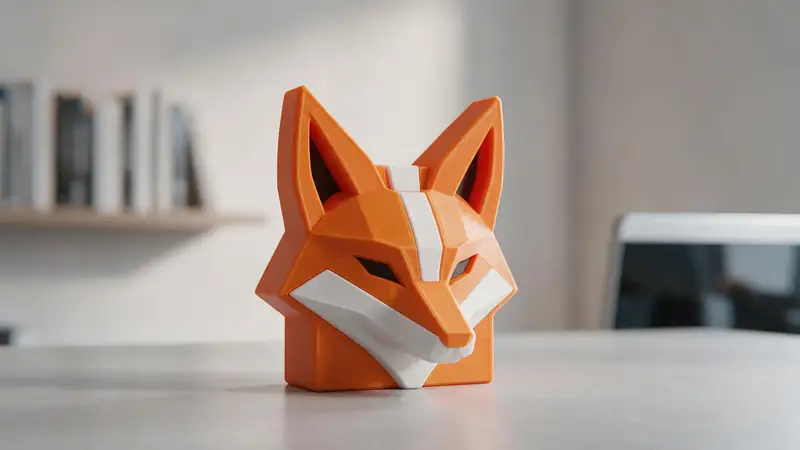
Transparency is the cut line
A logo exported with a transparent background already says what's object and what's not. The tool uses that edge directly.
Try it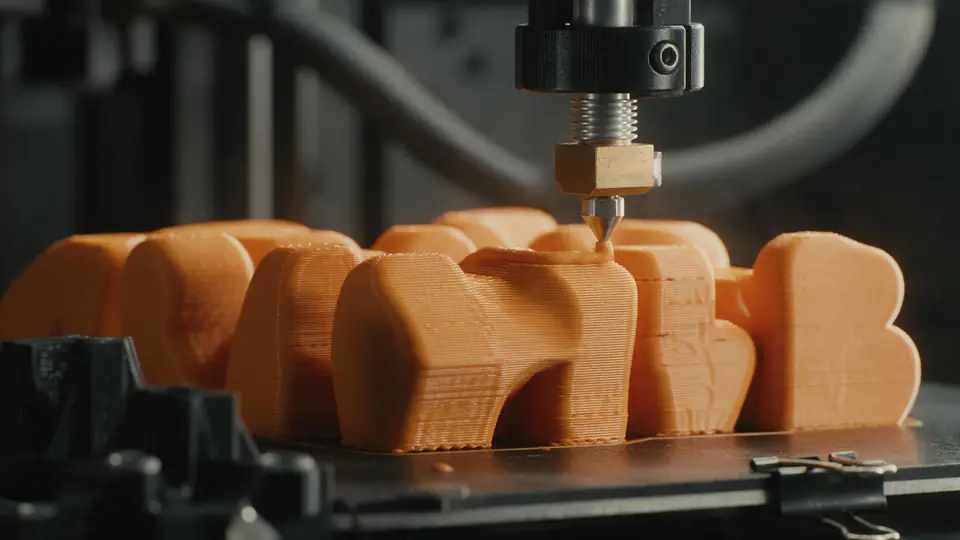
Also
What else it does
Plate or no plate
Print just the shape, or put it on a backing plate for a sign or badge.
Threshold control
For black-on-white PNGs without transparency, move the threshold until the shape is clean.
How it works
How a PNG becomes a solid
All in your browser.
Read alpha
The PNG's transparency and brightness are sampled on a grid every 0.1–1 mm.
Decide solid
Opaque pixels (or pixels darker than the threshold) are marked solid.
Build
Solid cells become a block of your chosen height, with walls along every outline.
Export
The watertight mesh is written as STL, 3MF, OBJ or GLB.
How to
How to use the PNG to STL Converter
- Time needed
- Steps
- 4 steps
Step 1
Add the PNG
Drop your .png onto the box above, or try the sample logo.
Step 2
Check the outline
For opaque PNGs, adjust the threshold until the shape is clean.
Step 3
Set height and size
Choose the width, shape height and an optional base plate.
Step 4
Download
Download the STL or 3MF and slice it.
Watch the tour · 1:48
Text, photo or multi-view to a textured GLB, nine engines, the viewer & lighting, compare engines, gallery, download & chat
Chapters
Who uses it
What people convert from PNG
Logos and badges
Company marks, club crests and team logos.
Icons and stickers
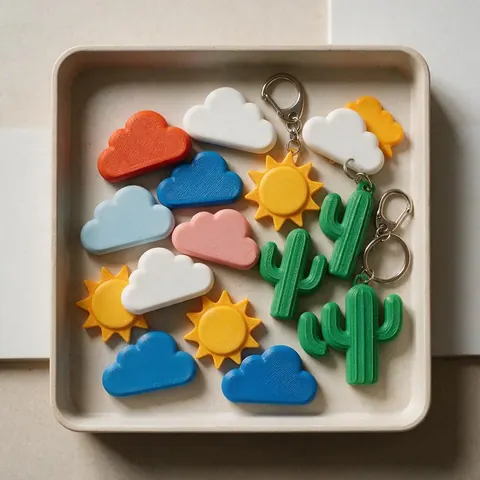
Simple graphics for magnets and keychains.
Kids' drawings
Scan, clean up and print a drawing as a solid.
Cookie cutters and stencils
Bold outlines as printable shapes.
File formats
The formats this tool reads and writes
What each file can hold, what it can't, and where it opens. Facts link to the format's own spec or reference page.
| .stl · STL | .3mf · 3MF | |
|---|---|---|
| Full name | Stereolithography | 3D Manufacturing Format |
| Made by | 3D Systems, 1987 | 3MF Consortium, 2015 |
| Kind | Triangle mesh (binary or ASCII) | ZIP package with XML |
| Holds | Triangle surfaces, Facet normals | Meshes with units (millimetres), Colours and materials, Several objects and build plates |
| No | Colour and textures, Units, Materials | Animation |
| Best for | 3D printing — every slicer opens it | Modern 3D printing and multi-colour prints |
| Opens in | Cura, PrusaSlicer, Bambu Studio, OrcaSlicer, Blender | Bambu Studio, PrusaSlicer, OrcaSlicer, Cura, Windows 3D Builder |
No file yet?
Make the model first — from one photo
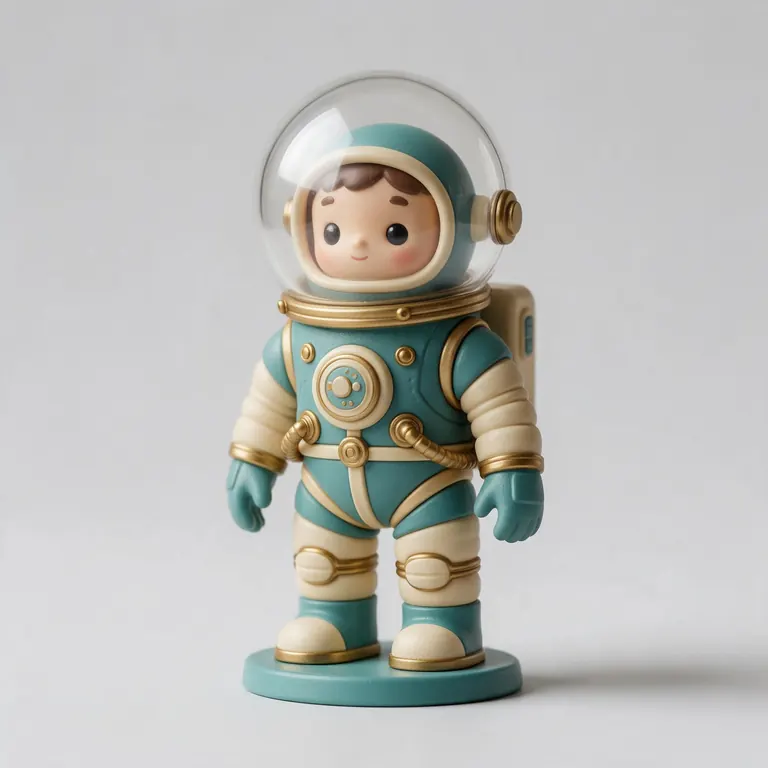
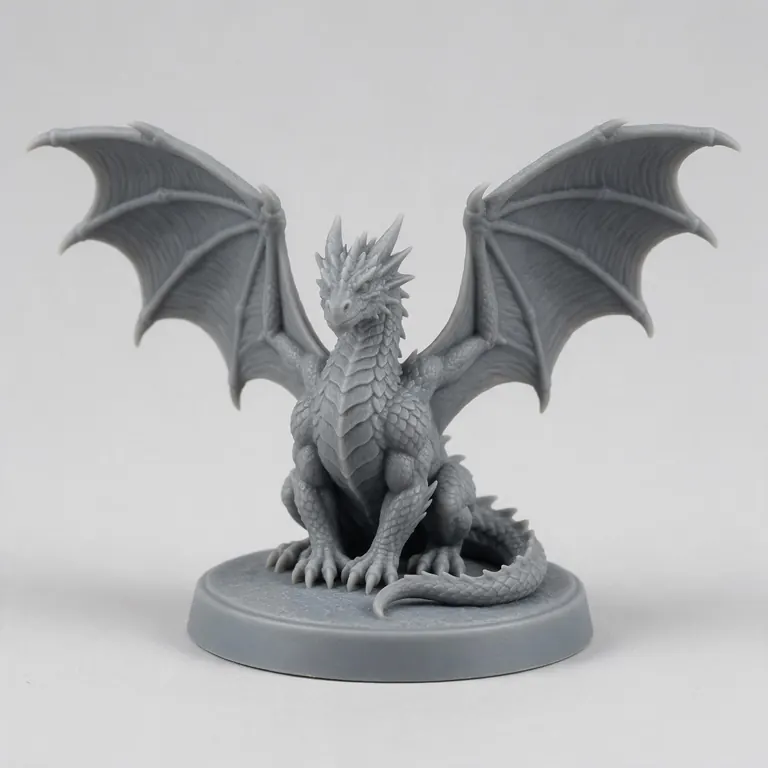
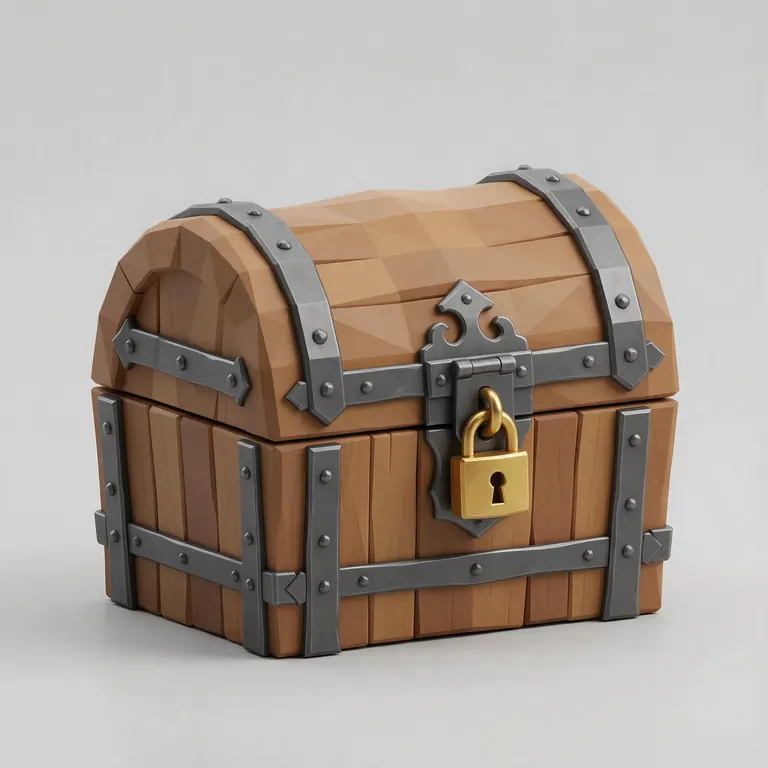
Every sample in the tool above began as a single picture and was turned into a 3D model in the Kenerate 3D Studio. The engine is named on each one.
Example uses
How creators use the PNG to STL converter
Illustrative examples of typical workflows, not customer reviews.
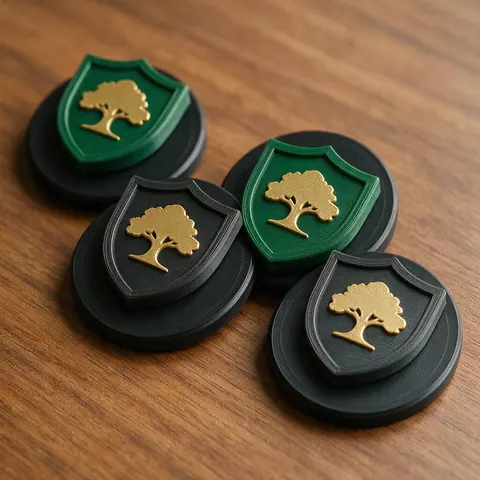
Club organiser
A club organiser can turn a crest saved as a transparent PNG into badges on a backing plate.
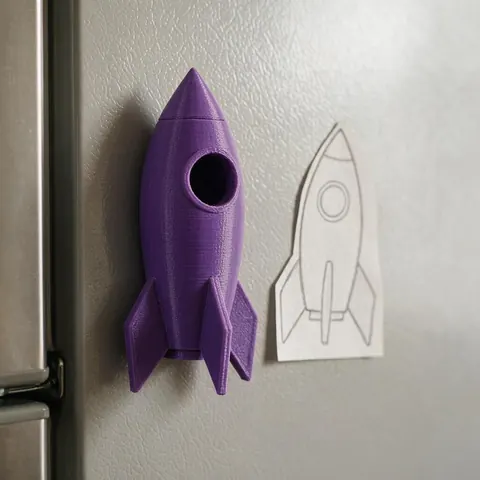
Parent
A parent can scan a child's drawing, clean it up and print it as a solid shape to keep.
Sticker and magnet seller
A small seller can turn simple PNG icons into keychains and magnets with a set height in millimetres.
FAQ
PNG to STL Converter questions
7 questions
Can you convert PNG to STL?
Yes. A PNG is flat, so the converter turns either its opaque area (transparent PNGs) or its dark area (opaque PNGs) into a solid shape, or turns brightness into height for photos.
Link to this answerWhat happens to transparent pixels?
They're left out. Pixels at 50% opacity or more become solid; the rest are empty space.
Link to this answerMy logo has a white background — will that work?
Yes. Without transparency, the threshold decides: pixels darker than it become solid. Tick Invert for a light logo on a dark background.
Link to this answerWhy are the edges stepped?
The outline follows a grid. Use a smaller grid step for smoother edges, or start from an SVG for perfectly smooth curves.
Link to this answerShould I convert PNG to SVG first?
For logos you'll print large or often, yes — an SVG gives smooth curves. For quick prints, extruding the PNG directly is fine.
Link to this answerCan I keep the colours?
Not in STL. To print colours, use a multi-material printer and split the design into layers — the SVG tool can raise each colour to its own height.
Link to this answerIs my PNG uploaded?
No. It's processed in your browser.
Link to this answerIn depth
PNG to STL Converter, explained
Transparency, thresholds, grid resolution and when to vectorise first.
On this page
Alpha is the cleanest outline you can get
A transparent PNG stores an alpha value per pixel, so the edge between logo and background is explicit. That's better than guessing it from colour, which fails on white parts of a logo against a white background.
Grid size and smoothness
The outline steps at the grid size you choose — 0.25 mm by default, finer than most FDM nozzles can draw. Below about 0.45 mm wide, features can't print at all with a 0.4 mm nozzle; 0.9 mm is a safer minimum [11].
When to use SVG instead
Vector files describe curves exactly, so they extrude without steps at any size. If you have an SVG of your logo, the SVG to STL tool gives smoother edges and can raise each colour to its own height.
Keep going
Other 3D viewers and converters
- Image to STLPhoto to relief, lithophane or shape
- Lithophane MakerFlat or curved, with a frame
- JPG to STLPhotos to printable reliefs
- SVG to STLExtrude vector art
- 3D Logo MakerSVG or PNG logo to 3D
- 3D Text Generator18 fonts, plates and bevels
- 3D LettersPrintable letters and names
- 3D Font GeneratorAny TTF or OTF font in 3D
Try the PNG to STL Converter
Free and private — your files never leave your device. Want to make models with AI? That's the 3D Studio, on any paid plan or credit pack.
Tried it? Tell us how it went