

Millimetres · free · nothing uploaded
Convert STL to 3MF with real units
Give an old STL the modern print format: a compact 3MF package that records its size in millimetres, so it lands on the plate at the size you meant.
- Unit stored as millimetres
- Set the longest side in mm
- Welded, connected mesh
- Free and private
Updated by the Kenerate AI team
On this page
Quick answer
Updated
How do you convert STL to 3MF?
To convert STL to 3MF, read the STL's triangles, weld shared corners into one mesh and write it into a 3MF package with a unit. Kenerate's free converter does it in your browser: drop the .stl, optionally fit its longest side in millimetres, and download a .3mf for Bambu Studio, PrusaSlicer, OrcaSlicer or Cura. Nothing is uploaded.
Key facts
- Price
- Free, no account
- Converts
- Binary or ASCII STL → 3MF package (ZIP + XML), unit = millimetre
- Mesh
- Shared vertices welded into one connected object
- Scale
- Keep the STL's numbers as mm, or fit longest side to 25–200 mm
- Colour
- None added — the STL had none
- Privacy
- Converted locally — no upload
Why this tool
Why move an STL to 3MF
3MF was designed by the printing industry to replace STL's guesswork.
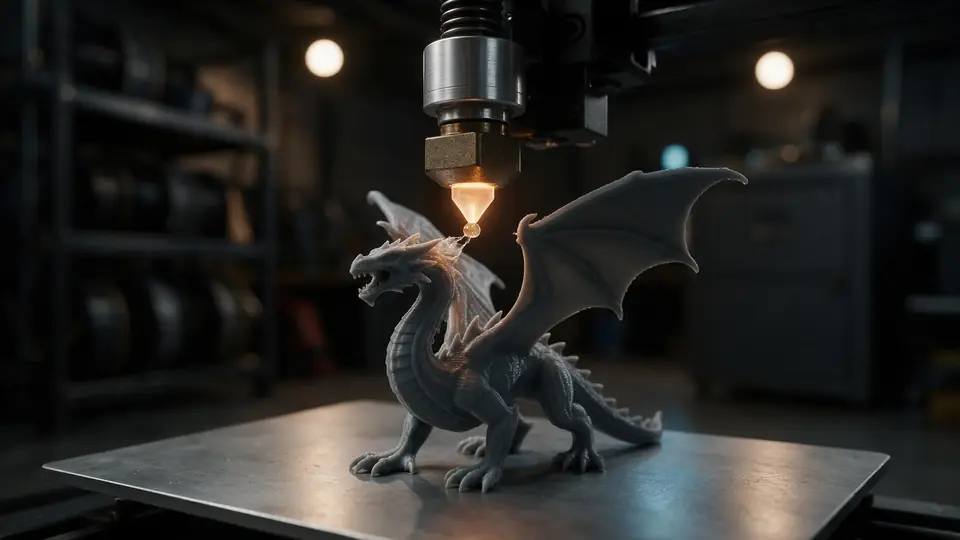
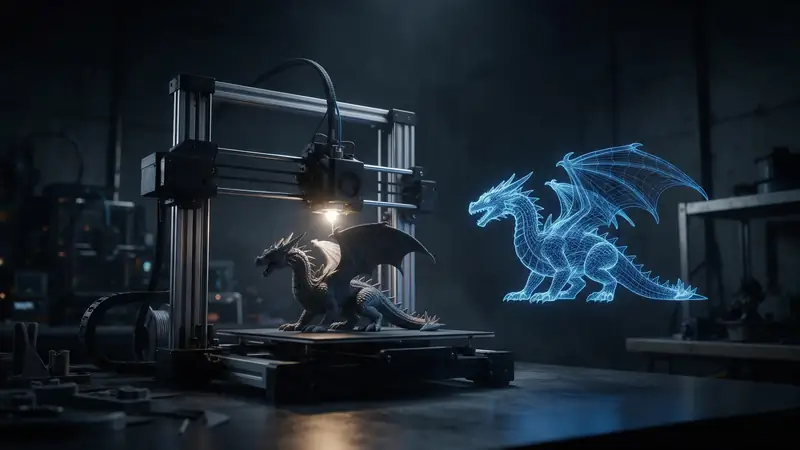
Also
What else it does
Connected mesh
STL repeats every corner for every triangle. Welding them gives slicers a mesh they can check for holes.
Ready for colour later
Paint the 3MF in Bambu Studio or PrusaSlicer for multi-colour printing — STL can't hold that.
How it works
How the STL becomes a 3MF
Built in your tab with no server.
Parse
Triangles are read from the binary or ASCII STL.
Scale
Optionally fit the longest side to your chosen size in millimetres.
Weld
Identical corners are merged so the triangles share vertices.
Package
The mesh is written as 3MF XML with unit="millimeter" and zipped.
How to
How to use the STL to 3MF Converter
- Time needed
- Steps
- 4 steps
Step 1
Open the STL
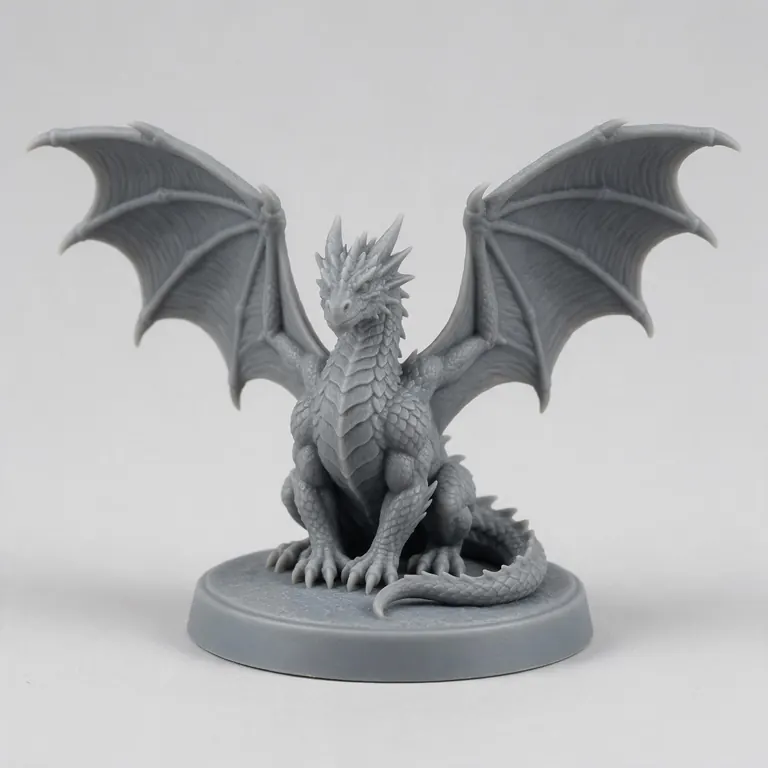
Drop your .stl onto the box above, or try the sample dragon.
Step 2
Check it
Orbit the model and read its size.
Step 3
Choose 3MF and a size
3MF is selected. Keep units, or fit the longest side in mm.
Step 4
Download
Click Download 3MF and open it in your slicer.
Watch the tour · 1:48
Text, photo or multi-view to a textured GLB, nine engines, the viewer & lighting, compare engines, gallery, download & chat
Chapters
Who uses it
Who converts STL to 3MF
Bambu and Prusa owners
Work in your slicer's native format.
Model designers
Publish files that open at the right size everywhere.
Print farms
Smaller files and fixed units across machines.
Multi-colour printing
Start from 3MF, then paint colours in the slicer.
Compare
STL vs 3MF
Why most modern slicers now save 3MF by default.
| STL | 3MF | |
|---|---|---|
| Units | None | Stored (millimetres here) |
| Vertices | Repeated per triangle | Shared between triangles |
| Compression | None | ZIP |
| Colour and materials | No | Yes |
| Several objects and settings | No | Yes |
| Support | Universal | All major modern slicers |
File formats
The formats this tool reads and writes
What each file can hold, what it can't, and where it opens. Facts link to the format's own spec or reference page.
| .stl · STL | .3mf · 3MF | |
|---|---|---|
| Full name | Stereolithography | 3D Manufacturing Format |
| Made by | 3D Systems, 1987 | 3MF Consortium, 2015 |
| Kind | Triangle mesh (binary or ASCII) | ZIP package with XML |
| Holds | Triangle surfaces, Facet normals | Meshes with units (millimetres), Colours and materials, Several objects and build plates |
| No | Colour and textures, Units, Materials | Animation |
| Best for | 3D printing — every slicer opens it | Modern 3D printing and multi-colour prints |
| Opens in | Cura, PrusaSlicer, Bambu Studio, OrcaSlicer, Blender | Bambu Studio, PrusaSlicer, OrcaSlicer, Cura, Windows 3D Builder |
No file yet?
Make the model first — from one photo
Every sample in the tool above began as a single picture and was turned into a 3D model in the Kenerate 3D Studio. The engine is named on each one.
Example uses
How creators use the STL to 3MF converter
Illustrative examples of typical workflows, not customer reviews.
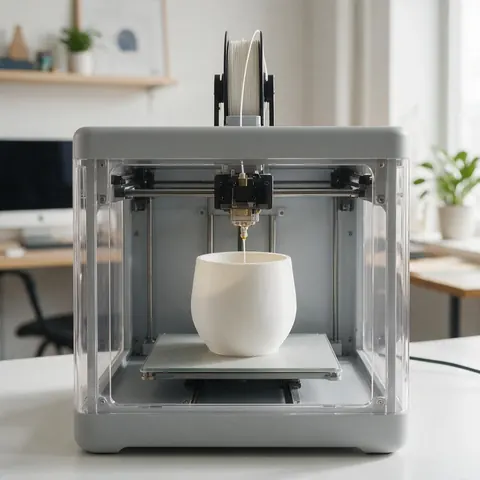
Printer owner
A printer owner can convert an old STL to 3MF so it opens in their slicer's native format at the right size.
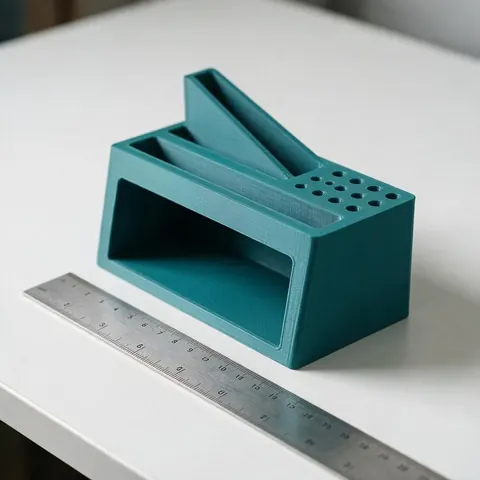
Model designer
A designer can publish files as 3MF in millimetres so the model lands on the plate at the size they meant.
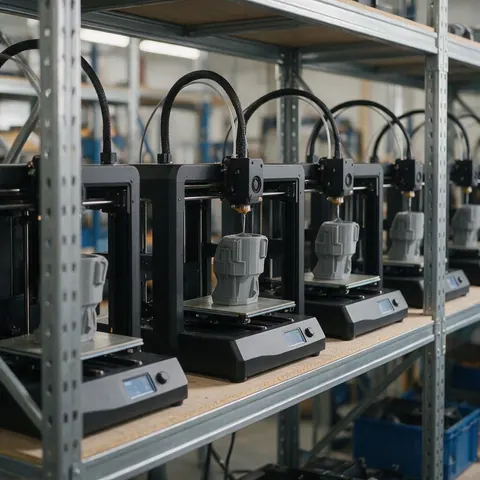
Print farm
A print farm can use smaller 3MF files with fixed units across all its machines.
FAQ
STL to 3MF Converter questions
7 questions
Is STL to 3MF conversion free?
Yes — free, no account, nothing uploaded.
Link to this answerWhich slicers open the 3MF?
Bambu Studio, PrusaSlicer, OrcaSlicer, Cura and Windows 3D Builder all open standard 3MF files.
Link to this answerWhat size will the model be?
The STL's numbers are treated as millimetres unless you choose a size. Pick “Fit longest side to” to set it exactly.
Link to this answerWill it add colours?
No. The STL had no colour. Paint the model in your slicer after opening the 3MF.
Link to this answerWill it fix a broken STL?
Welding joins identical corners, which helps slicers analyse the mesh, but it doesn't fill holes. Use your slicer's repair if needed.
Link to this answerIs my STL uploaded?
No. It's converted on your device.
Link to this answerIs 3MF better than STL?
For printing, usually yes: 3MF stores its unit, shares vertices in a compressed package and can hold colours, several objects and slicer settings. STL's strength is that practically every 3D tool opens it. Keep 3MF for your own slicer and share STL when a tool needs it.
Link to this answerIn depth
STL to 3MF Converter, explained
What the formats really store, what changes when you convert, and how to avoid the usual print and import problems.
3MF in short
Keep going
Other 3D viewers and converters
- 3D Model ConverterAny format to STL, OBJ, GLB, 3MF, USDZ
- 3MF to STLSlicer projects to plain STL
- GLB to STLAI models ready to print
- OBJ to STLMeshes for any slicer
- STL to OBJPrint files into 3D apps
- GLB to OBJglTF into classic 3D apps
- FBX to OBJStatic meshes from FBX
- FBX to STLGame assets to printable files
Try the STL to 3MF Converter
Free and private — your files never leave your device. Want to make models with AI? That's the 3D Studio, on any paid plan or credit pack.
Tried it? Tell us how it went