Darian
ElevenLabs Eleven v3 · ElevenLabs
EnglishVillainAudio tags
[slowly]You came all this way... for a crown made of glass. How very brave. How very foolish.
0:10
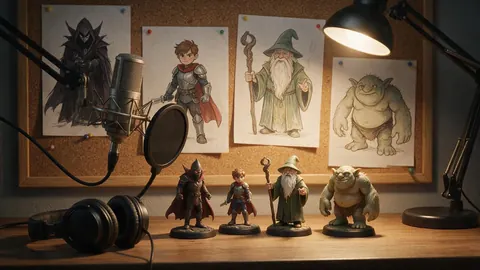
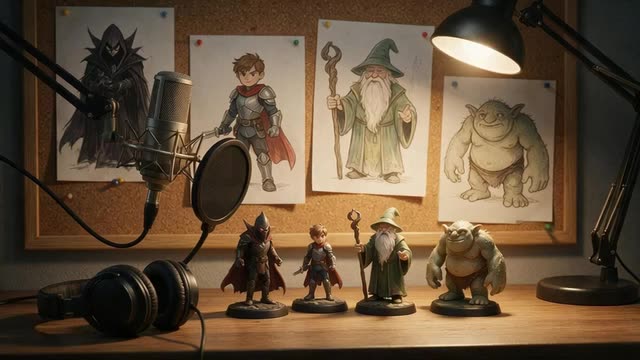
Heroes · villains · wizards · gentle giants
Give every character their own voice: a rallying hero, a velvet-voiced villain, a crackly old wizard, a kind troll or an anime-style lead. Preset character voices plus Voice Design for anyone you can describe.
Updated by the Kenerate AI team
On this page
Quick answer
Updated
Kenerate AI's character voice generator voices original characters for games, animation, audio drama and stories. Pick a preset character voice, from a dark, dramatic villain to a fantasy sage, an angry pirate or an anime character, or describe a new one in Voice Design. Add emotion and tags like [slowly]. It doesn't copy existing characters or real actors.
Listen first
Five preset voices and one designed wizard — the description is on his card.
ElevenLabs Eleven v3 · ElevenLabs
[slowly]You came all this way... for a crown made of glass. How very brave. How very foolish.
ElevenLabs Eleven v3 · ElevenLabs
Stand together! Whatever comes through that gate, it meets all of us at once!
Qwen3 Voice Design · Alibaba Qwen
Voice descriptionA very old, wise wizard with a crackly, warm voice, slow and amused, speaking like he has seen a thousand winters
Patience, young one. Magic is like tea. Rush it, and all you get is hot water.
MiniMax Speech 2.8 HD · MiniMax
Oh! Hello, little traveller. Don't be scared. I only guard the bridge. And I bake cookies on Sundays.
ElevenLabs Multilingual v2 · ElevenLabs
Ah, a customer! Welcome to Barnaby's Emporium of Mostly Useful Things. Don't touch the singing teapot.
MiniMax Speech 2.8 HD · MiniMax
I promised I'd protect this town, and I'm not breaking that promise. Not today, not ever!
How to
Step 1
Short lines per clip keep the performance consistent.
Step 2
Choose a preset character voice, or describe one in Voice Design: age, texture, mood, quirks.
Step 3
Emotion (MiniMax), tags like [whispers] or [laughs] (Eleven v3), or pitch for size.
Step 4
Keep the voice, description and settings for each character so every new line matches.
See it in the app

Open Voice Studio in Text to speech and type the words you want spoken, or start from a script template.
Text to speech, emotions & tags, Hindi, voice design, cloning & chat
Chapters
Use cases
Anywhere a script has more than one person in it.
Bark lines, quest givers, shopkeepers and bosses.
A distinct voice per character, regenerated as scripts change.
Full-cast readings with one voice per role.
Friendly guides and mascots (adult voices).
Voice your NPCs for sessions and recaps.
An original mascot voice you own.
Engines
Facts from the Voice Studio's code.
Alibaba Qwen
Describe a voice in words and hear it
Open Qwen3 Voice Design
ElevenLabs
Most expressive; audio tags like [whispers], [laughs], [excited]
Open ElevenLabs Eleven v3
MiniMax
Most natural MiniMax voice; 7 emotions, (laughs)/(sighs) interjections, pronunciation dictionary
Open MiniMax Speech 2.8 HD
Kuaishou Kling
46 character and dialect voices for short lines
Open Kling V1 TTSControls
Voice Design plus a few settings gets you any character.
Qwen3 Voice Design: age, gender, accent, pace, texture and mood in plain words, e.g. “a calm, low, slightly husky radio host”.
Qwen3 TTS: keep one of 9 voices and steer the delivery — “bouncy cartoon robot”, “late-night podcast host”.
Qwen3 speaks English, Chinese, Japanese, Korean, German, French, Spanish, Italian, Portuguese and Russian (or auto).
Switch to a MiniMax voice to lower or raise pitch in semitones.
MiniMax: neutral, happy, sad, angry, fearful, disgusted, surprised.
Download without a watermark; MiniMax also offers WAV and FLAC.
Scripts
Copy a description, open Voice Design, add your line.
Space pirate captain
A gruff, confident space pirate captain in her fifties, low raspy voice, amused and dangerous.
Nervous inventor
A nervous, fast-talking young inventor, high energy, stumbling over words when excited.
Ancient dragon
An ancient dragon with an enormous, slow, rumbling voice, calm and ominous.
Cheerful innkeeper
A cheerful middle-aged innkeeper with a warm, booming voice and a hearty laugh.
Villain line (Eleven v3)
[slowly] Oh, you thought this was a rescue? [laughs] How adorable.
Tips
Contrast beats realism in a cast.
Give each character one clear vocal trait: raspy, booming, fast, whispery.
Vary pitch and pace between characters who share scenes.
Write in the character's voice: vocabulary and rhythm do half the work.
Keep a “voice card” per character — description, engine, settings.
Don't imitate existing characters or real actors; design an original.
No child voices on this page — design adult characters only.
Example uses
Illustrative examples of typical workflows, not customer reviews.
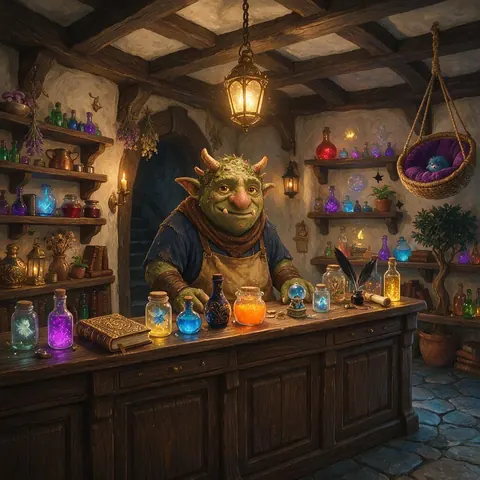
An indie game developer can give each NPC shopkeeper, quest giver and boss a distinct preset or designed voice and regenerate bark lines as the script changes.
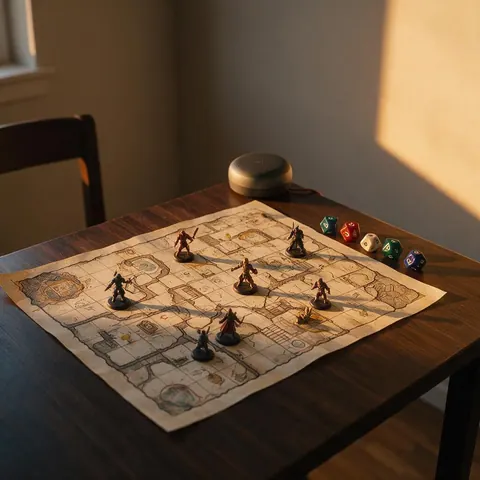
A tabletop game master can voice recurring NPCs for sessions and recaps, keeping a voice card for each character so they always sound the same.
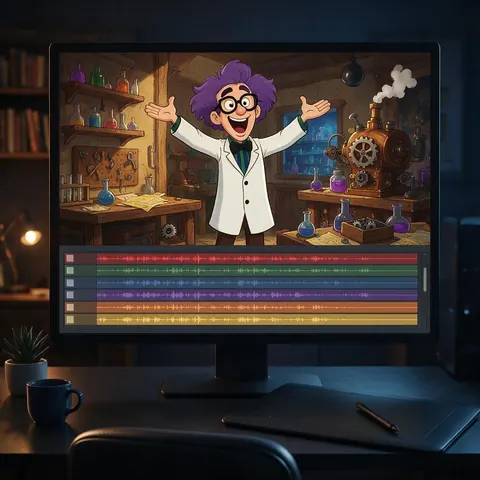
An animation creator can cast a whole skit with Voice Design descriptions, such as a nervous inventor or a booming innkeeper, and keep each voice consistent across episodes.
FAQ
Type the line in Kenerate's Voice Studio, then pick a preset character voice or switch to Voice Design and describe the character — age, voice texture, mood and quirks. Generate and download.
Link to this answerYes — MiniMax's Anime Character voice and designed voices work for original anime-style characters. We don't recreate existing anime characters or their voice actors.
Link to this answerNo. Kenerate doesn't copy copyrighted characters, celebrities or real actors. Design an original character with a similar feel instead.
Link to this answerUse the same preset voice and settings, or reuse the exact Voice Design description. Save them in a voice card for each character.
Link to this answerYes. Kenerate's Terms give you ownership of what you generate, so you can ship the lines in games and videos.
Link to this answerA free Kenerate account starts with free credits, with no watermark and credits that never expire.
Link to this answerIn depth
What works, what to avoid, and how the pieces fit.
Great character voices exaggerate one or two traits — a rasp, a boom, a stammer, a lilt — and keep them consistent. Synthetic voices make that easy: once a voice and its settings are fixed, every new line sounds like the same character.
Mix and match:
Recreating a famous character or a real performer's voice is off-limits here. Design your own — it's also better for your project, because a unique voice becomes part of your characters' identity.
Free to start. No watermark. Download every clip.
Tried it? Tell us how it went