Photo or video · 26 engines · up to 10 min
Lip sync AI — photo or video, and which engine for which job
Lip sync AI does two different jobs: it makes a still photo talk, or it re-syncs the mouth in a video you already have. This guide shows which one you need and which of Avatar Talk's 26 engines to pick for precise lips, long takes, two speakers, singing or emotion.
- Photo or video in
- 19 photo + 7 video engines
- Up to 10 min of speech
- Works on the free plan
Updated by the Kenerate AI team
Made with Kenerate


On this page
Quick answer
Updated
How does lip sync AI work?
Lip sync AI matches a mouth to an audio track in 2 ways: it animates a photo into a talking video, or it redraws the lips on an existing video. Kenerate's Avatar Talk has 19 photo engines and 7 video engines; Sync Lipsync 3 gives the most precise lips and InfiniteTalk handles 10-minute takes.
Key facts
- Lip-sync engines
- 26 (19 photo, 7 video)
- Longest speech
- 10 min
- Two speakers
- Photo and video
- Emotion control
- Sync React-1 (6 emotions)
- Upload limits
- Image 20 MB · audio 50 MB · video 200 MB
- Free plan
- Yes
Real demo
Video lip sync, step by step
Switch versions and turn the sound on. A new voice alone doesn't move the lips; video lip sync redraws the mouth to match.
- Original (English). A Wan 3 clip with an English line.
- Spanish audio only. ElevenLabs dubbing: new language, old mouth movements.
- Spanish + lip sync. VEED Lipsync 2 redraws the mouth to the Spanish audio.
All three are unedited outputs of Kenerate's tools.
Lip sync a videoReal results
Faces that lip sync
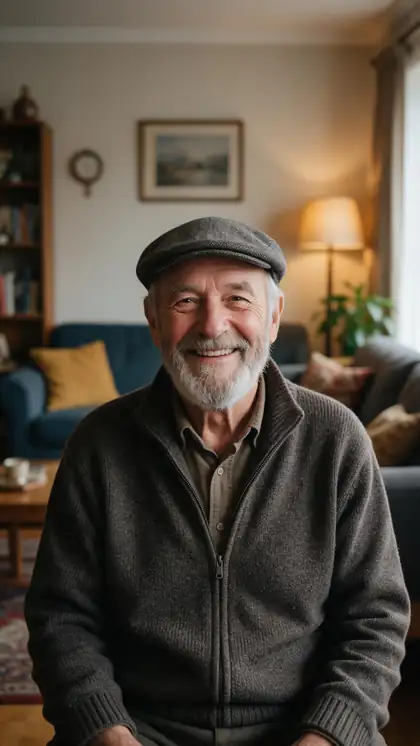
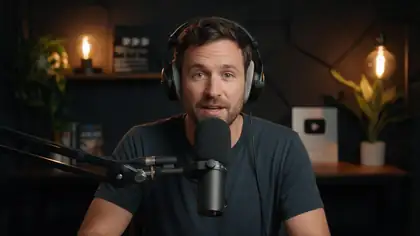
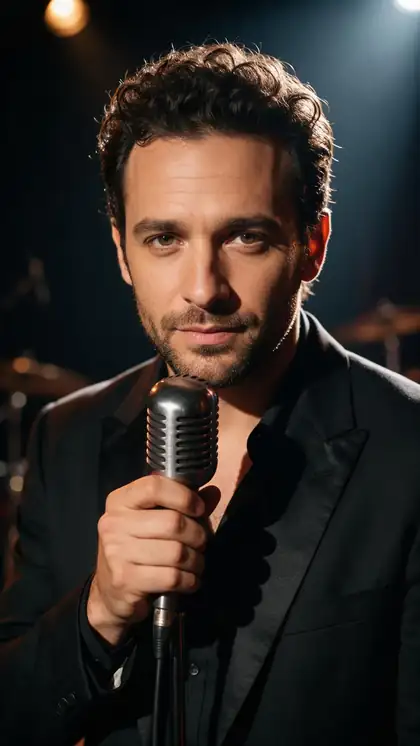
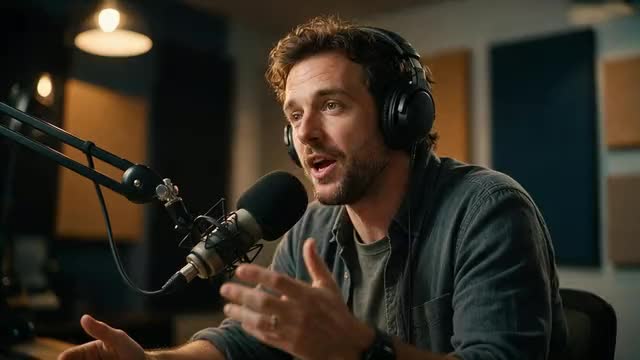
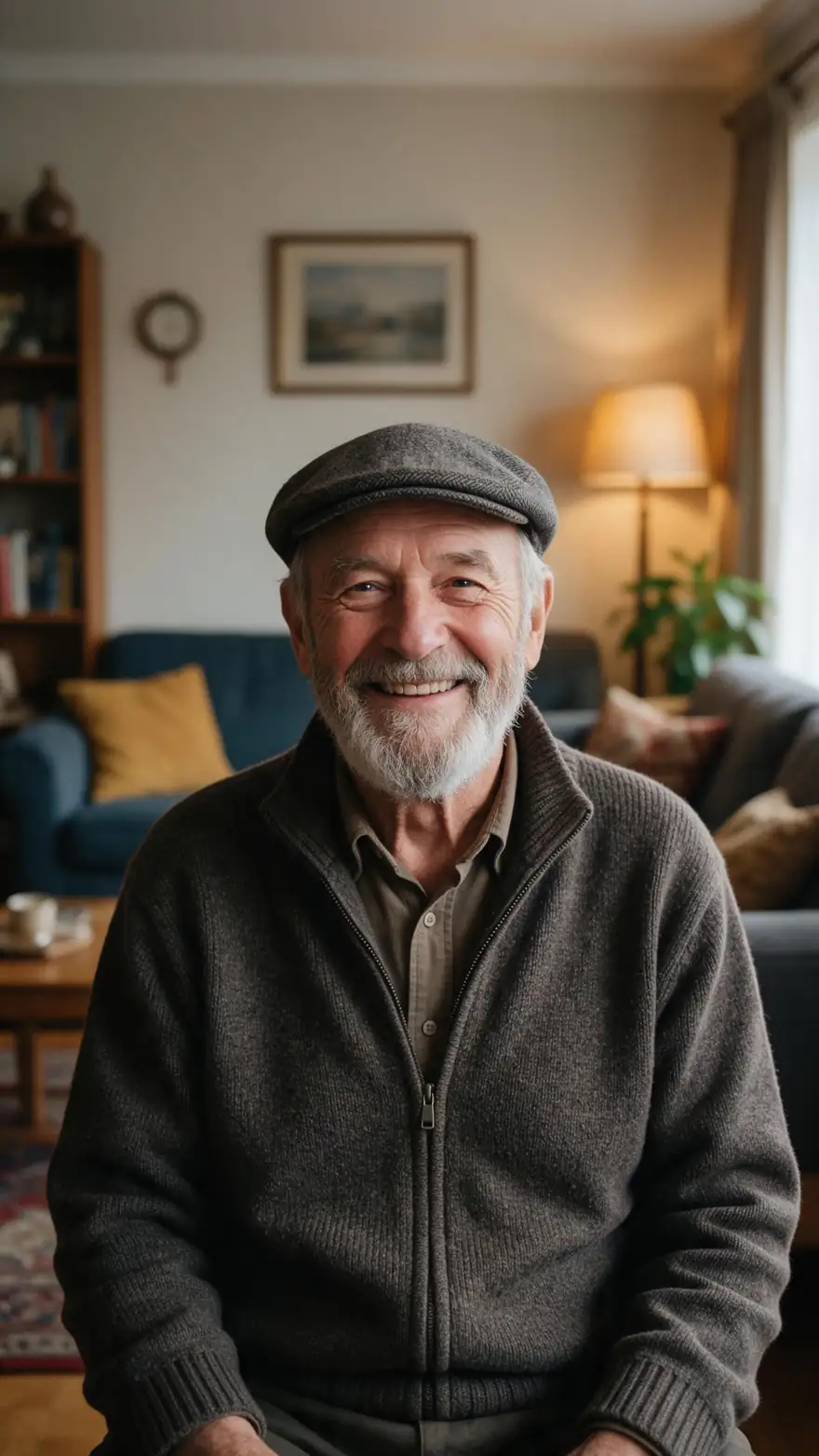
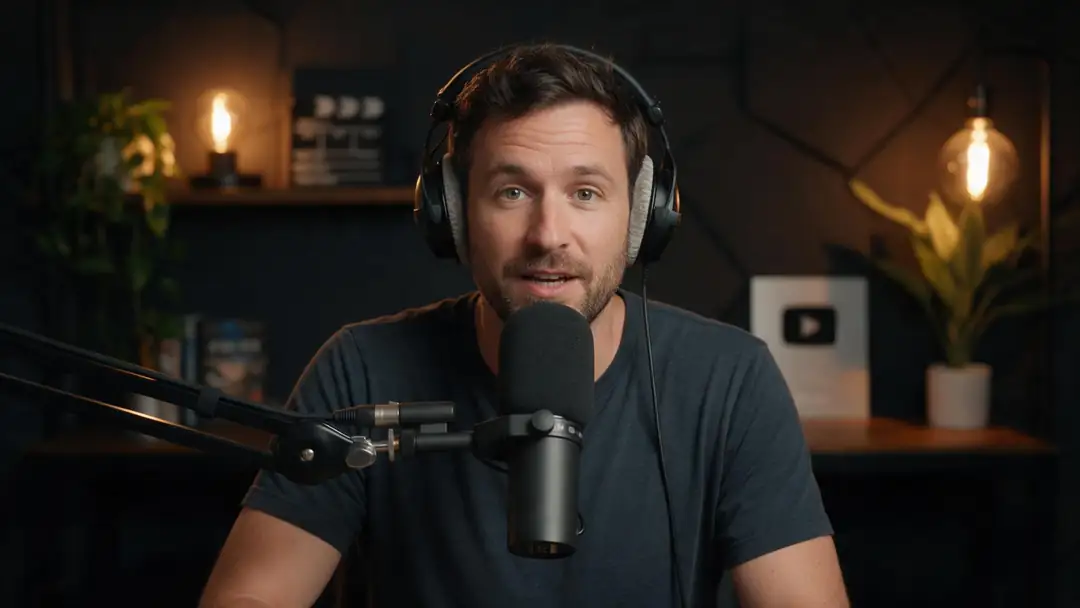
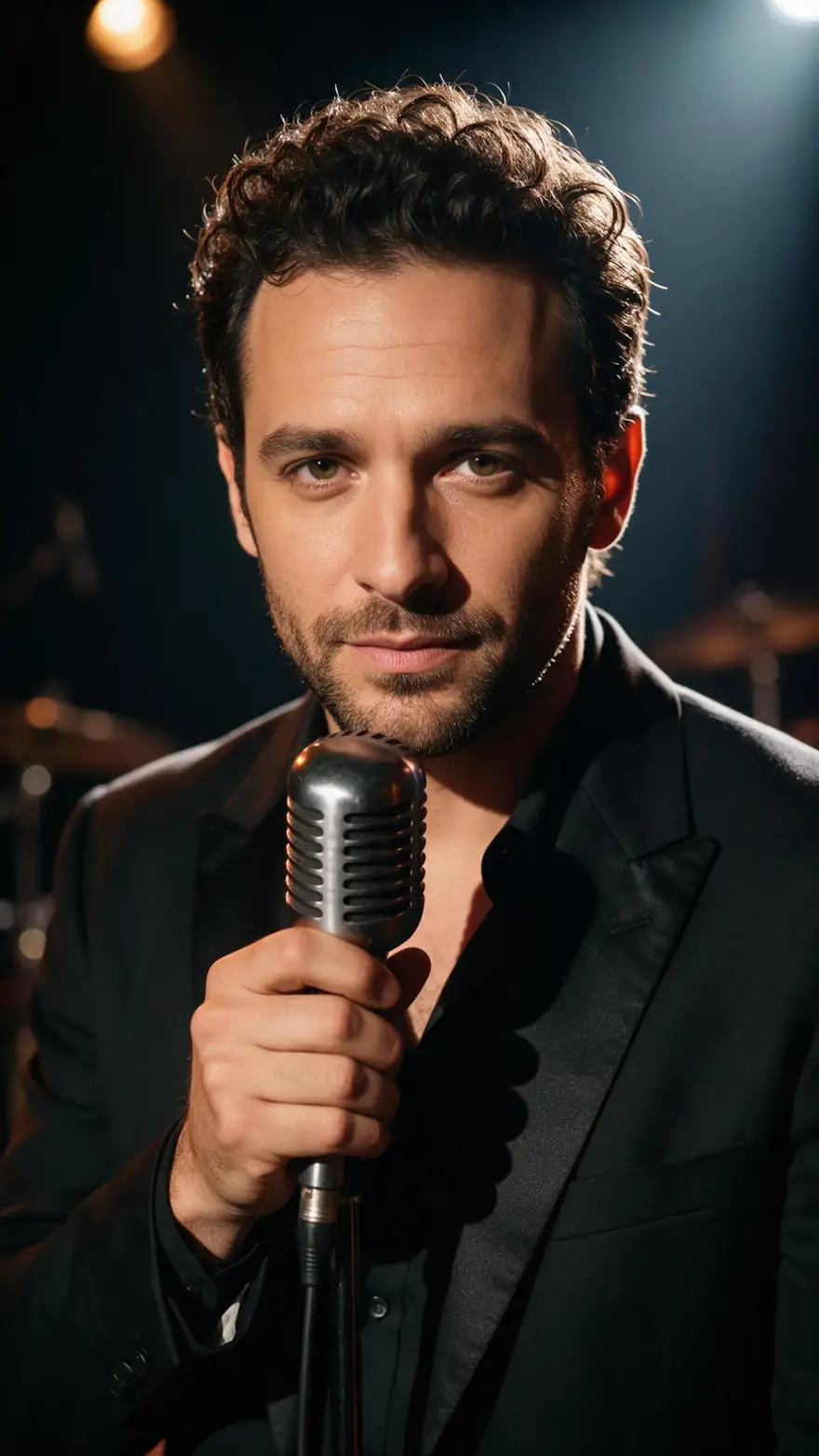
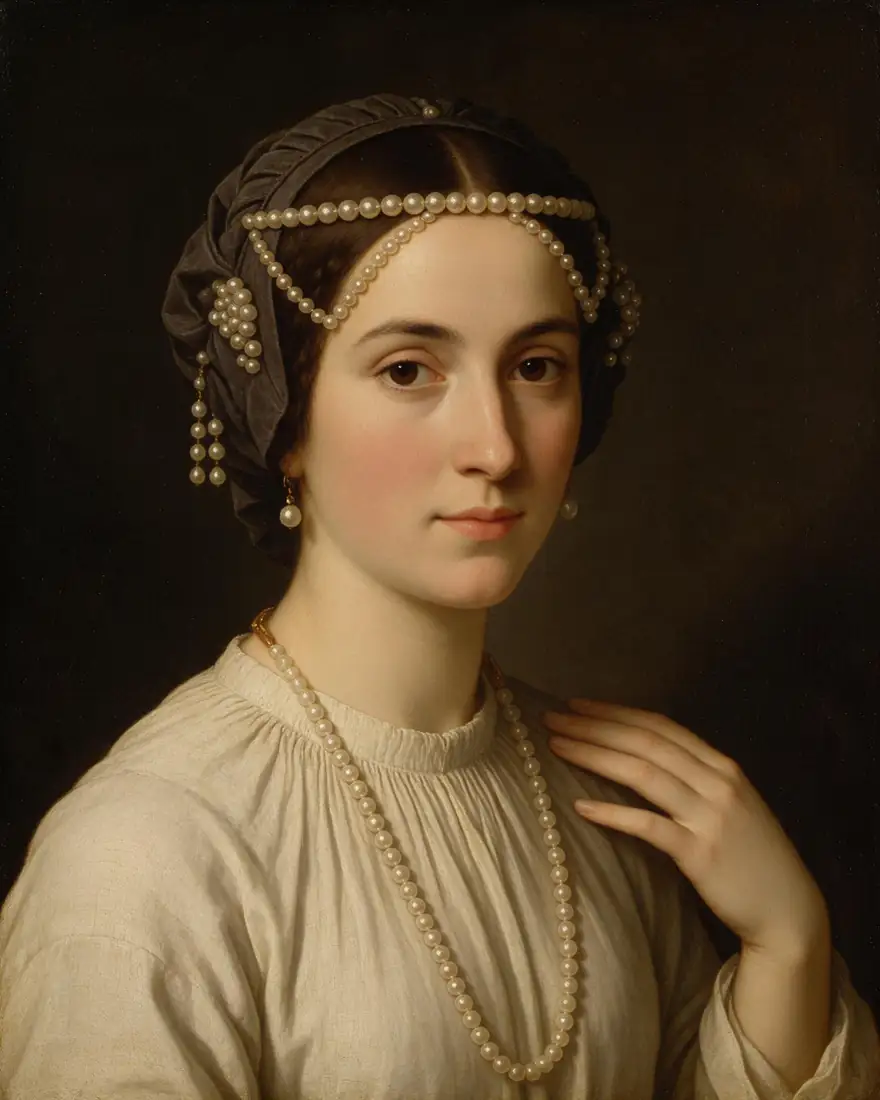
A family photo, a podcast host, a singer, a cartoon, a painting and a chef: the range of faces lip sync AI works on. Real Wan 3 clips with generated voices; in Avatar Talk the words come from your own audio.
AI-generated people and characters. Open a clip to copy both prompts.
How to
How to lip sync with AI
- Time needed
- Steps
- 4 steps
Step 1
Choose photo or video mode
Photo mode makes a still picture talk; video mode keeps an existing clip and only re-syncs the mouth.
Step 2
Add the face
Upload a front-facing image (up to 20 MB) or a video with a clearly visible face (up to 200 MB), or pick one from History.
Step 3
Add the audio
Upload speech or a song (up to 50 MB), record it with the mic, or write it in Voice Studio and pick the take from History.
Step 4
Pick the engine for the job
Use the table below: precise lips, long takes, two speakers, emotion or short 1080p clips each have a best fit.
See it in the app

Open Avatar Talk, pick Talking photo, script to video or lip sync, and choose the engine.


Watch the tour · 2:23
Talking photos, script to video, engines, any language, presenters, lip sync & chat
Chapters
Checked 6 October 2026
Photo lip sync vs video lip sync
The two modes of lip sync AI side by side. Both run in Avatar Talk.
| Compare | Photo lip sync (talking photo) | Video lip sync |
|---|---|---|
| You start with | One still image: a portrait, a painting, a cartoon | A video of someone talking |
| What the AI changes | Animates the whole face and head from the audio | Redraws the mouth and lower face; the rest stays |
| Best for | Presenters, family photos, characters, songs from a picture | Dubbing, fixing a line, new takes of real footage |
| Engines | 19 | 7 |
| Longest speech | 10 min (Kenerate Avatar, InfiniteTalk, SoulX, Kling Avatar 1 Pro) | 10 min (InfiniteTalk video engines) |
| Two speakers | InfiniteTalk Duo, InfiniteTalk Fast Duo, LongCat 1.5 Duo | InfiniteTalk Duo · Video, InfiniteTalk Fast Duo · Video |
| Watch out for | Needs a sharp, front-facing face | Hands or mics over the mouth break the sync |
Engine limits from Avatar Talk's engine list, checked 6 October 2026.
Sources: Kenerate Avatar Talk · Kenerate Voice Studio · Sync Labs — lipsync models · ByteDance — LatentSync
Engines
Which lip sync engine for which job
Eight of Avatar Talk's 26 engines, one per common job, across photo and video mode.
- Precise
Sync Labs
Sync Lipsync 3
- Input
- Photo + up to 5 min audio
- Output
- Engine decides
The most precise mouth shapes from a photo
Open Sync Lipsync 3 - Default
Kenerate
Kenerate Avatar
- Input
- Photo + up to 10 min audio · prompt
- Output
- 720p or 1080p
Long presenter videos with body movement
Open Kenerate Avatar 
ByteDance
OmniHuman 1.5
- Input
- Photo + up to 60 s audio
- Output
- Engine decides
Lifelike full-body performances and singing clips
Open OmniHuman 1.5Lightricks
LTX 2.3 Lipsync
- Input
- 5–20 s audio · photo optional
- Output
- 480p, 720p or 1080p
Short, sharp social clips
Open LTX 2.3 Lipsync- Video default
VEED
VEED Lipsync 2
- Input
- Video + audio, up to 5 min
- Output
- Runs as long as the speech
Re-voicing an existing clip
Open VEED Lipsync 2 Sync Labs
Sync Lipsync 3 · Video
- Input
- Video + audio, up to 5 min
- Output
- Cut, loop, bounce, pad or retime
Exact lips when video and audio lengths differ
Open Sync Lipsync 3 · Video
All models (8)
Sync Labs
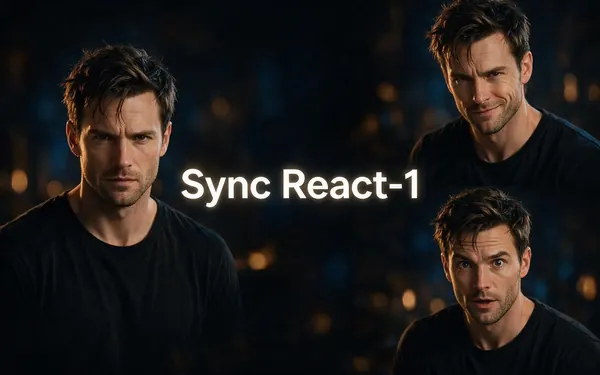
Sync React-1
- Input
- Video + audio, up to 15 s
- Output
- Lips, face or whole head
Changing the emotion, not only the lips
Open Sync React-1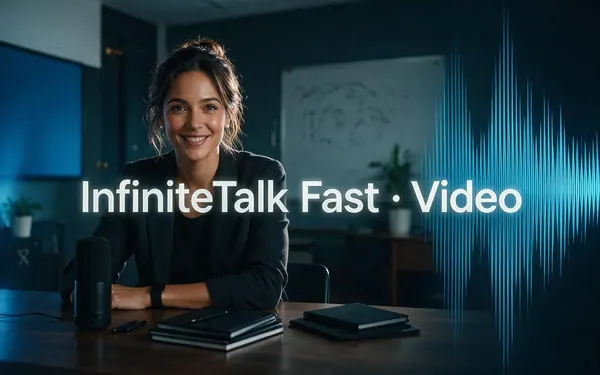
WaveSpeed
InfiniteTalk Fast · Video
- Input
- Video + audio, up to 10 min
- Output
- Lips + natural head motion
Long lessons and talks
Open InfiniteTalk Fast · Video
From Avatar Talk's engine list. The gallery clips were made with Wan 3 image to video.
Tips
Lip sync that looks real
The same rules apply in both modes.
Show the whole face: hands or microphones over the mouth break the sync.
Front or three-quarter angles work best; profiles do not.
Use clean speech with no music under it.
In video mode, match the audio length to the clip or pick a sync mode.
For two people, use a Duo engine with one track per speaker.
Only lip sync people who agreed to it.
Example uses
How creators use lip sync AI
Illustrative examples of typical workflows, not customer reviews.
Video editor
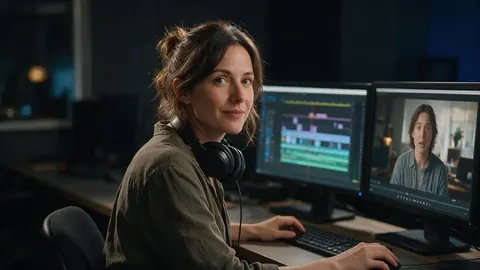
A video editor could re-sync the lips on an interview clip after the client changed one line of the script, instead of booking a reshoot.
Music teacher
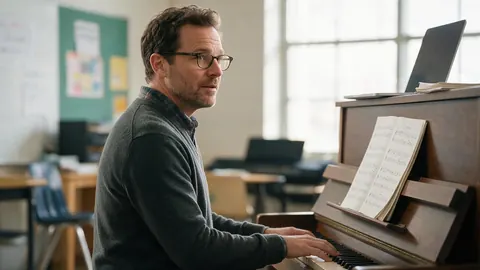
A music teacher could turn a picture of a cartoon mascot into a short singing clip that introduces each new song to the class.
Localisation manager
A localisation manager could dub a product video into Spanish and then run video lip sync so the presenter's mouth matches the new language.
FAQ
Lip sync AI — questions
8 questions
What is lip sync AI?
Lip sync AI makes a face's mouth move in time with an audio track. It either animates a still photo into a talking video or redraws the lips on an existing video, so a new voice, a translation or a song looks like the person is really saying it.
Link to this answerCan I lip sync a photo?
Yes. Use Avatar Talk in photo mode: upload a front-facing image and an audio file, and one of 19 engines turns it into a talking video. Paintings, cartoons and 3D characters work as long as the face is clear.
Link to this answerCan lip sync AI make a character sing?
Yes. The engines follow whatever audio you give them, so a song works like speech. Use a clean vocal without loud music under it; OmniHuman 1.5 is a good choice for expressive singing clips up to 60 seconds from a photo.
Link to this answerCan I use my own voice?
Yes. Upload a recording, record it with the mic inside Avatar Talk, or write a script in Voice Studio and pick the generated take from History. The lips follow your exact audio.
Link to this answerIs there a free lip sync AI?
Avatar Talk works on the free plan with the sign-up credits, in both photo and video mode, so you can test a short clip before buying anything. Longer or higher-resolution videos use more, and one-time credit packs top it up.
Link to this answerWhich lip sync AI is the most accurate?
For mouth shapes that must match the words exactly, Sync Lipsync 3 from Sync Labs, which runs in both photo and video mode. In video mode it also lets you choose what happens when the clip and the audio differ in length.
Link to this answerDoes lip sync AI work in any language?
Yes. The engines follow the sounds in the audio, not the words, so any spoken language works. To translate a video, dub it first and then lip sync the dubbed audio, as the demo above shows.
Link to this answerIs it okay to lip sync someone else's face?
Only with their permission. Use your own face, characters you created, stock presenters, or people who agreed to it, and never use lip sync to put words in a real person's mouth to mislead.
Link to this answerIn depth
Lip sync AI, explained
On this page
Why there are two kinds of lip sync
A photo has no motion to keep, so the engine has to invent the whole performance: blinks, head turns, the mouth. A video already has a performance, so a good engine only touches the mouth and lower face and leaves everything else as it was filmed. That is why the two modes use different engines, and why video lip sync looks more natural on real footage.
Picking an engine in one minute
Start from the job, not the brand:
- Exact mouth shapes: Sync Lipsync 3 (photo or video).
- Long talks and lessons: Kenerate Avatar or InfiniteTalk, up to 10 minutes.
- Two people in one shot: an InfiniteTalk Duo or LongCat Duo engine.
- A different emotion on existing footage: Sync React-1.
- Short 1080p social clips: LTX 2.3 Lipsync.
Lip sync, dubbing and talking photos
Dubbing replaces the voice, lip sync moves the mouth, and a talking photo is lip sync applied to a still image. For a translated video you usually need both: dub first, then run video lip sync on the new track.
Lipsync AI and AI lip sync
The same technology, spelled differently. Everything on this page applies whichever spelling you search for.
Lip syncing AI
Usually means re-syncing an existing video to new audio. That is Avatar Talk's video mode; the AI lip sync generator page walks through it with the dub-then-sync demo.
Explore
Every Kenerate video tool
Generators, tools, models and guides — all in one studio.