Director · Lyrics Video · 15 s to 4 min · 16:9, 9:16, 1:1
Lyric video generator — your song, your words, scenes cut to the music
Upload a track, paste the lyrics and describe the look. Kenerate's Director listens to the song, plans scenes on its sections and puts the key lines on screen as title cards and inside the shots. No track yet? Ken Music writes one.
- Your track or a Ken Music song
- Lyrics on title cards and in scenes
- Cut on the song's sections
- Landscape, vertical or square
Updated by the Kenerate AI team
Made with Kenerate
On this page
Quick answer
Updated
What is a lyric video generator?
A lyric video generator turns a song and its words into a video, and Kenerate's Director does it from 3 inputs: your track, the lyrics (up to 3,000 characters) and a visual direction. Pick Lyrics Video under Music Video; the Director listens to the track, plans scenes on its sections and puts the lines on screen.
Key facts
- Music Video edits
- Narrative · Lyrics Video · Visualizer
- Length
- 15 s to 4 min
- Formats
- 16:9 · 9:16 · 1:1
- Song
- MP3, WAV or M4A up to 50 MB, or Ken Music
- Lyrics
- Up to 3,000 characters
- Export
- MP4 · 30 fps · 480p, 720p or 1080p
- Plan
- Paid plans
Real results
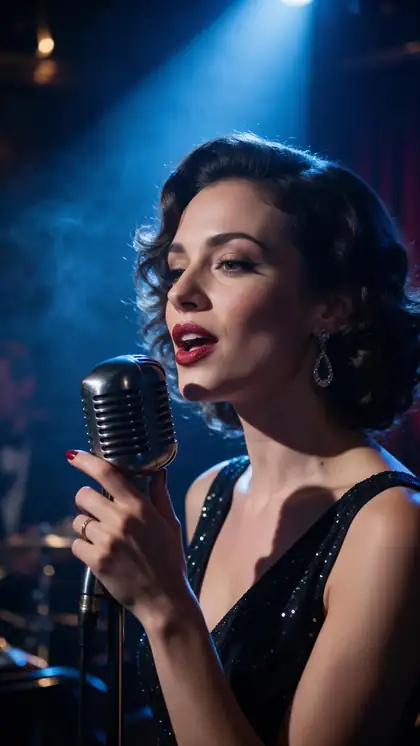
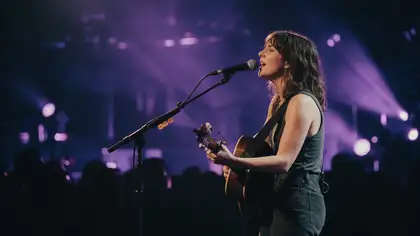
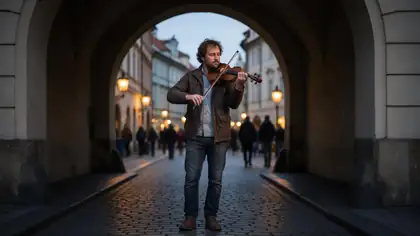
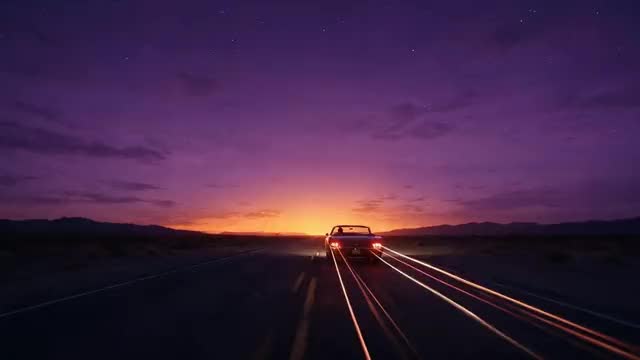
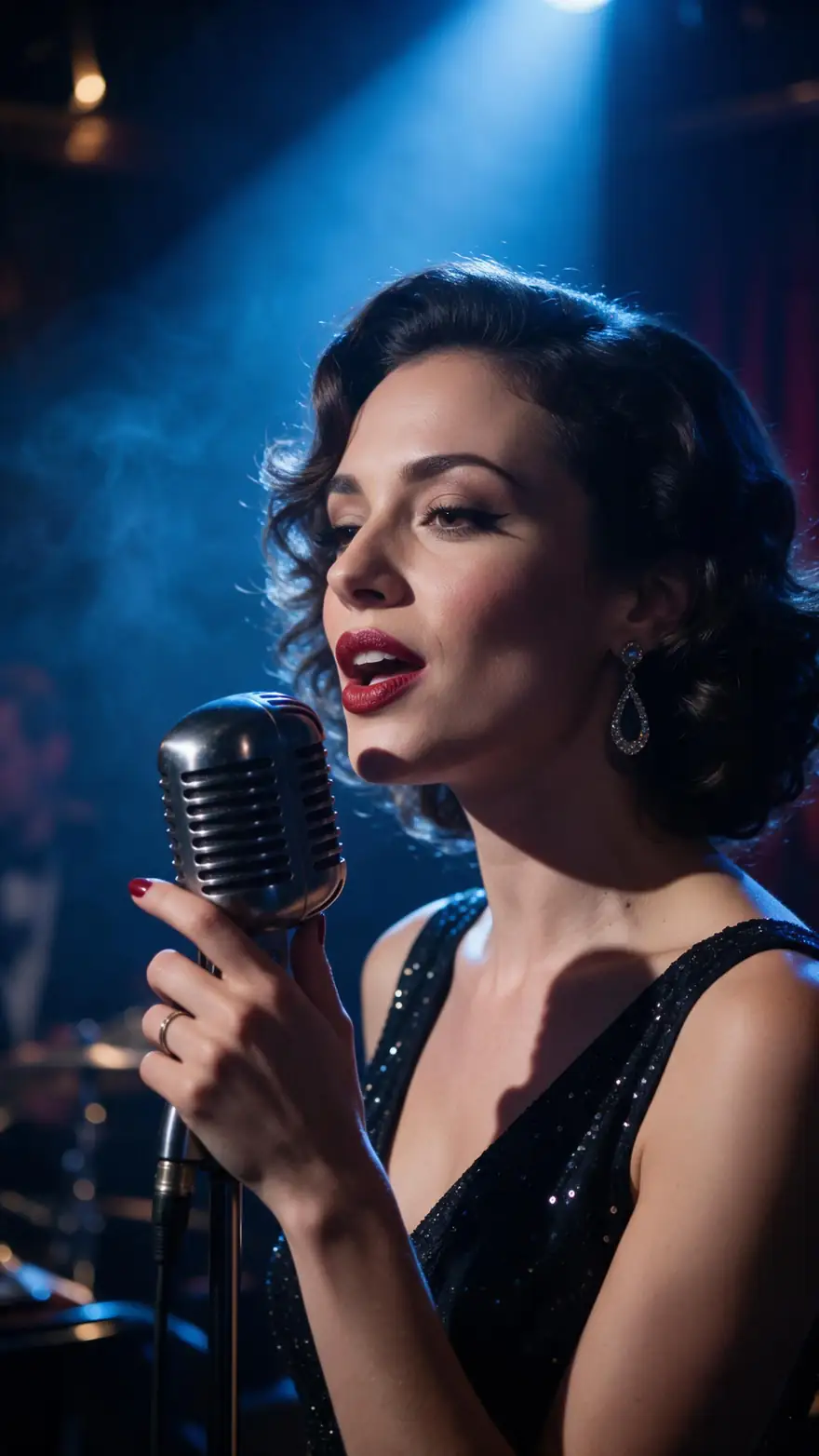
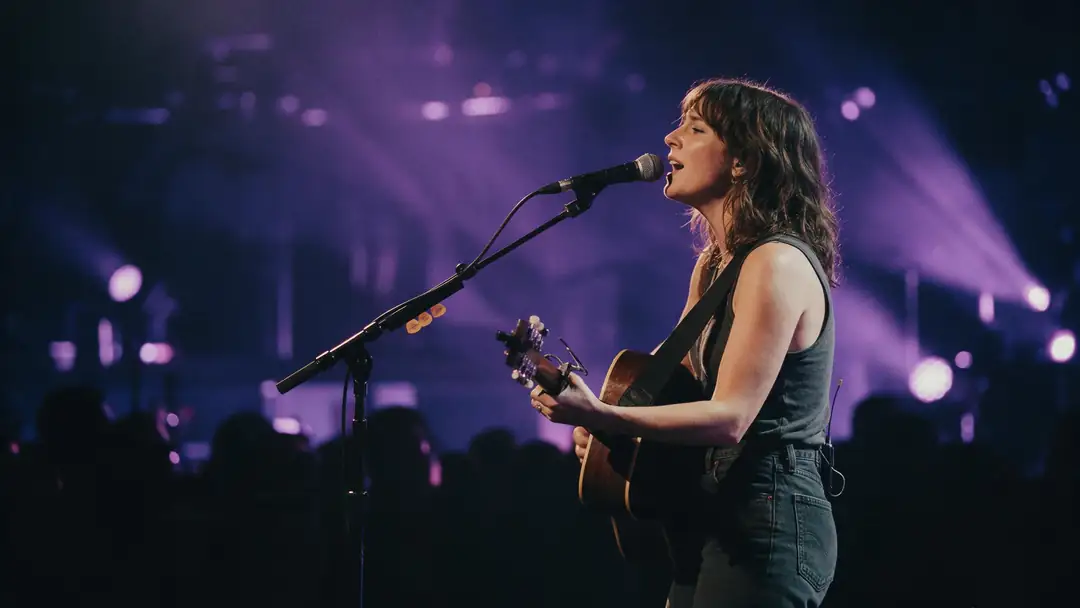
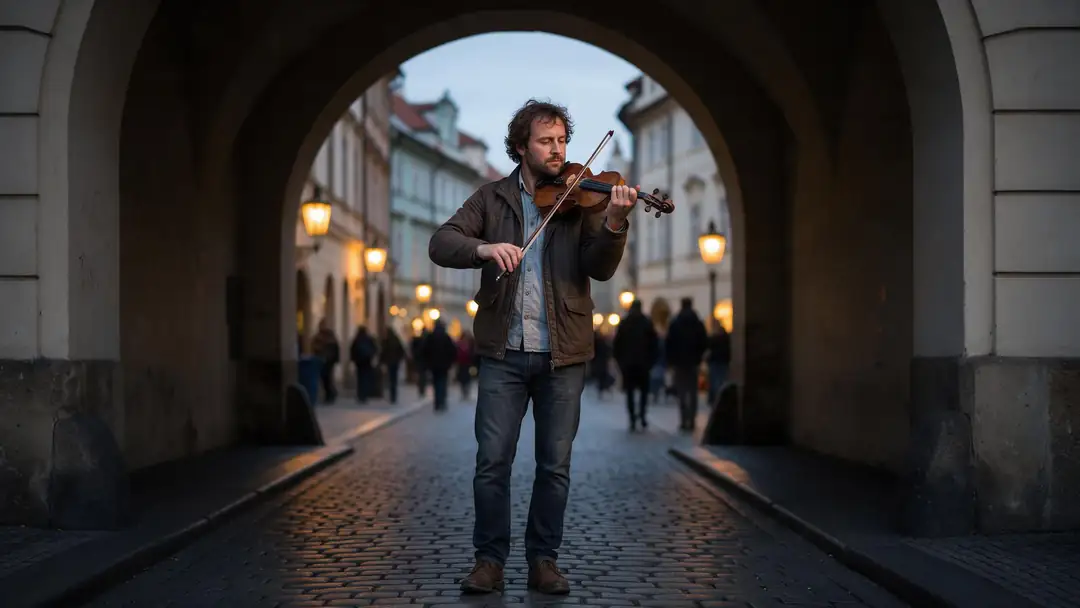
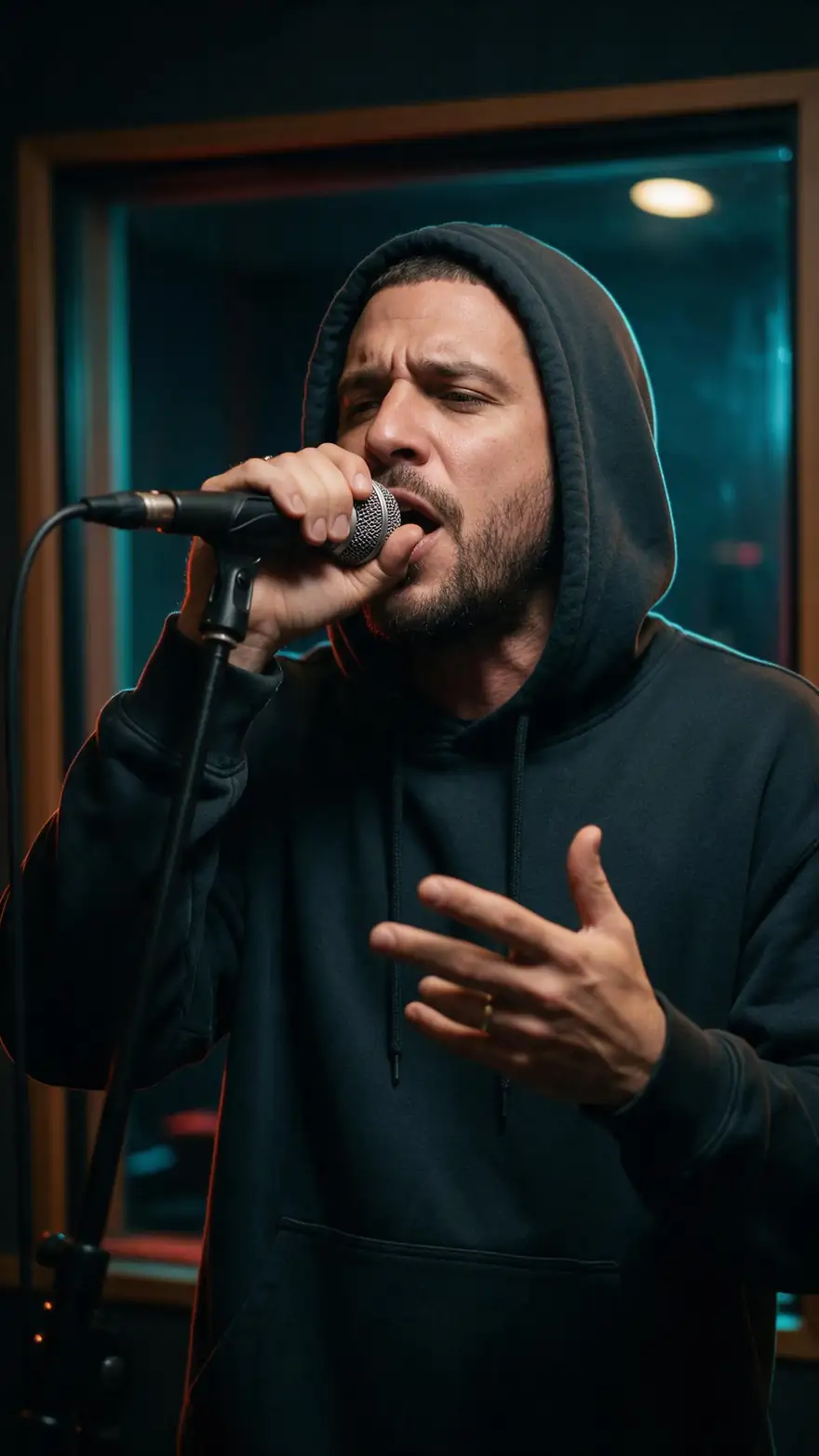
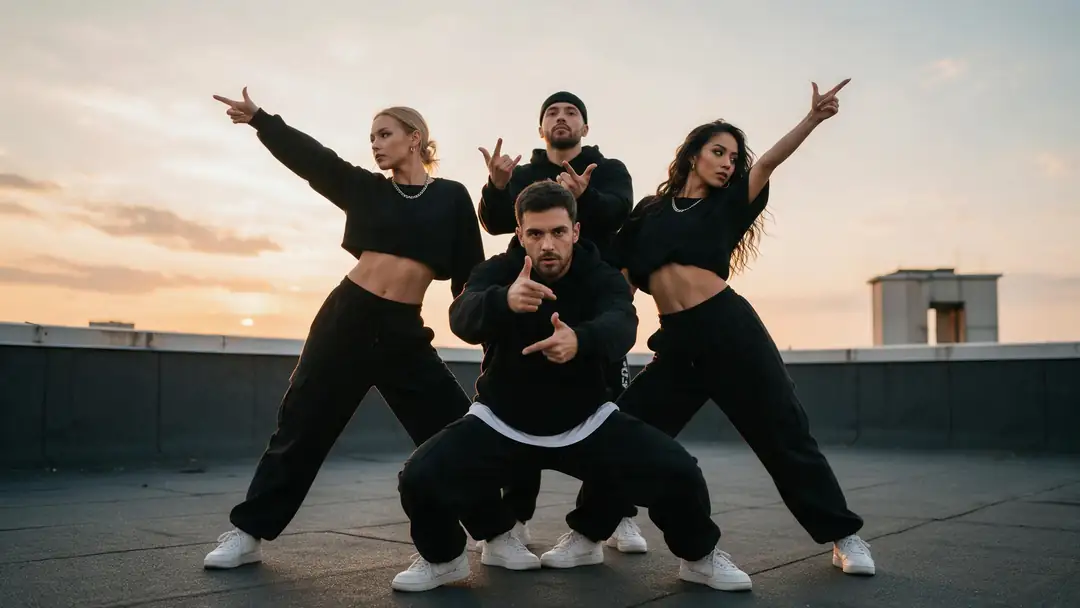
The kind of shots a lyric video cuts between
Performance and mood clips made in Kenerate's video studio. They show the footage a lyric video is built from; the lyrics themselves come from the Director's title cards and designed frames.
Video studio clips, not Director exports, with no lyrics on screen. AI-generated performers.
How to
How to make a lyric video with AI
- Time needed
- Steps
- 4 steps
Step 1
Open Music Video and pick Lyrics Video
In Director, choose the Music Video quick start, then Lyrics Video from the three edits.
Step 2
Add the song and the lyrics
Upload an MP3, WAV or M4A up to 50 MB, or describe a song for Ken Music to write; paste the lyrics so every word is spelled your way.
Step 3
Describe the look and set the format
Write the visual direction, add up to 10 reference images, choose 16:9, 9:16 or 1:1 and a length from 15 seconds to 4 minutes.
Step 4
Review the plan, render, export
The Director listens to the track, writes the plan and renders the shots; re-render any shot you don't like, then export an MP4 at up to 1080p.
See it in the app

Open Director and describe the film — the story, the look, the length and the sound.


Watch the tour · 3:32
Brief, questions, script & plan, cast, rendering & review, timeline, music & voice, preview, export & share
Chapters
Checked 6 October 2026
Lyrics Video vs the other music video edits
Director's Music Video quick start has three edits. Here is what each one is best for.
| Edit | Best for | What's on screen |
|---|---|---|
| Lyrics Video | Releases, singalongs, songs where the words carry the track | The lyrics in sync with the music, on title cards and designed into the scenes |
| Narrative | Songs with a story, artist performance videos | Cinematic scenes and performances cut to the rhythm |
| Visualizer | Electronic and instrumental tracks, DJ sets, loops | Abstract light, colour and particles that pulse on the beat |
| Avatar Talk (OmniHuman 1.5) | A singing close-up to cut into any edit | A photo lip-synced to your vocal, up to 60 seconds |
Edit descriptions are the Director's own; Avatar Talk is a separate tool.
Sources: Kenerate Director · Kenerate Ken Music · Kenerate Auto Subtitles
Engines
What the Director uses for a lyric video
The models behind each part of a Director music video, from its model catalogue. You can change the shot model in the project settings.
- Default

ByteDance
Seedance 2.0
- Input
- Shot prompt + reference images
- Output
- Video shots
The default: cinematic motion that holds characters
Open Seedance 2.0 
ByteDance
Seedance 2.5
- Input
- Shot prompt + reference images
- Output
- Shots up to 30 s
Top quality shots
Open Seedance 2.5Alibaba
Wan 3.0
- Input
- Shot prompt + reference images
- Output
- Shots up to 30 s
Strong consistency at the best value
Open Wan 3.0- Title cards

OpenAI
GPT Image 2.5 Sunburst
- Input
- The line of lyrics + the look
- Output
- Title cards
Clean lettering for the lyric cards
Open GPT Image 2.5 Sunburst 
Kenerate
Ken Music 1.5
- Input
- A song description
- Output
- Songs up to about 3 min
No track yet
Open Ken Music 1.5
Music video clips render silent; your track is the soundtrack of the export.
Tips
Lyric videos that read well
Words on screen only work if people can read them in time.
Paste the final lyrics; the Director keeps the spelling you give it.
Put the hook line on a title card so it lands cleanly.
Keep the visual direction to one world: one place, one palette.
Upload the mastered track, not a demo, so the cuts land on the real hits.
Check every frame with words for spelling before you export.
Use only songs and lyrics you own or have the rights to.
Example uses
How creators use Lyric video generator
Illustrative examples of typical workflows, not customer reviews.
Indie musician
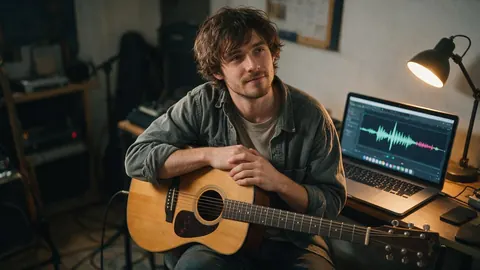
An indie musician could release a lyric video on the same day as the single, made from the mastered track and the final lyrics.

Label manager
A small-label manager could make lyric videos for every track on an EP, using one visual direction so they look like a set.
Choir leader
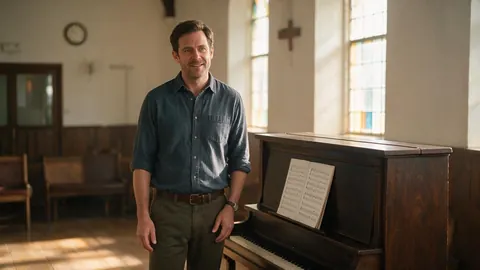
A choir leader could make a singalong lyric video so members can learn the words of a new piece at home.
FAQ
Lyric video generator — questions
8 questions
How do I make a lyric video with AI?
Open Director, choose the Music Video quick start and pick Lyrics Video. Upload your song, paste the lyrics, describe the look, choose the format and length, and start. The Director listens to the track, plans scenes on its sections, renders the shots and title cards, and you export the MP4.
Link to this answerDo the lyrics appear in sync with the song?
That is what the Lyrics Video edit is built for. The Director analyses the track for tempo, sections, energy, hit points and lyrics, then places the lines as title cards and inside the scenes as they come in the song. Review the timeline before exporting and re-render any shot that's off.
Link to this answerCan I make a lyric video without a song?
Yes. Leave the upload empty and describe the song instead, for example "dreamy synth-pop, female vocals, about summer nights". Ken Music writes it, with your lyrics if you paste them, and the Director cuts the video to it.
Link to this answerWill the AI spell my lyrics correctly?
Paste the lyrics in the form and the Director is told to keep every word exactly as given; title cards use an image model chosen for clean lettering. Words drawn inside scenes can still come out wrong, so check those frames and re-render a shot if a word is off.
Link to this answerCan I make a vertical lyric video for TikTok or Reels?
Yes. The Music Video form offers 16:9, 9:16 and 1:1. Pick 9:16 for TikTok, Reels and Shorts; exported at 1080p, that's a 1080 × 1920 frame.
Link to this answerHow long can a lyric video be?
The Music Video form takes 15 seconds to 4 minutes, in 5-second steps. For a longer song, make it in parts or cut a radio edit first.
Link to this answerIs the lyric video generator free?
No. Director is on Kenerate's paid plans; free accounts can open it and watch the examples. Ken Music and Avatar Talk work on the free plan if you want to make the song or a singing clip first.
Link to this answerCan I add subtitles to the finished lyric video?
Yes. From the export list, send the video to Auto Subtitles, which burns timed captions into the picture. It is built for speech, so check sung lines carefully.
Link to this answerIn depth
Lyric videos, explained
On this page
What makes a lyric video work
A lyric video gives listeners the words while they hear them. The best ones treat the text as part of the picture: a line written in the sky, on a sign, on a card held to camera. That's the brief the Director follows in Lyrics Video mode, title-card shots for the key lines and words designed into the frames for the rest.
How the Director plans to your song
With a track attached, the Director first analyses it, tempo, sections, energy, hit points and lyrics, and plans scenes around that. Verses get calmer coverage, choruses bigger moments, and cuts land on the hits. The script and plan stay editable, so you can change a scene and re-render its shots.
What you control
The form sets the brief; the editor lets you change everything after.
- The song: your upload, or a Ken Music song from a description.
- The words: the lyrics you paste, up to 3,000 characters.
- The look: visual direction and up to 10 reference images.
- The frame: 16:9, 9:16 or 1:1, and 15 seconds to 4 minutes.
- The shots: re-render, edit or reorder them on the timeline.
Make a lyric video
The four steps above are the whole job: pick Lyrics Video, add the song and lyrics, describe the look, render and export.
Lyric video
A music video that shows the song's words on screen. It's a common first release before, or instead of, a full music video, because it needs no shoot.
Explore
Every Kenerate video tool
Generators, tools, models and guides — all in one studio.