

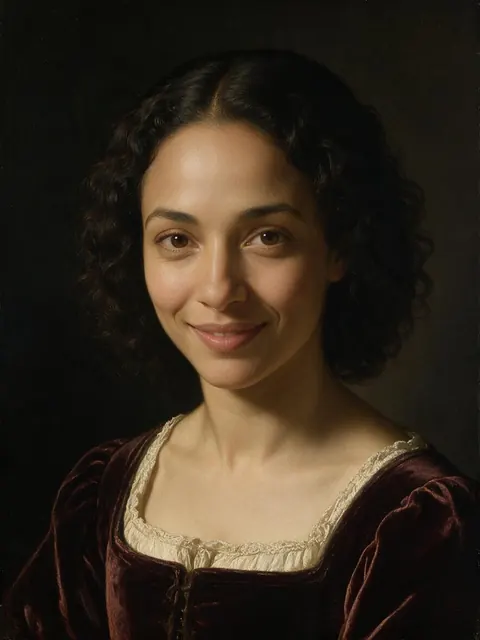
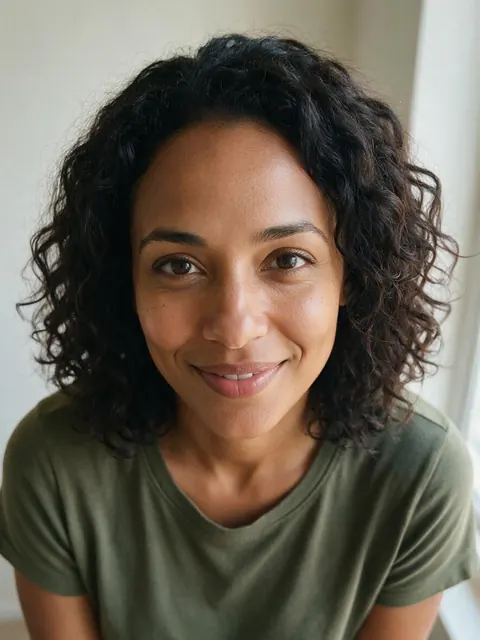
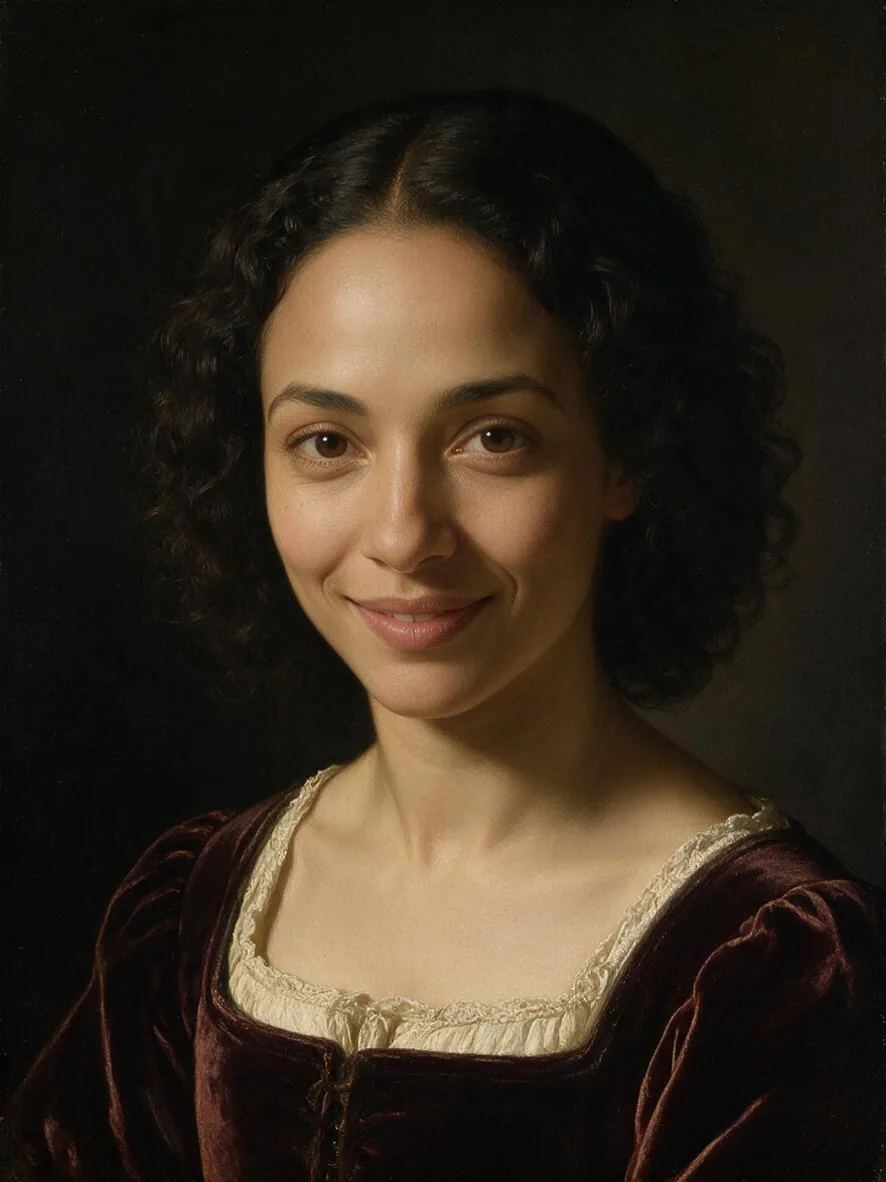
One selfie · many portrait styles · same face
Magic Portraits AI — turn one selfie into styled portraits
Upload one selfie and restyle it as an old-master painting, a royal portrait, a magazine editorial, a golden-hour shot or a 3D character. AI Filter keeps your face, expression and pose, and changes the light, outfit, setting and medium around you.
- Works from one selfie
- Keeps your face and pose
- Painted, cinematic and 3D looks
- No watermark
Updated by the Kenerate AI team
On this page
Quick answer
Updated
What are AI magic portraits?
Magic portraits are AI-styled versions of 1 selfie: the same face, redrawn as an oil painting, a royal portrait, a magazine editorial or a 3D character. Kenerate AI Filter makes them from a single photo with 56 looks, keeping your identity, expression and pose — no set of training selfies needed. Each run returns one portrait.
Key facts
- Input
- One selfie · JPG, PNG or WebP · up to 20 MB
- Looks
- 56 in 7 groups — portrait favourites below
- Likeness
- Every look keeps identity, expression and pose
- Engines
- 4 — Qwen Image 3 is the default
- Speed
- About 10–40 s, depending on the engine
- Result
- One portrait per run, compare slider, no watermark
Looks
Nine portrait looks to try on a selfie
From painted to cinematic to playful. Each card opens AI Filter with that look picked.
Renaissance
An old-master portrait: sfumato skin, a dark umber background, velvet and lace, a gilded frame vignette. The look in the before/after above.
Royal Portrait
Crown, ermine-lined robe and a gilded throne room in a heavy ornate frame — a gift-friendly portrait.
Oil Painting
Thick impasto brushstrokes, Rembrandt lighting and canvas texture, like a commissioned painting.
Fashion Editorial
Couture styling, hard studio strobe and a bold single-colour backdrop. Told to keep the face exactly as it is.
Golden Hour
Warm low sun from behind, glowing hair edges and creamy bokeh. Also keeps the face exactly as it is.
Studio Headshot
A neutral grey backdrop with soft key and rim light — the professional portrait of the set.
Film Noir
Black and white with hard venetian-blind shadows: a 1940s film still of you.
Astronaut
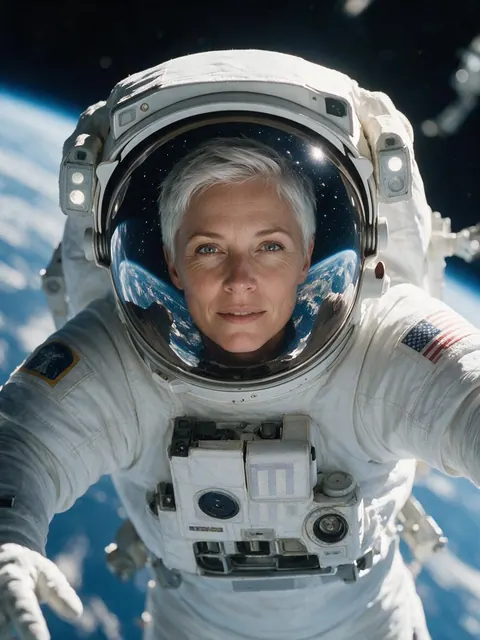
You in a detailed spacesuit with the visor open, Earth and stars reflected in the helmet.
Pixar 3D
A big-eyed 3D animated character with smooth skin and soft studio light — playful, still recognisably you.
How to
How to make AI magic portraits from a selfie
Four steps in the browser. The Renaissance card above opens the tool with that look already chosen.
- Time needed
- Steps
- 4 steps
- You need
- A web browser · One photo (JPG, PNG or WebP)
Step 1
Add one clear selfie
Face the camera in even light, face not covered — JPG, PNG or WebP up to 20 MB. Upload, use the camera, or pick from History or your Library.
Step 2
Pick a portrait look
Start with Renaissance, Royal Portrait, Fashion Editorial or Golden Hour, or search the drawer by mood. Mix in a second look if you like.
Step 3
Add a Twist if you want
One optional instruction of up to 300 characters, such as “add a pearl necklace” or “dark green velvet”.
Step 4
Apply, compare, build the set
Drag the Compare slider and download. Then apply the next look to the same selfie to build a set of portraits.
See it in the app

Open AI Filter and upload the photo you want to restyle.


Watch the tour · 1:46
56 looks in 7 groups, four engines, before / after, mix two looks, add a twist, hand-offs & chat
Chapters
Engines
Which engine for which portrait?
All four engines can run every look. For portraits, likeness is the first thing to judge.
- Default
Alibaba
Qwen Image 3
- Strength
- Fast, faithful to the face · best value (default)
- Typical time
- About 10–20 s
Start here for the closest likeness: Studio Headshot, Golden Hour and Fashion Editorial.
Open Qwen Image 3 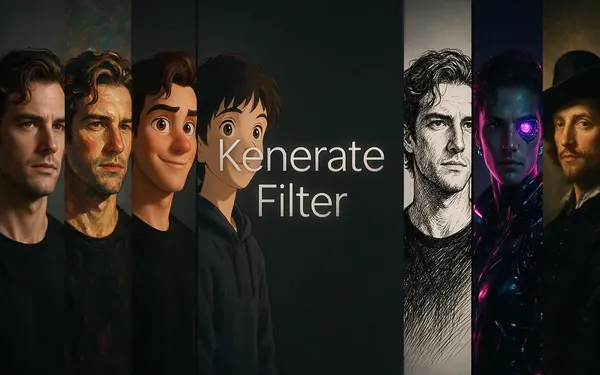
Kenerate
Kenerate Filter
- Strength
- Identity-locked re-render · bold style changes
- Typical time
- About 15–30 s
For looks that reshape you — Pixar 3D, Astronaut, Superhero — while you stay recognisable.
Open Kenerate Filter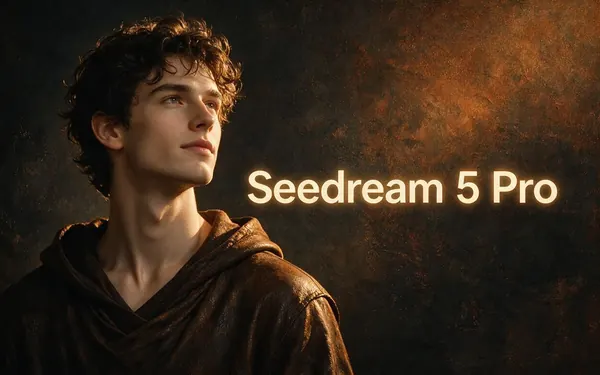
ByteDance
Seedream 5 Pro
- Strength
- Painterly & cinematic looks · rich texture
- Typical time
- About 20–40 s
For painted portraits: Renaissance, Oil Painting, Royal Portrait, Film Noir. The engine in the demo above.
Open Seedream 5 Pro
OpenAI
GPT Image 2
- Strength
- Smartest with complex mixes · toys & posters
- Typical time
- About 30–60 s
For two-look mixes and portraits with frames or props, such as Royal Portrait with Golden Hour.
Open GPT Image 2
Times are typical, not promised. Every engine returns one image per run, and a failed run is refunded automatically.
Compared
Best magic portrait look for each use
Where the portrait is going decides the look. Pairings follow the tool's looks and the engine strengths it lists.
| Looks to try | Engine to start on | |
|---|---|---|
| Profile picture, CV, LinkedIn | Studio Headshot, Fashion Editorial | Qwen Image 3 |
| Wall print or a gift | Renaissance, Oil Painting, Royal Portrait | Seedream 5 Pro |
| Social media avatar | Pixar 3D, 90s Anime, Golden Hour | Kenerate Filter for Pixar 3D; Qwen Image 3 for the rest |
| Moody or artistic | Film Noir, Charcoal Sketch, Watercolor | Seedream 5 Pro |
| Fun and fantasy | Astronaut, Superhero, Cyberpunk | Kenerate Filter |
| Couples and family photos | Oil Painting, Royal Portrait, Golden Hour | Seedream 5 Pro |
Looks from src/lib/filter-styles.ts; engine strengths as the AI Filter picker lists them, checked 6 October 2026. Any engine can run any look.
Sources: Kenerate AI Filter (the tool)
Example uses
How creators use magic portraits AI
Illustrative examples of typical workflows, not customer reviews.
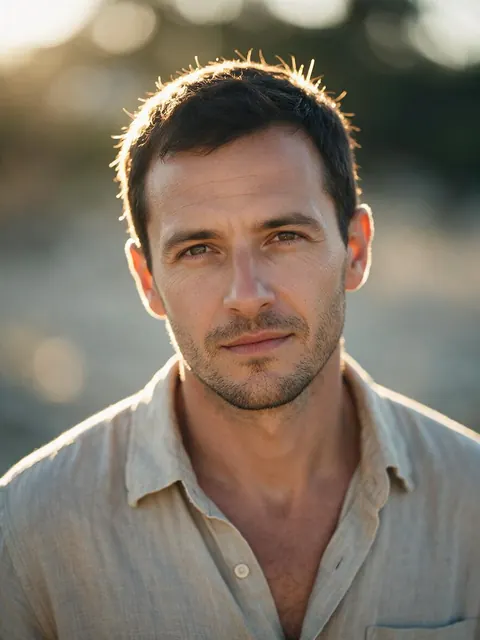
Freelance designer
A freelance designer could run one selfie through Golden Hour and Studio Headshot on Qwen Image 3 to get a warm social avatar and a clean portfolio portrait from the same photo.
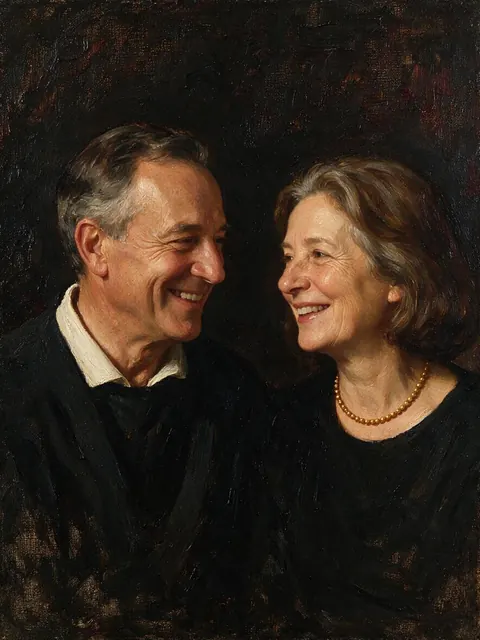
Gift planner
Someone planning an anniversary gift could turn a photo of their parents into an Oil Painting on Seedream 5 Pro, then upscale it for a framed print.
Science teacher
A science teacher could make an Astronaut portrait from a selfie on Kenerate Filter for a space-week class poster, keeping their own face.
FAQ
Magic portraits — questions
8 questions
What are magic portraits?
Magic portraits is a popular name for AI-styled selfies: your own face shown as a painting, a royal portrait, a film still, a magazine cover or a 3D character. On Kenerate you make them with AI Filter, which restyles one photo at a time in any of 56 looks.
Link to this answerIs there a free AI portrait generator?
You can try AI Filter without a subscription: new Kenerate accounts get starter credits, every look and engine is open to every account, and a failed run is refunded automatically. Results download without a watermark.
Link to this answerCan I make an AI portrait from my own photo?
Yes — that's how AI Filter works. Upload one selfie, choose a look and apply it. The tool is told to keep your identity, facial features, expression, pose and framing, and to change only the style, light, outfit and setting the look calls for.
Link to this answerHow many photos do I need to upload?
One. AI Filter edits the photo you give it rather than training on a set of selfies, so there is no waiting for a model to learn your face. To get a set of portraits, apply several looks to the same selfie.
Link to this answerWhich look is best for a professional portrait?
Studio Headshot: a neutral grey backdrop, soft key and rim light, natural retouching and business-casual attire, with an extra instruction to keep your face exactly as it is. Start on Qwen Image 3, the default engine, which the tool describes as fast and faithful to the face.
Link to this answerWill the portrait still look like me?
Painted and cinematic looks such as Renaissance, Oil Painting, Golden Hour and Film Noir stay close. Looks that reshape you, like Pixar 3D or Chibi, trade some likeness for the style. A clear, front-facing, well-lit selfie gives the best likeness on any look.
Link to this answerCan I make magic portraits of a couple or a family?
Yes. The look is applied to everyone in the photo and the tool is told not to add or remove people. Use a photo where every face is clear and reasonably large; Oil Painting and Royal Portrait work well for family gifts.
Link to this answerCan I print a magic portrait?
Yes. Download the portrait without a watermark, then send it to the AI Image Upscaler from the result for a larger, print-ready file.
Link to this answerIn depth
AI magic portraits, explained
How one-photo portrait filters work, how they differ from avatar packs, and how to keep the result looking like you.
On this page
One photo vs a pack of training selfies
Some AI avatar apps ask for a batch of selfies, train a small model on your face, then return a pack of portraits. AI Filter works differently: it edits the one photo you upload, so there is no training wait and nothing about your face is kept as a model. The trade-off is that each run gives one portrait in one look — you build the set look by look.
Why the face stays yours
Every look is sent as an edit instruction with the same rule attached: keep the same person with their exact identity, facial features, expression, pose, framing and composition, and don't add or remove people. Studio Headshot, Golden Hour and Fashion Editorial add a second line asking to keep the face exactly as it is.
Choosing a selfie that works
The tool restyles what it can see, so the source photo matters most:
- Face the camera, or a slight three-quarter turn
- Even, soft light — no harsh shadow across half the face
- Nothing covering the face: no hand, mask or heavy sunglasses
- Head and shoulders filling a good part of the frame
- A sharp photo — upscale a small one first
Looks that change you on purpose
Painted and cinematic looks stay closest to a photograph. Pixar 3D, Chibi and Vinyl Figure change proportions by design, so expect a likeness rather than a match. Royal Portrait and Astronaut change the outfit and setting while keeping your face.
Portraits of other people
Restyle selfies of yourself, photos of people who have agreed, and family photos you have the right to use. Don't use a look to mock or deceive anyone, and don't present a styled portrait as a real photo of an event. The optional Twist is moderation-checked like every text field in the app.
Make your first magic portrait
New accounts get starter credits. No subscription required. No watermark.
Tried it? Tell us how it went