

Smooth curves · colour layers · free
SVG to STL converter vector art, extruded
Turn a logo, icon or lettering in SVG into a solid you can print. Curves stay perfectly smooth, holes in letters stay open, and each colour can rise to its own height for multi-colour prints.
- Smooth curves at any size
- Holes (like in “O”) stay open
- Each colour on its own height
- Free — the SVG stays on your device
Updated by the Kenerate AI team
On this page
Quick answer
Updated
How do you convert SVG to STL?
To convert SVG to STL, extrude the SVG's filled shapes to a chosen height and save them as a 3D mesh. Kenerate's free converter does it in your browser: it scales the design to a width in millimetres, can raise each colour for multi-colour printing and adds a plate or keychain tab. Stroke-only paths must become fills first.
Key facts
- Price
- Free, no account
- Reads
- Filled paths, shapes and compound paths (even-odd and nonzero fill rules)
- Skips
- Stroke-only paths, embedded raster images, white background fills (optional)
- Size
- 10–250 mm wide · 0.4–30 mm high, plus 0–5 mm extra per colour layer
- Base
- None, plate, or keychain with ring hole
- Output
- STL, 3MF, OBJ, GLB
Why this tool
Why SVG is the best source for printed shapes
A vector describes curves exactly, so the extrusion is smooth at any size — no pixel steps.
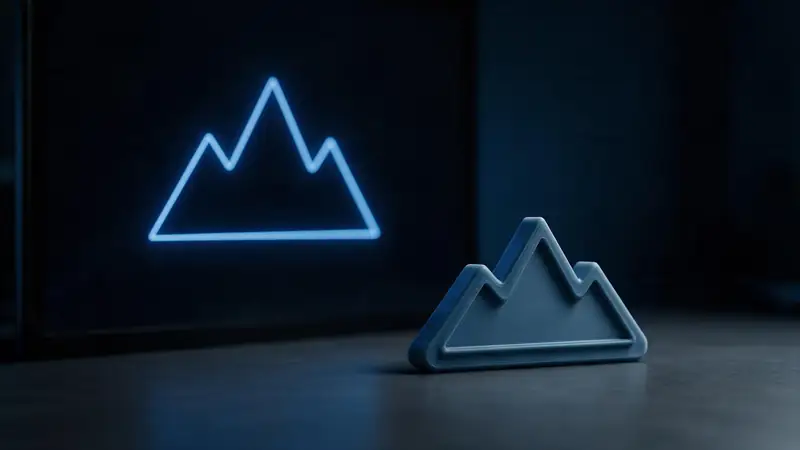
Smooth at any size
Curves are sampled from the vector itself, so a 20 mm badge and a 200 mm sign are equally clean.
Try it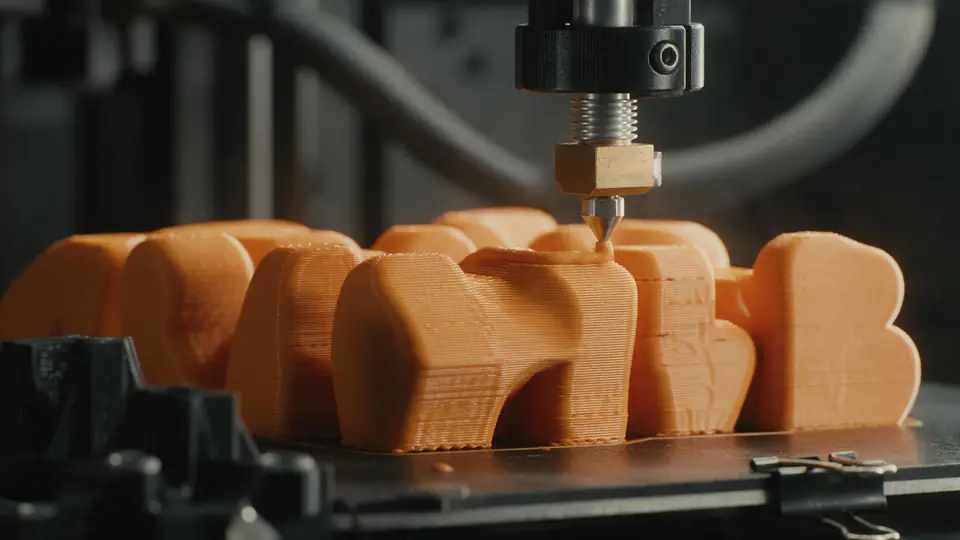
Colour layers
Each fill colour becomes a separate layer that can sit a little higher — so a filament change at each height prints a multi-colour logo on a single-nozzle printer.
Try it
Also
What else it does
Holes stay holes
The inside of an O, A or a ring follows the SVG's fill rule, so it isn't filled in.
Plate and keychain
Add a rounded backing plate or a keychain tab with a ring hole in one click.
How it works
How the SVG becomes a solid
Using three.js's SVG loader and extrusion, in your browser.
Parse
Paths, shapes and transforms are read; fills are grouped by colour.
Resolve holes
Compound paths become outlines with holes according to the fill rule.
Scale
The design is centred, flipped to Y-up and scaled to your width in mm.
Extrude
Each colour is extruded to its height, optionally on a plate, and exported.
How to
How to use the SVG to STL Converter
- Time needed
- Steps
- 4 steps
Step 1
Add the SVG
Drop your .svg onto the box above, or try the two-colour sample.
Step 2
Set width and height
Choose the finished width in mm and the extrusion height.
Step 3
Layers and base
Add extra height per colour for multi-colour prints, and a plate or keychain tab if needed.
Step 4
Download
Download STL or 3MF and slice.
Watch the tour · 1:48
Text, photo or multi-view to a textured GLB, nine engines, the viewer & lighting, compare engines, gallery, download & chat
Chapters
Who uses it
What people make from SVG
Signs and nameplates
Lettering and logos for doors, desks and shops.
Cricut and laser users
Reuse cutting files as 3D prints.
Brands and clubs
Logo badges, magnets and keychains.
Cookie cutters and stencils
Bold outlines as solids.
File formats
The formats this tool reads and writes
What each file can hold, what it can't, and where it opens. Facts link to the format's own spec or reference page.
| .stl · STL | .3mf · 3MF | |
|---|---|---|
| Full name | Stereolithography | 3D Manufacturing Format |
| Made by | 3D Systems, 1987 | 3MF Consortium, 2015 |
| Kind | Triangle mesh (binary or ASCII) | ZIP package with XML |
| Holds | Triangle surfaces, Facet normals | Meshes with units (millimetres), Colours and materials, Several objects and build plates |
| No | Colour and textures, Units, Materials | Animation |
| Best for | 3D printing — every slicer opens it | Modern 3D printing and multi-colour prints |
| Opens in | Cura, PrusaSlicer, Bambu Studio, OrcaSlicer, Blender | Bambu Studio, PrusaSlicer, OrcaSlicer, Cura, Windows 3D Builder |
No file yet?
Make the model first — from one photo
Every sample in the tool above began as a single picture and was turned into a 3D model in the Kenerate 3D Studio. The engine is named on each one.
Example uses
How creators use the SVG to STL converter
Illustrative examples of typical workflows, not customer reviews.

Sign maker
A sign maker can extrude lettering from an SVG so the curves stay smooth and the holes in the letters stay open.
Craft cutter
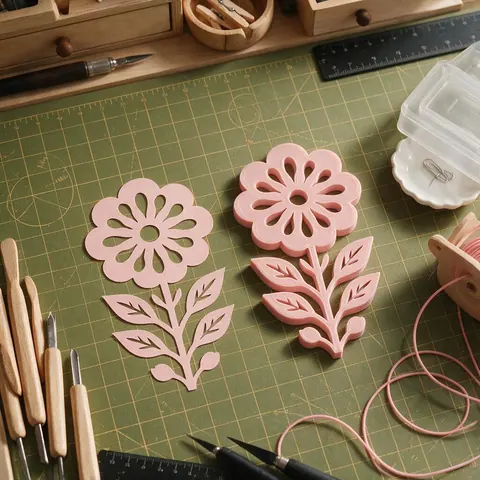
A crafter can reuse cutting files made for a vinyl cutter as 3D prints.

Baker
A baker can turn bold vector outlines into printable cookie cutters.
FAQ
SVG to STL Converter questions
8 questions
Is SVG to STL conversion free?
Yes — free, no account, and the SVG never leaves your browser.
Link to this answerWhy is part of my SVG missing?
Only filled shapes can be extruded. Lines drawn as strokes have no area — convert them with “Stroke to Path” (Inkscape) or “Outline Stroke” (Illustrator) and try again.
Link to this answerWhat about text in my SVG?
Convert text to paths (“Object to Path” or “Create Outlines”) before exporting, otherwise the font isn't part of the file.
Link to this answerHow big will it be?
You choose the width in millimetres, so the SVG's own units don't matter. (In CSS and SVG, 96 px equals one inch, which is why some converters make files 3.78× too big when they treat a pixel as a millimetre.)
Link to this answerWhy is the inside of my letter filled?
The path's fill rule decides holes. If a hole is filled, set the path to even-odd fill or combine the shapes with “Difference” in your editor.
Link to this answerCan I print it in several colours?
Yes. Set an extra height per colour, then add a filament change at each layer height in your slicer, or export 3MF and assign colours there.
Link to this answerHow do I convert SVG to STL in Blender?
Import it with File → Import → Scalable Vector Graphics, select the curves and raise Extrude in the Object Data properties, then convert to a mesh (Object → Convert → Mesh). Imported SVGs are tiny, so scale the model up before exporting STL. Or drop the SVG here and set the finished width in millimetres directly.
Link to this answerWill a white background be printed?
Not by default — “Ignore white fills” leaves white shapes out. Untick it to keep them.
Link to this answerIn depth
SVG to STL Converter, explained
Fills vs strokes, units, fill rules and multi-colour layers — the details SVG converters usually skip.
On this page
Fills extrude, strokes don't
An SVG stroke is a line with a width that's only drawn on screen; it has no outline to extrude. Converting strokes to paths turns them into real filled shapes. Open paths that aren't closed can't be extruded either.
Units: why sizes go wrong elsewhere
In CSS and SVG, 1 inch = 96 px = 2.54 cm [15], so 1 px ≈ 0.265 mm. Converters that treat one SVG unit as one millimetre make parts 3.78× too big. This tool sidesteps it: you set the finished width directly.
Holes and fill rules
Whether the middle of an O is open depends on the path's fill rule (nonzero or even-odd) and the direction of its inner contour. The extrusion follows the same rule your browser uses to draw the SVG, so if it looks hollow on screen, it prints hollow.
Make it printable
Thin parts below about 0.9 mm (two perimeters on a 0.4 mm nozzle) are risky [11]. Thicken fine lines or scale the design up before printing.
Keep going
Other 3D viewers and converters
- Image to STLPhoto to relief, lithophane or shape
- Lithophane MakerFlat or curved, with a frame
- PNG to STLLogos and transparent images
- JPG to STLPhotos to printable reliefs
- 3D Logo MakerSVG or PNG logo to 3D
- 3D Text Generator18 fonts, plates and bevels
- 3D LettersPrintable letters and names
- 3D Font GeneratorAny TTF or OTF font in 3D
Try the SVG to STL Converter
Free and private — your files never leave your device. Want to make models with AI? That's the 3D Studio, on any paid plan or credit pack.
Tried it? Tell us how it went